-
-
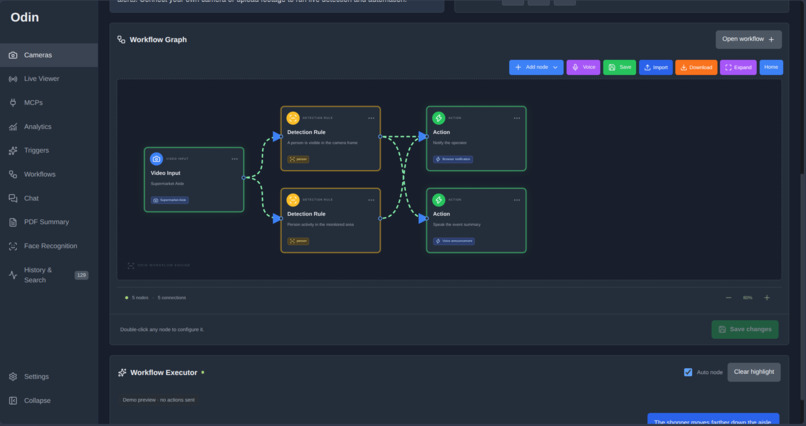
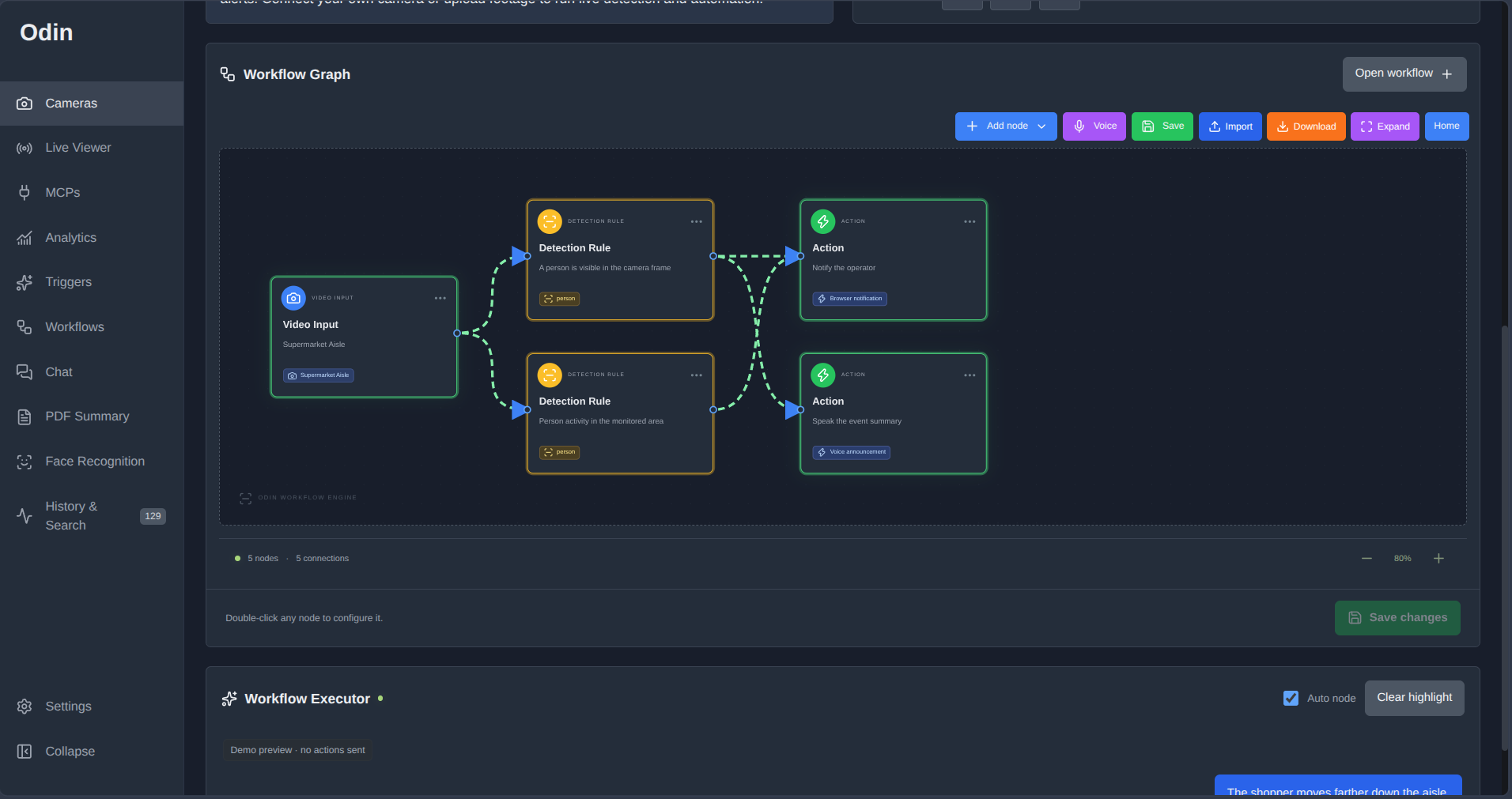
workflow generator
-
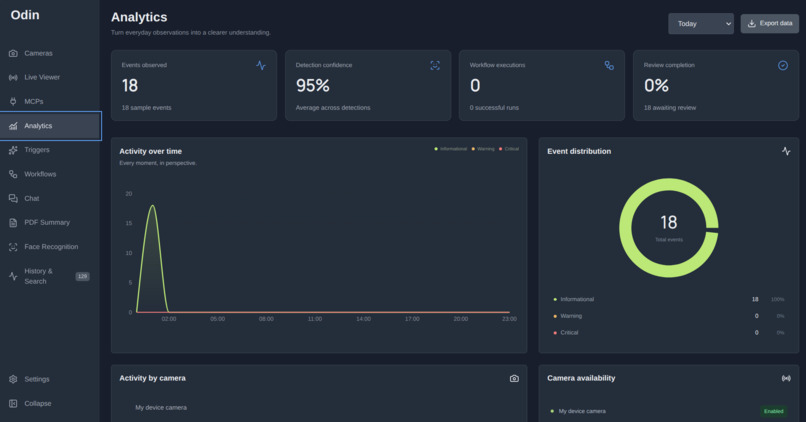
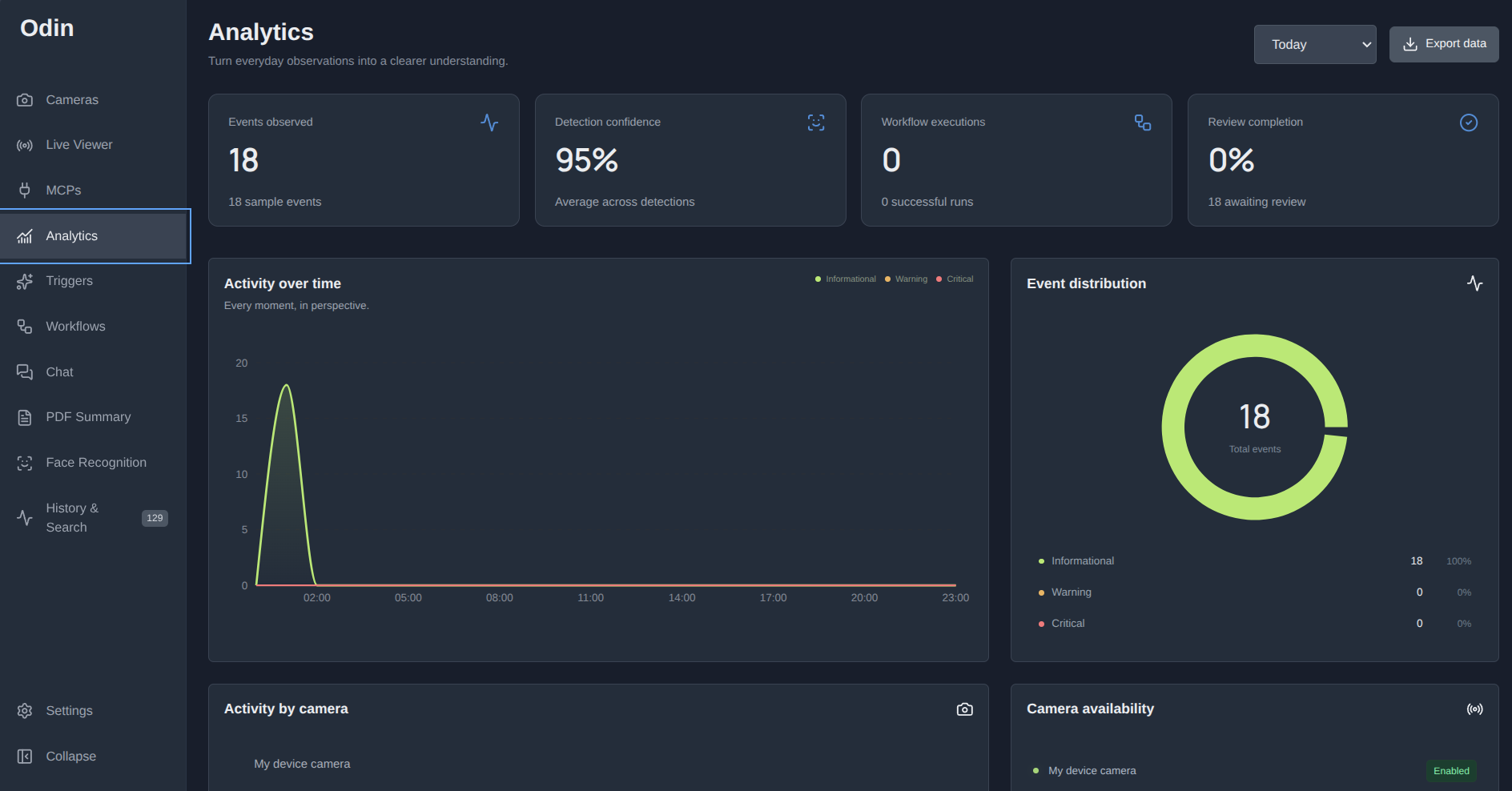
analytics
-
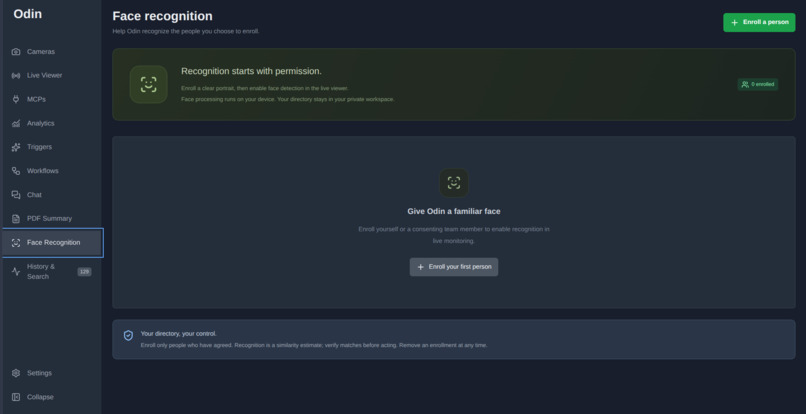
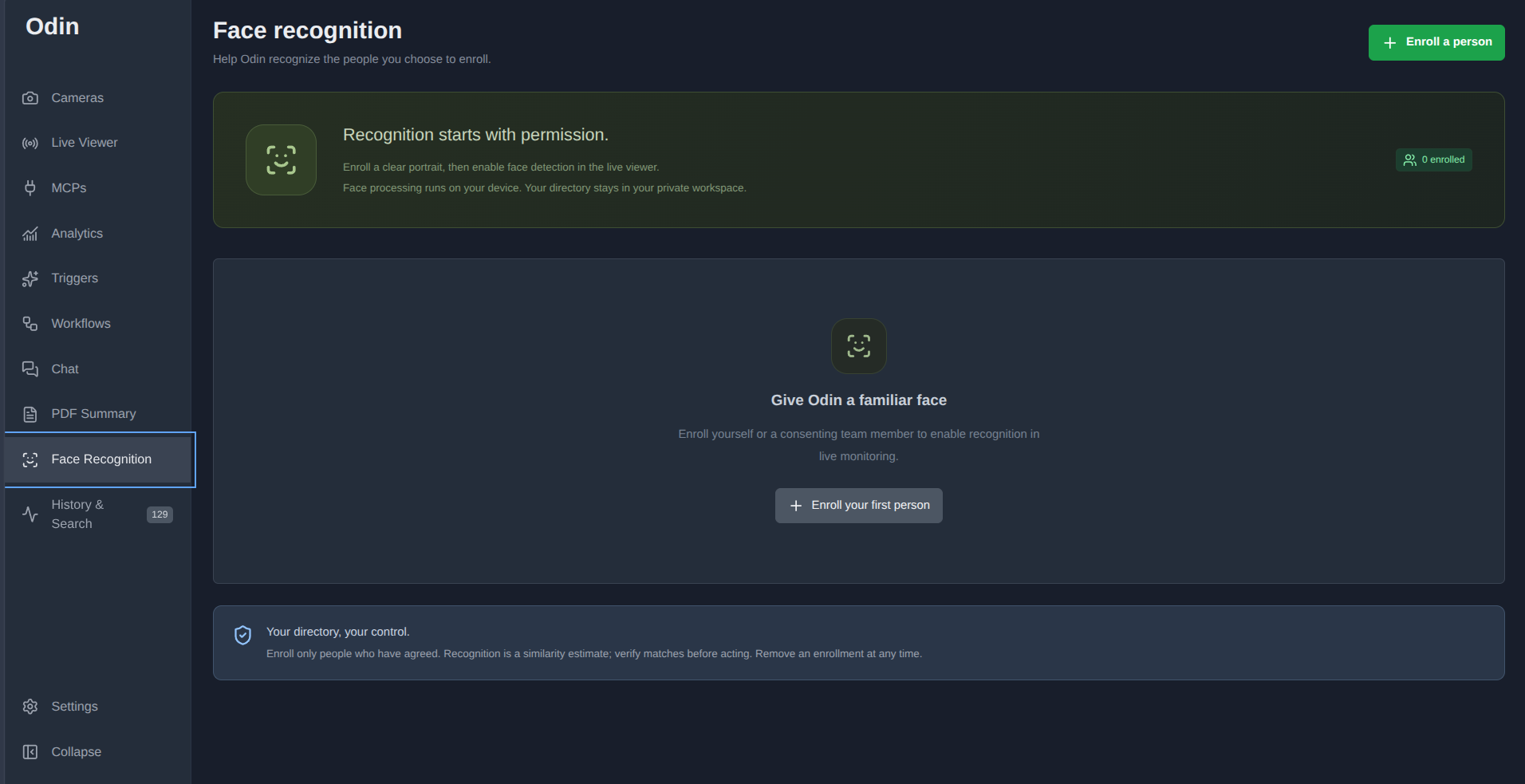
add familiar face
-
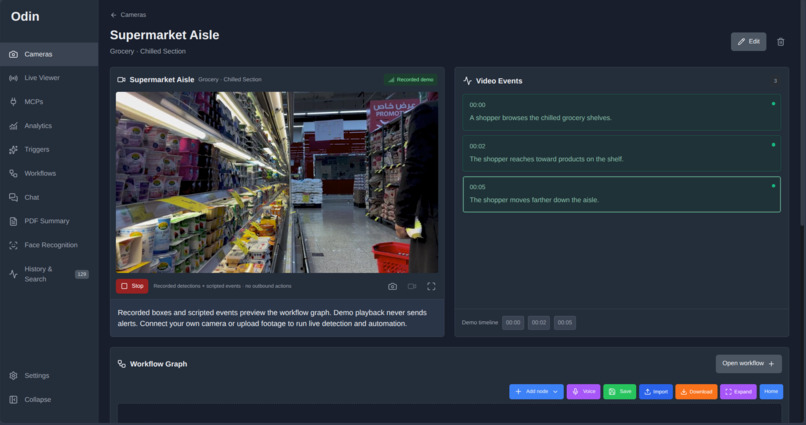
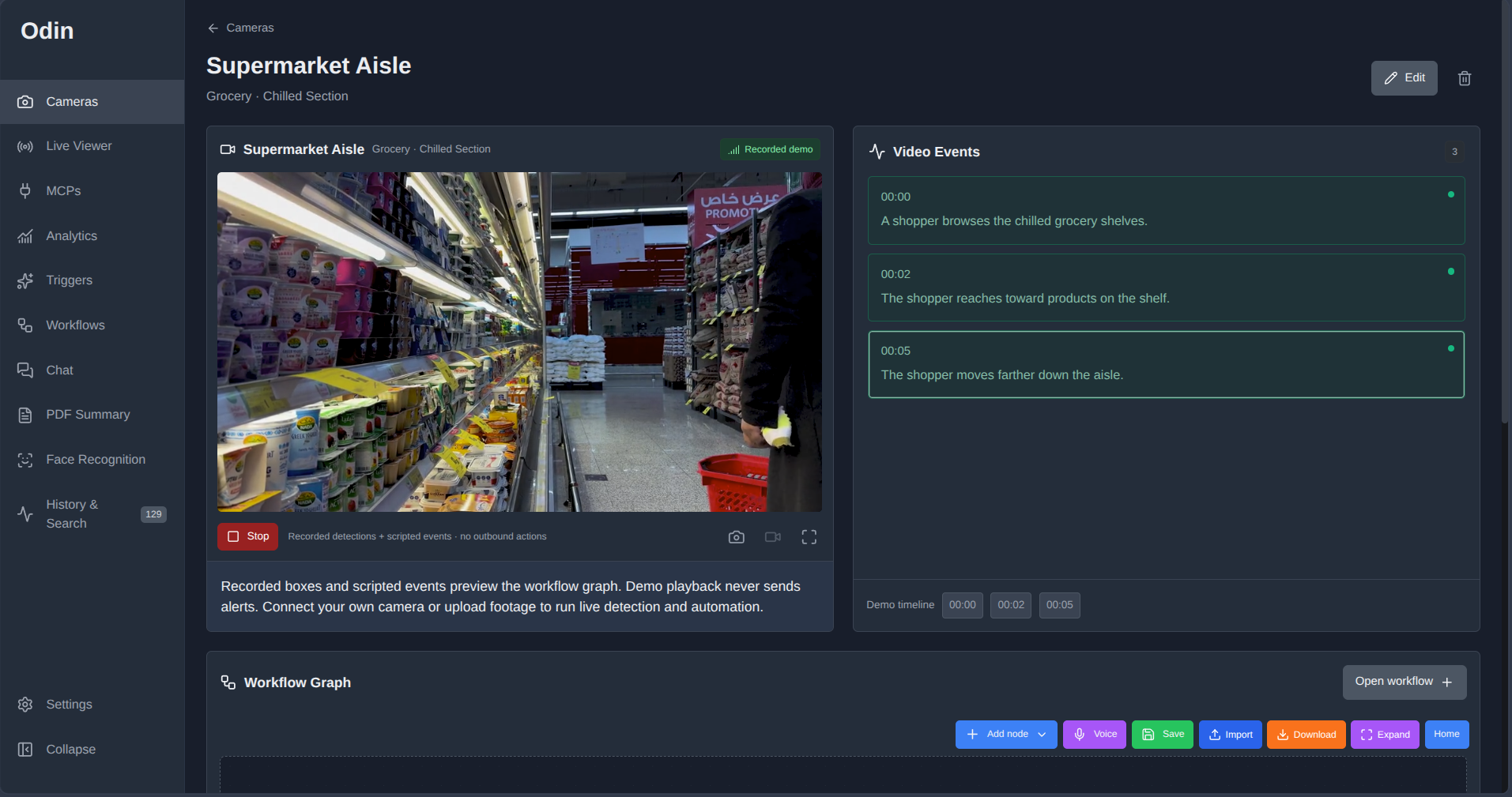
live detection
-
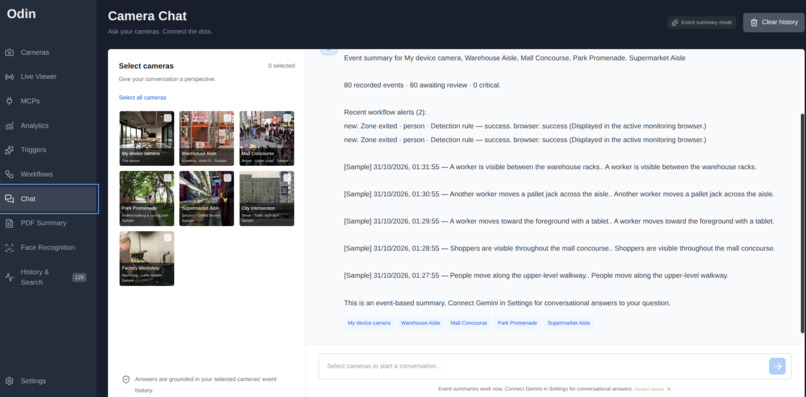
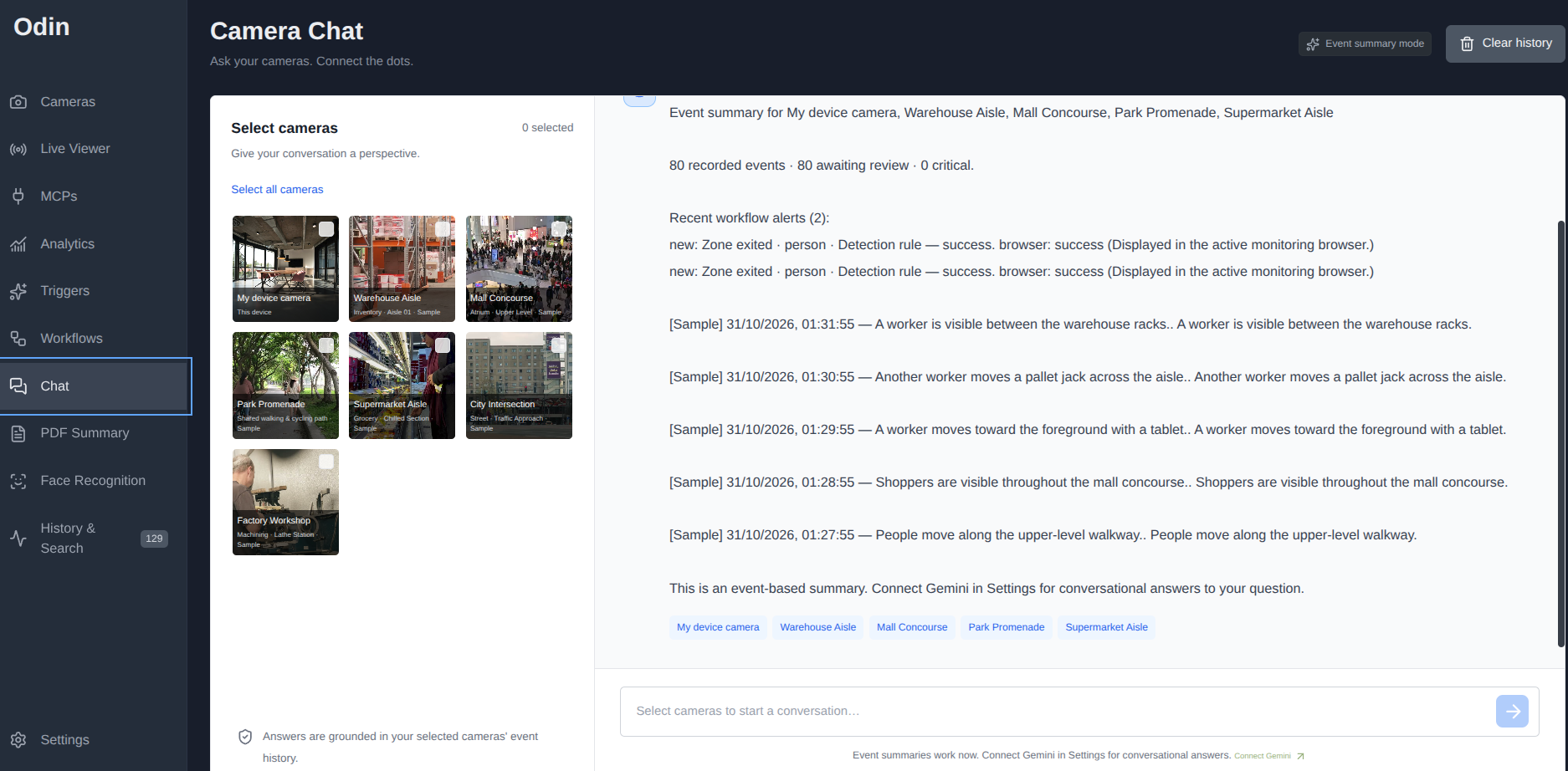
AI video query for all feeds
-
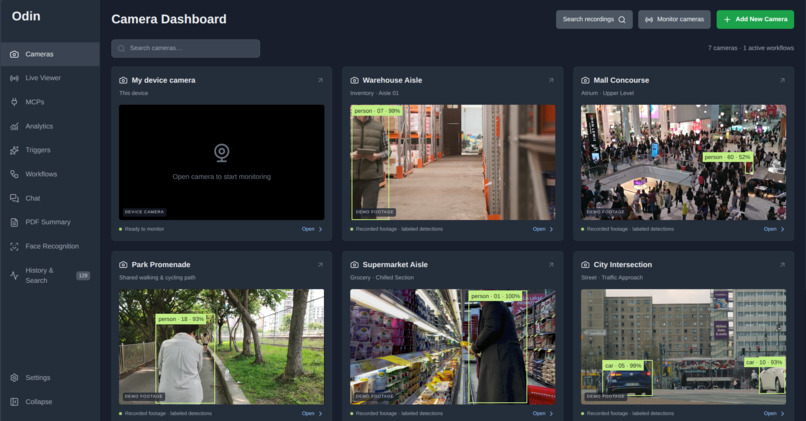
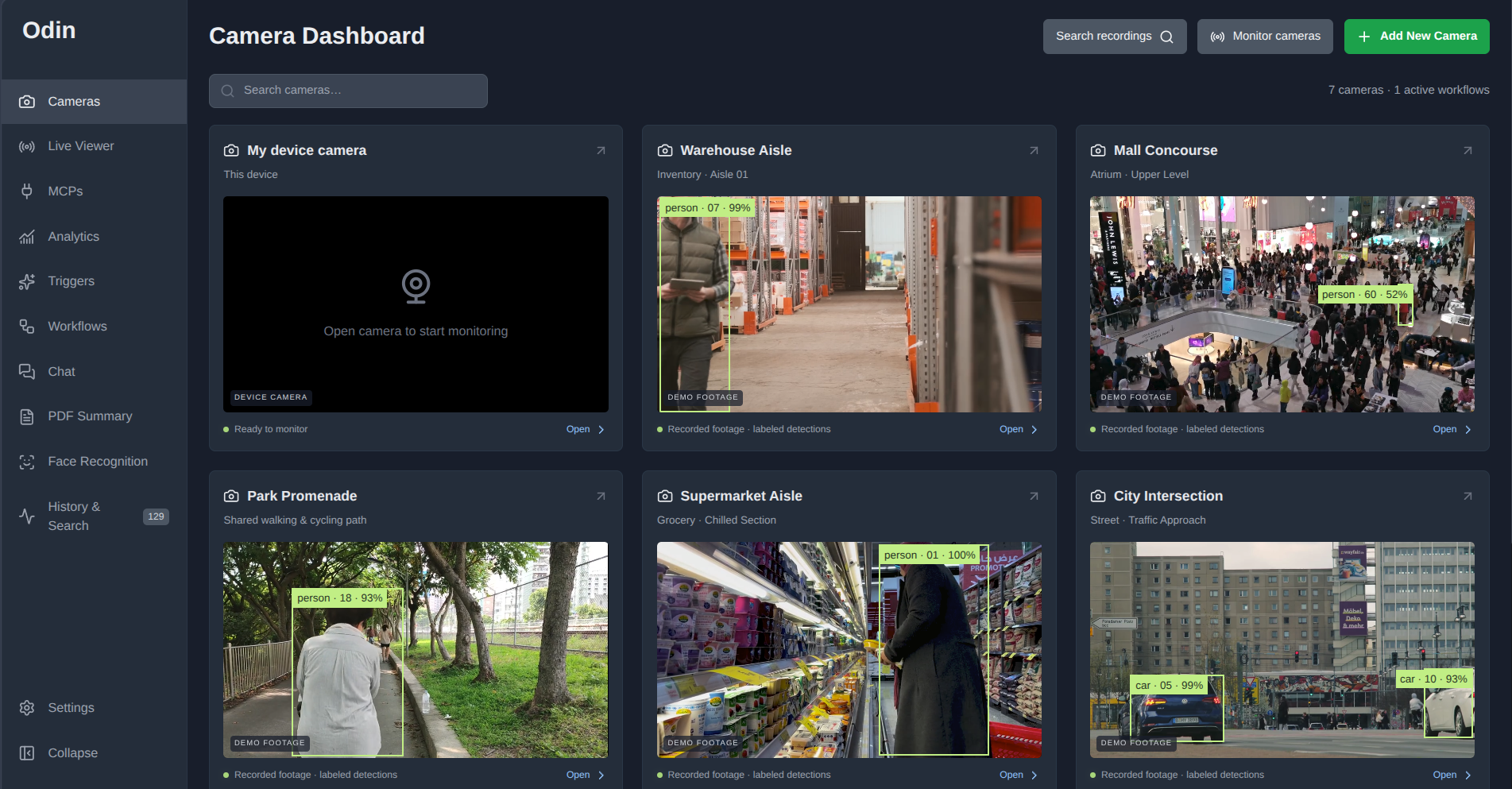
main screen
Inspiration
Cameras capture hours of footage, but finding the moments that matter still takes human attention. We built Odin to connect what a camera sees with actions a user can define—and provide a clear record of what happened afterward. Our goal was to make visual monitoring more accessible through a browser-based workspace that combines on-device detection, optional AI scene analysis, and visual automation.
What it does
Odin turns camera feeds into searchable events and configurable workflows. Users can connect a webcam, upload a video, or add a browser-compatible video URL. A workflow can express a practical rule: when a person enters a marked zone, notify the operator. Odin supports object detection, zone entry and exit, line crossing, and dwell-time rules. Optional Gemini analysis evaluates more descriptive visual conditions. Each event can be reviewed alongside its timestamp, tracking information, and related workflow results. Users can search retained history, ask questions grounded in camera observations, and generate PDF reports.
How we built it
We built the interface with React and TypeScript, including the camera dashboard, video viewer, event history, and draggable workflow editor. Perception runs in the browser using COCO-SSD for object detection, Human for enrolled-face matching, and pixel-difference motion detection. Local detection does not require a Gemini API key or upload frames for inference. The backend uses Cloudflare Workers, D1 for persistent records, and R2 for private media storage. Gemini supports scene analysis, natural-language workflow drafts, and camera chat. A server-side workflow engine evaluates connected rules, enforces action cooldowns, and records delivery results.
Challenges we ran into
One challenge was turning repeated detections into useful history. Recording every scan would overwhelm the timeline, so Odin aggregates observations into camera-local tracks with movement samples and first- and last-seen timestamps. Another was connecting probabilistic AI output to automation. A detected person does not automatically establish a complex situation. We separated local object and geometry rules from semantic rules, which require an explicit AI-reported match. Browser video also introduced constraints around permissions, recording formats, buffering, and device performance. We added bounded incident capture, request limits, and visible failure states to make those constraints understandable.
Accomplishments that we're proud of
Odin connects capture, detection, workflow execution, and review in one application. Its automated suite passes 36 tests, covering workflow behavior, tracking, spatial rules, incident handling, and other core logic; TypeScript checks also pass. The included demonstration cameras use explicitly scripted annotations. Live inference is available through connected sources, keeping the distinction between sample playback and model output clear.
What we learned
We learned that useful visual intelligence requires more than a model prediction. Users need evidence, context, and a clear distinction between a detected event, a matched rule, and an action’s delivery status. We also learned how local perception and cloud reasoning can complement each other: browser models handle supported detection tasks, while optional cloud analysis adds scene interpretation.
What's next for Odin
Our next priorities are testing on more devices and footage, measuring detection quality and latency, improving workflow onboarding, and expanding camera connectivity. Monitoring currently depends on an open browser tab; persistent background capture is a future engineering goal.
Built With
- cloudflare-d1
- cloudflare-r2
- cloudflare-workers
- coco-ssd
- gemini
- human
- react
- tensorflow.js
- typescript
- vinext
- vite

Log in or sign up for Devpost to join the conversation.