Inspiration
We drew inspiration from a particular game design exercise that involves playing around with the way Mario jumps in a web application. By experimenting, game design students learn about game feel (how to make a game feel good to the player) and are encouraged to think more deeply about details in their designs. We wanted to take that concept further by making a game that gave students/player an array of options to customize a simple gameplay experience.
What it does
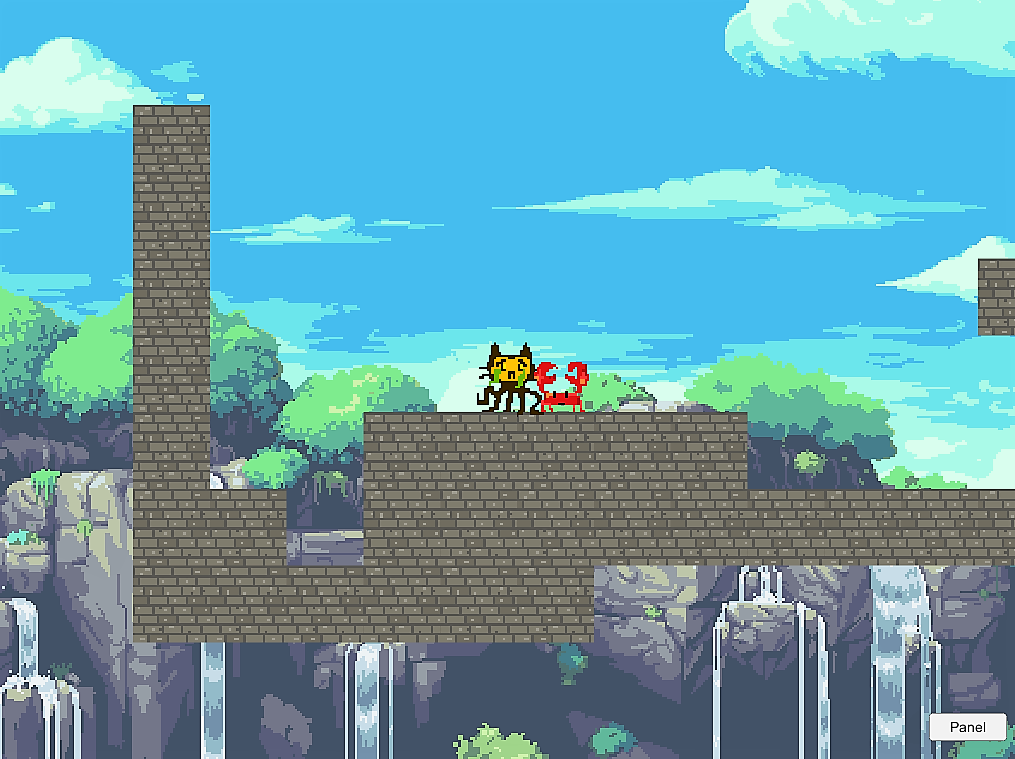
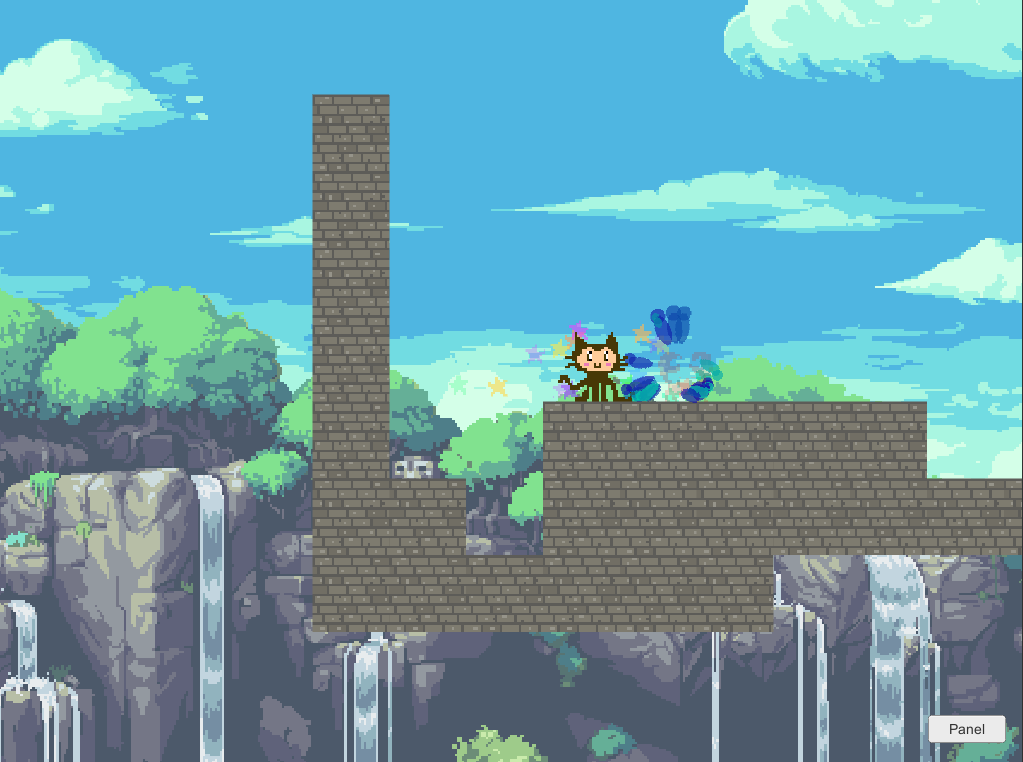
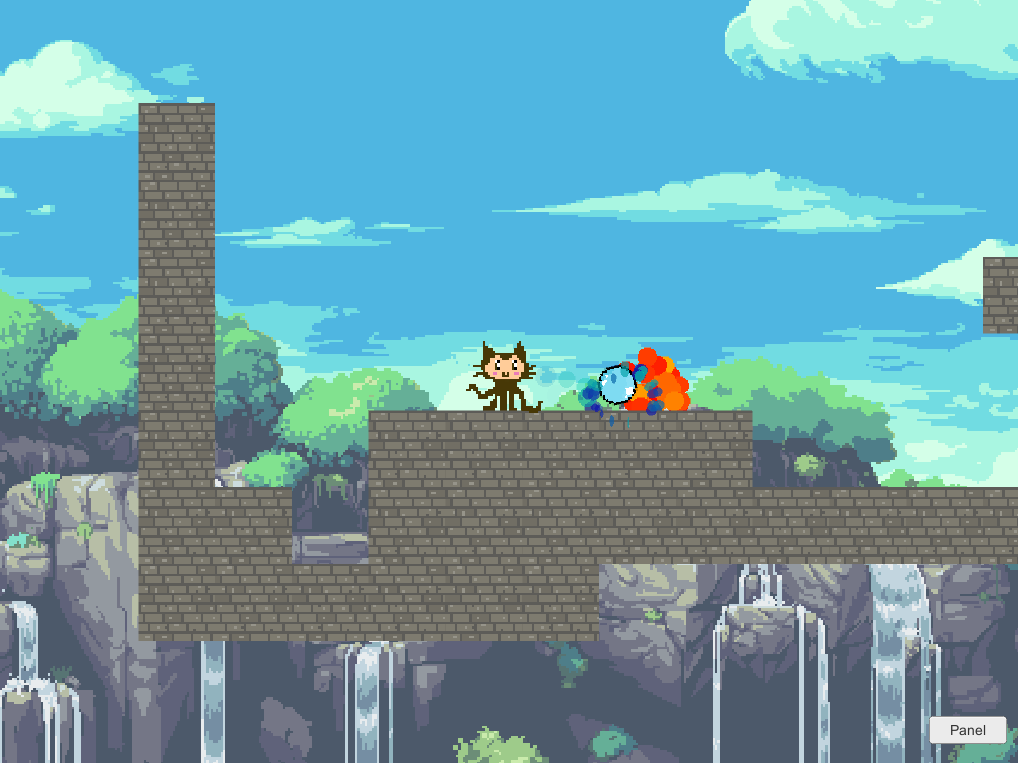
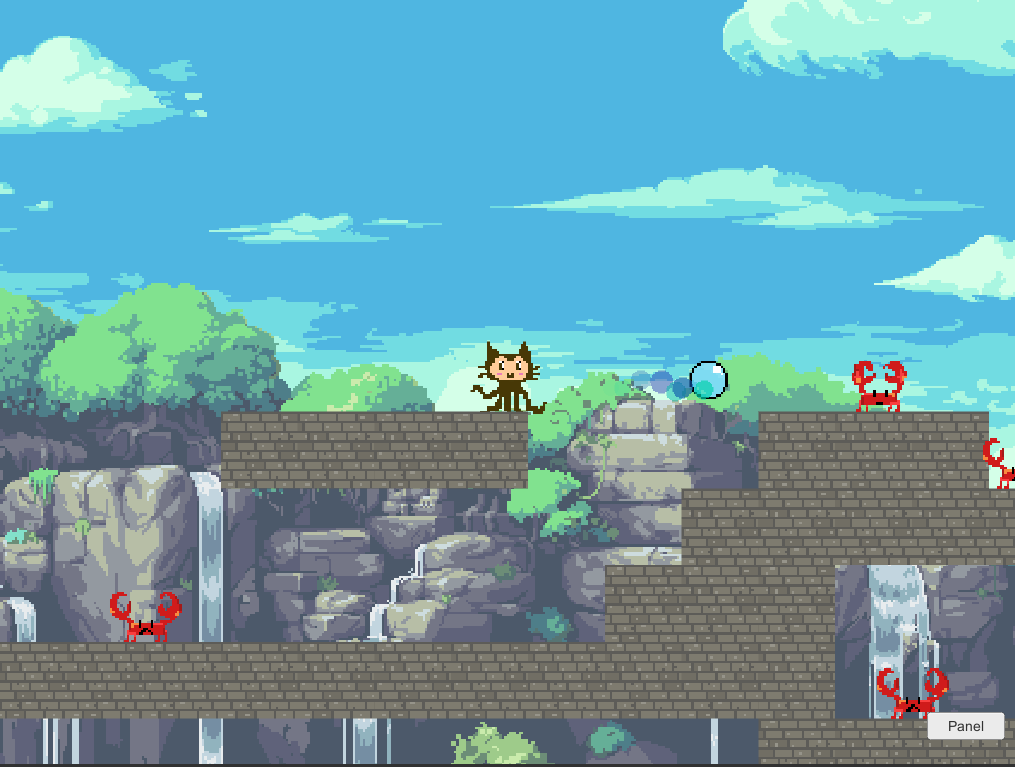
Octocat Adventure is a simple platformer game. Students can jump around and shoot bubbles at enemies. However, they can also open a menu and modify some parameters of how the game works: movement smoothness, camera easing, adding or removing screen shake and other special effects, physics elements, etc. The idea is that by letting students modify these parameter they can experience and understand their effect in game feel, and hence incorporate this knowledge in their game design.
How we built it
We used Unity 3D as our game engine to build the project. The scripts were written in C#, and we made most of the assets in Photoshop ourselves. We used link to make the sound effects.
Challenges we ran into
- Choosing what to parametrize via the in-game menu
- Making sure our version control ran smoothly
- Making the menu toggle properly
Accomplishments that we're proud of
Our visuals and sounds turned out pretty neat! And, once effects are properly added and tuned, the game feels pretty nice to play.
What we learned
For most of the team, this was their first time using Unity and making games, so they learned a lot about using the engine and game design in general. We also learned how to make git not break (kind of), teamwork, and project scoping.
What's next for Octocat Adventure
It would be great to expand on the project in a few ways:
- Adding more elements to play with (like enemies or collectibles)
- Adding more parameters and toggles
- Making the game/level bigger
- Publishing it on a web platform for people to use!

Log in or sign up for Devpost to join the conversation.