-
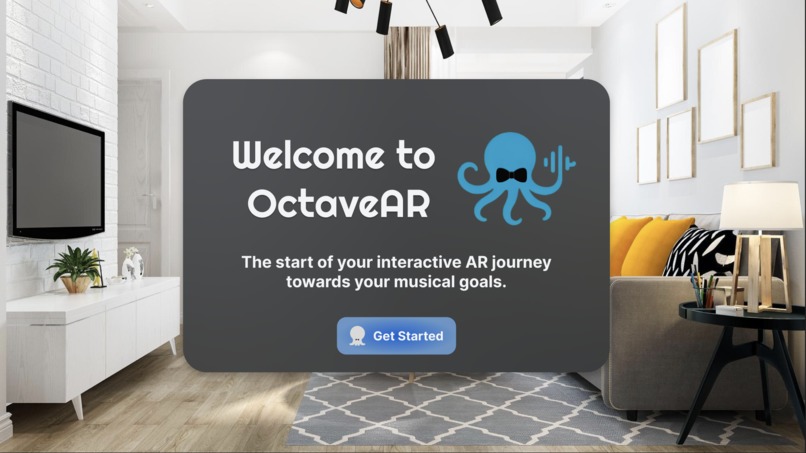
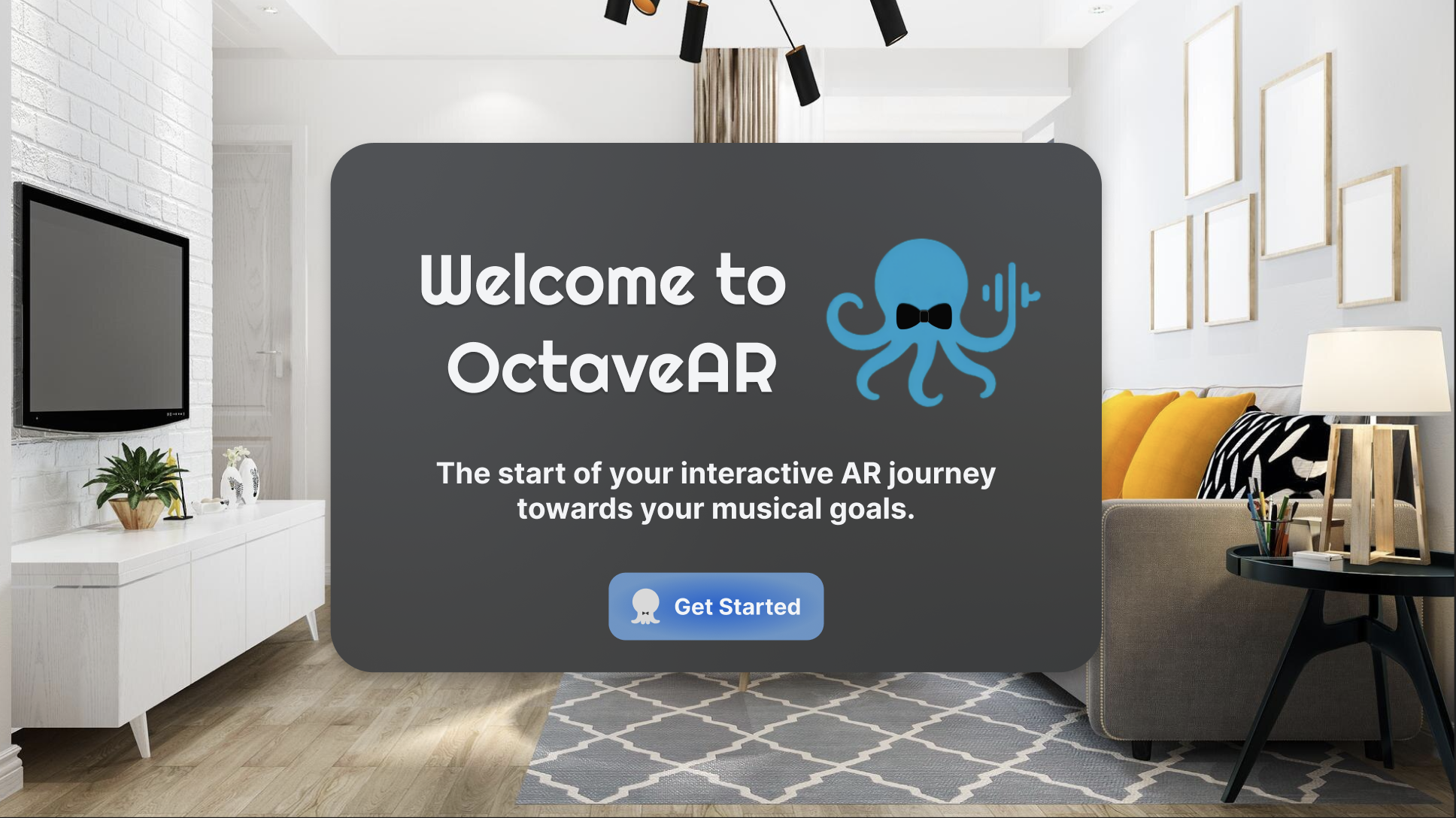
OctaveAR Welcome Menu
-
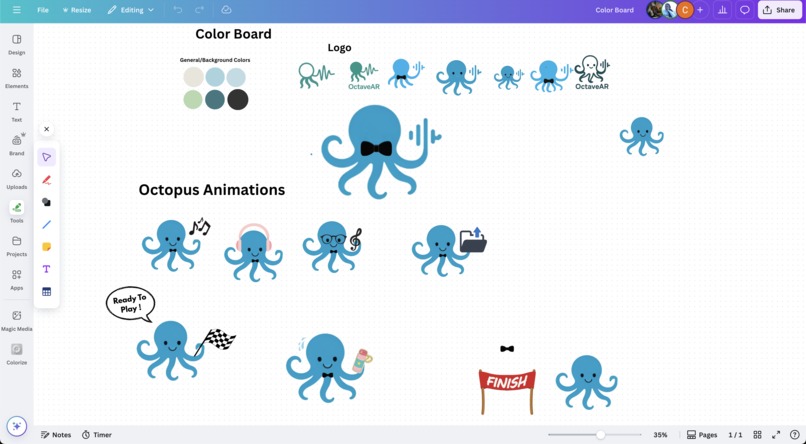
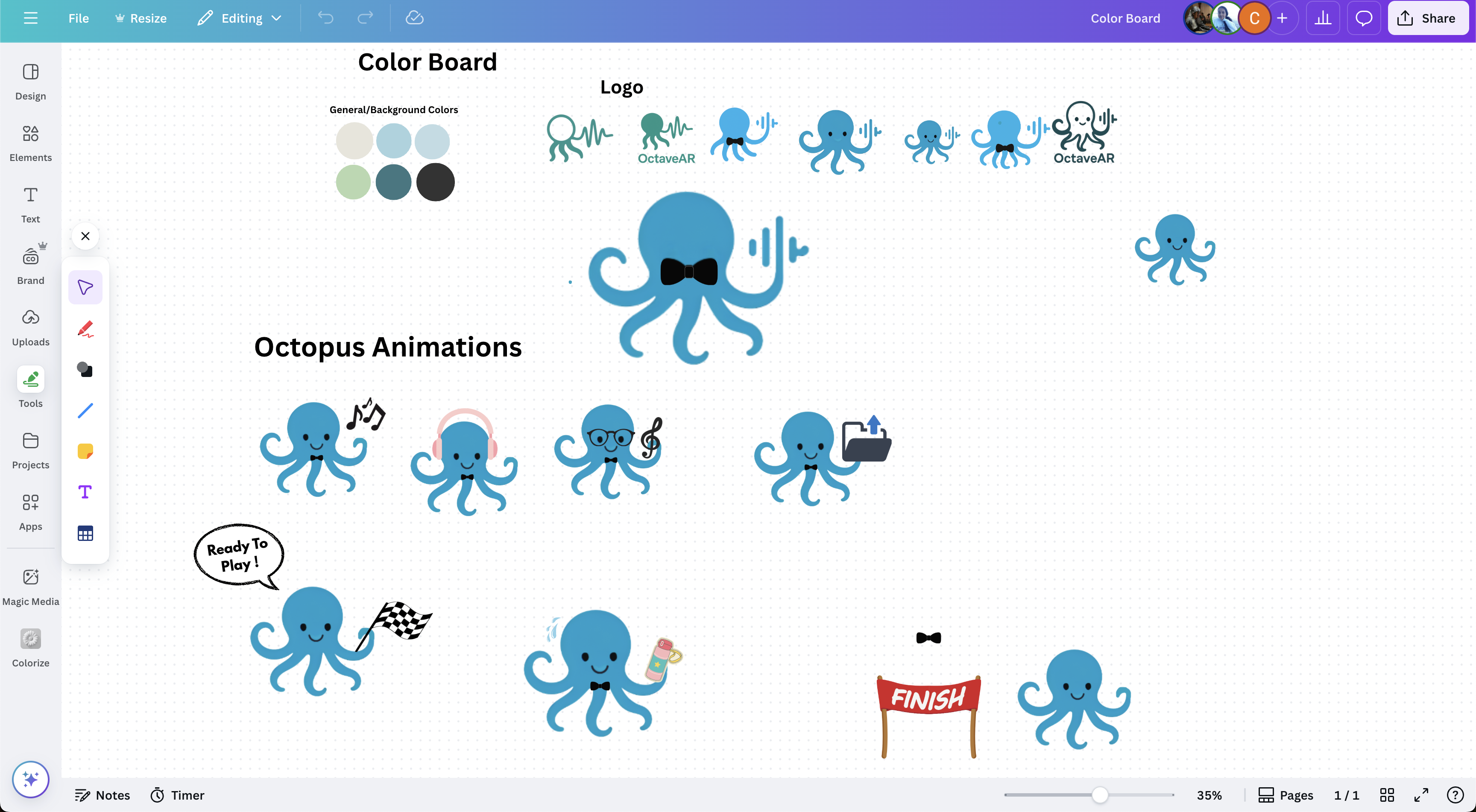
Branding Design
-
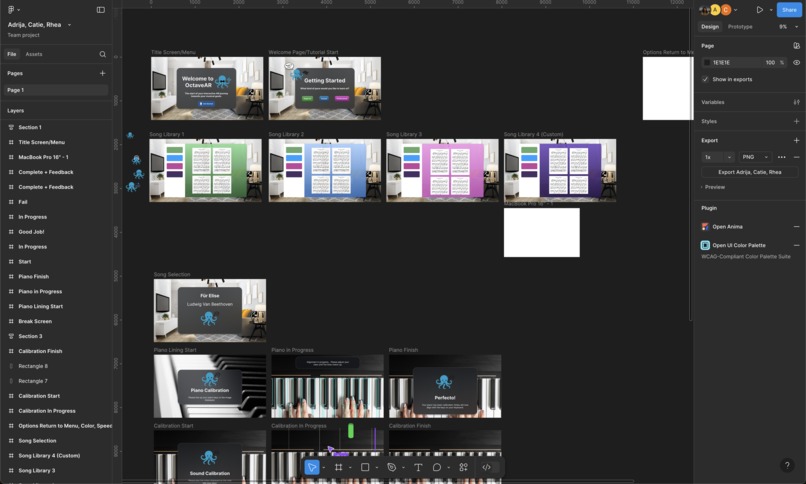
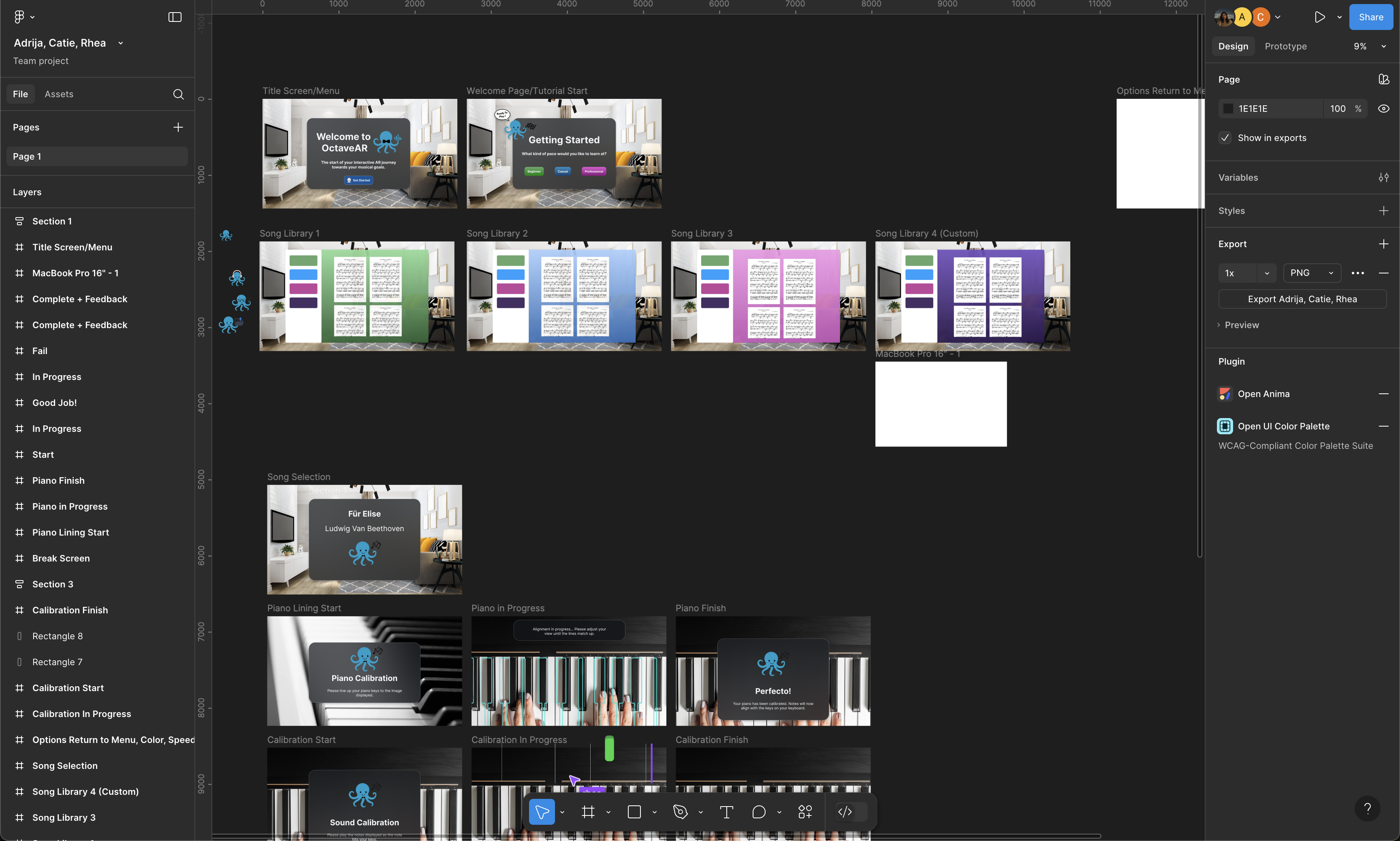
Figma Prototyping
-
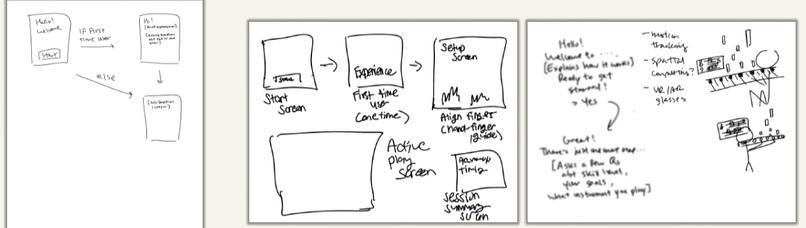
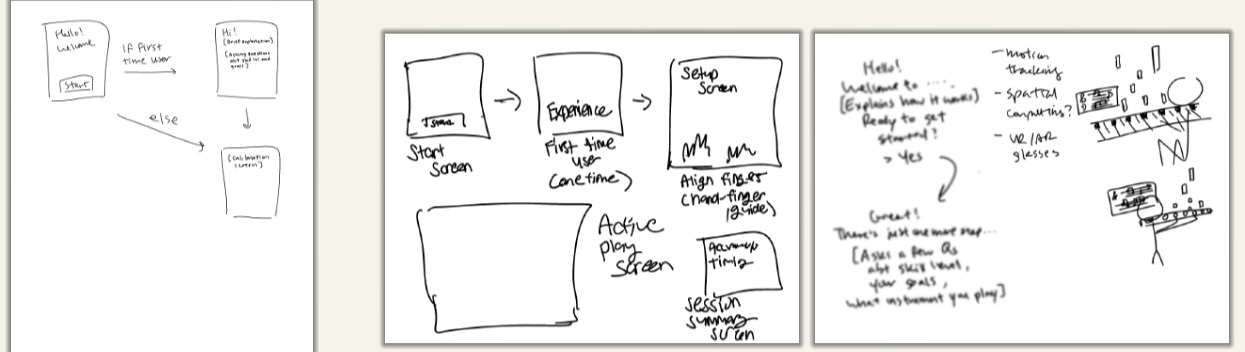
Initial Ideation Workflow
In-person
OctaveAR
Problem statement
For many aspiring musicians, learning an instrument is challenging. But returning to one after years away can feel even more frustrating. Traditional resources like online tutorials or apps often cater to absolute beginners or advanced players, leaving returning musicians without the tailored support that they need. These players face issues like poor posture, forgotten technique, and low motivation due to lack of clear feedback or direction.
Solution
Our solution is an AR Instrument Learning Assistant: a mixed reality tool that’s designed to guide returning musicians with intuitive visual cues, real-time feedback on posture and finger positions, and customizable practice modes to best suit the learner. Whether you’re rebuilding muscle memory or re-learning your scales, the assistant can overlay instruction directly onto your instrument, turning practice into a more personalized and engaging experience.
Design Process
(Please see the “How we built it” section below!)
Additional Devpost Details
Inspiration
OctaveAR was inspired by a personal experience one of our team members had when returning to the flute after five years. While the desire to play again was strong, the process felt frustrating. Existing tools like beginner tutorials and advanced sheet music didn’t fit her needs, as they were either too simple or too fast-paced. This created a space of emotional uncertainty: “I used to know how to do this. Why is it so hard now?” Our user research survey of 43 musicians who had similar experiences shared this sentiment. Many described feeling like they were making “no progression at all”, had hit “skill plateaus”, or were overall discouraged when trying to relearn their instruments. This sparked the idea to design for that transitional experience: when someone isn’t quite a beginner, but not quite an expert either. It’s a real phase that traditional interfaces ignore, but it’s exactly the kind of uncertainty that we sought to tackle.
What it does
OctaveAR is a conceptual AR-powered tool that enhances your real instrument with finger positioning overlays, interactive features like voice control and adaptive feedback, and sheet music that responds in real time to the notes you play. It supports multiple learning styles through customizable modes (3D falling notes, sheet music view, or a hybrid) while gently guiding players through practice with progress tracking and motivational cues. Designed to be accessible and intuitive, OctaveAR addresses the gap between total beginner tools and advanced lessons by offering a supportive bridge back into music.
How we built it
We began by identifying the uncertainty and friction points that many returning musicians face. Our user research survey revealed common struggles: loss of “finger coordination” and “etiquette”, lack of time for structured practice, and a few players even reported struggling to become familiar with the instruments alone (“Oboe is difficult, especially when trying to figure out the reed”).
From there, we explored how emerging tech like AR could be used not just for novelty, but to humanize the learning experience. Through sketches, storyboards, and Figma wireframes, we mapped out key features and interactions. We centered our concept around the piano as a focused use case, allowing us to design specific interactions. For example, how the finger placements could be visualized in space, or how tempo guides could respond to the player’s pace. As everyone on the team had played an instrument at some point in their lives, we all tried to visualize ourselves using the software and thinking about what we’d like to see going through the workflow. For branding assets (our adorable mascots) and our logo, we moved to paper sketches and Canva.
Challenges we ran into
- One of our biggest challenges was juggling too many features within the short timeframe. Initially, we aimed to support multiple instruments, for example, but we realized this would make our concept much broader than is possible to work with. Each instrument comes with unique needs, and trying to accommodate them all would limit the quality of our design. We eventually narrowed our scope to just the piano, which we felt was the most versatile and intuitive choice for visual learning through AR.
- Another key roadblock was grappling with the practicality of AR glasses. Were they truly accessible or realistic for these musicians? We found ourselves getting caught up in technical questions we couldn’t answer within this Design-a-thon’s scope. Talking with mentors helped us stay grounded: our goal was to design an imaginative, new interface, not necessarily to implement that hardware. Once we shifted our focus back to designing for the user experience, we were able to move forward with much more clarity and creativity.
Accomplishments that we're proud of
We’re proud that OctaveAR grew into a relatively well fleshed-out concept that not only addresses a real problem that a group member had, but does so in a human, emotionally aware way. Given our limited time and small team, we’re happy that we were able to produce something that felt personal and sincere, something that we would genuinely use ourselves! Throughout the process, we discovered that each member of our team had been independently wanting to pick up or return to learning an instrument. That shared passion made the project feel more than just the prompt. That energy really fueled our brainstorming sessions and gave the project a sense of purpose beyond just checking off deliverables.
What we learned
Throughout this process, we learned how important it is to scope our ideas realistically. It’s easy to get excited about every possible feature, but we found that narrowing our focus made the final concept stronger and more thoughtful. Prioritizing usability and feasibility helped us create a more meaningful and organized design experience rather than a cluttered one.
We also learned to embrace the conceptual nature of the challenge. At first, we were really caught up in how everything would technically work, but with mentor guidance, we realized our role as designers was to envision a bold, user-centered future, not to engineer it. This mindset shift helped us lean into creativity and design more freely.
What's next for OctaveAR
There are several directions that we’re excited to explore in future iterations of OctaveAR:
- Expanding beyond returnees: while we designed OctaveAR specifically with returning musicians in mind, we eventually hope to include absolute beginners as well. That would involve adding theory lessons like how to read sheet music, or how to count rhythms. Our current prototype assumes that players already know how the basics, and just want to start practicing, but we’d love OctaveAR to be more inclusive of all skill levels, while staying true to its original purpose.
- Custom song uploading: we want players to be able to practice the music that excites them! A future iteration of OctaveAR would include a website hyperlinked on the song selection menu where musicians can upload PDF or MIDI files of their own songs. The AR interface would then scan and analyze the music, allowing learners to follow along with visual cues, pacing assistance, and real-time corrections
- Support for more instruments: while our current prototype focuses on the piano, we hope to expand OctaveAR to include a wider range of instruments like violin, flute, and guitar. For instruments where finger placement is harder to monitor, like the flute, (for the unfamiliar: you have to crank your head a little bit to view where parts of your fingers are placed) we imagine a feature that shows a live zoom-in or close-up projection of the player’s own hands. This would better help them visualize what they’re doing, and compare it to the suggested technique. This would give learners more precise, body-aware feedback and help build better muscle memory.
Built With
- canva
- figma

Log in or sign up for Devpost to join the conversation.