-
-
output
Introduction: What Inspired the Idea The idea for this project stemmed from the growing need for accessible, cost-effective solutions for detecting Obstructive Sleep Apnea (OSA), a condition affecting over 1 billion people worldwide. Traditional diagnostic methods such as in-lab sleep studies (polysomnography) can be costly, invasive, and time-consuming, making it difficult for many individuals to access early diagnosis and treatment. As I learned more about the challenges of OSA diagnosis and the increasing role of AI and telemedicine in healthcare, I saw an opportunity to leverage voice recognition technology to create a more convenient and affordable solution.
What I Learned As I explored the space, I discovered that AI is already being used in sleep apnea diagnostics, primarily through pulse oximetry and heart rate monitoring systems. However, I realized that there was a gap in the market for non-invasive, audio-based detection. Voice signals such as snoring, gasping, and irregular breathing patterns can provide key insights into whether someone is experiencing sleep apnea during the night. Combining AI with audio recognition allows for a remote, scalable, and cost-effective diagnostic tool that can be used by anyone, anywhere.
How I Built the Project
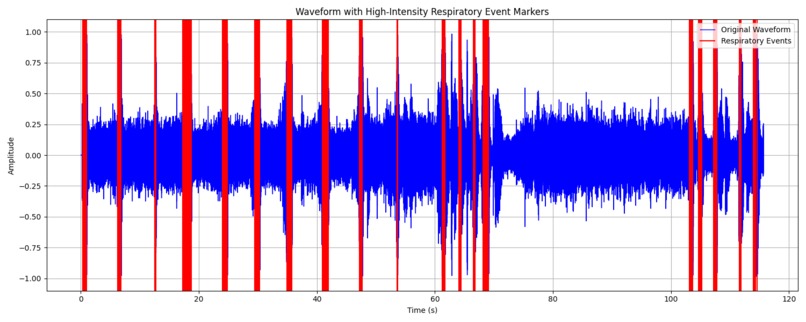
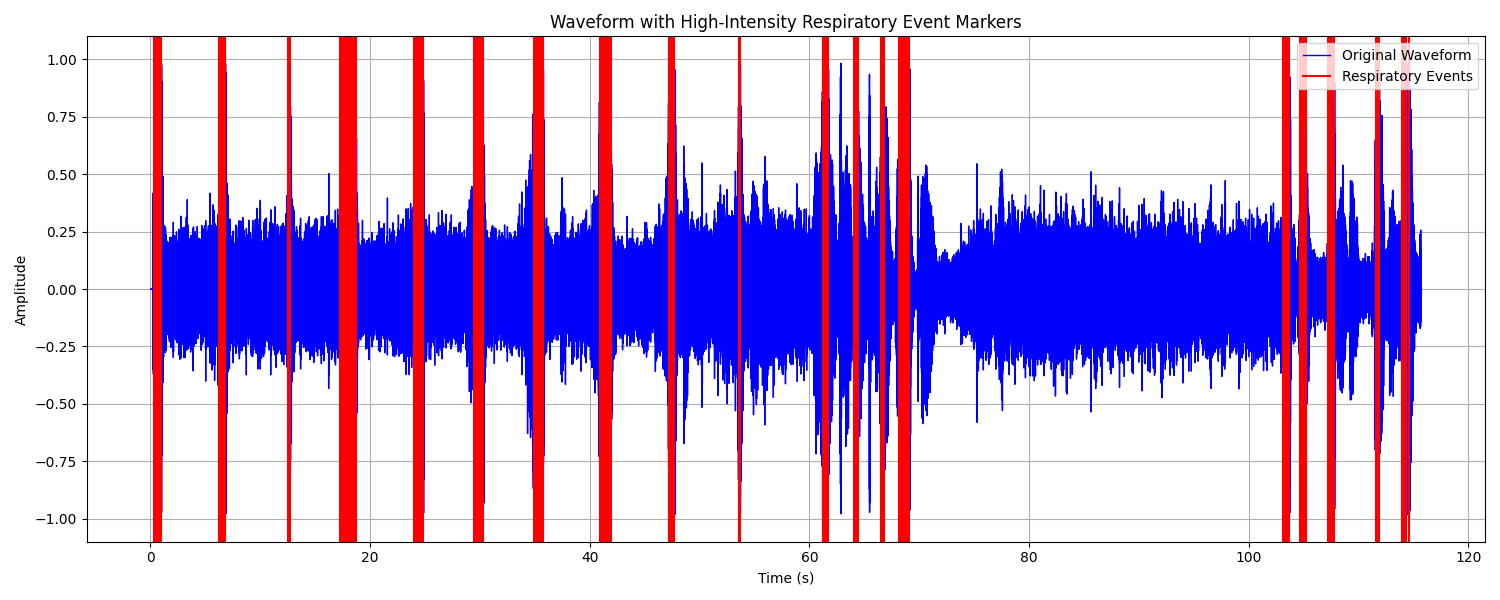
We plan to use temporal.io for the data scheduling process. Audio File Loading and Preprocessing: The code loads an MP3 file (input.mp3) using the pydub library, converts it to a mono signal (single channel), and retrieves the audio sample data as a NumPy array. The audio signal is normalized, so the amplitude values are scaled to a standard range between -1 and 1. Signal Compression and Amplification: A compression function is applied to the audio signal to limit its dynamic range. The function reduces the volume of parts of the signal above a specified threshold (compression_threshold), controlled by a ratio (compression_ratio). After compression, the signal is amplified by a specified amount (amplification_db), increasing the intensity of the signal. Detection of High-Intensity Respiratory Events: The code breaks the signal into chunks of a specified duration (sample_interval), and checks each chunk for high-intensity sound events. If the maximum amplitude in a chunk exceeds a predefined threshold (high_amplitude_threshold), the chunk is considered a "respiratory event," and the timestamp (in seconds) of the event is recorded. Clustering of Respiratory Events (DBSCAN): The detected events (timestamps) are clustered using the DBSCAN (Density-Based Spatial Clustering of Applications with Noise) algorithm from sklearn. Events are clustered based on their proximity, where eps defines the maximum distance between two events for them to be in the same cluster, and min_samples sets the minimum number of events required to form a cluster. The clustered events are stored, and the start and end times of each cluster are recorded as a range. Saving Respiratory Events: The clustered respiratory events are saved in a JSON file (respiratory_events.json) with start and end times for each event cluster. Visualization: A waveform plot of the original audio signal is created using matplotlib, with red vertical lines marking the detected respiratory events. The waveform and event markers are saved as an image file (final_waveform_with_markers.png).
Built With
- python
- temporal


Log in or sign up for Devpost to join the conversation.