-
-
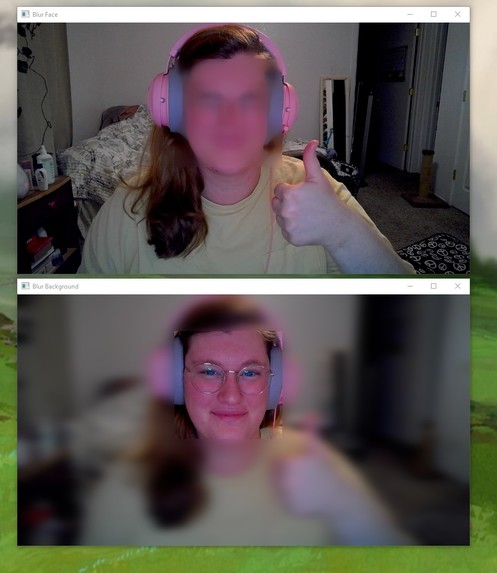
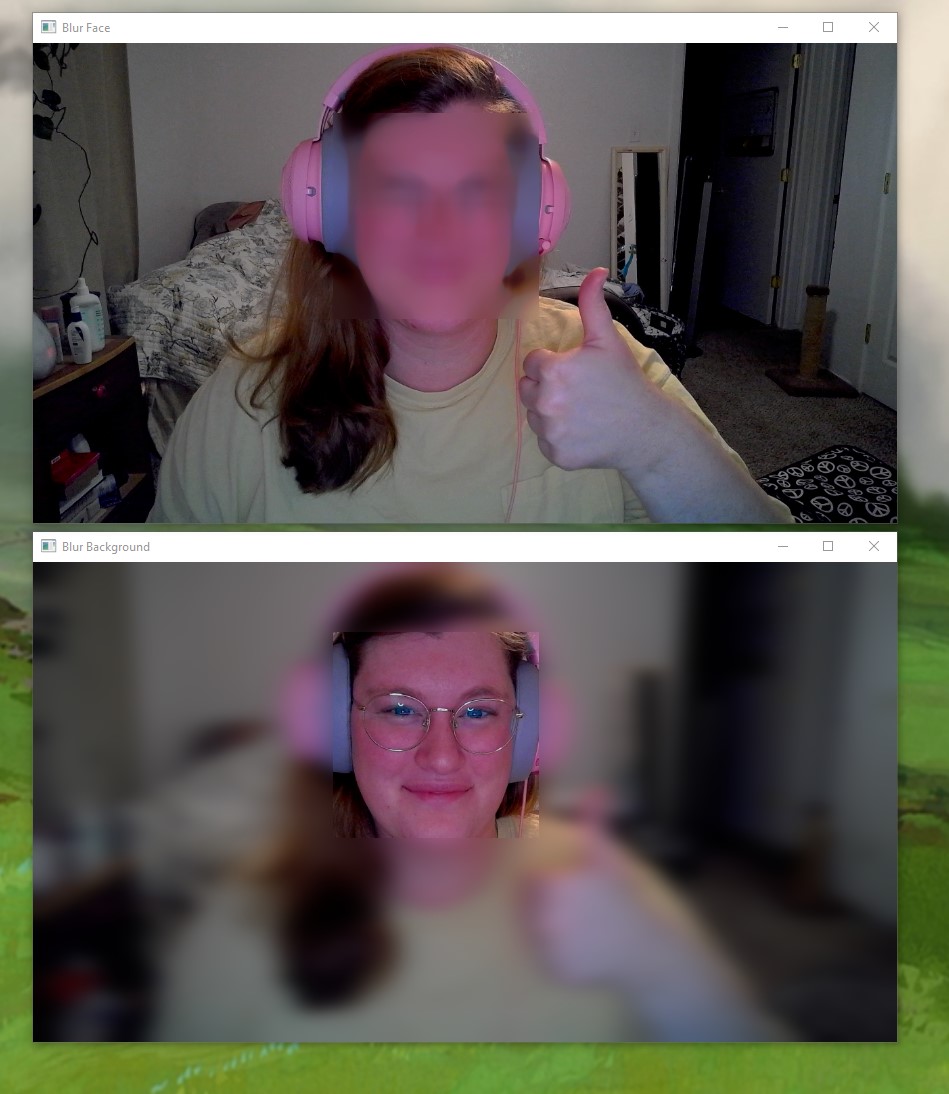
Look mom no box!
-
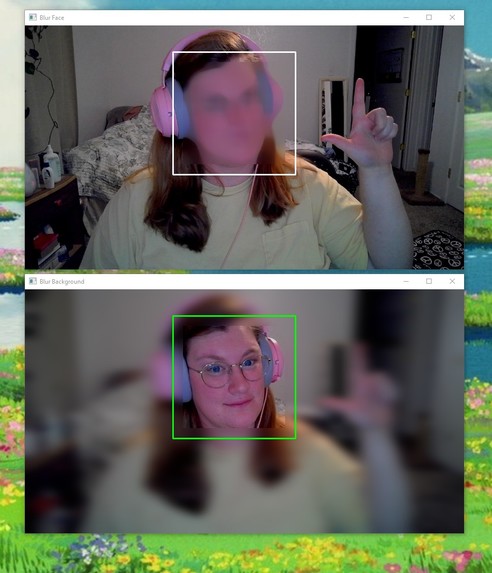
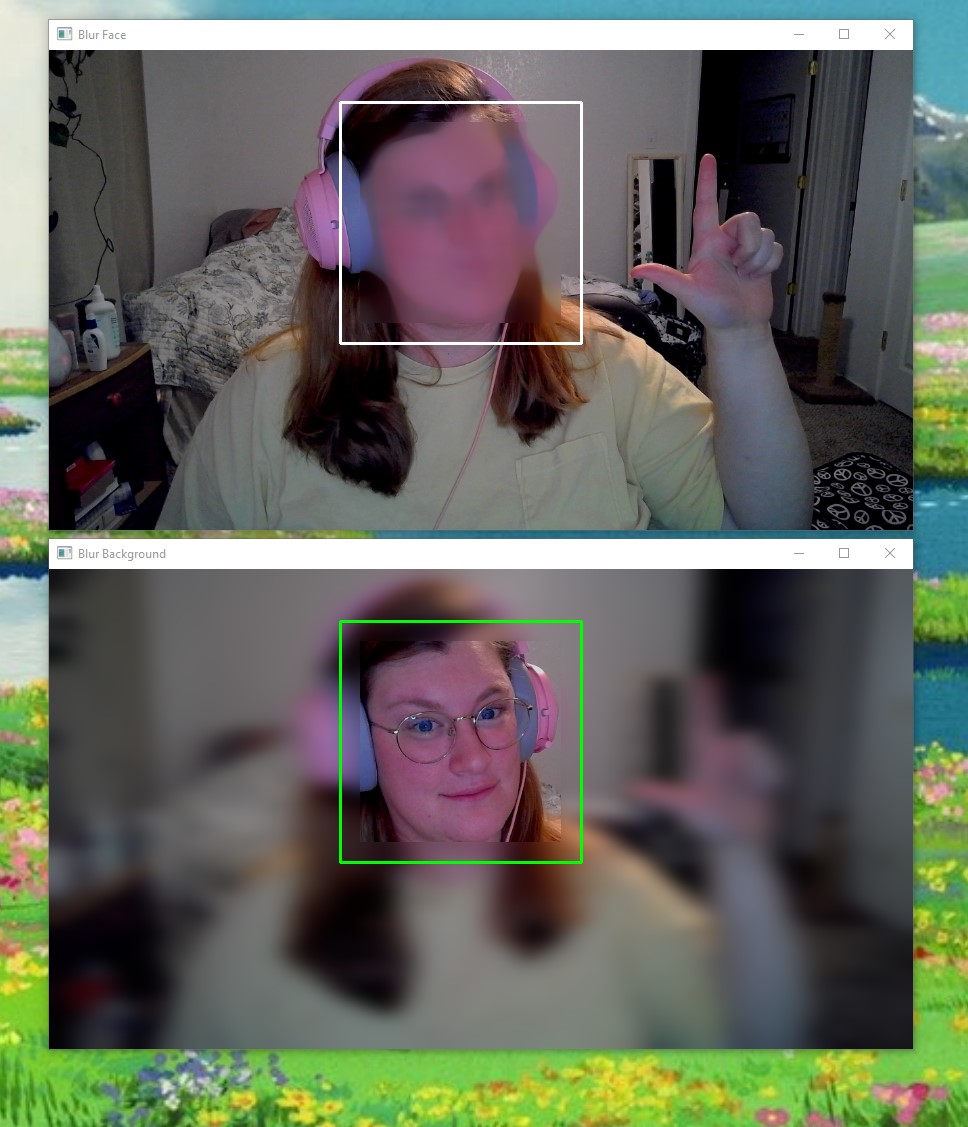
Test with the boxes.
-
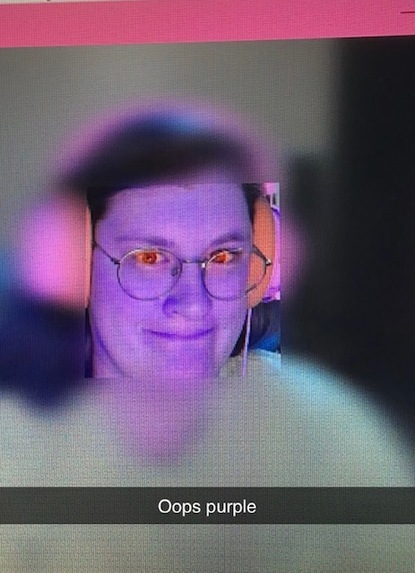
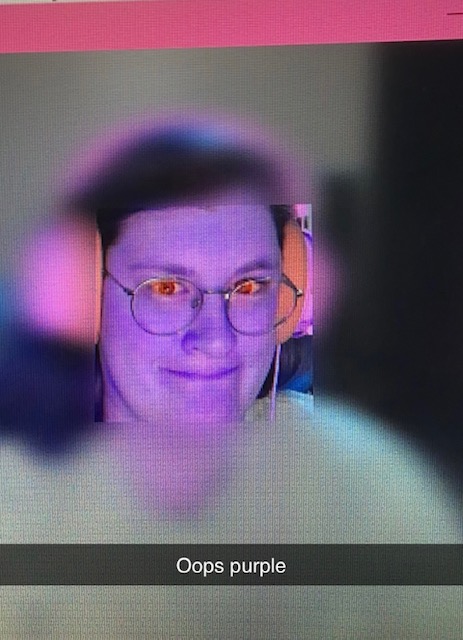
Ah, so that's what that line of code does.
-
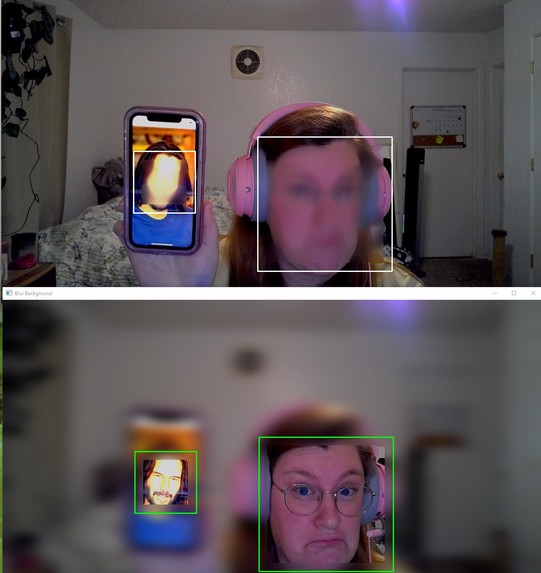
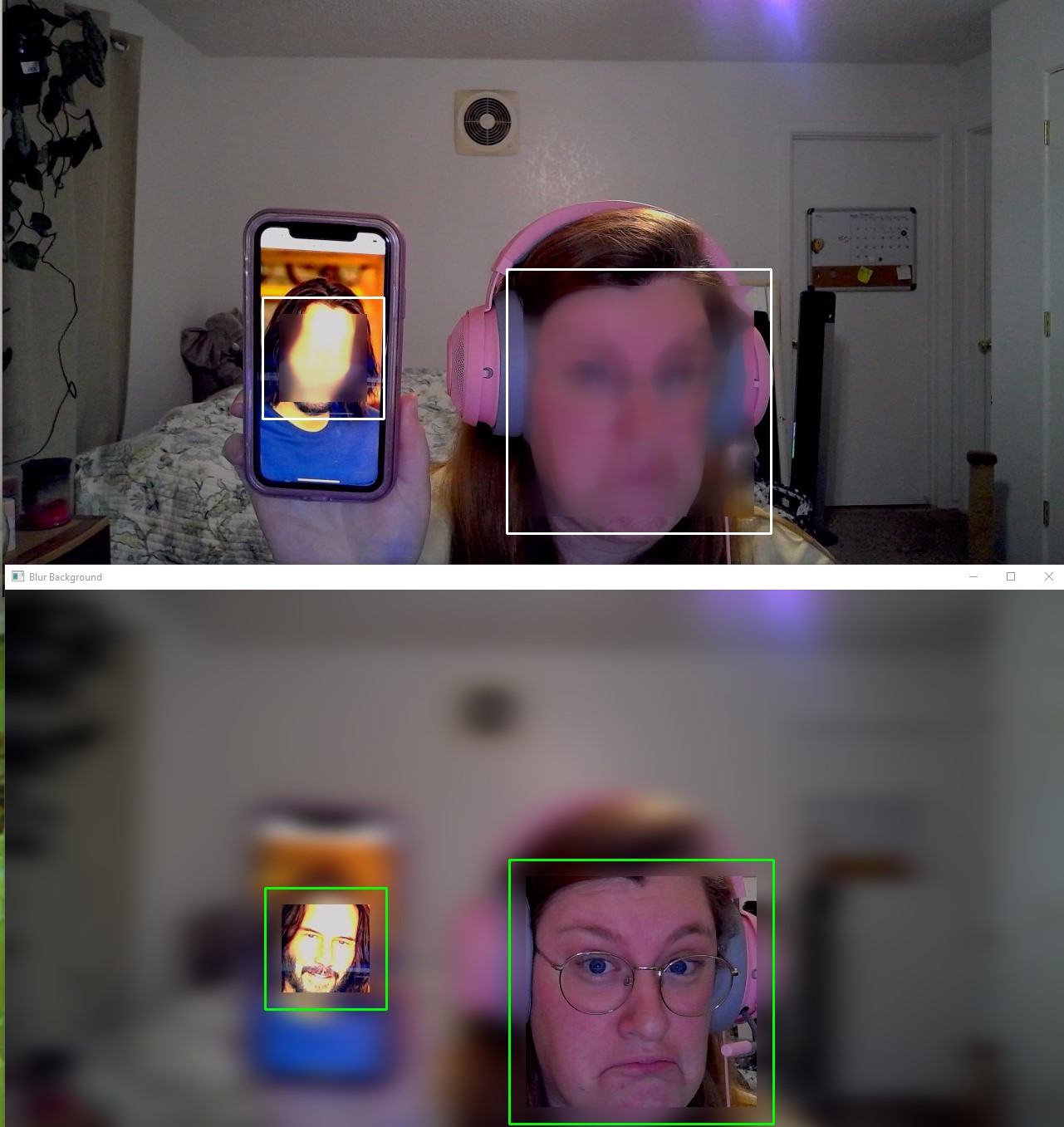
It works with Keanu's face too!
Inspiration
I have a class this coming semester that requires the use of the OpenCV library to complete a project. I thought I would get a head-start on using the technology in an interesting and useful way. Sometimes professors require students to turn on their webcams for class and not all platforms have a background option like Zoom does. So, for tired students who haven't had the chance to clean before class a blurry background can help relieve some stress. For privacy reasons some people might want to blur their face for the camera, the program also accommodates this.
What it does
This program uses a webcam to detect a frontal face. The program then displays the blurred webcam feed in real-time using two different windows; one with a blurred face and a focused background, and the other with a blurred background and focused face.
How I built it
To build this project I used python and the OpenCV library. All code was written and tested using pycharm.
Challenges I ran into
Python is not a language I know very well, this is only my second project using the language. I ran into issues with python syntax, mainly with indentation.
Accomplishments that I'm proud of
This is my first hackathon and my first time using OpenCV, I feel very proud to have completed and submitted a project.
What I learned
I learned how to start using OpenCV. I also learned about computer vision and how facial detection works.
What's next for ObscureCam
I am not satisfied with the level of face detection, ideally, more face positions would register as faces. This can be achieved by using different facial recognition algorithms and libraries. I think this project would also benefit from a GUI so the user can choose between facial blur and background blur. Finally some sort of integration with popular video conferencing platforms.
Built With
- intellij-idea
- opencv
- pycharm
- python


Log in or sign up for Devpost to join the conversation.