-
-
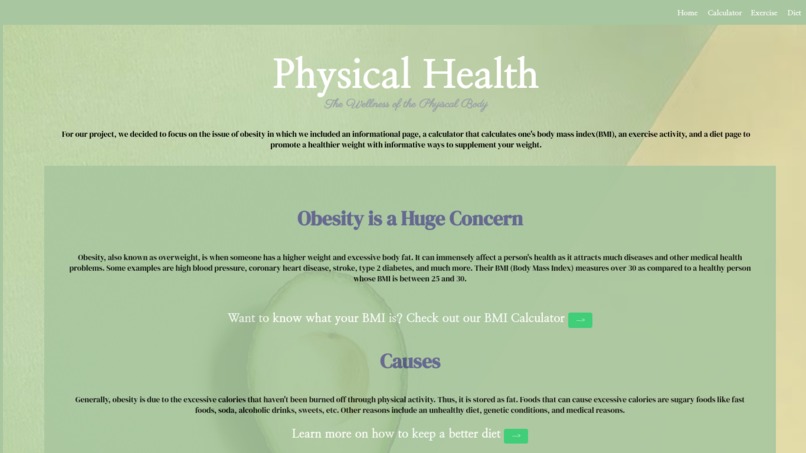
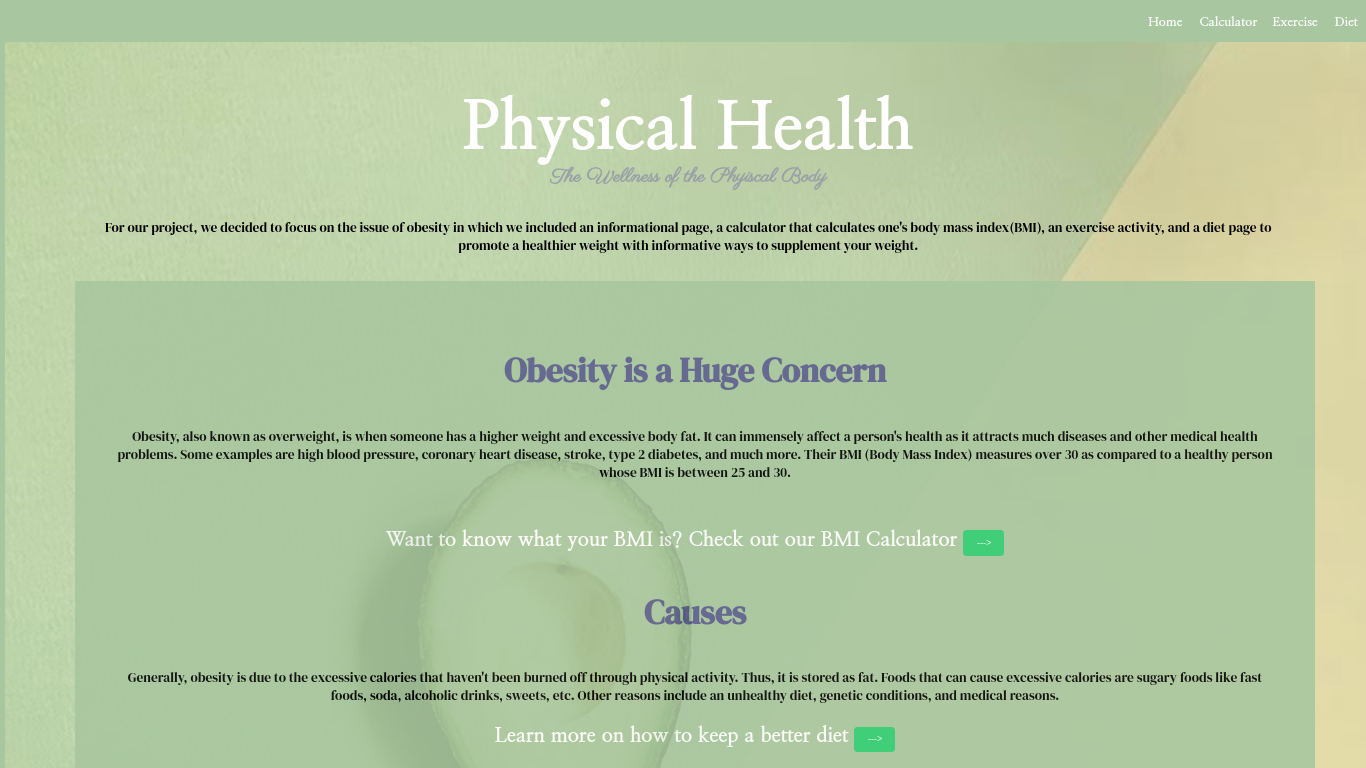
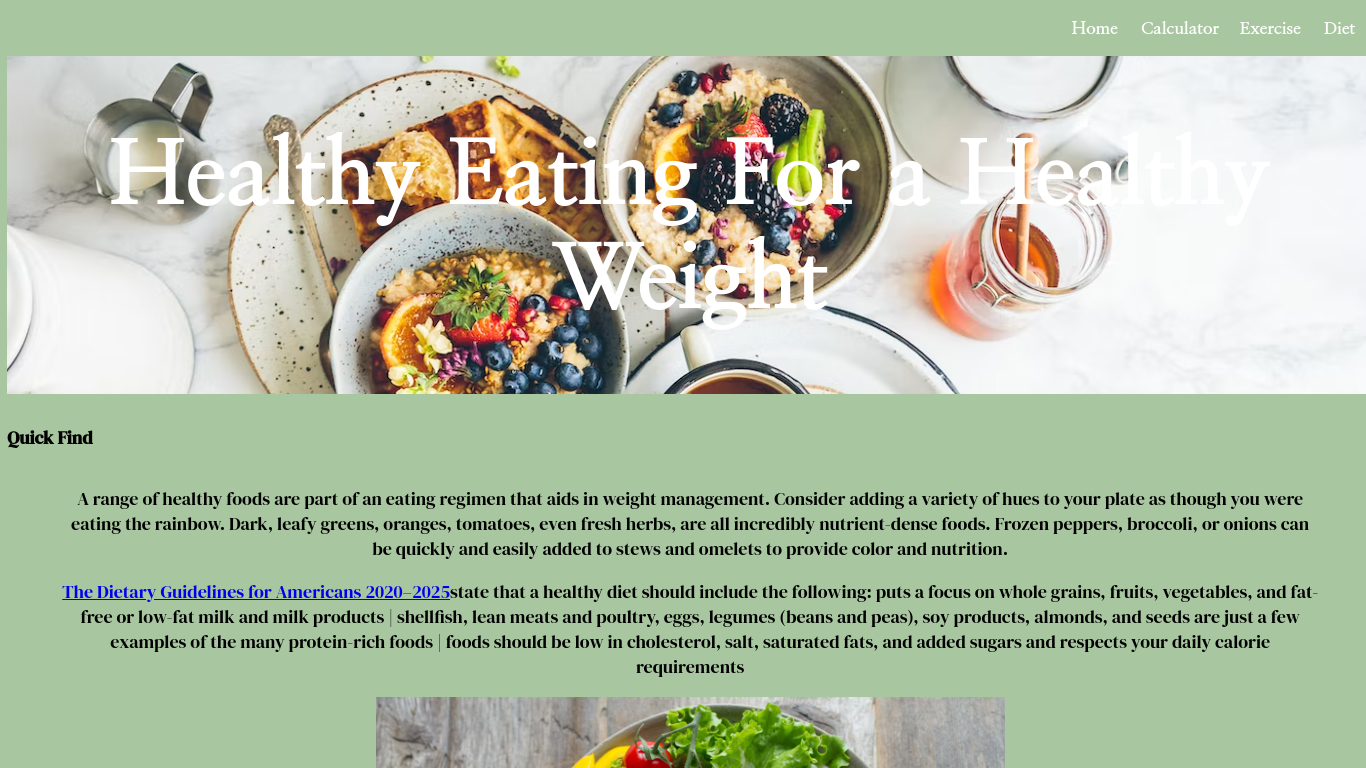
Homepage
-
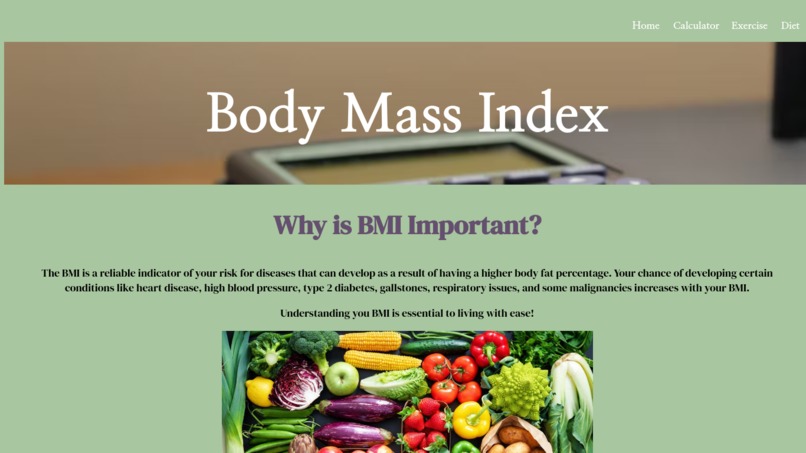
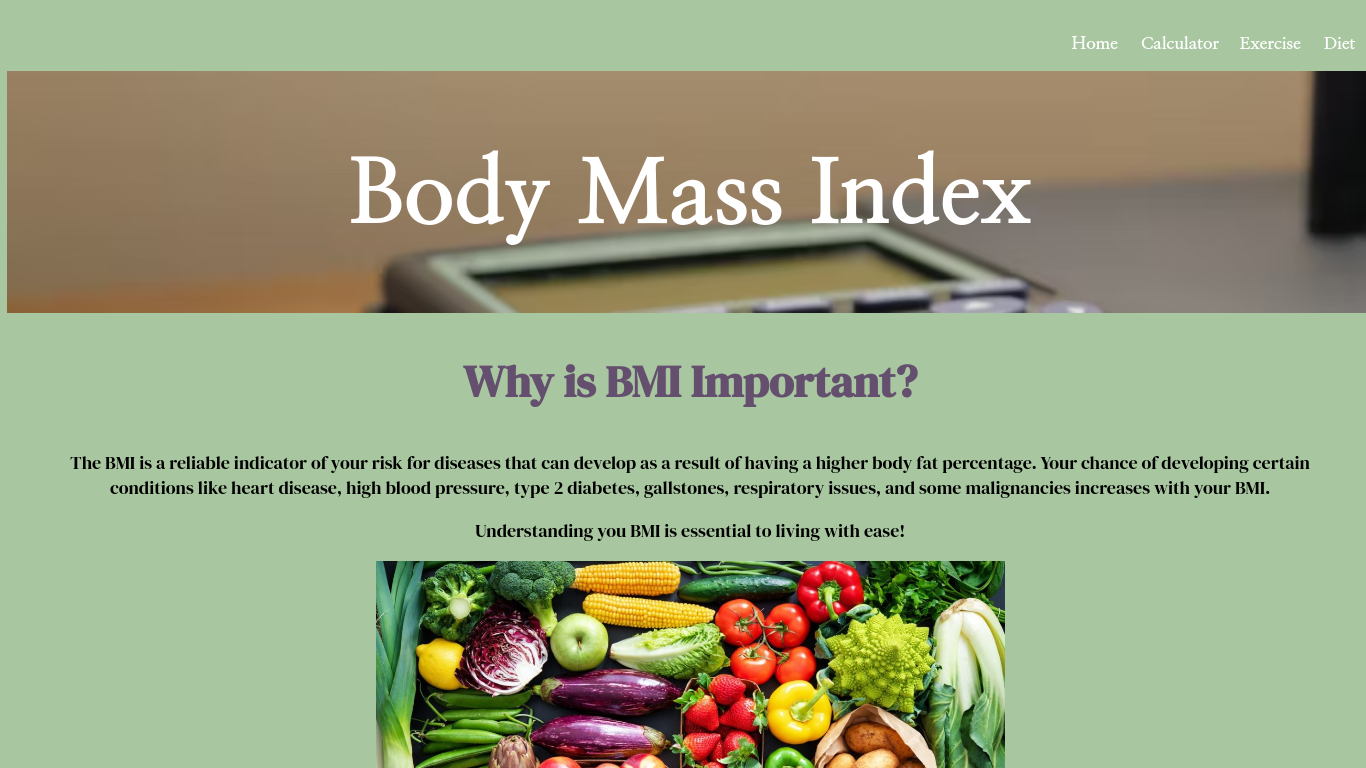
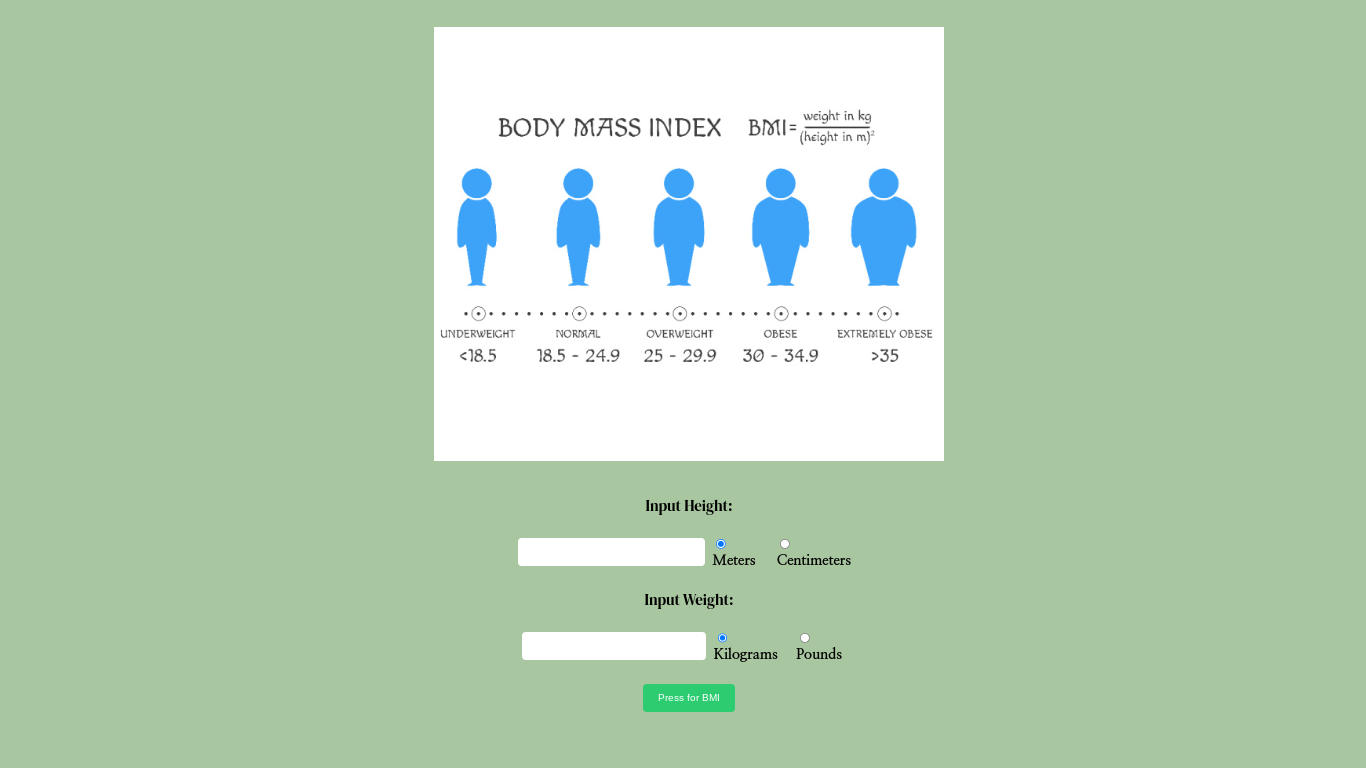
BMI page
-
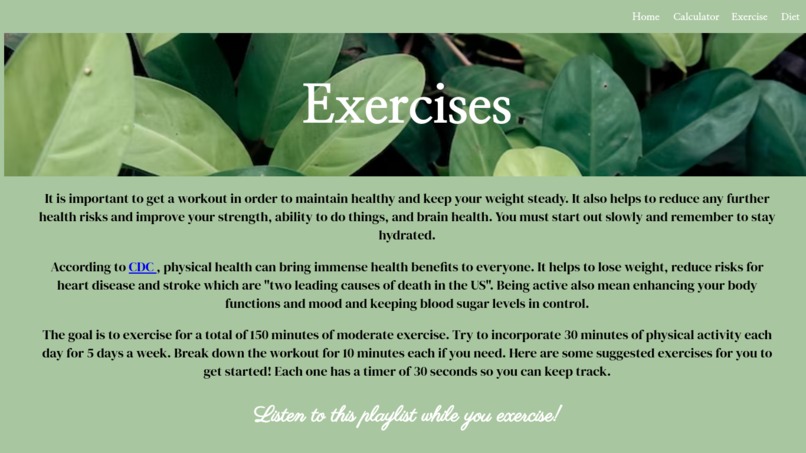
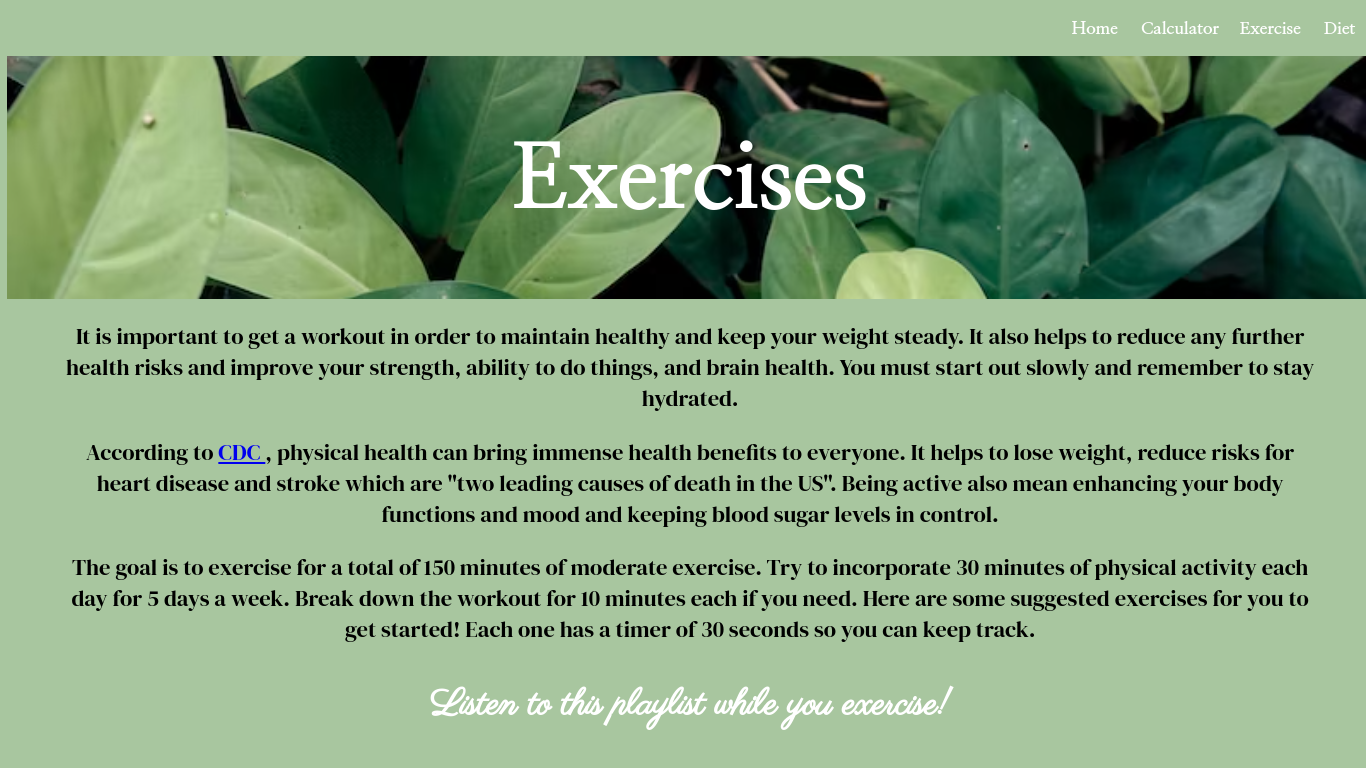
Exercise page
-
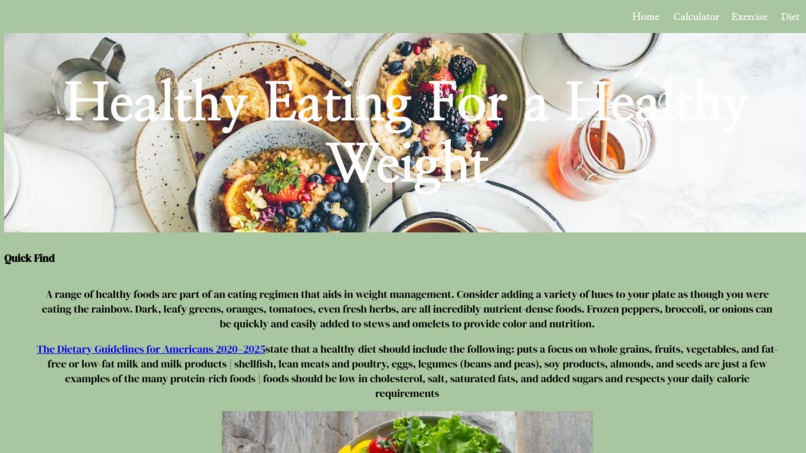
Diet page
-
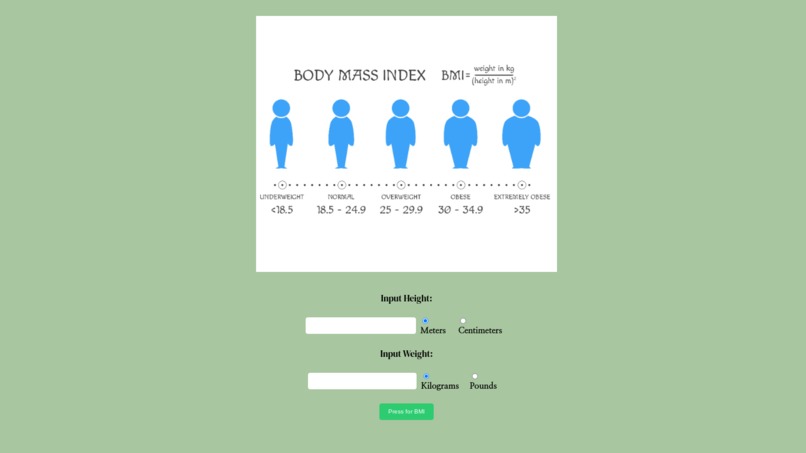
BMI Calculator
-

Calories Calculator

Inspiration
At first, we had no idea what we were going to make. It took us a while to get started on the project. We wanted to make an ROI calculator but it was a bit too complicated to make. Then the spark hit with the BMI calculator so we decided to focus our theme on obesity.
What it does
Our website informs people on ways to tackle and promote growth for their health to prevent obesity or malnourishment. It has two calculators and exercise activities. One of our calculators calculates the BMI (Body Mass Index) based on height and weight. The other calculates a person's calories based on their sex, age, weight, height, and exercise per week. These calculators help to measure the body's fat and calories. Our exercise activities include a timer for each exercise and a pop-up after the timer is done.
How we built it
We built it using HTML, CSS, and Javascript. We first researched the information, and then started working on the homepage and navbar and onto the calculator page, exercise page, and lastly, the diet page; we laid it out using HTML. We styled the pages with CSS to make them look nice and added functions to the tools with Javascript. For the calculators, we also did the research by finding premade equations and writing them to work with javascript after. Men and women have different equations. To merge the different equations to be more versatile, for people we made use of if statements.
Challenges we ran into
A challenge was figuring out how each piece in creating the calculator was connected. For example, we had trouble trying to get the exact same value for other calorie calculators. Just to test if it works. It was hard to make a slider, so we gave up on that idea and chose to use input instead. Another challenge was trying to create the timer and styling it in the center. It took a while to find help online that best fits our website to make the timer and a short while to notice to use a div to help with the styling.
Accomplishments that we're proud of
We're proud that we have decorated the website with background images and made it look very nice, especially with the homepage with a transparent background. We're happy that we made the calculators work and the timer work. Also, we're proud that we added the little drop menu on the diet page because it was a nice new thing that we learned.
What we learned
We improved our skills in programming languages (especially with Javascript), learned how to use trial and error for resolving our issues, and extended our knowledge of obesity.

Log in or sign up for Devpost to join the conversation.