-
-

cover
-
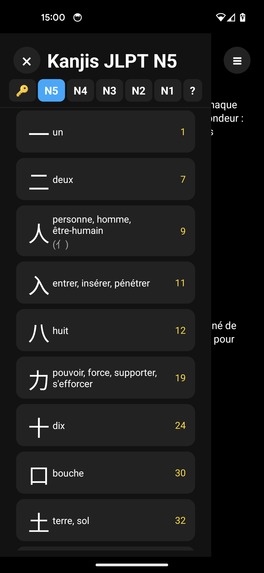
list
-
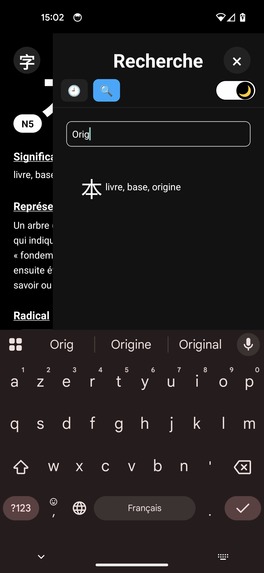
search
-
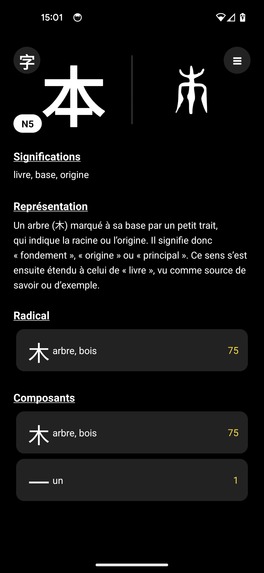
detail
-
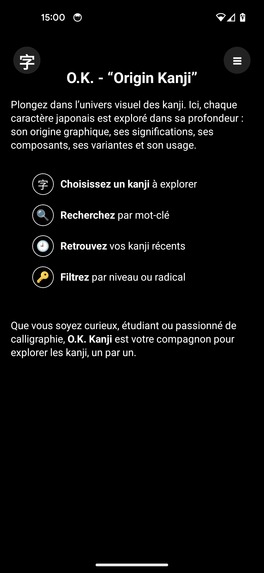
home
-
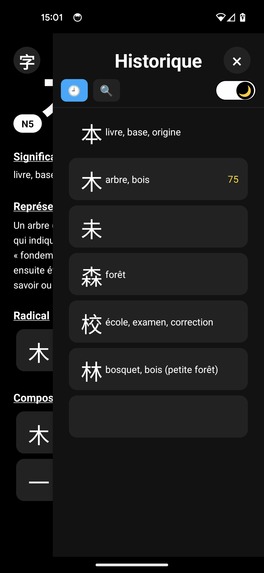
history
Inspiration
When I started learning Japanese, I quickly realized that remembering kanji only as abstract symbols and English translations does not work very well. What helped me the most was understanding where each kanji comes from: its visual origin, historical forms and the smaller parts it is built from.
O.K. Origin Kanji is my attempt to put all of that into a focused, offline-friendly mobile app: instead of just drilling flashcards, you explore the story behind each character.
What you do in O.K. Origin Kanji
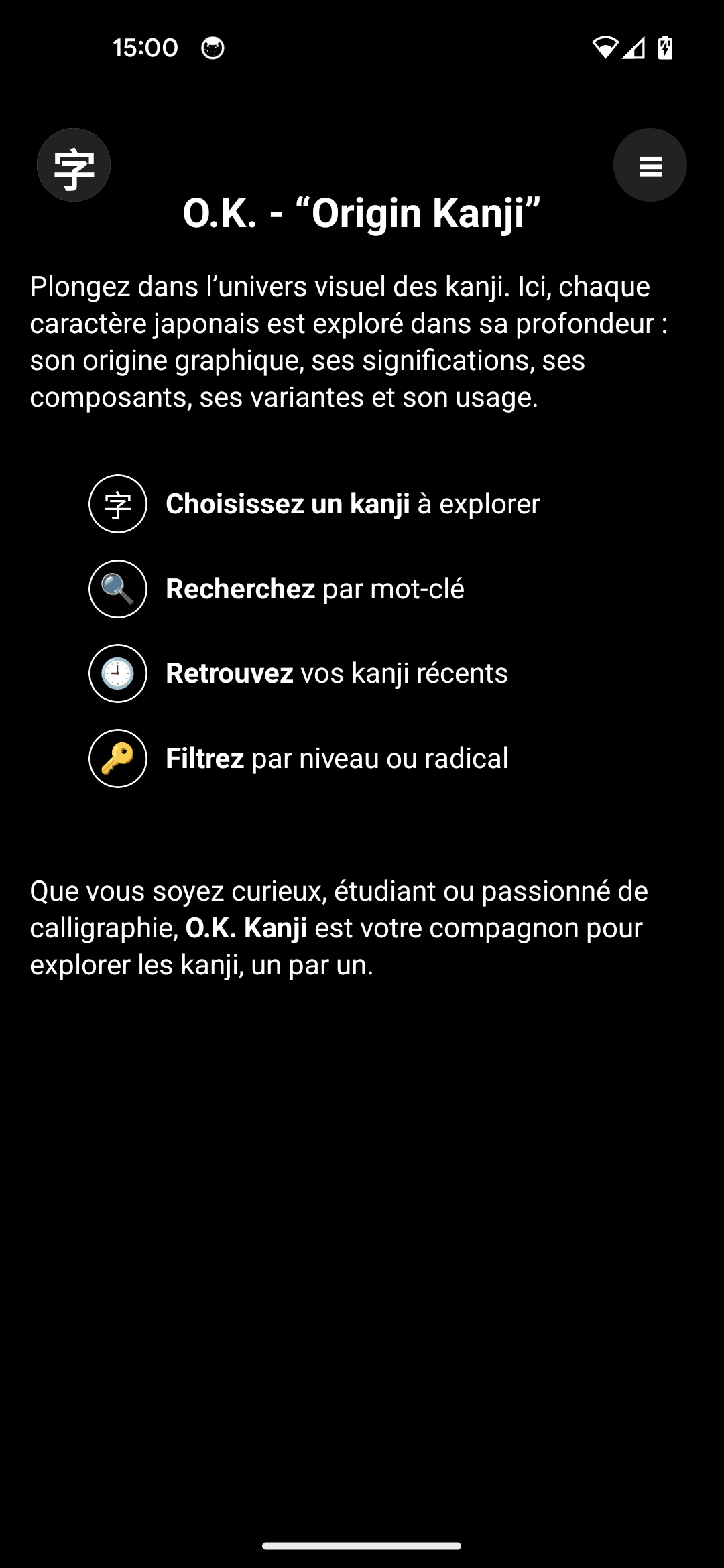
The app is centered on individual kanji:
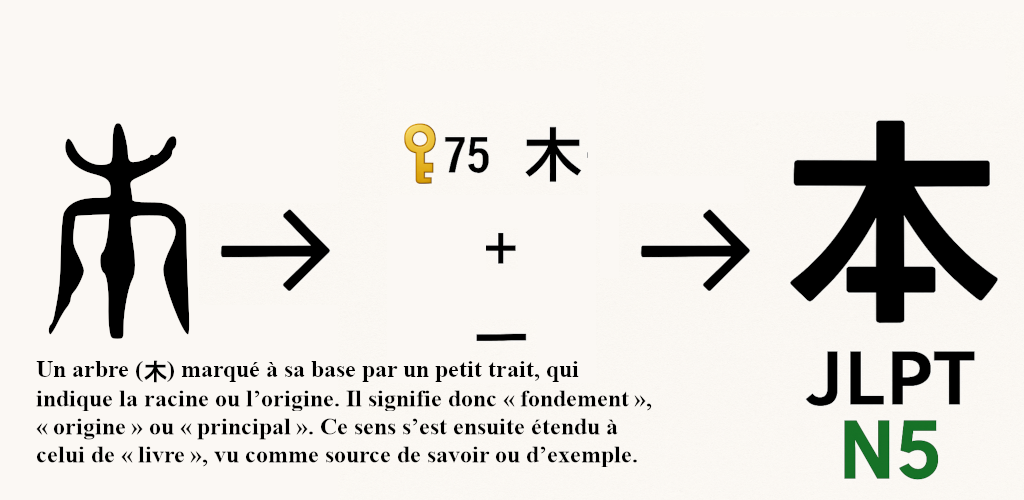
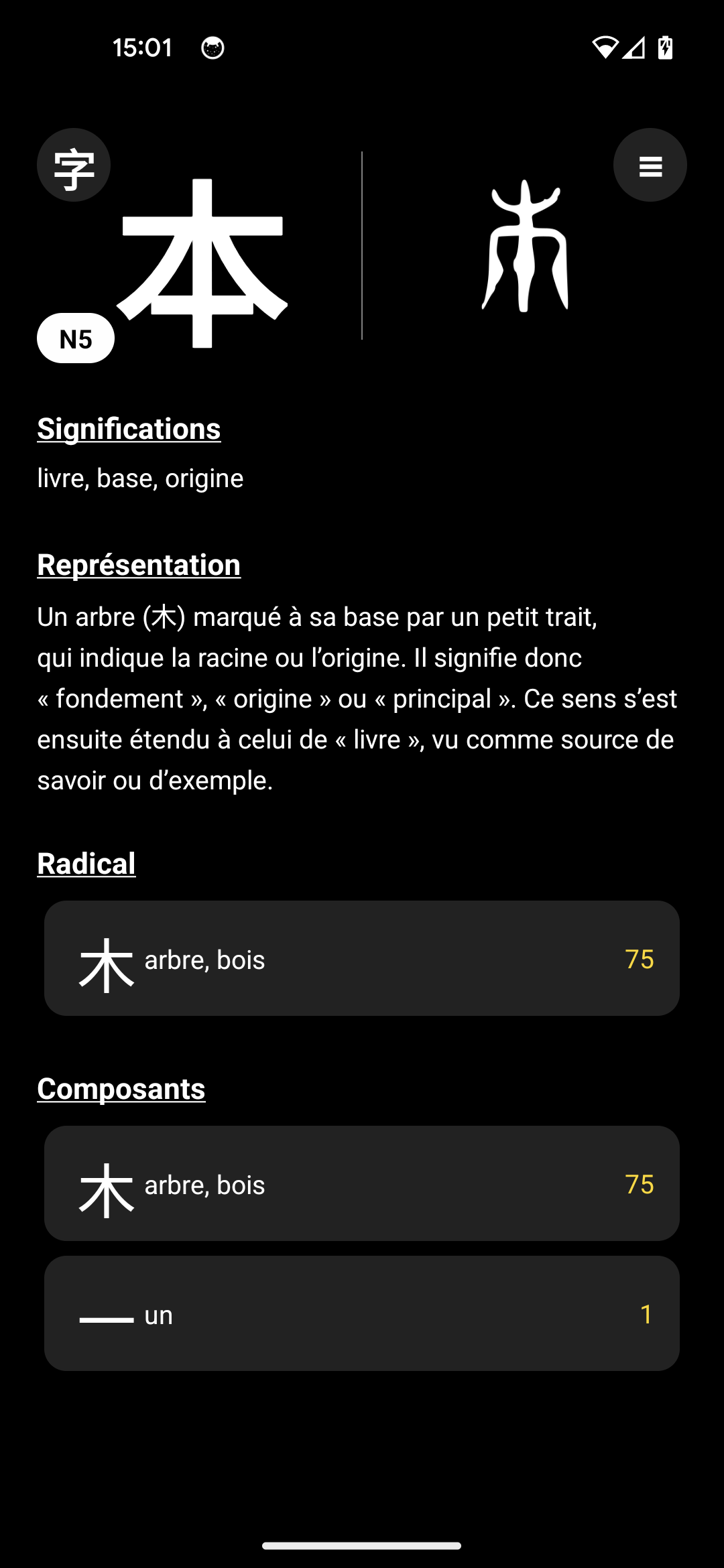
- see a full detail sheet for each kanji: meanings, readings, components and visual origin
- browse historical forms and variants to understand how the shape evolved
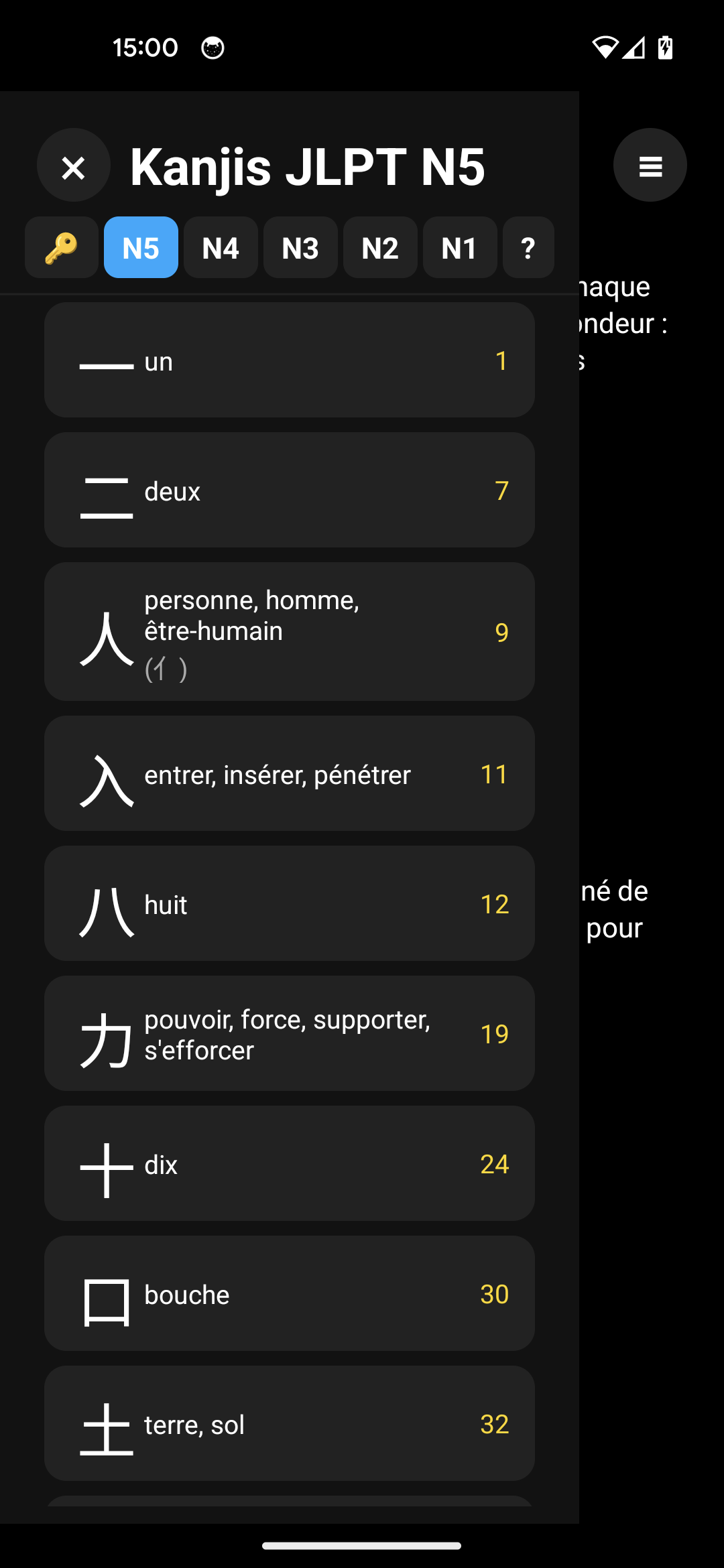
- navigate by JLPT level (N5 to N1) or by radical when you only recognize a part
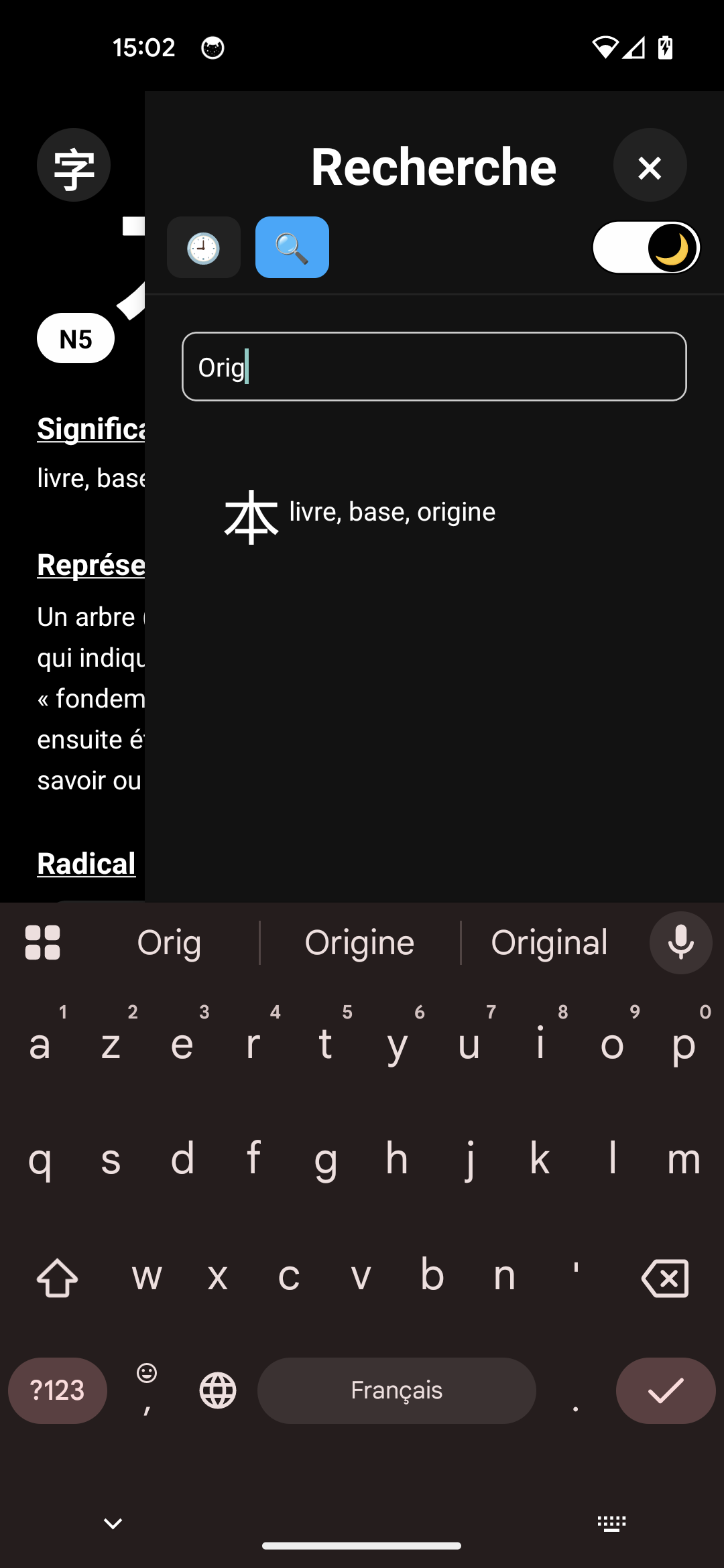
- search quickly by keyword or by kanji
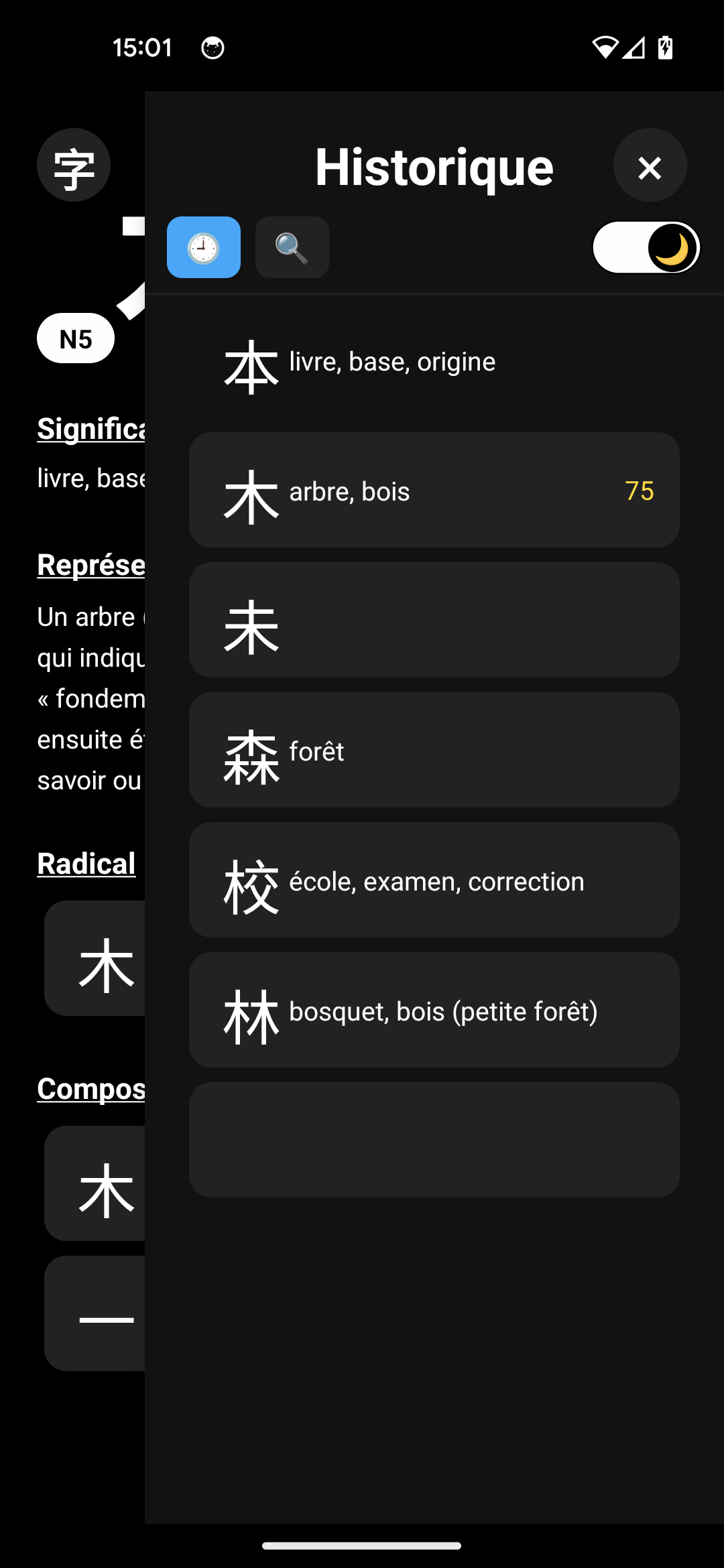
- keep track of what you looked up with a simple history
- switch between light and dark theme, with your choice saved locally
- everything works fully offline, no network required
The goal is to be a tool you can open anytime during your study sessions or while reading, without depending on an internet connection.
How it’s built
O.K. Origin Kanji is built with React Native and TypeScript as a fully native Android app:
- React Native 0.79 + React 19
- TypeScript for type-safe code
- @react-navigation/native for stack navigation
- styled-components for theming (light/dark mode)
- react-native-gesture-handler and react-native-reanimated for smooth interactions
- AsyncStorage for local persistence (history, settings, theme)
The app uses a local bundled dataset so that all kanji data is available offline on device.
Meta Horizon OS version and challenges
For the Meta Horizon Start Developer Competition, I adapted the existing mobile app to run as a 2D Android app on Meta Horizon OS so that learners can use it directly from their Quest headset.
The main challenges were:
- making sure the layout scales well on the Quest display
- validating that navigation and interactions work correctly with Quest input (pointer / controller)
- keeping the app fully offline and responsive on a different Android environment
Next steps include spaced-repetition style review sessions, custom lists per user and more visual diagrams linking kanji by shared components.
Built With
- jest
- react
- react-19
- react-native-0.79
- react-native-async-storage/async-storage
- react-native-gesture-handler
- react-native-reanimated
- react-navigation/native
- styled-components
- test
- typescript-5


Log in or sign up for Devpost to join the conversation.