About the Project
As a girl growing up, I’ve seen and experienced how women and girls are often treated unfairly, both directly and indirectly. It's heartbreaking to watch how many of us face discrimination, harassment, or even just subtle acts of bias on a daily basis. The worst part? The constant feeling of confusion—when something happens to us, we often question ourselves. Did I do something wrong? Was it my fault? Even when we are completely innocent, we start doubting our own instincts because we’ve been told for so long that we don’t matter as much.
This led me to think about how many girls and women, even today, struggle with knowing where to turn when things go wrong. Whether it’s dealing with workplace harassment, understanding their rights, or just navigating through a world where the deck seems stacked against them, we often feel alone in the battle. The more I thought about it, the more I realized that there is a serious lack of easily accessible information to guide us through these challenges.
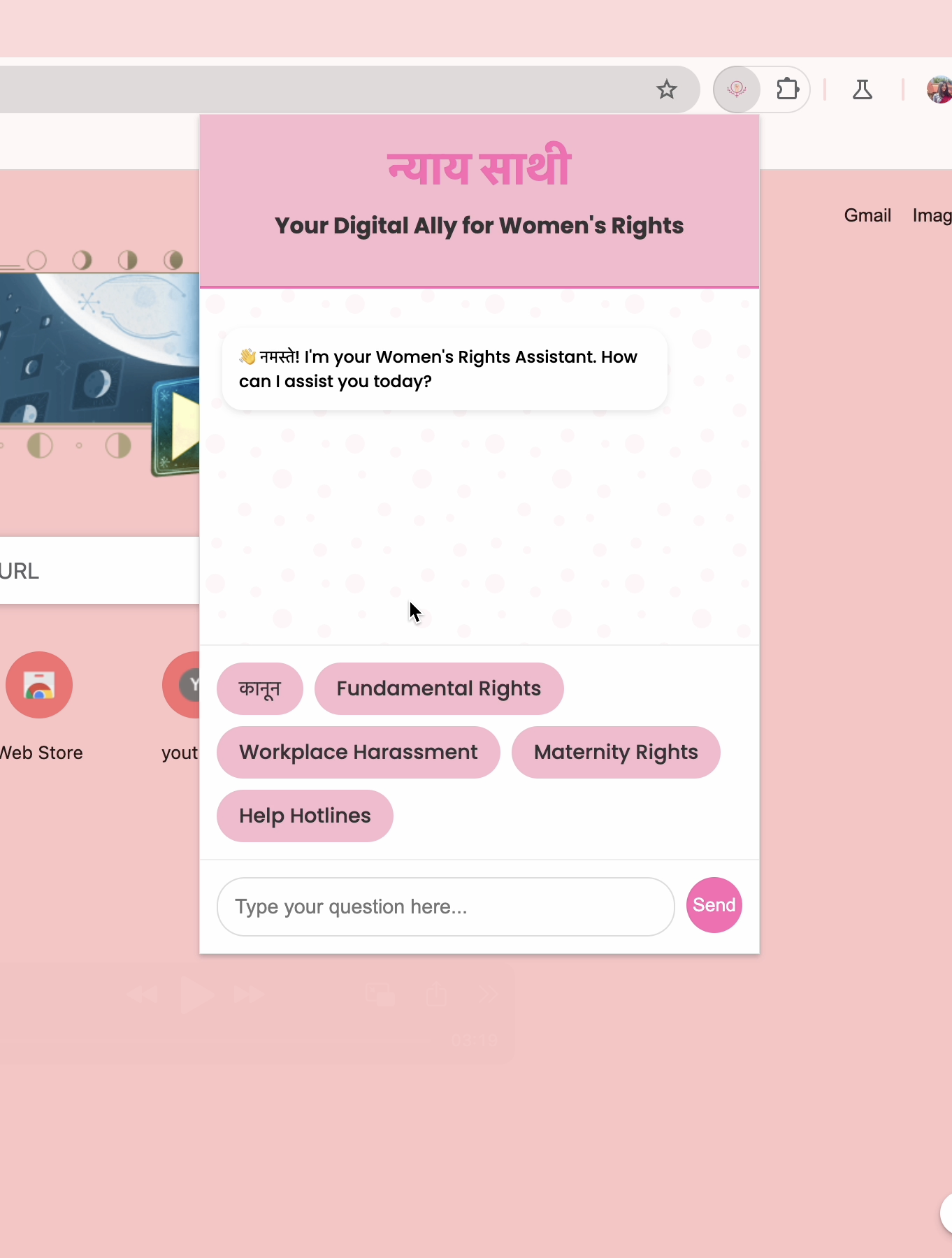
That’s when I came up with the idea for this project. I wanted to create something that could provide quick and reliable information for women and girls, a place where they could find support, understand their rights, and get answers to the difficult questions they often feel too afraid or uncertain to ask. This project is designed to give them a voice—a place where they don’t have to second-guess themselves but can instead find the clarity and support they need to make informed decisions.
What I Learned
This project was a big learning experience for me. I initially tried using different APIs like language detection and rewrite APIs, but they didn’t work on my device. Eventually, I had to rely only on Google Chrome’s built-in Prompt API, which I used for the first time. Figuring out how to make it work just by reading documentation was challenging but rewarding.
I even discussed the issues I faced with Google workers, which made me feel like I was tackling real-world problems. This process showed me how much I can grow when I stick to solving a problem, even if it’s frustrating at first. It wasn’t just about coding—it was about understanding how to adapt and make things work with the tools I had.
How I Built the Project
To bring my vision to life, I used:
- Frontend Technologies: HTML, CSS, and JavaScript to create a clean, easy-to-use interface.
- Google Chrome's Built-In Prompt API: This powers the chatbot, allowing it to understand questions and respond accurately. Every detail, from the design to the functionality, focused on ensuring that girls and women could get the support they need.
Challenges Faced
One of the biggest challenges I faced was integrating tools and APIs that I had never worked with before. Initially, I tried using various APIs like language detection and rewrite APIs, but unfortunately, they didn’t work on my device. This was frustrating because I had to quickly pivot and find an alternative solution. I ended up using Google Chrome’s built-in Prompt API, which I had never used before. Relying solely on documentation and trial-and-error to make it work was both challenging and rewarding.
Another hurdle was ensuring the chatbot could handle sensitive topics like harassment, discrimination, and women’s rights. It was both about providing accurate information and ensuring that the responses were compassionate and supportive. I had to spend extra time testing and tweaking the system to make sure the tone and accuracy of the answers were appropriate for users who might be seeking help in vulnerable situations.
Additionally, since the tools I worked with were new to me, I reached out to Google workers to discuss some of the technical problems I encountered. This process pushed me out of my comfort zone, as I had to articulate the issues clearly and learn from the guidance they provided. It made me feel like I was solving real-world problems, and it added a whole new layer of learning to the experience. These challenges taught me to stay flexible when things don’t work out and to keep trying until I find a solution.
Built With
- css
- googlechrome
- html
- javascript
- prompt
