Inspiration
What it does
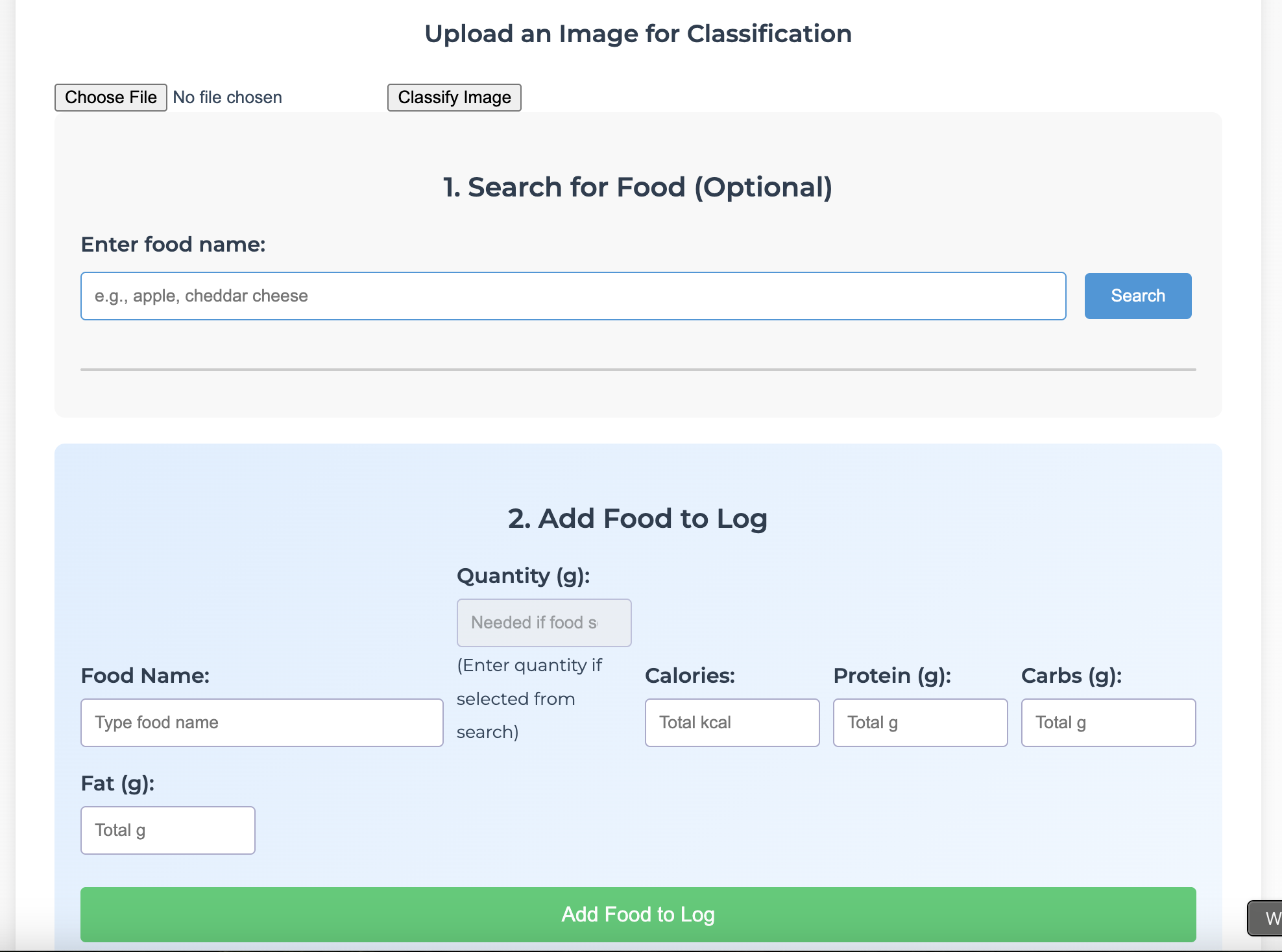
Our Nutrition Tracker tracks the food the user eats every day. The user inputs each food into the prompt. The food is then listed in the table along with its nutritional information. The total nutrition is then combined into the total for the day. The user can reset the data each day with the corresponding button.
How we built it
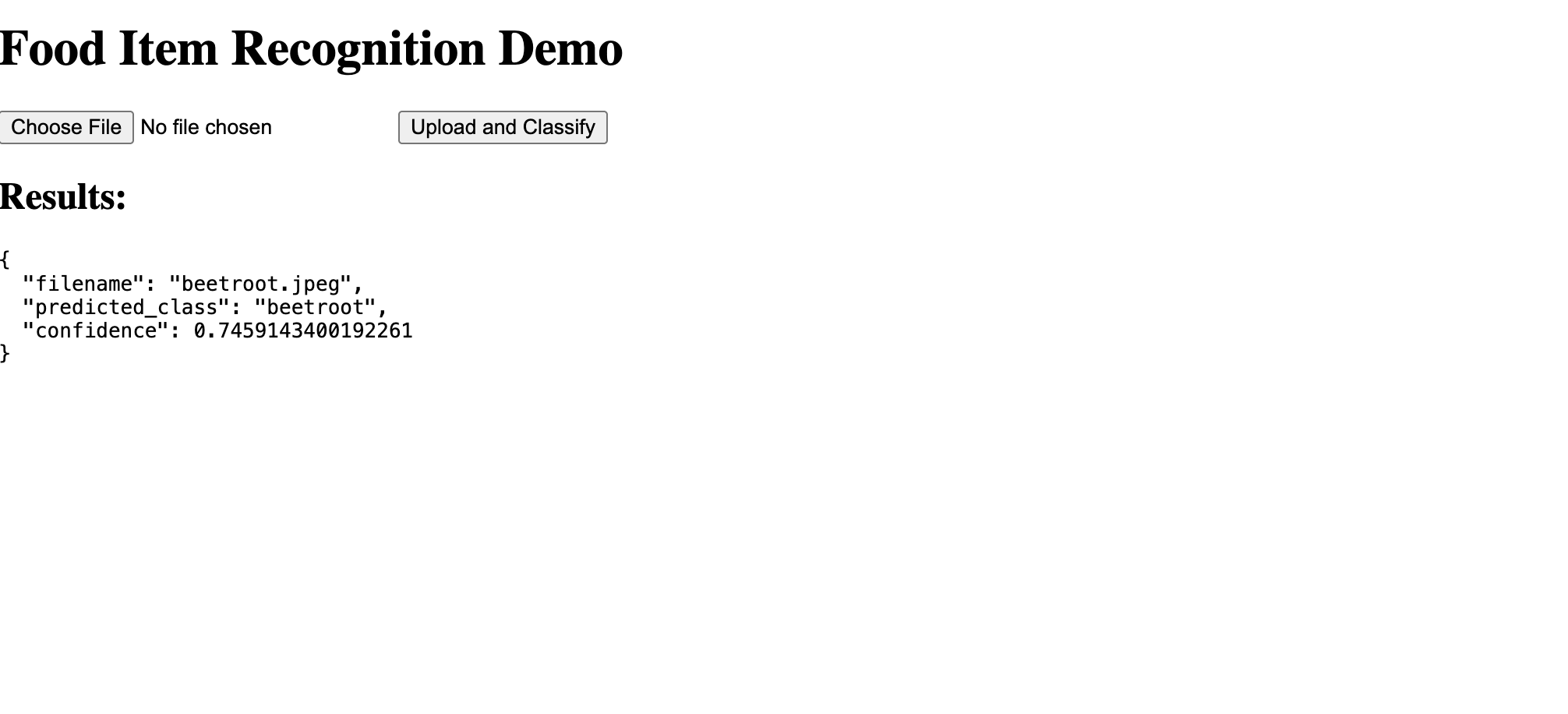
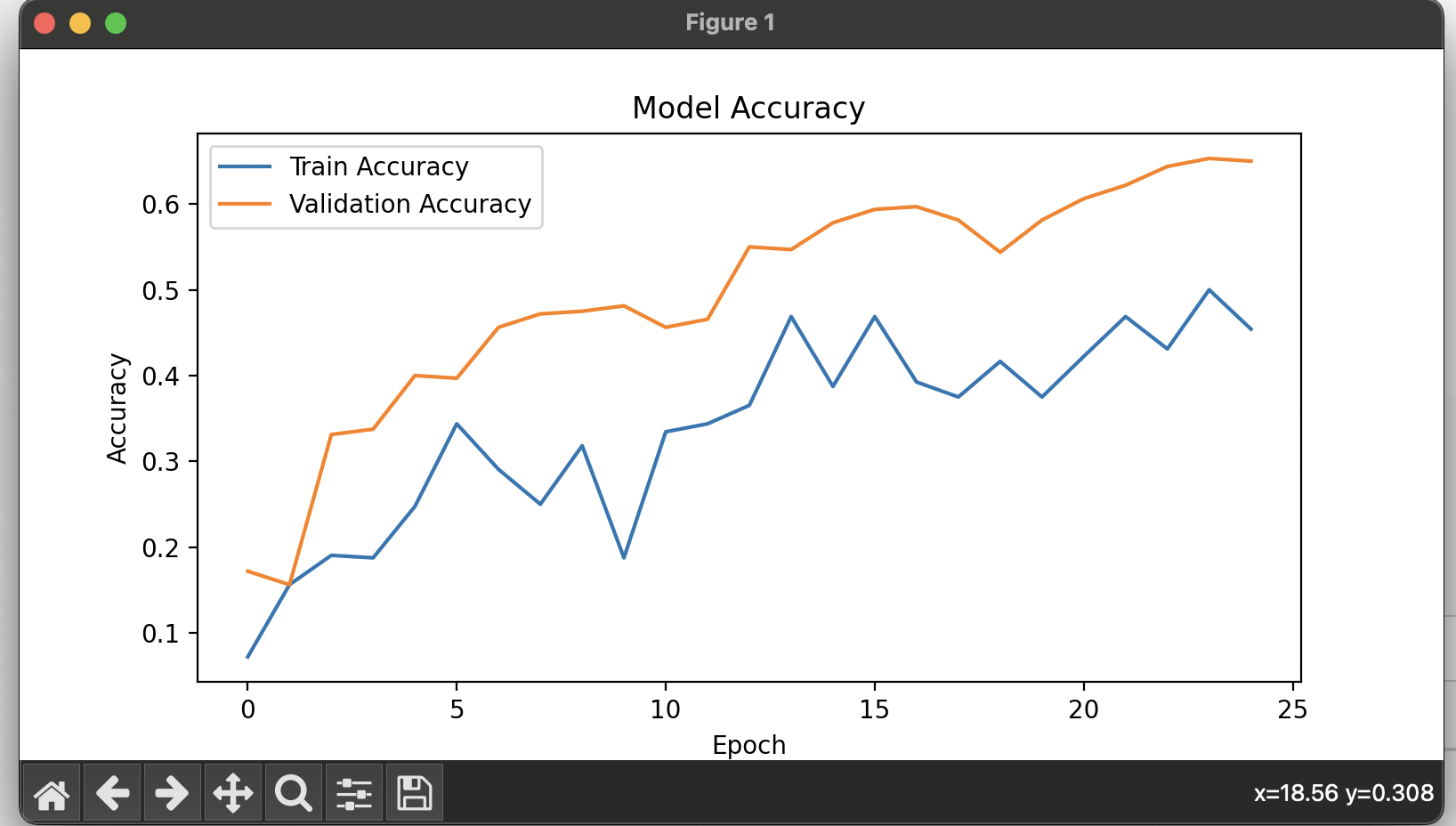
We built the nutritional tracker in a way that gives the user numerous options with how they want to track their nutrition. We have HTML and CSS files providing the general structure of the webpage and the style. We added JavaScript code for logic, functionality, and intractability. This allowed for the user data to be stored in a table, and data to be reset if desired. We added an API call to allow for foods to be looked up. Python code for a Convolutional Neural Network was added that was trained to classify different fruits and vegetables. Uvicorn was used to integrate this properly into the HTML.
Challenges we ran into
We ran into numerous challenges like integrating the Python properly with the HTML. We also had problems with the initial data gathering and finding appropriate datasets and APIs.
Accomplishments that we're proud of
Successfully completed all the code Successfully debugged all the code(minimal errors left) Successfully trained and added the AI Completed the project in time.
What we learned is the amount of collaborative power needed to pull off a general beneficial project like this, also the amount of problem-solving we had to do in such a short time, which we managed to finish.
What's next for Nutrition Tracker
Expand into more use of AI to ease the process of tracking all the nutritional info. Improve and optimize the AI use, make it more accurate. Add image-tracking to expand Nutrition Tracker's range of usage.

Log in or sign up for Devpost to join the conversation.