Inspiration
I'm someone who's into fitness and sports, and I always wanted a simple way to know exactly what I'm getting out of my meals — the calories, protein, carbs, and everything in between. That gap is what pushed me to build NutriScan: a tool that turns any meal photo into a clear nutrition breakdown, so I (and anyone else training hard) can make smarter food choices without the guesswork.
What it does
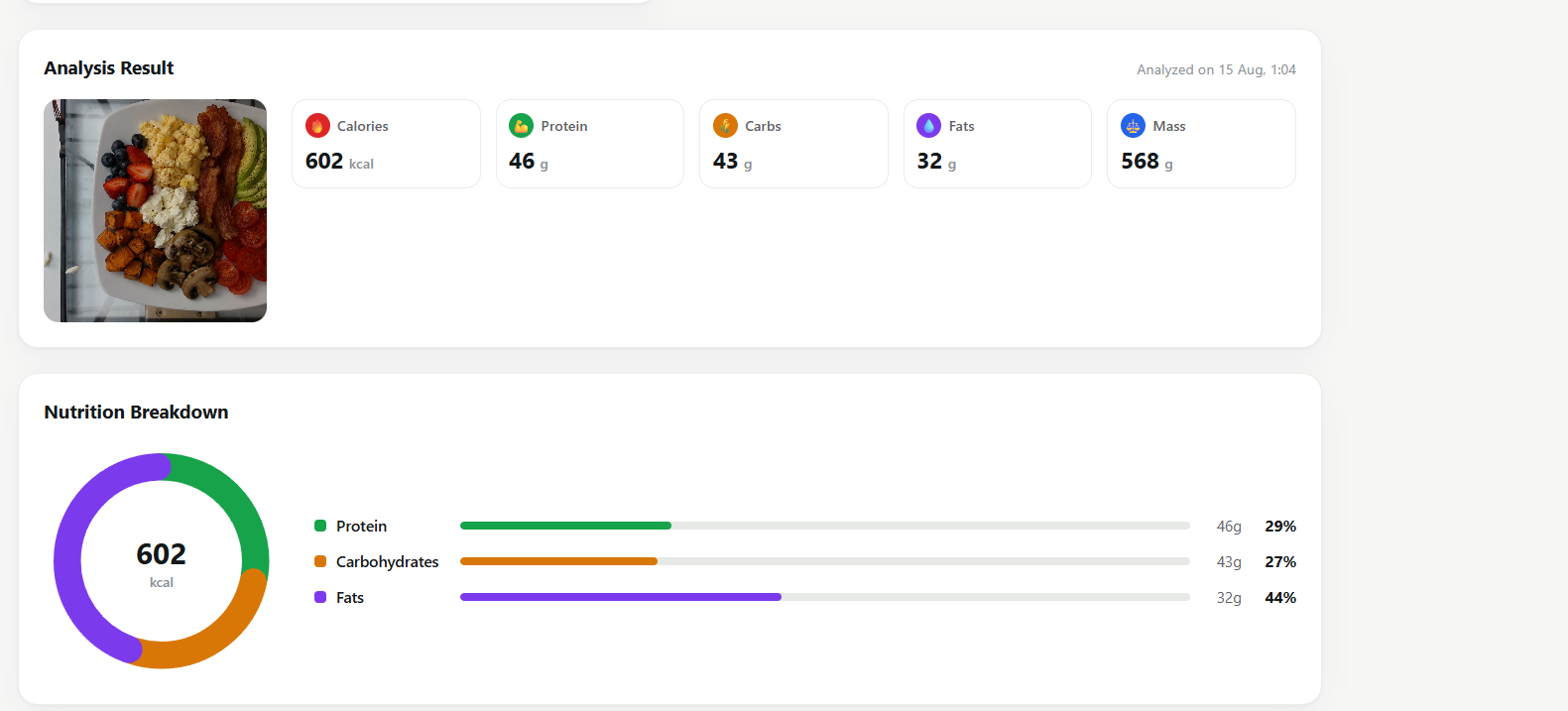
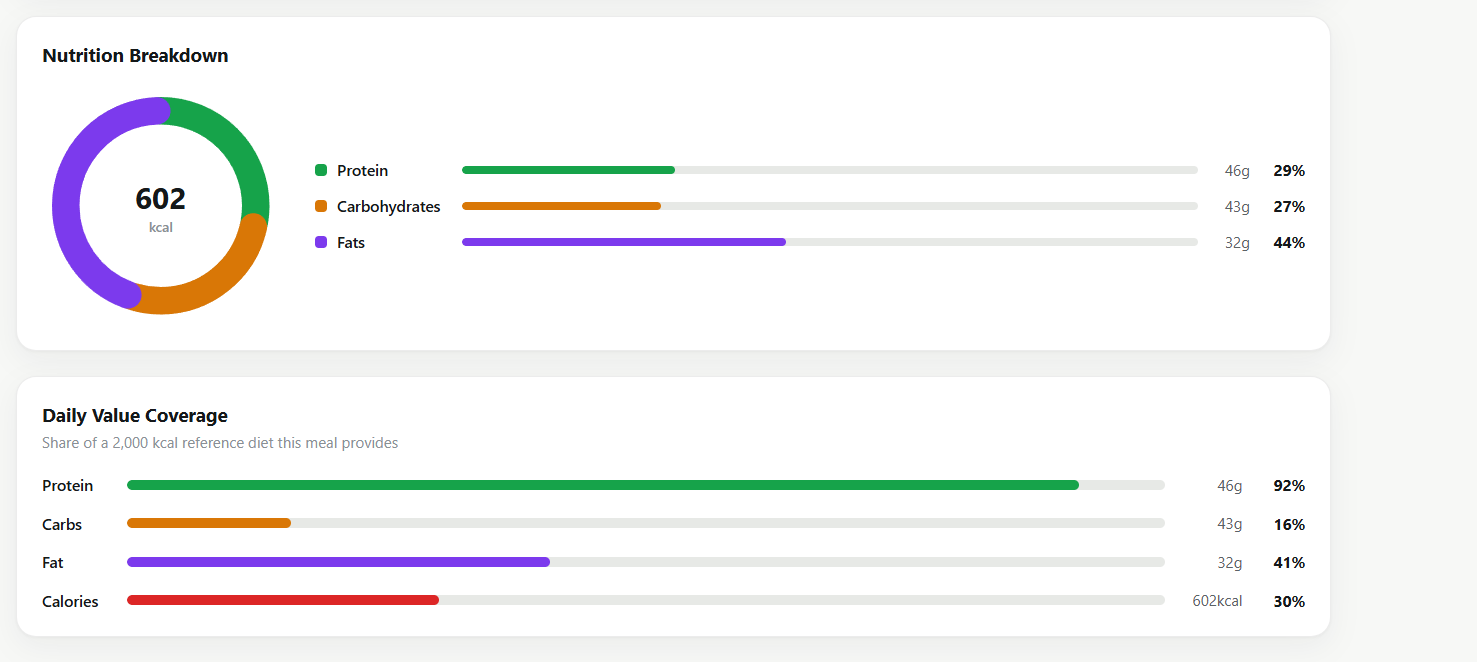
The app allows users to upload an image of their meal, which it then analyzes using AI to estimate its nutritional content, including calories, protein, carbohydrates, fat, and mass. The results are presented through clear, interactive graphs, making it easy to understand the meal’s nutritional value and see the data at a glance.
How we built it
We used a pre-trained ResNet-50 model and fine-tuned it on the Nutrition5k dataset to predict the nutritional values we needed, including calories, protein, carbohydrates, fat, and mass. We then deployed the trained model through a Flask API, allowing it to seamlessly communicate with our React interface and provide real-time nutritional predictions from uploaded meal images.
Challenges we ran into
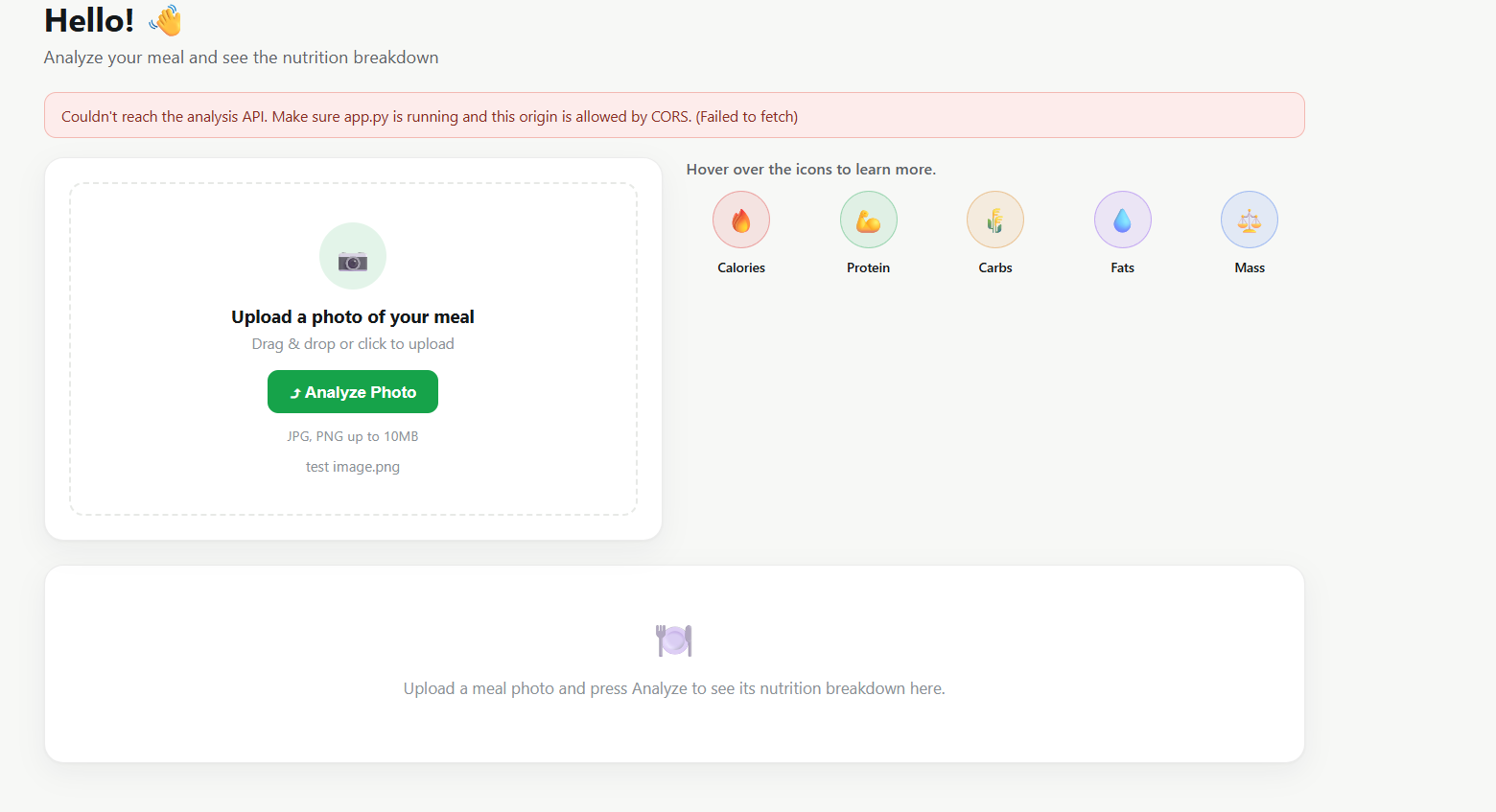
One of the biggest challenges was learning how transfer learning and fine-tuning actually work in practice — going from using a pretrained ResNet50 out of the box to adapting it for a regression task (predicting continuous nutrition values instead of classifying categories). Working with the Nutrition5k dataset also came with its own learning curve: understanding the data structure, handling image preprocessing, and scaling/normalizing the target values (protein, carbs, fat, mass, calories) so the model could train effectively. On the deployment side, connecting the trained model to a Flask API and getting it to communicate properly with the React frontend — especially handling CORS — was another hurdle we had to work through.
Accomplishments that we're proud of
This was our first time participating in a competition like this, and along the way we learned a huge amount about AI — from how transfer learning and fine-tuning actually work, to training a regression model on a real-world dataset, all the way to deploying it as a working product. We're proud that we managed to take that learning and turn it into a fully working, end-to-end application — not just a model in a notebook. Fine-tuning ResNet50 to predict five nutrition values from a single photo, with no manual food-type labeling needed, was a real technical milestone for us. We're also proud of the frontend: a clean, custom-built React interface with live API integration, an accessible color-coded design system, an interactive macronutrient breakdown chart, and a Daily Value Coverage chart. Most of all, as first-time competitors, we're proud that the whole pipeline — from uploading a photo to seeing a clear nutritional breakdown — actually works, start to finish.
What we learned
Building NutriScan taught us how transfer learning works by fine-tuning a pretrained ResNet50 for a regression task on the Nutrition5k dataset, and how to deploy that model as a real product — wrapping it in a Flask API, solving deployment issues like CORS, and building a full React frontend with live data visualizations. As our first competition, it also taught us a lot about scoping a project and turning an idea into a working product from start to finish
What's next for NutriScan
Looking ahead, we plan to expand NutriScan in two main directions. First, we want to add a user database to support login and registration, allowing users to save their meal history, track their nutrition over time, and access their data across sessions. Second, we want to upgrade the model beyond predicting overall meal-level nutrition — enabling it to detect individual ingredients within a meal and break down the nutritional value of each ingredient separately, giving users a much more detailed and accurate picture of what they're eating.

Log in or sign up for Devpost to join the conversation.