-
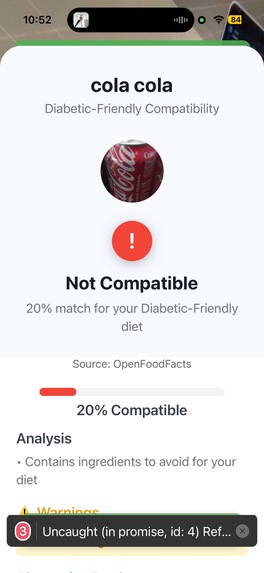
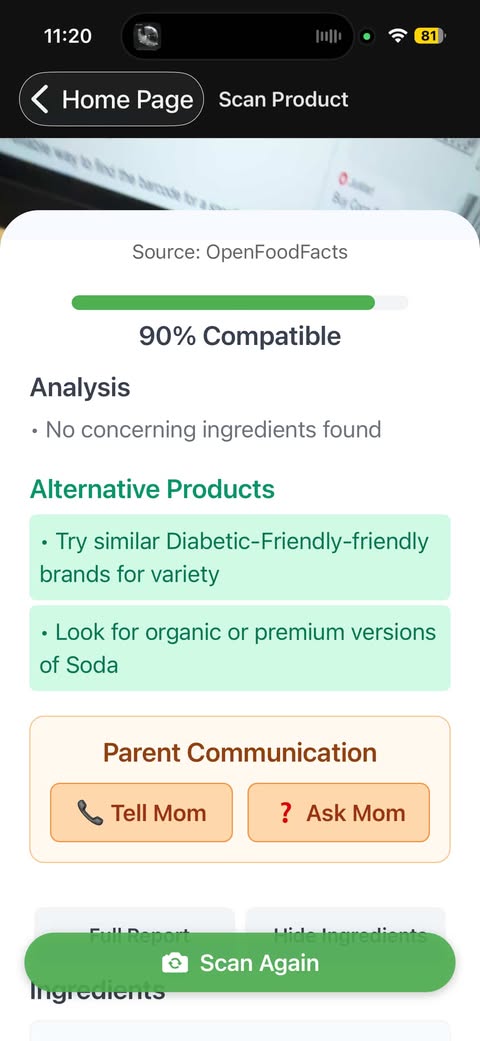
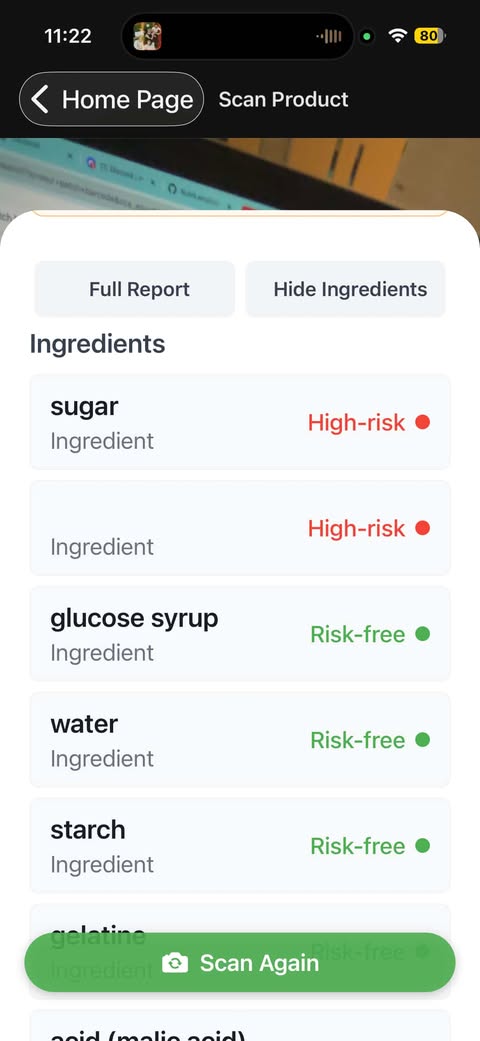
AI Powered Diet Analysis
-
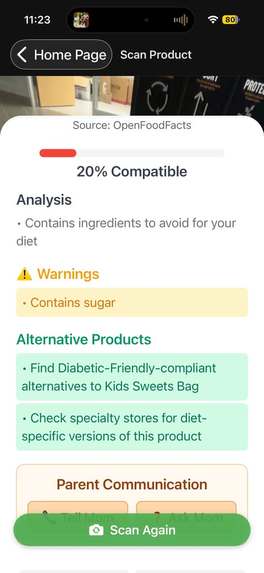
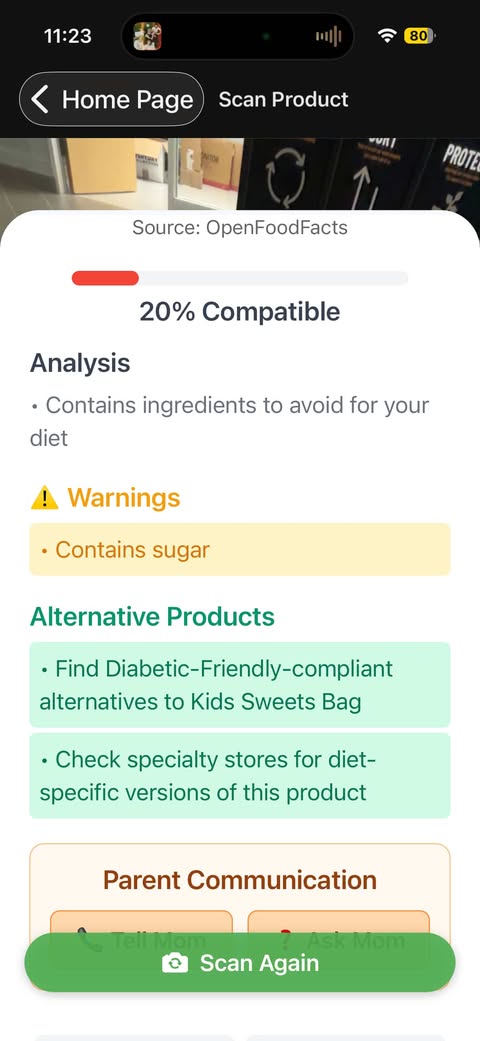
Warnings and Alternatives
-
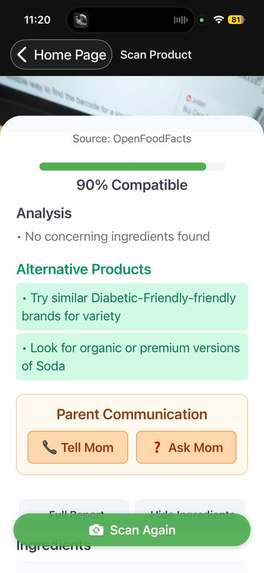
Ask/tell parent
-
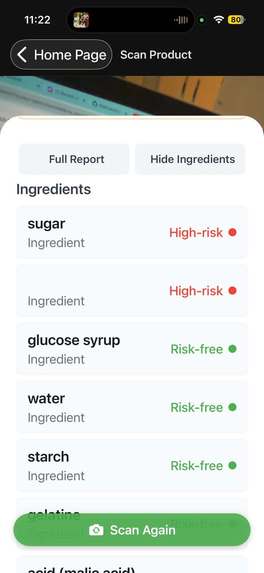
-
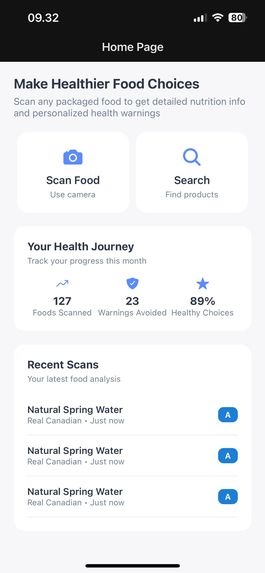
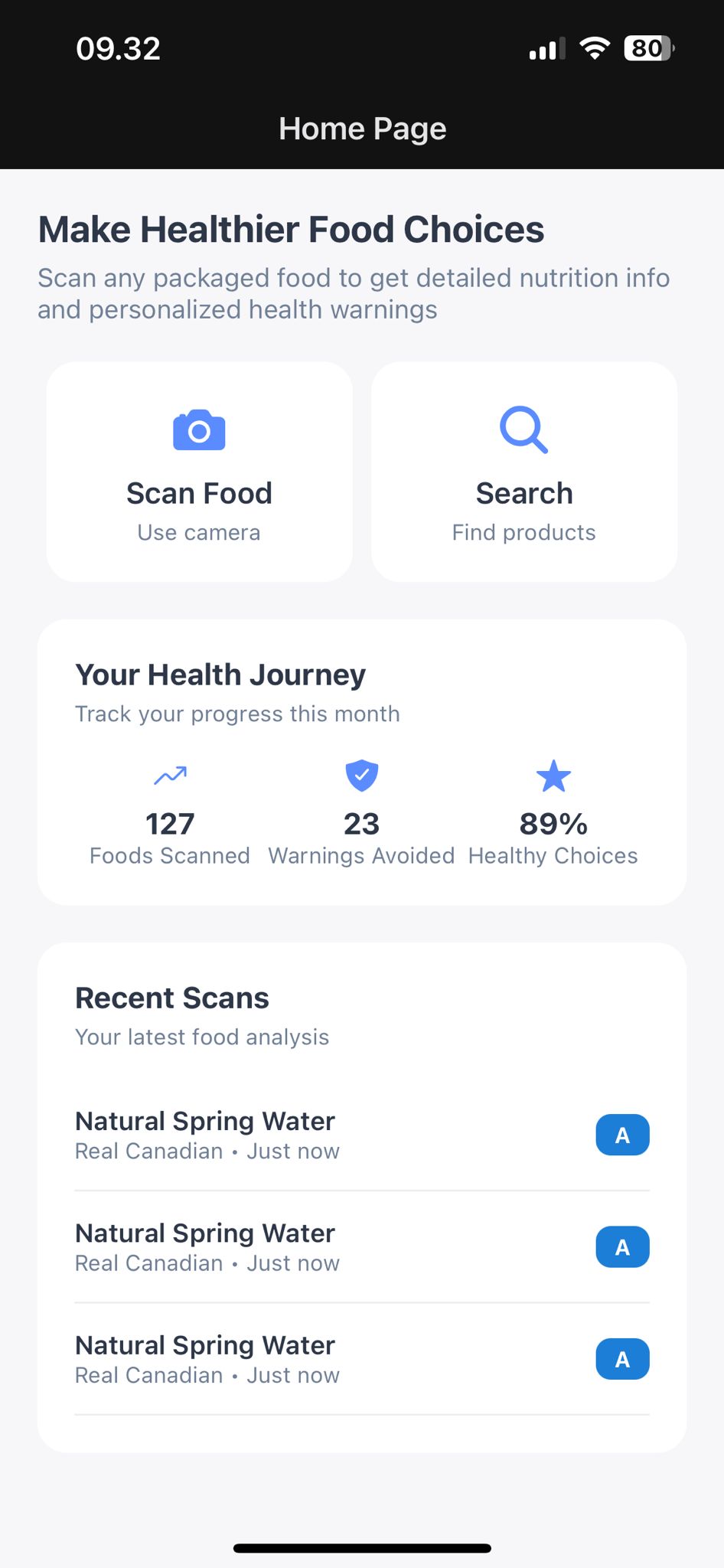
Home Screen
-
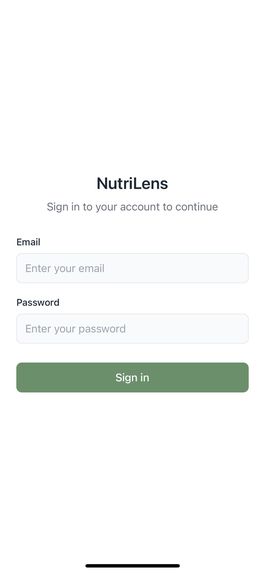
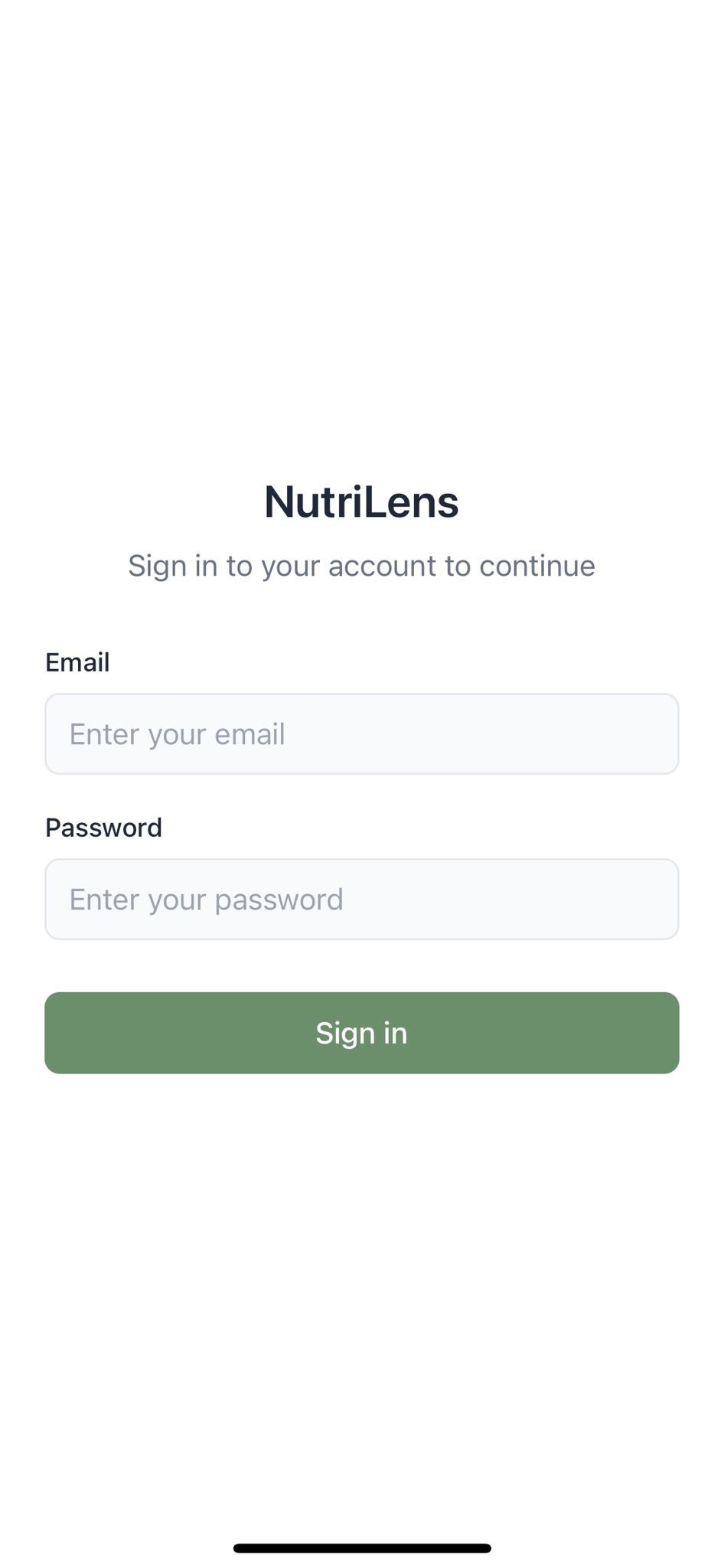
Login Page
-
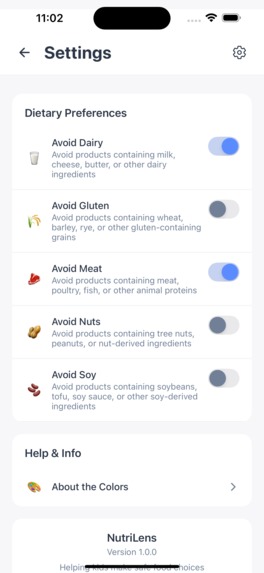
-
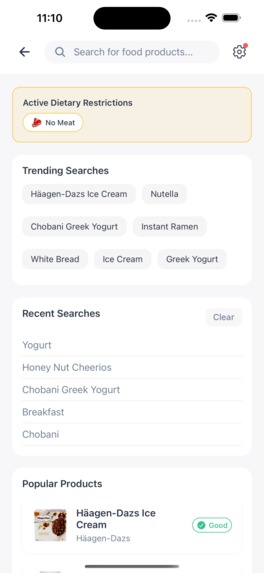
-
-
-

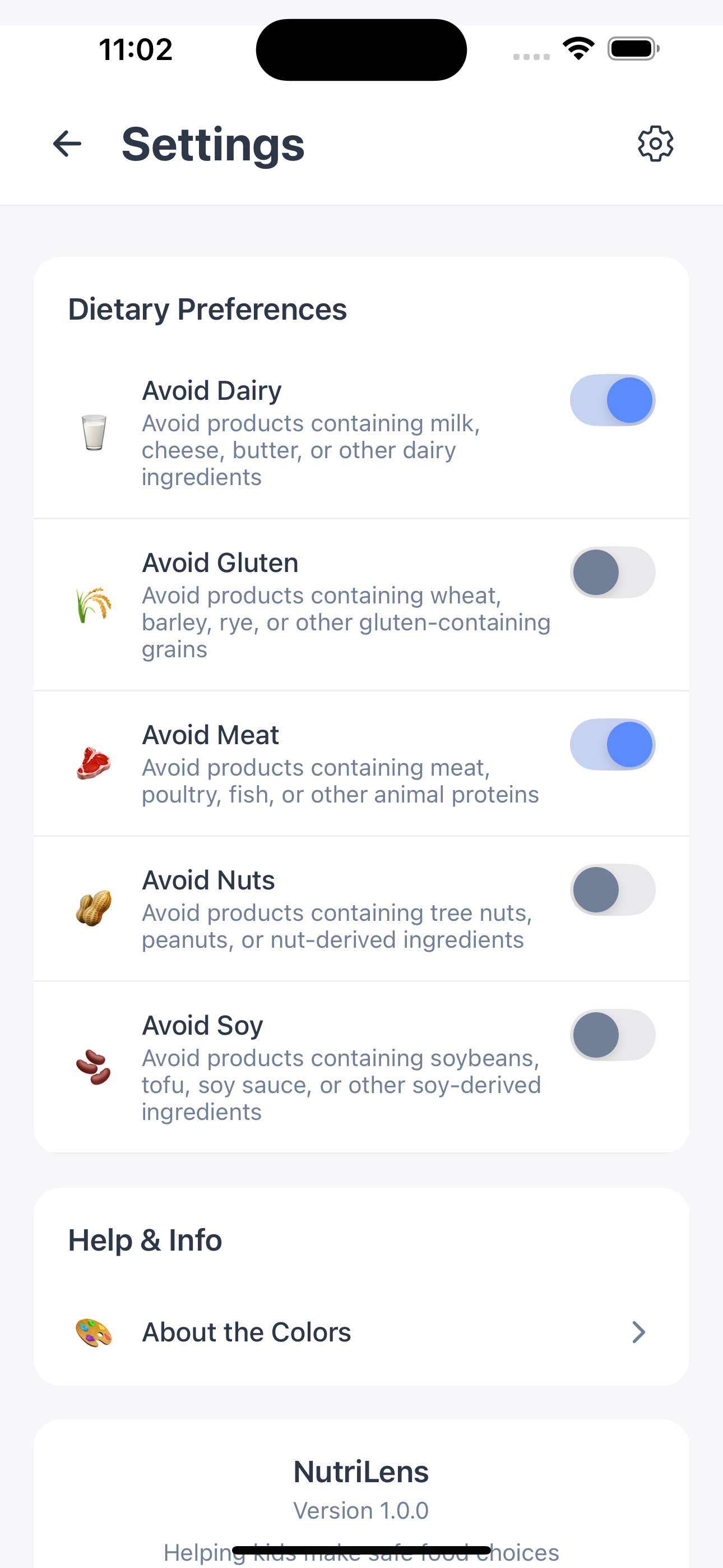
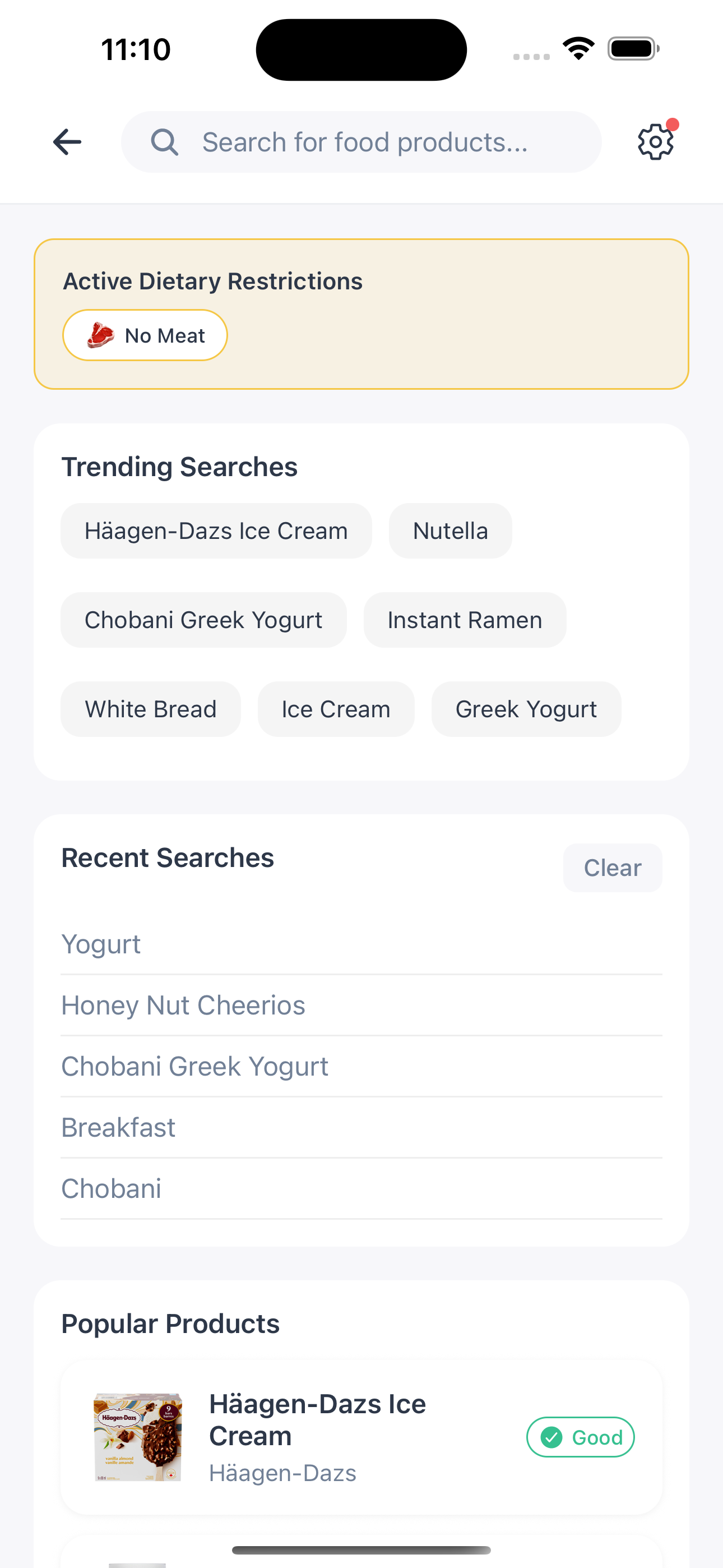
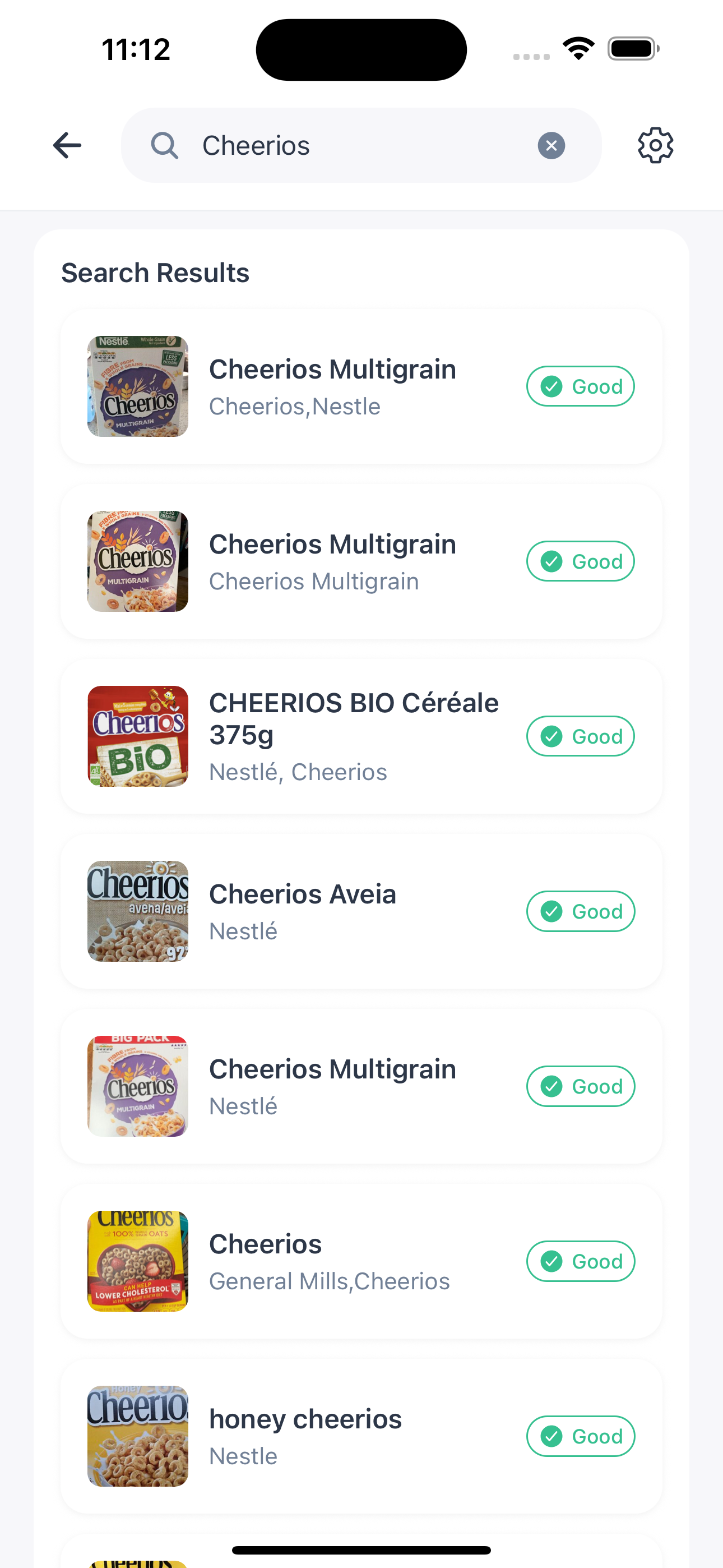
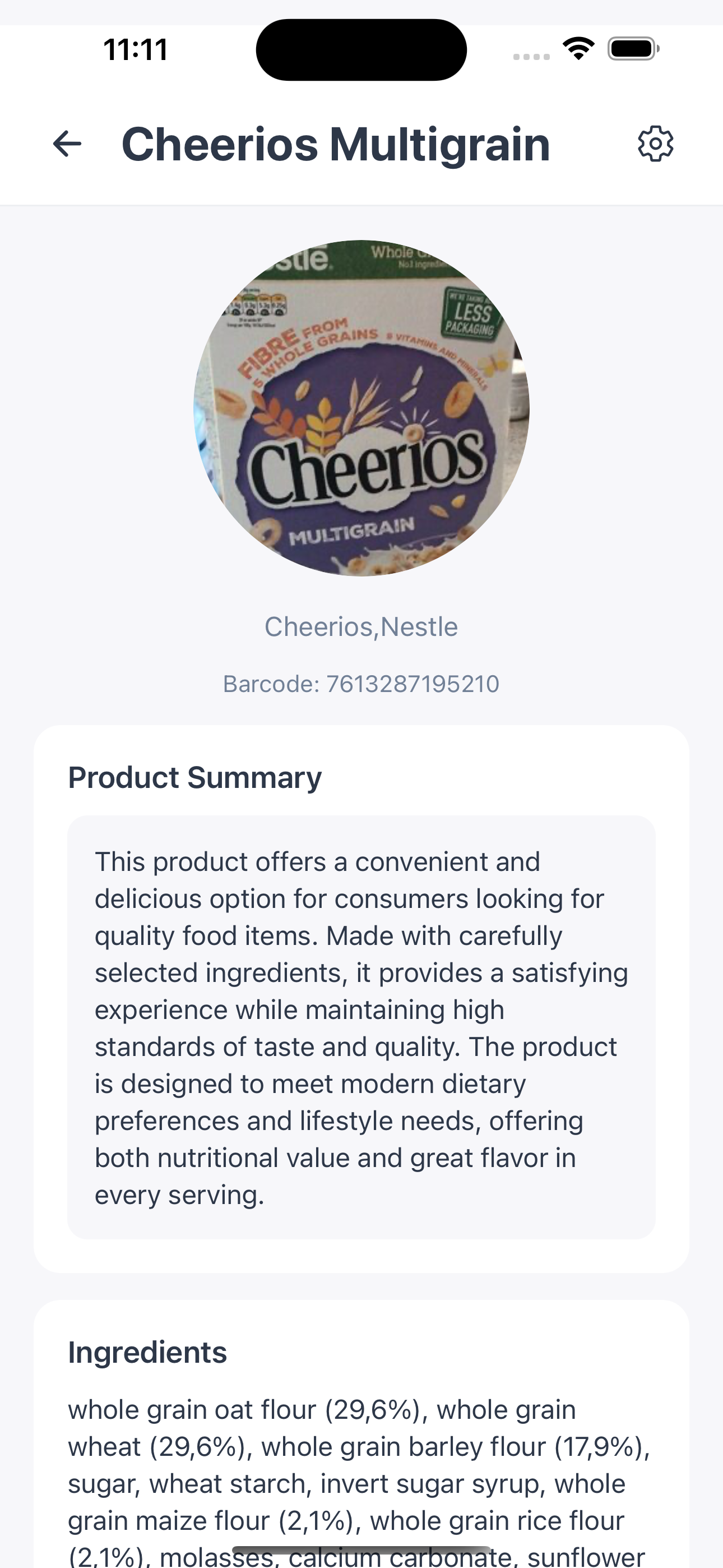
Inspiration
NutriLens was born during late-night study sessions in university, when our phones buzzed with familiar messages from our mothers: “Are you eating well?” “Check the ingredients.” “Is that safe for your allergies?”
We realized the constant worry parents carry—whether it’s a child with celiac disease navigating the cafeteria, a student with nut allergies trying new foods, or simply a mom hoping her child eats healthy. That worry turned urgent when one of us got a frantic call: a family member had eaten hidden allergens, and the fear in our mother’s voice was unforgettable.
We thought of all the times we squinted at tiny food labels, decoding complex ingredients while our parents waited anxiously. That’s when we envisioned a simple solution: scan a product, and instantly know if it’s safe. NutriLens grew from this desire to replace fear with confidence—giving parents peace of mind and empowering children to eat without worry. Because every parent deserves to know, and every child deserves to eat safely.
*How did we build our project? Our technical journey: *
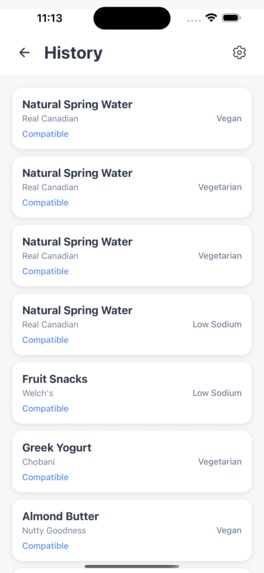
Backend: Aletha built the backend from scratch with Node.js and Express, designing a secure and scalable infrastructure. She implemented bcrypt-based authentication to protect sensitive parent data and designed a MySQL schema for user profiles, dietary preferences, and scan history. To ensure security, she added SSL encryption for all server–app communication. • Login database • Scan history database
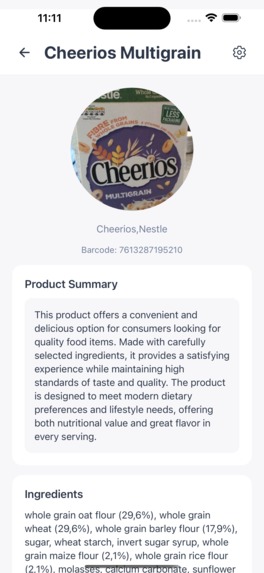
APIs (April) & AI Integration (Shinena) April integrated the OpenFoodFacts API, building a service layer that powers product data and ingredient lookups. Shinena developed the Gemini AI API integration, creating a layered dietary analysis system in APIcalls.ts: • Primary AI Analysis with Gemini 2.5 Flash Lite for real-time compatibility • Ingredient Risk Categorization for allergens and sensitivities • Timeout Safeguards to avoid hanging requests
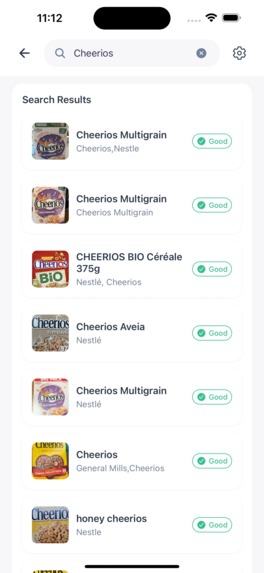
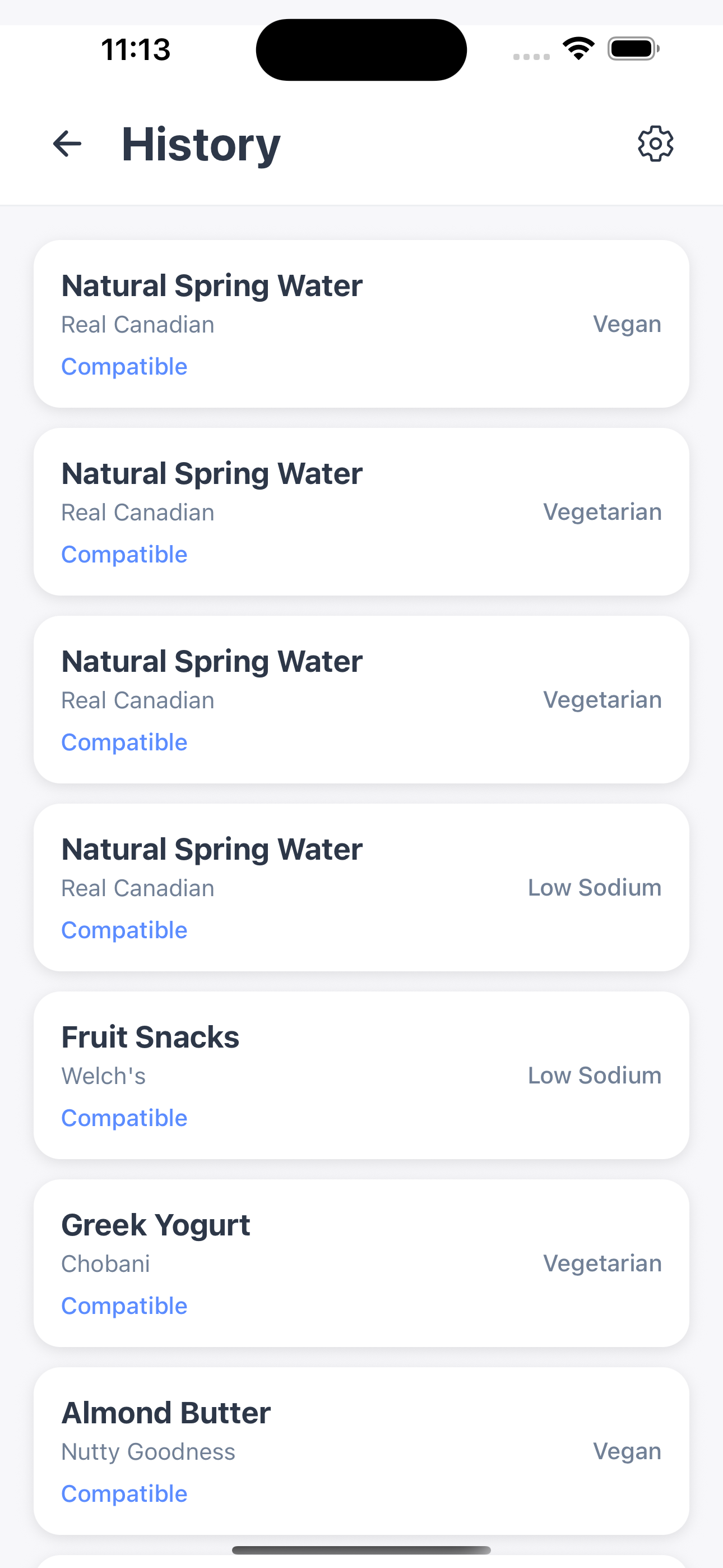
Search Engine + UI/UX Liz designed the entire UI/UX. In search.tsx, she delivered a smooth, intuitive experience with: • Smart real-time suggestions • Persistent search history • Visual dietary restriction indicators • Seamless navigation between results and details
The Result Together, we built more than just an app — we created a complete solution for parents’ dietary concerns: • Instant Analysis: Real-time compatibility checking • Comprehensive Database: Thousands of products from OpenFoodFacts • Intelligent AI Recommendations: Safer alternatives at a glance • Secure & Persistent Storage: Enterprise-grade protection and full history • Beautiful Interface: Easy for any parent to use
Overcoming Challenges: Merging Nightmare
Four-Branch Merge → Widespread Conflicts
Converging four feature branches—backend-database (Aletha), openfoodfacts-api (April), gemini-scanner (Shinena), and ui-search-history (Liz)—produced heavy conflicts in: • Imports (inconsistent paths) • State management (different patterns) • Env keys (API key names/configs)
Lessons Learned
We learned to treat main as protected and do all work on feature branches. Branch naming (scanner-ui-improvements, scanner-page) reduced conflicts. Lessons: • Commit small and often: Short messages and frequent saves made it easier to see what changed and undo mistakes if needed. • Merging is a conversation: When Git highlighted a conflict, we compared the two versions, talked it out, and kept the best parts from each—then tested the app before finishing the merge. We learned that collaboration is a skill, not a given—especially for beginners. Working in branches, sharing changes early, and talking through conflicts taught us to align on goals before we touch code. Clear roles, simple check-ins, and consistent naming saved hours of confusion and rewrites. Most importantly, we realized that respectful communication and small, frequent updates make teams faster and projects less stressful—habits we’ll carry into every future build.


Log in or sign up for Devpost to join the conversation.