-
-
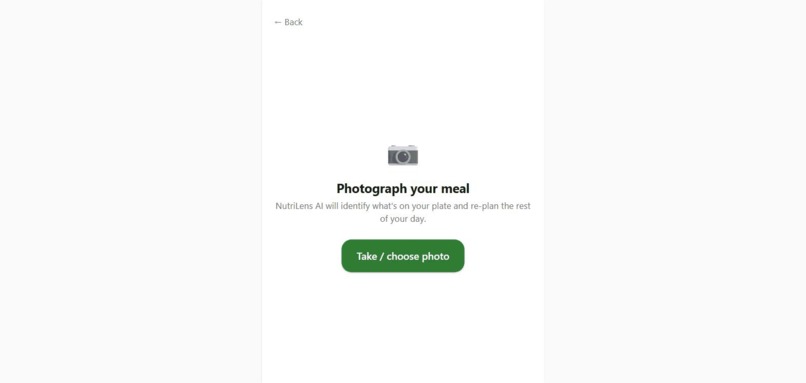
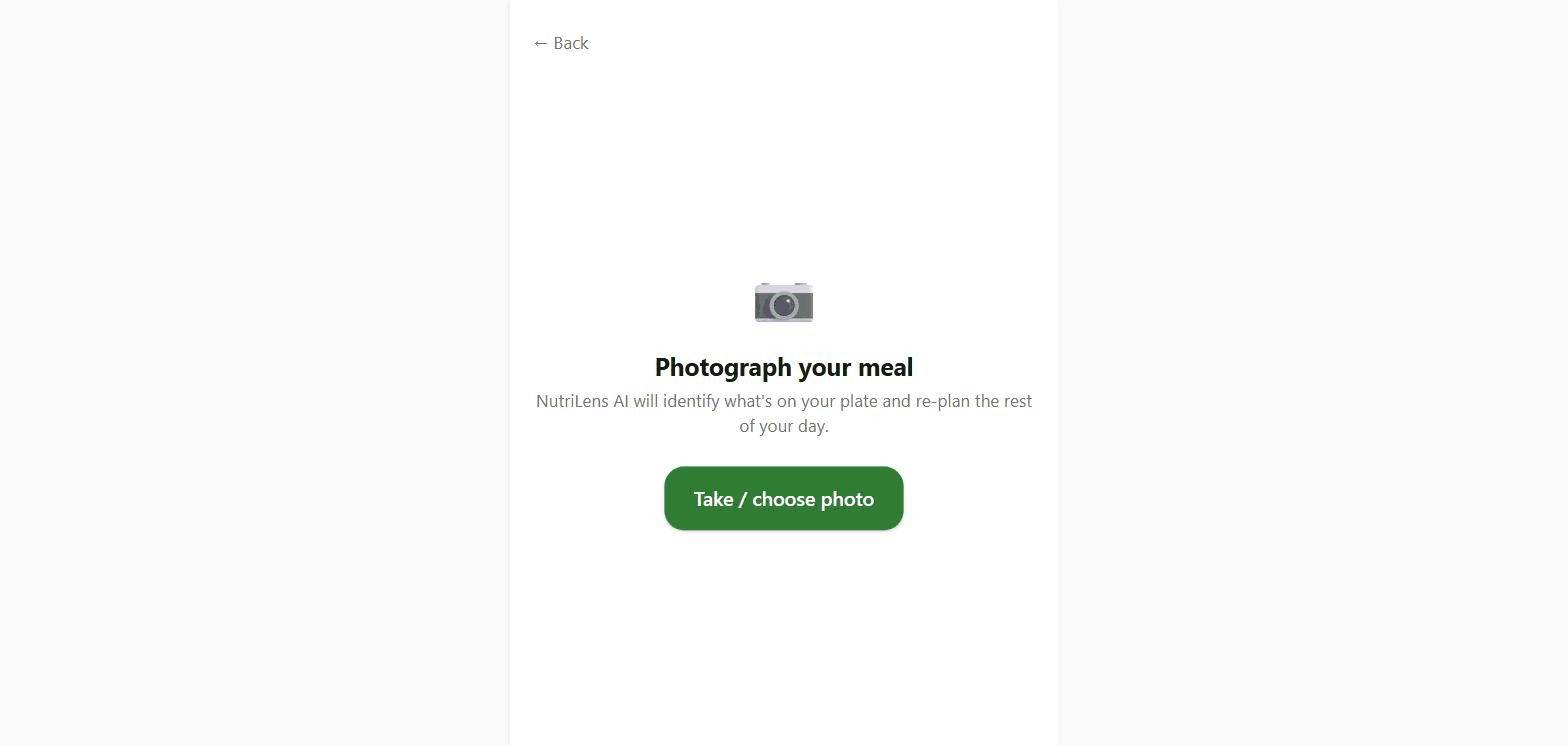
1_photograph_meal
-
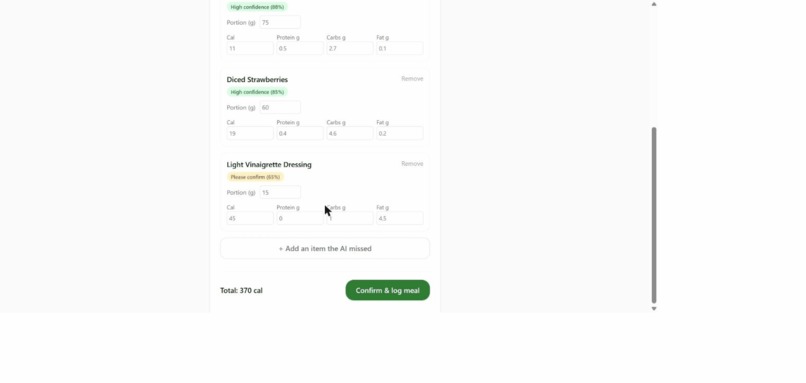
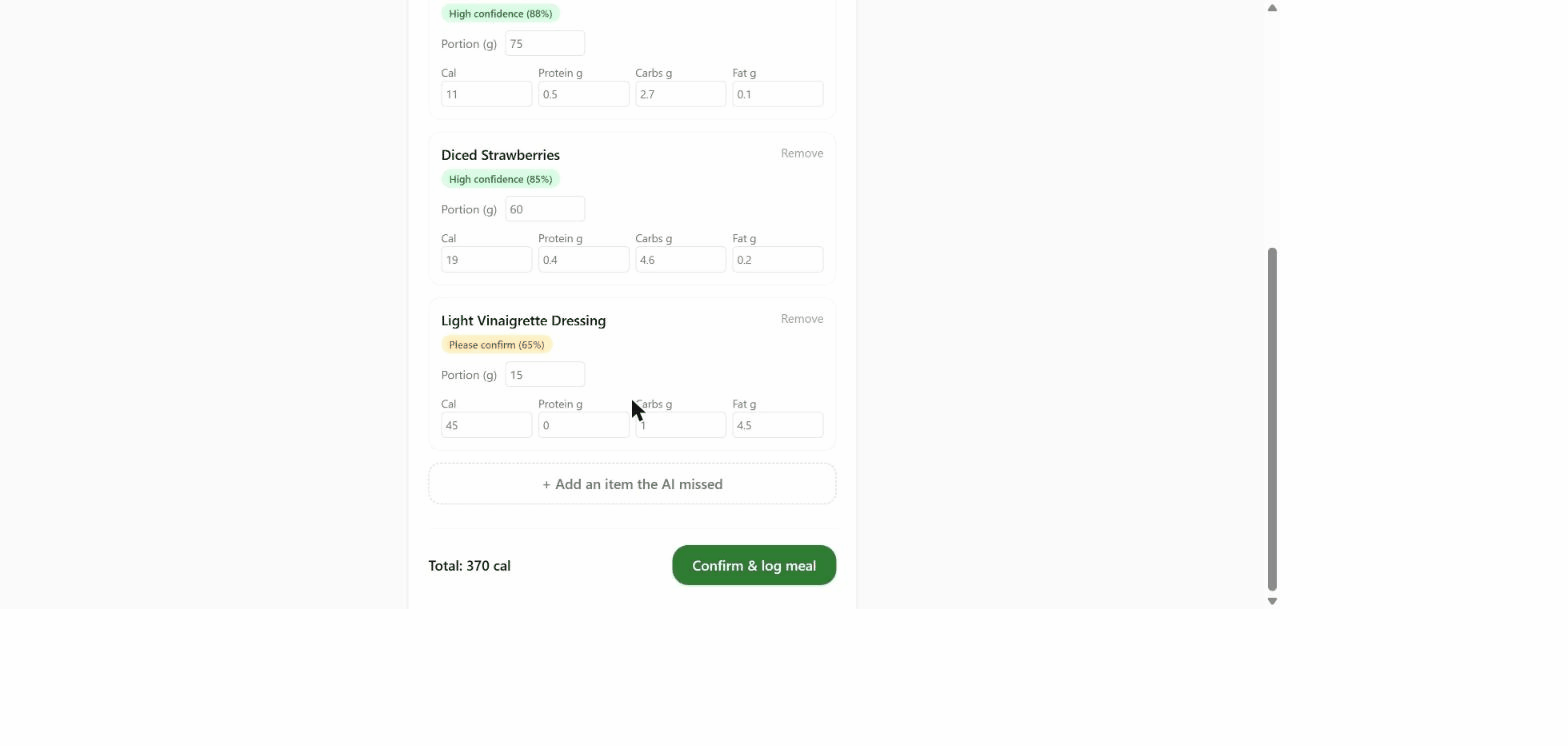
2_ai_review_detected_items
-
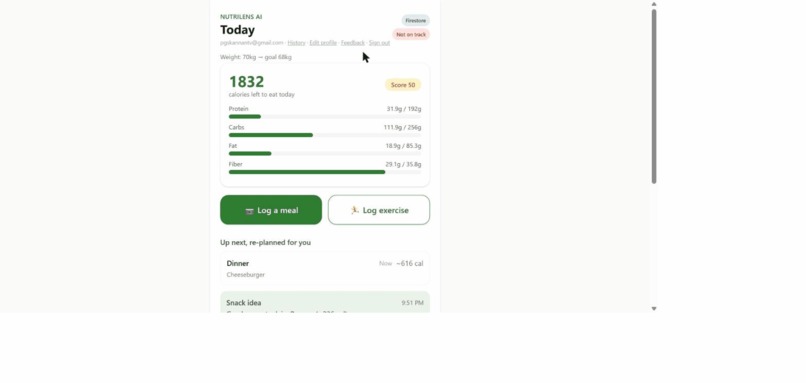
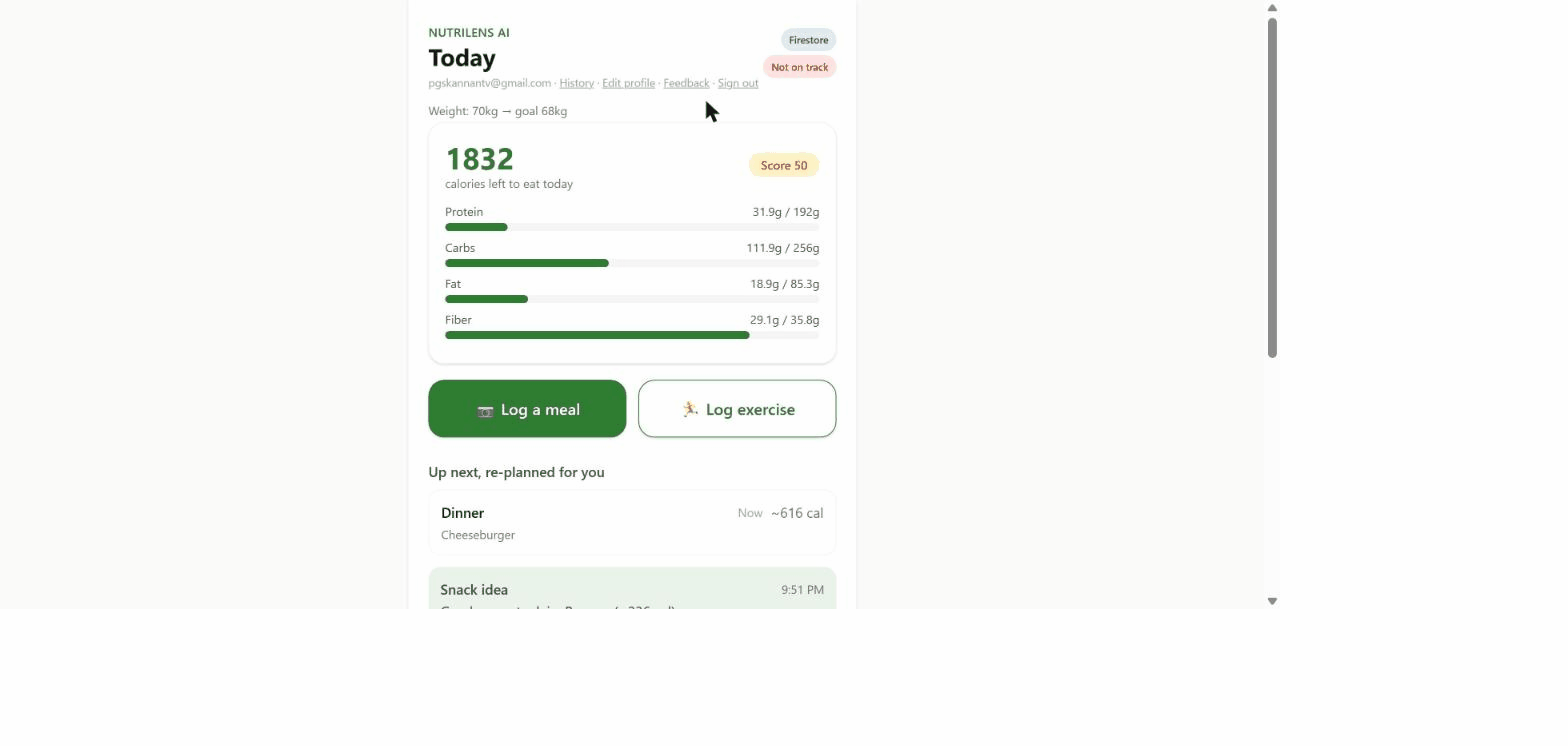
3_dashboard
-
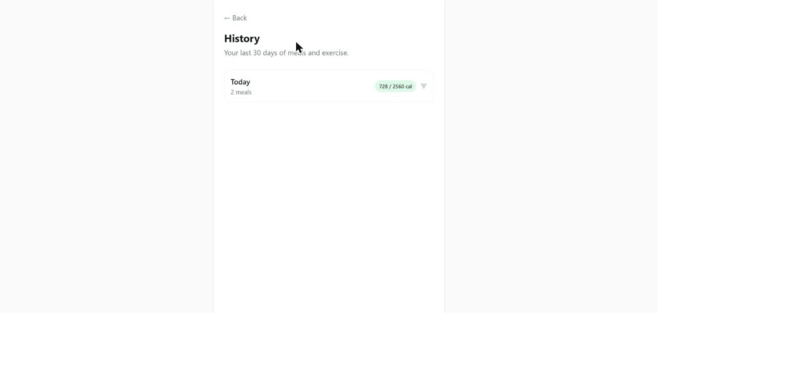
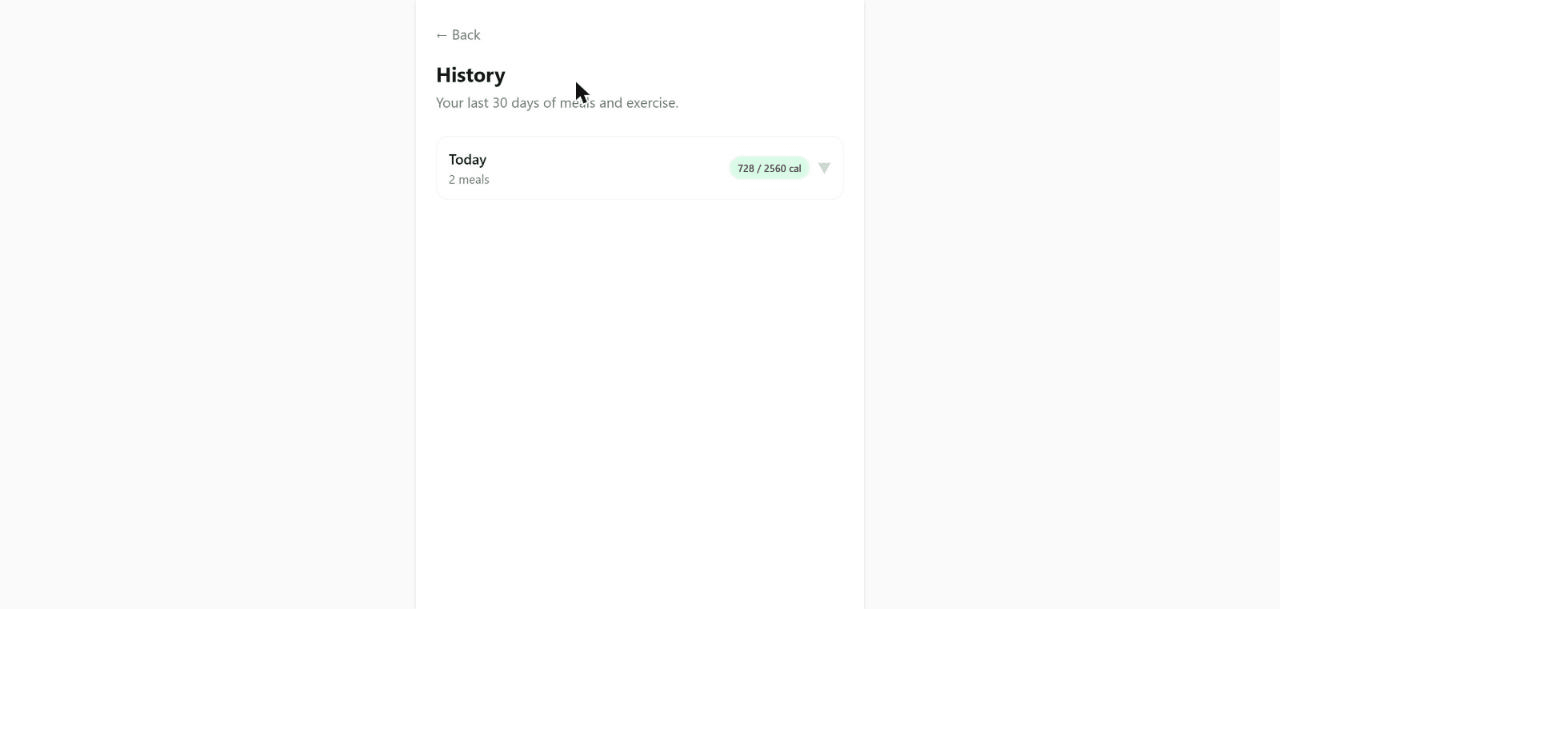
4_history
-

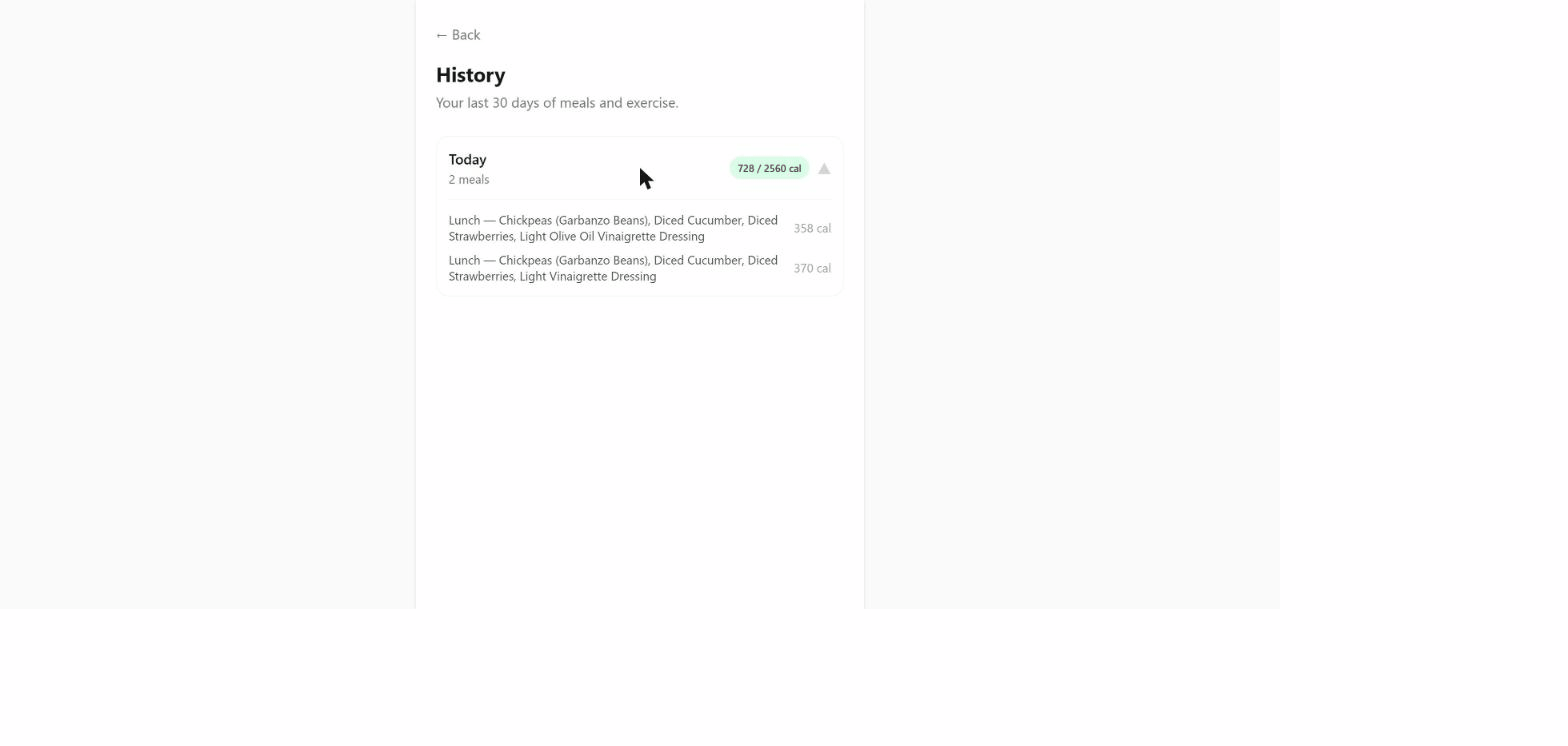
5_history_expanded
Inspiration
Calorie and macro tracking apps ask users to do the hardest part themselves: searching a food database, guessing portion sizes, and manually logging every ingredient. That friction is why most people abandon nutrition apps within the first few weeks. NutriLens AI removes the data-entry step entirely: photograph your plate, and the app identifies what's on it and estimates calories and macros automatically.
What it does
NutriLens AI is a Progressive Web App (no native app required) that turns the core loop of nutrition tracking into one action: take a photo.
- Recognition: a photo is sent to Gemini Vision, which identifies each food item and estimates calories/macros, with a confidence score per item.
- Verification: each item is cross-checked against USDA FoodData Central; confident matches upgrade Gemini's estimate to a verified USDA figure.
- Review: low-confidence items are flagged for a quick human check before logging, so the AI doesn't silently log something wrong.
- Planning: the dashboard re-plans suggested next meals based on what's left in the day's calorie/macro budget, and tracks progress against real, persisted history.
- Billing: a Stripe-powered subscription raises the free tier's rate limit for users who want full daily use.
How we built it
- Next.js 16 / React 19 PWA, deployed on Google Cloud Run
- Real Gemini Vision food recognition (photo -> calories/macros)
- Real Firestore storage + Firebase Google Auth, scoped per user
- Real USDA FoodData Central lookups upgrading Gemini's estimates
- Firestore-backed rate limiting, tiered by subscription status
- Stripe Checkout + webhook billing (subscription tiering)
- Secrets held in Google Secret Manager, not plaintext env vars
Target users
Primary: health-conscious people already trying to track intake who've tried calorie apps before and stopped because manual logging didn't survive a busy day. Secondary: people newly advised to track their diet (post-diagnosis, working with a nutritionist, starting a fitness program) who want the lowest-friction way to build the habit.
Monetization
Freemium, usage-gated: 3 photo analyses/day free, 20/hour on a $4.99/month subscription via Stripe Checkout. The paywall sits on the API cost driver (Gemini calls), not on core functionality, so every user experiences the full product before deciding to pay.
Challenges we ran into
Getting Gemini Vision's per-item confidence scoring right so that high-confidence items auto-approve while low-confidence ones get flagged for review, without making the review step feel like manual data entry again. Also wiring Firestore-backed rate limiting so usage caps hold across Cloud Run instances/restarts, not just per-process.
What we learned
Combining a general-purpose vision model (Gemini) with an authoritative nutrition source (USDA FoodData Central) produces meaningfully more trustworthy results than either alone.
What's next
Cloud Storage-backed photo history, weekly meal planning, a grocery-list/pantry feature, and native step/exercise sync.
Current deployment status
This live deployment runs with real Gemini Vision recognition, real Firestore storage, and real Firebase Google Auth. The Stripe billing code (Checkout + webhook handling) is fully built and included in the repository, but its API keys are not wired into this specific deployment yet, so the live demo currently gives every signed-in user the free tier's rate limit rather than gating it behind a paywall.

Log in or sign up for Devpost to join the conversation.