-
-

Nutrify Logo
-
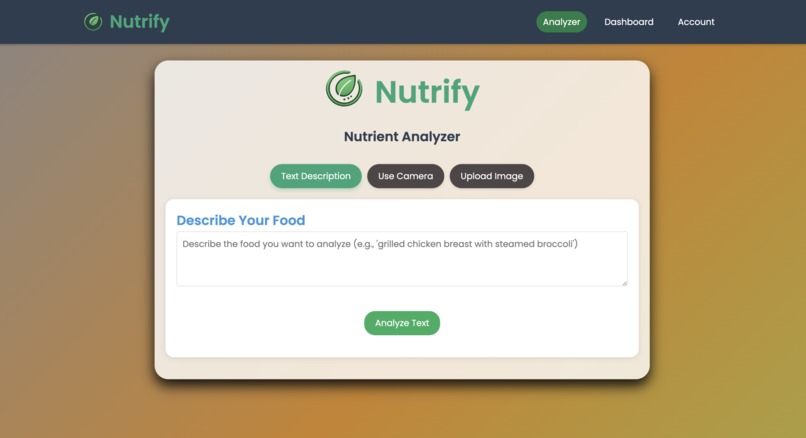
Front Page
-
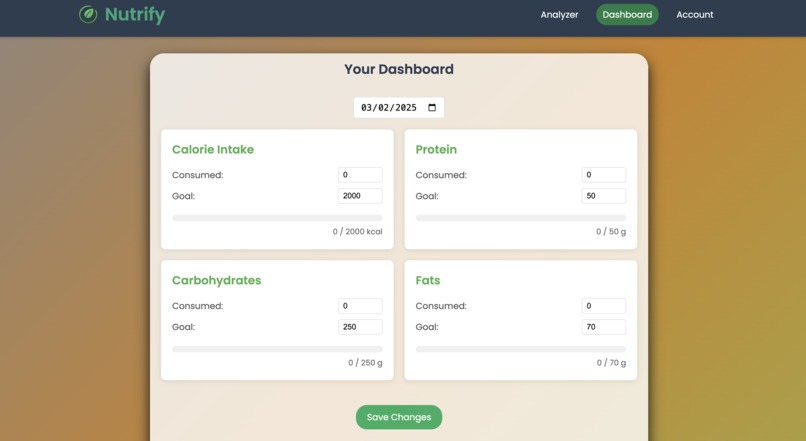
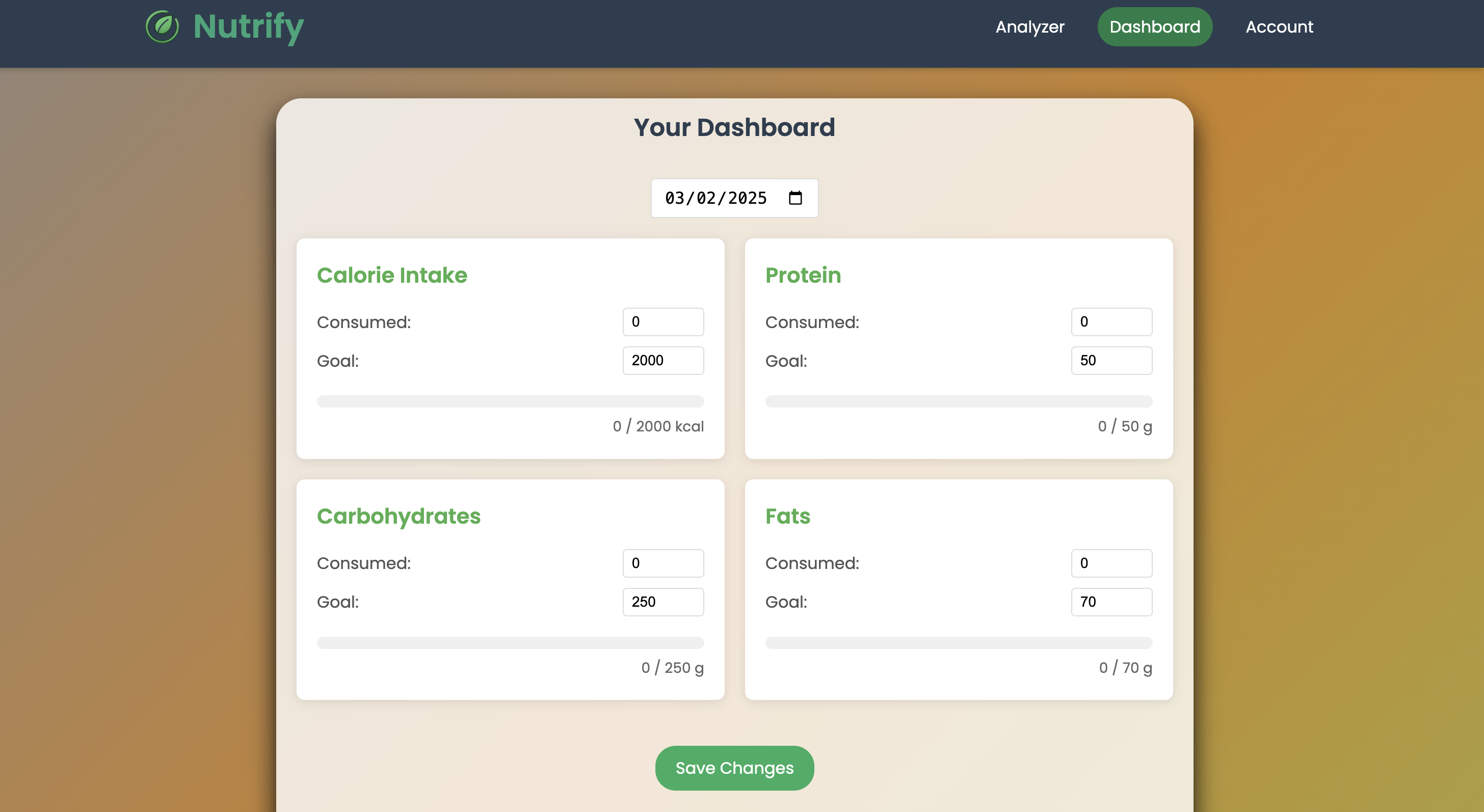
Dashboard Page
-
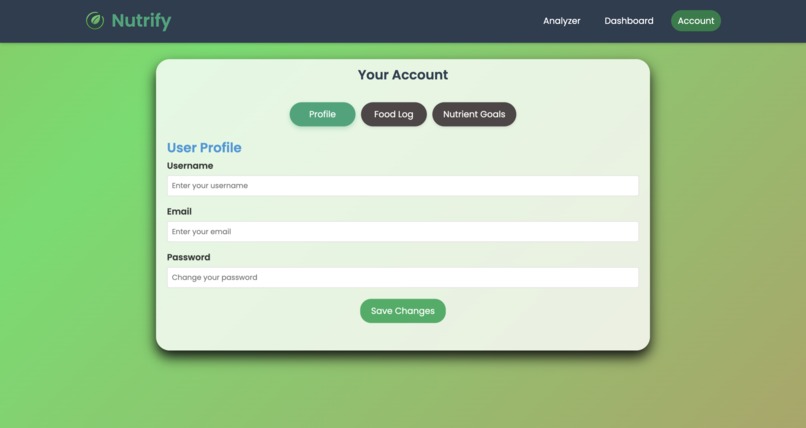
Account Page

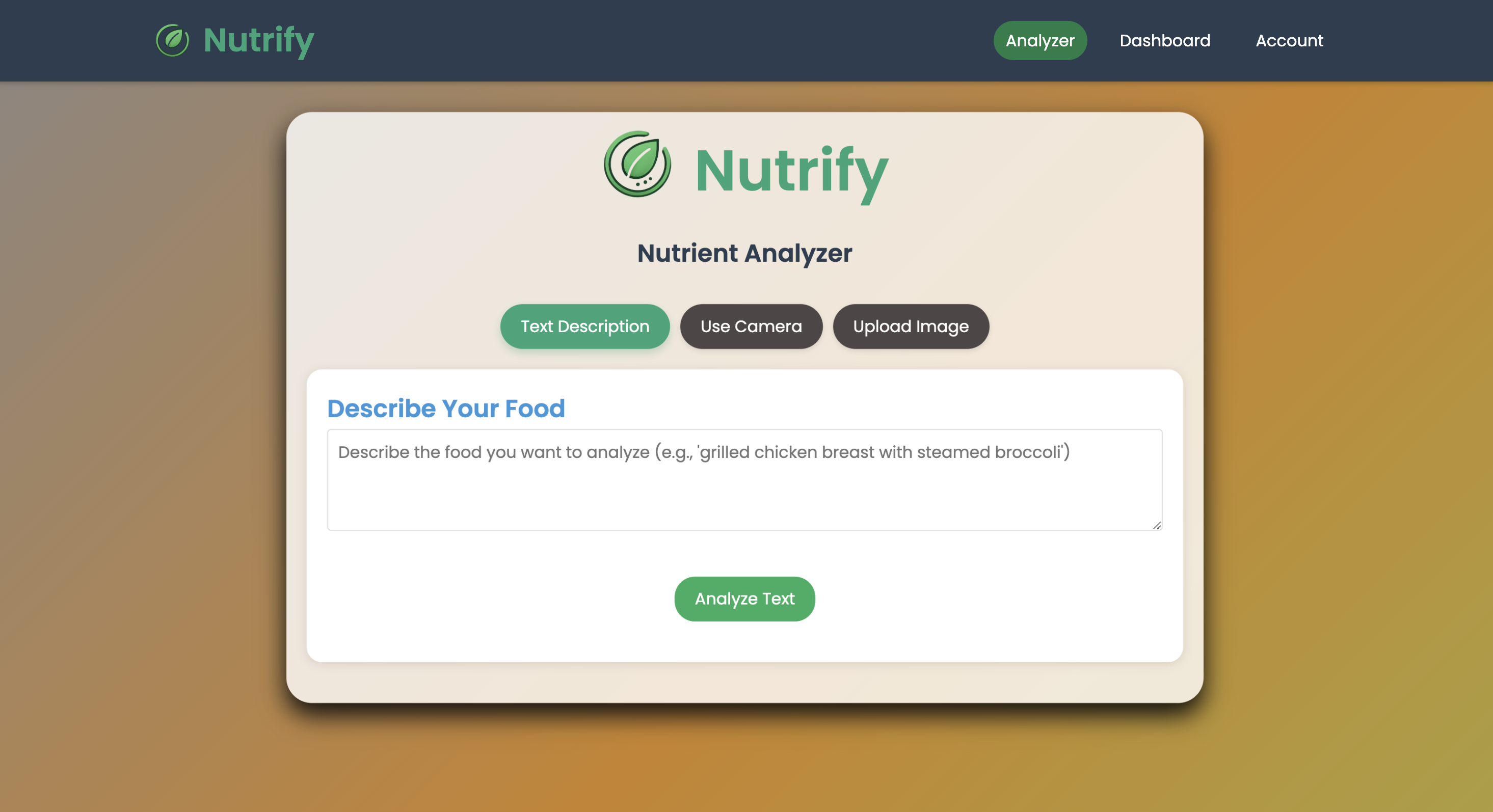

Inspiration We created Nutrify after struggling with existing nutrition apps that were clunky, hard to use, or required tedious manual entry of nutritional data. Our goal was to build a solution that makes nutrition tracking effortless by leveraging AI to instantly analyze any food whether described in text or captured in a photo. We wanted to create an application that would help people make more informed dietary choices without the friction of traditional food logging.
What it does Nutrify is an intelligent nutrition tracking platform that instantly analyzes foods and provides comprehensive nutritional information. Users can: Analyze foods by simply describing them in text (e.g., "grilled salmon with asparagus and quinoa") Take photos of meals for immediate nutritional breakdown Upload existing food images for analysis View detailed macro and micronutrient information Track consumption of calories, protein, carbs, fat, vitamins, and minerals Save foods to a personal food log Monitor nutritional intake over time through an intuitive dashboard Set and track progress toward personalized nutritional goals
How we built it Nutrify combines modern web technologies with powerful AI: Frontend: HTML5, CSS3, and vanilla JavaScript with custom animations and responsive design Backend: Python with Flask for handling routes and requests AI Analysis: Integration with Google's Gemini 1.5 Pro model for text and image analysis Data Processing: Custom JSON parsing and cleaning for consistent nutritional data formatting UI/UX: Carefully crafted user experience with tabbed navigation, visual feedback, and smooth animations
Challenges we ran into AI Response Formatting: We encountered issues with inconsistent JSON formatting from the Gemini API, particularly with certain foods returning "{object}" placeholders Image Analysis Accuracy: Getting consistent nutritional breakdowns from food images required careful prompt engineering Cross-browser Animations: Ensuring smooth animations across different browsers and devices required extensive testing and refinement Navigation State Management: Maintaining consistent navbar state during page transitions required creative solutions Balanced Design: Creating a UI that was both visually engaging and functionally efficient took several iterations
Accomplishments that we're proud of Created a seamless user experience with smooth animations and intuitive navigation Successfully integrated Gemini's multimodal AI capabilities for both text and image analysis Developed robust error handling for AI responses to ensure consistent user experience Built a comprehensive nutritional analysis system that includes micronutrients often ignored by other apps Designed a responsive interface that works well across devices What we learned The importance of prompt engineering when working with AI models Techniques for handling and sanitizing complex JSON data from AI responses Methods for creating smooth, consistent animations that enhance rather than distract from UX Strategies for designing intuitive interfaces for complex nutritional data The power of using AI to simplify traditionally tedious tasks like food logging
What's next for Nutrify Meal planning features to suggest recipes based on nutritional goals Social sharing capabilities to allow users to share meals and progress Barcode scanning for packaged foods Expanded database of common foods for faster, offline analysis Personalized recommendations based on user's dietary patterns and goals Integration with fitness trackers to factor in activity levels when setting nutritional goals


Log in or sign up for Devpost to join the conversation.