Inspiration
NutriBuddy is designed to help children make healthier food choices in a fun and approachable way. Watching my younger cousin struggle with picky eating inspired me to create NutriBuddy. I realized that simply telling children to “eat healthy” does not always help them understand what healthy choices look like. Learning about nutrition at a young age is important because it can help children build healthier habits and make more confident choices as they grow. Children often learn best through curiosity, encouragement, and interaction, so I wanted to make nutrition education feel fun rather than overwhelming.
What it does
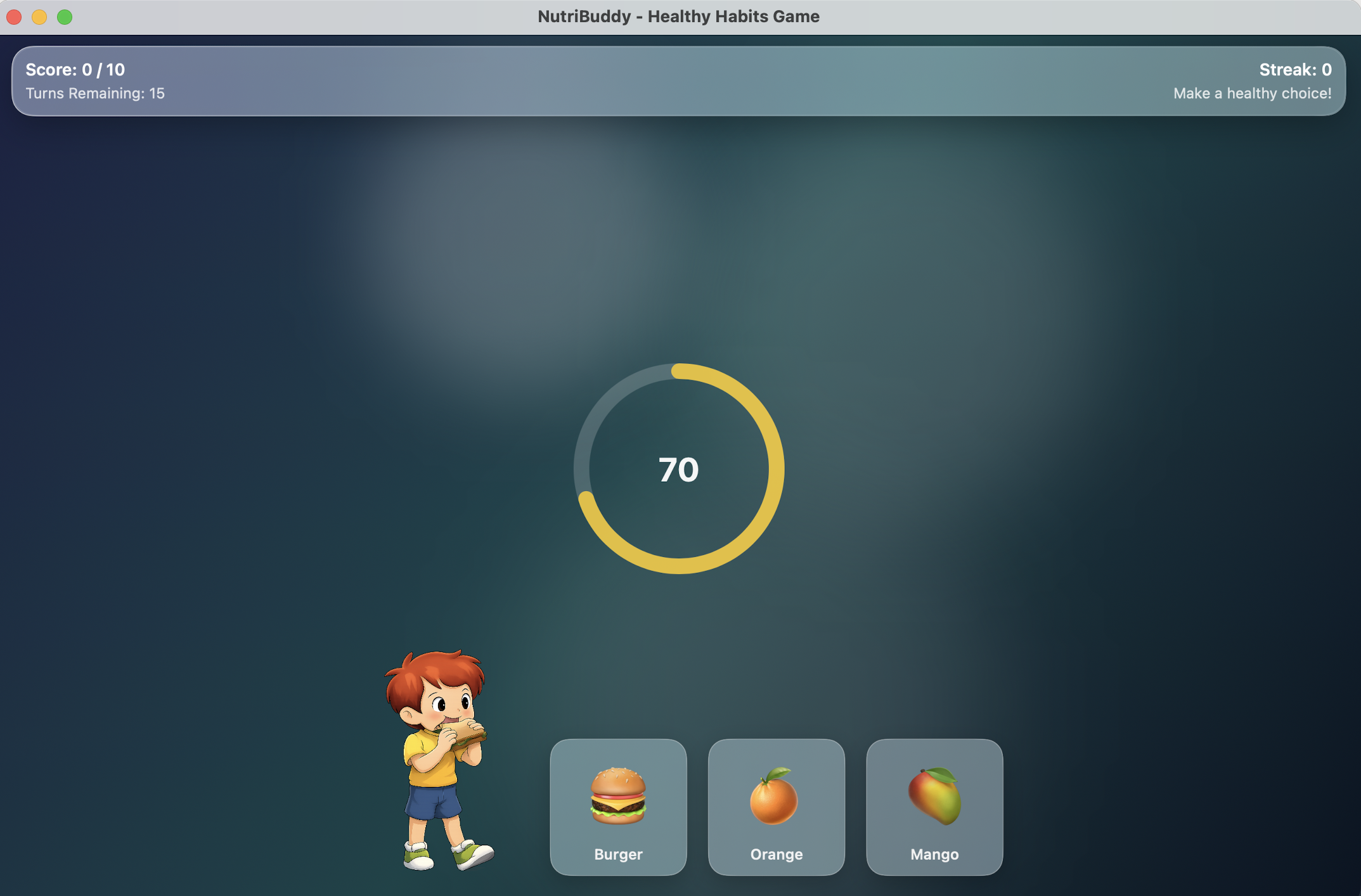
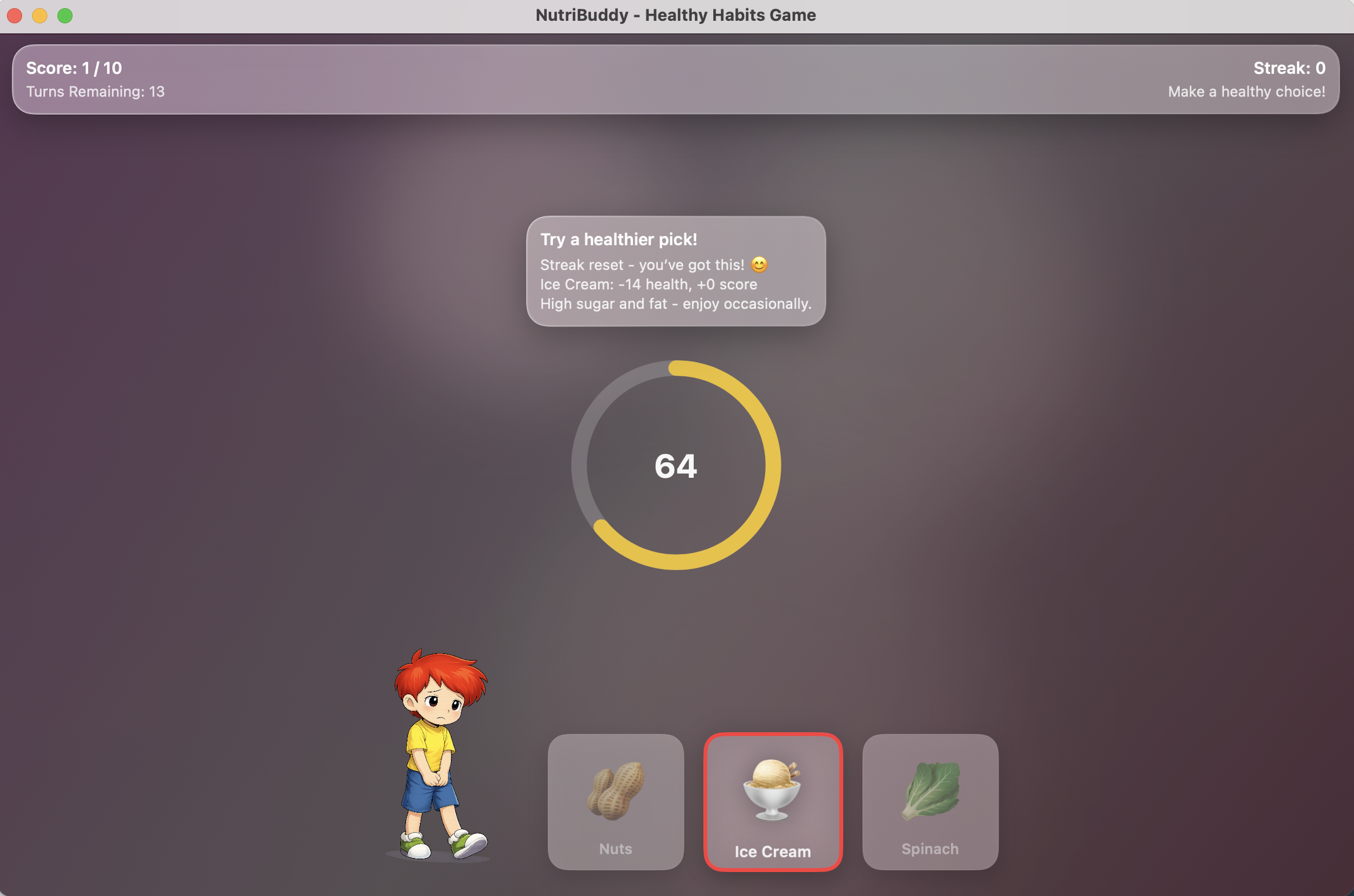
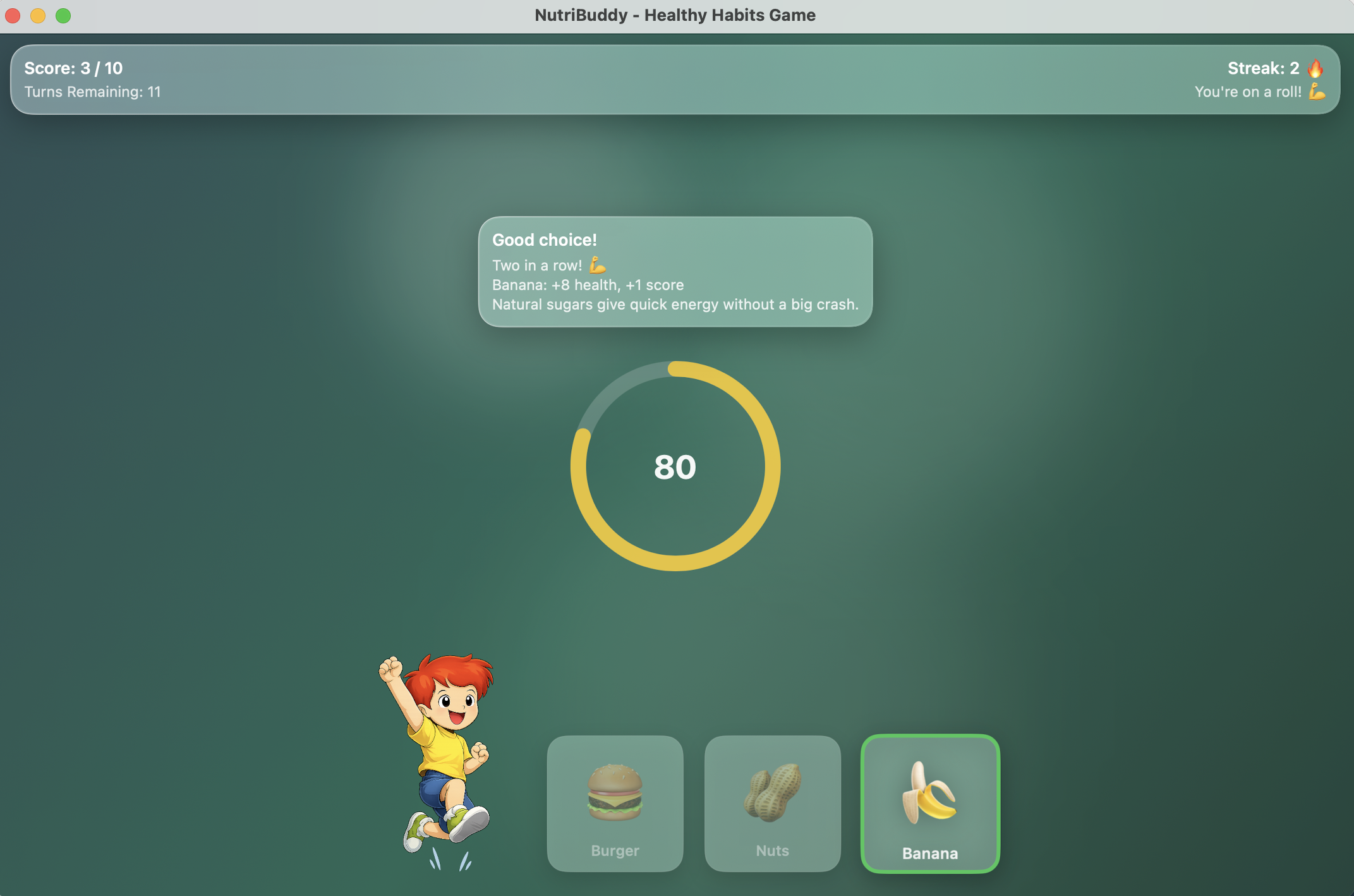
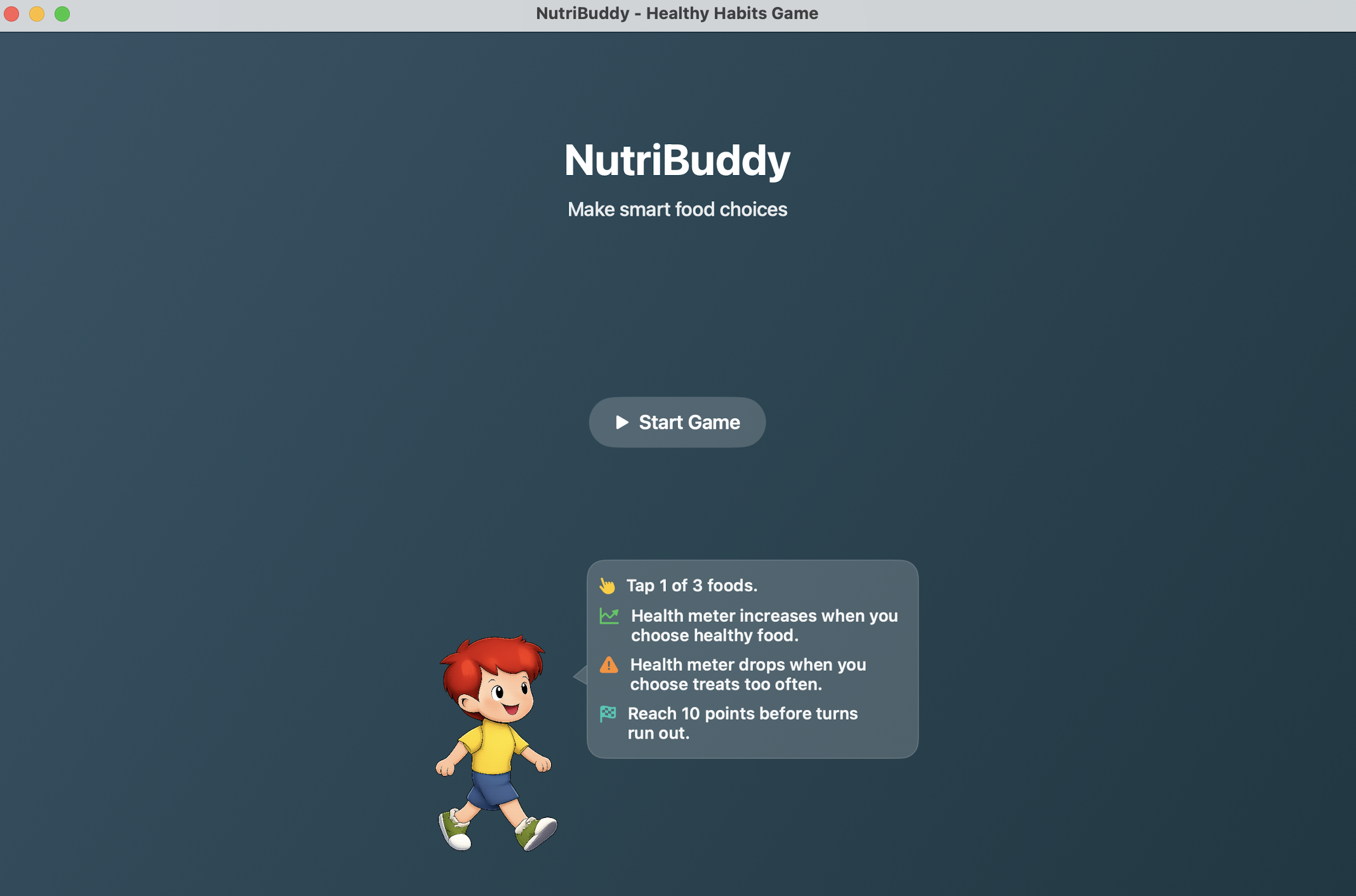
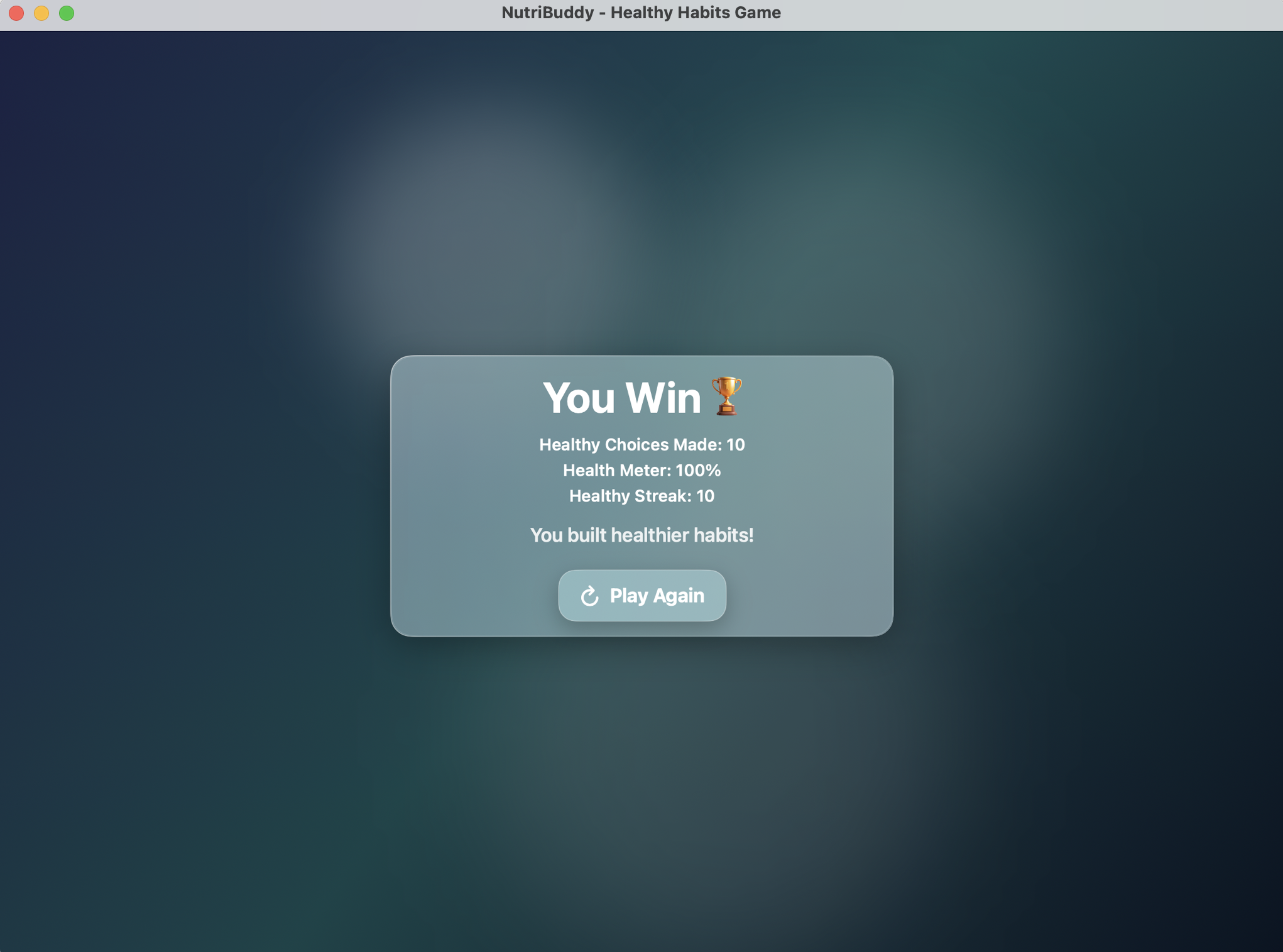
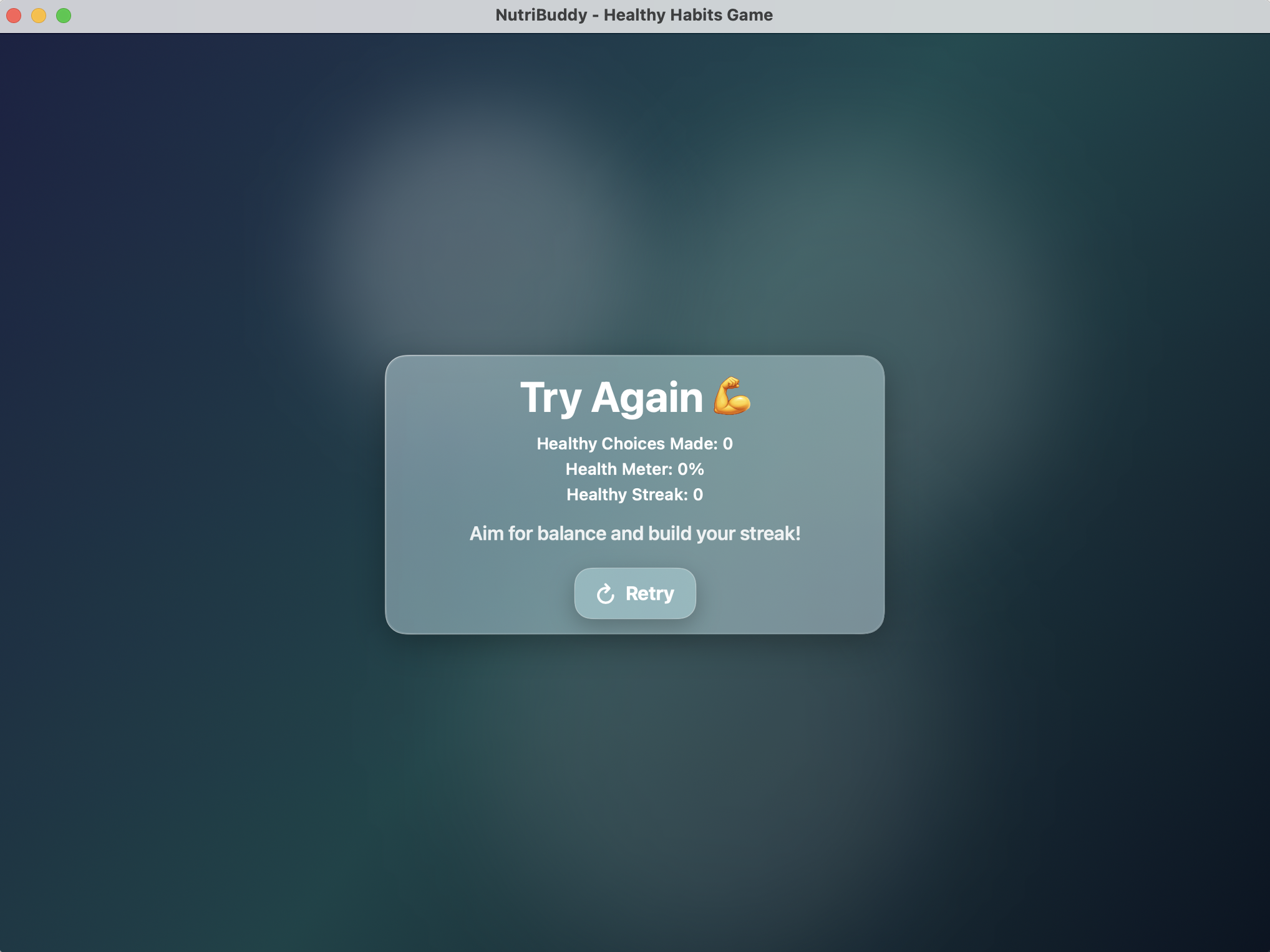
NutriBuddy helps kids learn how to make healthier food choices through a simple card game. In each round, they choose one food from three options and get feedback right away. The app uses health points, scores, and streaks to show how each choice affects their progress. It also gives short explanations, like how bananas give quick energy from natural sugars, while foods high in sugar and fat should only be eaten sometimes. This makes learning about nutrition feel fun, positive, and easy to understand.
How I built it
I designed NutriBuddy around an easy-to-understand game loop that allows children to compare food options and make a choice. I focused on creating a colorful, child-friendly experience with clear instructions, simple interactions, and encouraging feedback. The project was developed step by step, beginning with the food-selection concept and then improving the game flow and overall user experience.
Challenges I ran into
One challenge was deciding how to explain healthy eating without making the experience feel like a test or lecture. I also had to keep the game simple enough for children to understand while still making it interesting and educational. Choosing appropriate food comparisons and presenting feedback in a supportive way required careful thought.
Accomplishments that I am proud of
I am proud that NutriBuddy turns an important topic into an experience that feels playful and welcoming. The app gives children an opportunity to learn through their own choices. I am especially proud that I included accessibility features so the app can support a wider range of children.I added VoiceOver support, adjustable text, high contrast, large buttons, and clear feedback that does not rely on color alone. These features support the hackathon’s focus on health, education, accessibility, and positive community impact.
What I learned
Through this project, I learned that educational tools are more effective when they are designed for the people who will use them. I also learned the importance of keeping instructions clear, providing positive feedback, and breaking a large idea into smaller features. Most importantly, I learned how technology can make learning feel more engaging and empowering.
What's next for NutriBuddy
Next, I would like to add more food cards, different difficulty levels, progress tracking, and personalized feedback. Future versions could also include nutrition facts, food-category challenges, rewards, and a parent or teacher dashboard. My goal is to continue developing NutriBuddy into a supportive tool that helps children build healthier habits over time.


Log in or sign up for Devpost to join the conversation.