-
-
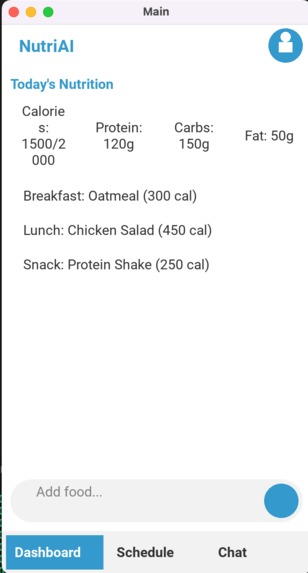
Kivy UI First Page
-
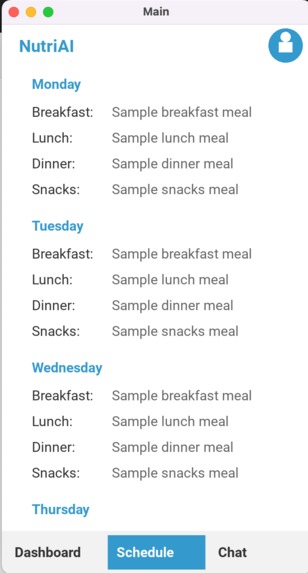
Kivy UI Second Page
-
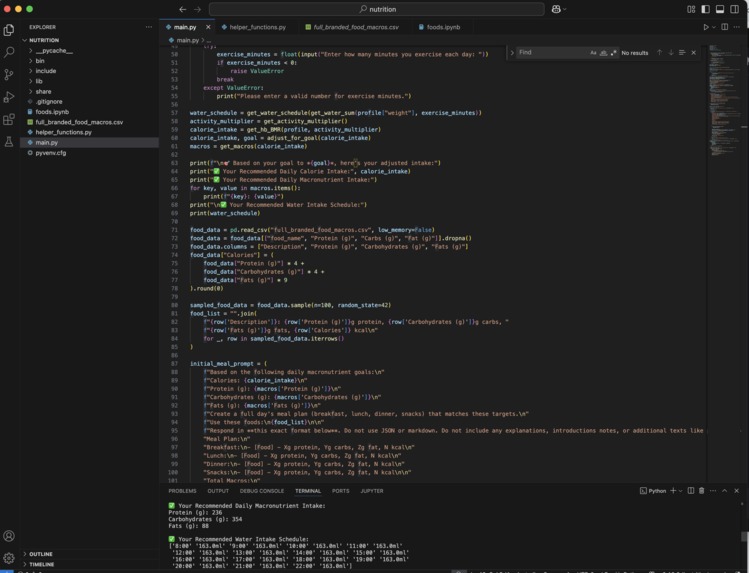
Code
-
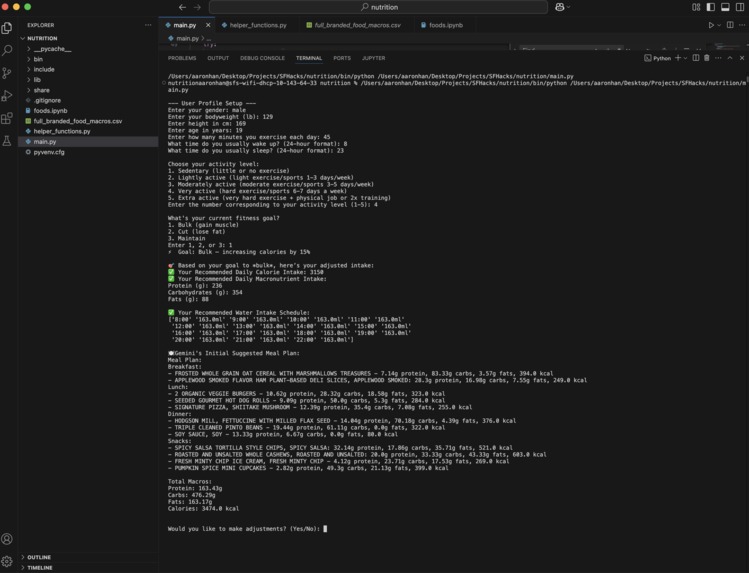
Working Code
-
Kivy UI THird Page
Inspiration
We were inspired by how complicated and overwhelming meal planning can be—especially for people managing dietary restrictions, medical conditions like diabetes, or limited food access. Our goal was to create something smart and flexible that helps users make healthier choices with less effort.
Brandon, a member of our team, was born with a congenital kidney condition called Hydronephrosis, which causes a buildup of urine in the kidneys. This condition increases the risk of urinary tract infections, kidney stones, and potentially kidney disease later in life. Growing up, his parents constantly reminded him to drink water to help dilute urine and prevent fluid buildup—but like many kids, he often forgot. He pitched this idea to Justin and Aaron, the two other members of the team and they added the idea of also including a macronutrient planner, as they all share similar interest in physical activities. They realized there was an additional challenge in maintaining a high-protein diet, which can add further strain to kidneys if not balanced with proper hydration. Combining this with our busy lifestyle, we realized how helpful a personalized app that could schedule water intake reminders–something that could also be connected with a smartwatch–and adjust hydration and protein goals based on anyone's diet, activeness, and most importantly morbidity. Aaron, another member of our team has always had trouble gaining weight and with this new program it should help him be able to bulk up more to succeed in his body transformation. Justin, the final member of the team has been big into dieting and nutrition. However he always found it hard keeping track and staying on schedule when dieting. With this program he hopes to get back on his fitness goals.
What it does
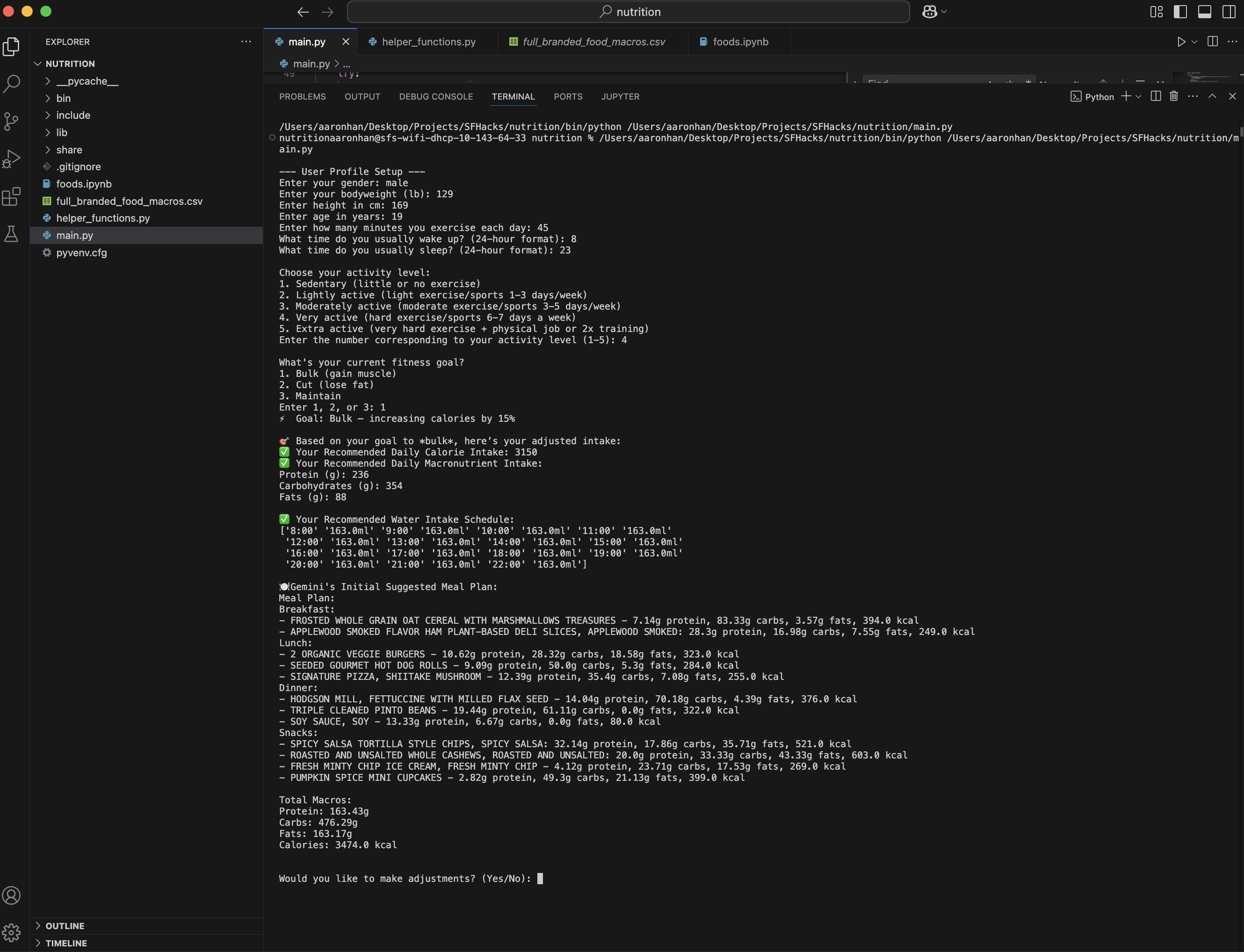
NutriAI is an AI-powered tool that creates personalized daily nutrition and hydration plans. Based on a user’s gender, age, weight, height, and activity level, NutriAI generates:
- A recommended daily water intake
- Target calorie and macronutrient goals (carbs, fats, proteins)
- A full-day meal plan that aligns with those goals
- Customizable and editable plans using the Gemini API
- Ingredient-based planning (builds meals using only the foods you have)
- Optional support for dietary restrictions like diabetes
What we have right now
- Generates a recommended water intake schedule
- Computes daily nutrition goals: calories, carbs, fats, and proteins
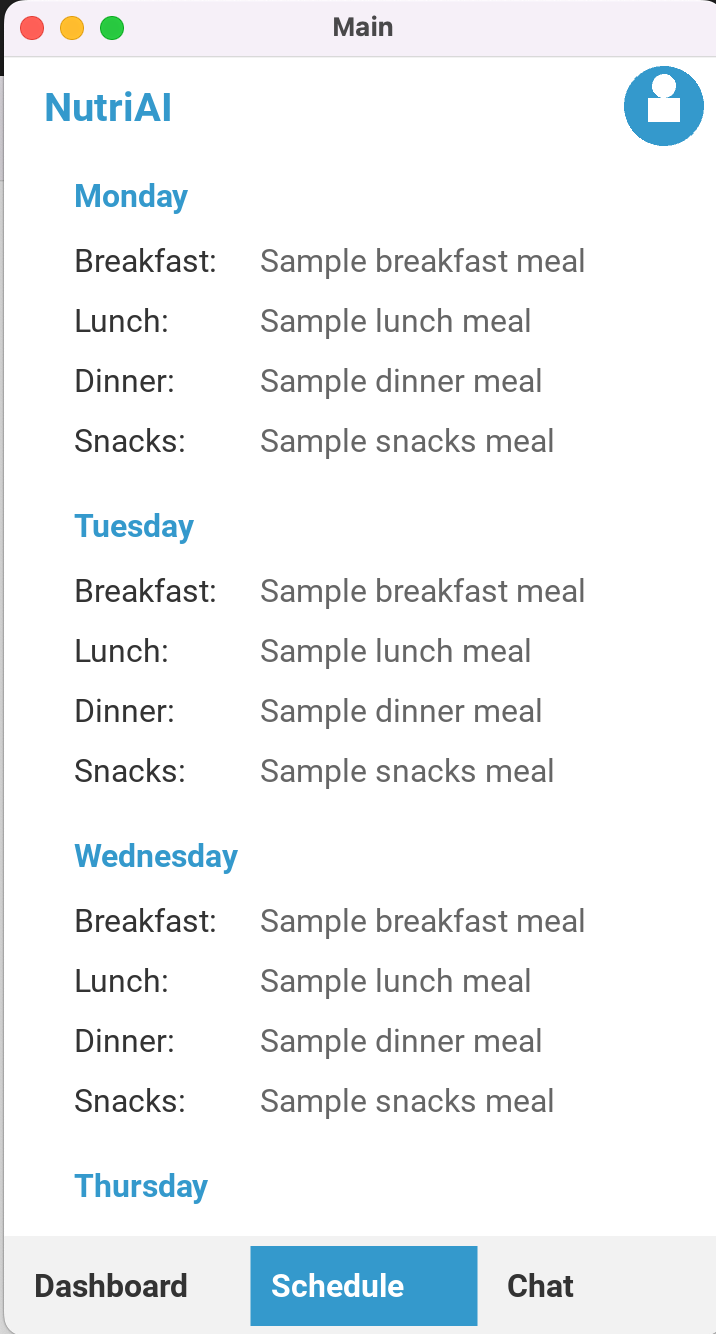
- Builds meal plans that can be assigned to specific days of the week
- Allows editing and regenerating of plans using the Gemini API
- Uses USDA’s FoodData Central—a dataset of 500,000+ food products—filtered and compiled into a streamlined CSV file for efficient processing
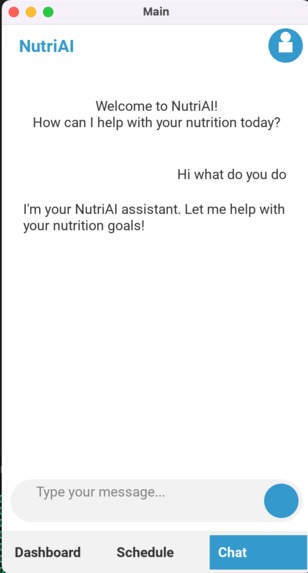
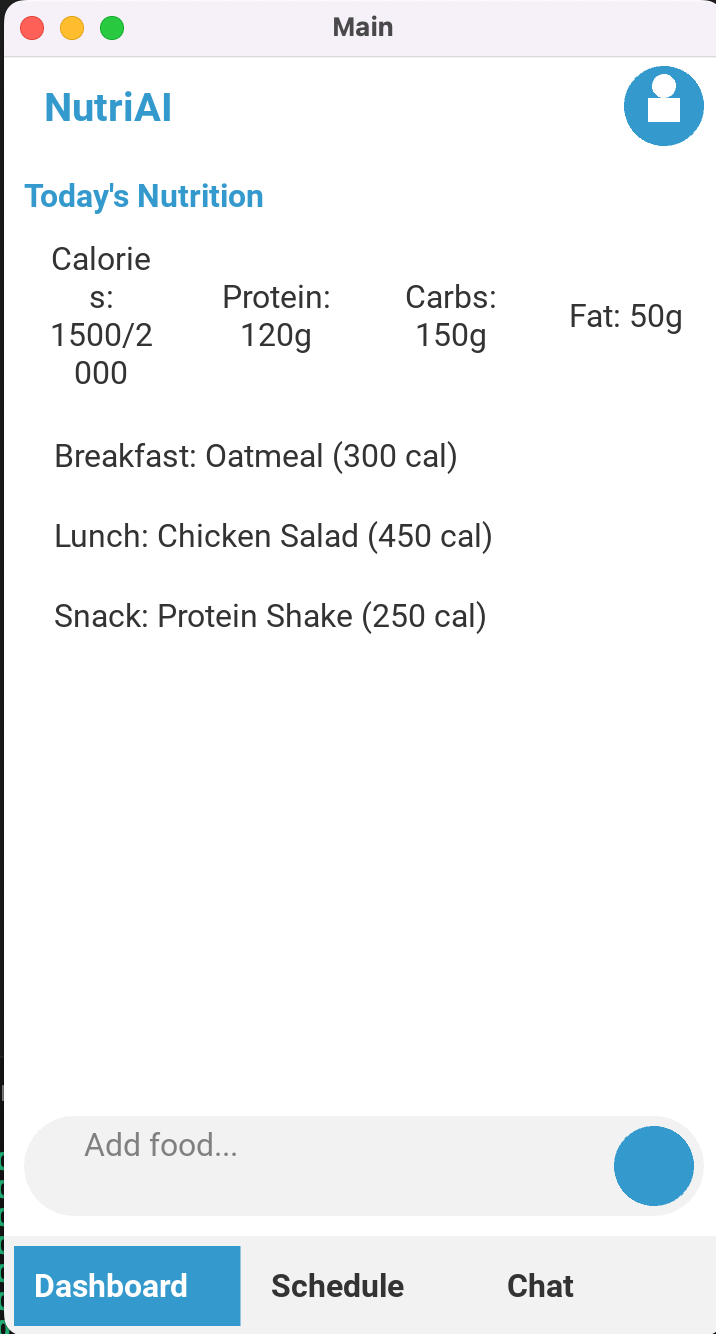
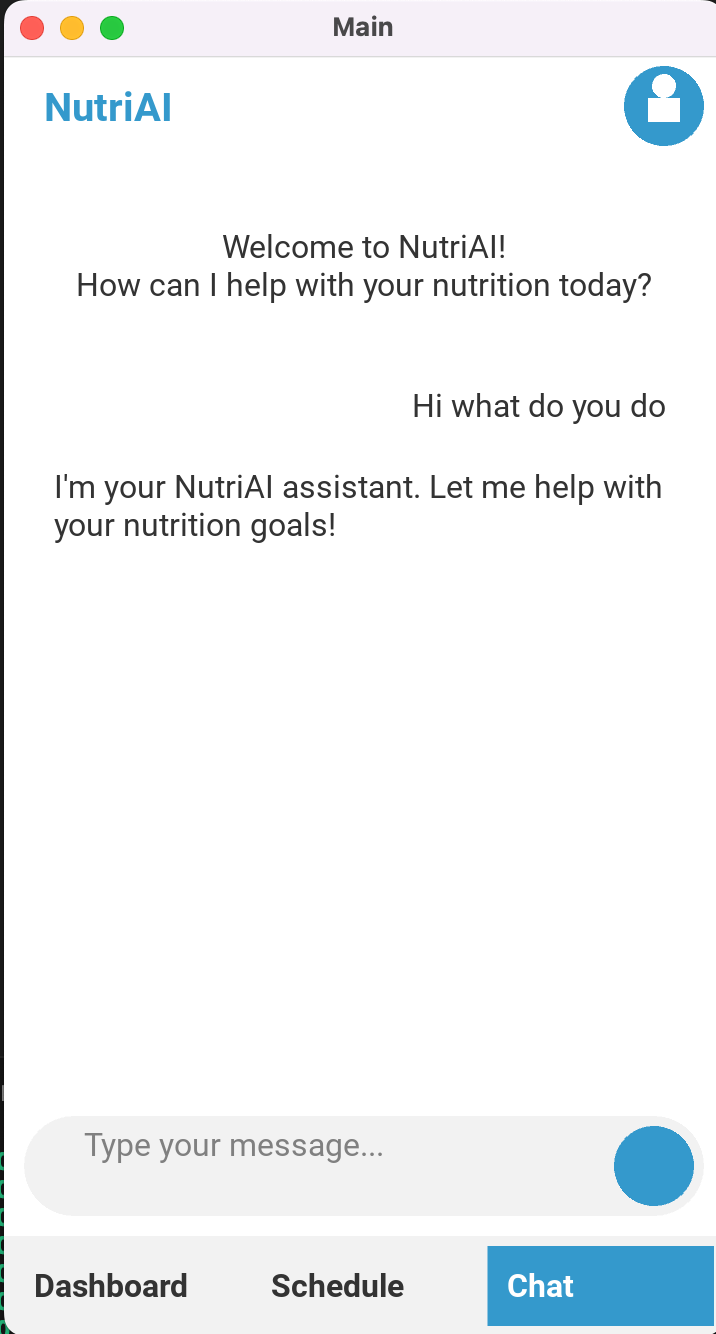
- Built an early version of a mobile app frontend using Kivy, making NutriAI accessible beyond the terminal
How we built it
We used:
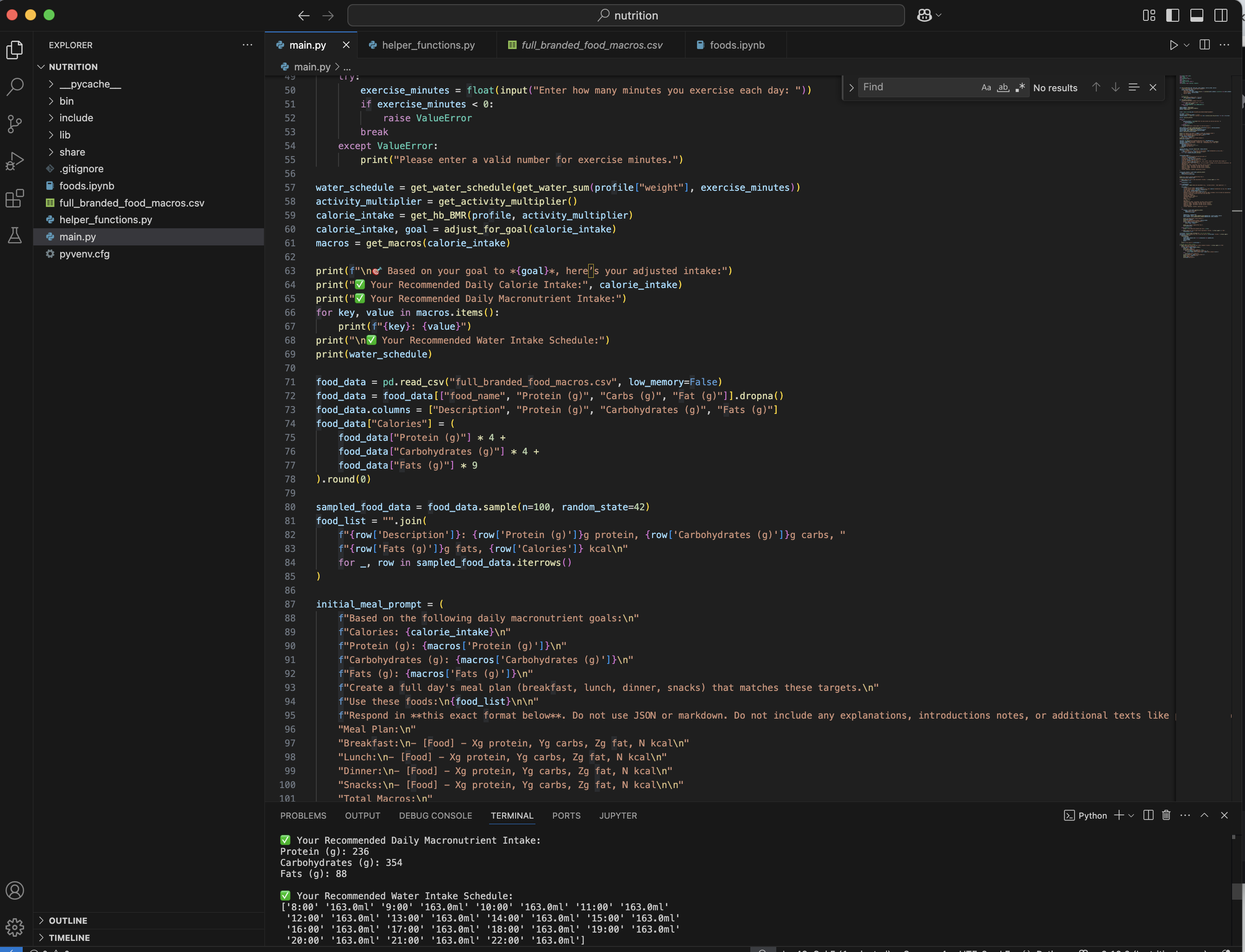
- Python to manage input logic, calculations, and file handling
- Gemini API for generation and revision of meal plans
- FoodData Central dataset for nutrition information
- Kivy to build a cross-platform mobile app frontend
- VS Code for development
We designed prompts for Gemini that allow flexible user interactions, such as tailoring plans for diabetes or adjusting meals to pantry inventory.
Challenges we ran into
- Cleaning and filtering a massive dataset to ensure high-quality nutrition data
- Tuning Gemini prompts to be accurate, consistent, and medically safe
- Designing flexible logic for real-world inputs, including unit conversions and missing data
- Integrating frontend elements with backend logic in a way that feels smooth and user-friendly
Accomplishments that we're proud of
- Built an end-to-end working prototype that generates complete, customized nutrition plans
- Created support for both dietary conditions and limited ingredient input
- Began developing an app with Kivy to bring the experience to mobile
- Successfully integrated AI with real-world data in a meaningful and practical way
What we learned
- How to effectively prompt-tune large language models for user-specific tasks
- Best practices for managing and using large datasets with real-world nutrition data
- How to collaborate quickly and efficiently under a tight timeline
- How to build mobile apps using Kivy and connect frontend and backend logic
- Ways to design user-first health tech tools that prioritize adaptability
What's next for NutriAI
- Finish building the Kivy-based mobile app for a fully interactive experience
- Enable account creation and save progress across days
- Expand cultural food options and recipe variety
Built With
- geminiai
- google-cloud
- kivy
- ollama
- python
- vscode
- xcode

Log in or sign up for Devpost to join the conversation.