-
-
Dashboard
-
Dashboard 1
-
Analytics
-
Profile
-
Profile1
-
AI advisor
Inspiration
So we have been using calorie tracking apps like Healthify for a long time but every it just felt like a burden to manually search the food and log it into the app one by one and took a lot of time.
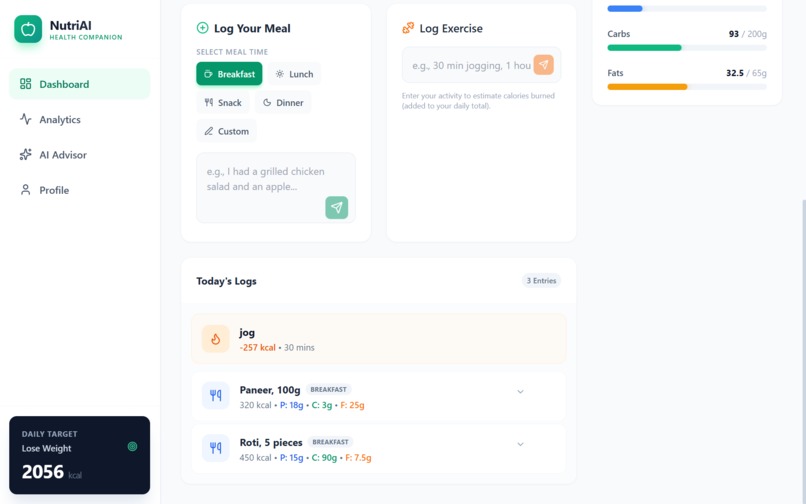
But we have built something requires nothing but a conversatin type message as input and the AI would by itself list down everything and track every thing.
Most calorie and nutrition tracking apps require manual data entry, food scales, or wearable devices, which makes long-term consistency difficult for users. Many people stop tracking simply because the process feels complicated and time-consuming. We wanted to build a solution that removes these barriers by using AI to make health tracking simple and natural.
NutriAI was inspired by the idea that users should be able to log food and activities the same way they describe them in real life—by typing—without depending on additional hardware.
What it does
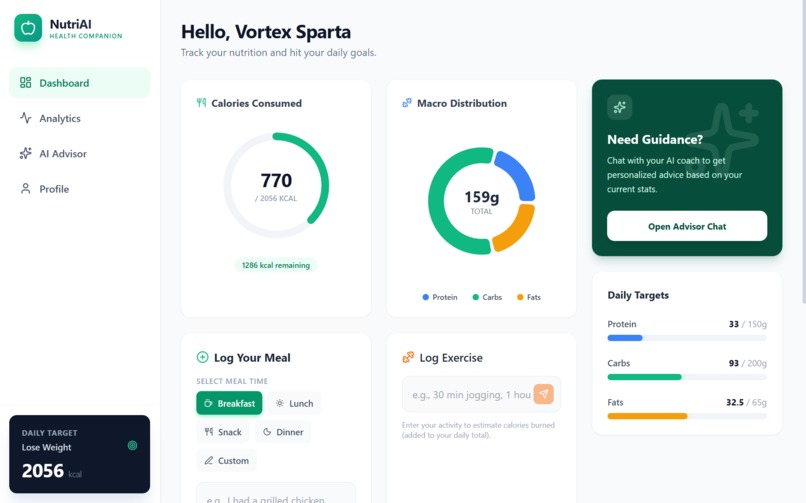
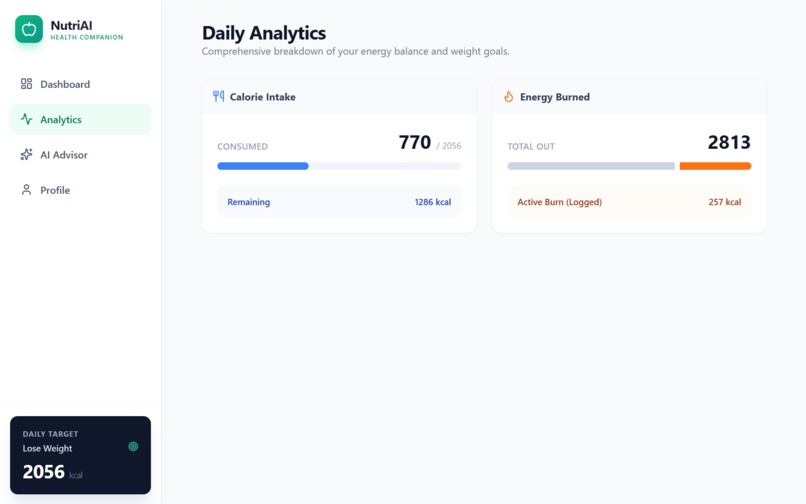
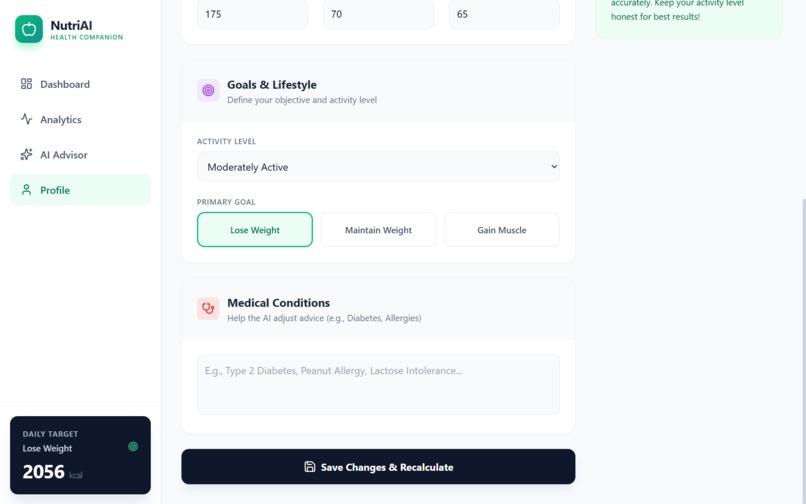
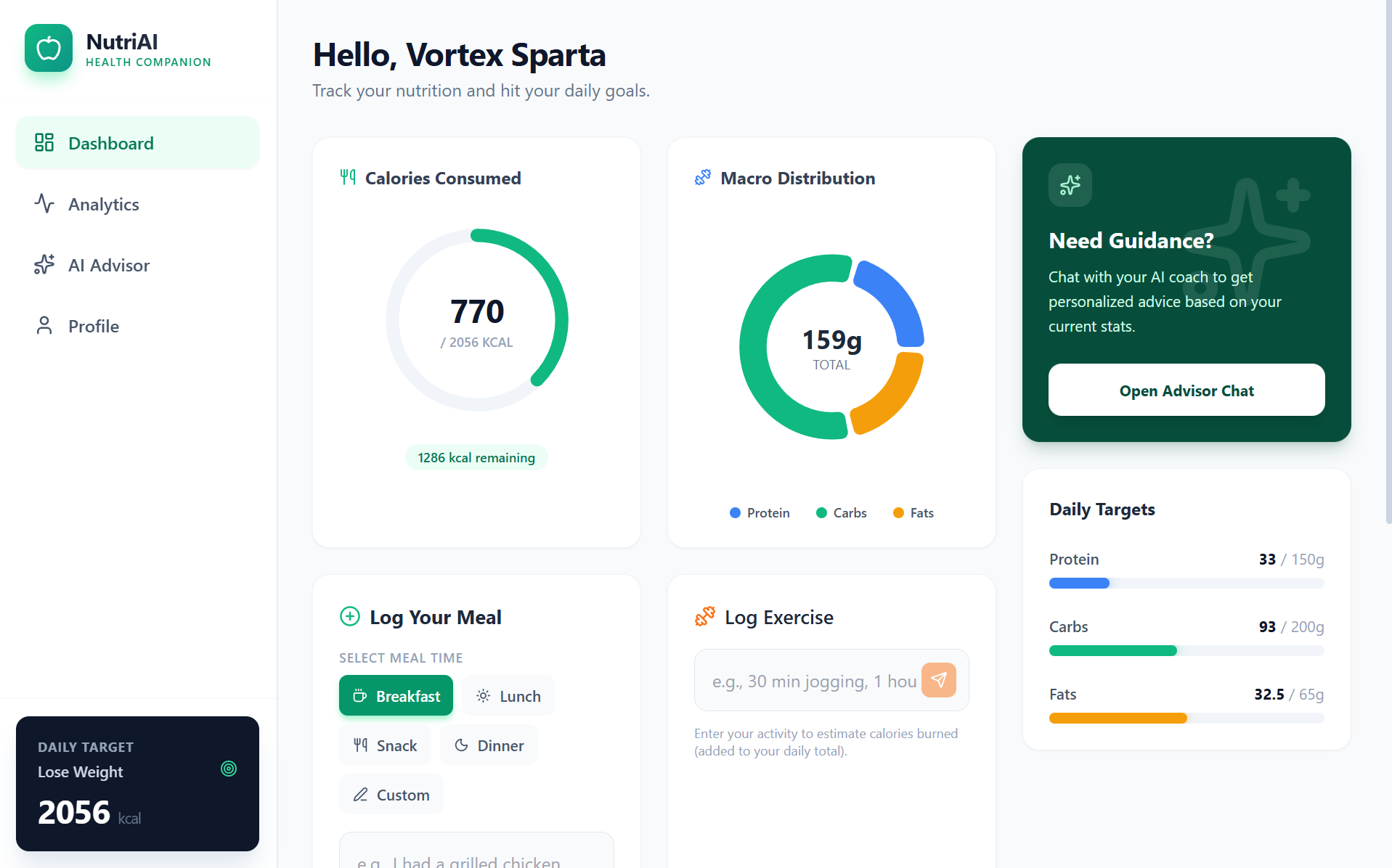
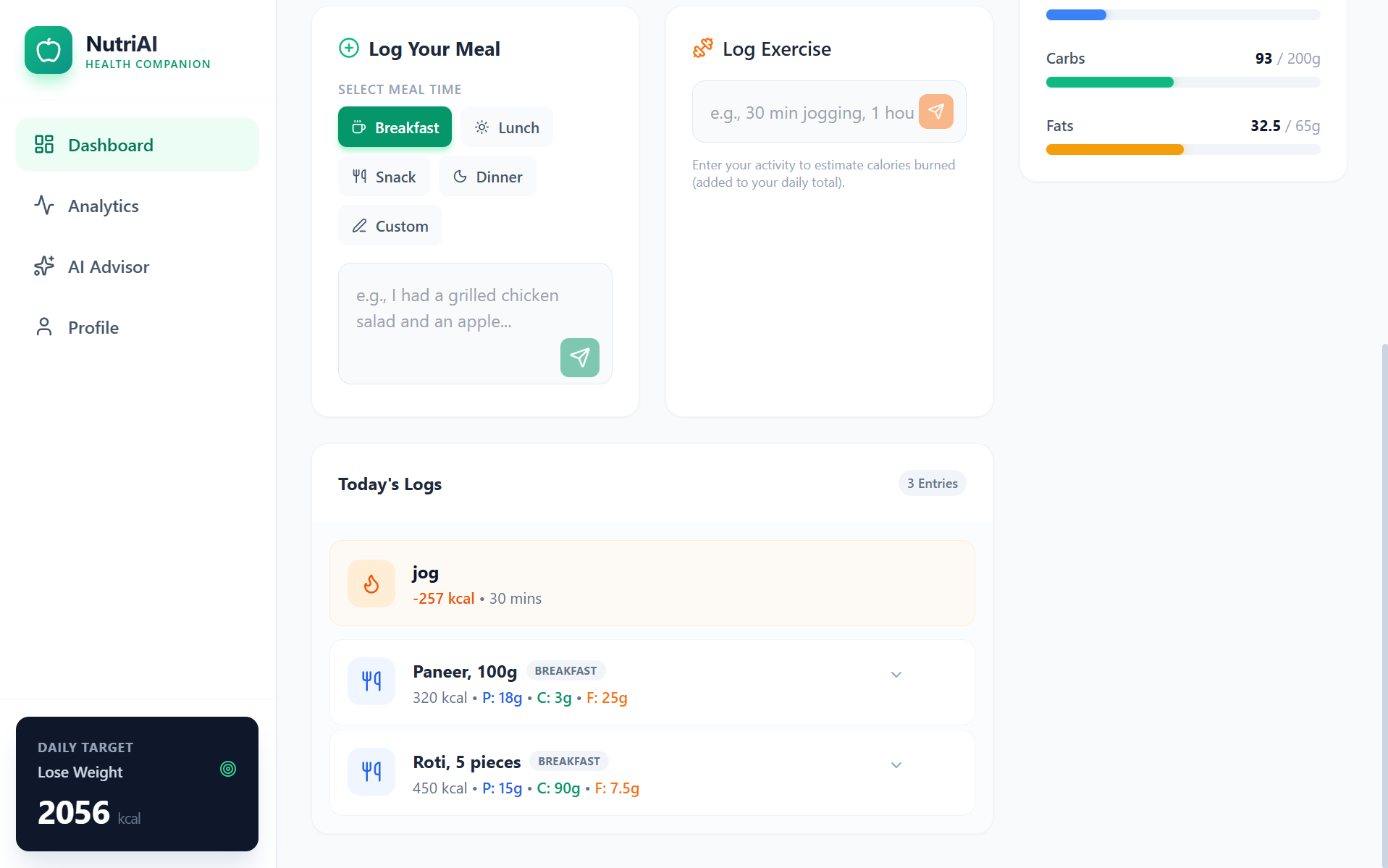
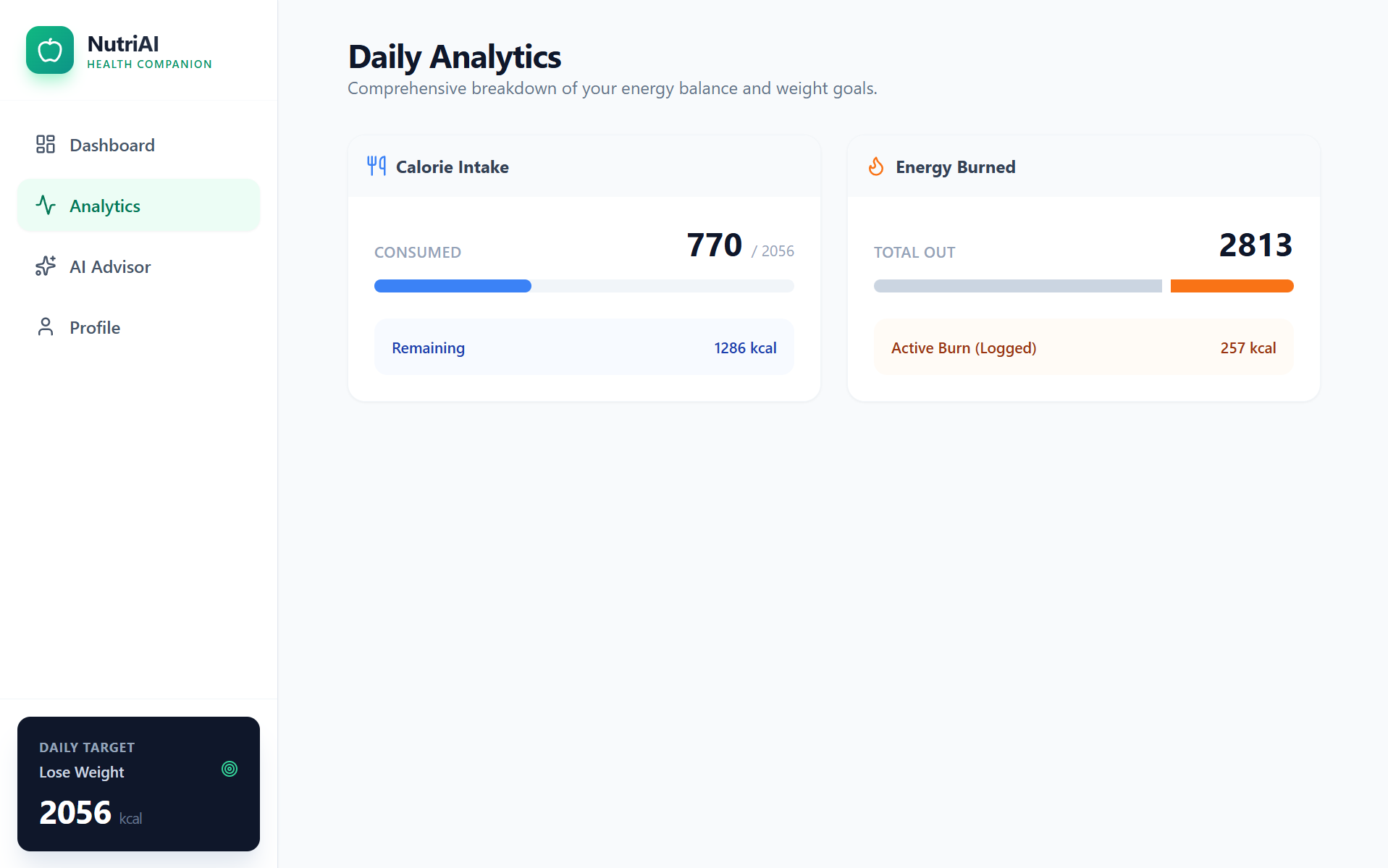
NutriAI is an AI-powered calorie and nutrition tracking web application that allows users to log food and activities using natural language. Users can simply type the name of the food they consumed or an activity they performed, and the app estimates calories and nutrition automatically.
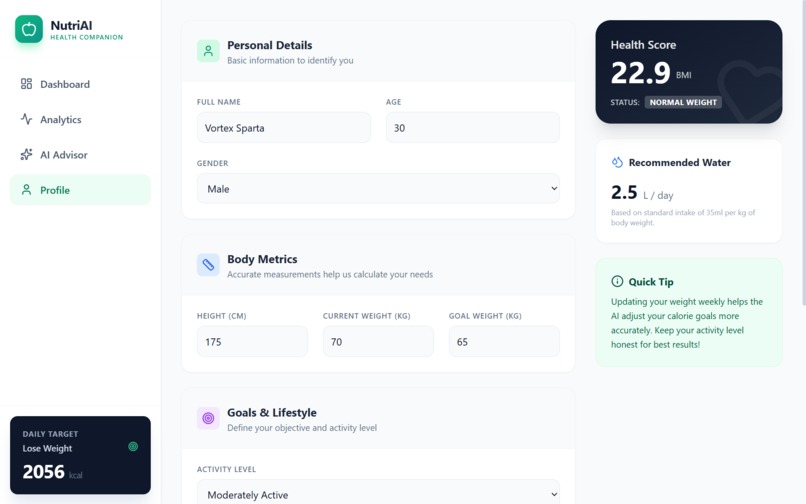
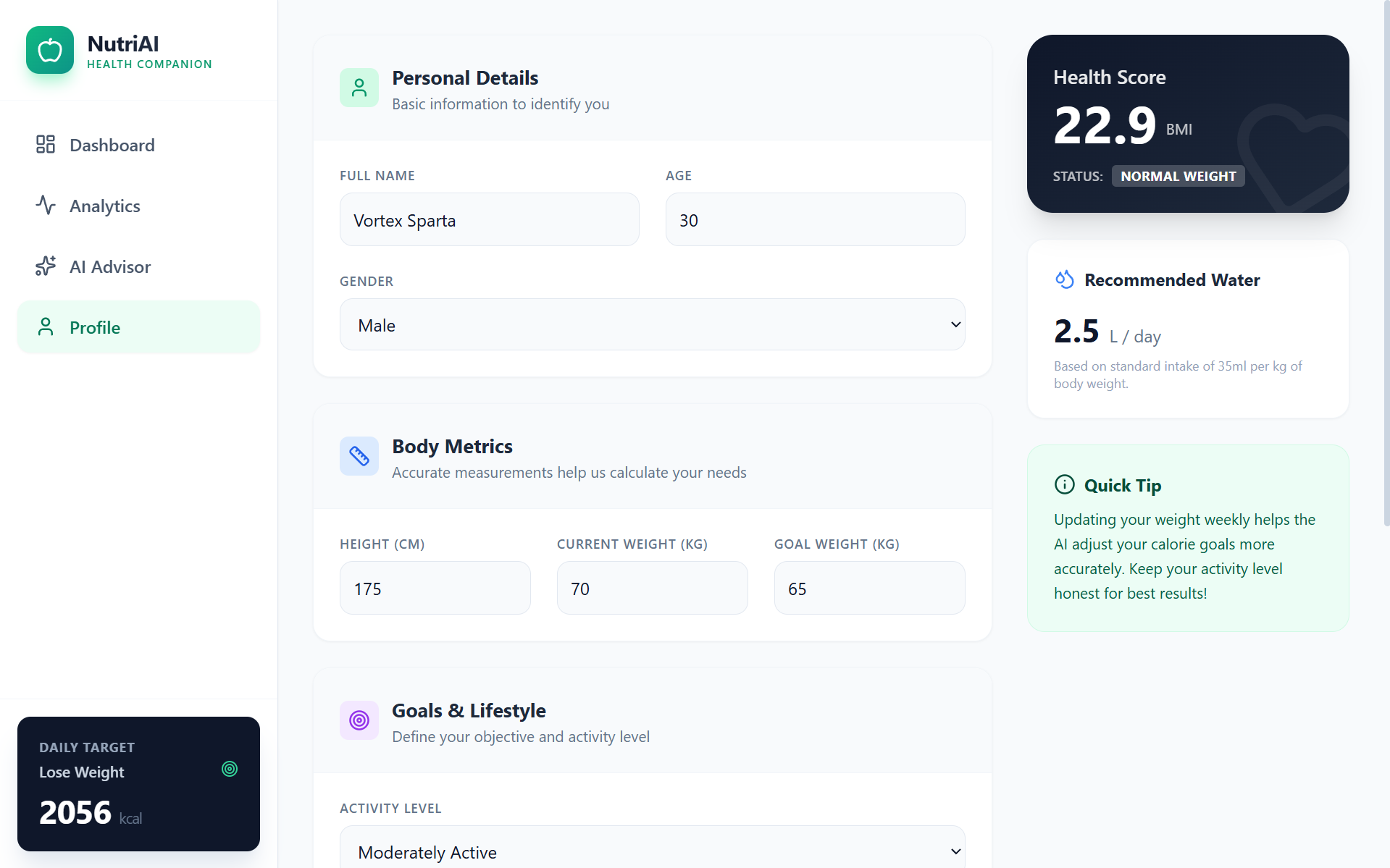
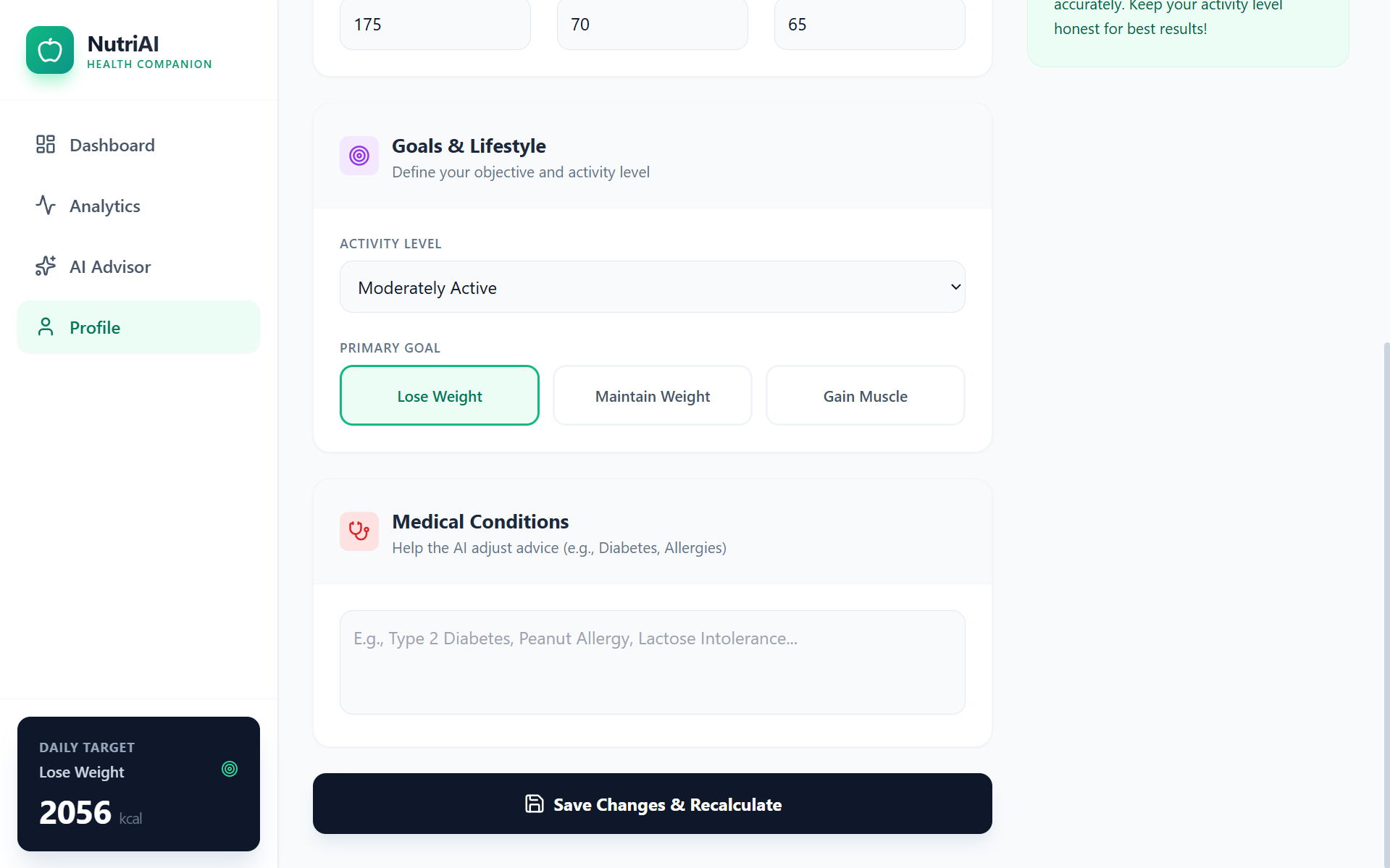
The app helps in everything by setting goals and tracking the user, it helps in losing/gaining weight by setting goals and current weight.
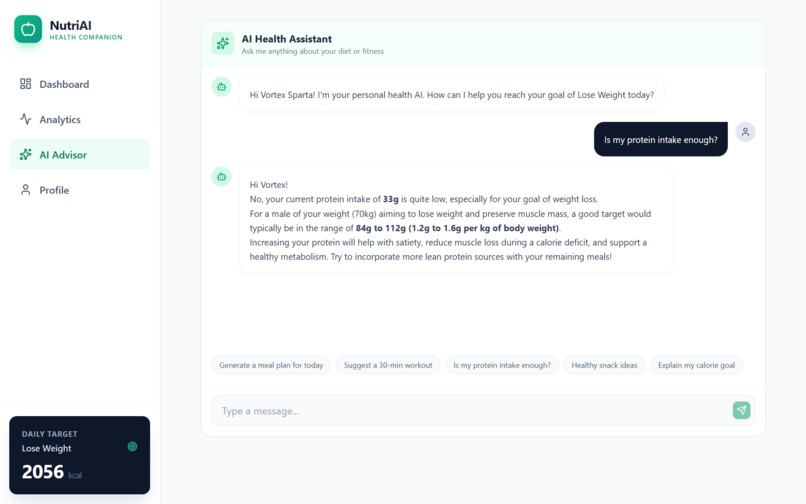
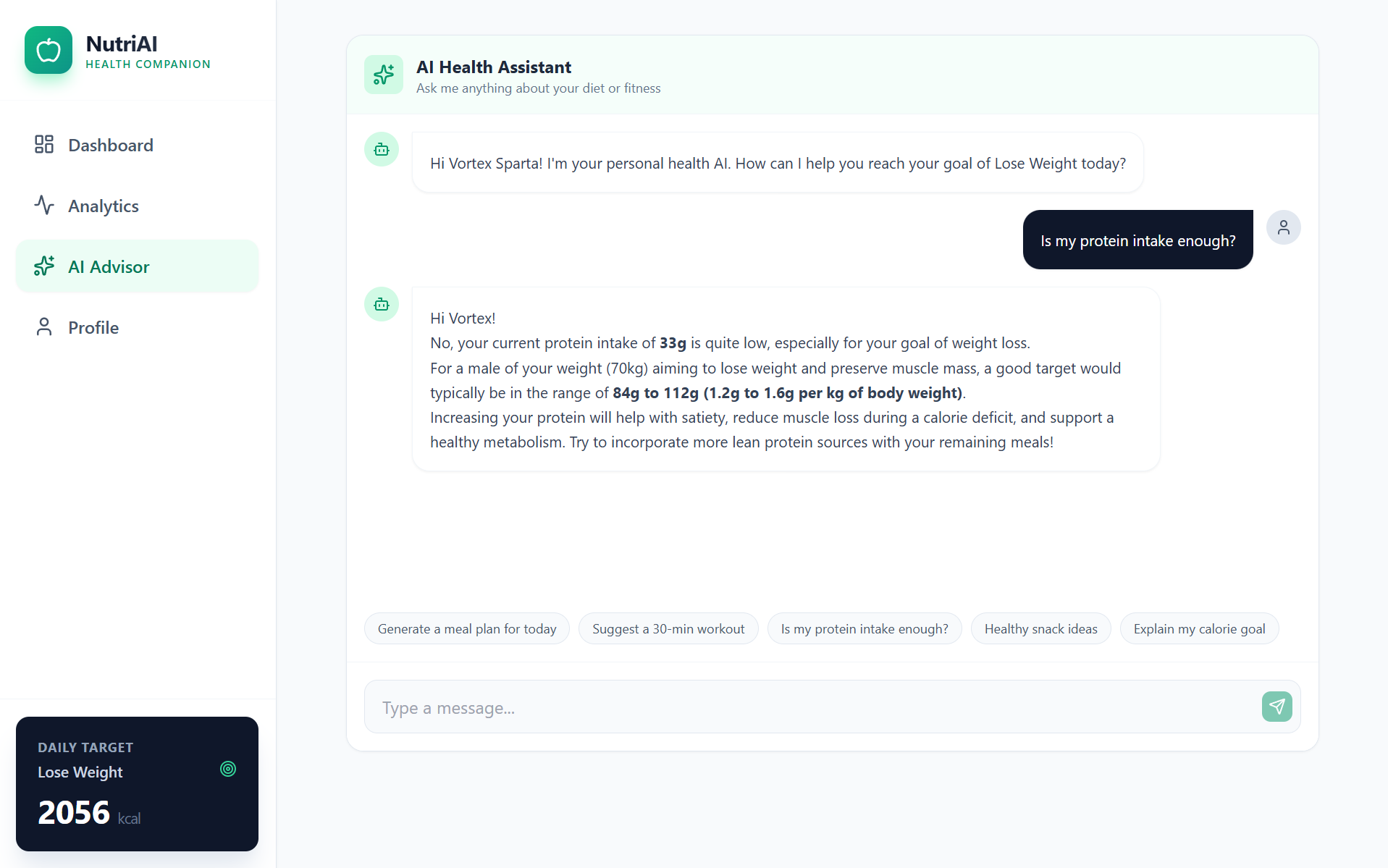
The app also includes a personal AI health assistant that responds based on the user’s inputs and needs. By removing the requirement for food scales, smartwatches, or complex forms, NutriAI acts as a centralized and accessible health center for everyday users.
How we built it
NutriAI is a React-based web application, structured with .tsx components for modularity and maintainability. We used plain CSS and utility classes to keep the UI clean and responsive while ensuring fast rendering. The frontend handles all user interactions—food and activity inputs, AI responses, and dashboard updates—through controlled components and state management with React hooks.
The Google Gemini API is at the core of our app. We designed a system where free-text inputs, like "2 slices of bread" or "played basketball 30min", are sent to Gemini via an API call. Gemini returns parsed outputs with estimated calories, macros, and contextual suggestions. We also used Gemini to bootstrap base functionality: generating code snippets for parsing logic, input validation, and component skeletons, which we then refined and integrated into our app’s state management and UI rendering.
We deployed the app on Vercel, optimizing for fast page loads, serverless API handling, and zero-configuration hosting. Throughout development, we iterated heavily on prompt engineering, input parsing, and component reusability, ensuring the AI responses are accurate, context-aware, and seamlessly integrated into the user experience.
Challenges we ran into
One of the biggest challenges was handling free-text user inputs. People describe foods and activities in countless ways—“2 slices of bread” versus “bread sandwich,” or “played basketball for 30 min” versus “basketball half-hour.” Designing a system that could accurately parse and normalize these inputs using the Gemini API required multiple iterations and careful prompt engineering.
Another challenge was estimating calories and macros without precise measurements. Since our app doesn’t rely on food scales or wearables, we had to design fallback logic that uses approximate quantities and standard nutritional databases while still giving users reliable insights. Balancing accuracy with simplicity was tricky—too much precision could overwhelm users, while too little could make the app feel unreliable.
Integrating the AI outputs with the frontend was also non-trivial. Gemini returns structured data, but connecting it to React state, updating the dashboard in real-time, and handling edge cases like incomplete or ambiguous inputs required careful state management and robust error handling.
Also deployment and environment setup posed challenges. The app had to run seamlessly on Vercel with serverless API routes, handle AI API request limits, and maintain fast response times. Debugging asynchronous API calls and ensuring that the frontend remained responsive under all conditions taught us a lot about production-ready React applications and real-time AI integration.
Accomplishments that we're proud of
We are proud of successfully integrating the Gemini API into a real-world health tracking application. Building a functional AI assistant that focuses specifically on nutrition and activity tracking was a major milestone.
Another key achievement was enabling calorie tracking without relying on external hardware like food scales or wearables. Delivering a fully deployed and usable web application with a smooth user experience is something we consider a strong accomplishment.
What we learned
Through this project, we learned how to effectively integrate AI into a practical product rather than using it as a superficial feature. We gained experience in prompt engineering, handling natural language inputs, and refining AI outputs for better usability.
We also learned how AI tools like Gemini can significantly speed up development when used responsibly, along with improving our understanding of modern frontend development, deployment, and debugging workflows.
What's next for NutriAI
more and more personalization.... In the future, we plan to improve personalization by adapting recommendations based on user goals and historical data. We also want to introduce deeper nutrition breakdowns, visual progress tracking, and more interactive insights.
Additional plans include voice-based logging, better mobile optimization, and optional wearable integrations—while keeping them non-mandatory. Our long-term vision is for NutriAI to grow into a fully personalized AI health companion.
Built With
- css
- esm.sh
- geminiapi
- html
- javascript
- lucide-react
- node.js
- react
- react-markdown
- recharts
- tailwind
- typescript
- vercel
- vite


Log in or sign up for Devpost to join the conversation.