Inspiration
Most Nutrition Trackers require the user to manually enter nutritional information, whether its with all entries or those not present in a central database. This makes the tracking of daily nutritional intake incredibly tedious!
What it does
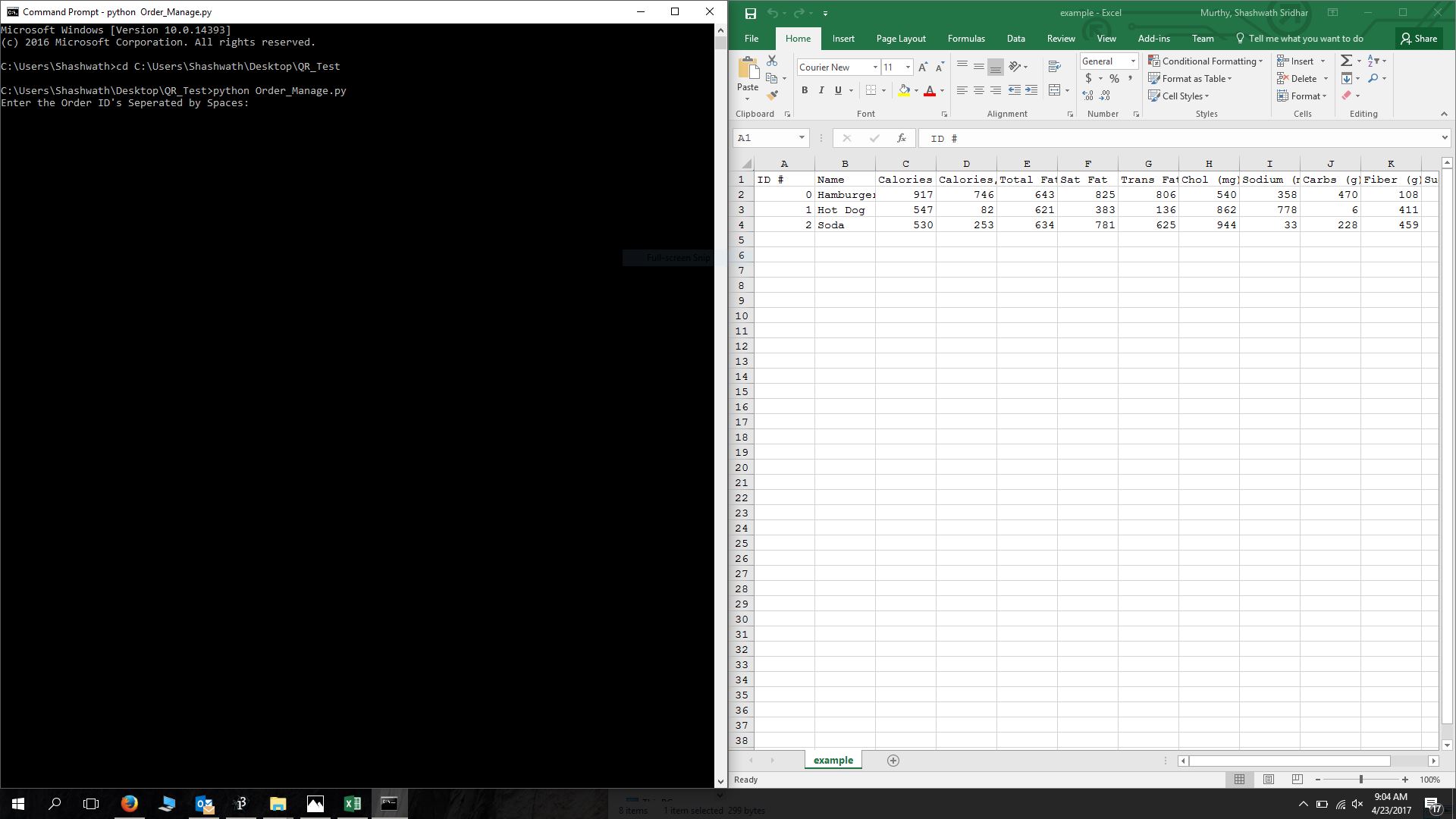
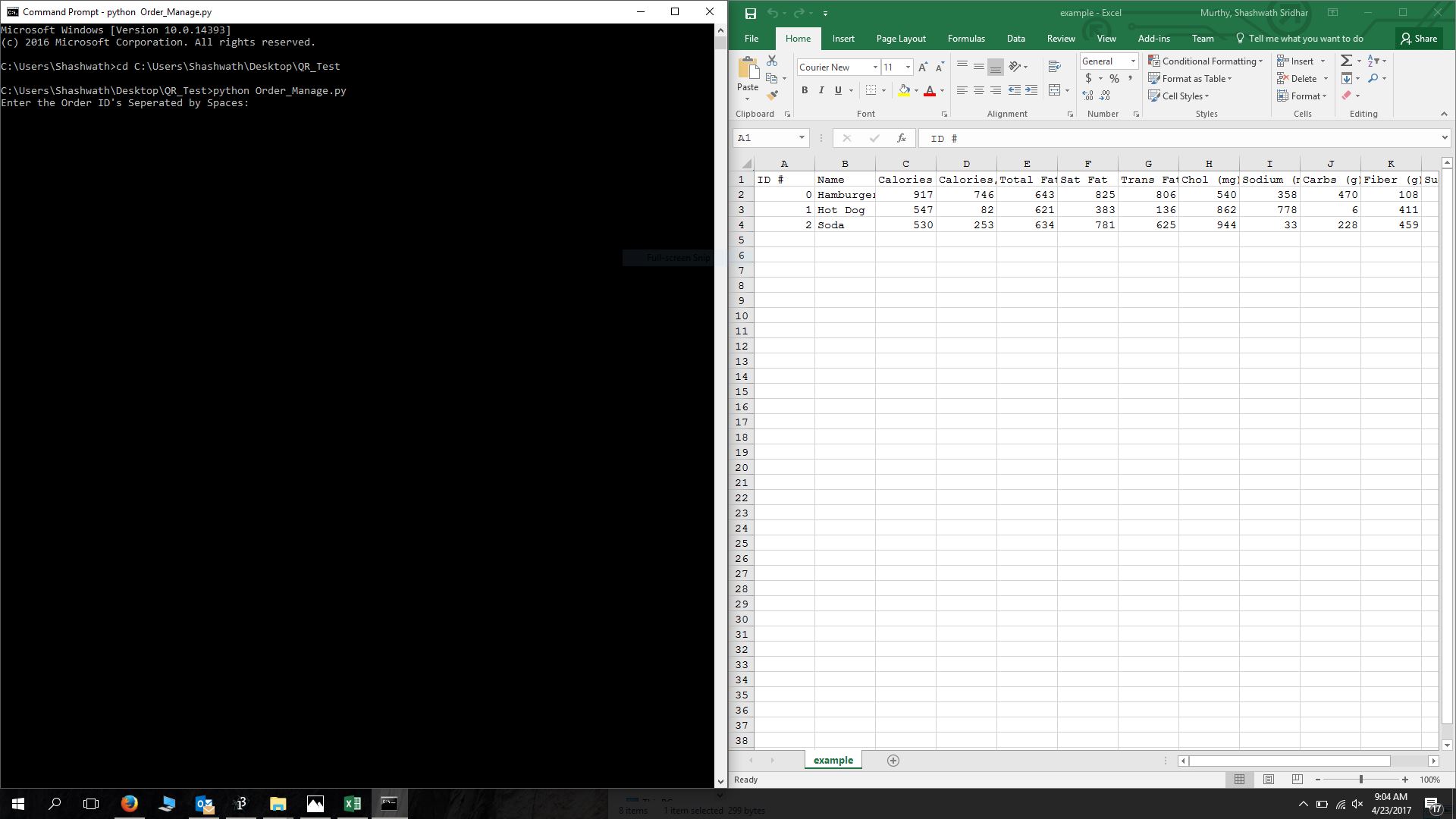
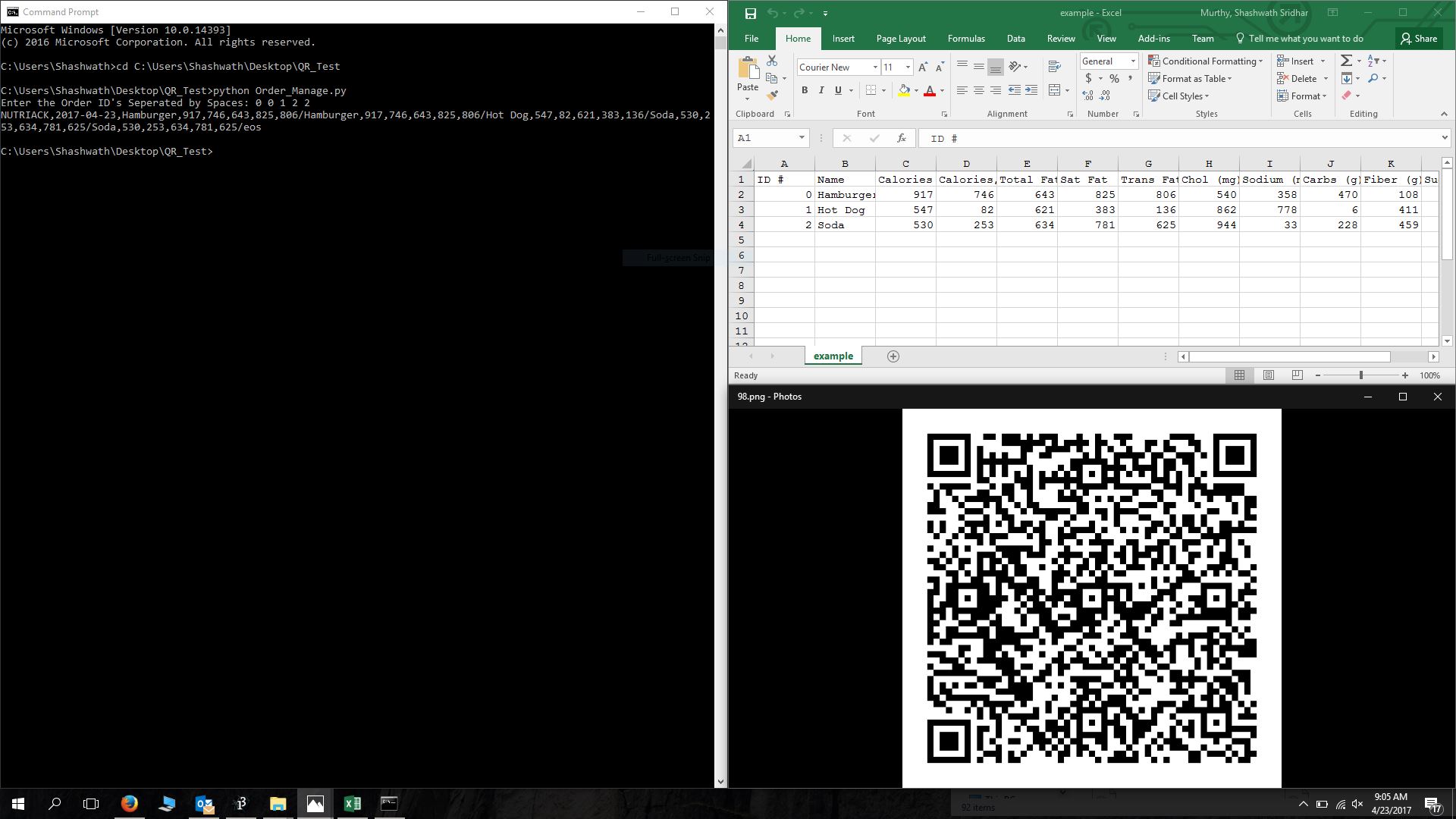
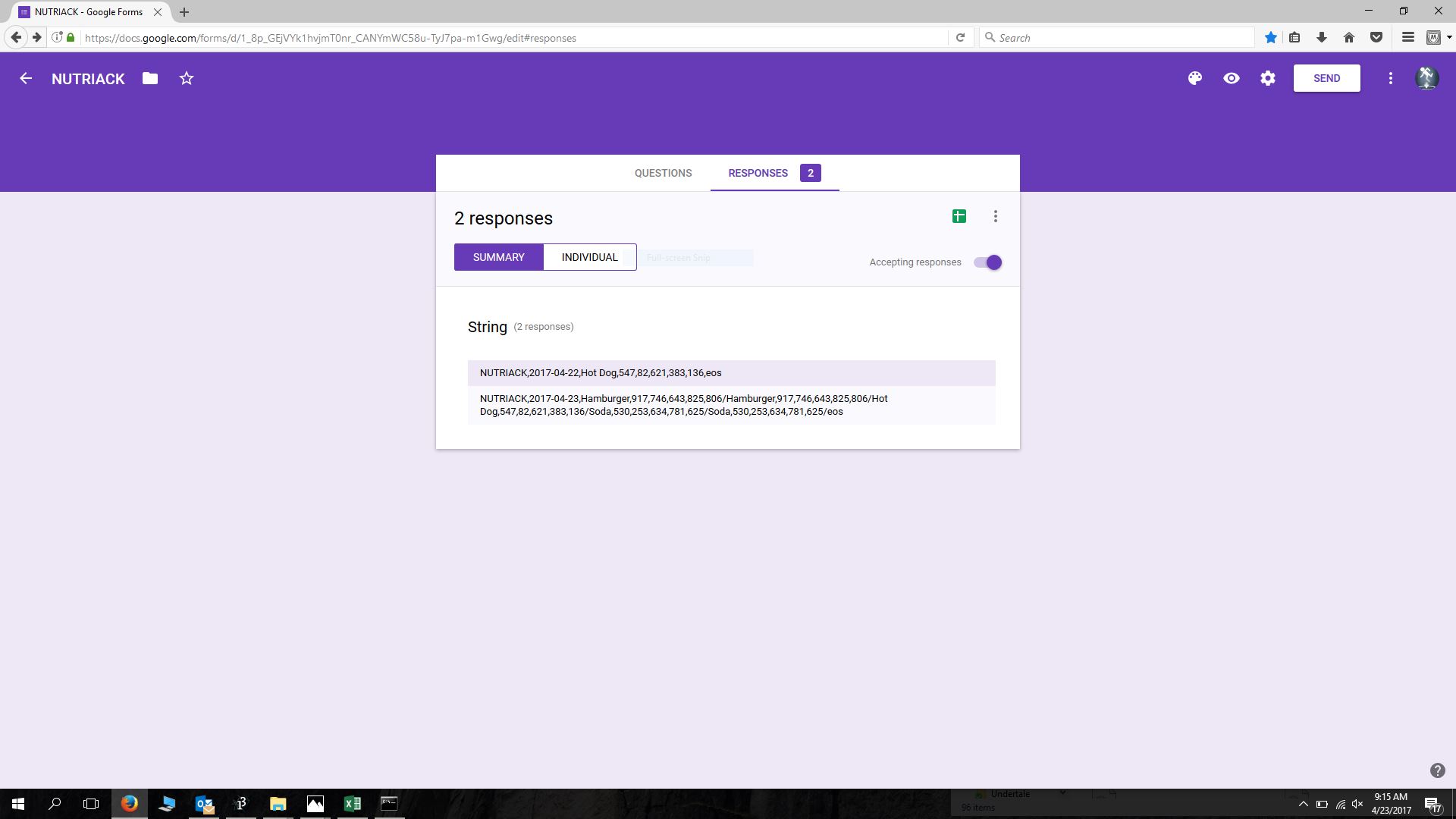
Project Nutriack is a proof of concept which illustrates the ease at which data strings can be communicated using a simple QR generator linked to a digital "menu". The user would then use a QR Code Scanner to submit the string to an online database. Then, the data strings can be pulled from the online databases and parsed so that they may be entered automatically into the proper nutrition tracking application.
How we built it
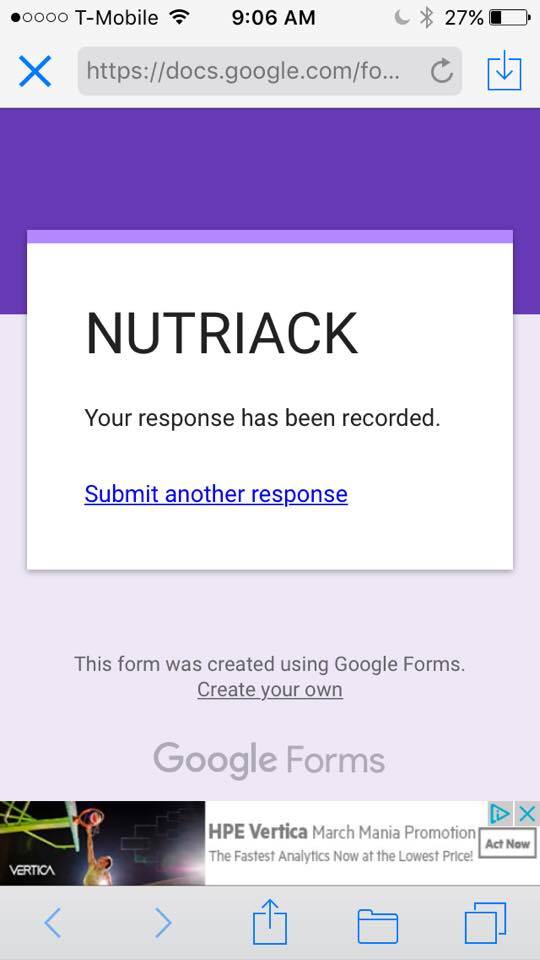
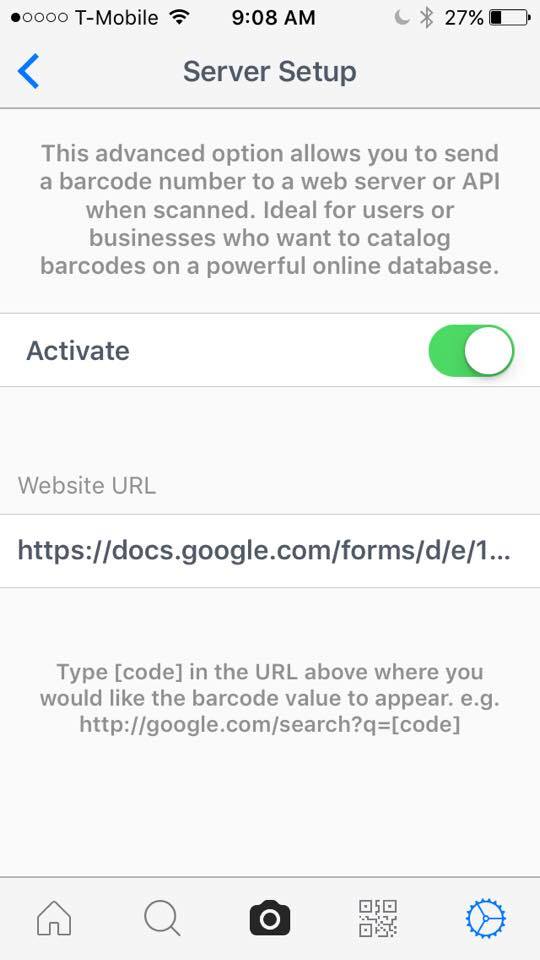
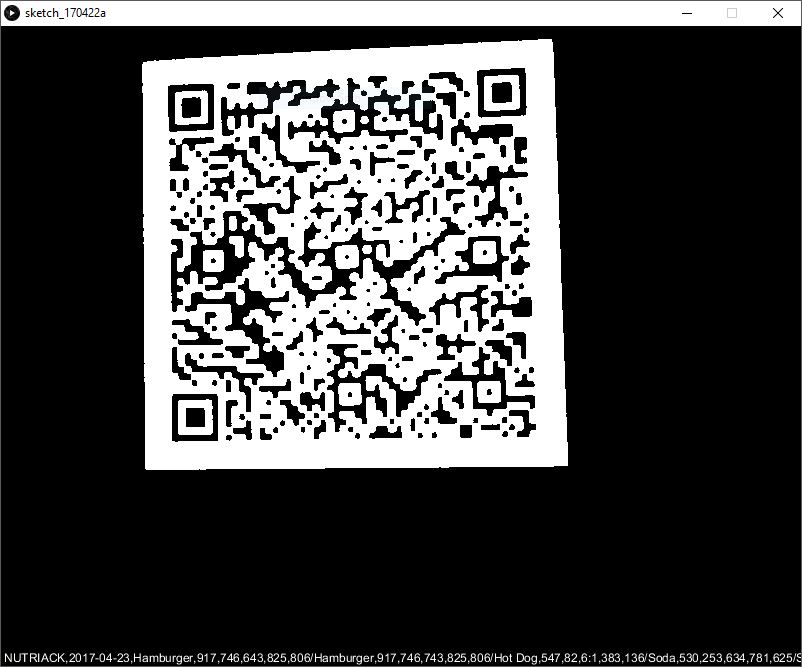
Nutriack is the result of blood, sweat, and code. The QR code generator is powered by python and makes use of the pandas and qrcode libraries. Both a homemade and 3rd Party QR Code Reader were used to test the generated QR Codes, a Processing Sketch and free iPhone App respectively. Finally, some URL and setting trickery was used to send the data string to a Google Form.
Challenges we ran into
No one on this team is a "hackerman", our team consists of Pre-Med students, a physicist, and a computer engineer. We struggled with the user end application and chose to use an already existent mobile app. Furthermore, we did not have the funds needed to work with the Apple HealthKit tools.
Accomplishments that we're proud of
None of us truly knew what we were doing when it came to apply our programming knowledge. Although Project Nutriack is a metaphorical tower of duct-tape, we got something to work and learned a lot about QR technology.
What's next for Nutriack
A Nutriack iOS Application which can scan QR codes, parse the string, and directly work with Apple Health. https://drive.google.com/file/d/0B83s2-YcFwBeS3NrMWJNOHVFbG8/view
Log in or sign up for Devpost to join the conversation.