Inspiration
The human body requires nutrients to perform our daily tasks efficiently. Hence, educators put an emphasis on having sustenance before exams. Nutrition affects mental health as well as physical health and poor eating habits can severely cripple the human body. As college students, who have occasionally skipped meals (often more than we should have), being in good health is pivotal not only to living a decent college life but a longevous life.
What it does
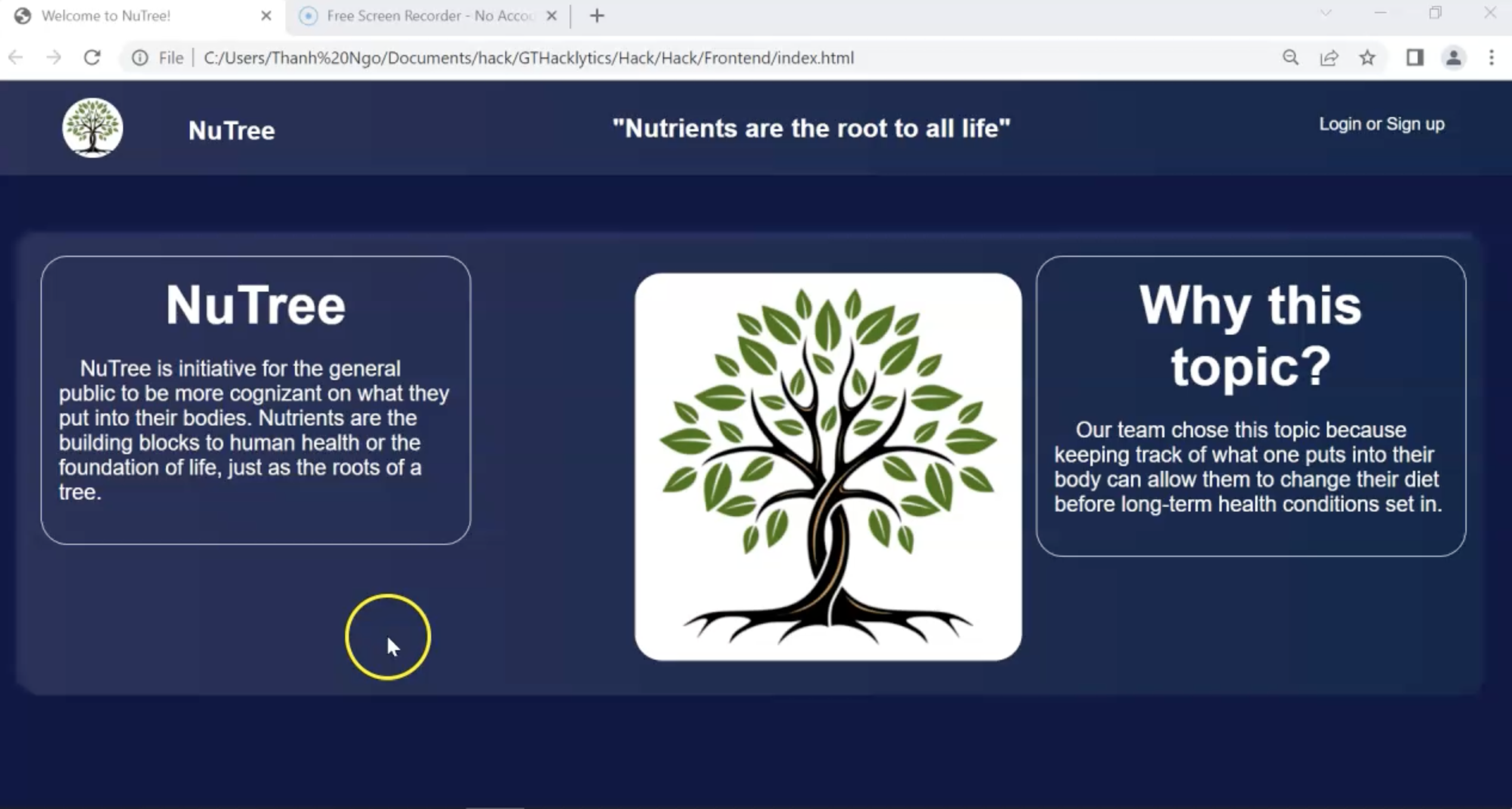
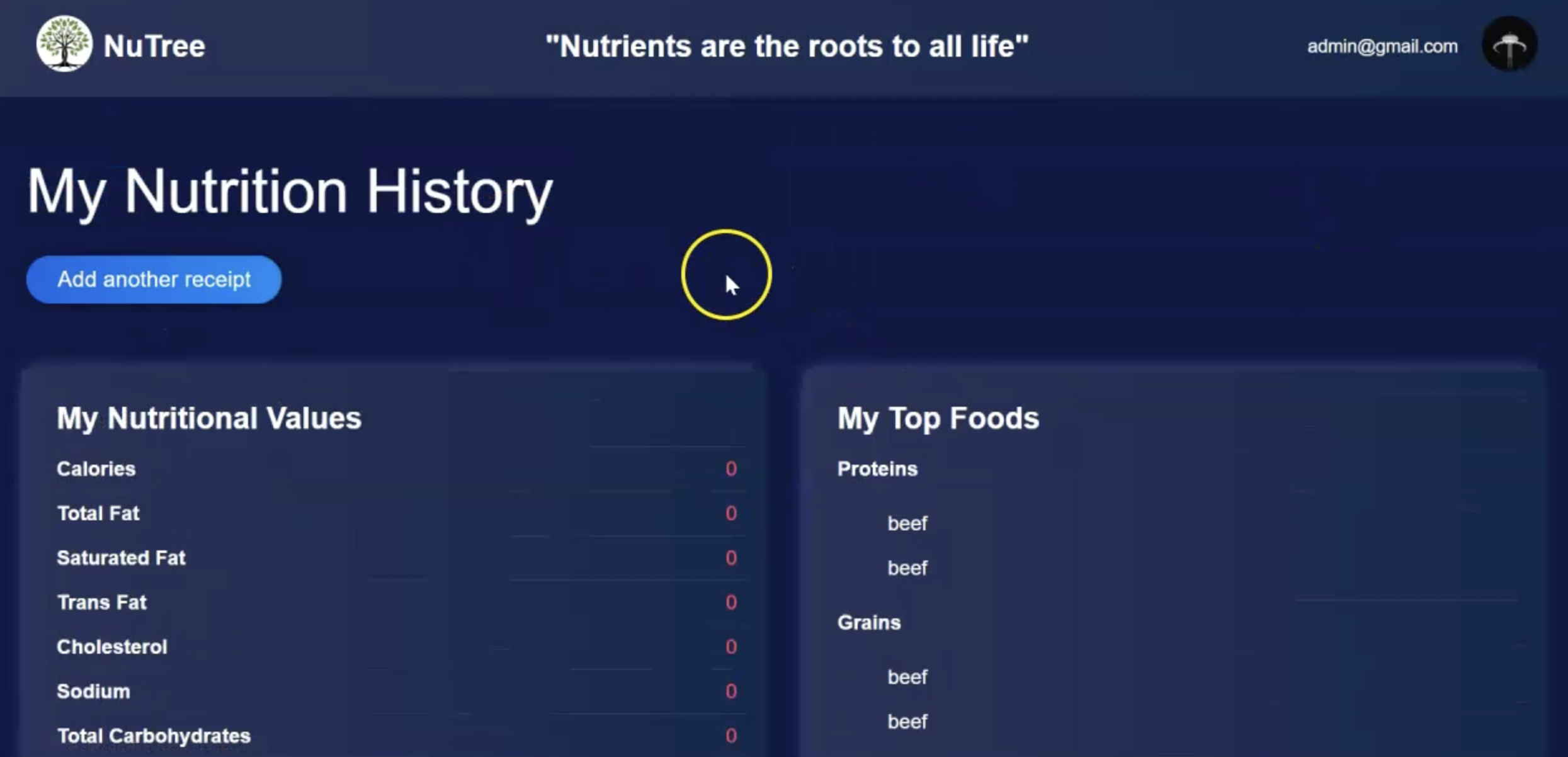
NuTrees is a web application that allows users to track their nutritional intake by just scanning their receipts. With just a receipt, NuTrees can determine the total amount of calories, protein, carbohydrates, etc. Users can visualize their food consumption, find trends and even find their top food choices. With NuTrees, users can understand what they are missing in their diets and be proactive to maintain health.
How we built it
NuTrees utilizes Python as our backend and base HTML/CSS for our frontend display. Python was chosen because Python contains many useful libraries to analyze and parse data. Django web app framework was used to communicate between the front-end and back-end. Google Cloud was used to host our main database for NuTrees. The database was used to store and query user accounts and food nutritional information. This allows Nutrees to keep records for each specific user. NuTrees relies on the cloud database to verify users and update nutritional statistics as new information arrives. This is our main tech stack.
Once a user uploads a receipt, the receipt gets transferred to Google Cloud’s Vision AI via an API call. Google Cloud’s Vision API was used to scan the receipts and output the text as strings. After the API call, the text is then parsed by removing numbers and symbols. Then the text is filtered for food items. Once all food items are parsed, NuTrees then accesses the US Department of Agriculture’s food database with an API call and searches for the food in the database. After the food is found in the database, a JSON file is generated by the database. The Pandas library was then used to read and analyze the data for nutrition facts. Finally, the nutrition facts are uploaded to the user's account.
Challenges we ran into
Challenge #1: Front-end creation. As both front-end programmers had little experience in HTML and CSS, they used most of their time learning. Because of this, they ran into many formatting issues during the start of their web design.
Challenge #2: Extrapolating Data. Our backend team spent hours trying to parse the correct data from receipts. Identifying whether a word was food or not was the most difficult challenge.
Challenge #3: Google Cloud Implementation. While Google Cloud supported most of our backend, implementing Google Cloud was difficult. Google Cloud introduced many new factors such as token authentication and proxy connectors that the team was not experienced in.
Accomplishments that we're proud of
Successfully parsing and extrapolating information from the datasets despite the backend having trouble with the dataset.
Despite a learning curve and a huge time crunch from a late start, we managed to complete our project on time
Created a full stack web app in under 36 hrs
Pipelining API calls between services
What we learned
As a front-end developer: -CSS and HTML formatting -Creating a pie chart with data from a database using plot.ly -Website Routing As a back-end developer:
- Google Vision API is useful for quick CV applications
- Set up a virtual python environment before starting the project
- REST API -Django
What's next for NuTrees
- Refinement of pages to be more user-friendly and update our frontend to React.js
- Increasing NuTree’s database of foods to further our scaling
- Introduce NLP to classify food items
- Pushing for a responsive web design approach to increase consumer usage. Most people would rather take a picture on their phone and upload it to our website as opposed to uploading the receipts to their computer then uploading it to our website.


Log in or sign up for Devpost to join the conversation.