-
-

App Icon (1024x1024)
-
Screenshot 1 (1179 × 2556)
-
Screenshot 2 (1179 × 2556)
-
Screenshot 3 (1179 × 2556)
-
Screenshot 4 (1179 × 2556)
-
Screenshot 5 (1179 × 2556)
-
Screenshot 6 (1179 × 2556)
-
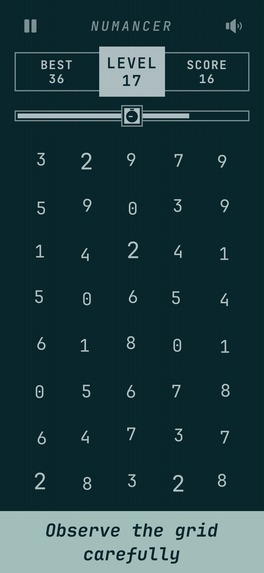
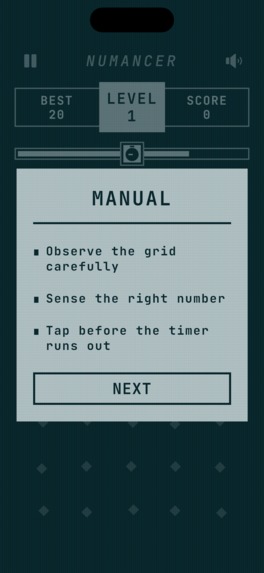
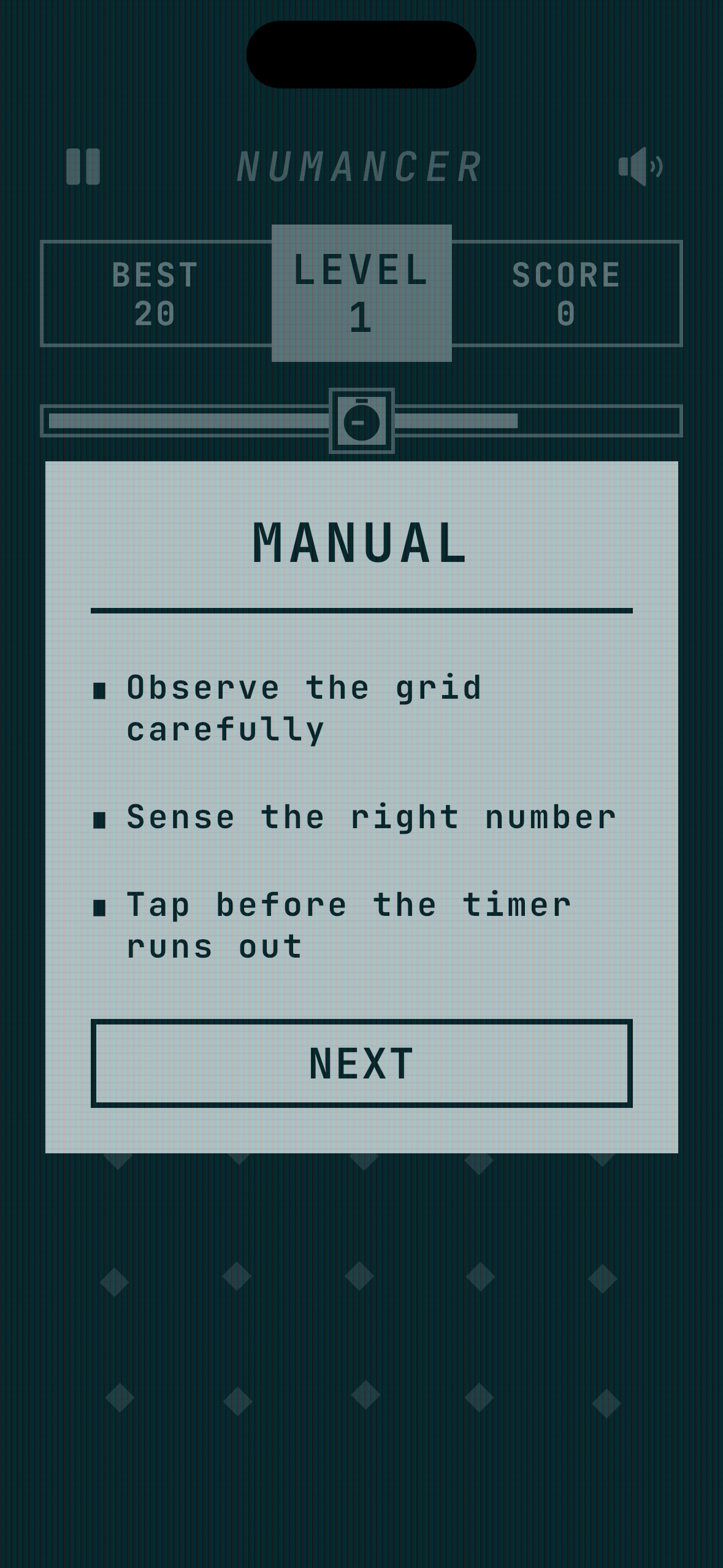
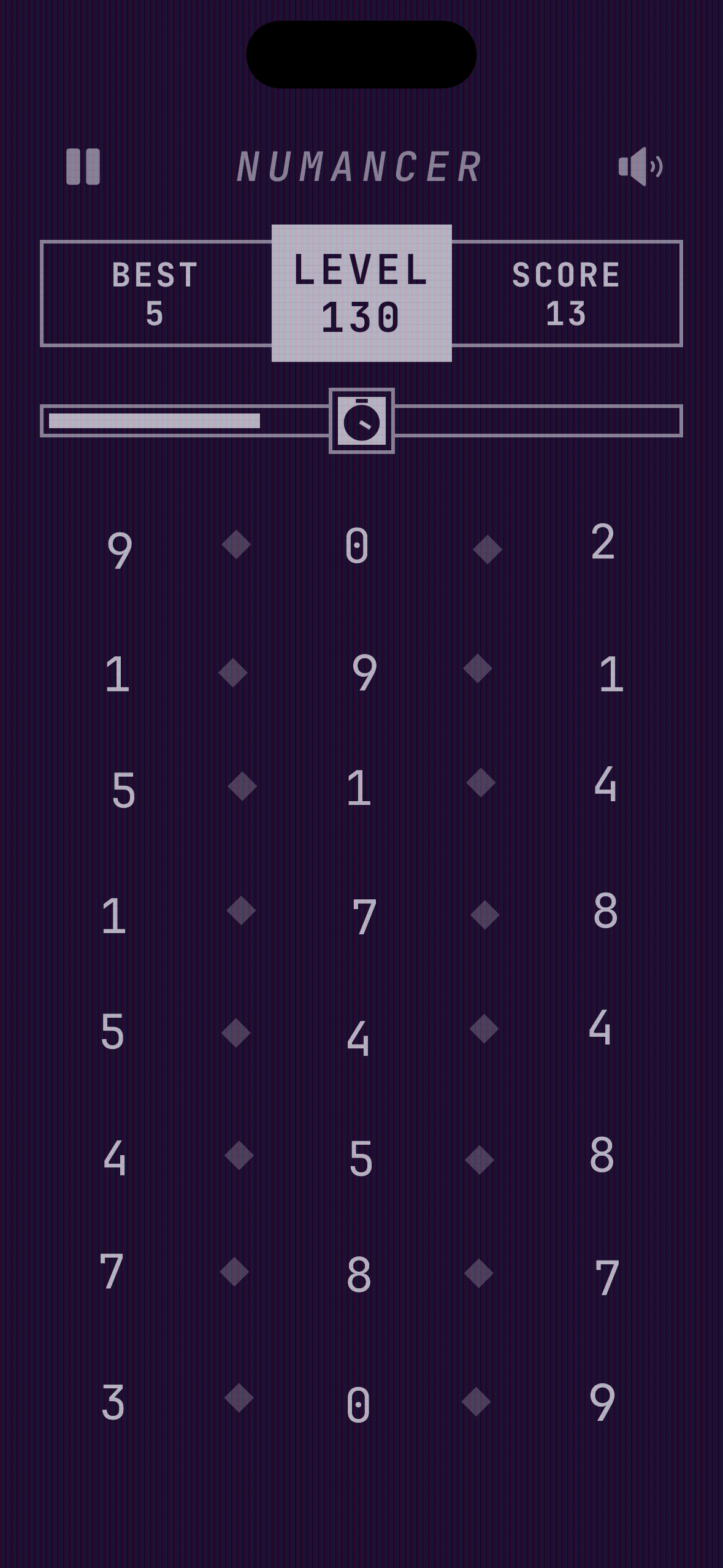
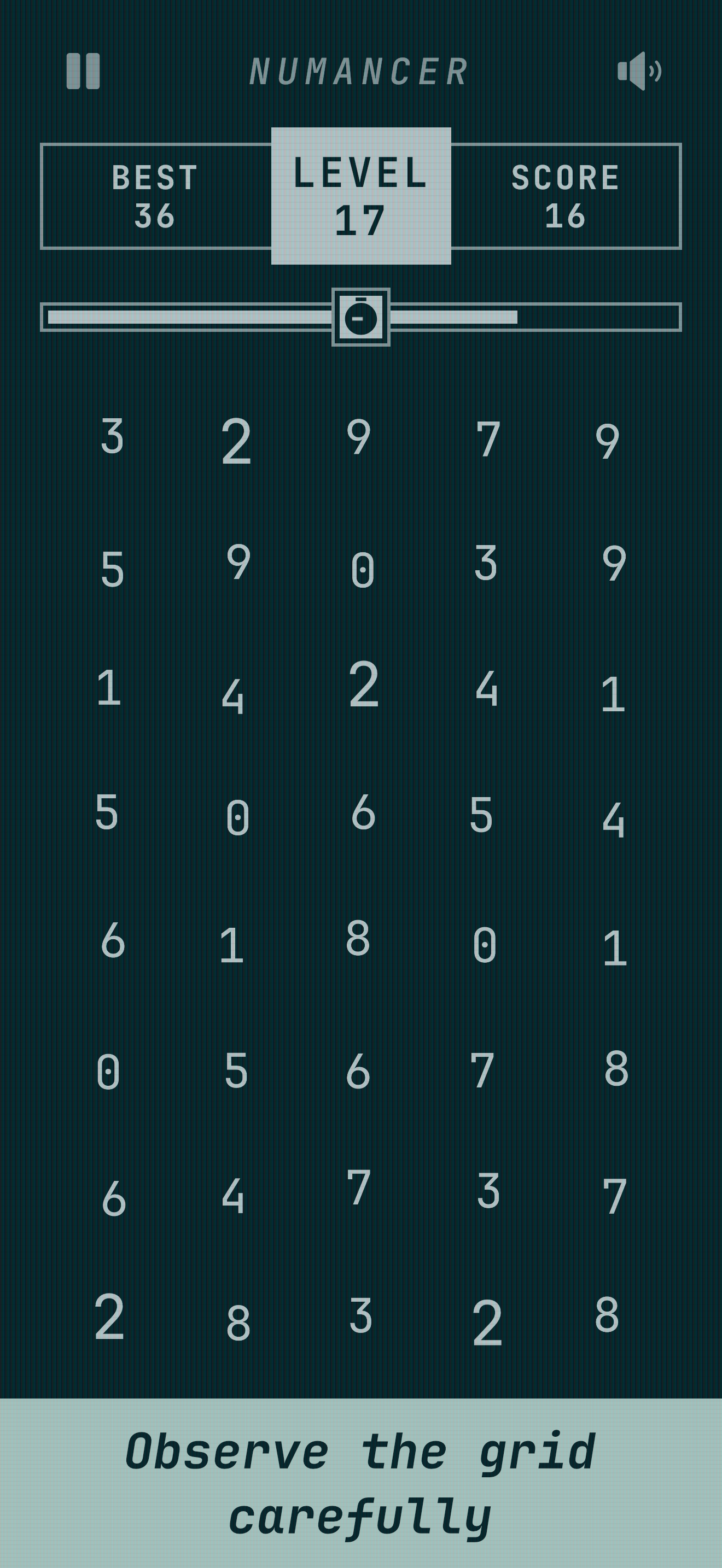
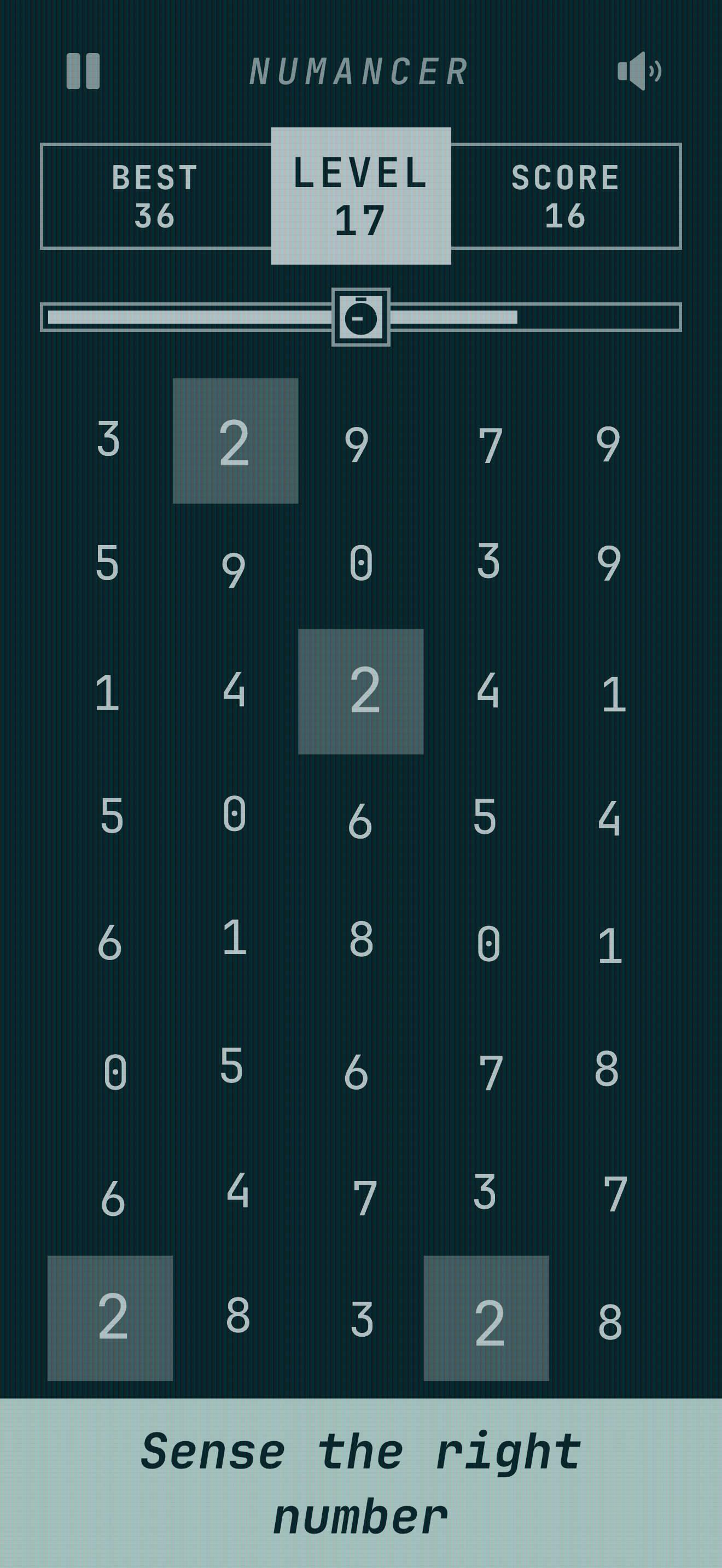
Observe the grid
-
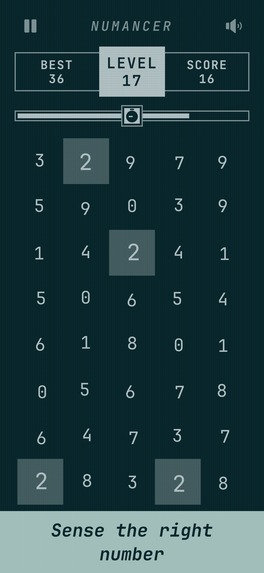
Sense the right number
-
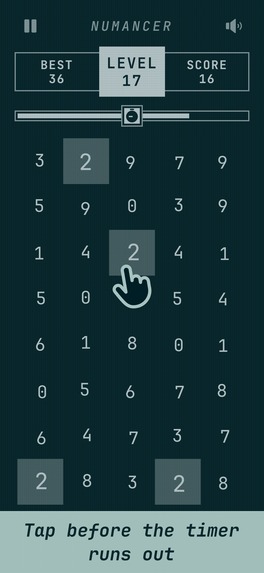
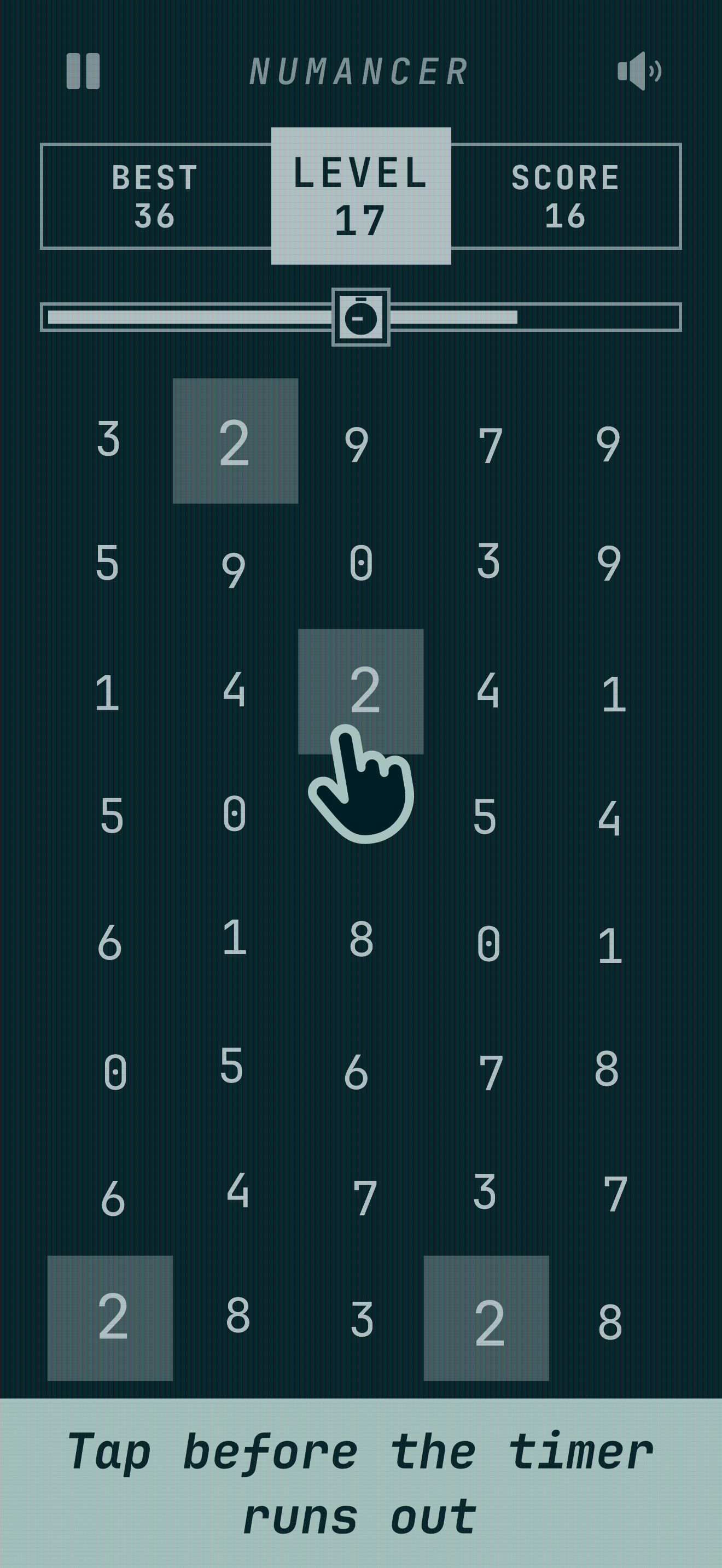
Tap before the timer runs out
-
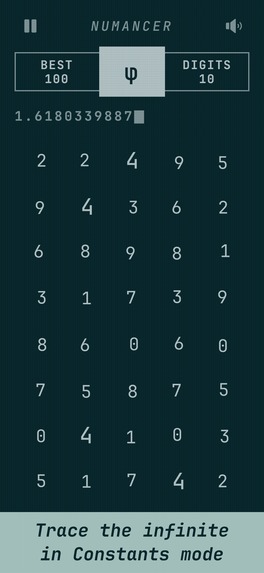
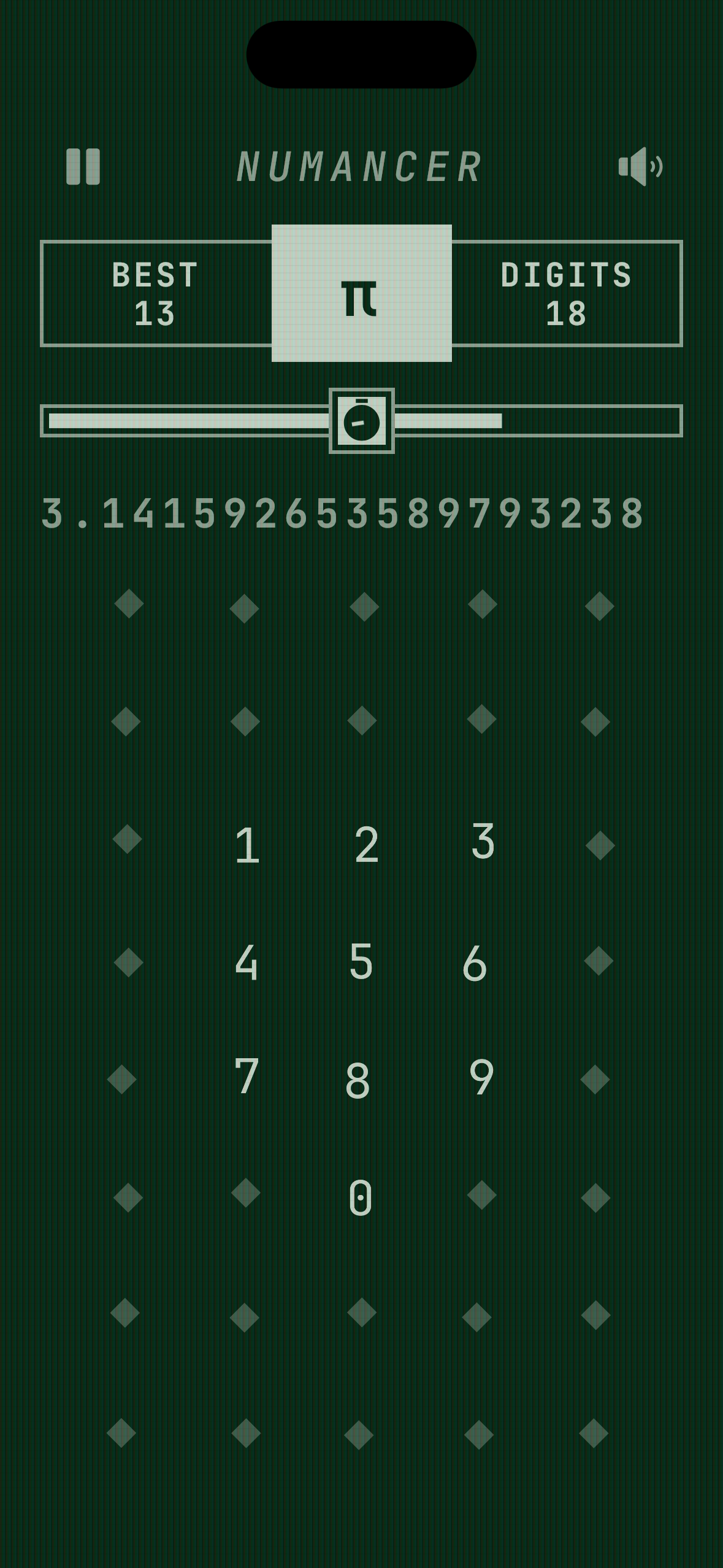
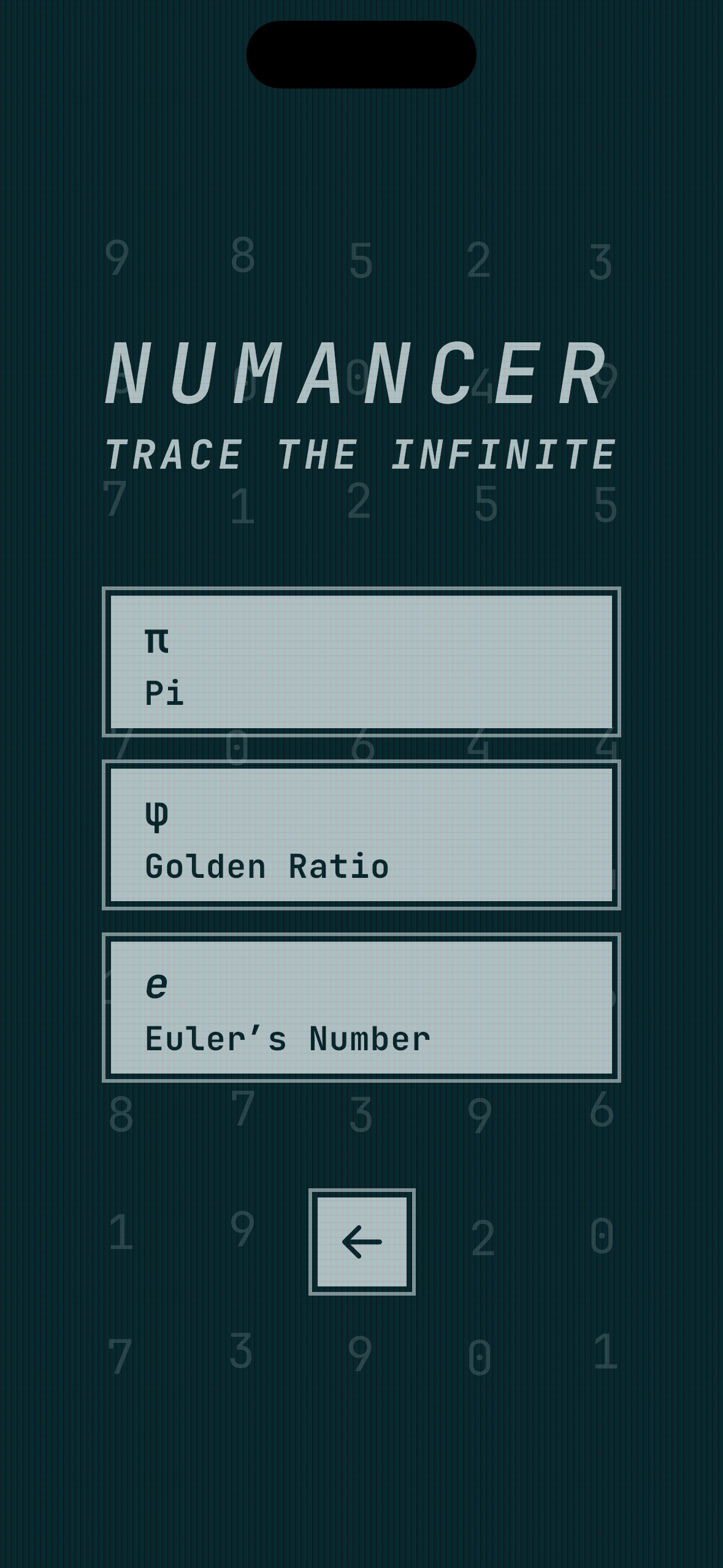
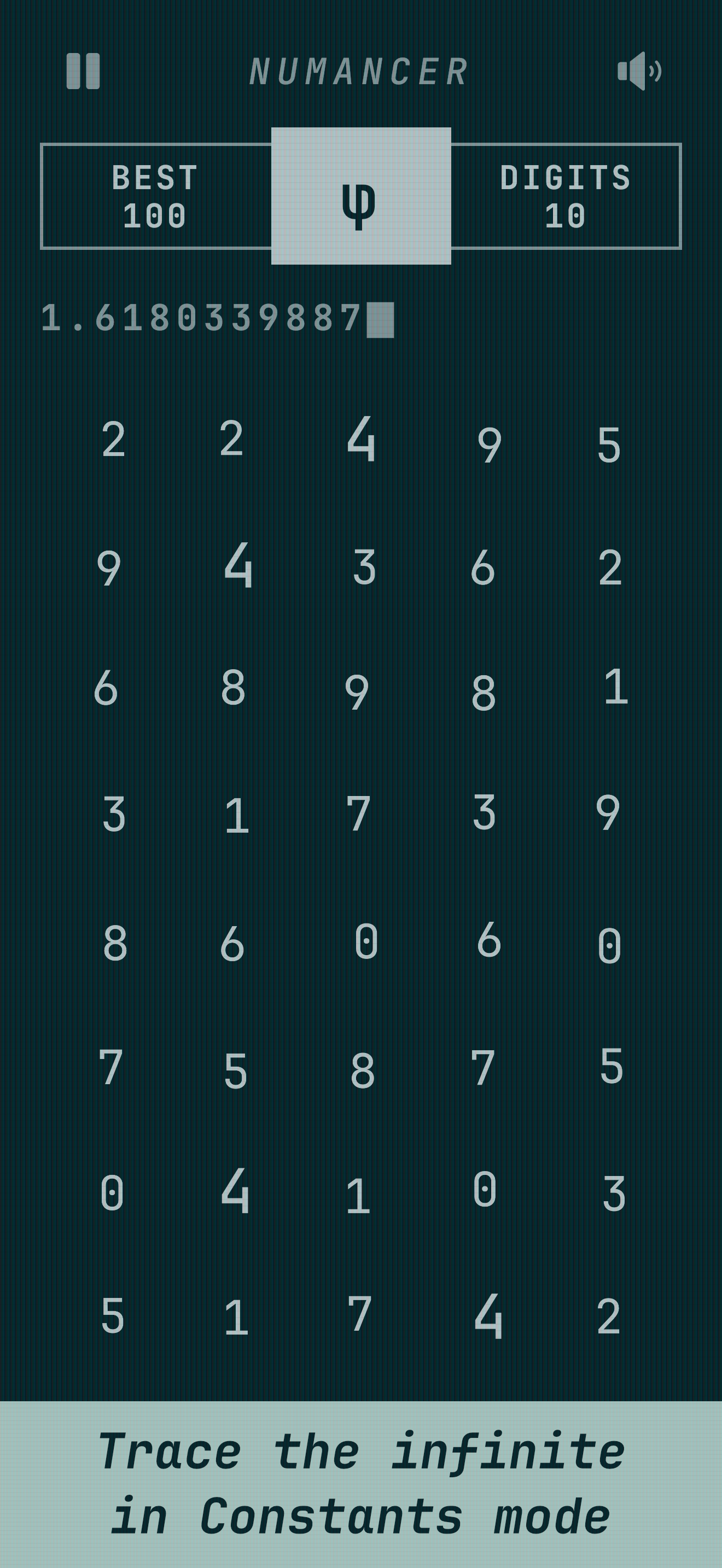
Trace the infinite in Constants mode
-
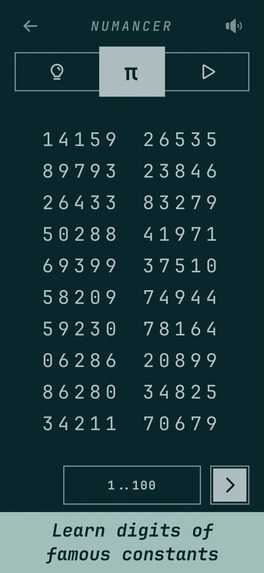
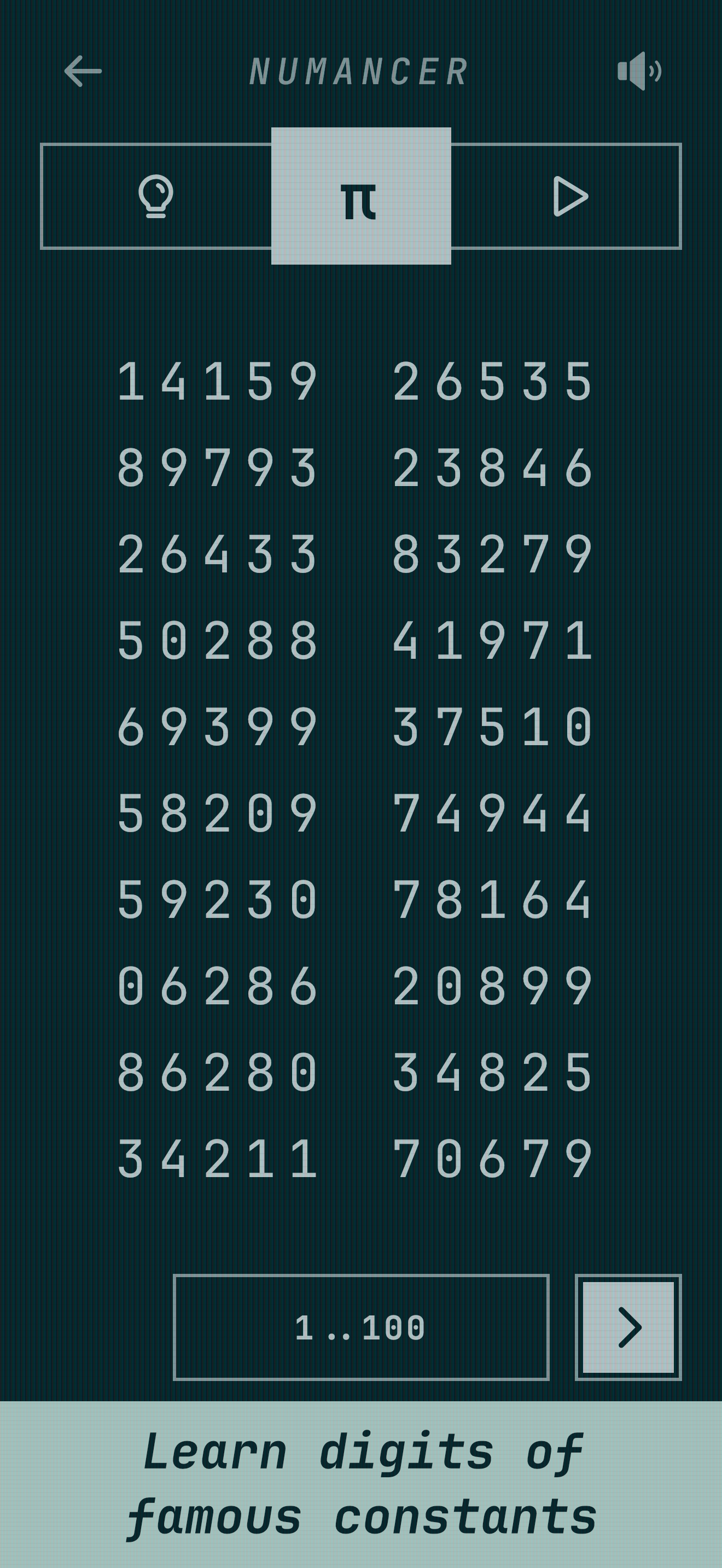
Learn digits of famous constants
-
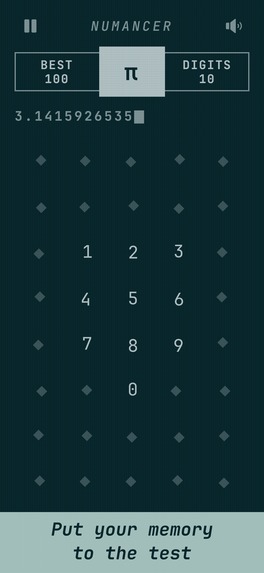
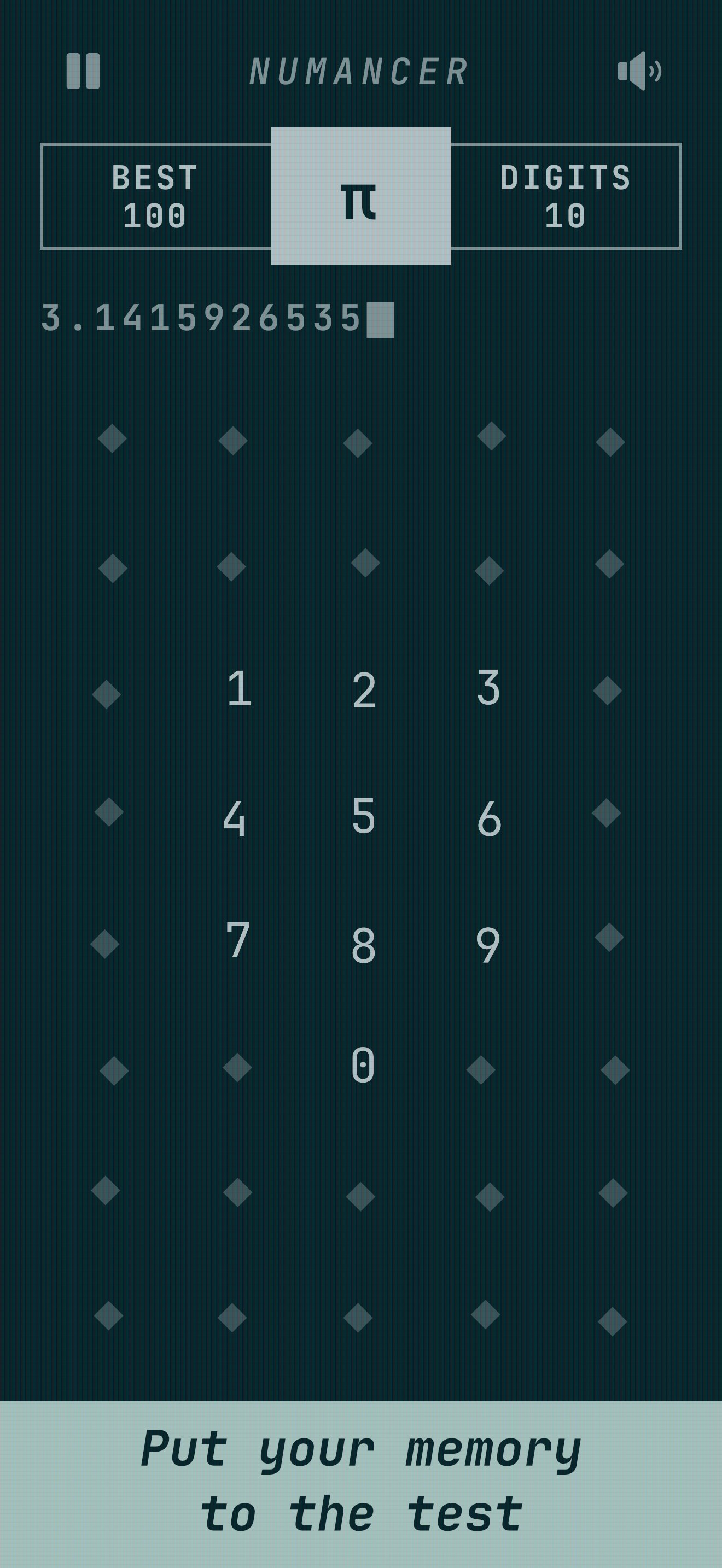
Put your memory to the test
-

Compete with Numancers worldwide
-
Feature Image


Introducing Numancer
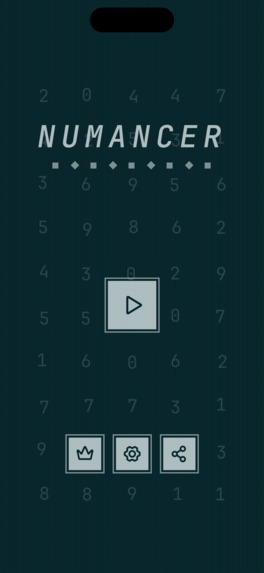
Numancer is a mobile game available on Android and iOS. The concept is pretty simple: you have to “sense” the right number in a grid of moving numbers. But how do you know which one? That’s the interesting part: the right number behaves differently and slowly reveals itself to you. It’s a test of your perception and instinct. Over time, you develop an intuition for it.
What started as one simple mechanic has grown into a full game with various modes that test your perception, instinct, and memory in different ways.
The Origin Story
As someone who loves discovering hidden details and Easter eggs in software, I also love planting them in my own apps. This project started as an attempt to create one for another Android app of mine, inspired in part by one of my favorite TV shows, Severance.
In the show, the characters perform a mysterious task known as Macrodata Refinement, identifying and sorting clusters of numbers based on the emotional responses they evoke. What began as a small experiment inspired by that idea soon grew into a standalone game with its own mechanics, modes, and identity.
The Game Mechanics
I experimented with various ways to simulate the feeling of picking a number that just “feels” right. I finally settled on a grid of moving numbers, with subtle visual cues applied to one target digit to create the impression that it simply feels different.
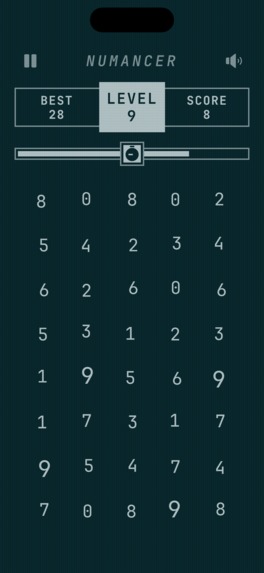
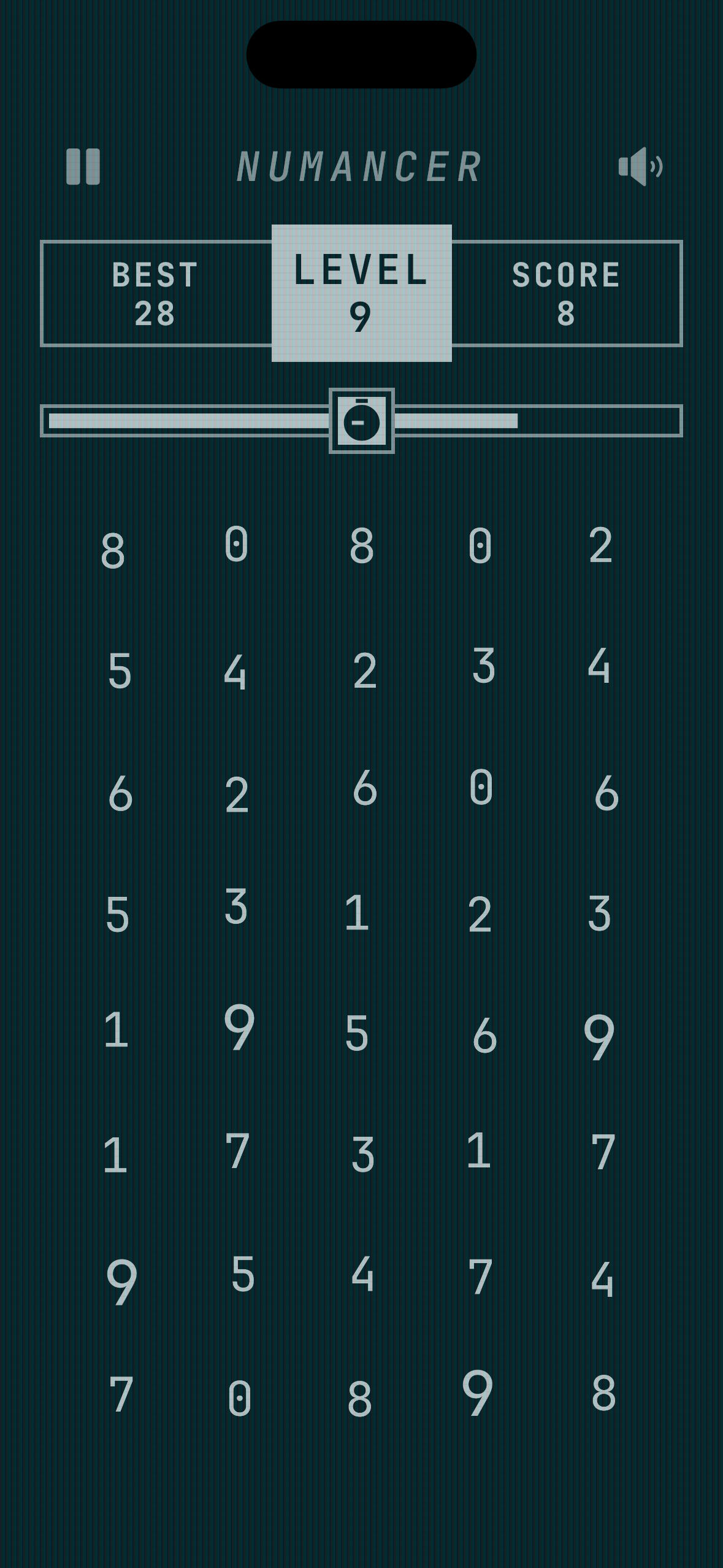
Every digit from 0 to 9 appears four times in the grid. The target digit therefore appears in four different cells, and tapping any one of them advances the game. Tapping the wrong digit ends the run.
I went through countless rounds of iteration to tune the regular motion and the target’s visual cue so that they blend together and the correct digit surfaces only when you look carefully. Make it a little too challenging and casual players may drop off; make it a little too easy and players are not motivated to progress further.
One early problem appeared when choosing a new target. I initially used a grid in which the numbers moved inside their cells, but their positions did not change. When a new target was selected, its visual cue made it easier to spot during the first few frames, no matter how gently the effect started.
I fixed this by transitioning the entire grid whenever the target changed. This made all the cells enter motion together, preventing the new target’s visual cue from appearing in isolation.
Several other constraints had to be solved:
- The search space had to remain consistent across devices. The grid was fixed at 8 rows and 5 columns, allowing every digit to appear exactly four times.
- The four target cells could not cluster together, as that would make the cue much easier to spot.
- Their placement could not become predictable. If a target cell were always present in, say, the upper four rows, players would not need to scan the entire grid.
The generator therefore balances target placement across individual cells, rows, columns, and horizontal sections. It also avoids recently used boards and target layouts, encouraging players to scan the whole board. Automated tests simulate 1,000 boards to verify exact digit counts, balanced target coverage, visual variety, and recent-repeat avoidance.
Transitioning to Kotlin Multiplatform
At this point, the game was still a Jetpack Compose module inside another Android app of mine. I decided to turn it into a standalone game, and Kotlin Multiplatform was the natural choice because it allowed me to target both Android and iOS.
Most of the gameplay logic, state, and Compose UI are shared, while native platform APIs handle services such as leaderboards and ads. Migrating the existing Jetpack Compose code was more straightforward than I expected, and I had the initial version running on my iOS device in no time. The real work came afterward, making sure the game behaved, performed, and looked consistent on both platforms.
The Agentic Coding Experiment
I’ve been coding by hand for over a decade. I still remember the first time I integrated platform-specific leaderboard APIs into my first cross-platform mobile game and felt genuinely proud of myself.
This year, I started dipping my toes into coding agents and setting up my own workflows. One thing that always bothered me was that my existing codebases had not been designed for agentic coding. When I scaffolded the new Kotlin Multiplatform project for Numancer, I used it as an opportunity to build around agentic workflows from the get-go.
My biggest lesson from this experiment is that coding agents work best when you build a harness around the codebase. That means creating skills, purpose-built workflows, project-specific instructions, and custom tools from day one.
Some noteworthy examples include:
- I design the game screens in Figma and let a coding agent take a pass at implementing them. When I find it easier to adjust a design directly in code, another workflow helps me sync those changes back into Figma.
- My agent-driven workflow runs the game on both an Android emulator and an iOS simulator to catch platform inconsistencies. I often let these checks run overnight and produce a plan that can be passed to another agent for implementation and review.
- I make rough screen recordings and video edits in DaVinci Resolve, then use an agent through the DaVinci Resolve MCP to generate transparent cursor animations and synchronize music and sound effects.
Extending the Core Gameplay
I came up with two main ways to increase the difficulty:
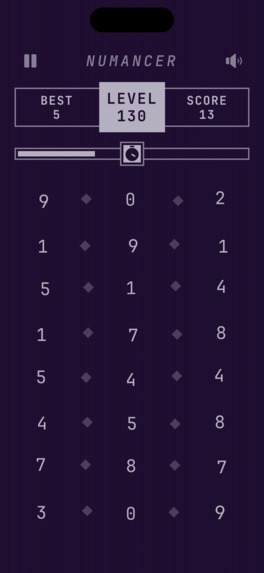
- Make the visual cues harder to spot. I first introduced geometric fade patterns, then replaced the fades with diamond placeholders that swap in for the digits. As the levels progress, the target’s visual cue is also toned down.
- Introduce a time limit. If spotting the visual cue is already difficult, doing it with a timer running makes it even harder. The available time also decreases as the levels progress.
These ideas were combined into Classic mode. To complement it, I added Endurance, which removes the timer and reduces the visual cue more gradually, resulting in a much more relaxing experience.
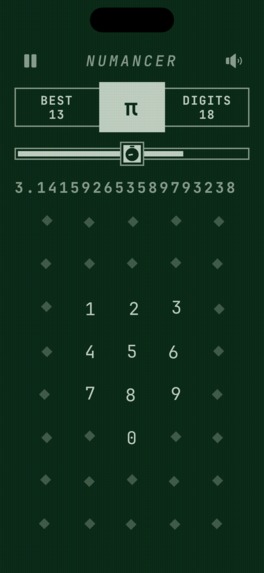
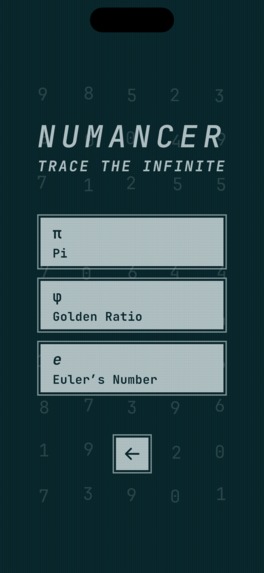
To extend the game beyond random numbers, I drew on my fascination with mathematical constants and decimal expansions that continue forever without settling into a repeating pattern. This led to Constants mode, featuring Pi, the Golden Ratio, and Euler’s number.
Each constant includes two scored modes. Guided uses its decimal digits as the targets in the grid, as though you are tracing the infinite. My personal favorite is Unguided, which turns it into a memory game where you enter the digits in the correct sequence. There is also a separate Learn mode where you can study the digits and begin practicing from any selected row.
Each constant contains 100,000 digits after the decimal point. I chose that limit because the current Guinness World Record for the most decimal places of Pi memorized is 70,000. I sincerely hope the next record holder uses Numancer to practice their recital. I have personally used it to study 100 digits. I will get there soon!
With the addition of Constants mode, the name Numancer was born after countless rounds of brainstorming. I’m proud to admit that it was not suggested by an LLM! Numancer combines “number” with the “-mancer” suffix, describing someone who can find, sense, or predict hidden secrets in numbers. It fits the theme of the game perfectly.
Numancer also integrates separate platform-specific leaderboards on Android and iOS. Players can compete for the top positions in each scored game mode and generate score report cards to share and brag about their results.
Monetization
Numancer combines ads with a lifetime in-app purchase that removes all ads and unlocks additional visual themes. The lifetime purchase has a US base price of $1.99 at the time of submission.
AdMob serves the ads, while ad events and impression-level revenue are reported through RevenueCat’s ad monetization feature. Apple and Google process the store transactions, while RevenueCat manages purchase and entitlement state across both platforms.
As someone new to RevenueCat, I appreciate how quickly I could get started, how it simplifies the differences between the two stores, and how its dashboard brings purchase and ad analytics together, along with the convenience of its companion mobile app.
Designing Numancer
One of the most challenging but rewarding parts of building Numancer has been developing its design.
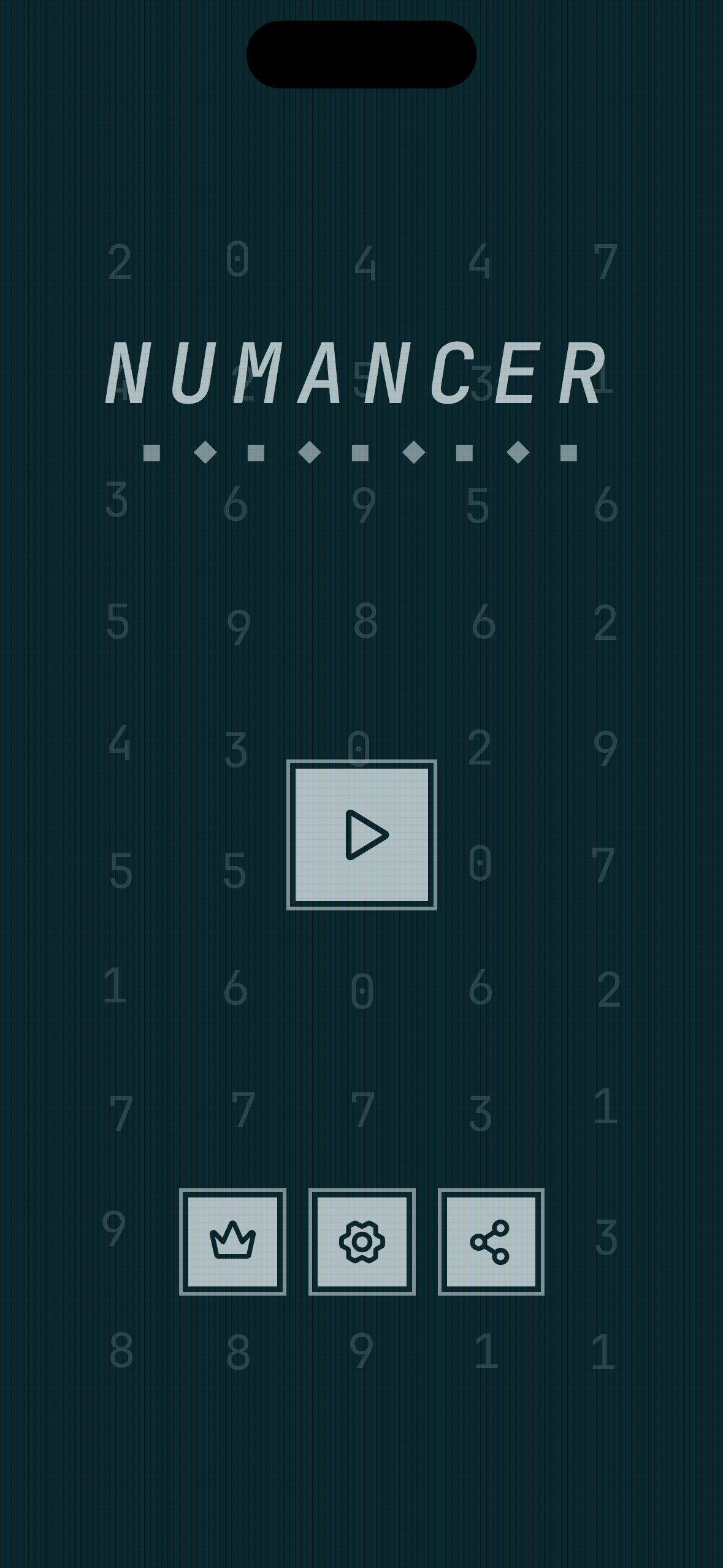
Numancer draws inspiration from old computers, with two-tone, terminal-like UI elements, sharp edges, outlined buttons, and JetBrains Mono typography. The music and sound effects were carefully selected from many generations created with ElevenLabs to reinforce the sense of mystery and curiosity. Together, they form a cohesive visual and sound design that gives Numancer its own character.
What’s Next for Numancer
The first version of Numancer launched on September 21, 2026. So far, I have shared it with close friends and family and gently started promoting it publicly. I have already received some great feedback and released updates based on it, but there is still a long way to go with marketing and user acquisition.
Numancer currently focuses on perception, instinct, and memory through numbers. Next, I want to explore more interesting numbers, concepts, patterns, and progressions while keeping the experience playful rather than turning it into a chore. Whatever comes next, I want to preserve the curious and mysterious theme at the heart of Numancer.
Built With
- elevenlabs
- firebase
- kotlinmultiplatform
- revenuecat

Log in or sign up for Devpost to join the conversation.