-
-
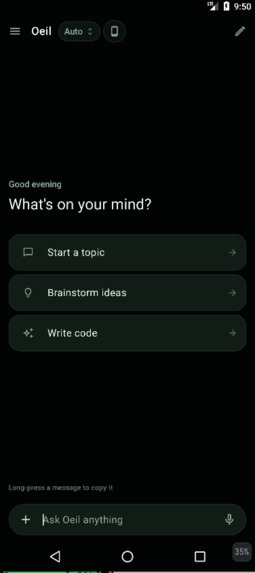
Introduction of the application
-
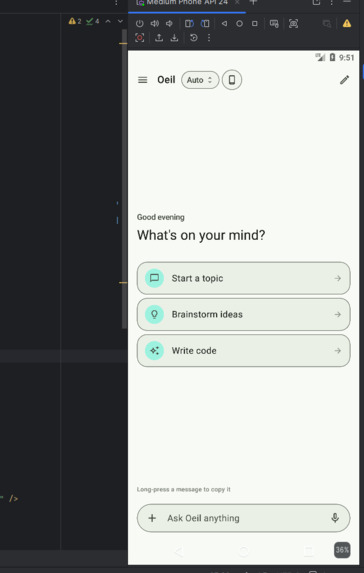
Light Mode
-
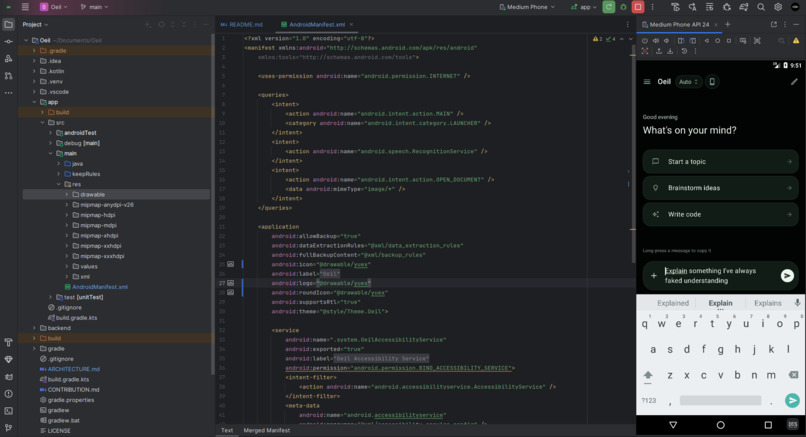
Development of the application
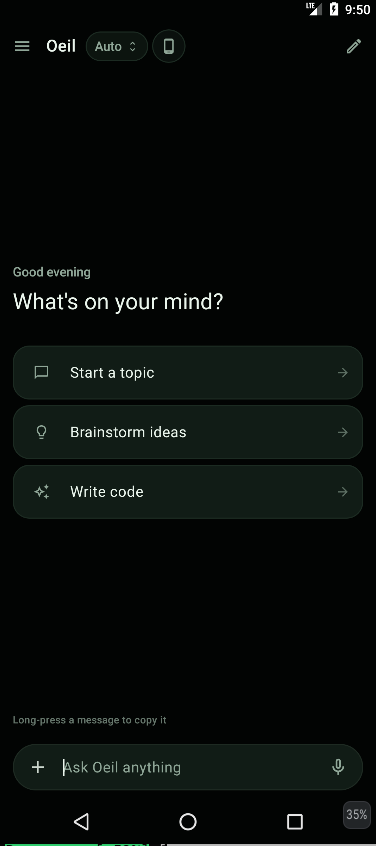
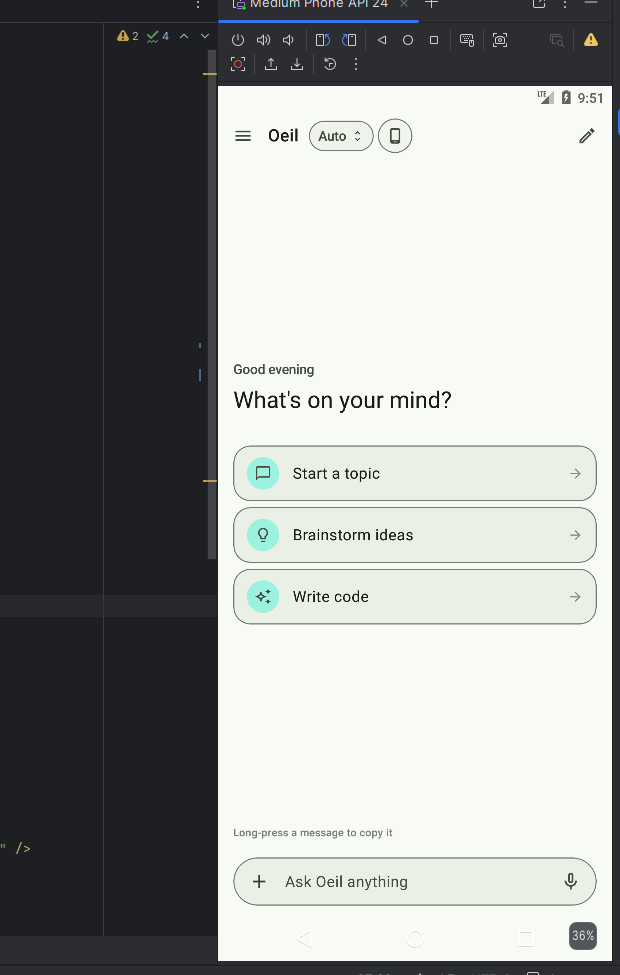
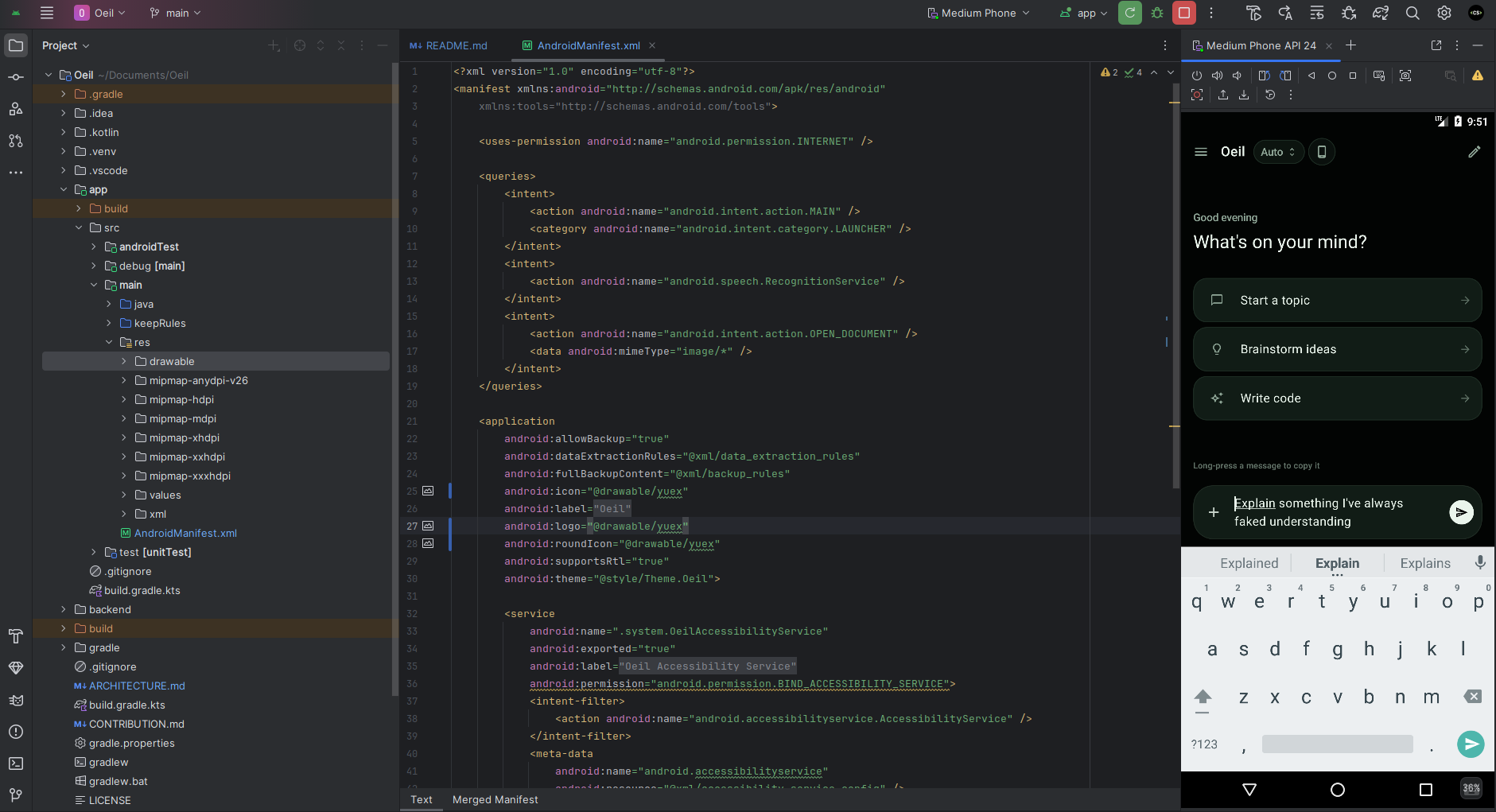
Oeil — AI with Access
TL;DR: An AI-powered chat application that grants full system access to your Android device. Simply ask anything in natural language, and it visualizes the steps and directly performs actions across your apps on your behalf.
💡 Inspiration
Our team convened from vastly backgrounds, but the ice broke instantly when a team member unexpectedly kicked off our kickoff call with a remarkably convincing British accent. That brief moment of humor set the tone for our collaboration. As we quickly adjusted to our varied accents and individual technical interests, we united around a singular, ambitious goal: building an AI chat assistant with real, actionable system power for the Alexa Plus hackathon.
⚙️ What It Does
Oeil is a next-generation AI chat interface that bridges natural language conversation with direct Android system control. Instead of just giving text responses, it has full system access to execute your requests directly on your device.
Ask Anything, Execute Everything: Talk to Oeil like a normal chat assistant, but with the power to perform real-world tasks—from navigating settings to orchestrating multi-app workflows automatically.
Live Visual: As you chat or issue complex requests, Oeil dynamically generates an interactive visual flowchart mapping out its execution process and research trails in real time.
Context-Aware : Monitors user context, cross-platform actions, and query history to intelligently navigate screens, tap UI elements, and complete complex operations without manual intervention.
🏗️ How We Built It
Oeil bridges conversational AI with deep system OS execution using a robust architecture powered by the Model Context Protocol (MCP):
Model Context Protocol (MCP): Connects the responsive chat frontend with language-specific tool execution layers capable of system operations.
Backend Stream & OS Orchestration: Manages real-time data streams and orchestrates low-level Android system-level actions.
Constructors: Utilized to maintain lightweight, efficient shared memory instances across the chat engine and workflow rendering screens.
🚧 Challenges We Ran Into
Our main bottleneck was navigating severe time constraints alongside persistent environmental hurdles:
- Schedule & Fatigue Constraints: As day students juggling demanding daytime coursework, our collaborative window was strictly restricted to late-night sessions.
- Virtual Machine Configuration: Spent hours enabling virtualization settings in system BIOS during local environment setup for Android emulation.
- Gradle Toolchain Mismatches: After completely reinstalling Android Studio, we isolated the root cause to a persistent Gradle toolchain dependency mismatch blocking local builds.
🏆 Accomplishments That We're Proud Of
Despite working with limited hours each night, our team delivered significant milestones:
Full System Action Execution: Successfully translated natural language chat prompts into coordinated, real-time system actions directly on the Android emulator.
Clean Engineering Workflows: Resolved complex toolchain errors and established strict Git feature-branching strategies.
Zero-to-One Development: Engineered a fully functional, multi-screen Android chat and automation application from scratch.
🧠 What We Learned
- Declarative State Navigated complex dynamic UI rendering loops when managing live chat feeds alongside real-time execution flowcharts.
- Secure Permissions: Gained deep insights into secure token routing and handling high-privilege system integration safely.
- Modular Optimization: Mastered rapid modular architecture design under tight hackathon deadlines.
🚀 What's Next for Oeil
- Deeper Permissions: Expanding system execution capabilities via advanced accessibility hooks to execute intricate, cross-app task chains.
- Deterministic Builds: Standardizing our dependency layer to guarantee out-of-the-box local compilation for future developers.

Log in or sign up for Devpost to join the conversation.