-
-
Work like this.
Inspiration
I am a Class 8 student, and I often see people getting distracted while studying or working online. I wanted to build an AI tool that can track a user's attention and help them stay focused. This project was made to improve productivity using simple AI technology.
What it does
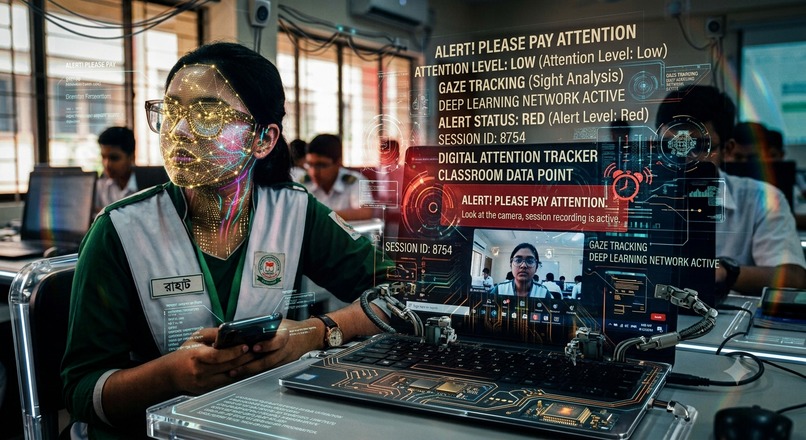
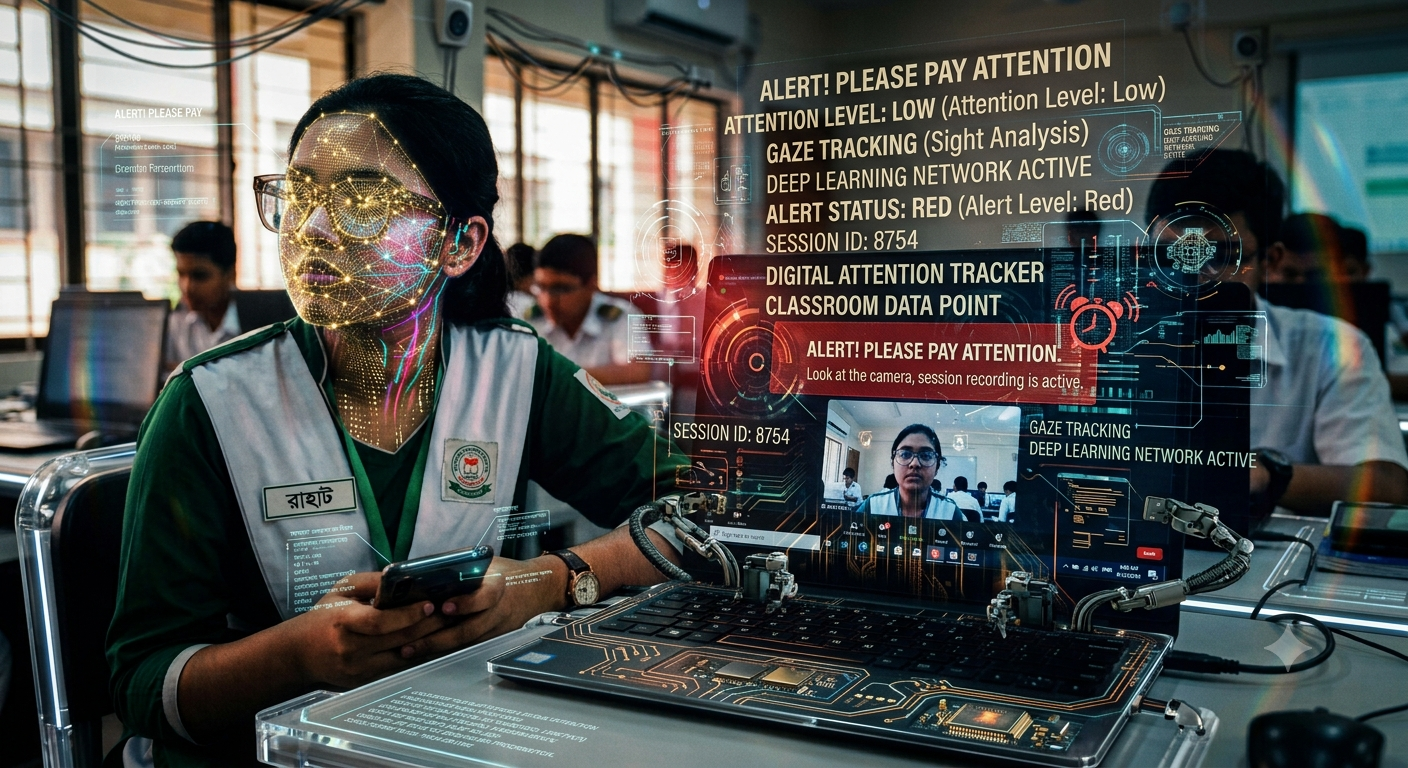
Our project, MindFocus AI, uses the user's web camera to track their face and eyes. If the user is looking at the screen, it shows "Optimal Focus" with a high score (98%). If they look away or get distracted, it instantly alerts them by changing the status to "Looking Away / Distracted". It runs both as a Python application and a beautiful Web Dashboard.
How we built it
We built this project using two main technologies:
- Python Backend: Built with OpenCV to process camera frames and Haar Cascade models to detect faces and eyes in real-time.
- Web Dashboard: Built using HTML, CSS, JavaScript, and MediaPipe Face Mesh library to run directly in any mobile or computer web browser.
Challenges we faced
The biggest challenge was fixing the logical errors in the Python backend. At first, the code was crashing whenever no face was detected by the camera because of a wrong return indentation. We successfully debugged the loop logic to make the system stable even when the camera is empty.
What we learned
As a Class 8 student, I learned a lot about how computer vision works. I learned how to process images using OpenCV, how to handle JavaScript libraries like MediaPipe on mobile web browsers, and how to debug code logically.
What's next for MindFocus AI
In the future, we want to add a timer feature that counts how many minutes the user stayed focused. We also want to add sound alerts (beep sounds) when the user looks away for too long.
Built With
- html5
- javascript
- mediapipe
- opencv
- python

Log in or sign up for Devpost to join the conversation.