-
-
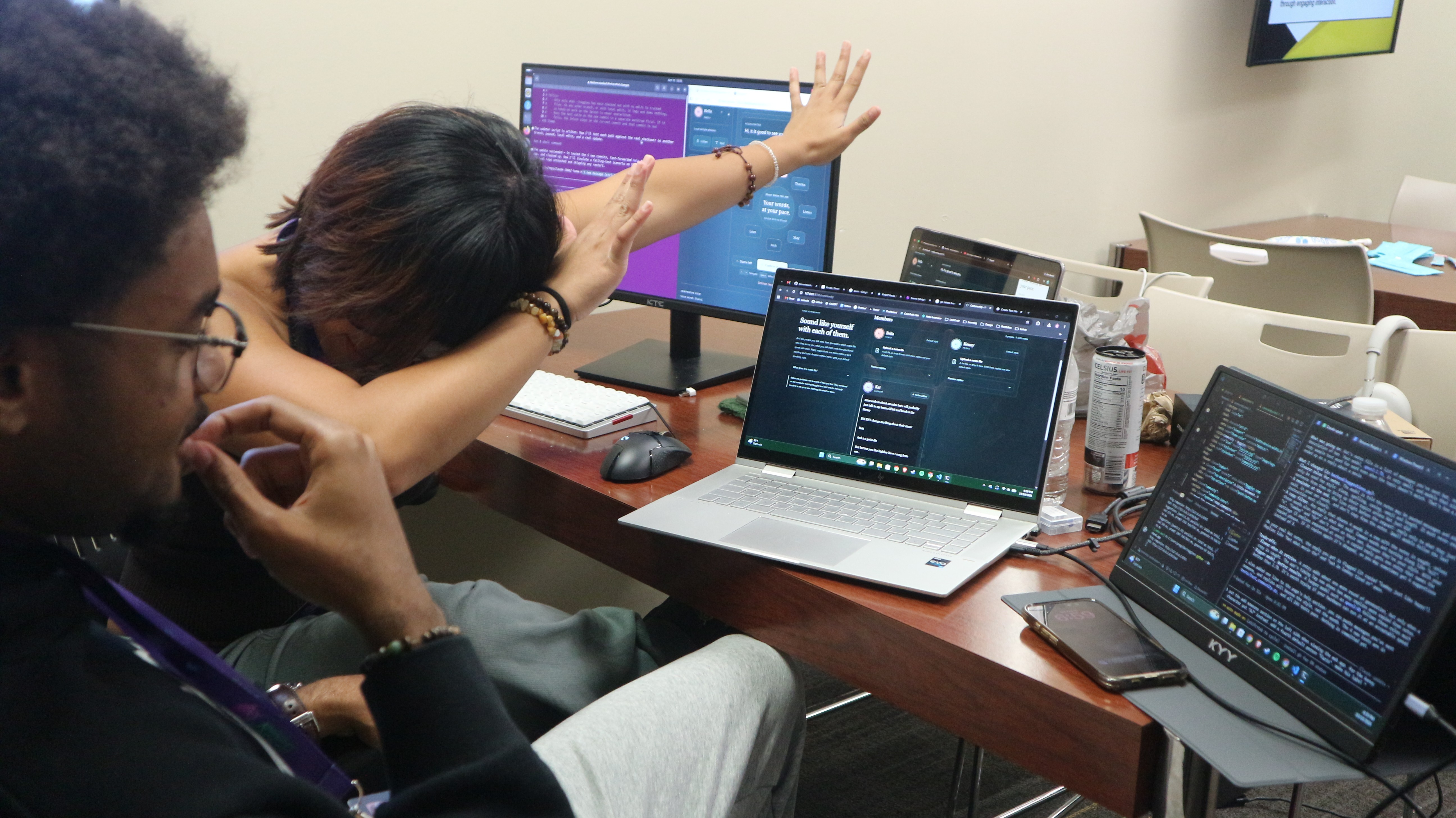
The Project
-
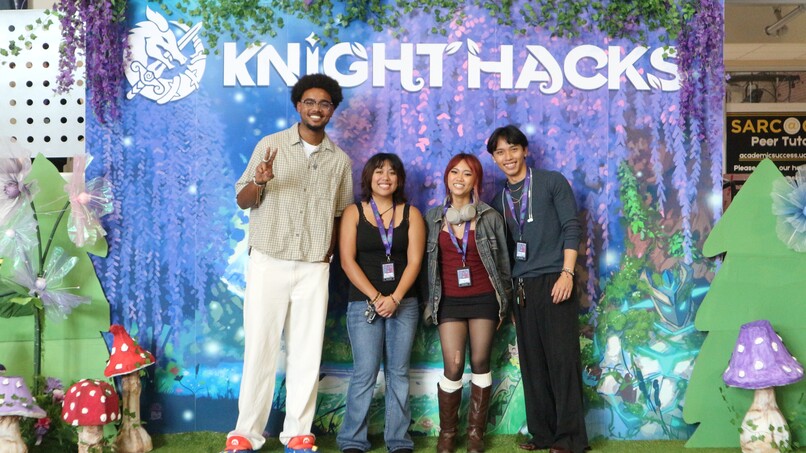
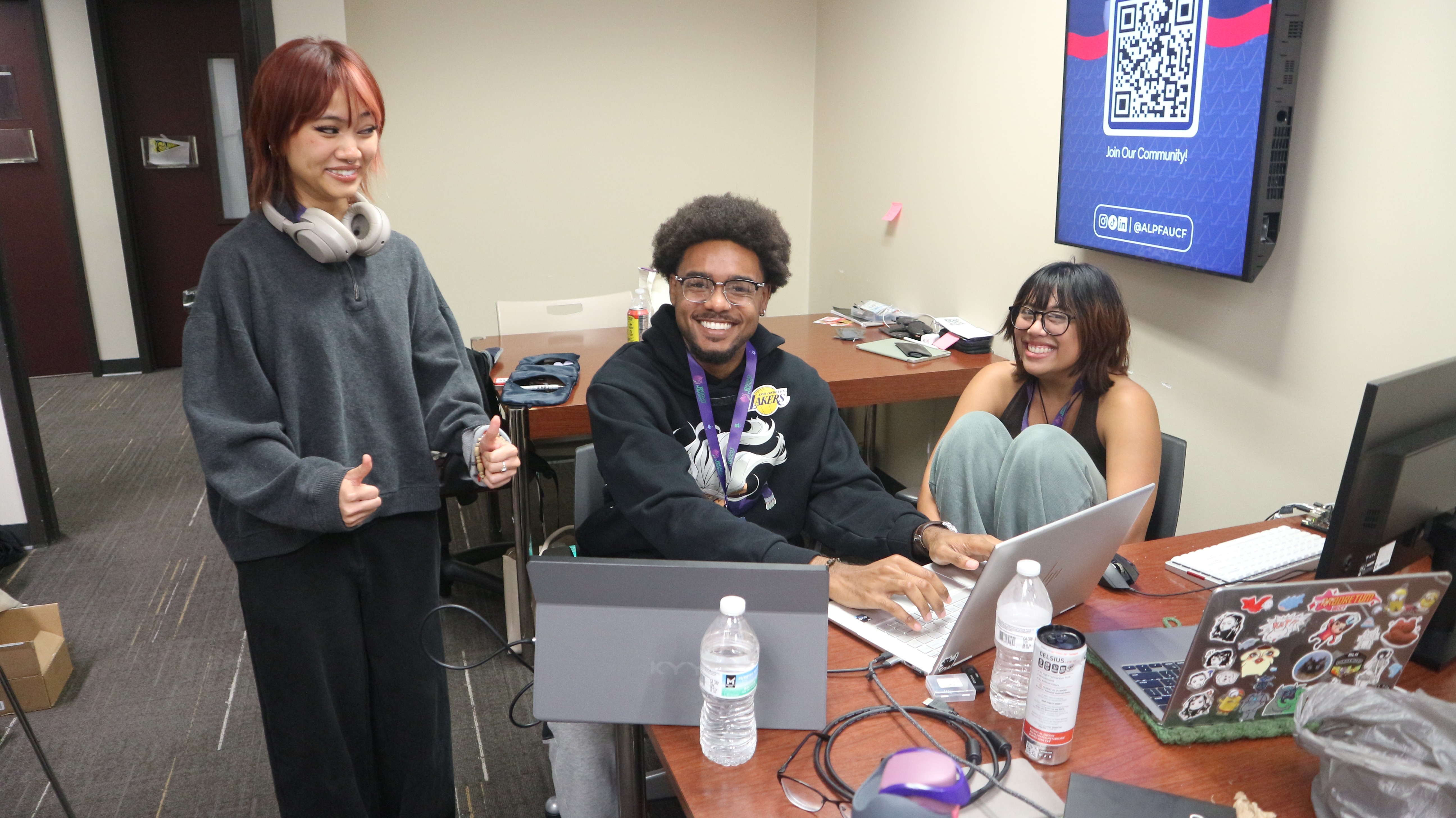
Meet the Team
-
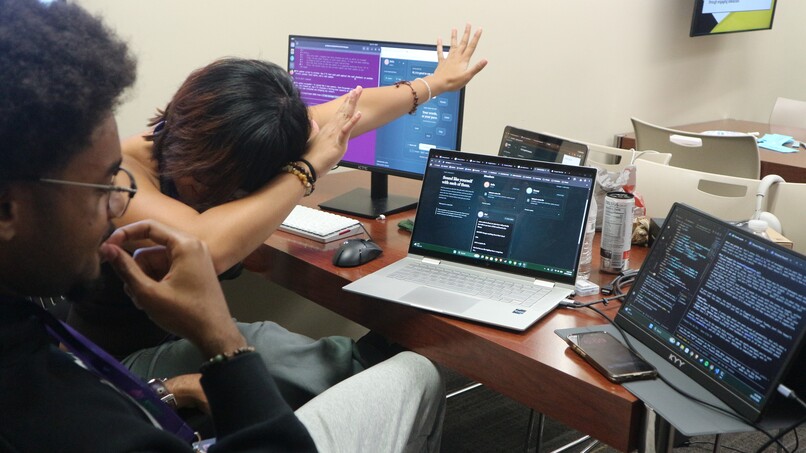
Obtaining the Jetson
-
-
-
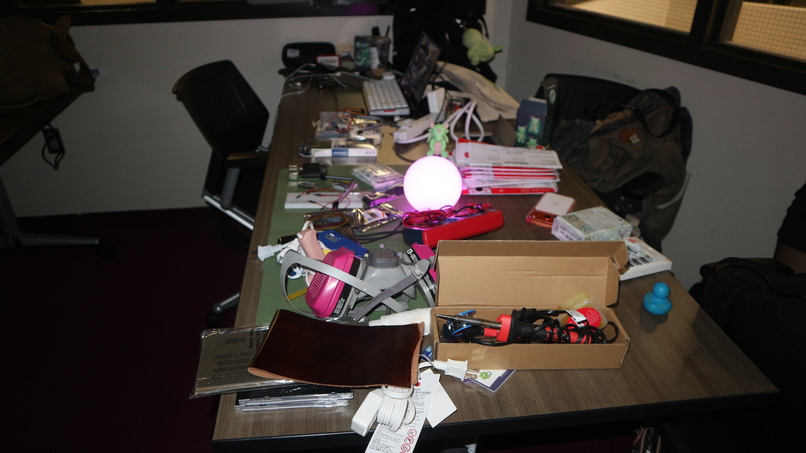
Wow
-
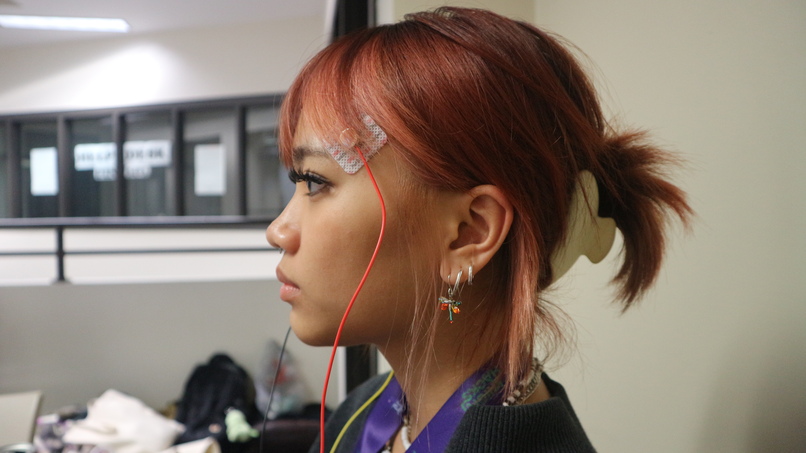
EOG Sensors
-
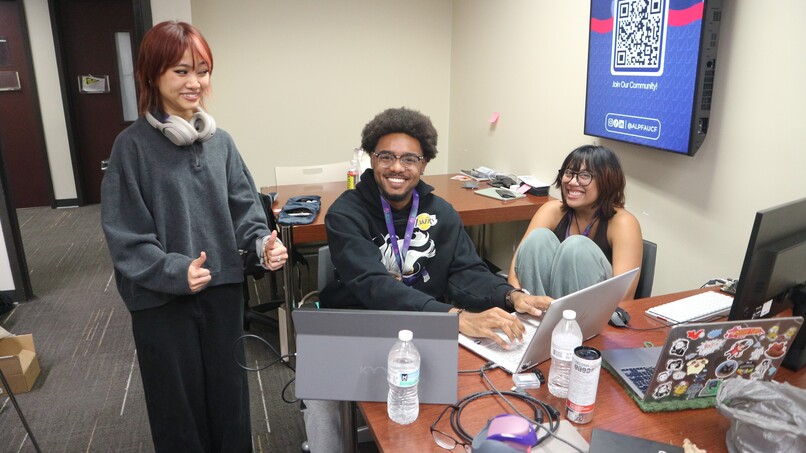
Whimsy
-
Logo

⛰️ Walkthrough
💫 Inspiration
ALS gradually takes away a person's ability to speak and move, but eye movement often lasts long after other control is gone. We wanted to turn that into a voice: glasses that let someone pick and speak phrases using only their eyes, so they can keep talking with the people they love.
👓 What it Does
Glint is an eye-movement communication prototype for people who can't speak or use their hands. It reads electrooculography (EOG), which is the small voltage changes your eyes produce when they move or blink. A person can pick a phrase or sentence and have it spoken aloud without touching anything.
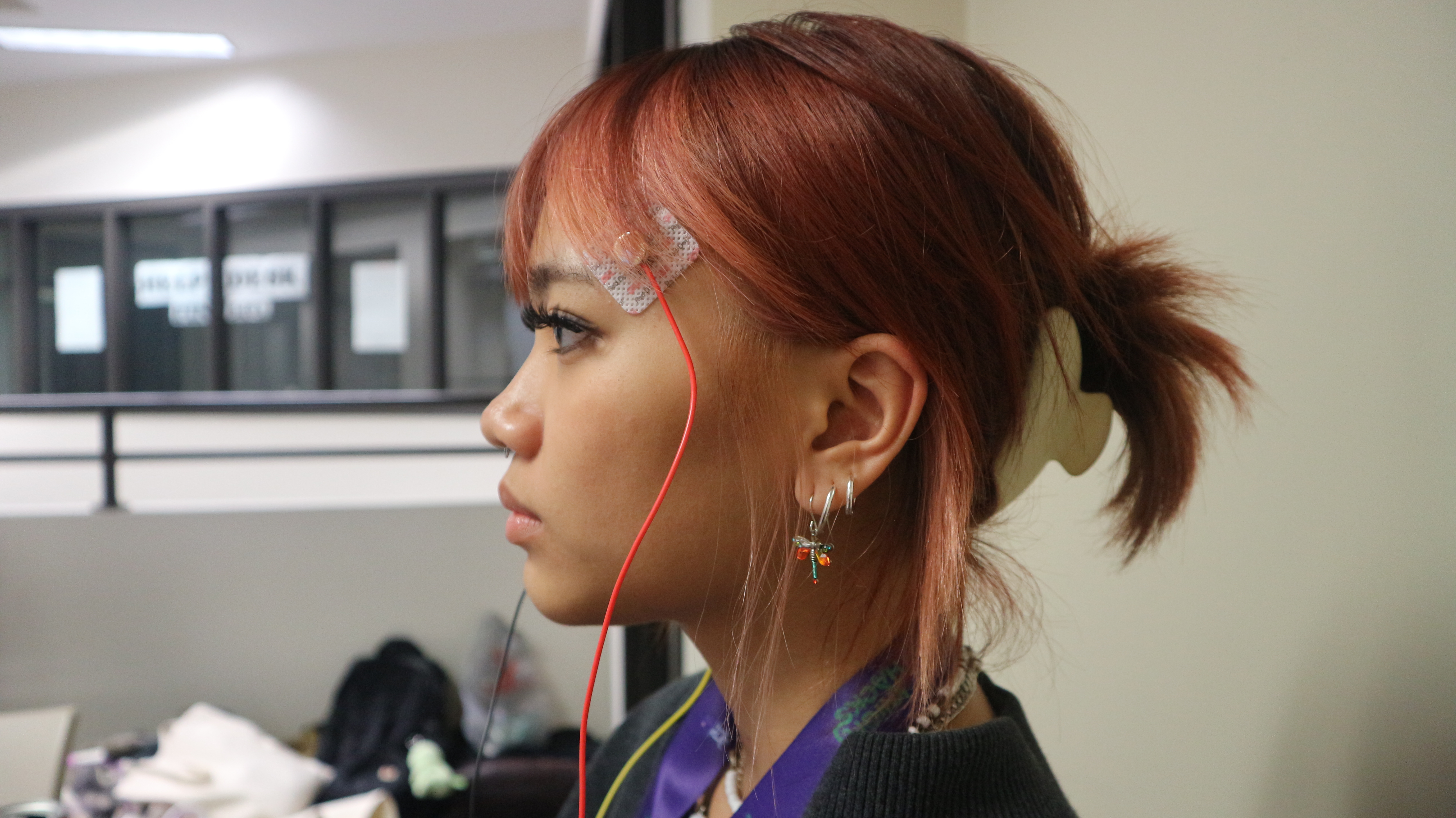
BioAmp EXG Pill sensors on the face feed an Arduino Nano R4. A Python host turns those signals into commands:
- Glance left, right, up or down to move around a four-slot phase ring.
- Double blink to select.
- Long blink to go back.
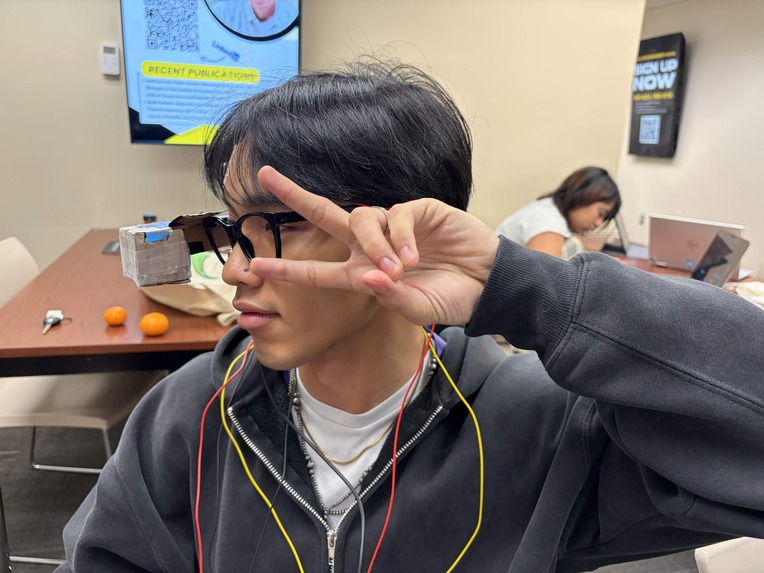
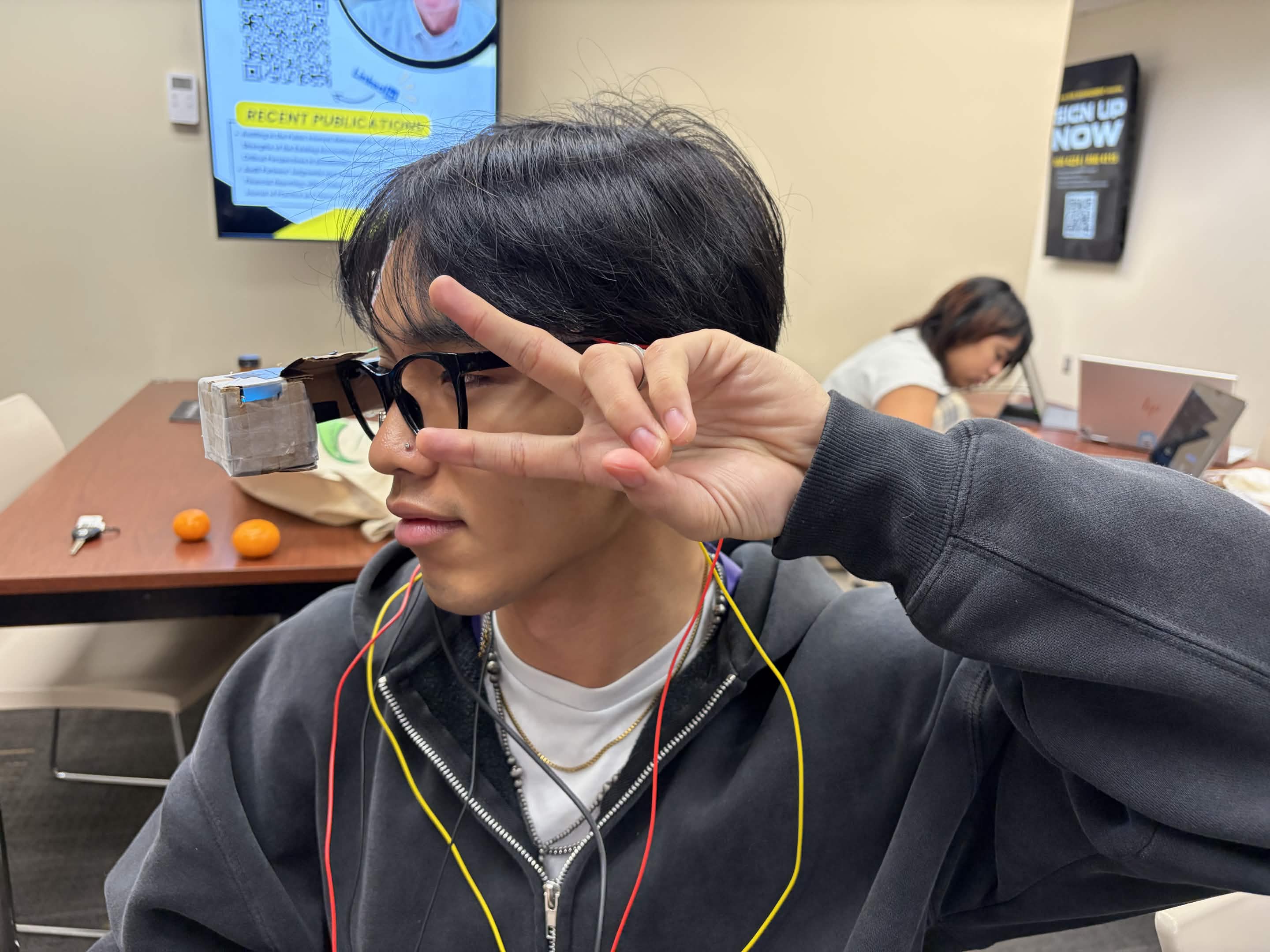
Glasses with a built in OLED screen displaying the four-slot phase ring. The HUD is in constant access for the person, allowing them to make their decisions without needed a laptop or phone to showcase the web application.
The web application showcases Glint interface and customization in it's entirety, with access to the four-slot phase ring, different ways to speak, the community page, and more. This is where users can change different aspects of how they communicate with others and also see in a more detailed light on how it works.
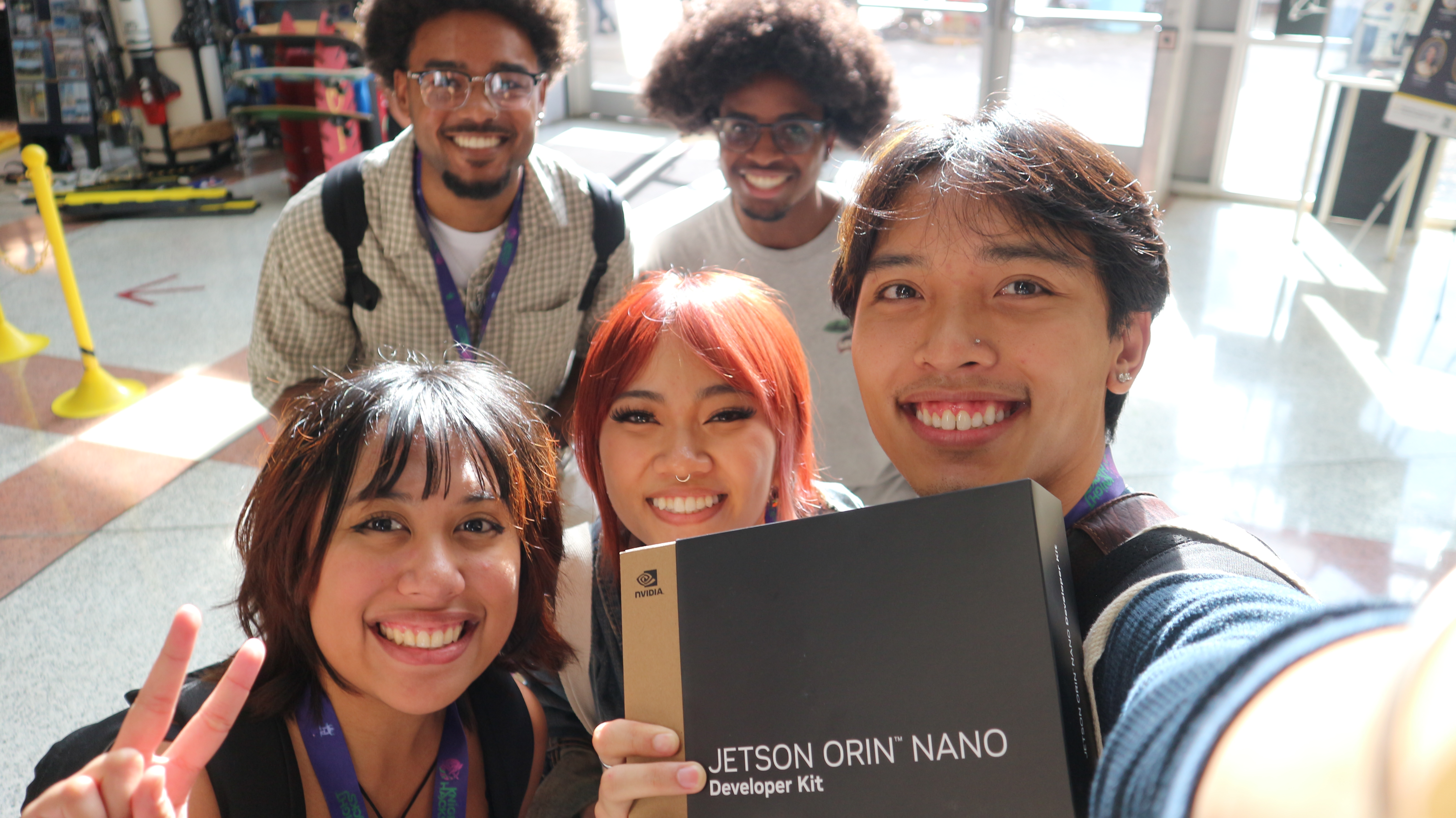
Finally the Jetson Orin Nano. This small AI computer allows Glint to process beefier aspects of the prototype like the AI output, speech transcription, and more.
🔨 How We Built it
Two BioAmp EXG Pill sensors on the glasses pick up the electrical signals from eye movements. An Arduino Nano R4 samples them 250 times a second and sends them to our Python backend, which turns glances and blinks into navigation through an eight-phrase ring. An ESP32 shows that ring on the glasses' OLED screen, and a Jetson runs local Qwen models that transcribe what the other person says and suggest replies. ElevenLabs speaks the chosen phrase, with the browser's built-in voice as a fallback.
Hardware:
- BioAmp EXG Pills go into the Nano R4's inputs.
- Customized Glasses with an OLED Monitor displaying the phase ring at all times.
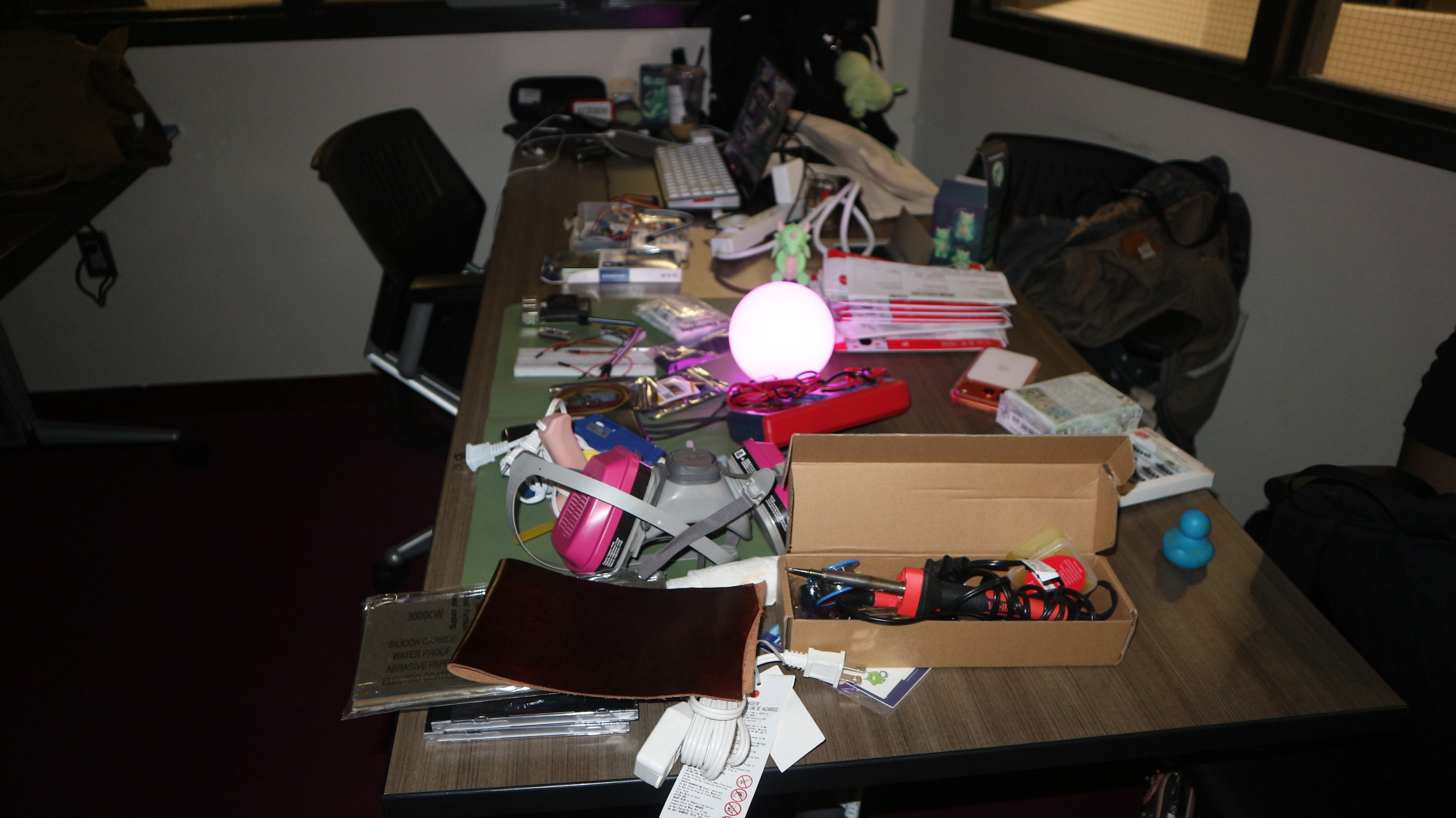
- Jetson Orin Nano powering our more difficult software processes.
Software:
- The application itself is a Python server with a vanilla-JavaScript companion.
- Qwen through Ollama is our main AI model that allows the users options to change during the conversation.
- ElevenLabs to utilize the person's voice during any situation.
📊 Challenges We Ran Into
Everything.
Getting the EOG sensors was an exciting but terrifying experience due to how different they were from the rest of the project.
- Blinks and glances look alike. Looking up and blinking both show up on the same vertical sensor as a similar pulse. Left and right were dependable; up and down kept getting mistaken for blinks. We ended up redesigning the wheel so the two replies sit on left and right, the directions we could trust.
- The signal drifts. Our detector matches each eye movement against example movements we recorded. Examples recorded in the morning matched poorly by the evening as the electrodes shifted and dried, so correct glances were being thrown away as "uncertain".
- A double blink we could not see. Our first double-blink detection failed in live use even though the blinks were clear. Replaying the recording sample by sample showed the detector went briefly "deaf" right after the eyes returned to center, exactly when the blinks happened. We added a second detector that watches for blink pairs continuously.
- Telling a return from a command. Looking right and then back to center produces a second pulse in the opposite direction, which was being read as "left". The detector now remembers the outward glance and treats the opposite pulse as the return.
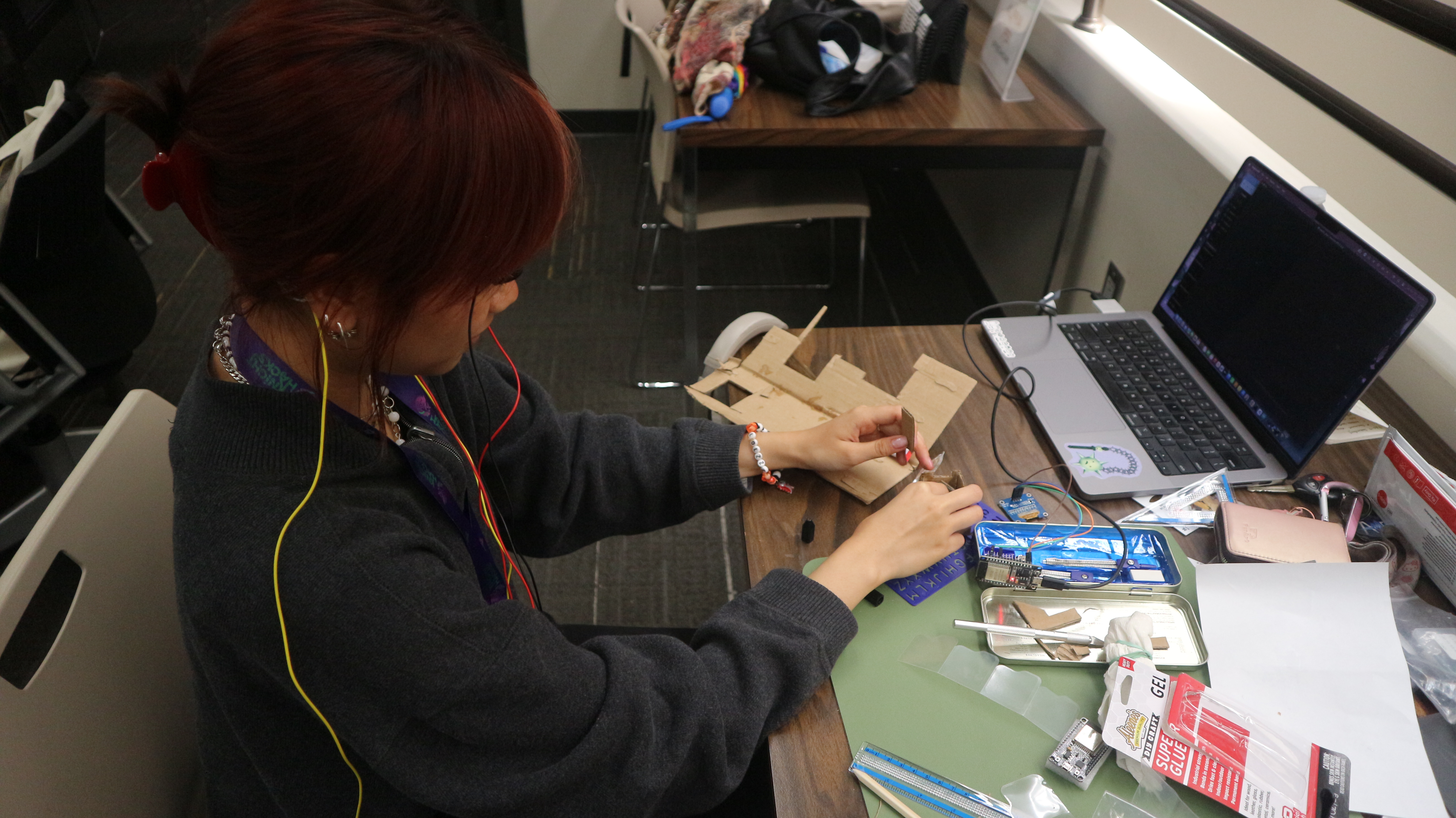
Building the glasses to allow people to see the phrases they can say while also connecting with other components was challenging.
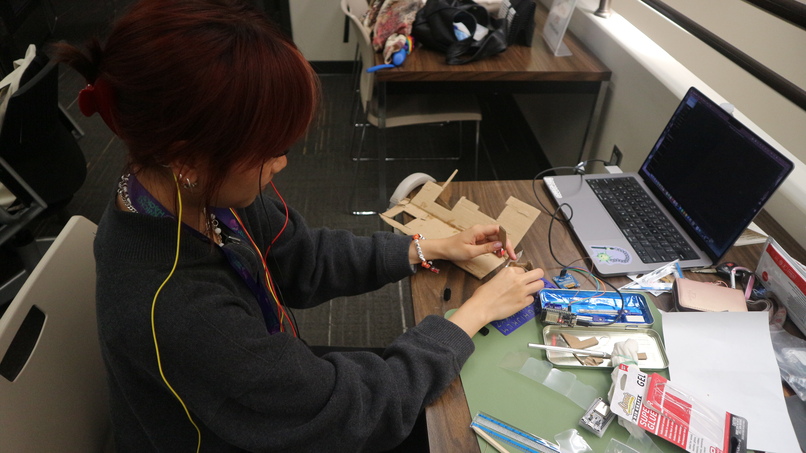
- The glasses. Designing and building glasses that hold the EOG electrodes firmly against the face and a display in view, while staying comfortable to wear, took many rounds of trial and error.
- The OLED screen. Mounting a tiny 128×64 OLED into the glasses and fitting an four-option phrase ring onto it meant cutting every label down to a few characters and still keeping it readable right in front of the eye.
- Connecting it with an ESP32. Getting the ESP32 to mirror the website's live state onto the OLED, so the glasses and the companion app always show the same screen, took a lot of debugging across firmware, serial and our Python backend.
The Jetson Orin Nano was super fun to learn, orchestrate, and build with; but it also came with a lot of it's own issues.
- It's utility. During the learning and implementation process, we as a team had a variety of scenarios and questions on how the Jetson could even be useful for the prototype. Burger.
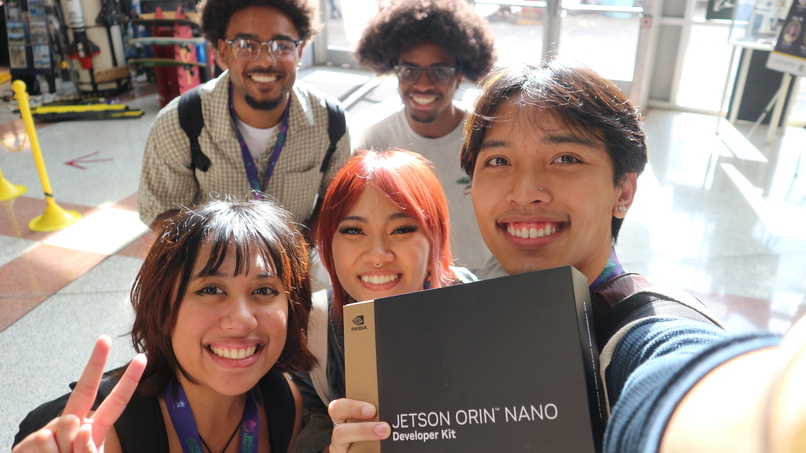
- Setting it up. Every phase of getting the Jetson running was a struggle and a great learning process. The start where we had issues figuring out where the micro SD card went, in the middle when we did not have the right cords and ports to connect the jetson to a monitor. Lots of trips were made to best buy.
- It just does it's own thing sometimes. We implemented a major upgrade where the speech transcription could finally be utilized with the Jetson, but after inputting the terminal commands... Everything went black. Very scary moment for the software side of the team, but it took a good amount of troubleshooting, reading some documentation, and the power of Momo.
Networking, debugging, and portability were the main software issues throughout the project. Figuring out as a team how every piece should connect with each other or how was difficult, committing bug fixes constantly to new features was time consuming, and maintaining the portability of the project was an important goal for us.
🥇 Accomplishments that we're Proud of
It works. A full loop runs end to end: someone asks a question out loud, it is transcribed on the Jetson, the reply model suggests answers, they appear on the wheel in the glasses, the wearer looks at one, double blinks, and it is spoken aloud. Nothing is ever spoken without that deliberate double blink.
EOG. We went from a detector that missed every movement in replay to one where left, right and double-blink selection work in live use. We also built the tooling to get there: every session is recorded, and any decision the detector made can be replayed exactly to find out why. We are honest about the limits: up and down are still unreliable, and this has been tested on one wearer, not on the people it is meant for.
Glasses. The glasses show the live wheel, the current status, and a full-screen "DOUBLE BLINK" cue at the exact moment a blink will be accepted, so the wearer does not need a laptop in view. On the website, the whole screen frame changes colour by state (green to choose, blue to return to center, purple to blink, red to retry), because text in your peripheral vision is impossible to read while your eyes are busy steering.
Jetson. Connecting Jetson to hardware proved to be difficult, but being able to provide computing power to our systems like the ESP-32 and R4 Nano was well worth the challenge. With it, we were able to have our project take the next step in becoming more mobile and accessible to those who need it.
📦 What we Learned
We learned that building wearable hardware means balancing comfort, fit and visibility all at once. Blending together an OLED screen with a pair of glasses was a different frontier of embedded software we weren't used too.
We learned that EOG signals drift and are noisy, so we had to detect quick eye movements and blinks instead of tracking exactly where someone is looking. Constant trial and error of trying to make eye movements perfect for the user caused a lot of time.
Learning how to set up a Jetson Orin Nano for the first time was very fun. Even with all the hiccups, being able to use and play with a portable AI computer was exhilarating.
Connecting all of these pieces together was an insurmountable effort by everyone and it helped us learned a lot about every frontier of making a project on this level.
🌎 What's Next for Glint
Glint is a powerful proof of concept, and we have plenty of ideas and upgrades. We're focused on truly creating the best experience for people who need it most.
- Full portability: Right now Glint needs a lot of different devices to have it working. We want one small, battery-powered unit you can mount on a wheelchair or a bed and the glasses with EOG capabilities. The Jetson already runs our offline speech and reply models, so the next step is putting the eye-control on it too. A caregiver should be able to set it up from a phone.
- Optimized networking: We want the whole loop, from eye movement to spoken word, to feel instant. Today our screens ask the server for updates over and over, so we’ll switch to live updates that push the change the moment you look. We’ll also trim the trip your voice takes to the Jetson for speech recognition, and cache or pre-generate the voice for the phrases you use most.
- Improved hardware: Today it’s DIY glasses, EOG sensors, and a random Jetson Orin Nano. We’d like a wireless headband or glasses frame with more electrodes, which should make up and down much easier to tell apart. It would also get a built-in screen and speaker. Then we’ll test it with the people who would actually use it.
Built With
- arduino
- c++
- css3
- eog-pills
- esp32
- html5
- javascript
- jetson-nano
- python
- shell


Log in or sign up for Devpost to join the conversation.