-
-
Nudge thumbnail
-
Nudge Thumbnail square
-
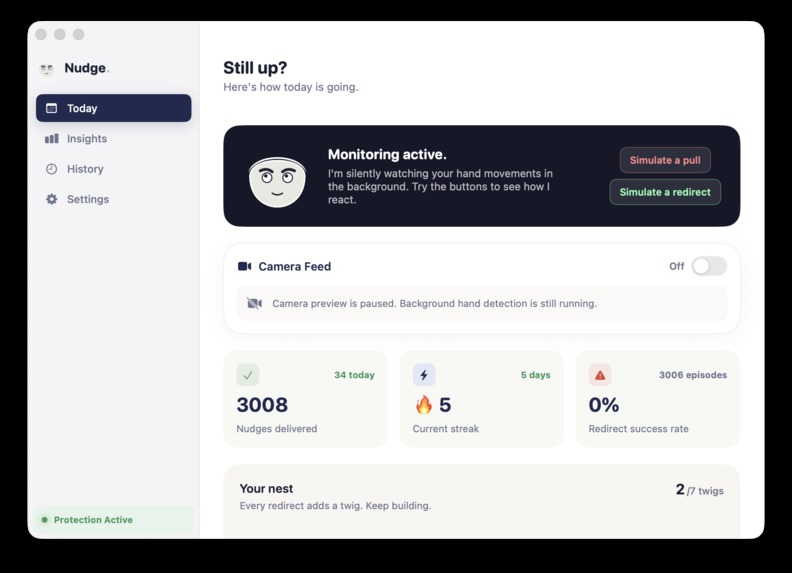
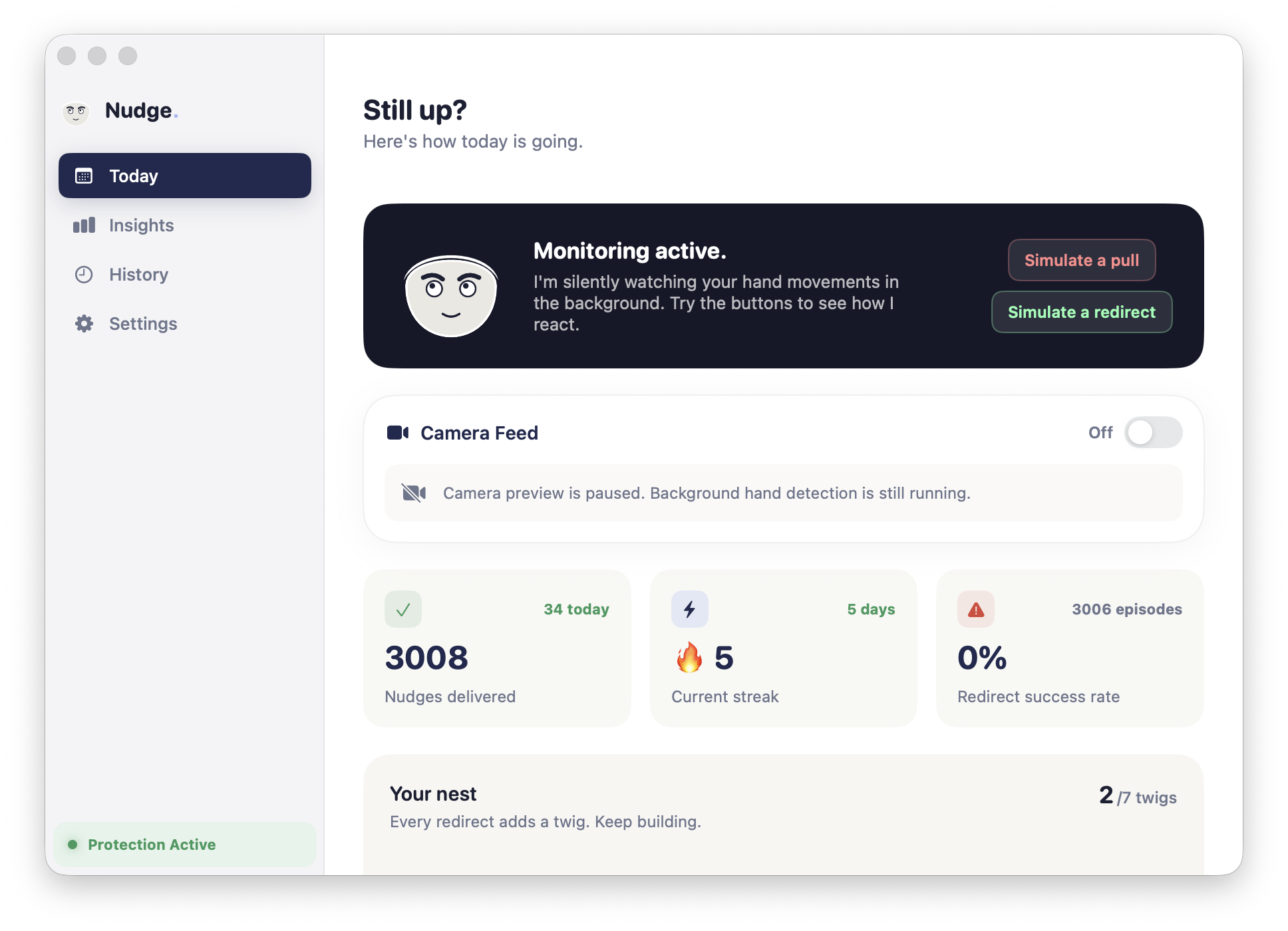
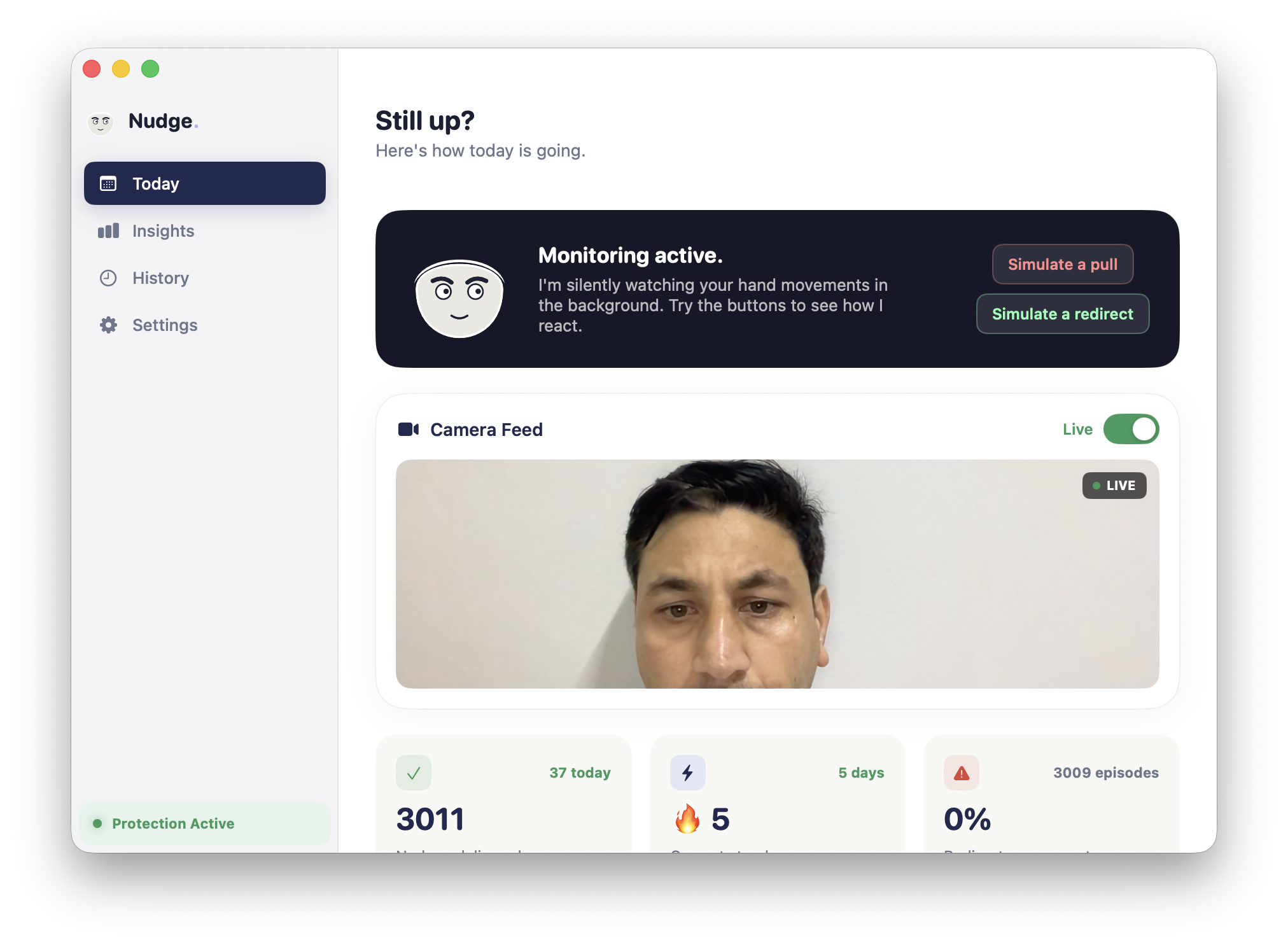
Normal mode
-
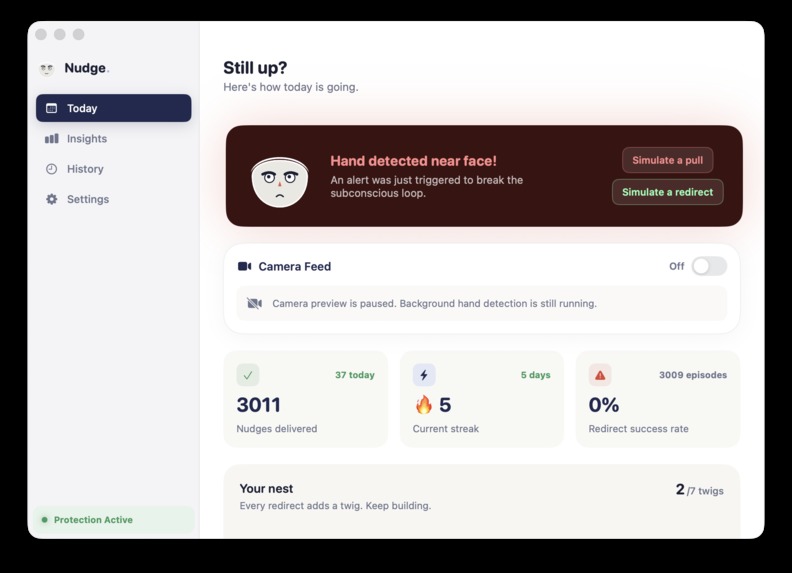
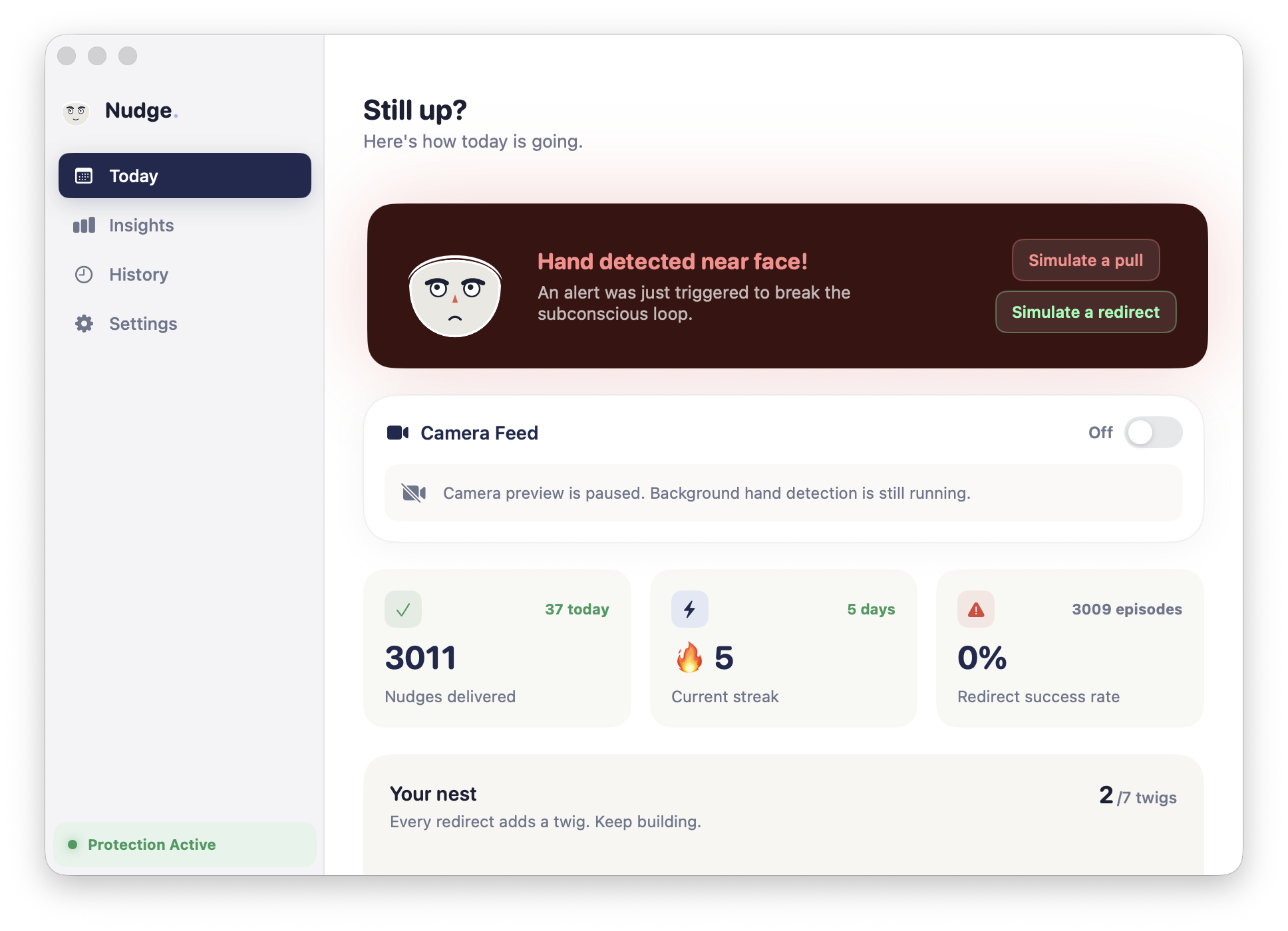
Hand detected
-
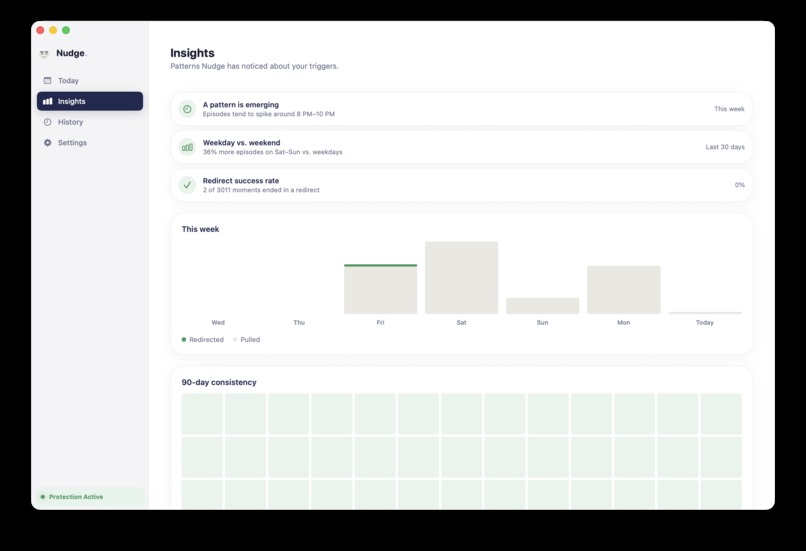
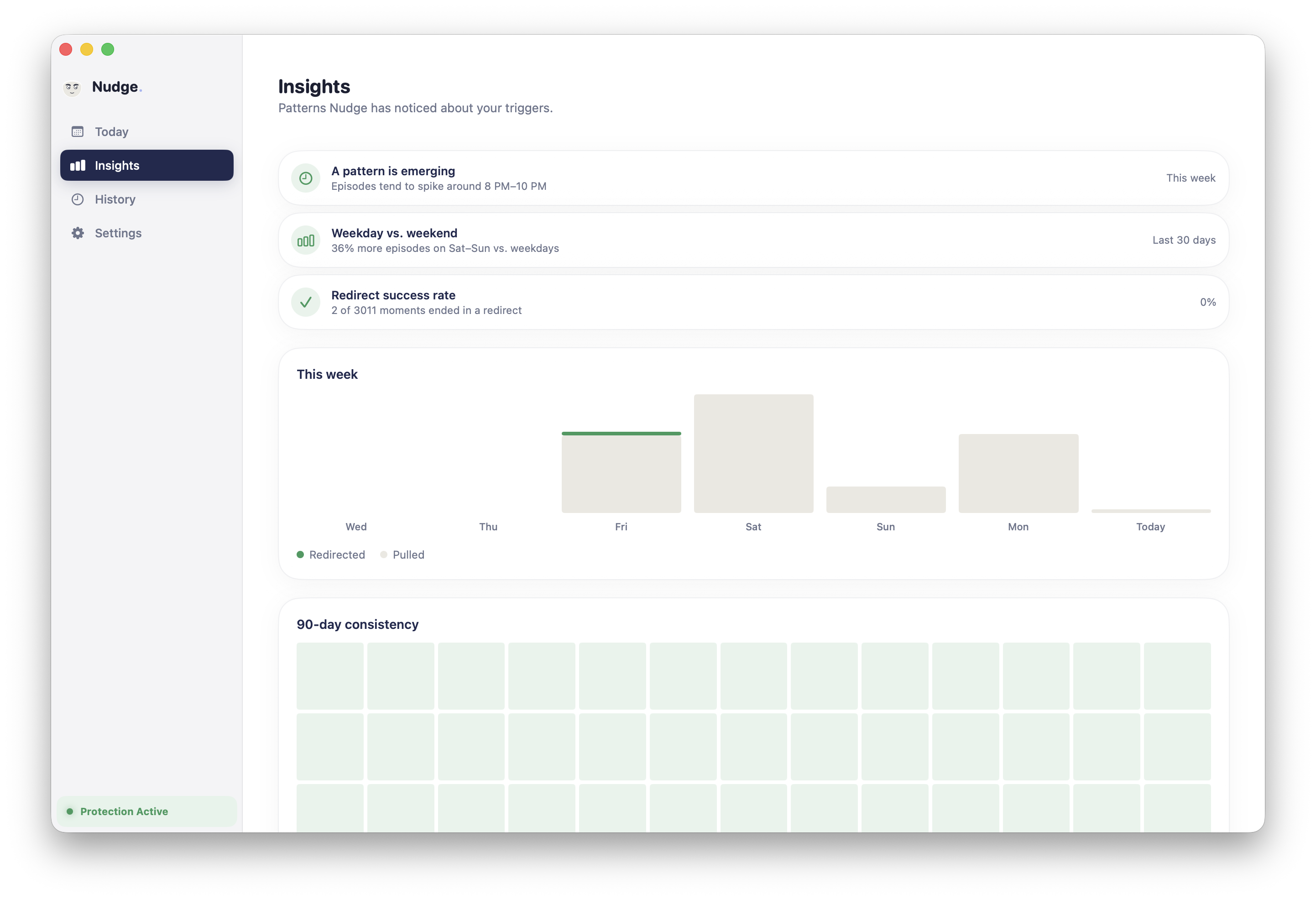
Insights
-
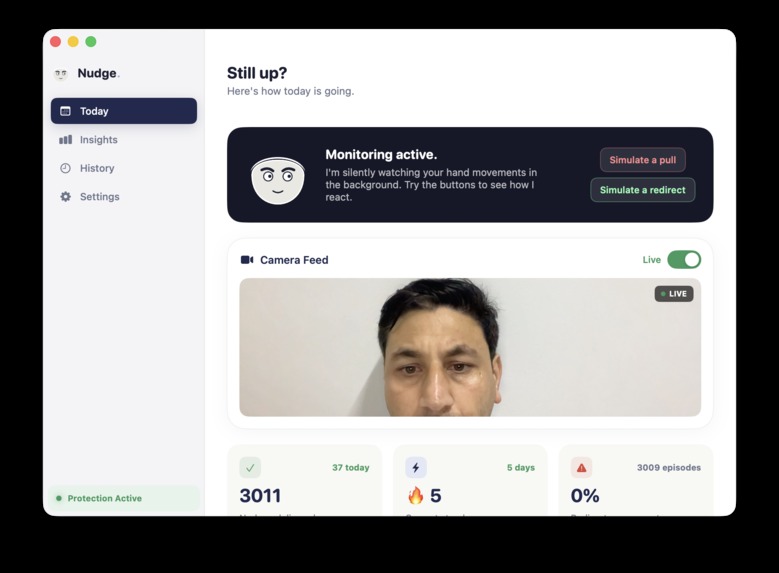
Camera Preview
-
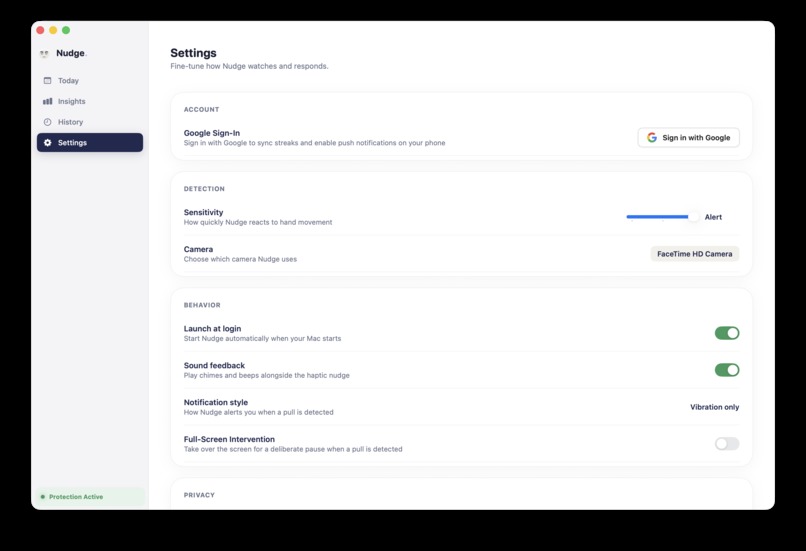
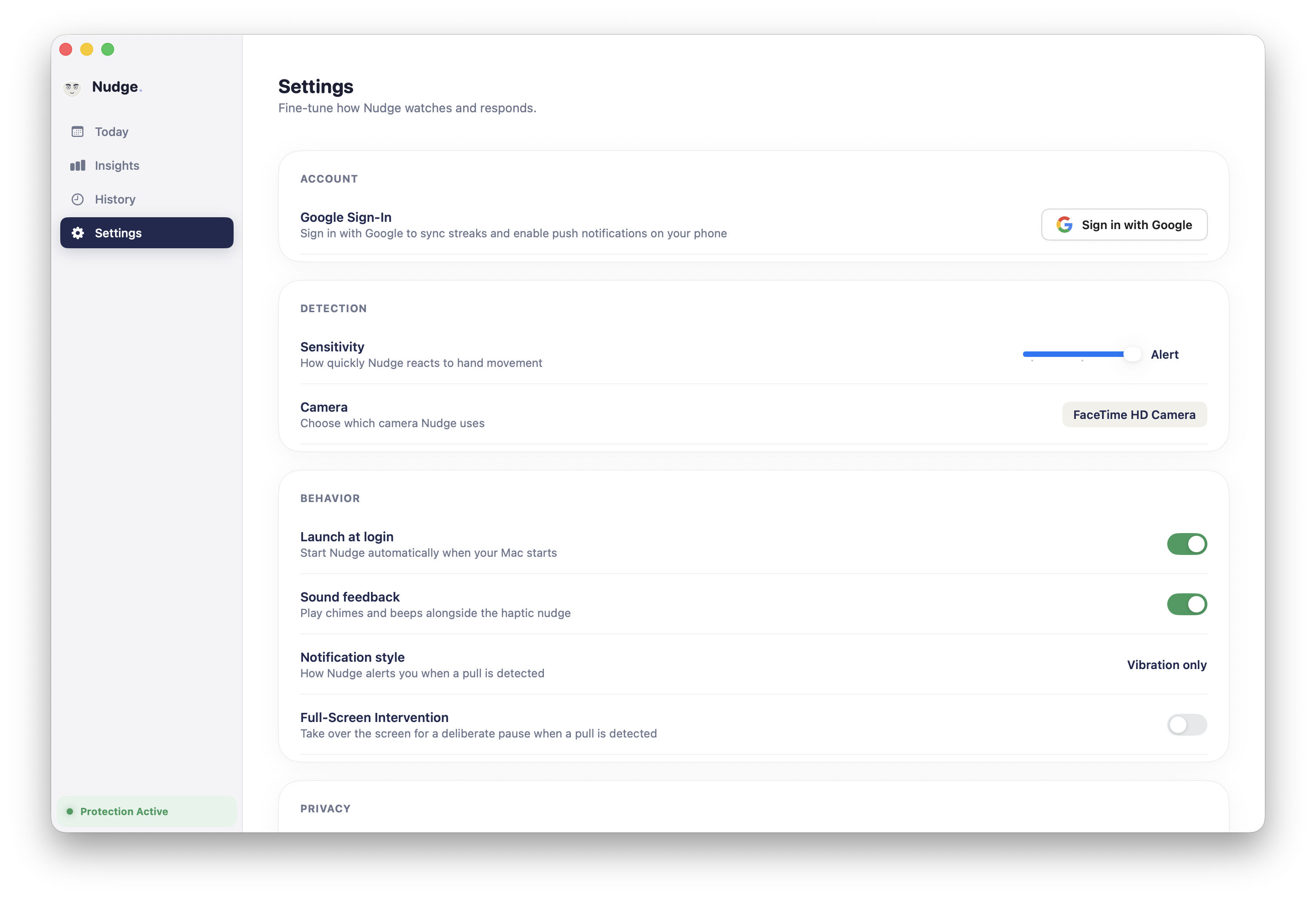
Settings
-
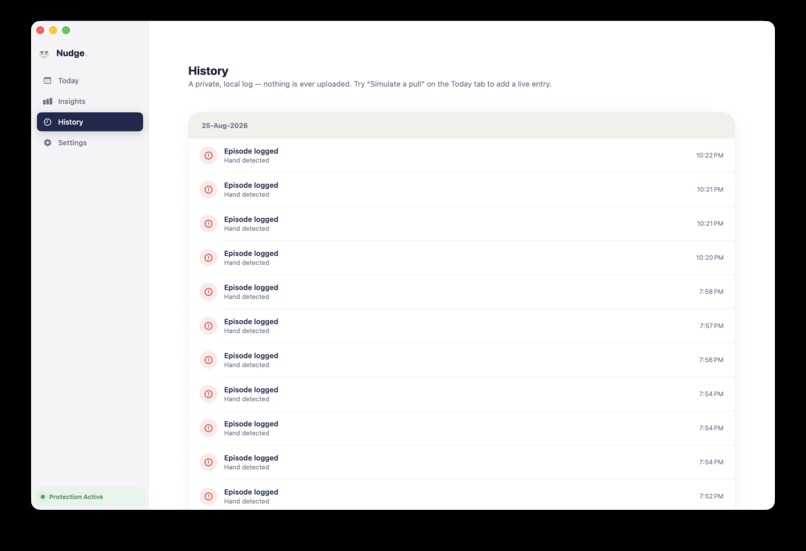
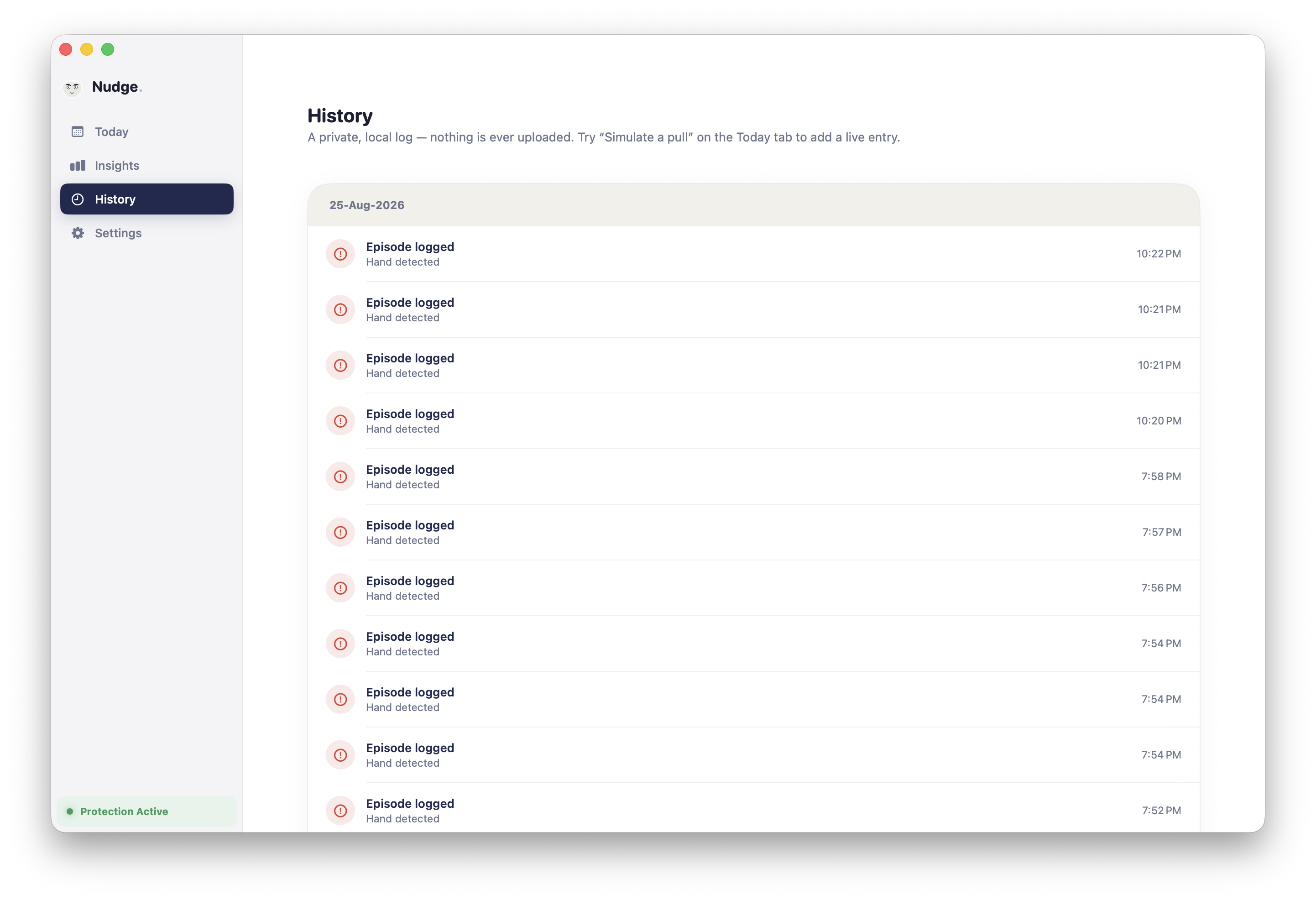
History
💡 Inspiration
This project is deeply personal. For years, I struggled with trichotillomania—specifically, an unconscious habit of pulling my own eyebrows whenever I was deep in focus, studying, or working at my desk.
Like millions of people dealing with Body-Focused Repetitive Behaviors (BFRBs), it happened completely on autopilot. I wouldn’t even realize my hand was at my face until the damage was already done.
Existing solutions either required wearing awkward, specialized physical bracelets or relied entirely on willpower and post-facto habit trackers. But you can't stop a habit you don't even know you're doing in the moment.
I realized the tool I needed was already sitting right in front of me every day: my Mac's camera and the watch on my wrist. I built Nudge to be the silent guardian I always wished I had—catching the hand movement the exact second it begins, and sending a gentle, discreet tap to my wrist before the habit loop takes over.
🚀 What It Does
Nudge is a cross-platform, privacy-preserving habit interception ecosystem connecting macOS, iOS, and watchOS:
- On-Device Monitoring (macOS): While you work, Nudge uses your Mac's camera with Apple Vision ML to detect hand-to-face and hand-to-eyebrow/hair proximity in real time.
- Instant Cross-Device Dispatch: When a pulling motion is detected with confidence (C \ge \theta_{threshold}), macOS dispatches a high-priority push notification via Firebase Cloud Messaging (FCM).
- Wrist-Level Haptic Interception (iOS & Apple Watch): The iOS app receives the alert and immediately routes it to your Apple Watch via
WatchConnectivity, triggering a silent, gentle vibration right on your wrist. - Insight Analytics: Tracks timestamps, frequency patterns, and streak history to help users identify their peak vulnerability hours without ever invading their privacy.
🔒 100% Privacy-First: No video or camera feed is ever recorded, stored, or transmitted. Detection happens entirely on your local Mac hardware. Only anonymous telemetry (timestamp + confidence score) is logged.
🛠️ How We Built It
🧠 Computer Vision & Proximity Algorithm (macOS)
We built an on-device detection pipeline using Apple's Vision framework:
- Tracks facial landmarks and hand joint points in real time at 30 FPS with negligible CPU impact.
- Calculates dynamic normalized Euclidean distance (d) between detected hand knuckles (P_{hand} = (x_h, y_h)) and facial/eyebrow boundary regions (P_{target} = (x_t, y_t)): $$d(P_{hand}, P_{target}) = \sqrt{(x_h - x_t)^2 + (y_h - y_t)^2}$$
- When (d < d_{threshold}) consistently across a moving temporal window of (N) frames, an interception trigger is generated.
⚡ Cross-Device Ecosystem & Cloud Bridge
- macOS Core: Built natively with Swift & AppKit/SwiftUI. Employs a lightweight, direct HTTP/2 Firebase Cloud Messaging client for instant dispatch.
- iOS & Cross-Platform UI: Built with SwiftUI and Compose Multiplatform (Kotlin Multiplatform), featuring Google and Apple Sign-In authentication, local CoreData caching, and Firestore real-time sync.
- watchOS Companion: Integrates
WatchConnectivity(WCSession) with custom haptic feedback patterns to deliver an immediate, discreet physical tap.
🧗 Challenges We Ran Into
- Sub-Second Latency: To successfully break a subconscious habit loop, the notification must reach the user's wrist in under 500ms from the instant their hand moves. We eliminated heavy backend middle-layers and optimized FCM payload delivery directly to APNs.
- False Positive Filtering: Normal gestures like resting one's chin, scratching a nose, or adjusting glasses can trigger false alerts. We implemented temporal smoothing and angle-of-approach heuristics to distinguish eyebrow-pulling trajectories from casual gestures.
- Battery & Thermal Efficiency: Continuously running computer vision can drain laptop batteries. We optimized camera frame capture to drop resolution dynamically and throttle inference when no faces are detected in frame.
🏆 Accomplishments That We're Proud Of
- ⚡ Near-zero latency end-to-end loop: From hand movement on Mac to wrist vibration on Apple Watch in under 400ms.
- 🔒 Zero-knowledge privacy architecture: Verified that not a single frame of camera data leaves the device.
- 🎨 Unified Design: Crafted a warm, supportive design system featuring the friendly Nudge avatar mascot.
📚 What We Learned
- How to squeeze maximum performance out of Apple's Vision framework on Apple Silicon (Neural Engine acceleration).
- The psychological principles of Habit Reversal Training (HRT) and how tactile haptics can break dopamine-driven autopilot loops.
- Bridging Kotlin Multiplatform, SwiftUI, and native macOS services seamlessly.
🔮 What's Next for Nudge
- 💅 Multi-Habit Detection: Expanding gesture classification to detect nail-biting, knuckle-cracking, and skin-picking.
- 🎯 User Calibration Mode: A 10-second calibration wizard allowing users to train custom target zones (e.g., specific hair parting, eyebrows, or beard).
- 📊 Smart Trigger Insights: Correlating high-frequency pulling episodes with calendar events or focus periods to identify personal stress triggers.
Built With
- compose-multiplatform
- kotlin
- swift
- swiftui

Log in or sign up for Devpost to join the conversation.