-
-
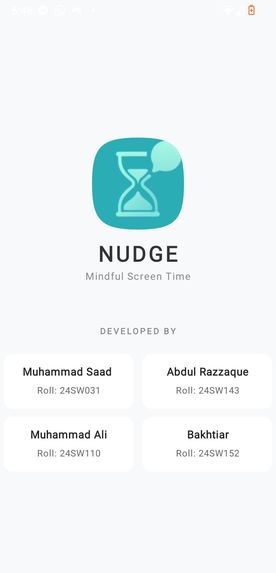
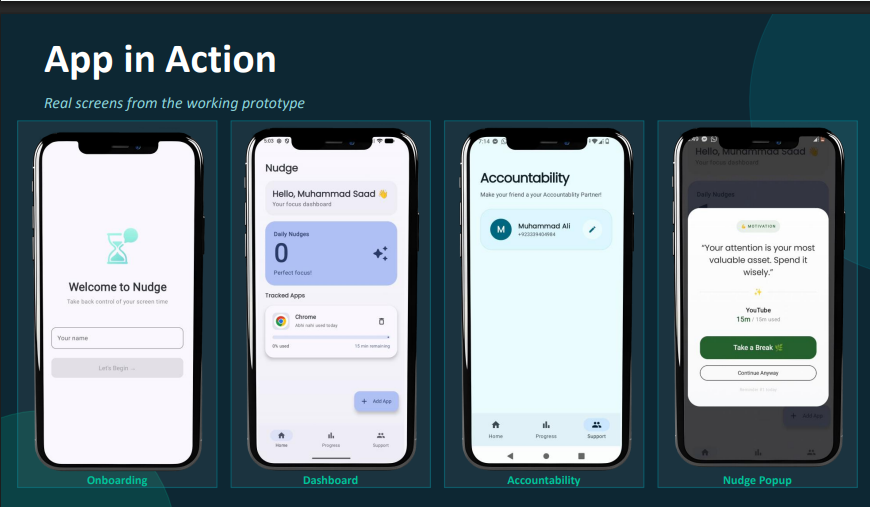
Splash Screen
-
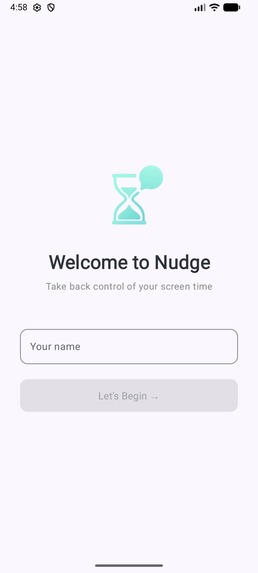
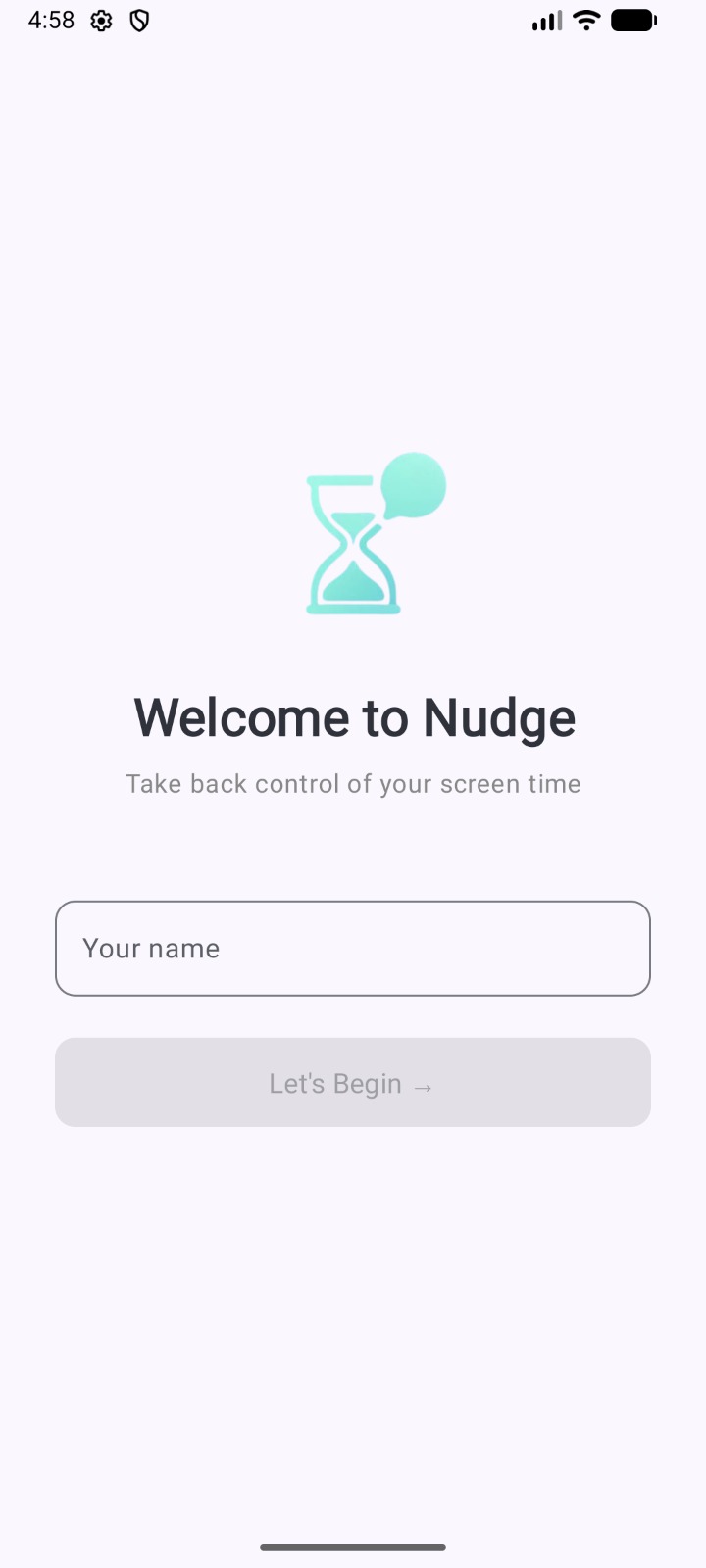
Welcome Screen
-
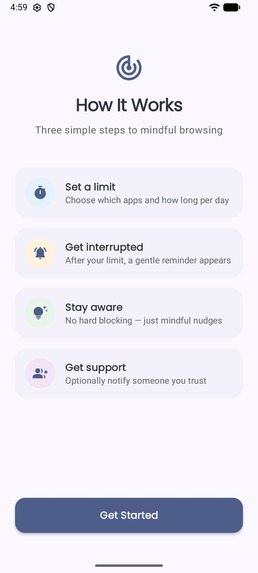
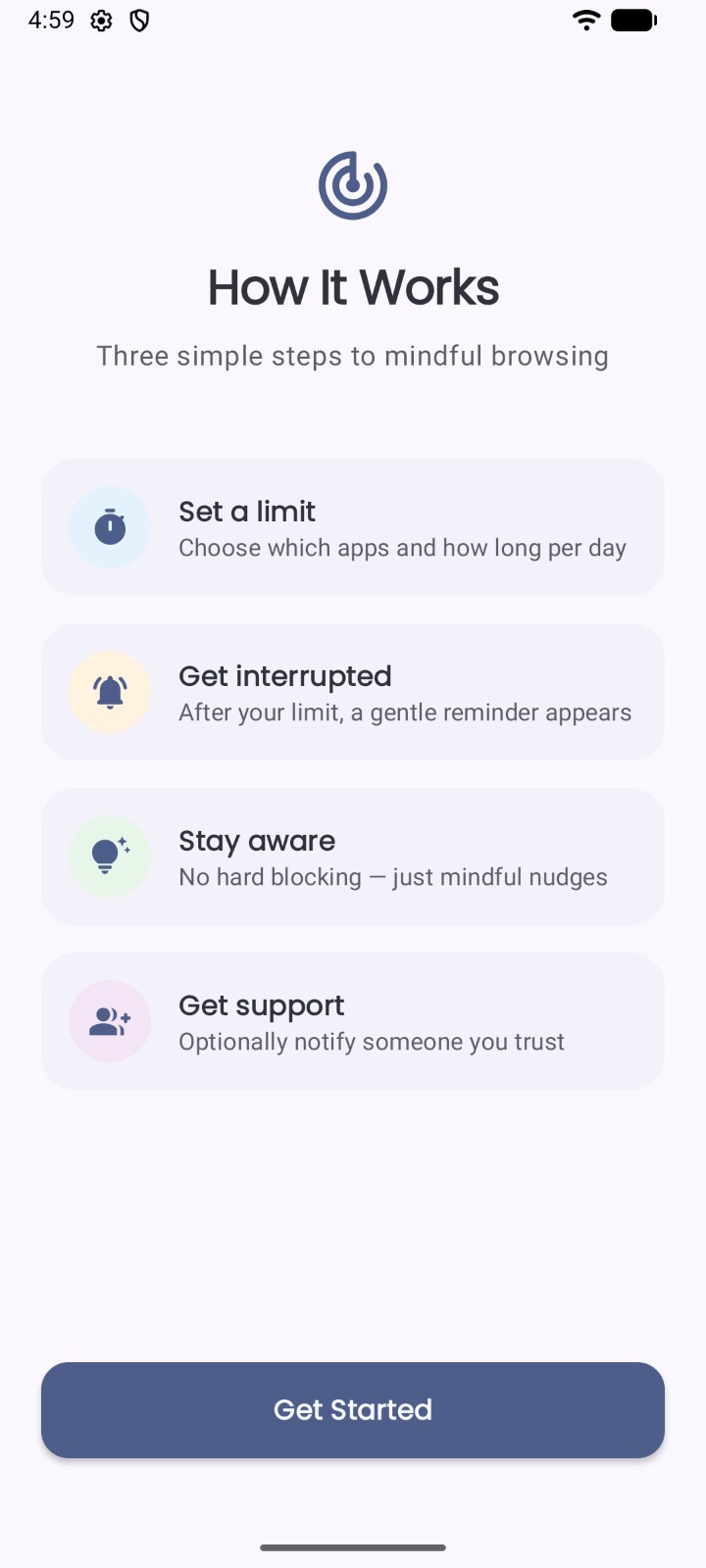
Guide Screen
-
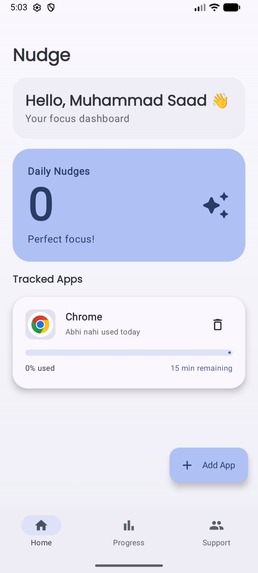
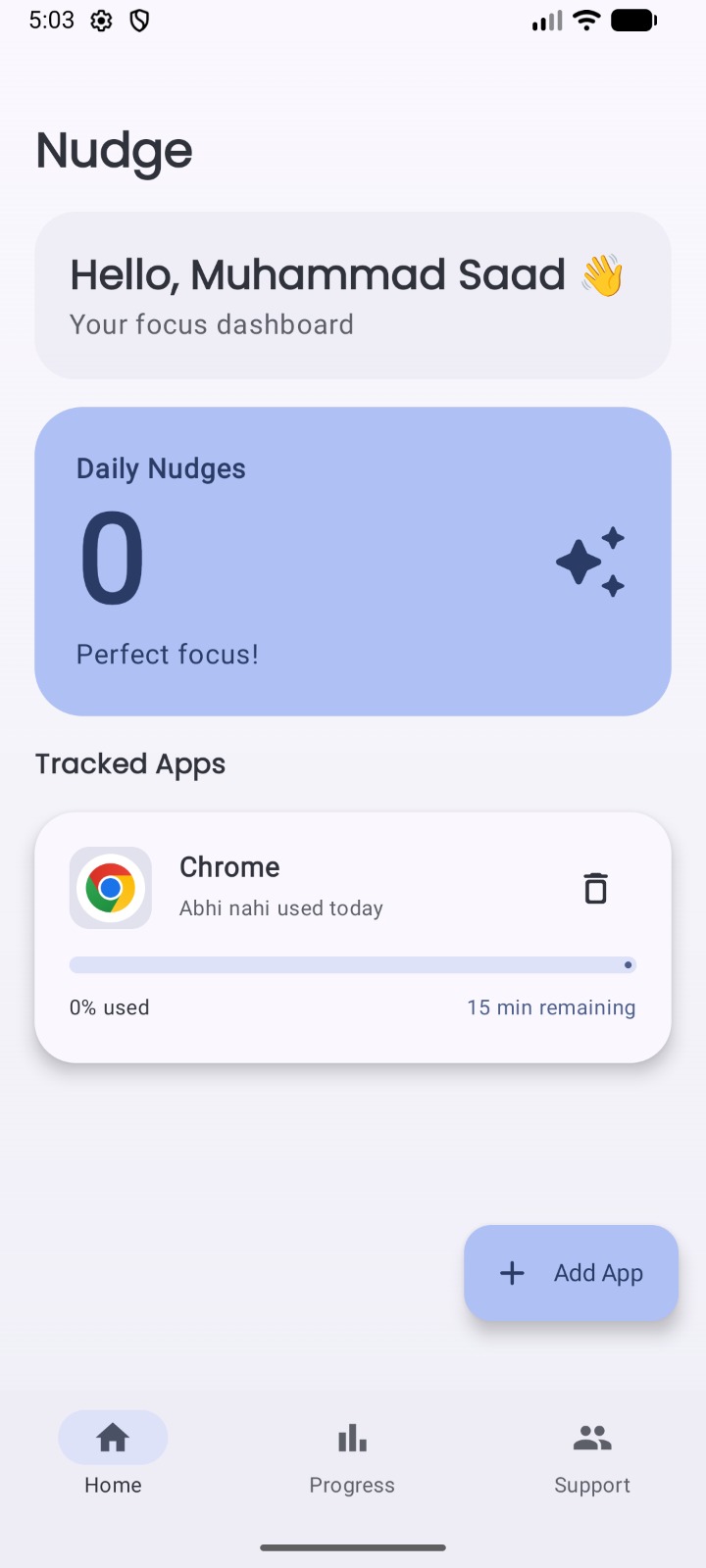
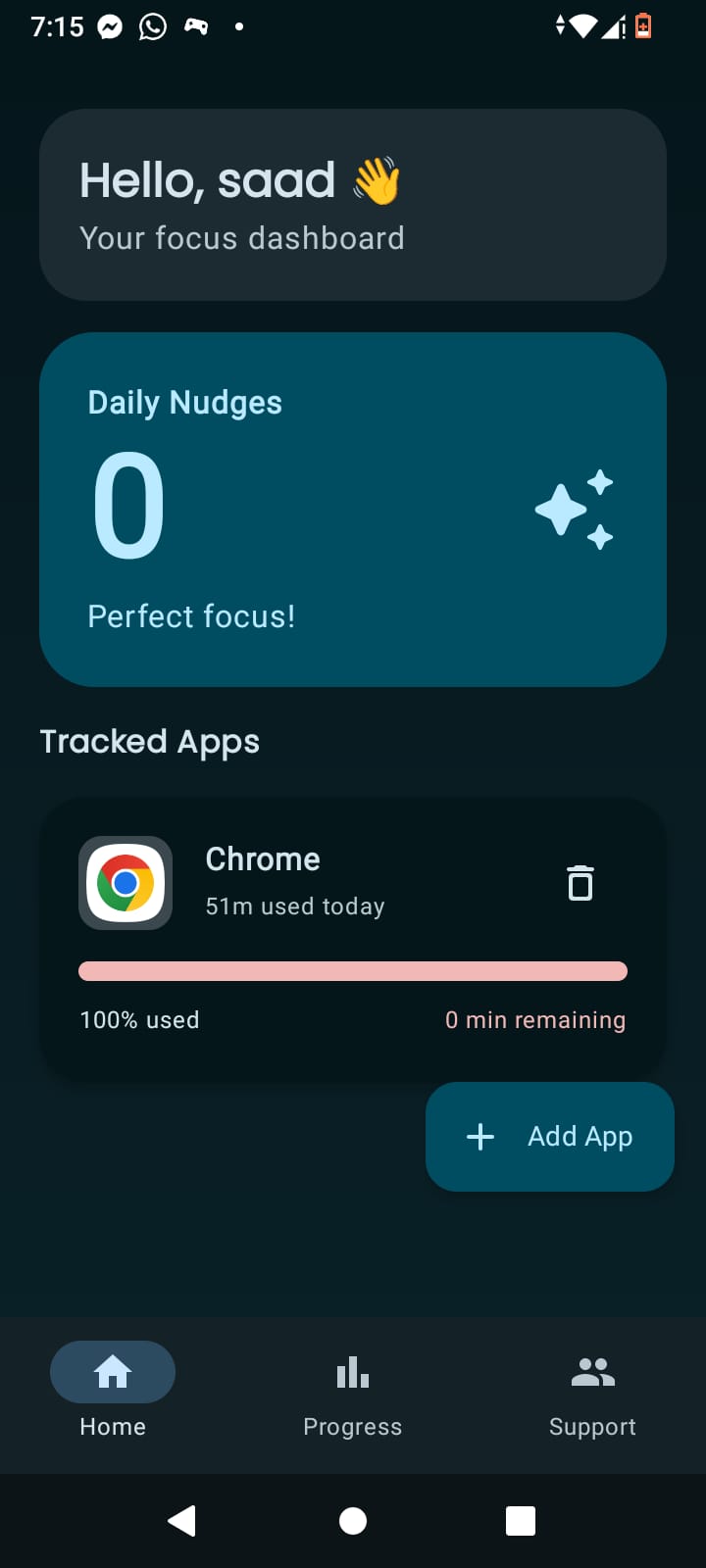
Dashboard
-
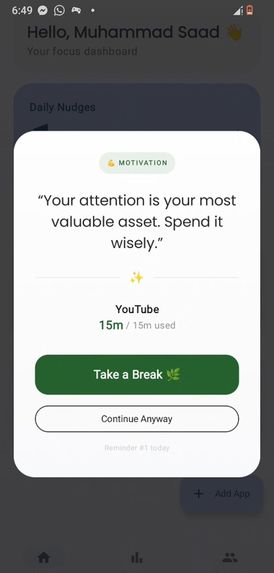
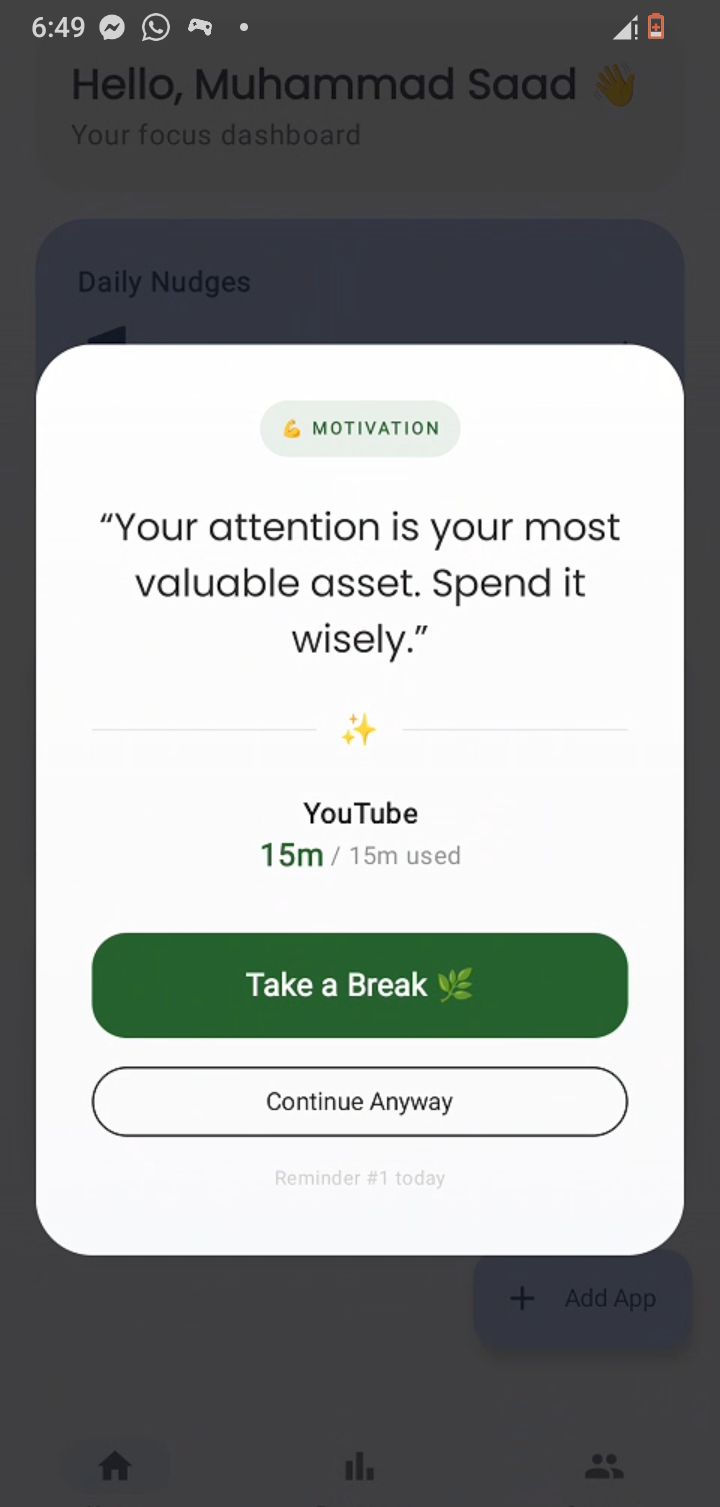
Overlay Screen
-
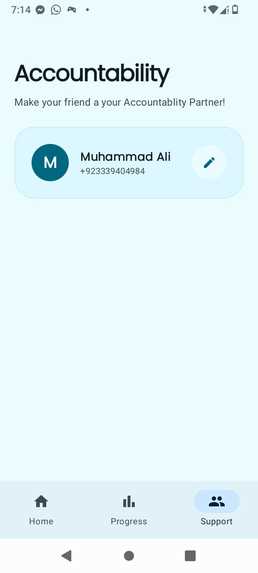
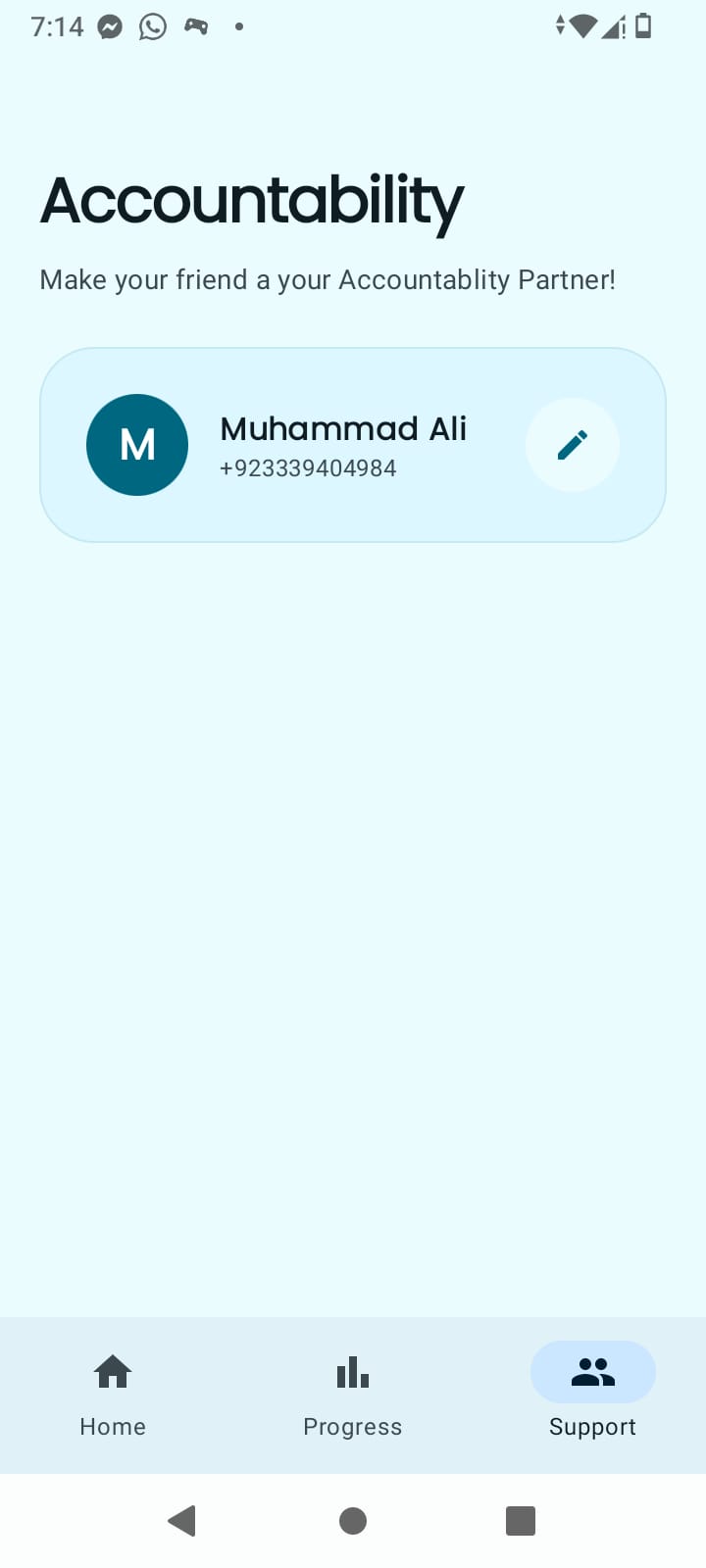
Accountablity Screen
-
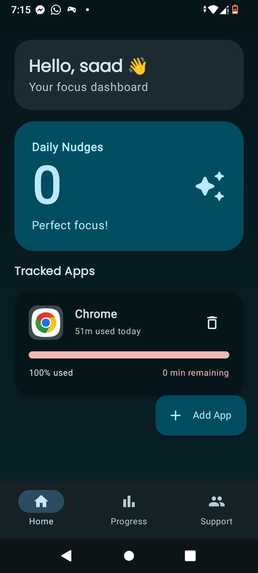
Dashboard Dark Mode
-
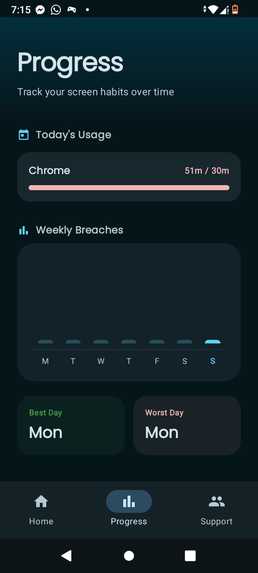
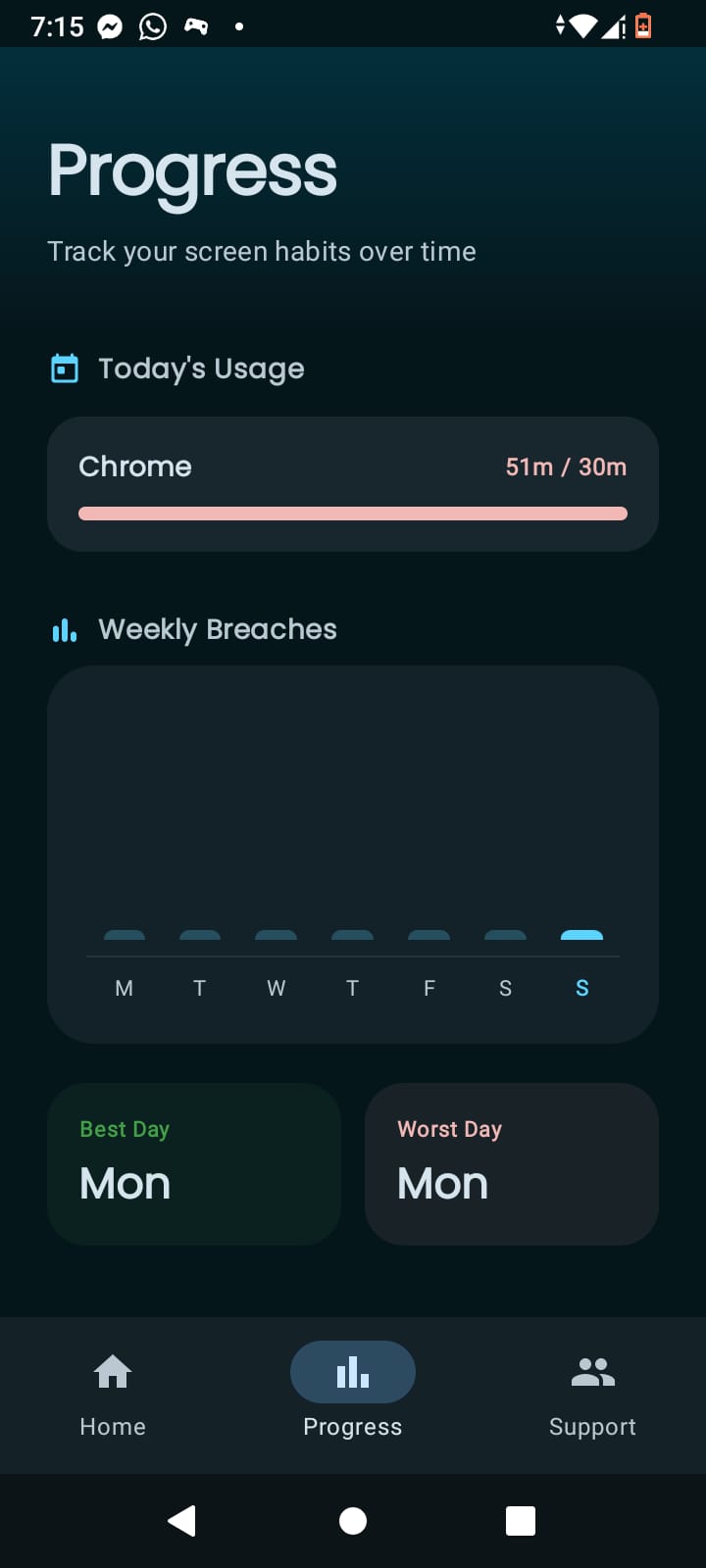
Progress Screen Dark Mode
-
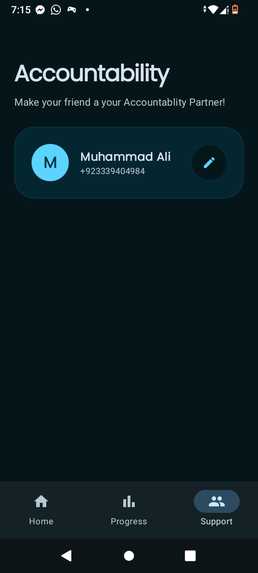
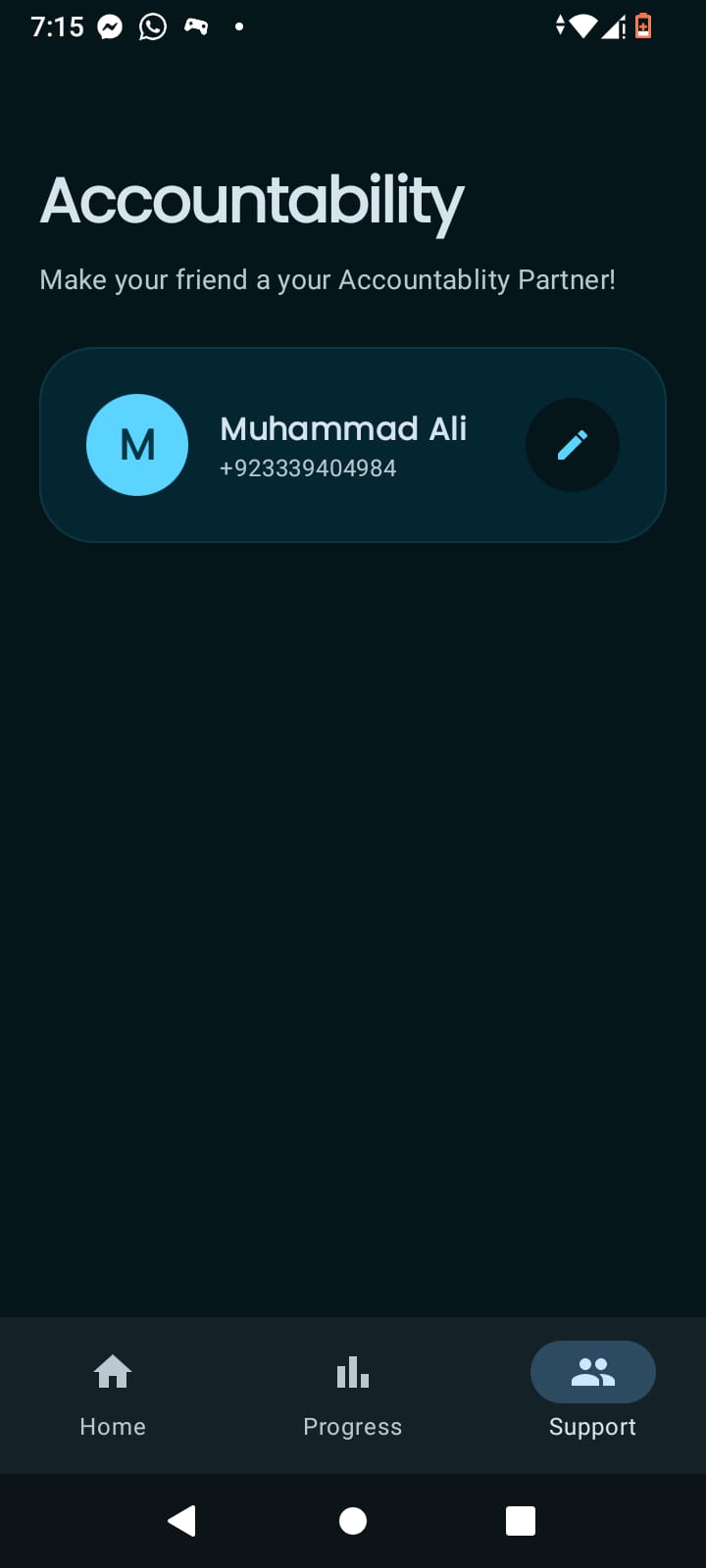
Accountablity Screen Dark Mode
-
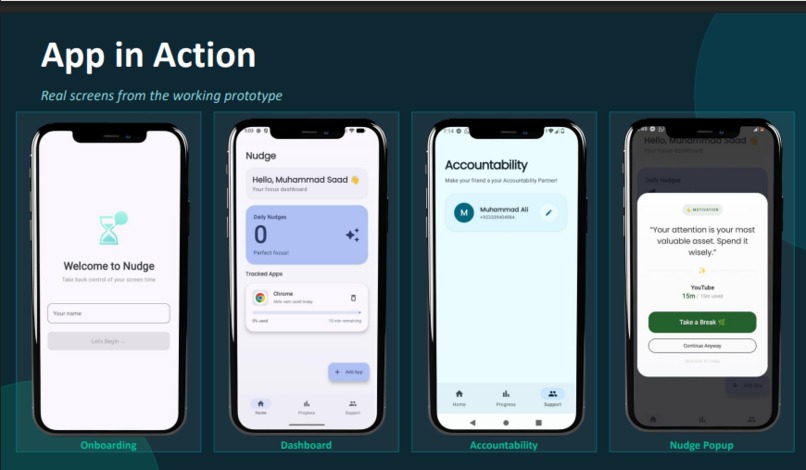
Work Flow
Inspiration
What Inspired Us
We built Nudge because we lived the problem. As university students, we'd open Instagram "for 5 minutes" and look up 45 minutes later. YouTube autoplay, doom scrolling, notification loops — it was killing our focus and we knew it. Existing apps just hard-blocked everything, which felt like punishment. We wanted something smarter. Something that nudges you instead of fighting you.
How We Built It
Nudge is a native Android app built in Kotlin with Jetpack Compose for the UI.
The core tracking runs through Android's UsageStatsManager API, while the overlay
nudge popup uses AccessibilityService to detect foreground app changes in real time.
Key components:
- MVVM architecture with
ViewModel+StateFlowfor reactive UI - Room database for storing per-app limits and breach history
- AccessibilityService for detecting when a tracked app is opened
- SMS Manager for the accountability partner alert system
- Jetpack Compose for all screens — onboarding, dashboard, progress, accountability
The math behind the grace period system is simple but effective. Each "Continue Anyway" tap resets a $t = 15$ minute timer. After $n = 5$ overrides, the accountability SMS fires:
$$\text{SMS sent when } \sum_{i=1}^{n} \text{override}_i \geq 5$$
What We Learned
- Android's permission model is brutal — especially on MIUI/Xiaomi devices where UsageStats access behaves differently
- Behavioral design is harder than technical design. Getting the nudge popup to feel helpful and not annoying took multiple iterations
- MVVM architecture genuinely saves you when the app grows — we refactored once and it was painless after that
- Real accountability (SMS to a human) works better than any notification ever will
Challenges We Faced
The biggest challenge was accurate usage tracking. Android's UsageStatsManager
reports in intervals, not real-time, so we had to build a polling loop inside a
foreground service to stay accurate without draining battery.
Finally, designing the overlay nudge that appears over other apps required
careful handling of TYPE_APPLICATION_OVERLAY window permissions on Android 12+,
which changed significantly from earlier versions.
What it does
Nudge is a mindful screen time management app for Android that helps you stay in control of your digital habits — without forcing you to quit cold turkey. Instead of hard blocks, Nudge uses soft overlay nudges that appear when you've hit your self-set time limit for an app. These gentle interruptions ask you to pause and reflect: Do you really need to keep scrolling?
On top of that, Nudge holds you accountable through SMS alerts to a trusted contact — a friend, family member, or mentor — whenever you breach a limit. It also tracks your breach history so you can see patterns in your behavior over time and actually do something about them.
Key features:
- Per-app daily time limits you set yourself
- Soft overlay nudge with escalating messages when limits are hit
- SMS accountability to a trusted contact on breach
- Breach history log for self-reflection
- Clean, minimal onboarding to get started in seconds
What's next for Nudge
- Smarter nudges — personalized messages based on time of day, breach frequency, and app category
- Focus sessions — a Pomodoro-style mode where Nudge actively protects your deep work time
- Weekly insights dashboard — visualize your screen time trends and streak history
- Widget support — a home screen widget showing today's usage at a glance
- Google Play release — full Play Store distribution with proper listing, screenshots, and onboarding polish
- Companion feature — let your accountability contact set limits for you, making Nudge useful for parents and accountability partners
Built With
- android-studio
- jetpack
- jetpackcompose
- kotlin
- material3
- mvvm


Log in or sign up for Devpost to join the conversation.