Inspiration
About 1 in 6 people worldwide, and more than 1 in 4 Canadian adults, live with a disability. Computers still assume you can land a cursor on a tiny button with a steady hand. For people with tremor, RSI, or low vision, a single click can be painful or impossible. Most accessibility tools make users adapt to the interface, and we wanted the interface to adapt to them.
What it does
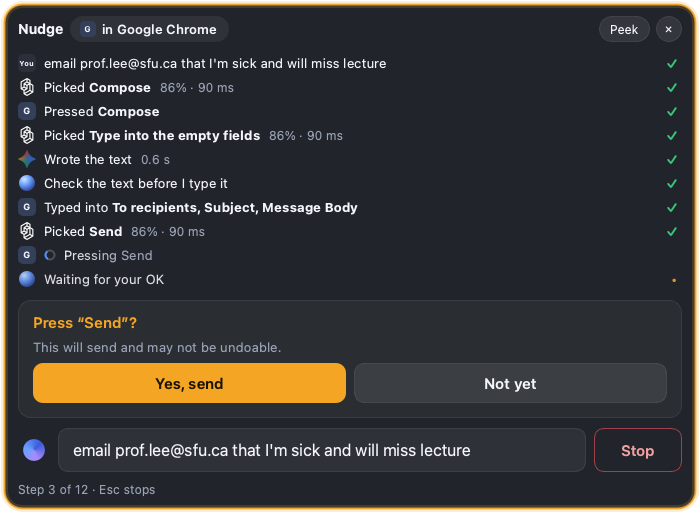
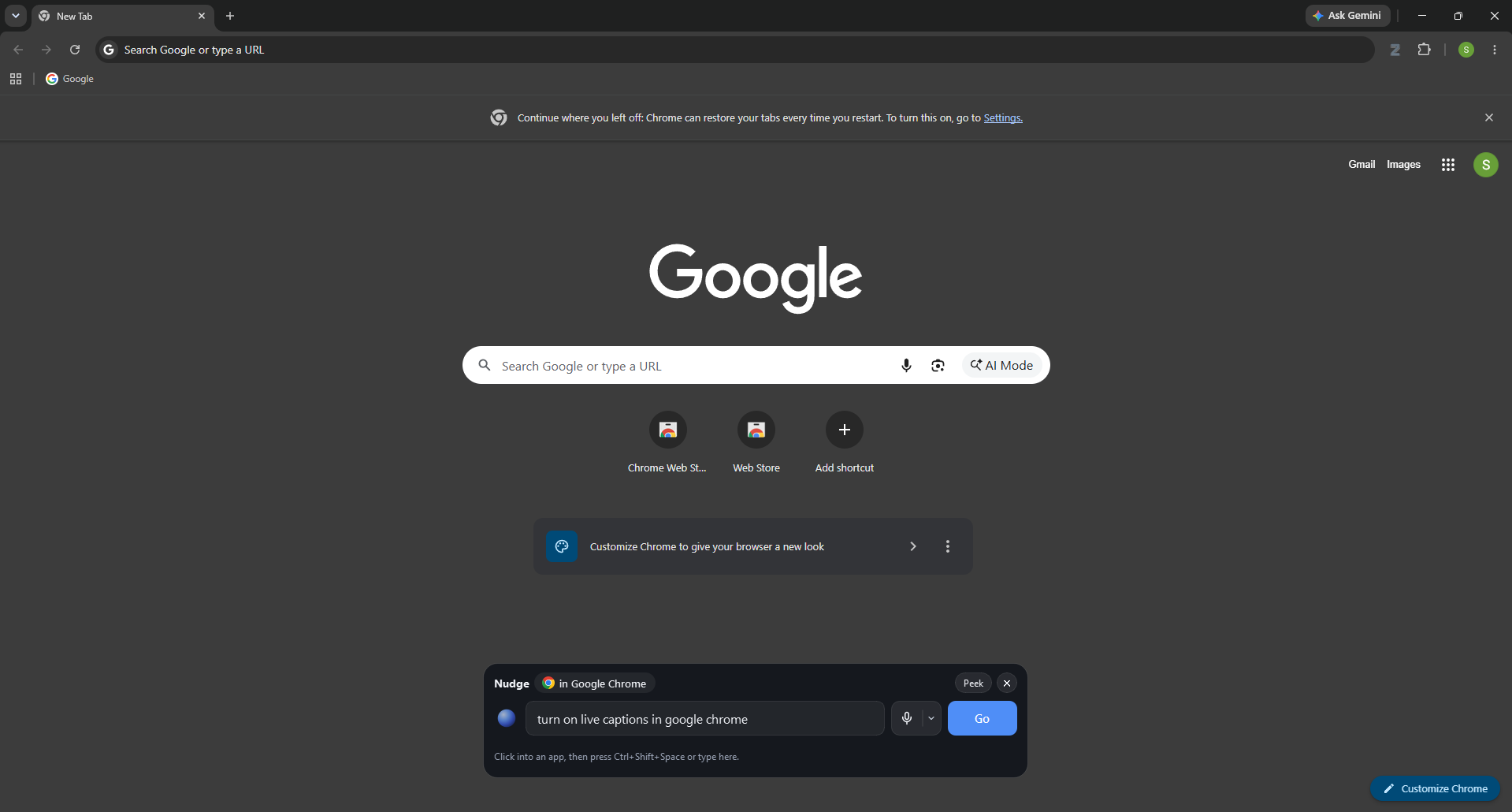
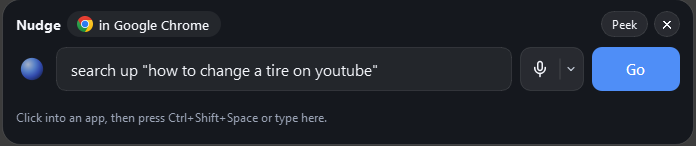
Nudge lets you say or type what you want, like "turn on live captions" or "play Olivia Rodrigo." It finds the right control on screen and presses it for you, one step at a time, until the task is done. It works in the apps people already use. Before it does anything sensitive, like sending an email, it asks you to confirm. When it isn't sure which control you mean, it shows its top three picks and lets you choose.
How we built it
- Accessibility APIs: Nudge reads the app's accessibility tree (AX on macOS, UI Automation on Windows) to get a list of named controls and their positions.
- Jev: TypeSafe's decision model gets the goal and those controls as numbered options. It picks one in about 130 ms, so each step feels instant.
- Vision fallback: For apps that expose almost nothing, like Spotify, Nudge runs OmniParser v2 locally on a screenshot of the target window. The screenshot never leaves the user's computer.
- Gemini: Only used to draft text, like an email body. It never sees the screen.
- Voice and UI: ElevenLabs voice input, and a Qt interface.
Challenges we ran into
- Many apps (Spotify, Electron apps, canvas apps) draw their own UI and expose almost nothing to accessibility APIs, so we needed the vision fallback.
- Vision's icon names are guesses ("Play button", "Home icon"), so Jev is less sure there and has to ask the user more often.
- Controls that only appear on hover can't be seen, so Nudge double-clicks the song in Spotify instead.
- Keeping the user in control. Nudge never retries a failed step on its own, and it confirms before risky actions.
Accomplishments that we're proud of
- End-to-end runs on real apps. On macOS, enabling Chrome's Live Caption takes 2 steps (about 4 s), and playing an artist in Spotify takes 3 steps (about 11 s).
- Jev averages about 130 ms per decision, which is fast enough to feel instant.
- Screenshots never leave the user's computer, and Nudge never reads password fields.
- It works in the apps people already use, with no custom integration per app.
What we learned
- Pairing a fast decision model with the accessibility tree is much faster and cheaper than sending a screenshot to a large model at every step.
- Vision should be a fallback, not the default.
- For assistive tools, trust matters as much as speed. Users need to see what's about to happen and be able to say no.
What's next for Nudge
- Support tasks that span multiple apps.
- Test more workflows with the people who would use Nudge.


Log in or sign up for Devpost to join the conversation.