Your chat becomes the obstacle course for the other streamer.
ChatCrossfire is a Twitch community battle from NPC Union. Audience support feeds horizontal, scrolling message bullets into the opposing streamer's arena. Streamers move to dodge them while chat watches the consequences of its participation. Hits, health and the final result are handled automatically.
Inspiration
We combined the rivalry of streamer PK battles with Bilibili-style danmaku. We wanted community support to have a visible consequence on stream: a message crossing an arena, a streamer moving out of its path, or a hit that changes the match. That gave us a game viewers could influence through the chat they already use.
What it does
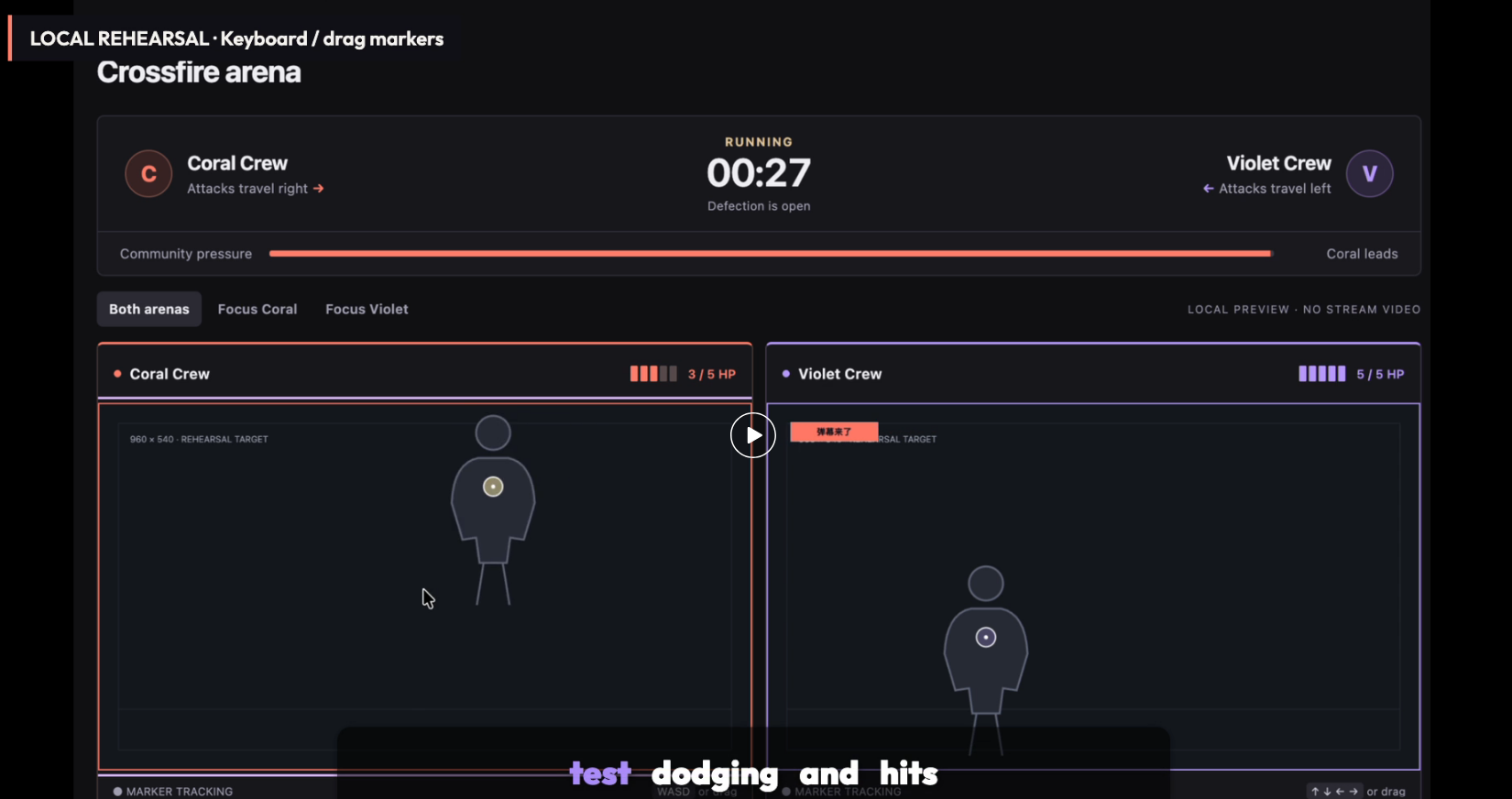
Two streamers play in equal 960-by-540 arenas. Accepted contributions from Coral's community feed messages into Violet's arena, and Violet's support feeds Coral's. Messages follow fixed horizontal lanes, so the streamer can react to their paths. A bright coloured body marker supplies the hit position; the messages never aim at or chase it.
Viewers participate for free through ordinary Twitch chat. Support is normalized by concurrent viewer counts instead of using raw message volume alone. Shared user cooldowns, bounded queues and fixed message geometry limit spam and keep the display readable. Optional Cheers and gift-sub events have capped weights. Around halftime, each viewer can switch allegiance once, redirecting future support while keeping the existing cooldown. That makes a change of loyalty matter during the match.
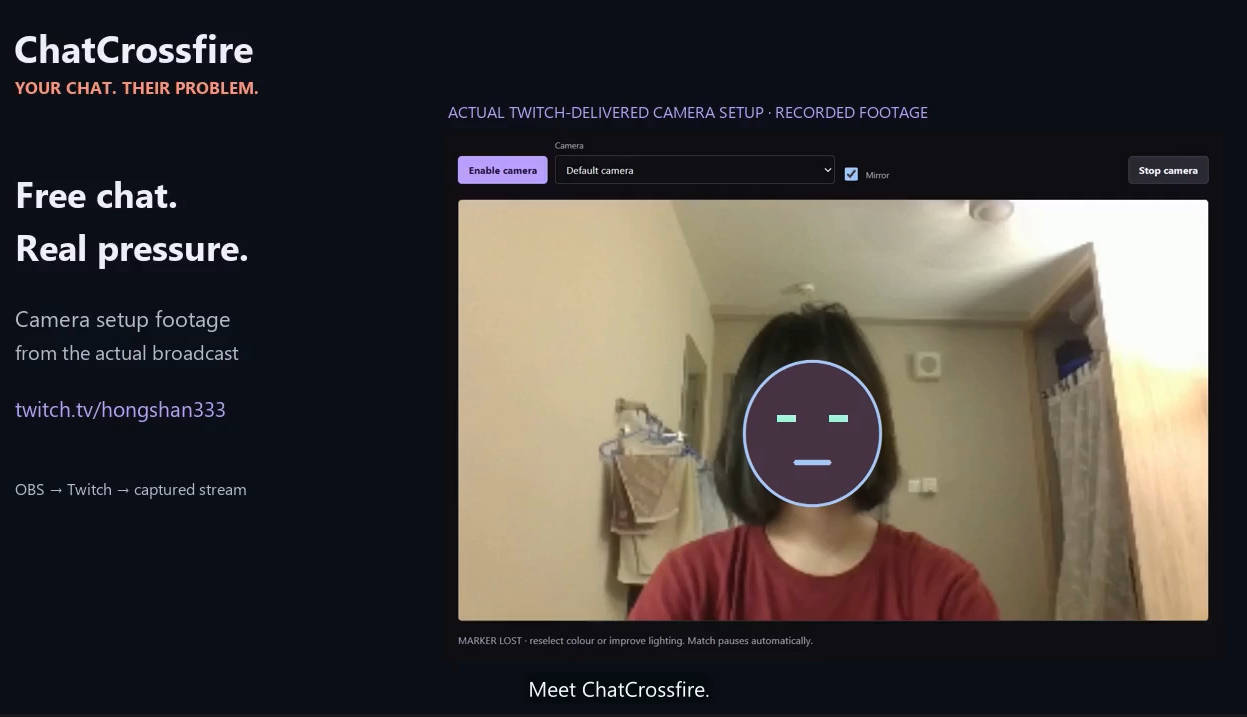
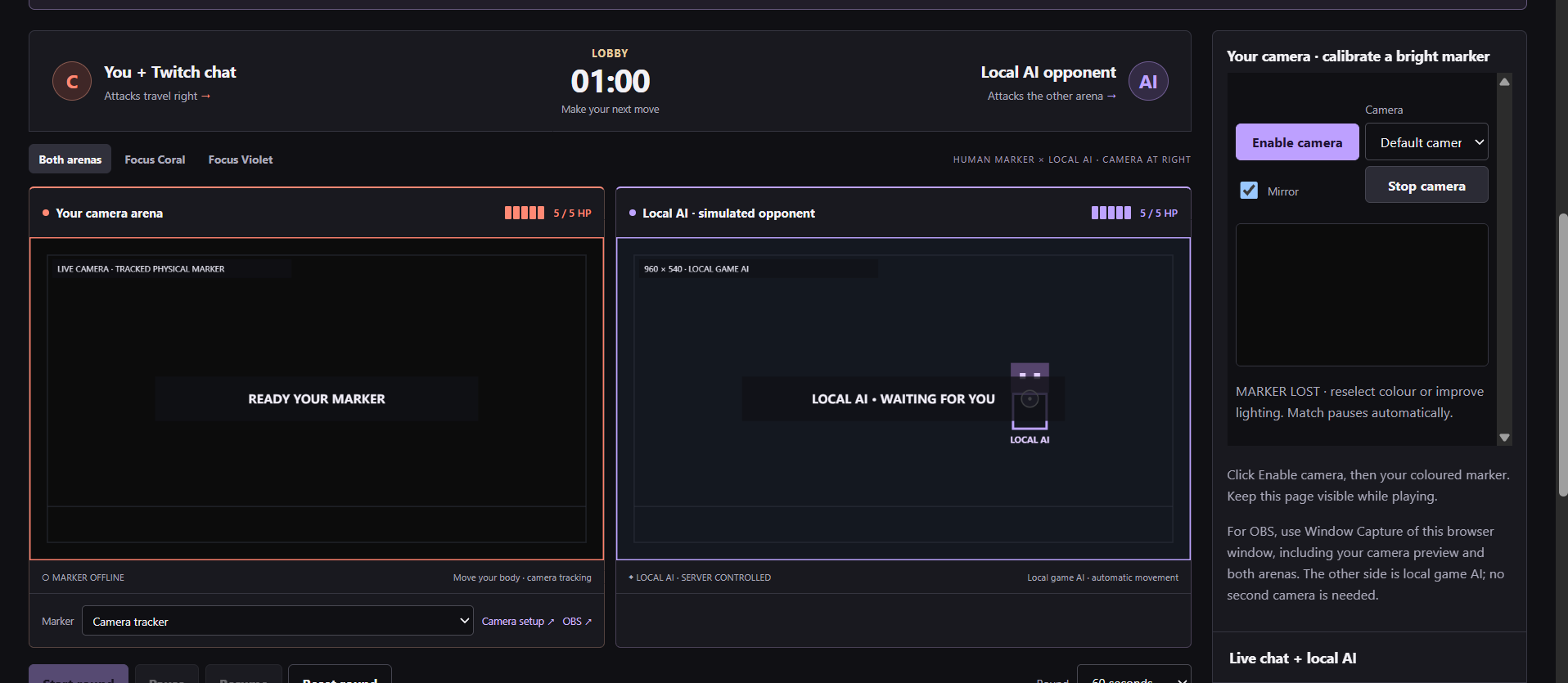
Streamers use the web controller for setup and match controls. OBS Browser Sources place the transparent danmaku arenas over their camera feeds. The backend detects collisions, manages health and time, and settles the result. In live mode, Start and Resume require connected chats, fresh audience counts and both tracking markers. Losing tracking pauses play. A separate rehearsal mode lets teams try the loop without Twitch credentials.
How we built it with Codex
We built the application with Node.js, JavaScript, HTML, CSS and Canvas. Twitch EventSub over WebSockets receives channel messages and optional support events; the Twitch API supplies concurrent viewer counts. The server owns viewer identity, allegiance, cooldowns and scoring across both chats. Camera tracking runs locally in the browser and sends coordinates, keeping the video frames on the streamer's computer.
Codex helped us implement and revise the game loop, including the change from marker-aimed shots to horizontal lanes after design feedback. We used it to build the controller and transparent overlays, add live-readiness diagnostics, and write controlled-clock tests for the rules. It also helped investigate reconnect timing and exercise browser flows with mocked Twitch inputs and generated camera video. Shared API contracts, decision notes and session records kept those changes understandable across teammates and coding sessions.
Challenges we ran into
The difficult part was preserving the game rules when inputs arrived through different paths. One viewer needed the same allegiance and cooldown in both chats, including after defection. Collision detection had to catch a marker crossing a moving message between frames. Audience samples could become stale, camera tracking could disappear, and a deleted message needed to stop appearing. Those cases shaped our authoritative backend, swept collision checks, readiness gates and moderation handling.
Accomplishments we're proud of
The playable loop connects community participation to movement and automatic results. Its design supports free chat, audience-normalized pressure and a halftime allegiance change without requiring viewers to open a separate game. Our teammate completed the OBS integration, combining camera video with the transparent danmaku arenas in the broadcast scene.
The latest verified repository build passes 119 automated tests. Browser checks cover opposing message routes and hits, movement, pause/resume, reconnect recovery, live-readiness controls, responsive layouts and transparent overlay output. Generated-video checks verify marker tracking, mirroring and expiry on both sides.
The current dodge prototype runs both arenas on one computer, with the completed OBS setup providing the camera-and-danmaku presentation. The automated tests and browser rehearsals cover the software flow, including mocked Twitch inputs and generated camera video.
What we learned
Audience participation needs feedback people can follow immediately. That pushed us toward horizontal paths, consistent arena geometry and visible health. On the engineering side, we learned to separate chat receipt from accepted gameplay input, expose the exact reason a match cannot start, and test camera coordinates independently from the broadcast composition. Codex was most useful when we gave it concrete rules and checked its changes against repeatable tests.
What's next for ChatCrossfire
We want to make ChatCrossfire a recurring format for creator collaborations. Native Twitch Extension controls would let streamers invite an opponent, ready up and manage battles from Twitch. A hosted service with authenticated match and tracking connections would support streamers on separate computers, while VTuber position adapters would let avatars take part using their existing tracking tools.
Community tournaments, seasonal leaderboards and customizable arena themes would give creators more ways to run events and build rivalries between their audiences.
For a business model, we plan to explore optional creator subscriptions for hosted match management, branded overlays and post-match analytics, while keeping viewer participation free. We would start with creator pilots to test repeat use and demand for those production tools before setting prices.
Built With
- css3
- html5
- javascript
- node.js
- obs
- openai
- twitch

Log in or sign up for Devpost to join the conversation.