-
-
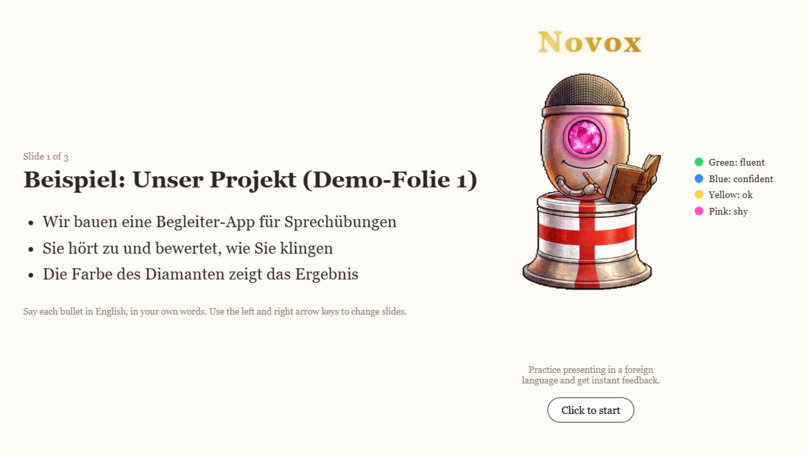
Start to present with the companion
-
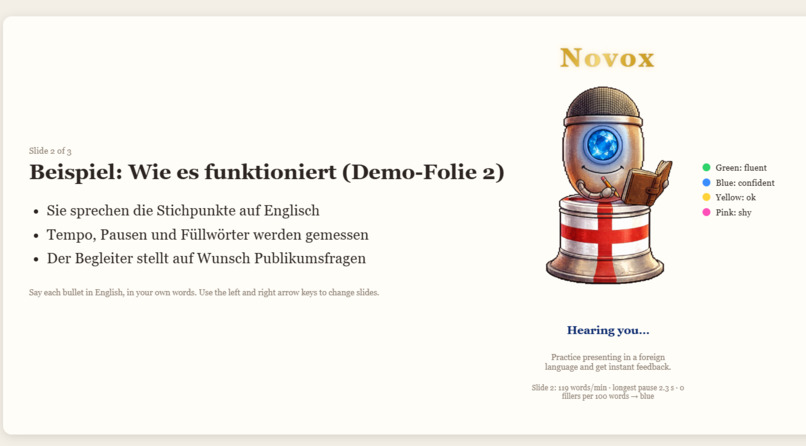
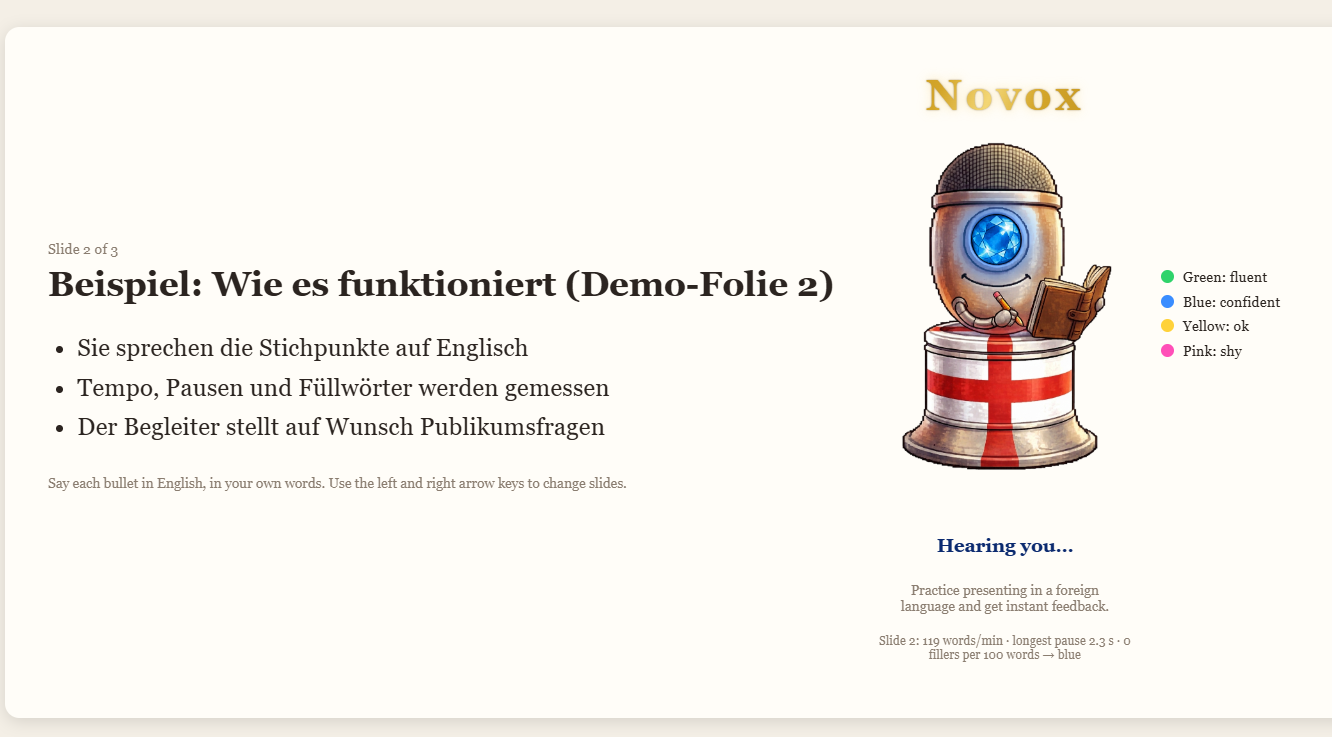
Changing color to blue at presenting the 2nd slide
-
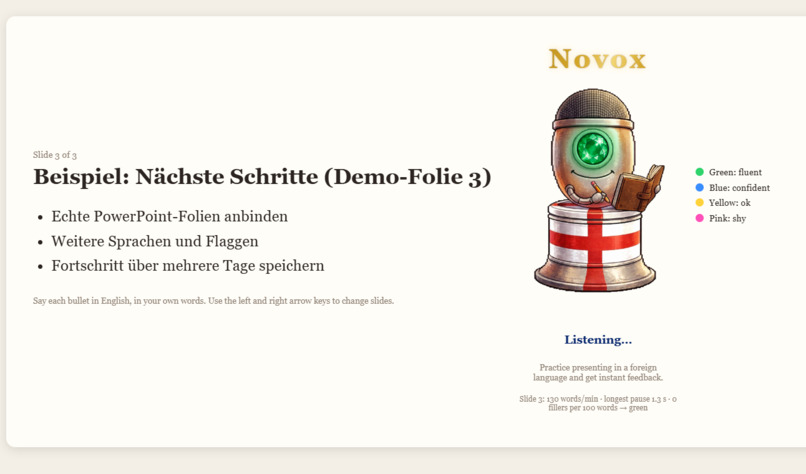
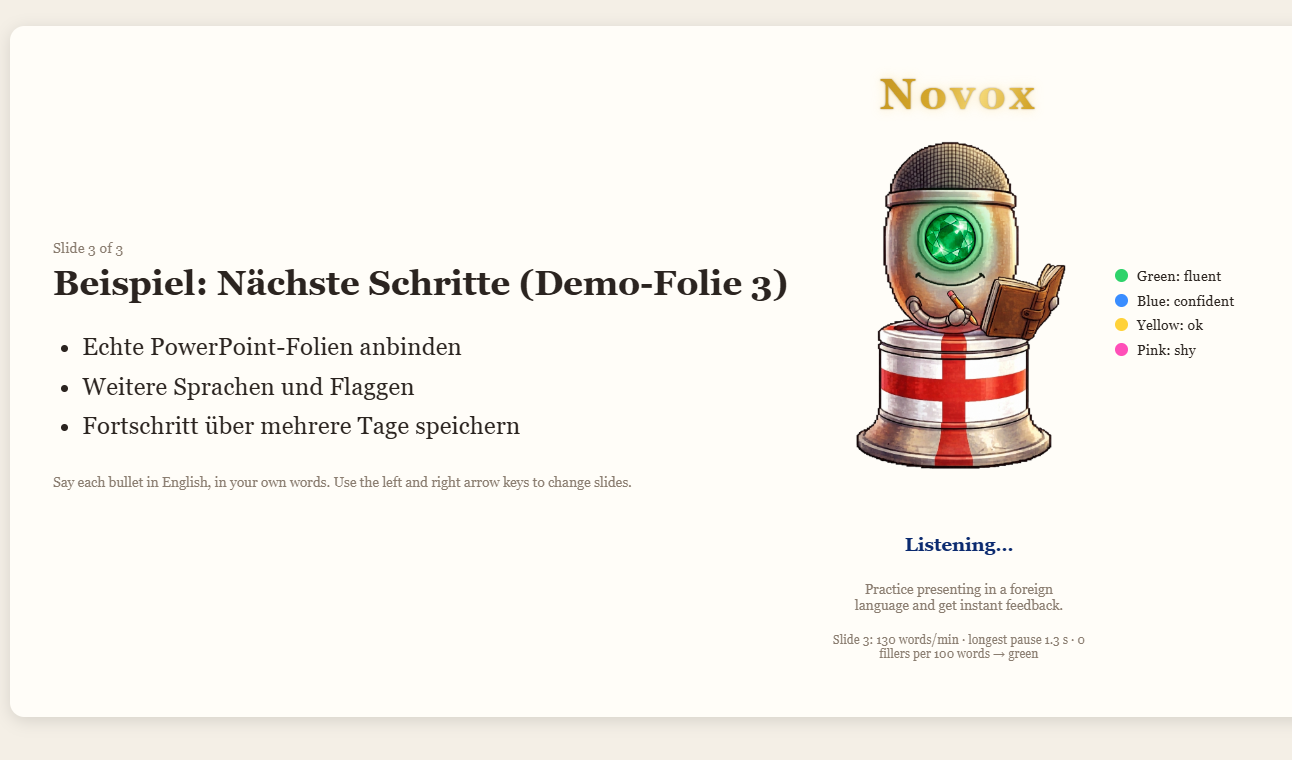
Changing color to green at presenting the 3rd slide
Inspiration
I prepare presentations in German and often have to deliver them in English. I practice with communities like Toastmasters and Women in Big Data, but practicing alone is hard: nobody asks you questions and nobody tells you how you sounded for presentations you need to deliver at work.
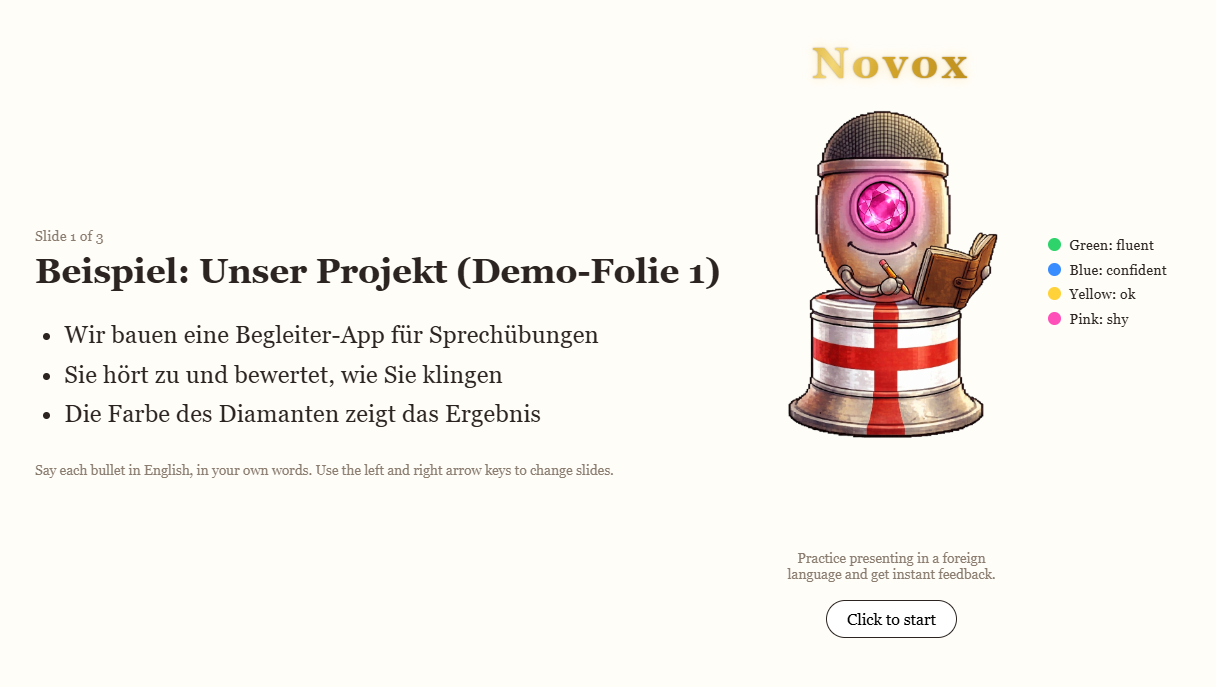
I was also inspired by an app that goes through a user's desktop and answers product questions. I wanted a companion with a personality that does something similar for speaking practice. So I made Novox, a microphone with a glowing diamond eye. It listens to you present your slides out loud and shows how you sounded through the diamond's color:
- 🟢 Green: fluent
- 🔵 Blue: confident
- 🟡 Yellow: ok
- 🩷 Pink: shy
What it does
You see your German slides and say each bullet in English, in your own words. When you pause, the diamond changes color. You can also use voice commands:
- "Ask me questions": Novox asks an audience-style question about the slide, and your spoken answer gets rated too.
- "How well did I explain?": spoken feedback on the slide.
- "Give me a summary": what went well and what to improve across the whole presentation.
How I built it
Novox runs as a small web app: plain JavaScript in Chrome, plus a local Node/Express server.
- Speech in and out: Chrome's built-in speech recognition listens to you, and speech synthesis lets Novox talk back.
- The color is plain code, no AI.
scorer.jsrates how you spoke from three signals: speaking pace, your longest pause, and filler words.
Pace is measured in words per minute:
$$\text{pace} = \frac{\text{words}}{\text{speaking time in ms}} \times 60\,000$$
and fillers are counted per 100 words:
$$\text{fillers per 100} = \frac{\text{filler words}}{\text{total words}} \times 100$$
Pink triggers if any single signal is bad (pace $< 80$ wpm, a pause of $\geq 4$ s, or more than 8 fillers per 100 words). Otherwise the number of "slightly off" signals decides between green, blue and yellow.
- Gemini for the language side: the free-tier Gemini API (called only from the local server, so the key never reaches the browser) checks whether you covered the last bullet and writes the audience questions, feedback and summary.
- The look: a pixel-art companion with an English flag on its base. The diamond color is a CSS glow and hue overlay on the gem, so one picture covers all four colors.
I built it in six small slices, verifying and committing each one: slides and greeting, the color kernel, Gemini coverage check, audience questions, feedback and summary and the final look.
Challenges I ran into
- Speed vs. accuracy. A larger Gemini model took 2–3 seconds per check, which felt slow. Switching to
gemini-flash-lite-latest(about 0.7 s) let me shorten the "finished speaking" pause from 3 s to 2 s. - Browsers block automatic speech. Chrome won't speak until you click the page, so Novox starts with a "Click to start" button.
- Scoping. My first idea was a companion that follows me across my whole desktop. For a hackathon proof of concept, I cut it down to one language pair and one slide at a time.
What I learned
- How to ideate and scope a prototype with AI so it isn't generic and does what it should do.
- Planning first (scope, product definition, technical spec) made the build much smoother than jumping straight into code.
- Browser speech tools have quirks that change what you can measure, so test with a real microphone early.
What's next
- Other language pairs and a language selector.
- Integrating it in powerpoint slides and maybe even across any app
- Progress tracking over several days

Log in or sign up for Devpost to join the conversation.