-
-
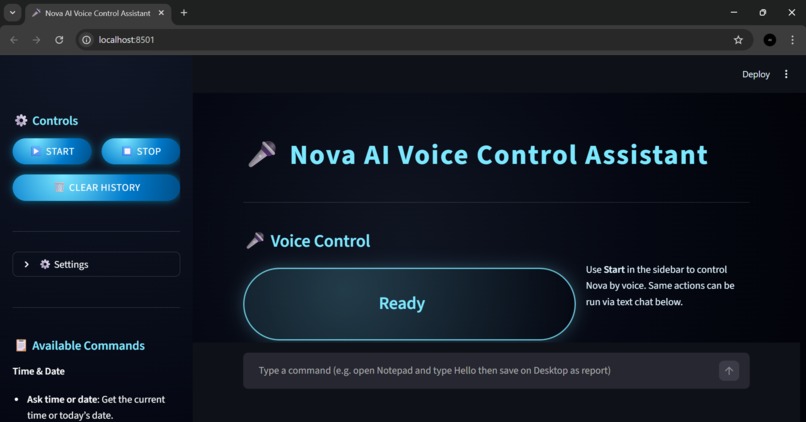
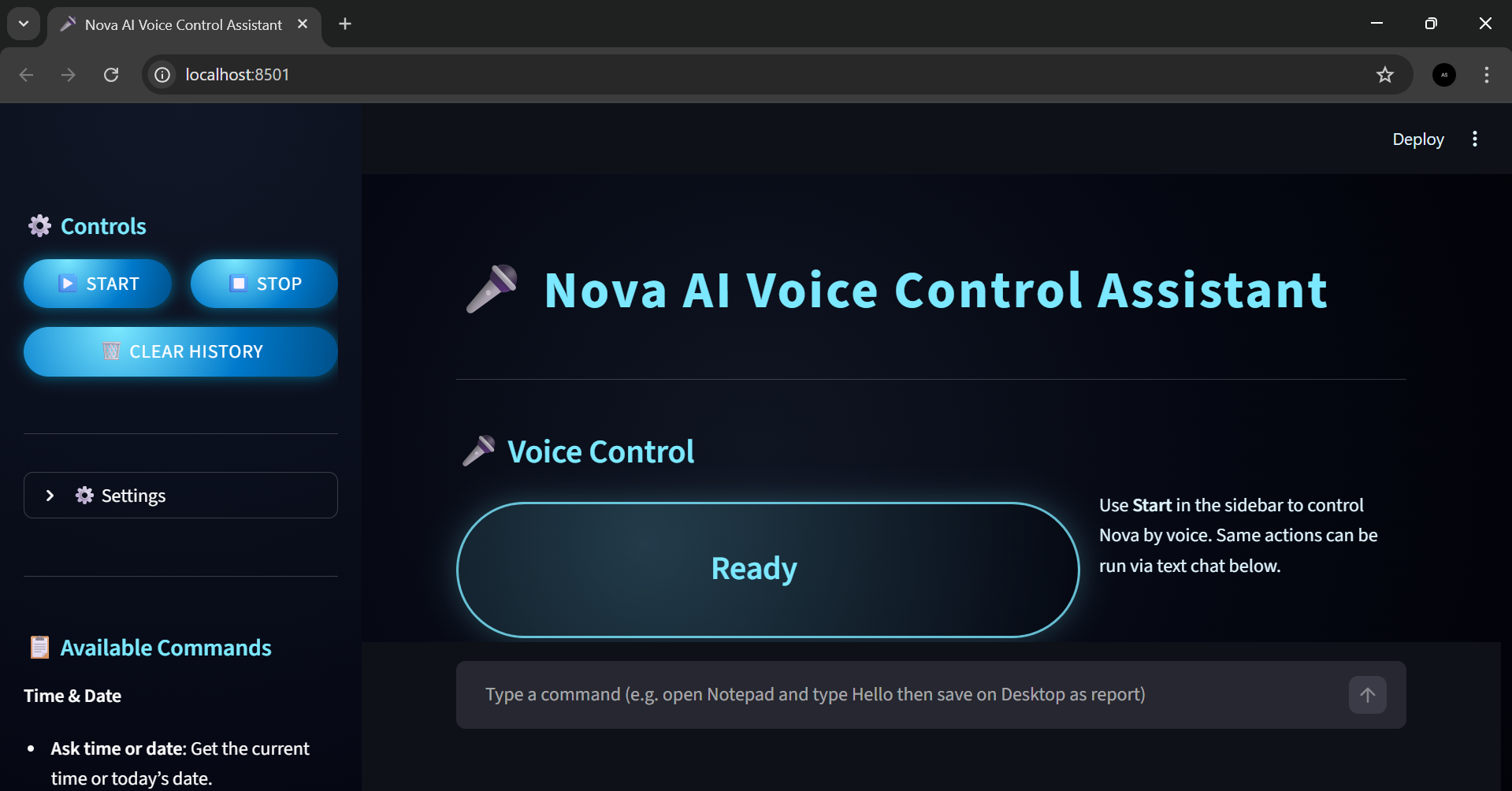
Nova AI Voice Control Assistant — dark-themed Streamlit interface with voice controls and ready status.
-
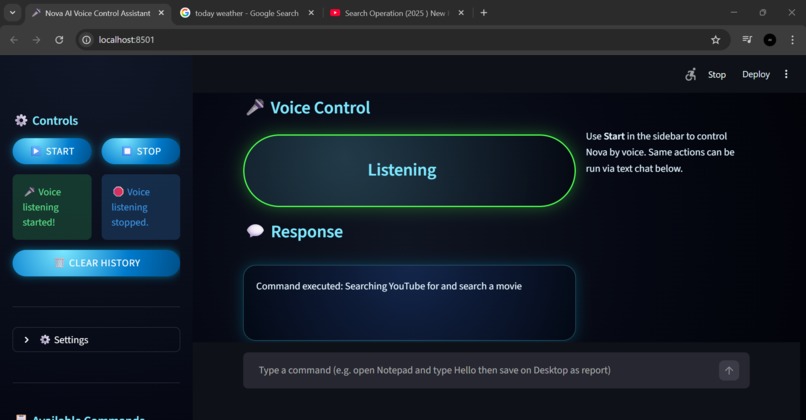
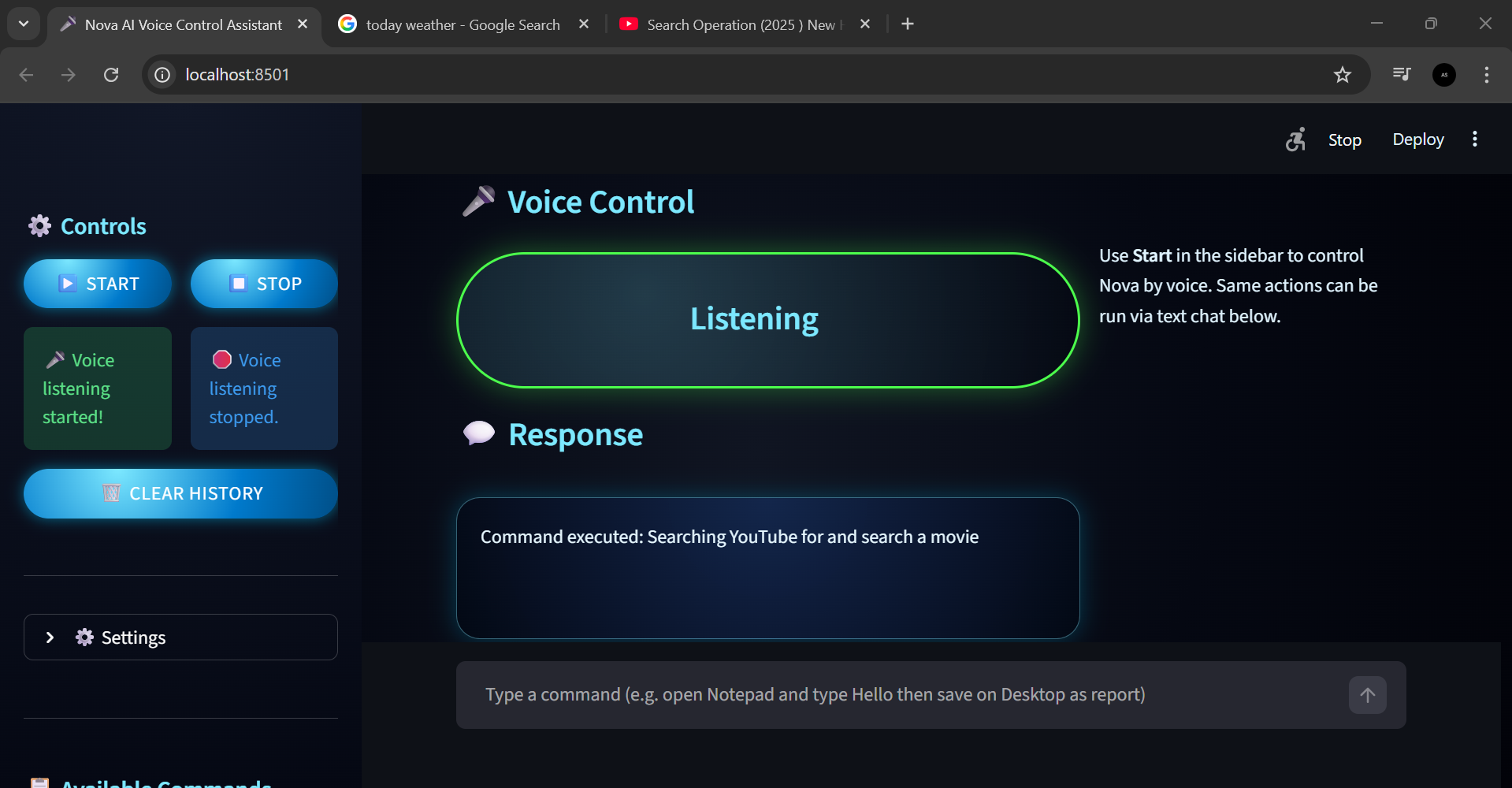
Nova AI actively listening and executing a YouTube search via voice command.
-
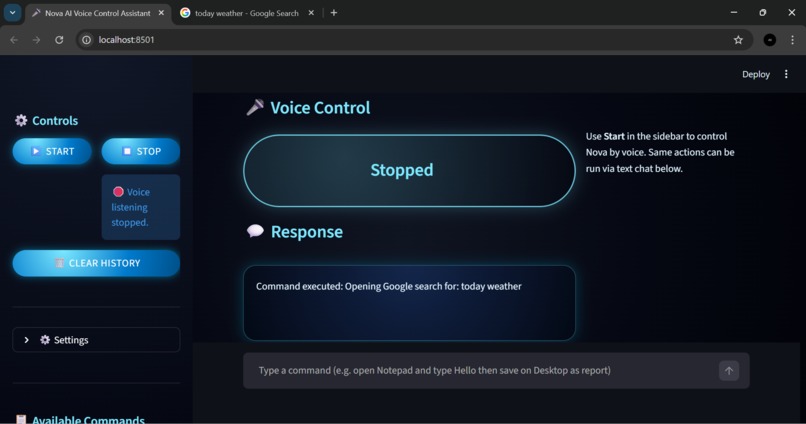
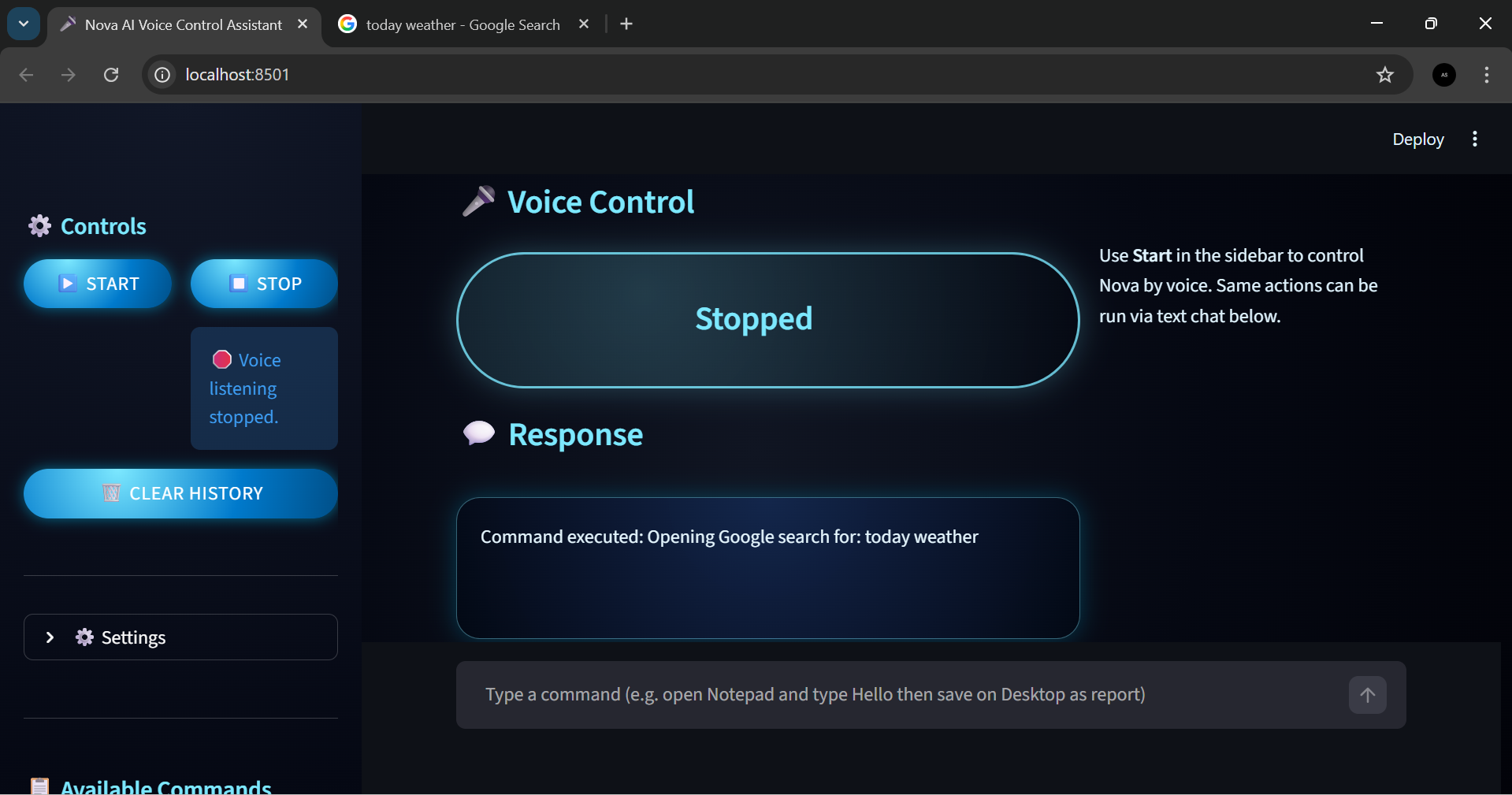
Nova AI executing a voice command and opening a Google search result (voice stopped).
-
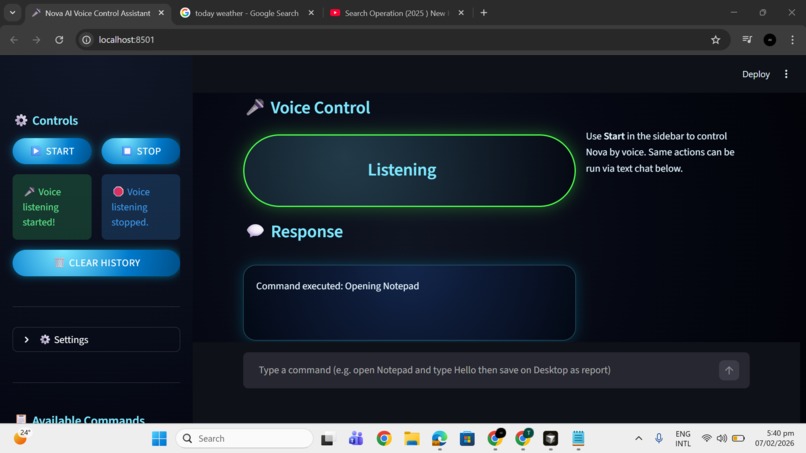
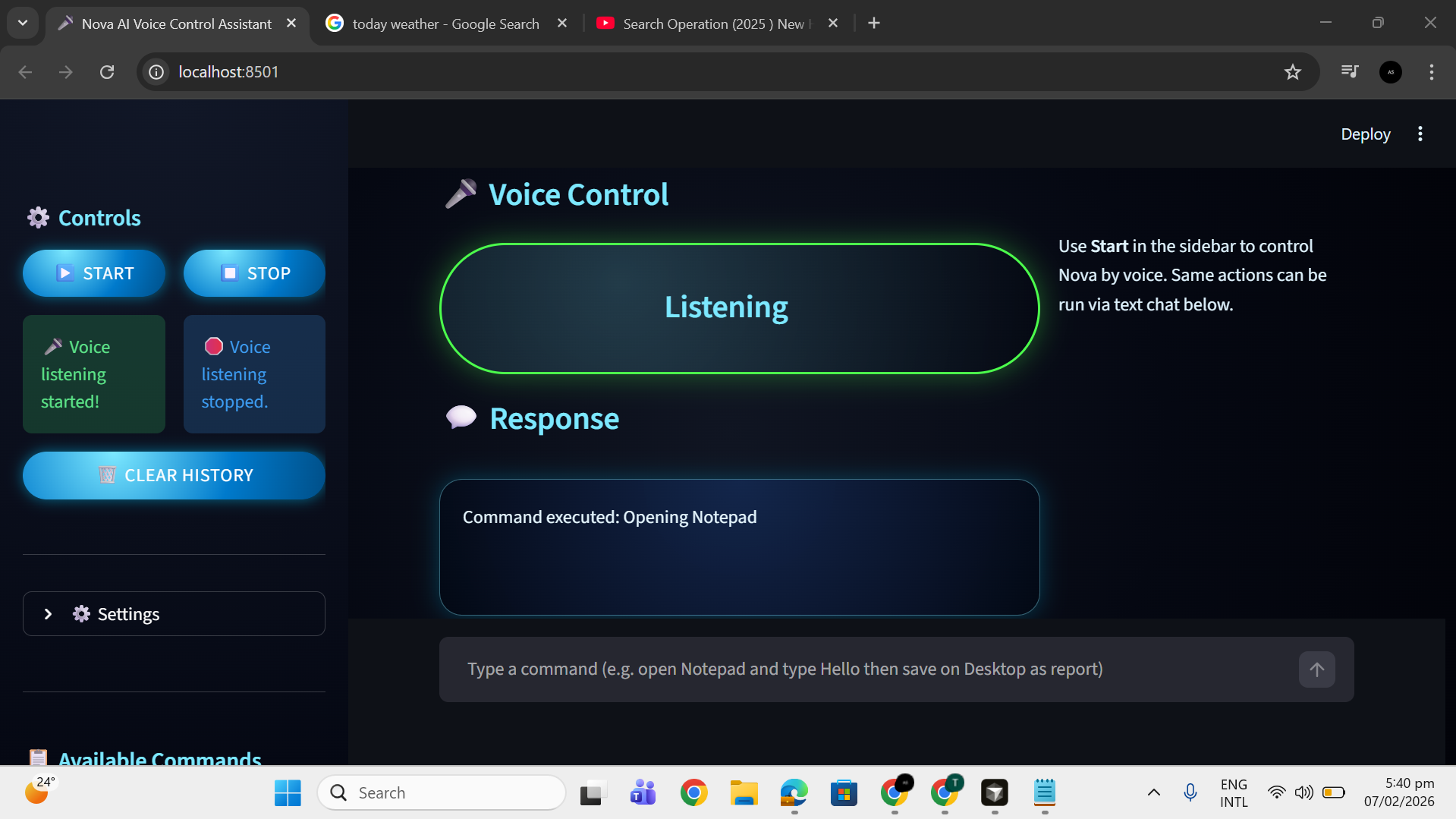
successful command execution (“Opening Notepad”) on a local Windows system.
-
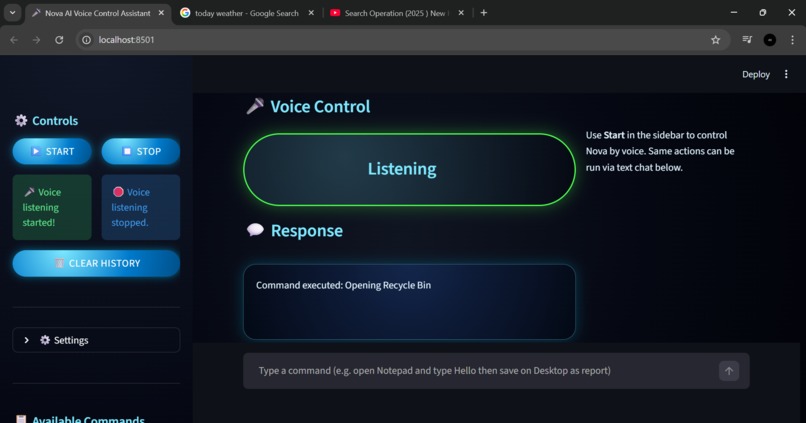
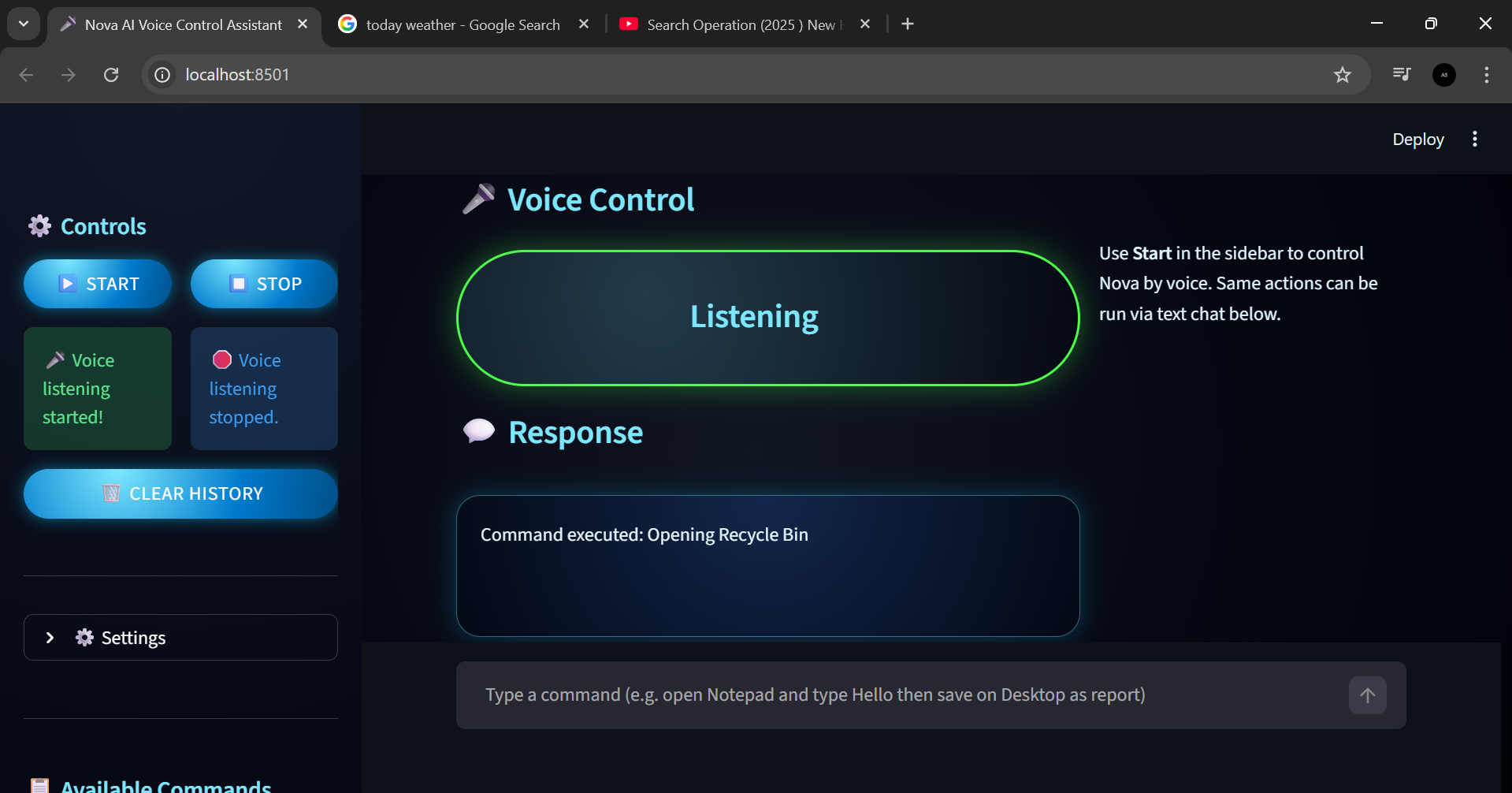
Nova AI actively listening and executing a voice command to open the Recycle Bin with real-time response feedback.
-
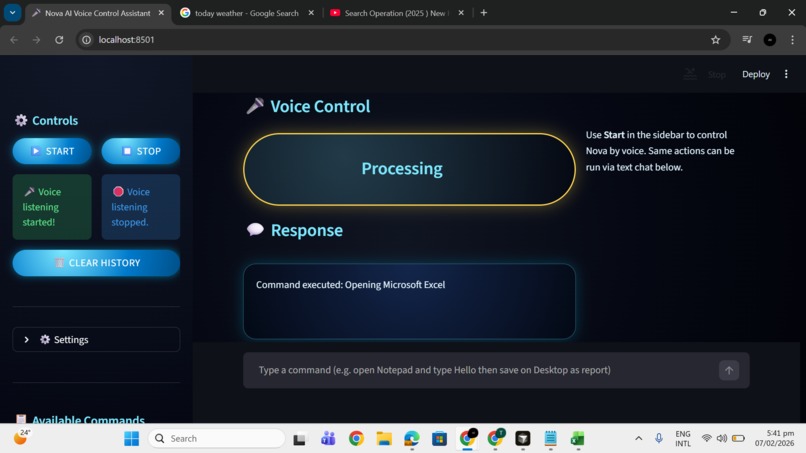
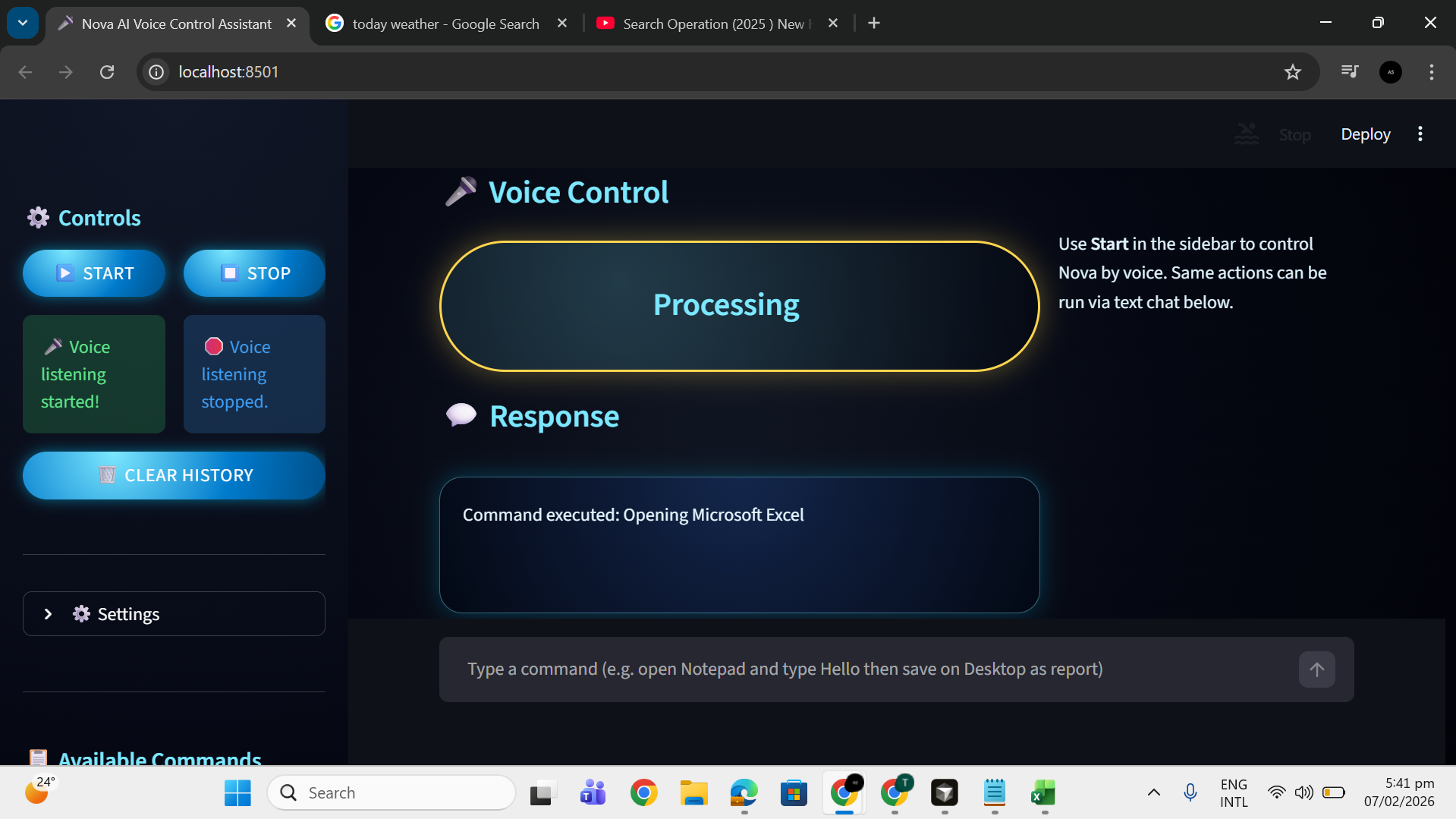
Nova AI processing a voice command and opening Microsoft Excel in a dark-mode Streamlit interface.
-
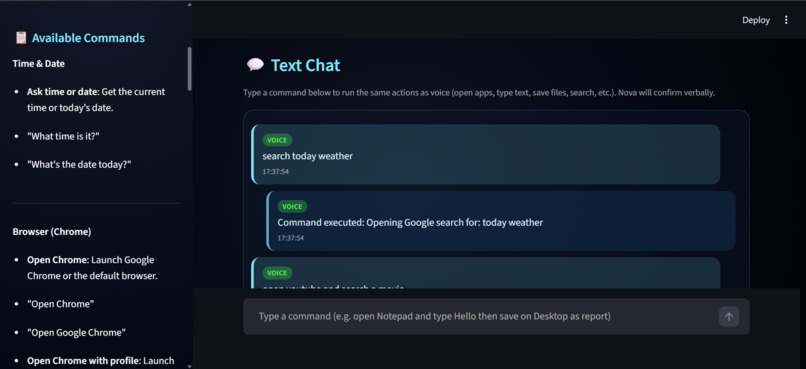
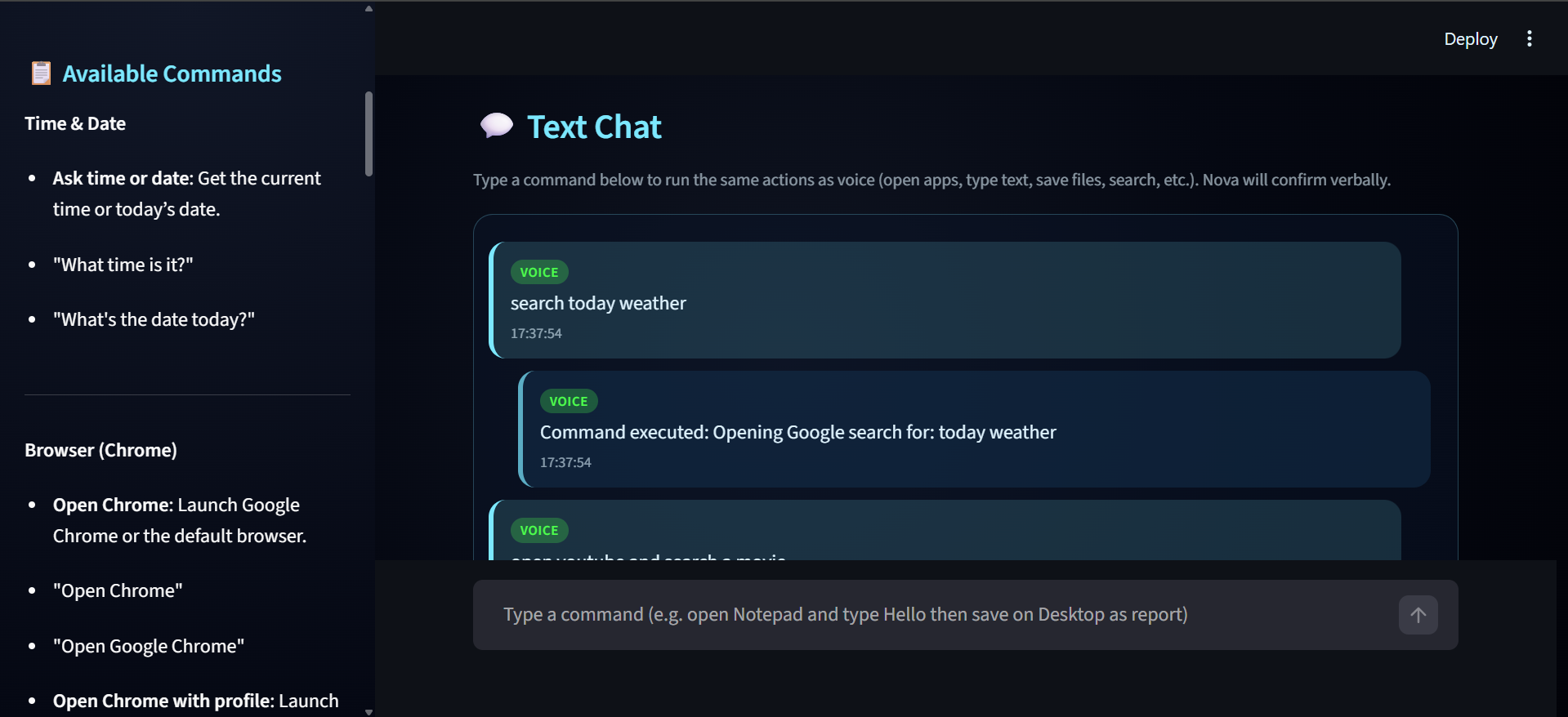
Nova AI voice assistant executing a weather search
-
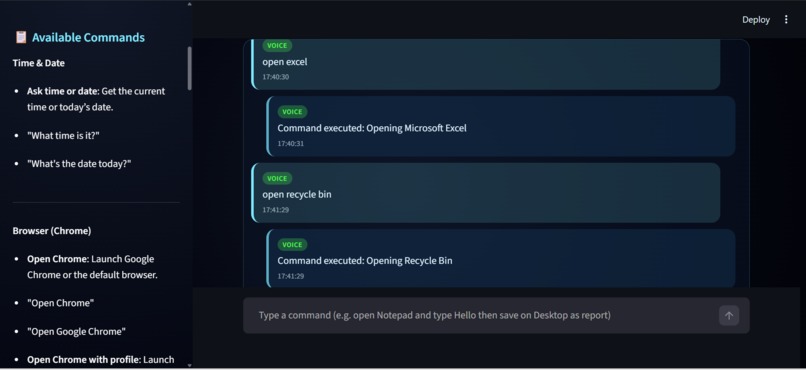
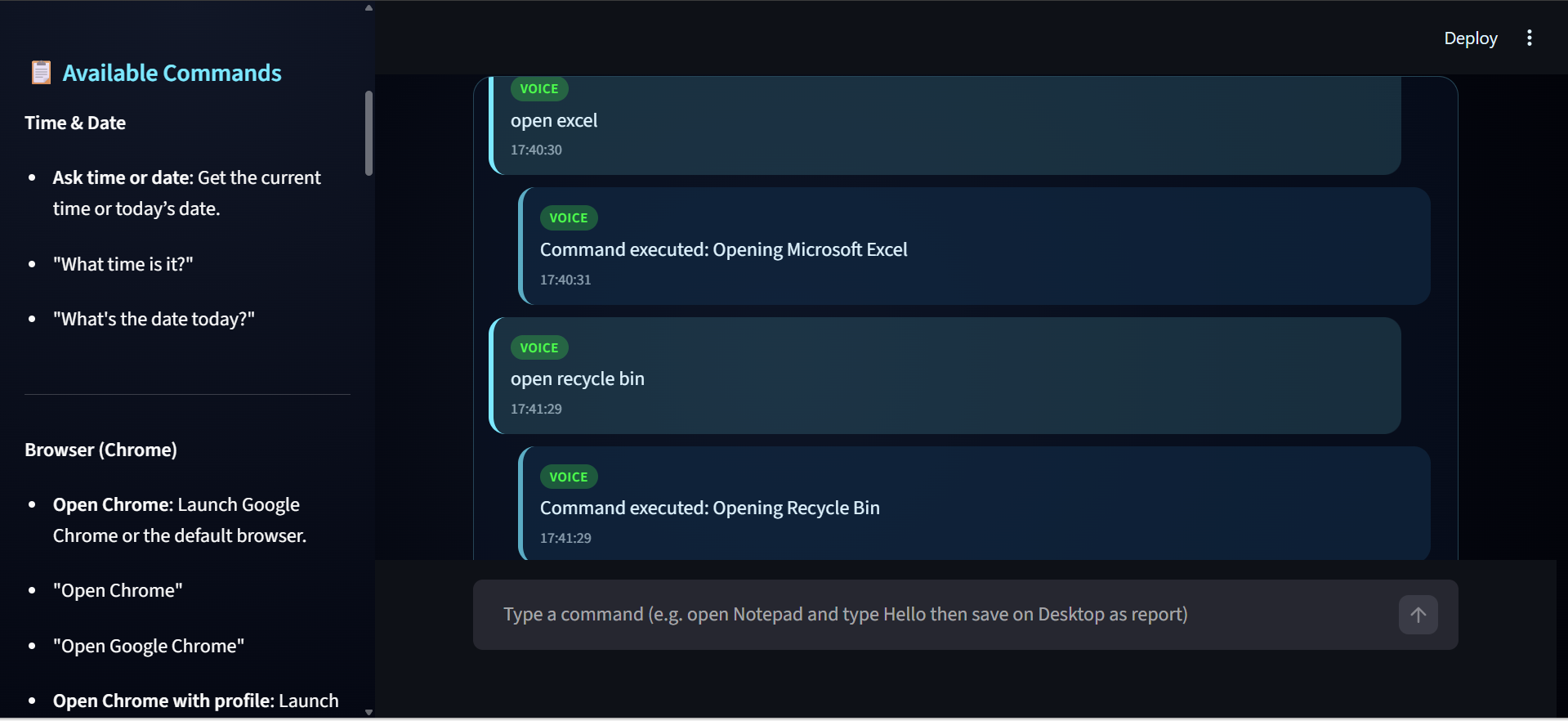
Nova AI show history of executing voice commands to open Microsoft Excel and Recycle Bin
-
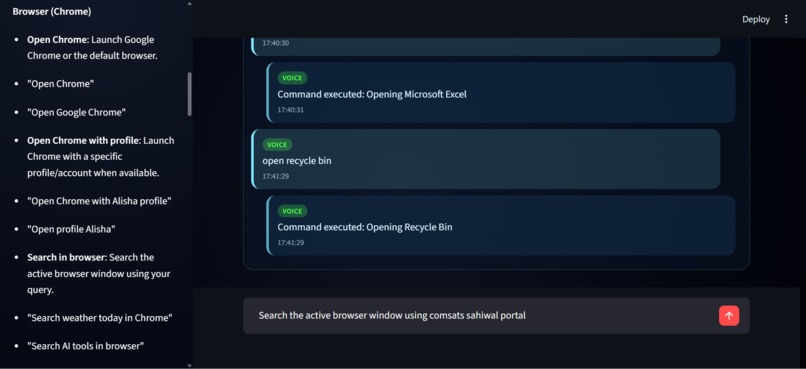
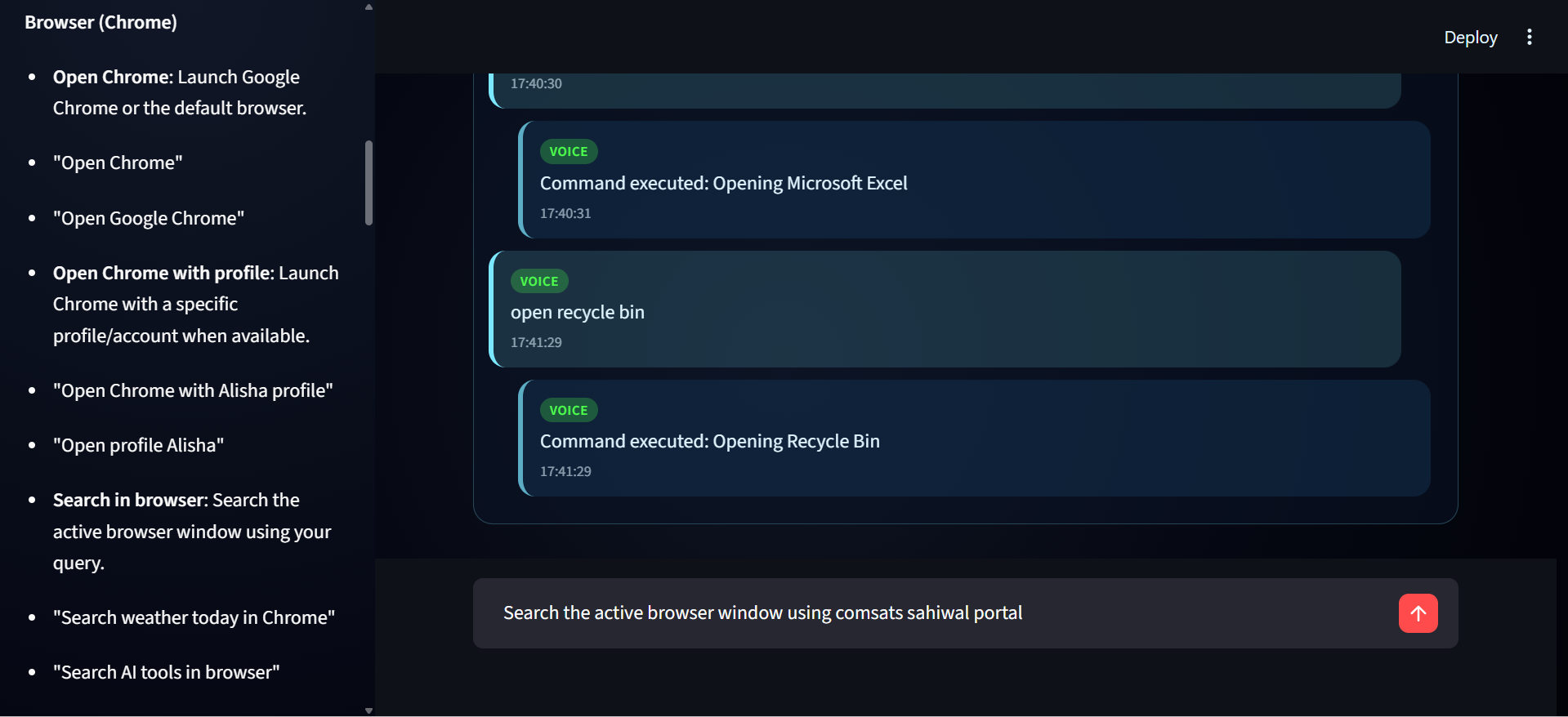
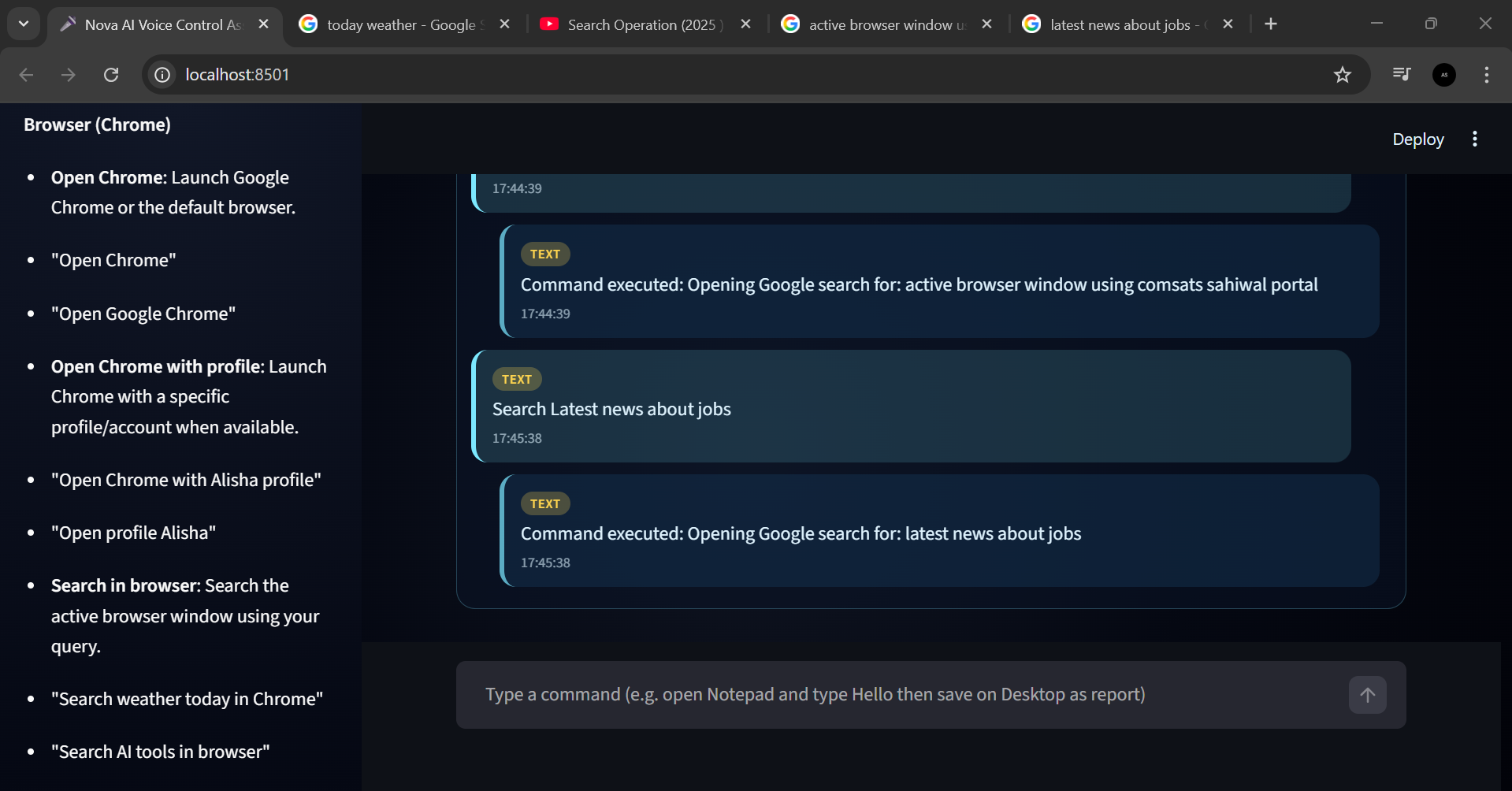
Nova AI handling browser-related voice commands and active search execution
-
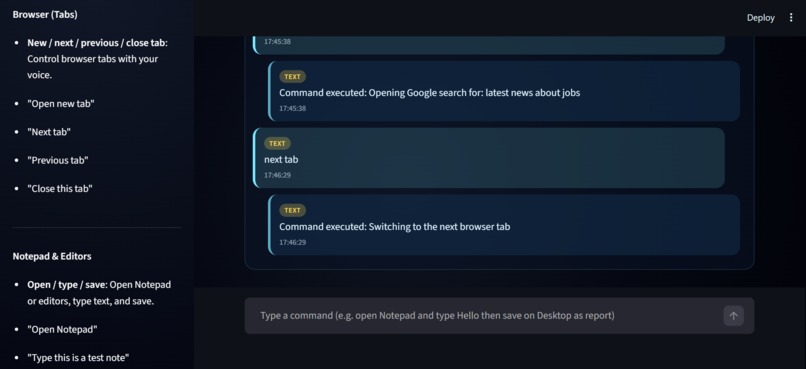
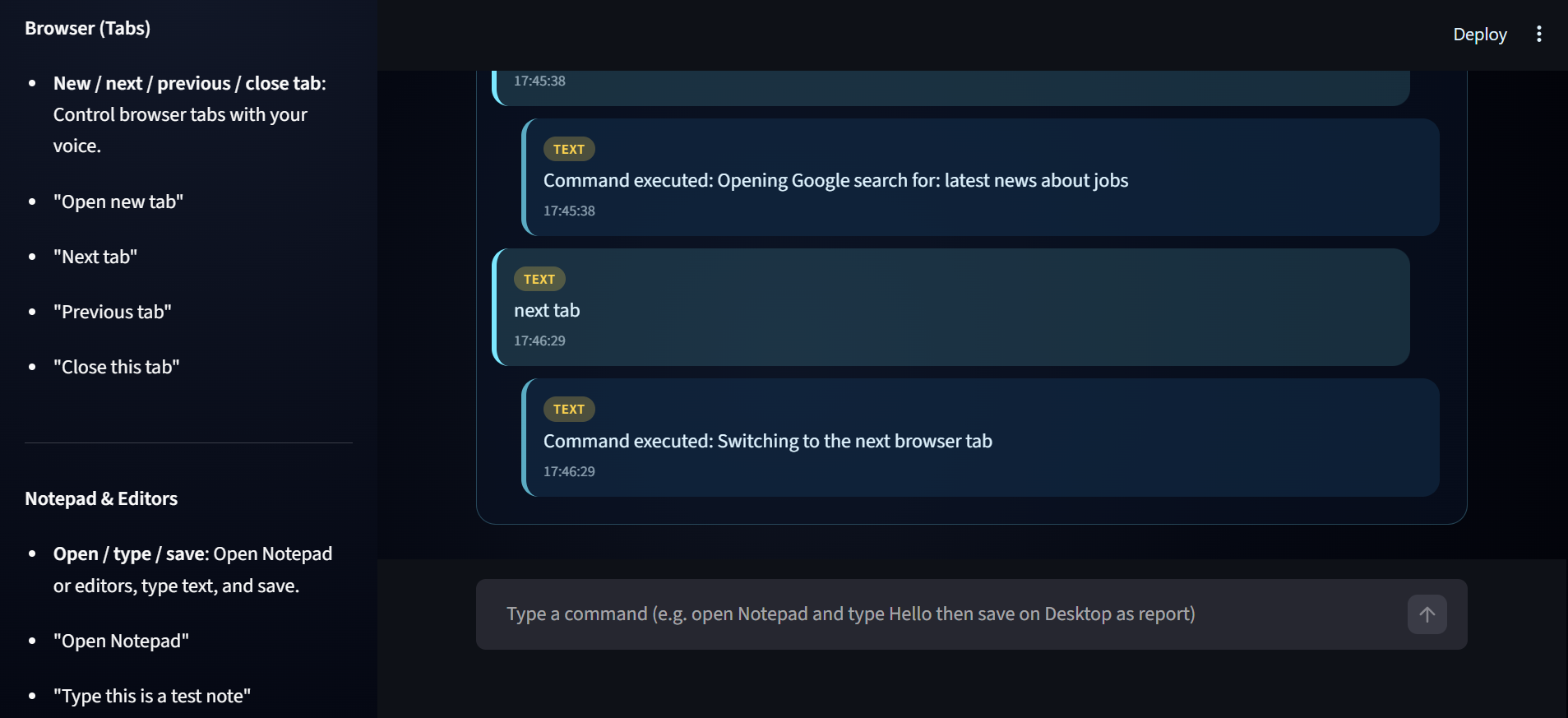
Nova AI switching between browser tabs using text commands
-
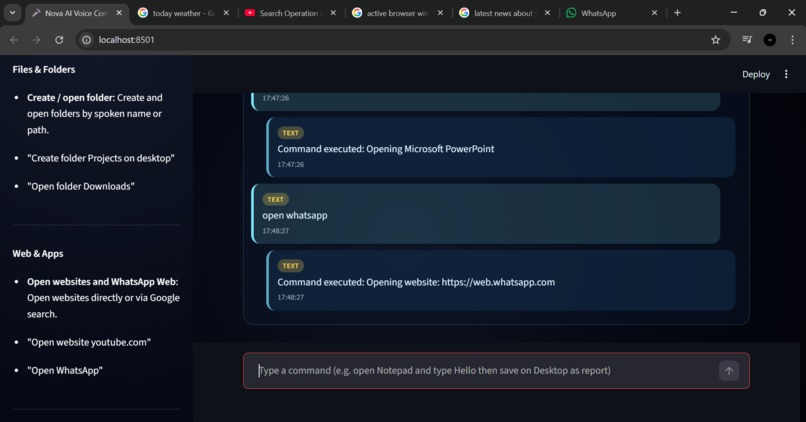
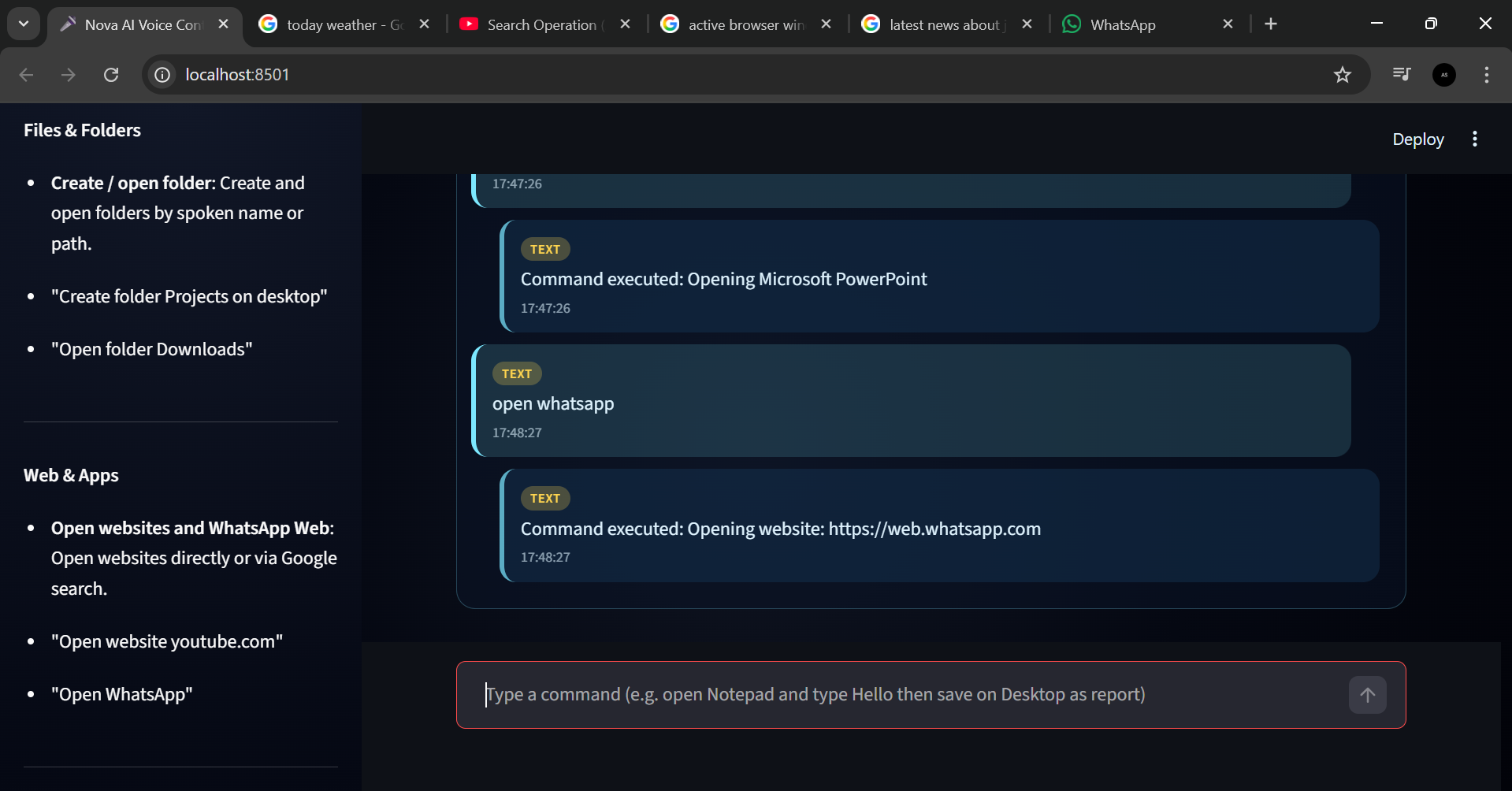
Nova AI opening WhatsApp Web instantly using a text command
-
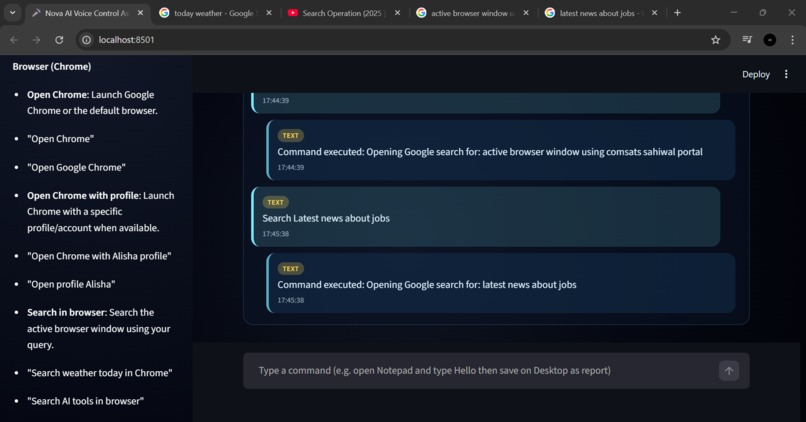
**Nova AI executing text-based browser searches and displaying real-time results**
-
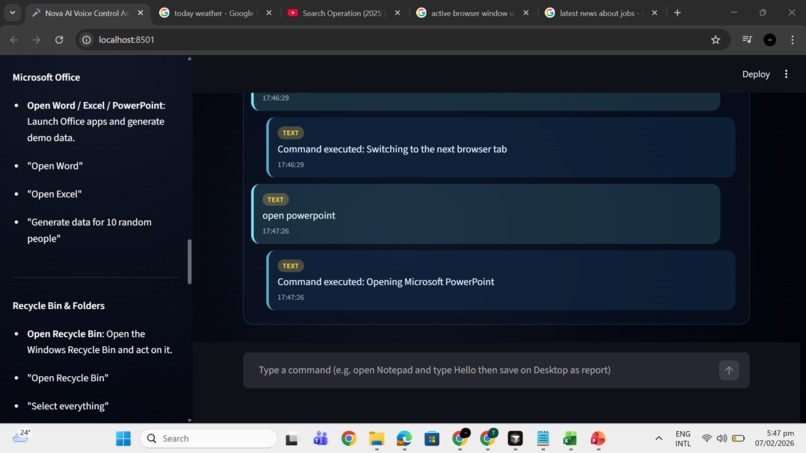
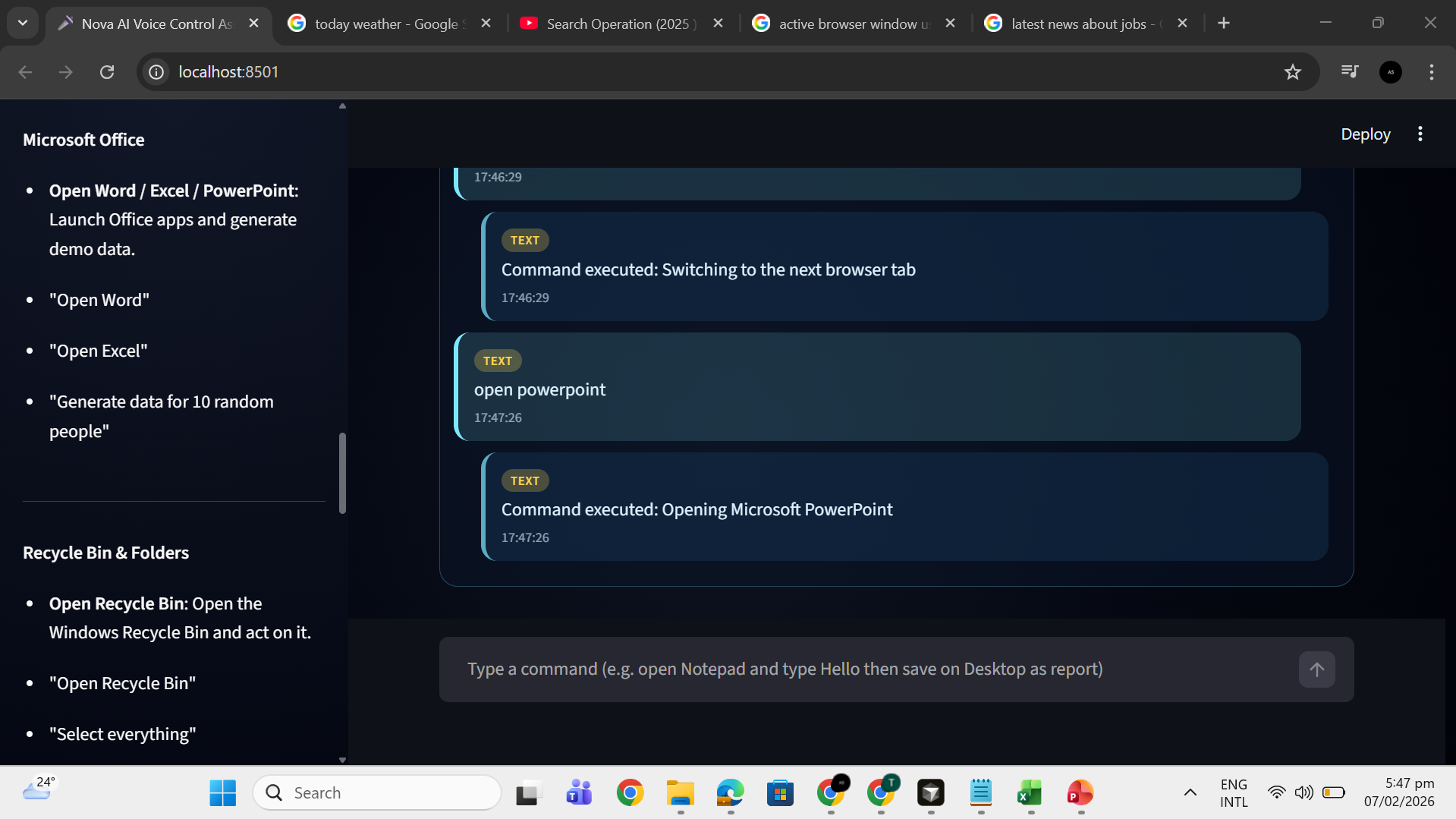
Nova AI executing a text command to open Microsoft PowerPoint in real time
-
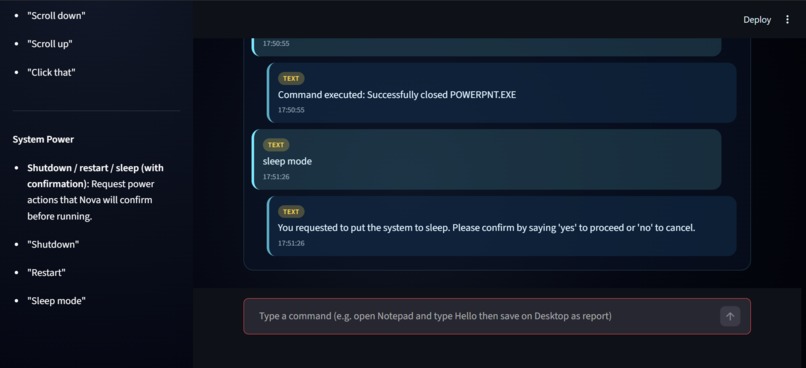
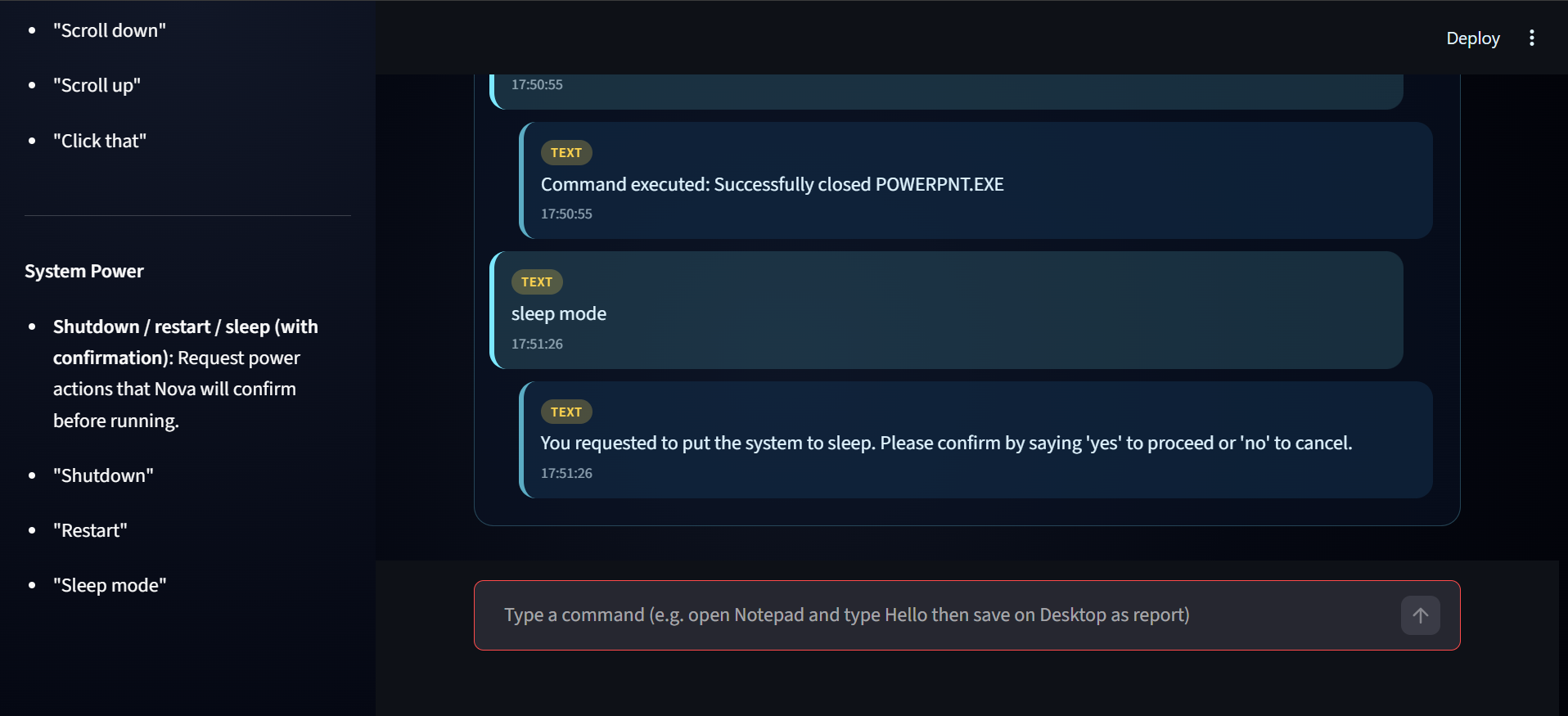
Nova AI system commands (sleep, restart, shutdown) execute only after user confirmation
-
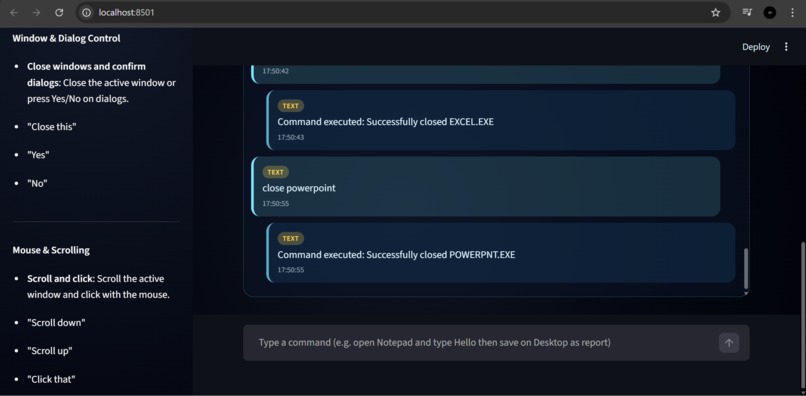
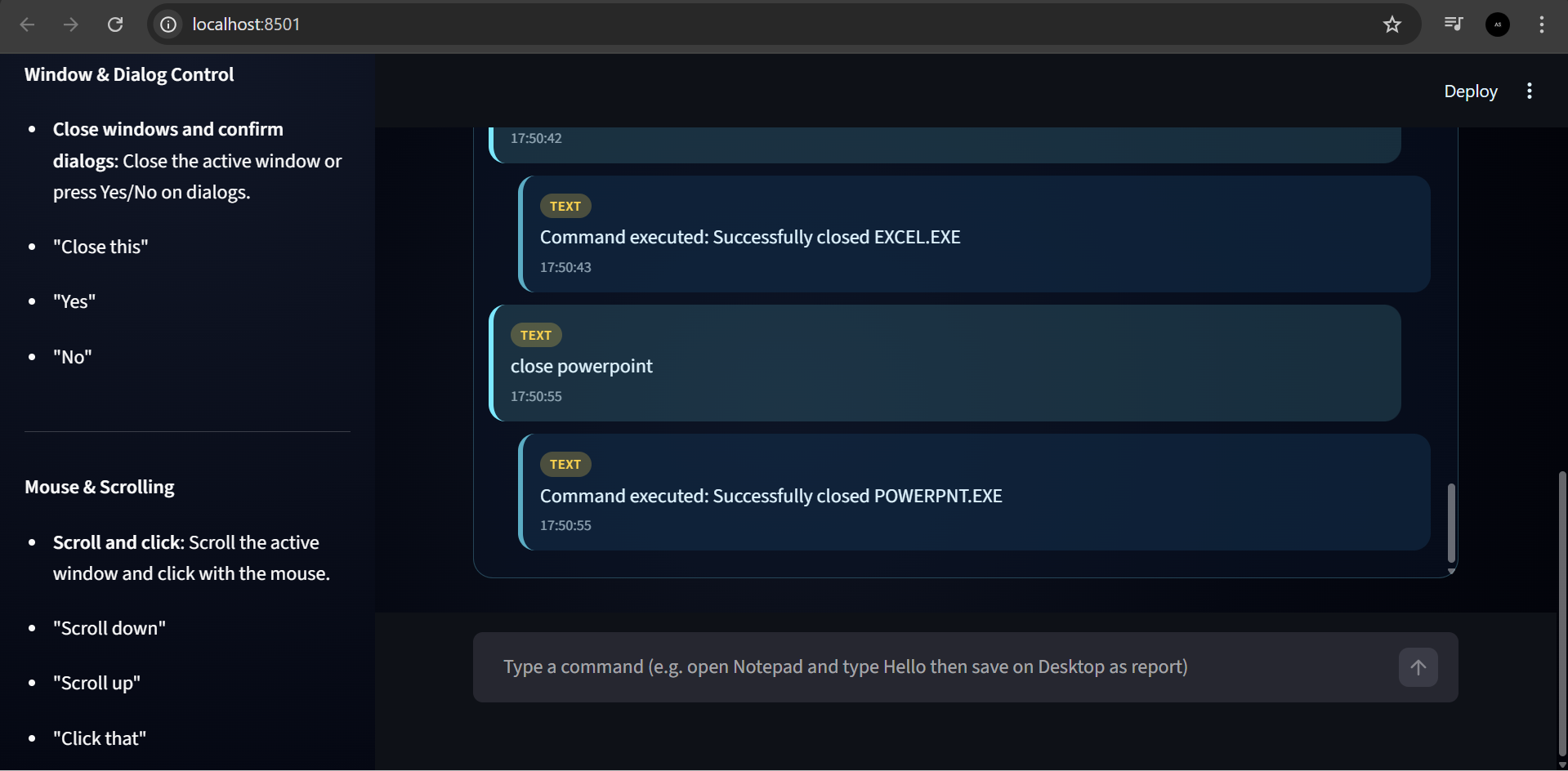
Nova AI instantly controlling and closing applications via text input, with full functionality also available through voice commands
🚀 Inspiration
The inspiration behind NovaAI was the desire to build a voice assistant that goes beyond simple replies and actually controls the computer like a real assistant. Most assistants either answer questions or explain steps, but the goal with NovaAI was to listen, understand intent, and perform real desktop actions.
The vision was to create a hands-free system that improves productivity and feels practical, intelligent, and futuristic.
🤖 What It Does
NovaAI is an advanced voice-controlled desktop assistant that listens to spoken commands and executes real actions on the system. It can:
- Open applications (Chrome, Notepad, Word, Excel, PowerPoint)
- Search directly on Google
- Manage files and folders
- Type text automatically
- Control keyboard actions (space, backspace, enter)
- Respond back using voice and text
The assistant operates through a modern Streamlit dark-theme interface and responds only in English, both in text and speech.
Listening begins only when the user clicks Start, ensuring full user control.
🛠️ How We Built It
The project was built using Python with a clear frontend–backend architecture.
Frontend: Built with Streamlit, featuring:
- Dark UI
- Control buttons
- Status indicators
- Sidebar with available commands
Backend:
- Voice recognition
- Command processing
- Desktop automation
- Text-to-speech
Speech recognition converts voice to text, while pyttsx3 handles spoken responses.
The Groq API is integrated to enhance intelligent command understanding.
All components are modular, beginner-friendly, and well-commented for future expansion.
⚠️ Challenges We Ran Into
One of the biggest challenges was ensuring that commands were actually executed, not just acknowledged. Desktop automation depends heavily on system state, so reliably handling open windows, file dialogs, and keyboard actions required careful logic and extensive testing.
Another major challenge was managing continuous listening while keeping the UI responsive.
🏆 Accomplishments We’re Proud Of
- Successfully built a real action-performing voice assistant
- Implemented live desktop automation instead of instructional responses
- Created a clean, modern dark-theme UI
- Designed a scalable backend with clear separation of concerns
- Integrated AI-powered command understanding
- Ensured English-only voice responses for consistency
📚 What We Learned
Through NovaAI, we learned how to:
- Design human–computer interaction systems
- Manage real-time voice input
- Automate operating-system-level tasks
- Structure large Python projects
- Debug system automation and handle edge cases
- Integrate external AI APIs effectively
🔮 What’s Next for NovaAI
Future plans for NovaAI include:
- Context memory
- Smarter screen awareness
- Advanced mouse control
- Improved application-specific workflows
- Optional multilingual support
- Enhanced security confirmations
- Expanded command library
These improvements will make NovaAI an even more powerful personal desktop assistant.


Log in or sign up for Devpost to join the conversation.