Inspiration Students in India, especially Hindi speakers, lack access to affordable interactive tutoring. We wanted to build something that feels like talking to a knowledgeable friend — no typing, no language barrier, just speak and learn.
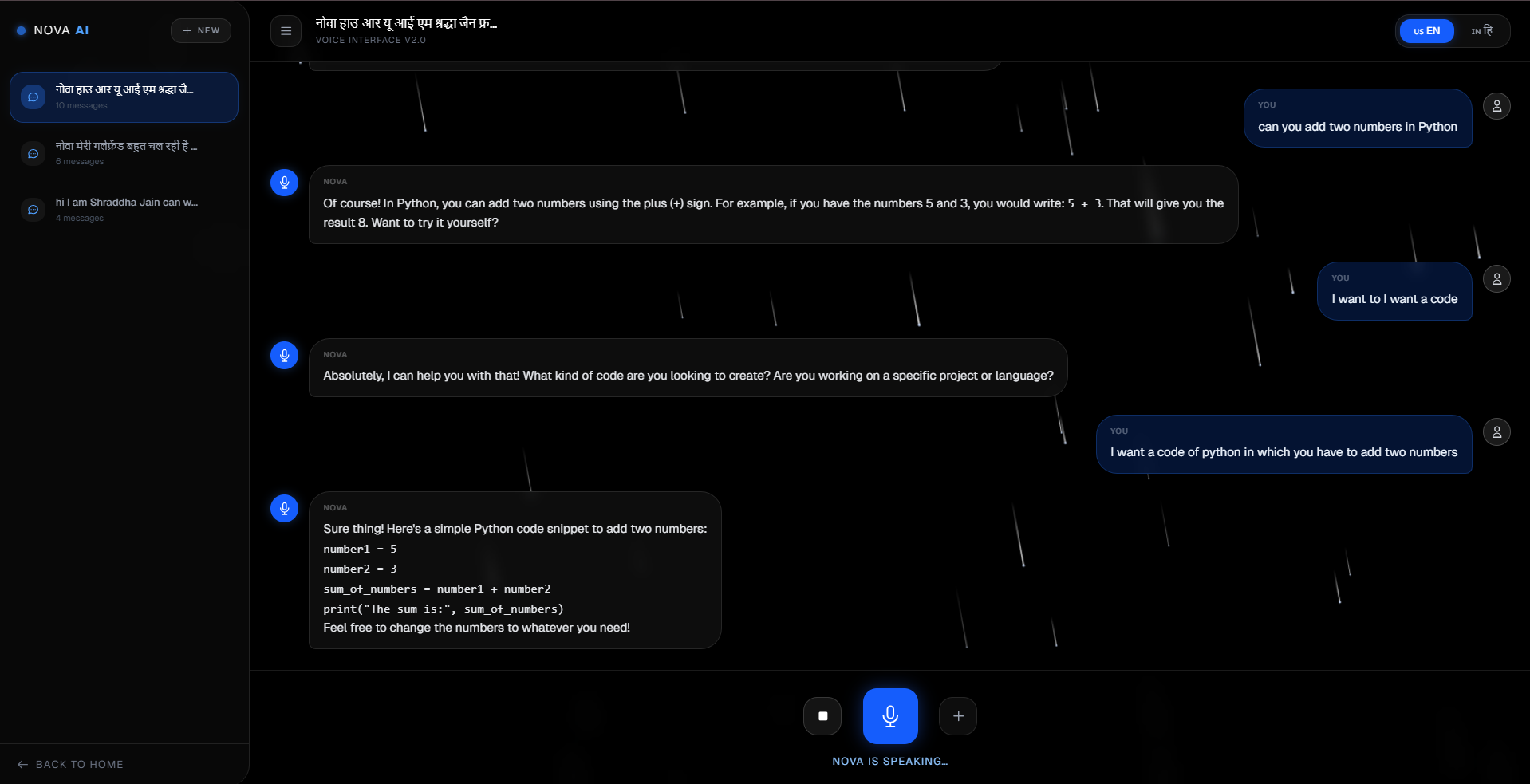
What it does Nova AI lets students ask questions by voice in Hindi or English and get clear, conversational answers spoken back in the same language. It keeps a full chat history sidebar so students can revisit topics anytime.
How we built it Built with Next.js and TypeScript on the frontend, Amazon Nova Lite via AWS Bedrock for the AI, and the browser's native Web Speech API for both voice input and text-to-speech output. No external animation libraries — all visuals are raw SVG and Canvas.
Challenges we ran into Reliable bilingual speech recognition was the biggest hurdle. The browser would transliterate Hindi into Roman text, making auto-detection unreliable. We solved it with an explicit language toggle that locks the mic locale, API instruction, and TTS voice all at once.
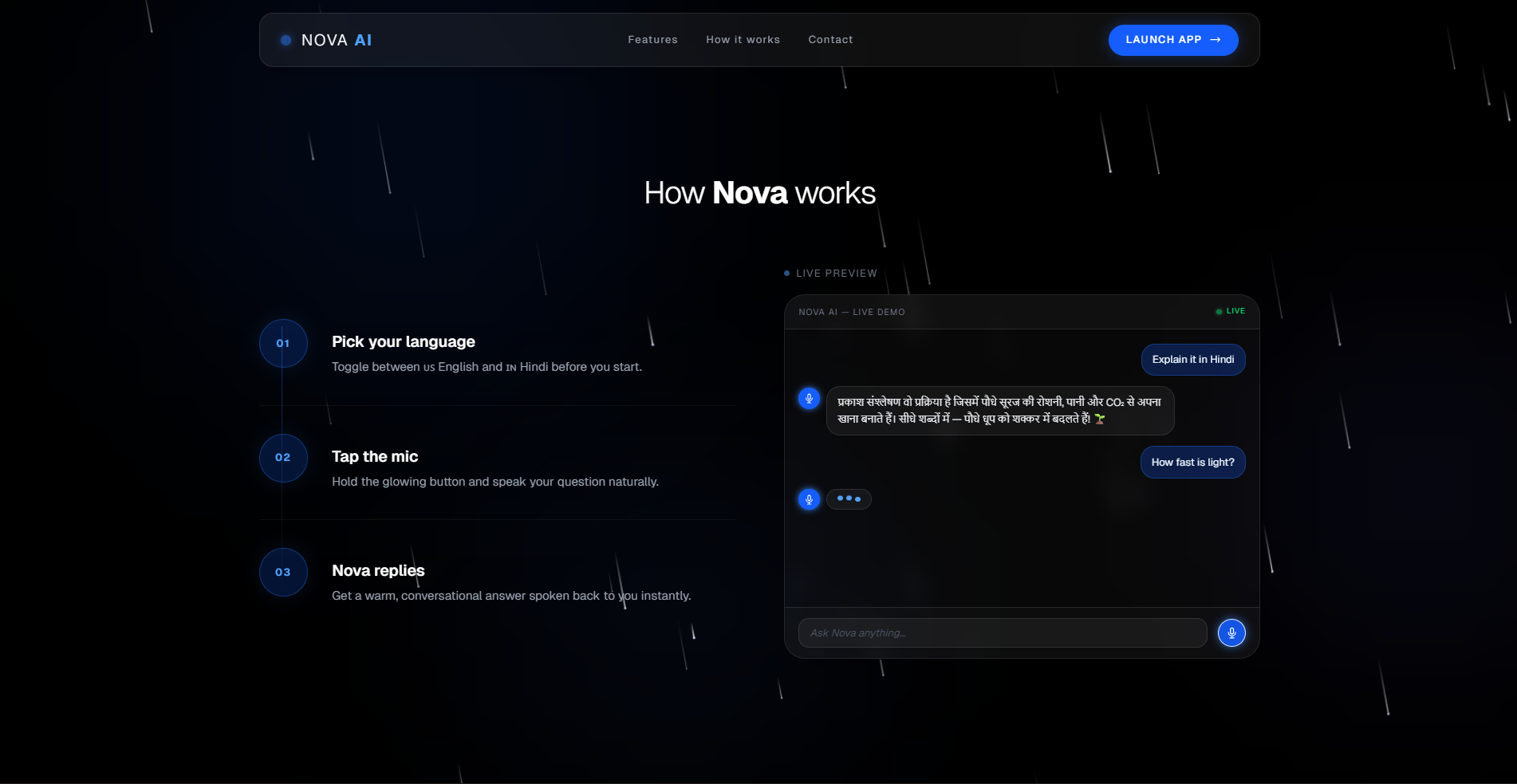
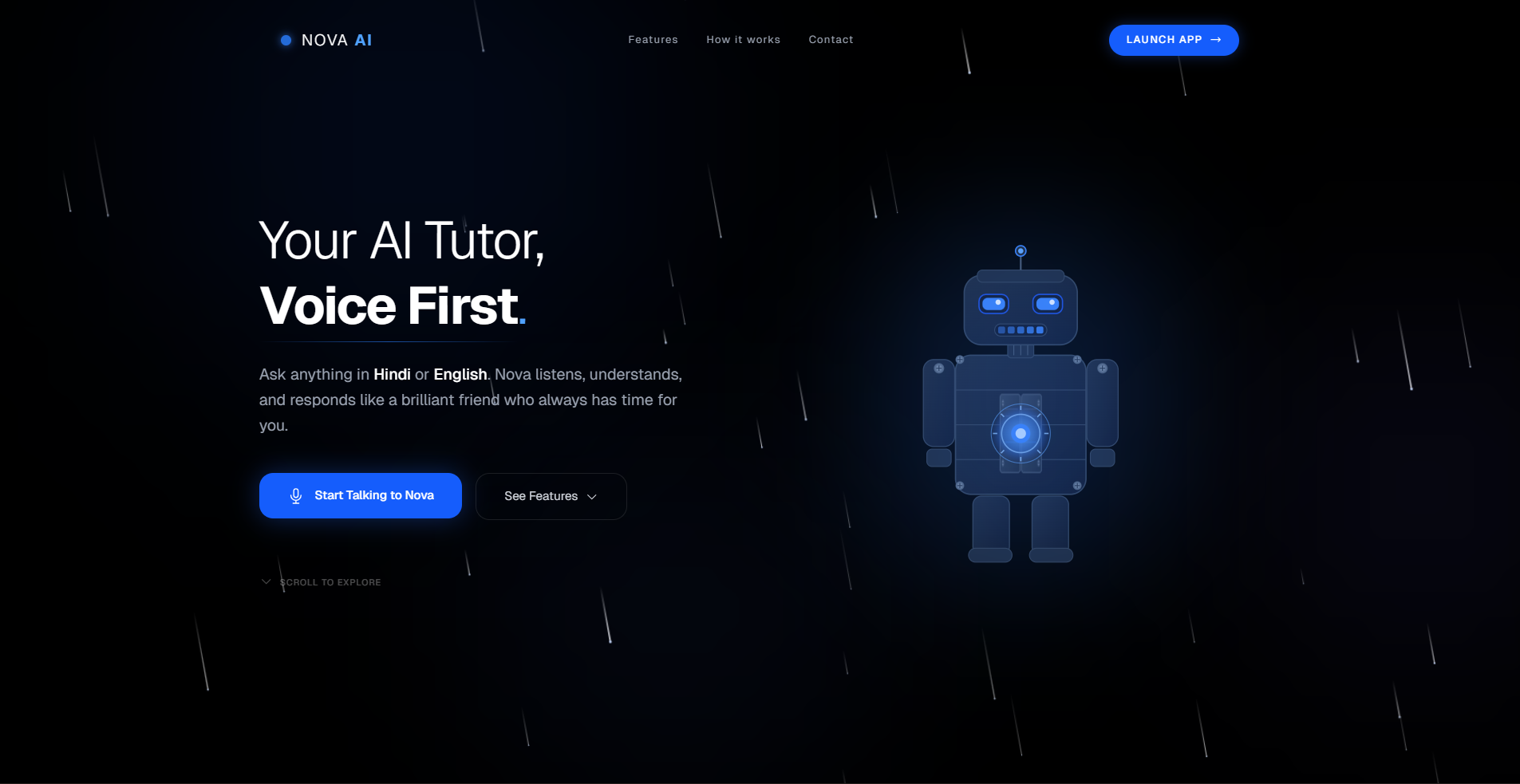
Accomplishments that we're proud of A genuinely working bilingual voice experience, an animated SVG robot built with pure CSS transforms, a live demo widget with a character-by-character streaming effect, and a production-quality UI — all without a single animation library.
What we learned Browser speech APIs are locale-sensitive in ways documentation doesn't make obvious. LLMs need explicit, hard language instructions — not soft suggestions. And consistent design tokens across components make a product feel far more polished than any single feature.
What's next for Nova AI — Voice Tutor Persistent chat history across sessions, support for more Indian languages, quiz generation from conversations, streamed AI responses for lower latency, and a mobile app with automatic voice activity detection.
Built With
- amazon-web-services
- canvas
- css
- html
- javascript
- next.js
- react
- sdk
- speech
- tailwind
- typescript
- web


Log in or sign up for Devpost to join the conversation.