Inspiration
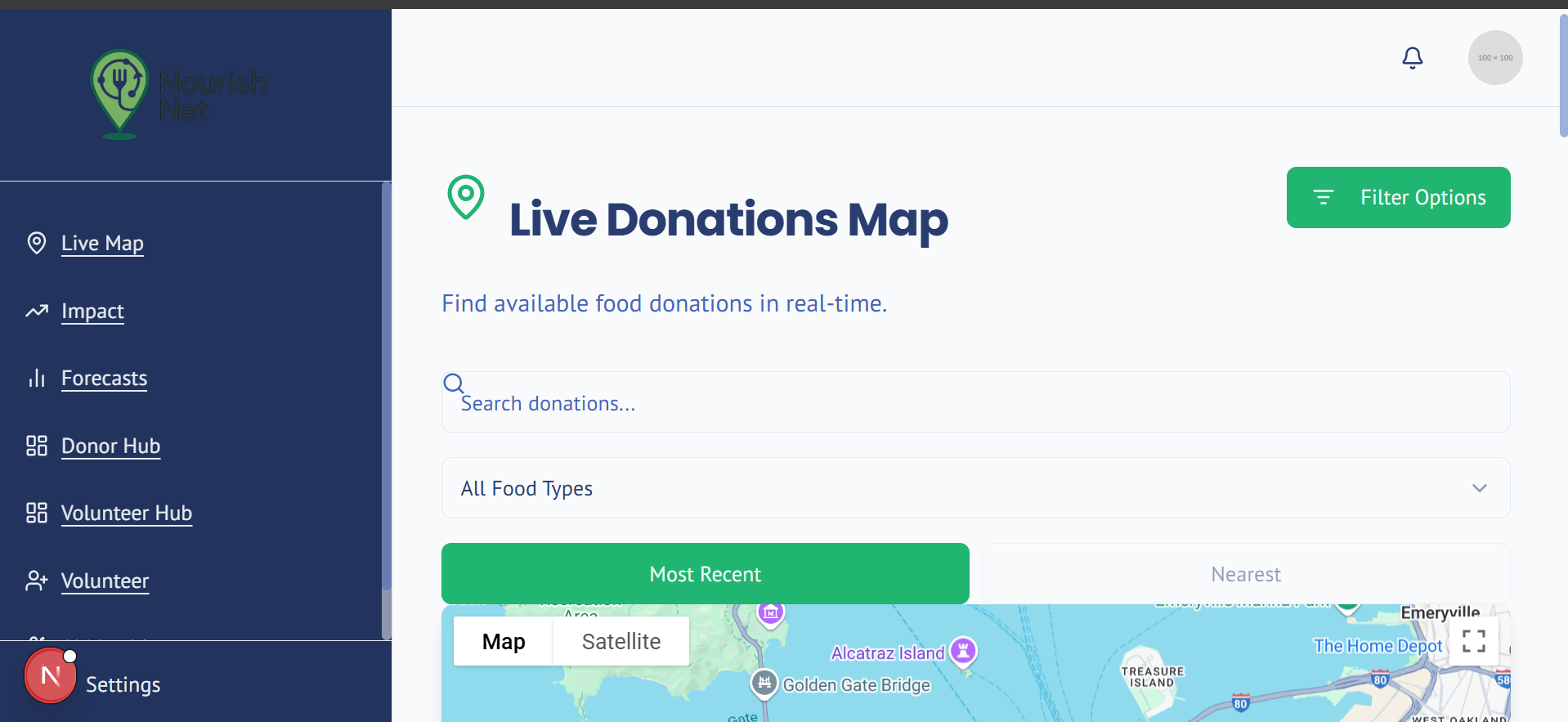
Each year, tons of edible food go to waste while many families go hungry. We built NourishNet to solve this through smart technology — matching food surplus with local need using AI and Google Maps.
What It Does
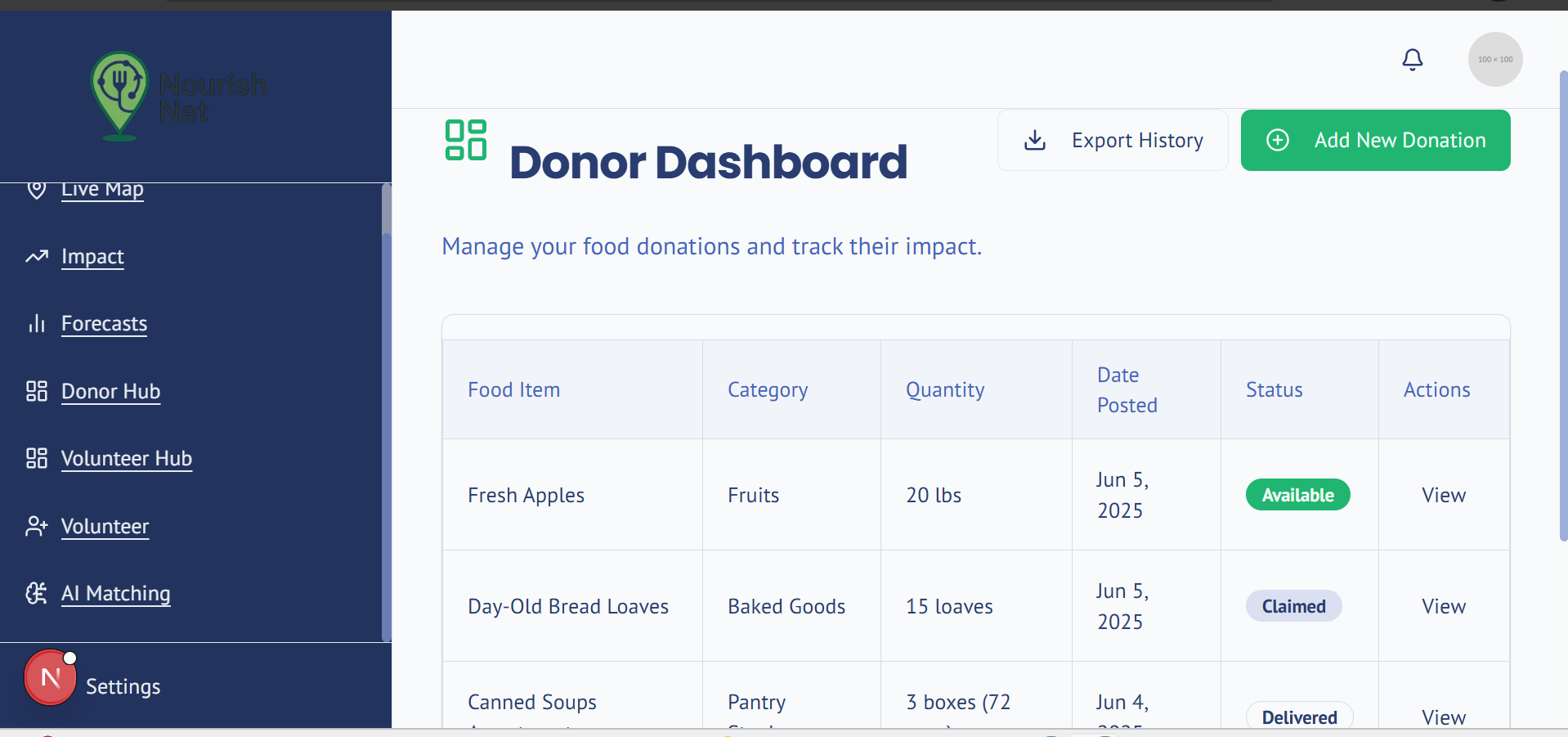
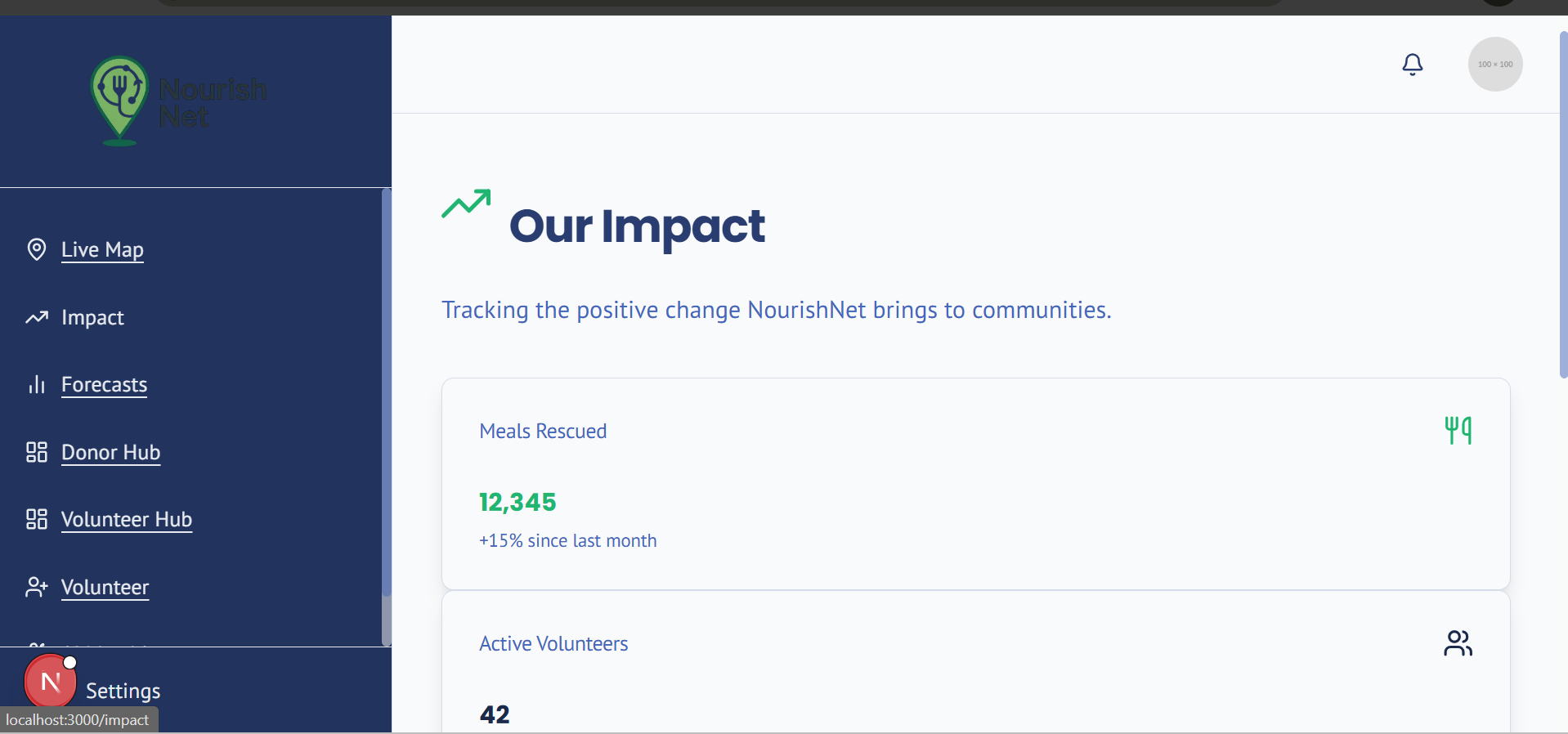
NourishNet is an AI-powered platform that connects food donors, volunteers, and recipients. It uses intelligent routing, predictive volunteer matching, demand forecasting, and food classification to coordinate efficient and ethical food redistribution in real time.
How We Built It
- Frontend: Next.js with Tailwind CSS
- Backend: Node.js (TypeScript), structured by AI flows
- AI Models: Built with PyTorch, TensorFlow, and XGBoost
- Features Implemented:
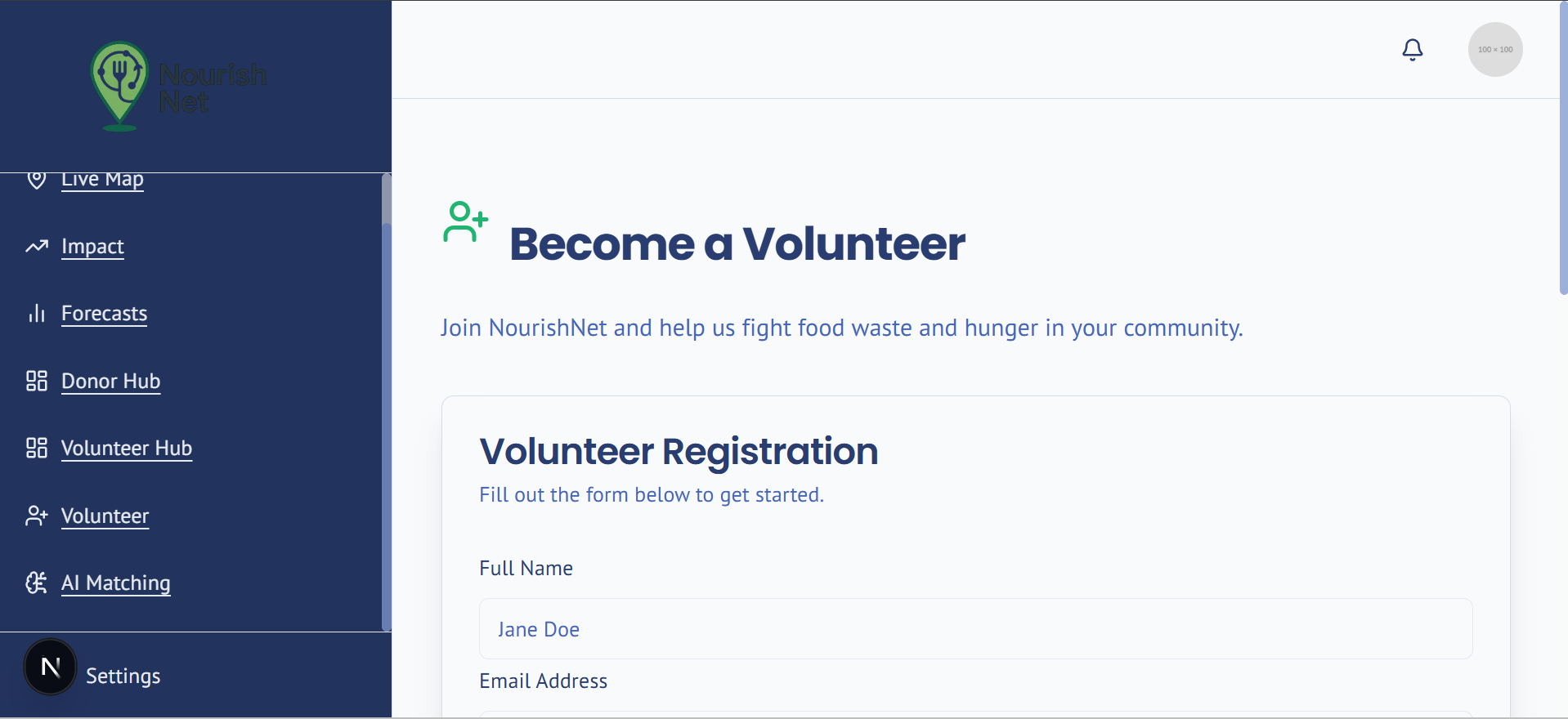
- Predictive volunteer matching (live)
- AI-enhanced route optimization (live)
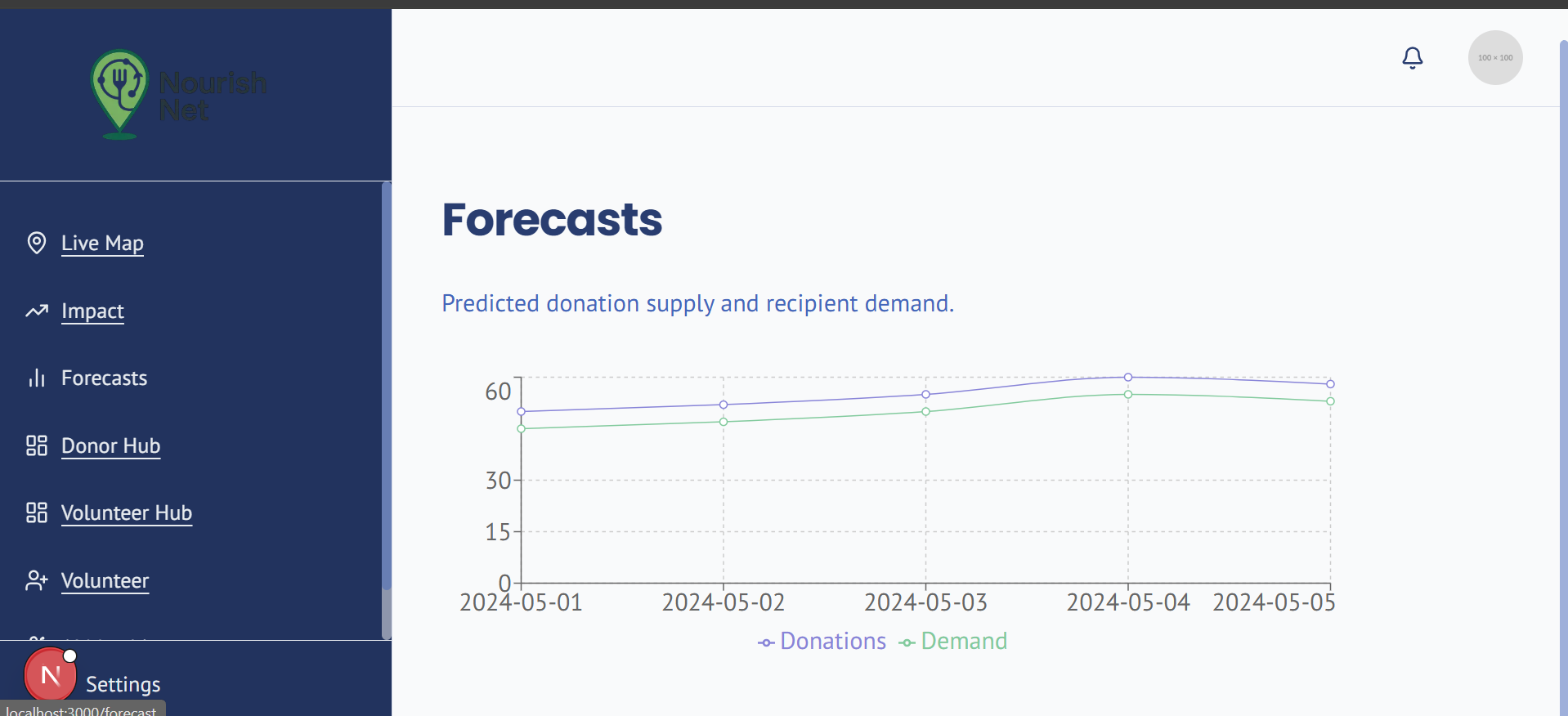
- Demand forecasting with time-series models (live)
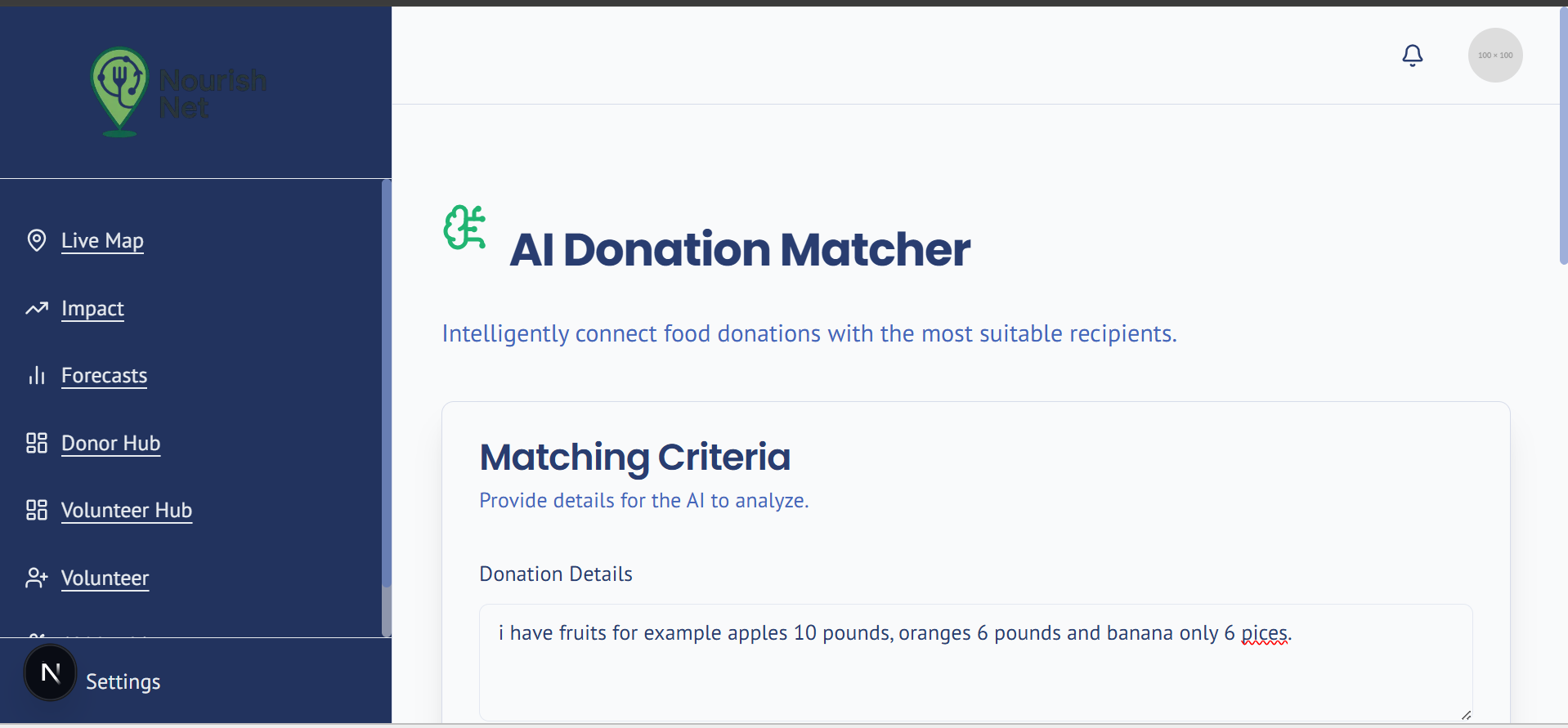
- NLP-based food metadata extraction from text (live)
- Computer vision food detection model (developed, in progress)
Challenges
- Integrating multiple AI pipelines into a unified, production-ready backend
- Handling real-time geospatial logistics
- Ensuring fairness in volunteer selection and optimizing delivery under perishability constraints
What We’re Proud Of
- Full-stack intelligent system with modular AI components
- ML pipelines with retraining, drift detection, and monitoring
- Designed for scale and real-world impact from day one
What’s Next
- Finalize computer vision model deployment
- Launch pilot with partner restaurants and food banks
- Add real-time feedback loops from volunteers and recipients
🛠️ Local Deployment Guide for NourishNet
To run the NourishNet platform locally from our public GitHub repository, follow these steps:
Clone the repository git clone https://github.com/rabu20367/NourishNet.git cd NourishNet
Install all dependencies npm install
Set up environment variables Navigate to the frontend directory: cd Frontend
Create a .env.local file: touch .env.local
Now open the file located at Backend/.env.example, copy all its contents, and paste them into your newly created Frontend/.env.local file.
Replace all placeholder values with your actual API keys, such as: GOOGLE_MAPS_API_KEY=your_real_key GEMINI_API_KEY=your_real_key
- Start the development server Return to the root folder if needed: cd ..
Then run: npm run dev
- Open the app Visit http://localhost:3000 in your browser to see NourishNet in action.
This launches the full AI-powered food rescue platform with real-time volunteer coordination, routing intelligence, and more.
GitHub repo: https://github.com/rabu20367/NourishNet
Built With
- directions-api
- distance-matrix-api
- docker
- firestore
- geocoding-api
- github
- google-maps-javascript-api
- next.js
- node.js
- pytorch
- tailwind-css
- tensorflow
- typescript
- xgboost


Log in or sign up for Devpost to join the conversation.