-
-
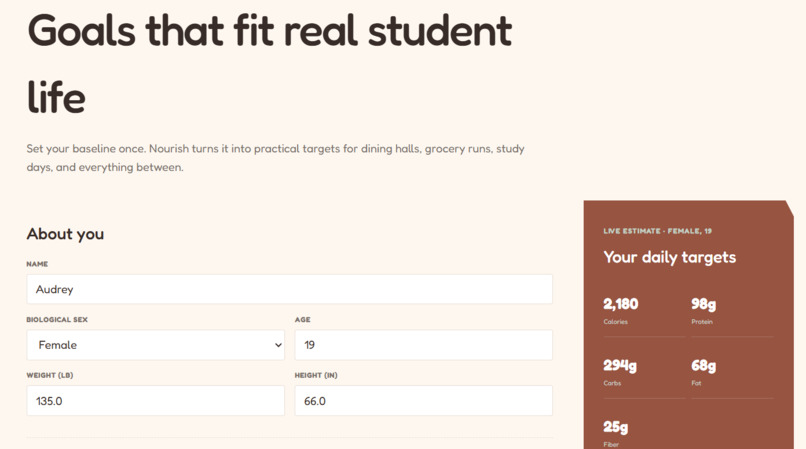
Personal Information
-
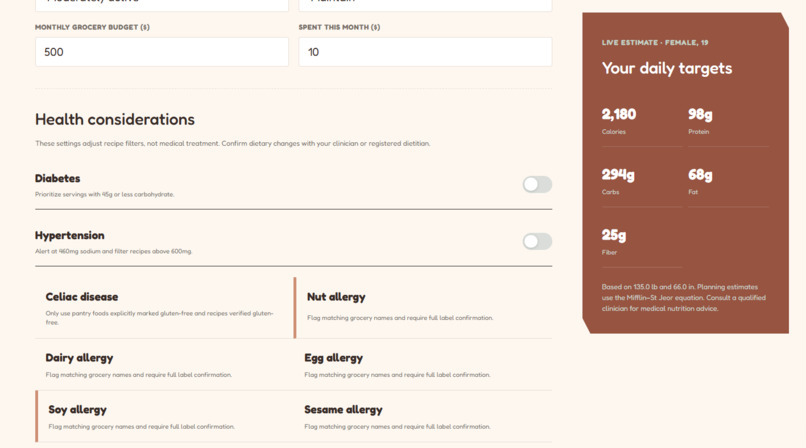
Allergies
-
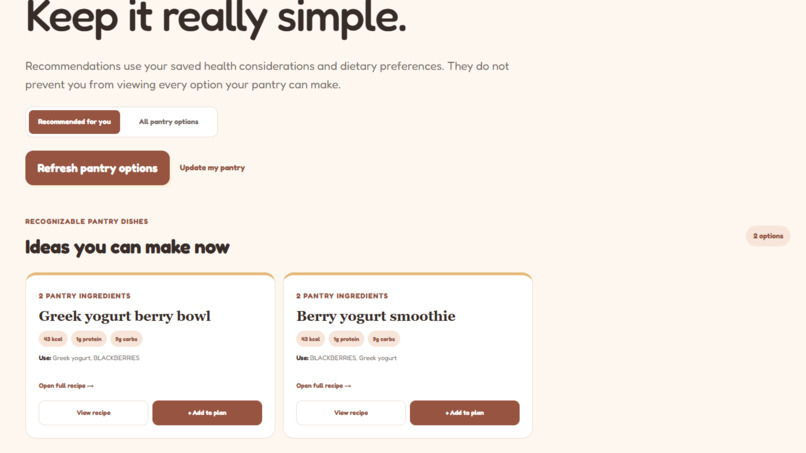
Recipe Options
-
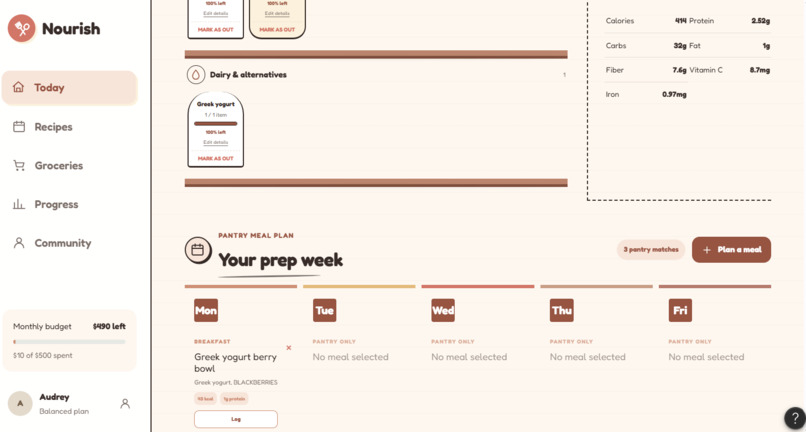
Pantry and Meal Prep
-
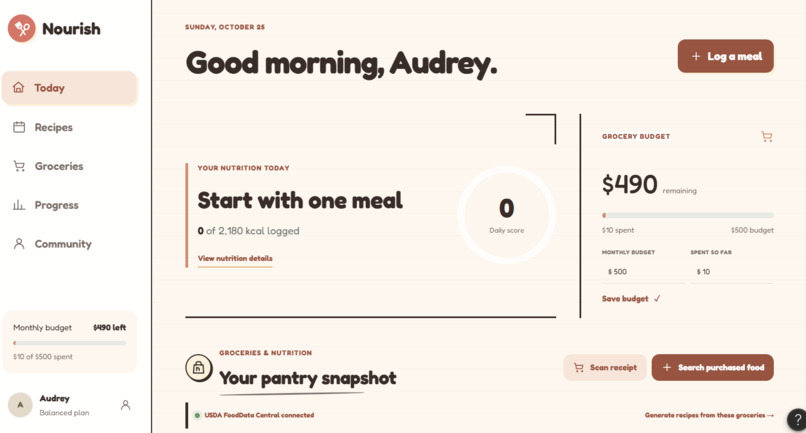
Welcome Page
-
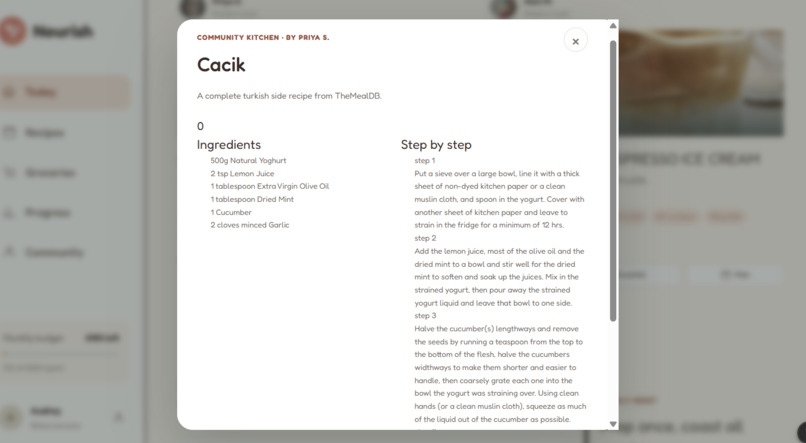
Recipe
-
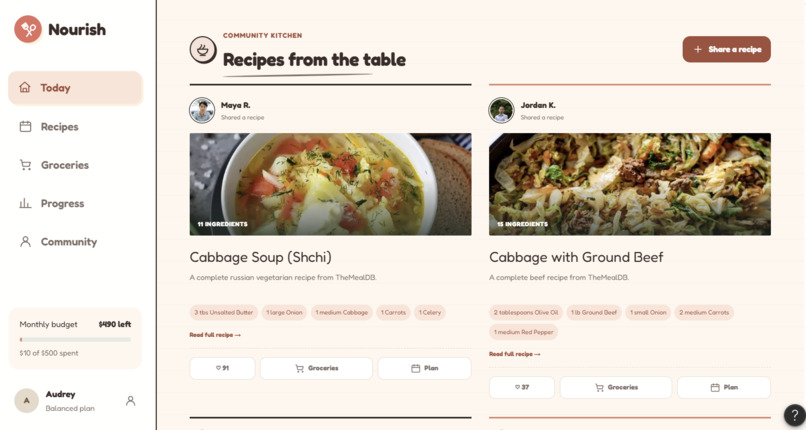
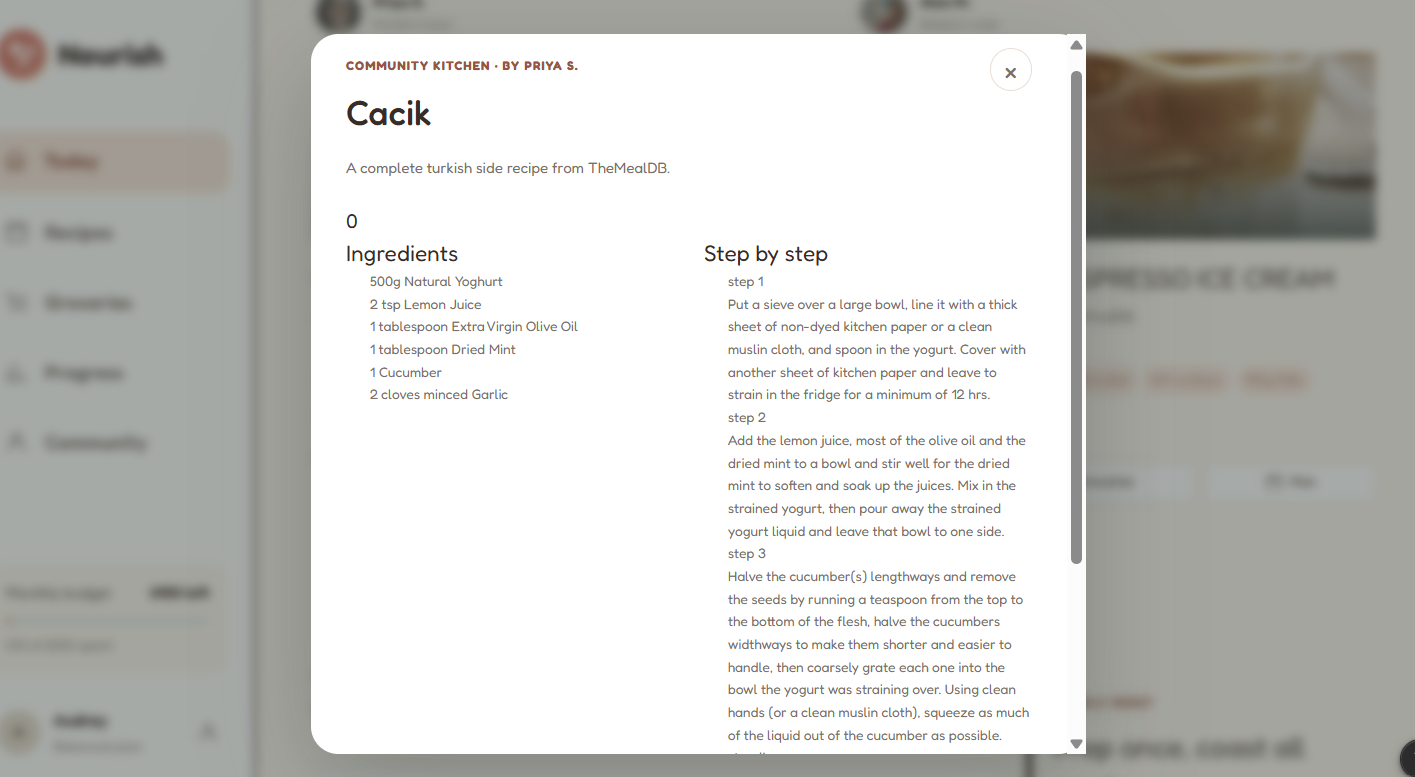
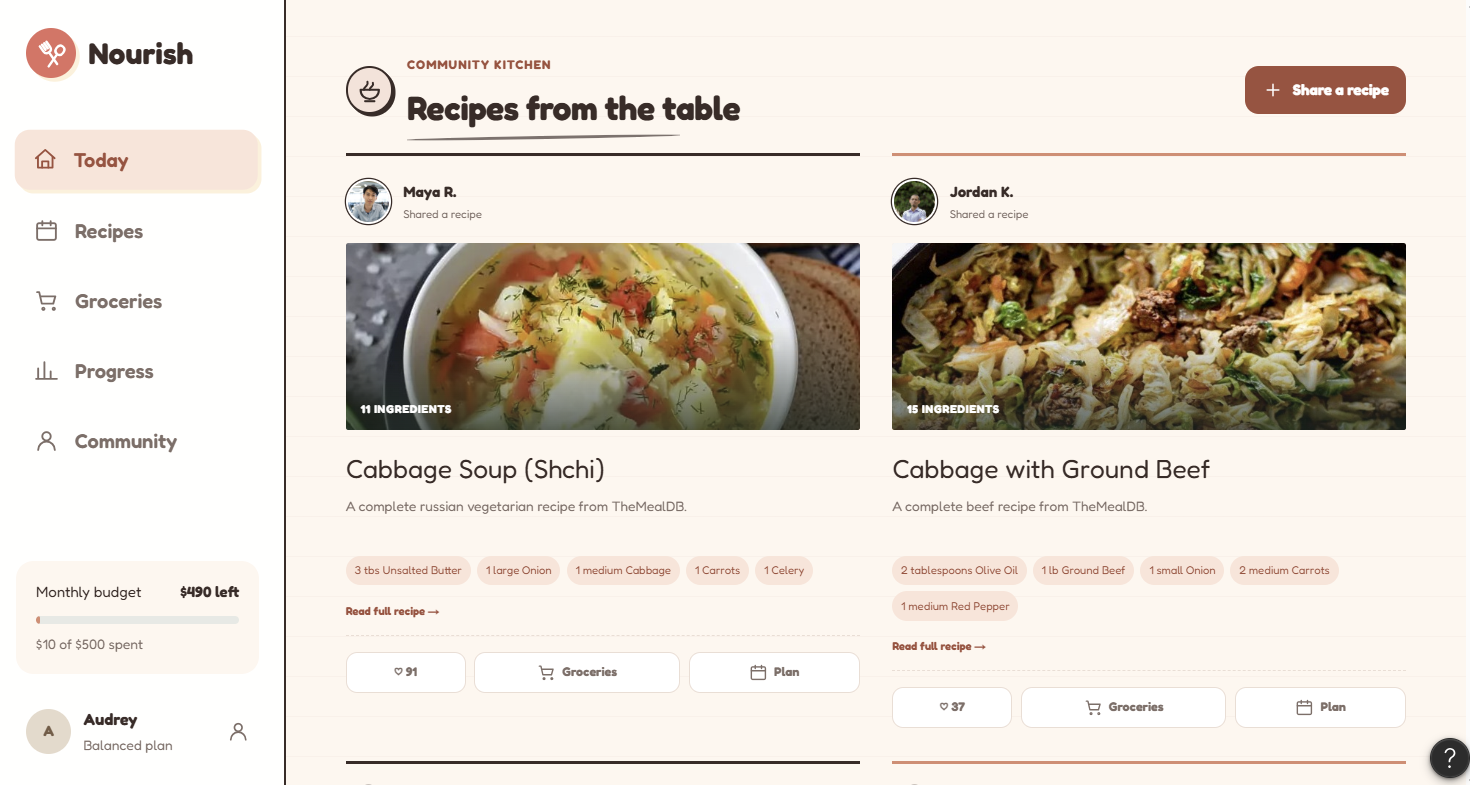
Community Shared Recipes
Inspiration
As college students on tight budgets, eating well is hard. Between classes, jobs, and everything else, it's tough to cook nutritious meals and even tougher to keep track of what's in the fridge. We wanted health goals to feel practical and doable, not like another thing on our lengthy to-do list to manage.
What it does
Nourish turns your groceries into an achievable plan for the week.
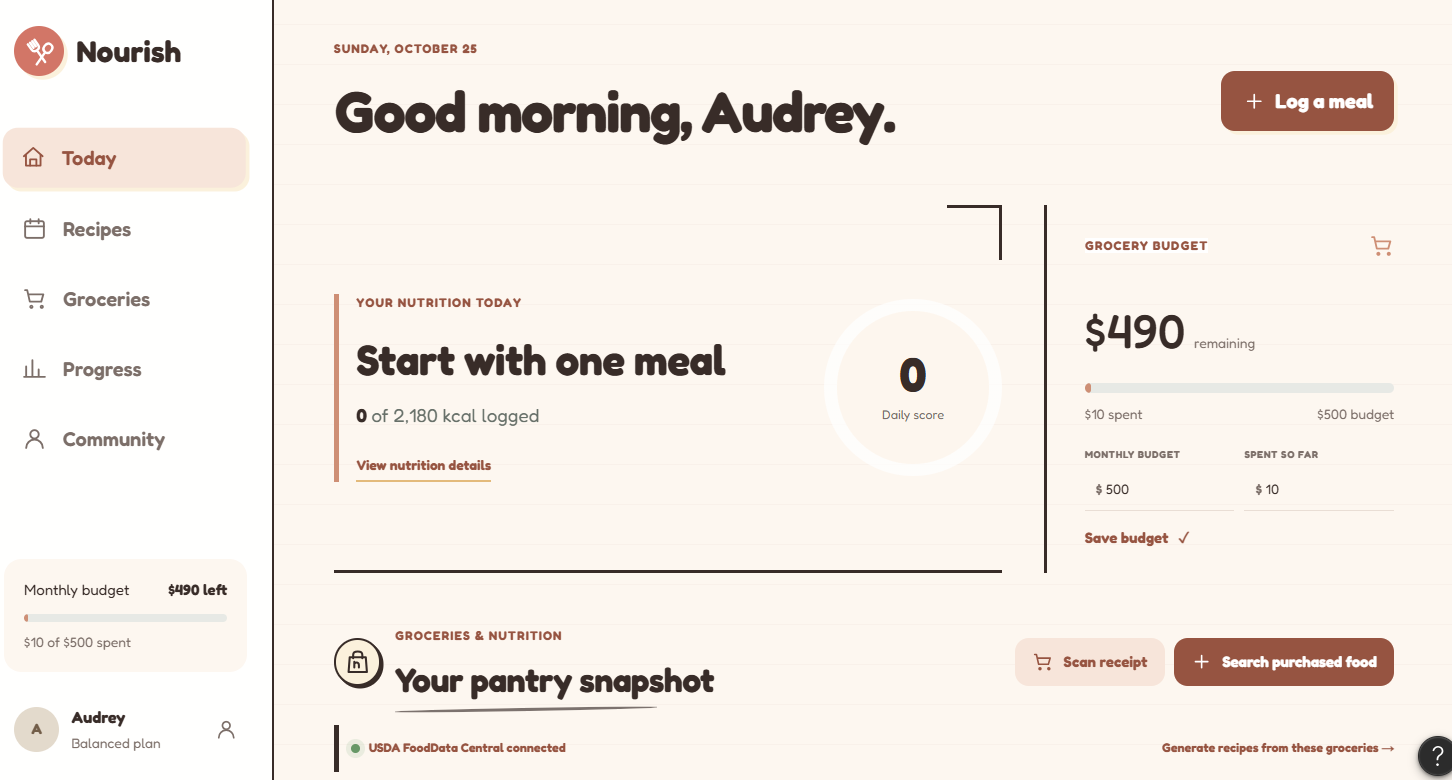
- Pantry tracking: scan a receipt or search purchased foods, with nutrition imported from USDA FoodData Central
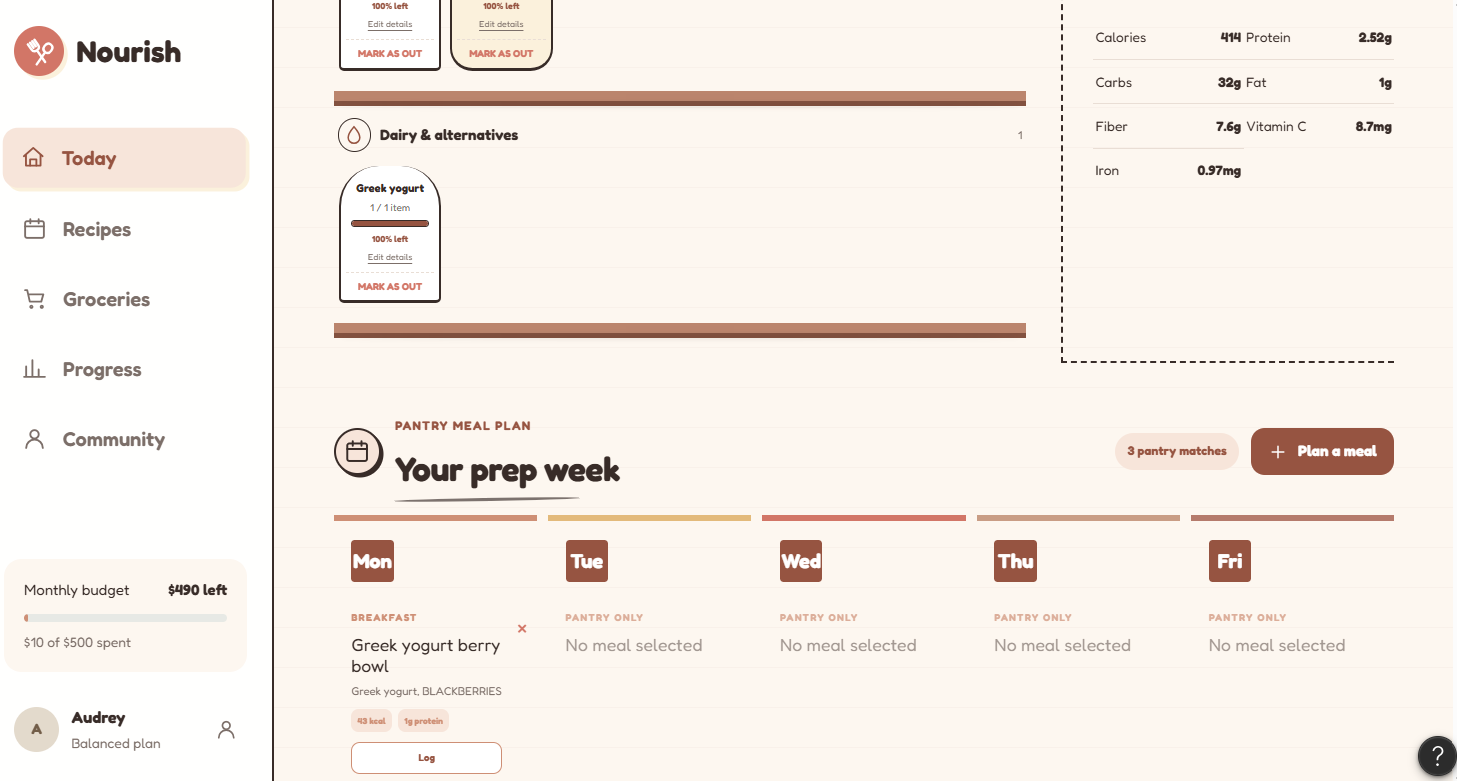
- Budget tracking: set a monthly grocery budget and see what you've spent and what's left
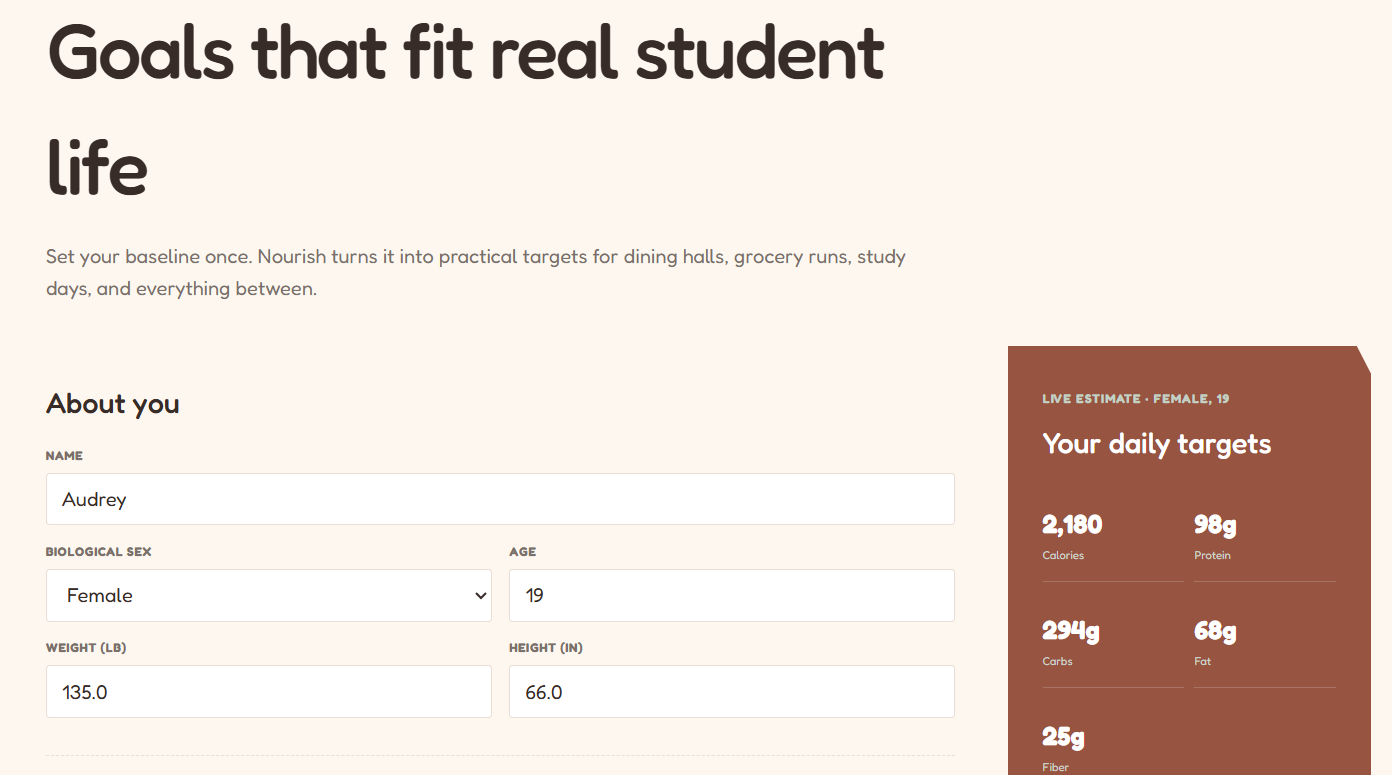
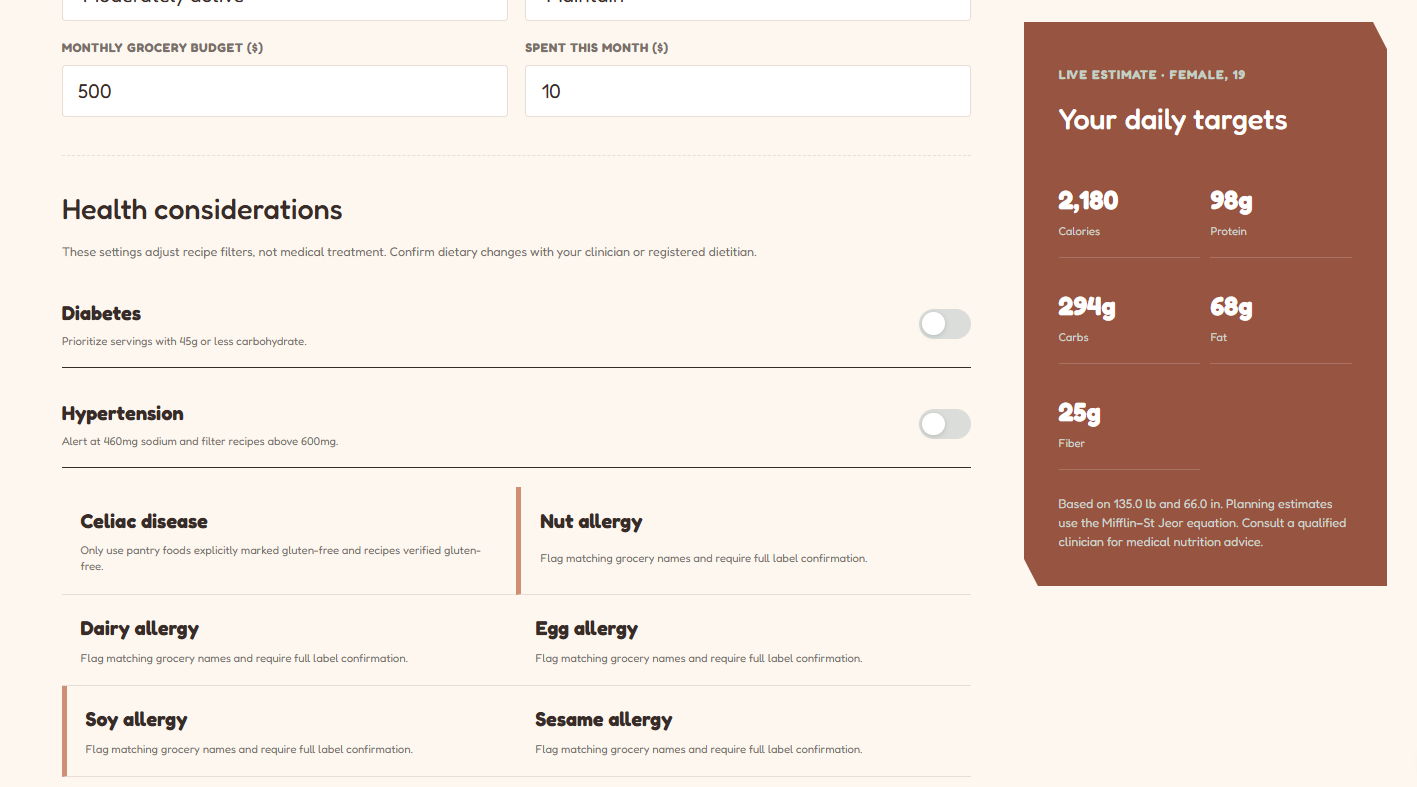
- Nutrition goals: a daily calorie target, a daily score, and a breakdown of the nutrients in your basket (protein, carbs, fat, fiber, vitamin C, iron)
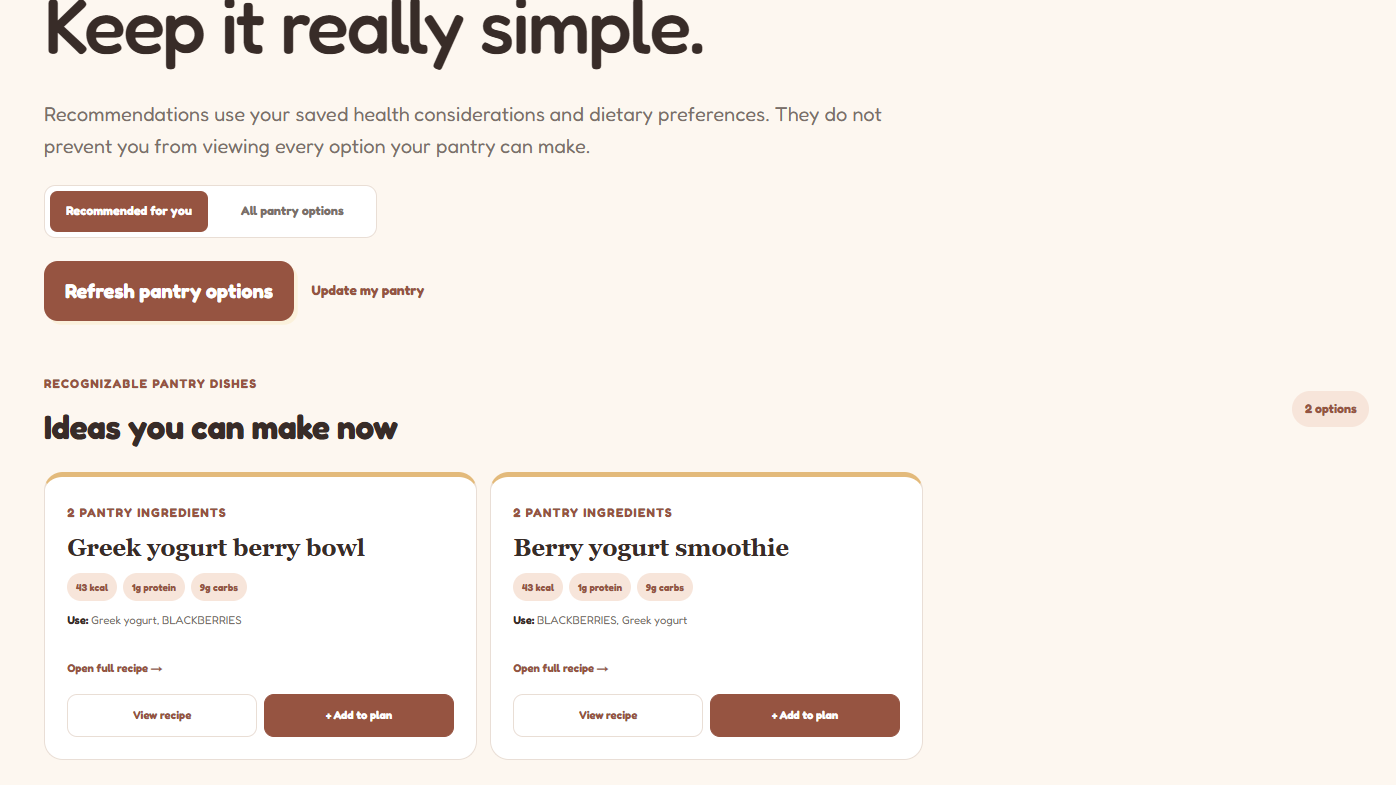
- Pantry-based recipes and meal plan: recipes that use only ingredients you've already bought, plus a weeklong prep plan
- Community kitchen: share recipes and add others' recipes to your plan to add variety recipe ideas
How we built it
We started by designing Nourish in Figma, iterating on the layout and flow so that logging groceries, tracking a budget, and finding recipes feels intuitive for busy students. We then used Figma Make to turn that design into a working, interactive app, refining the interface as we went. To ground the nutrition features in real data, we connected the USDA FoodData Central API with an API key, so searching a purchased food pulls in its nutrition information for the pantry snapshot and basket totals.
Challenges we ran into
Finding the right API: Nourish depends on reliable food and nutrition data, and it took time for us find an API that was usable, well documented, and covered the foods students actually buy which ultimately led us to using USDA FoodData Central after researching.
Hitting API usage limits: We didn't realize APIs can run out. Most have rate limits or request quotas, and we hit ours while building and testing. We fixed it by switching to unique API keys instead of sharing one, so our testing no longer drained a single quota. It was a good lesson in planning for rate limits from the start.
Accomplishments that we're proud of
- Getting it to work. We took Nourish from a Figma design to a working app that pulls in real nutrition data.
- Recipes based on your pantry. Recipes are generated from the groceries you've actually bought, so they're unique to you rather than a generic list.
- Personalized nutrition. We used the Mifflin-St Jeor equation to calculate individual targets, then align the nutrient breakdown and recipes with those goals.
What we learned
- APIs have limits: Running out of requests taught us to manage keys and usage early instead of discovering it mid-build.
- Verifying results: Figma Make got us to a working app quickly, but connecting real data meant testing everything ourselves.
What's next for Nourish
- Smarter receipt scanning: that handles messy store abbreviations and matches items to USDA foods automatically
- Saved accounts and data tracking: so your pantry, budget, and progress carry over between sessions
- Price tracking and store comparisons: to stretch student budgets further
- Expiration reminders: so food gets eaten before it spoils
- Shared pantries for roommates who split groceries
Built With
- figma
- figmamake
- next.js
- react
- typescript
- usda-nutrition-data

Log in or sign up for Devpost to join the conversation.