-
-
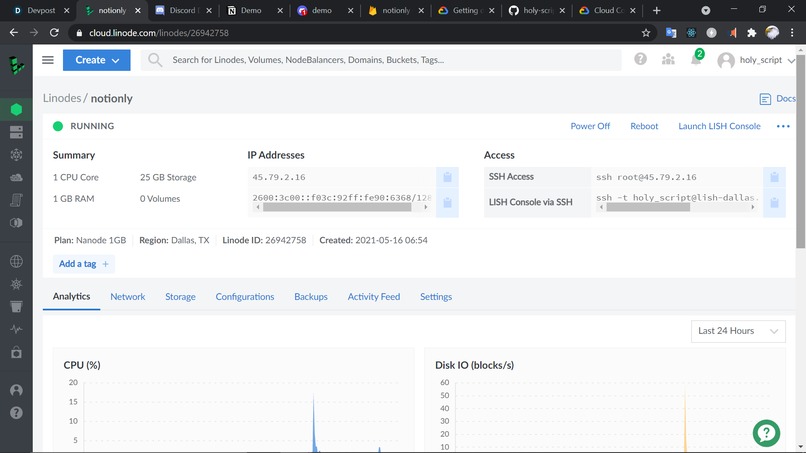
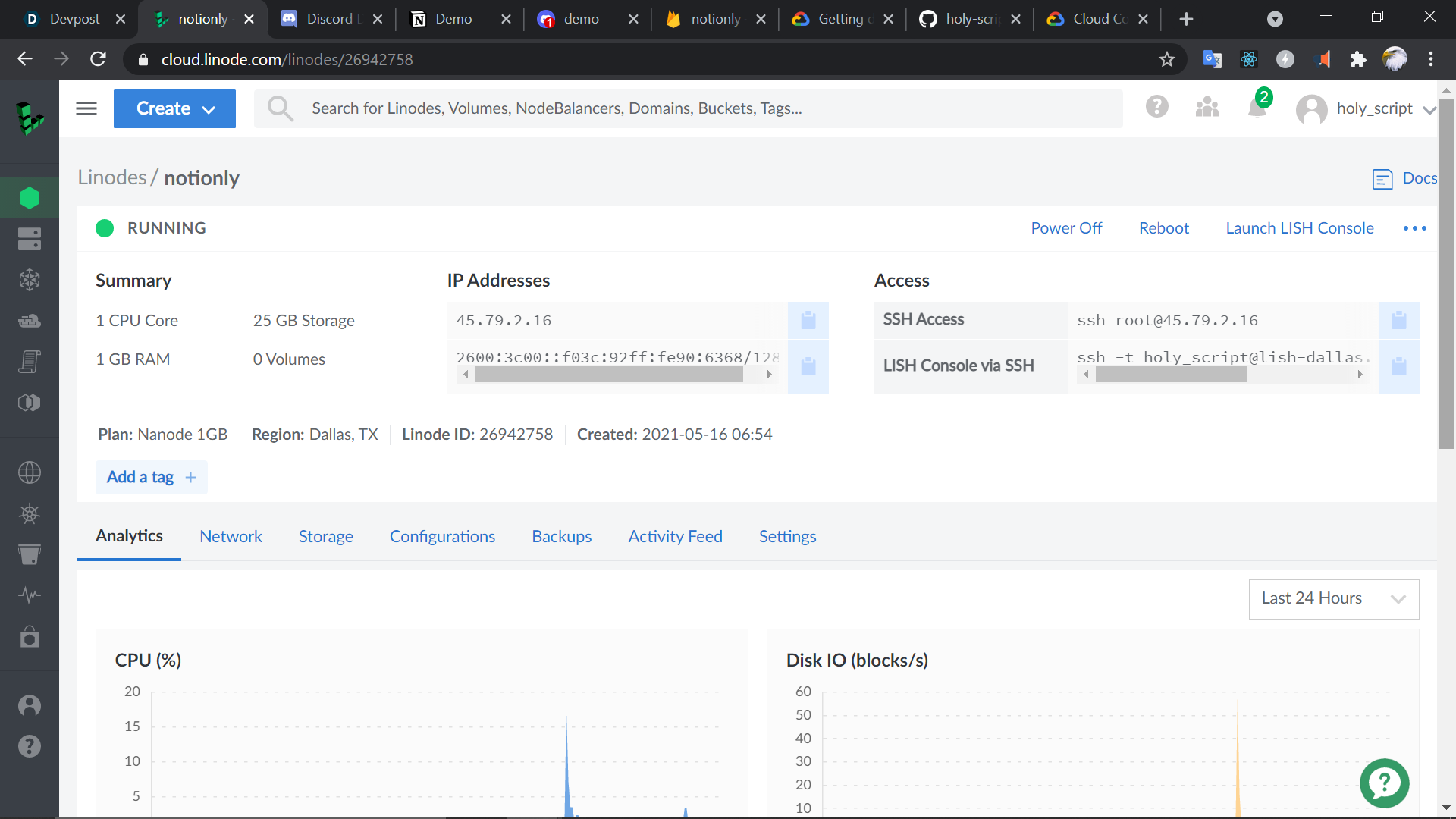
Linode
-
Inspiration
We wanted to create a discord bot that helps with remote collaboration among teams, and integrate one of our favorite web tools, Notion into the bot and give it superpowers with the Cloud Vision API.
What it does
It has a lot of different user commands -
- !status - Used to check status of the current project
- !menu - To view command list
- !setup Project Name - To start up a project and store it on Firebase
- !load Project Name - To load a project from Firebase if it exists
- !token token_v2 - To set the token value from the user's Notion cookie
- !page page link - To set the link of publicly shared and untitled page in the project
- !lock label - To lock the page from any edits
- !unlock label - To unlock the page
- !add label img attachment - To add a specified block to the project.
- !read query string - To get the hyperlink of the indexed block of the page.
- !update query string img attachment - To set text of queried block to image's text
- !delete query string - To delete the indexed block of the page.
- !img url - To add the specified image to the project
- !video url - To add the specified video to the project
How we built it
- Node.js
- Cloud Vision API
- Firebase
- Python Child Process Script
- Discord.js
Challenges we ran into
No official API, had to understand a homebrewed one ourselves, using the Firebase and Vision APIs, recursion bugs. Plus, the Notion API was in Python, so we had to use it in our project. Also, setting up different admin and user roles was a difficult process.
Accomplishments that we're proud of
- We used Cloud Vision and Firebase APIs successfully!'
- We didn't create a REST API altogether, just used a Node child_process for running our Python script
- Setup everything with the help of a number of random tutorials, documentation and debugging!
What we learned
Using child processes, APIs, async programming, Linode setting up, Discord.js library, creating user roles and permissions for our bot's messaging.
What's next for Notionly - Empowering Teams!
- Integration with the official Notion API when it's out of beta
- Adding colors, toggle blocks, page nested integrations.
- More usability and friendliness!
- Command History
Built With
- discord.js
- firestore
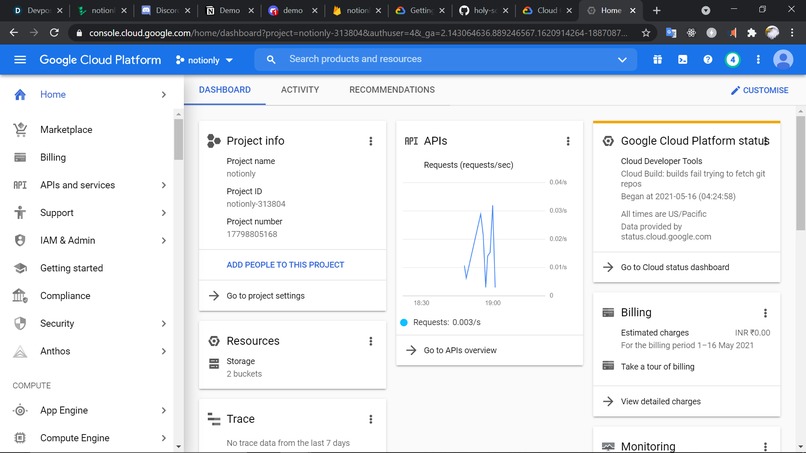
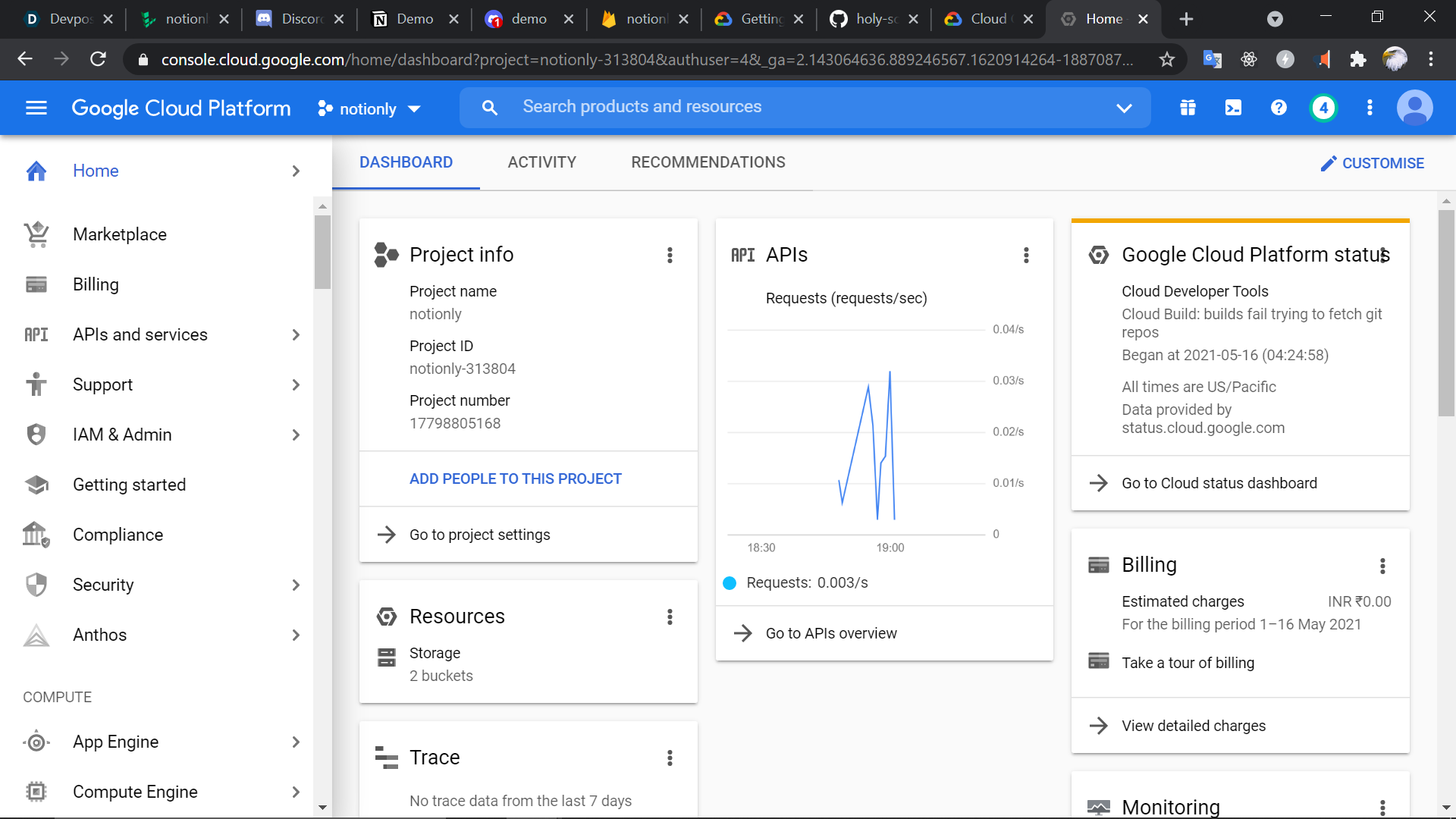
- google-cloud
- linode
- node.js
- notion
- ocr
- python

Log in or sign up for Devpost to join the conversation.