-
-
NOTEX supports learners at the point of difficulty without pulling them away from the notebook.
-
A handwriting-first iPad notebook where PencilKit notes remain the learner’s primary workspace and are saved locally.
-
The reproducible prototype uses bundled synthetic cell-biology material—not real uploaded course files.
-
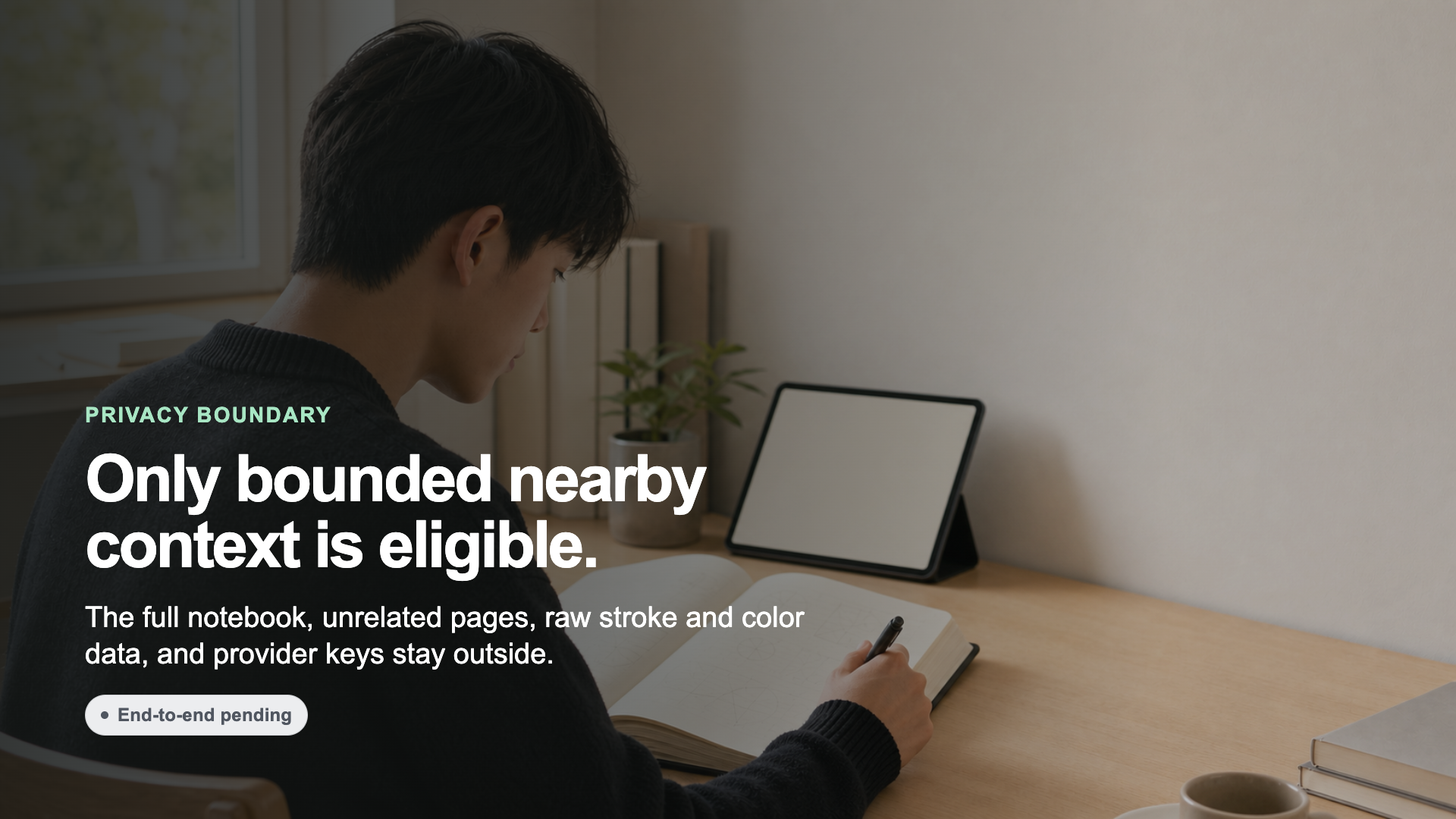
Only bounded nearby handwriting context is eligible; unrelated pages, raw stroke data, and provider keys stay outside.
-
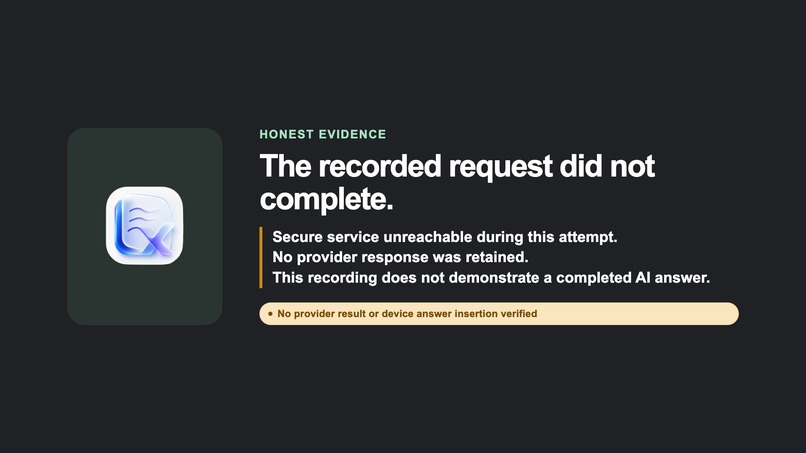
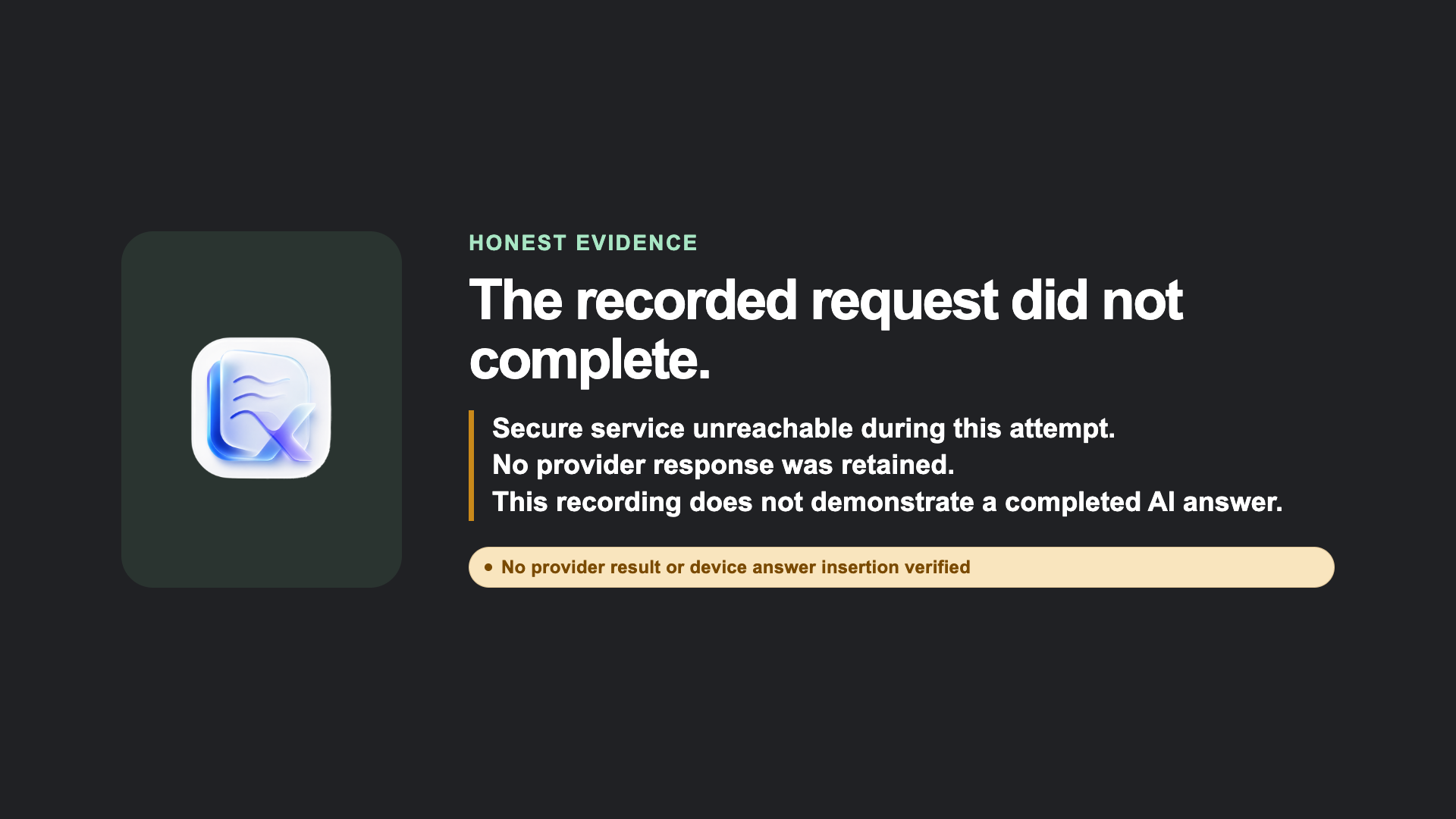
Honest evidence: the recorded provider request did not complete, so no successful live AI answer or device insertion is claimed.
Inspiration
It usually starts with looking up. You hit something you don't understand mid-problem, you lift your pencil, and in that half-second before you'd normally reach for help, your mind is already halfway to Instagram or X. The habit of picking up your phone is faster than the habit of asking a question — and once you've drifted there, whatever confused you a moment ago is already gone.
That's the moment we actually wanted to fix. Not "how do we answer the question," but "how do we keep the question from ever leaving the page."
What NOTEX does
NOTEX is a landscape iPad notebook that treats handwriting as the main event, not something bolted onto a chat app afterward. You write, erase, undo, and redo with PencilKit, and it all saves locally.
What we originally wanted was for a small gesture — a dash and a question mark, "-❔", written near the part you're stuck on — to quietly wake the AI. It would read the nearby handwriting, check it against the source material, and write its answer directly underneath in your own handwriting style, so the answer never looks like an interruption — just the next line of your notes.
We couldn't get the connectivity solid enough to make that reliable in the time we had. We also tried triggering it with green ink instead of a gesture, which ran into its own problems. What we landed on instead was a single AI button on the palette — designed to grab a bounded cluster of your most recent handwriting nearby, nothing more. The button's UI is in place, but it isn't wired up yet: tapping it doesn't currently trigger a response. It's a fallback in name only right now, but the idea behind it — help arriving without you ever leaving the page — is still what we're building toward.
The working prototype ships with one bundled synthetic cell-membrane example. It doesn't upload anything and doesn't handle real course material yet. Type a question manually instead, and no ink or image goes with it. Anything the AI itself writes is excluded from what counts as "your" handwriting going forward.
How we built it
The app is SwiftUI and PencilKit end to end, with persistence kept local and private to the app. On the backend, a Python service checks incoming requests against a strict contract, pulls evidence from the one synthetic source we support, and returns results with citations attached. The remote staging setup runs over Supabase-authenticated WebSockets, with provider credentials kept server-side rather than on the device.
We used Codex to turn our privacy and product requirements into real test contracts and failure-closed logic — the kind of detail that's easy to skip under hackathon time pressure. Codex also ran the automated tests over and over on its own, looping through Simulator runs repeatedly and grinding through the fiddlier machine-level setup and configuration work each time something broke. GPT-5.6 Terra handled scoped implementation work, and GPT-5.6 Sol did architecture and integration, plus an independent pass checking our safety and evidence claims.
What's verified
- Writing, erasing, undo/redo, and local save all work as expected
- The bounded, newest-ink selection logic and the exclusion of AI-generated ink are verified independently, at the contract/backend level
- Duplicate requests are handled cleanly (exactly once)
- In the Simulator, a cited (fake) response comes back and drops in as editable PencilKit ink
- Test results: Swift 96/96, UI tests 9/9 passing (one PencilKit-input case is a documented skip), backend 100/100
- Partial evidence from a physical device that Supabase auth and the authenticated WSS connection actually work
Current limitations
The AI button's UI exists, but it isn't connected yet — tapping it doesn't currently produce a response. We haven't gotten a real provider answer inserted on a physical device either, and the demo says so plainly rather than glossing over it. Device attempts with a provider enabled failed safely — no answer got inserted, nothing broke silently. The gesture-based trigger and the handwriting-matched inline answer are also still ahead of us, alongside wiring up the button itself, ingesting real course material, and measuring whether any of this actually helps people learn.
Why it matters
The point was never to make AI easier to ask — phones already do that, and that's the problem. The point is to make the page itself the whole loop: you notice the gap, the notebook resolves it right there, and you never have to look up and reach for something else at all.
