-
-
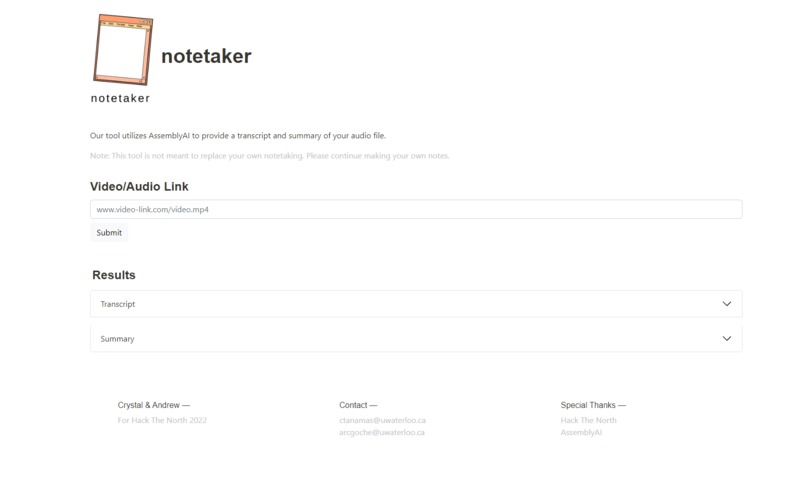
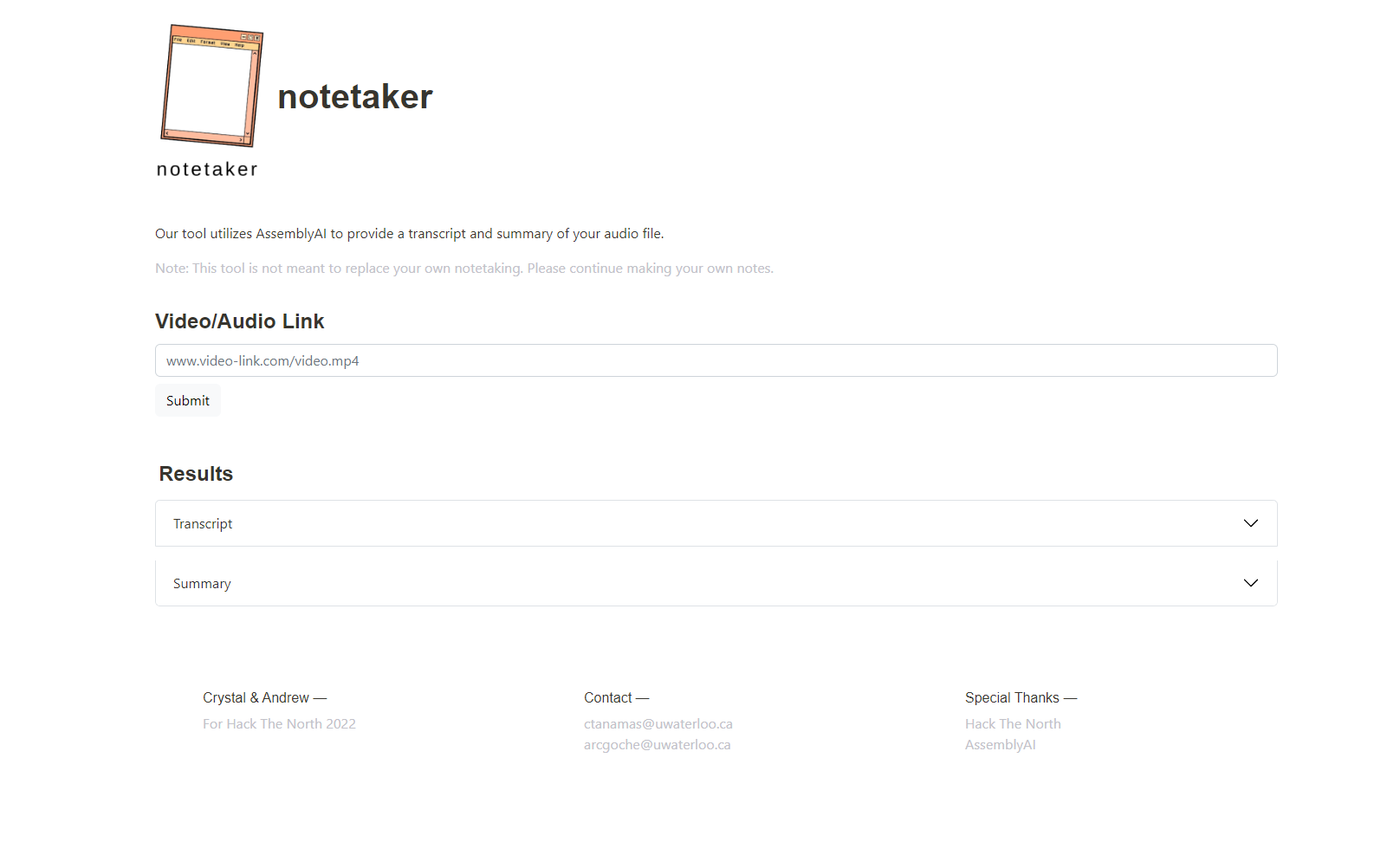
UI of the website
-
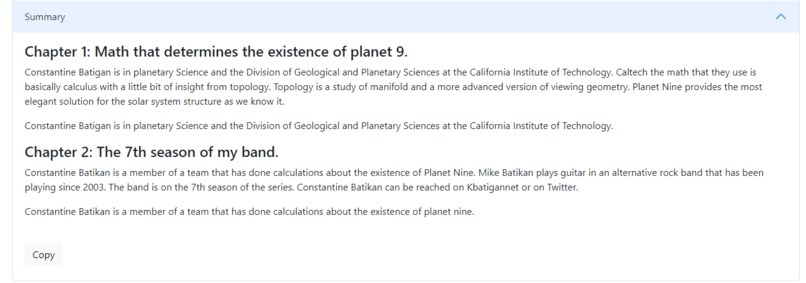
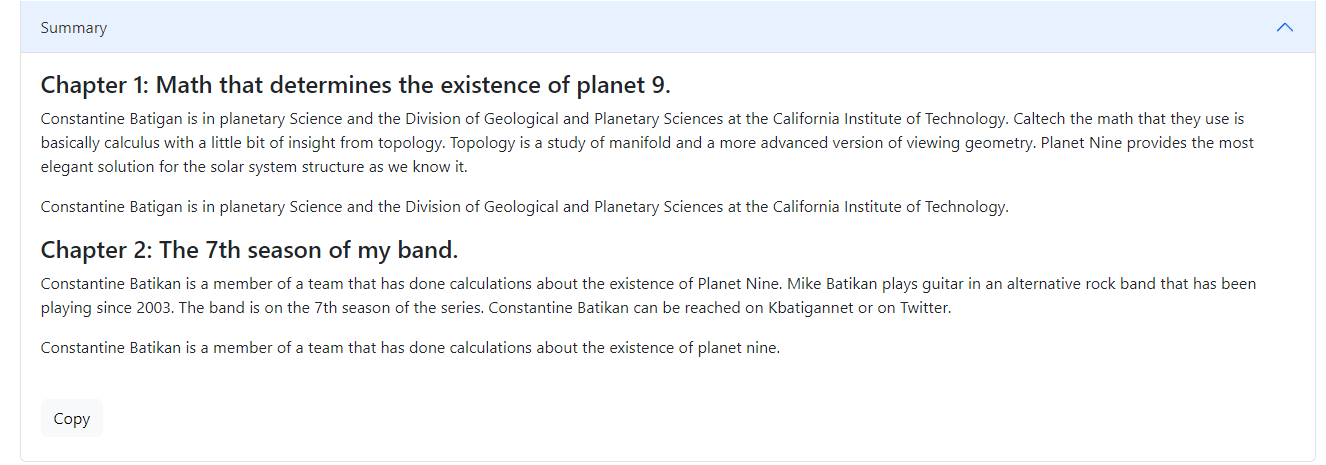
Sample summary
-
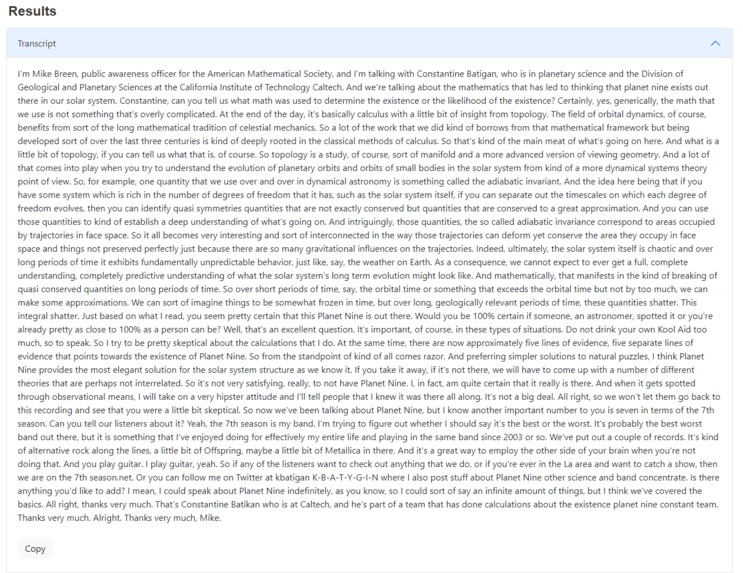
Sample transcript
-
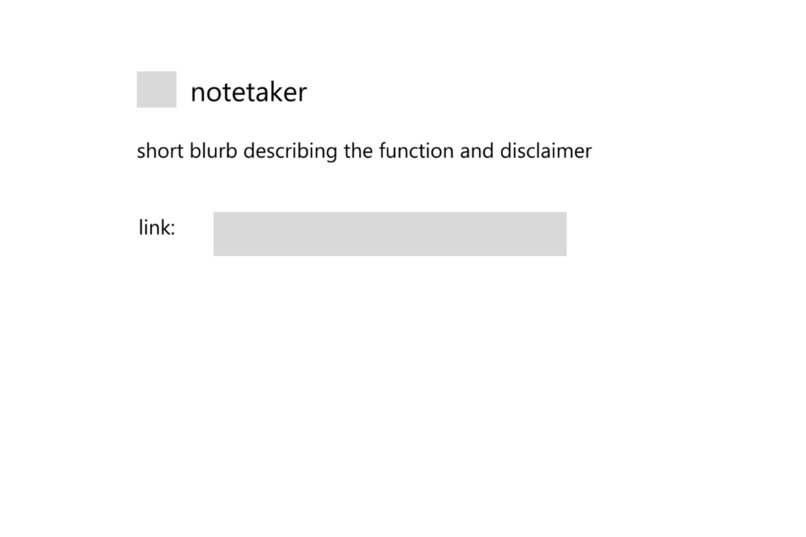
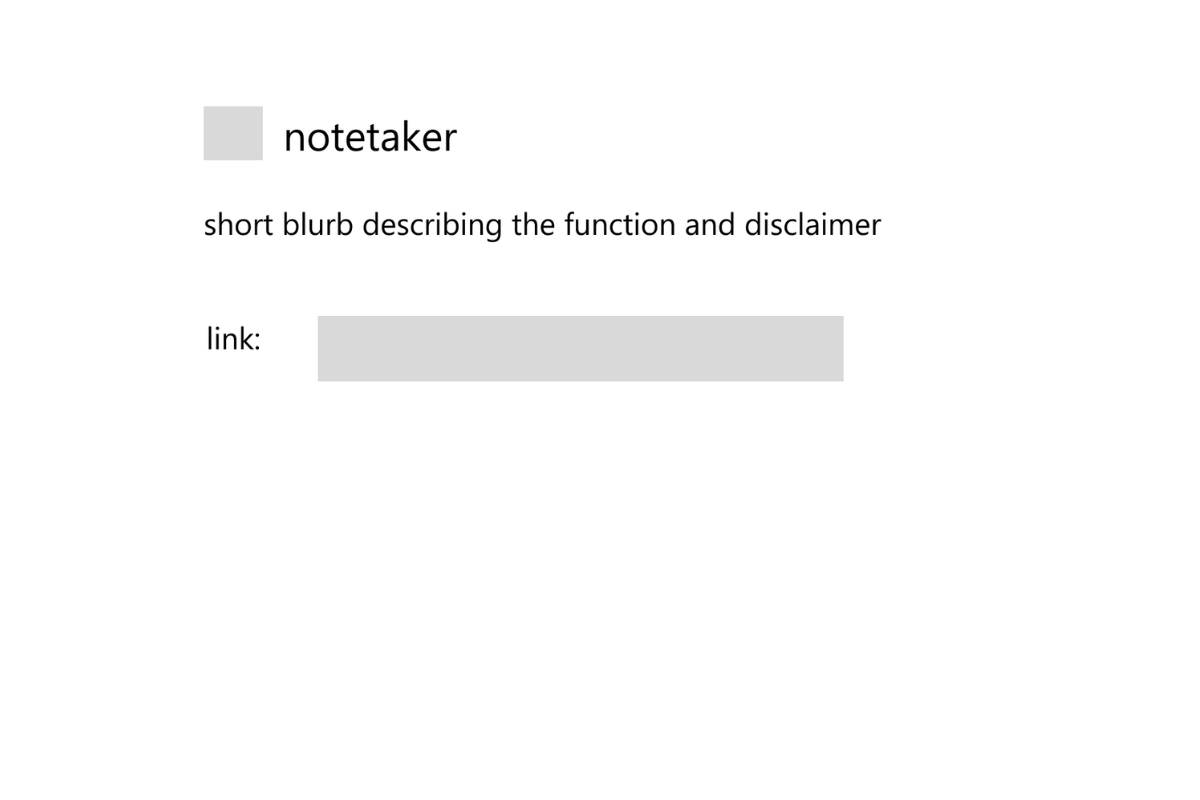
Figma wireframe 1
-
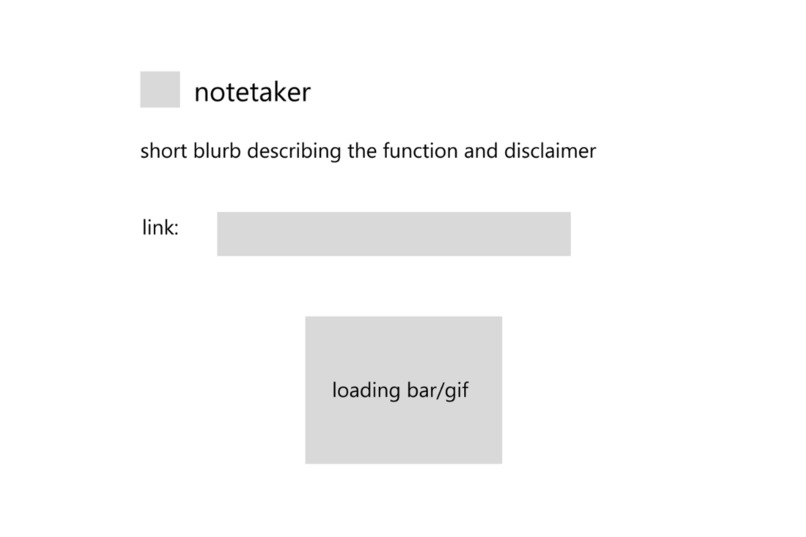
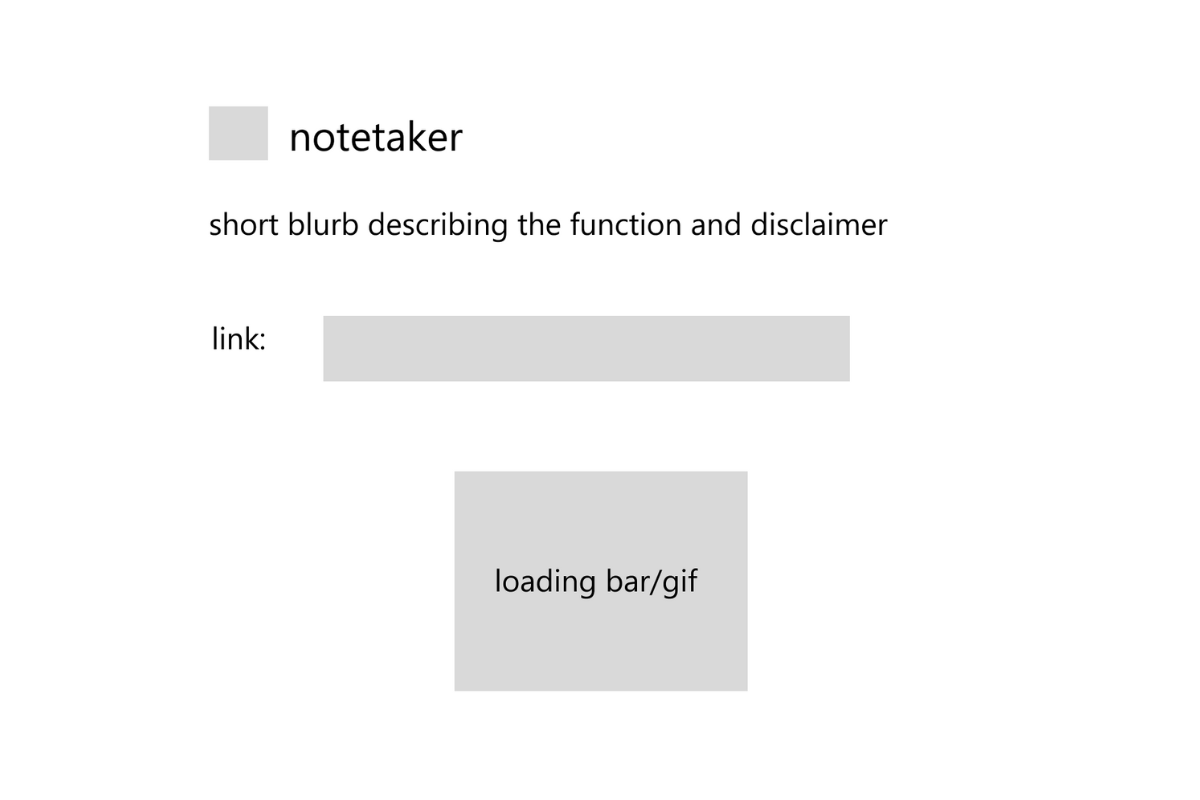
Figma wireframe 2
-
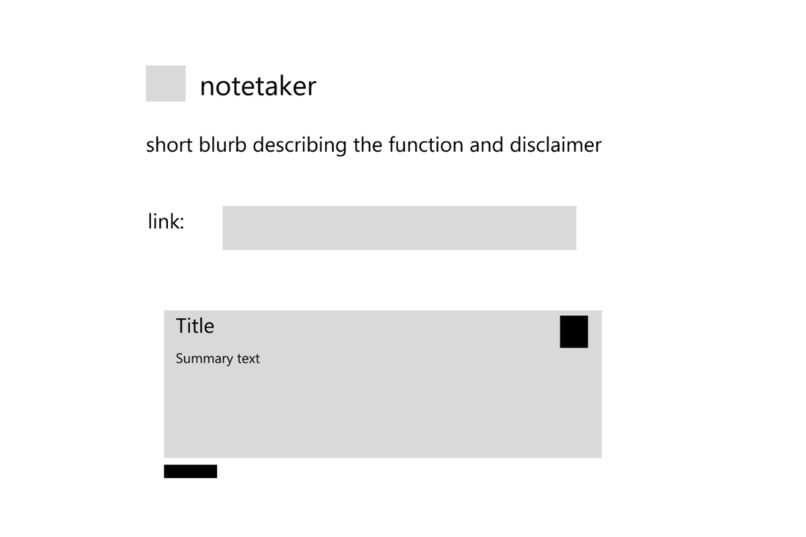
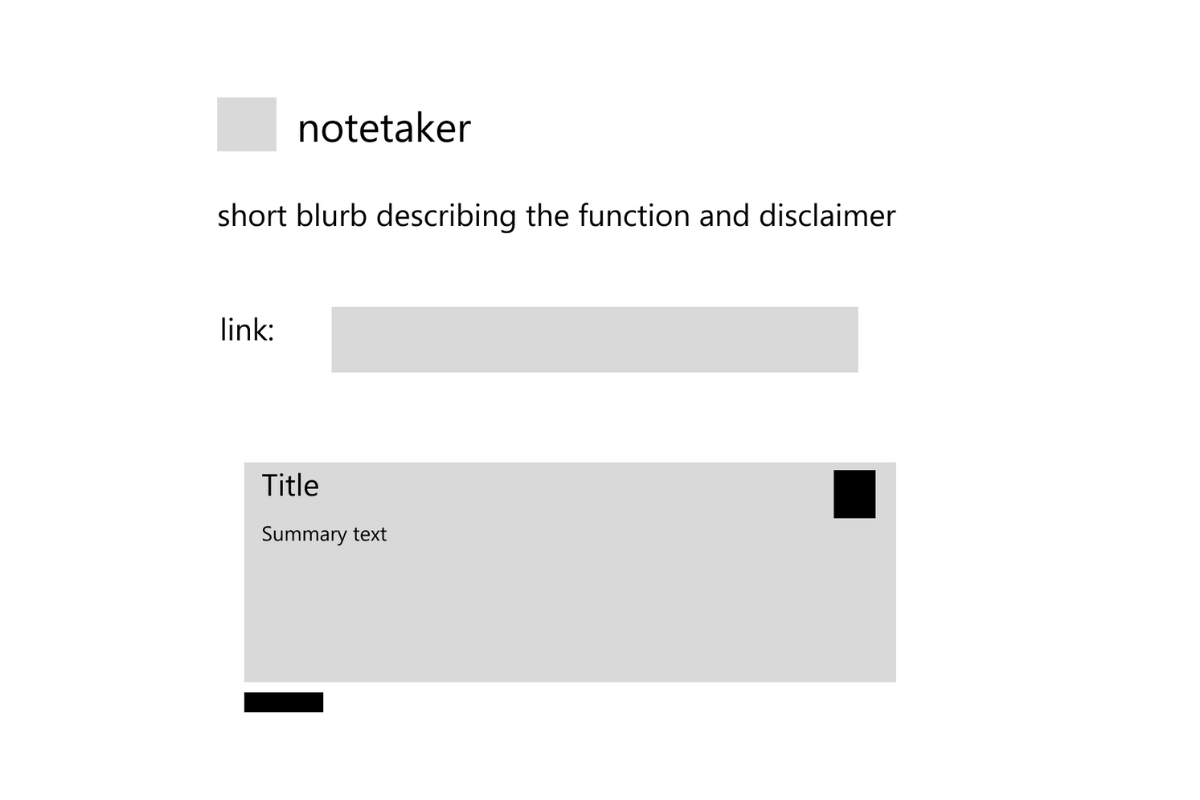
Figma wireframe 3

Inspiration
Our inspiration was our experience as university students at the University of Waterloo. During the pandemic, most of our lectures were held online. This resulted in us having several hours of lectures to watch each day. Many of our peers would put videos at 2x speed to get through all the lectures, but we found that this could result in us missing certain details. We wanted to build a website that could help students get through long lectures quickly.
What it does
Using our website, you can paste the link to most audio and video file types. The website will take the link and provide you with the transcript of the audio/video you sent as well as a summary of that content. The summary includes a title for the audio/video, the synopsis, and the main takeaway.
We chose to include the transcript, because the AI can miss details that you may want to make note of. The transcript allows you to quickly skim through the lecture without needing to watch the entire video. Also, a transcript doesn't include the pauses that happen during a normal lecture, accelerating how fast you can skim!
How we built it
To start, we created wireframes using Figma. Once we decided on a general layout, we built the website using HTML, CSS, Sass, Bootstrap, and JavaScript. The AssemblyAI Speech-to-Text API handles the processing of the video/audio and returns the information required for the transcript and summary. All files are hosted in our GitHub repository. We deployed our website using Netlify and purchased our domain name from Domain.com. The logo was created in Canva.
Challenges we ran into
Early on we struggled with learning how to properly use the API. We were not experienced with APIs, and as a result, we found it difficult to get the correct response from the API. Often times when we tried testing our code, we simply got an error from the API. We also struggled with learning how to secure our website while using an API. Learning how to hide the secret key when using an API was something we had never dealt with before.
Accomplishments that we're proud of
We are proud to have a working demo of our product! We are also proud of the fact that we were able to incorporate an API into our project and make something that we will actually use in our studies! We hope other students can use our product as well!
What we learned
We learned about how an API works. We learned about how to properly set up a request and how to process the response and incorporate it into our website. We also learned about the process of deploying a website from GitHub. Being able to take plain files and create a website that we can access on any browser was a big step forward for us!
What's next for notetaker
In the future, we want to add an extension to our summary feature by creating a worksheet for the user as well. The worksheet would replace key words in the summary with blanks to allow the user to test themselves on how well they know the topic. We also wanted to include relevant images to the summary study guide, but were unsure on how that could be done. We want to make our website the ultimate study tool for students on a tight schedule.


Log in or sign up for Devpost to join the conversation.