-
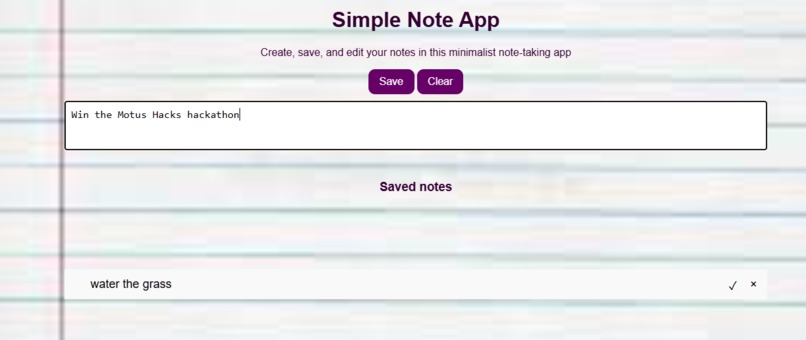
note taking website
Inspiration
As a frequent note-taker, I often found myself frustrated with complex note-taking apps. I desired a simple, intuitive tool to jot down quick thoughts and ideas without any unnecessary clutter.
What it does
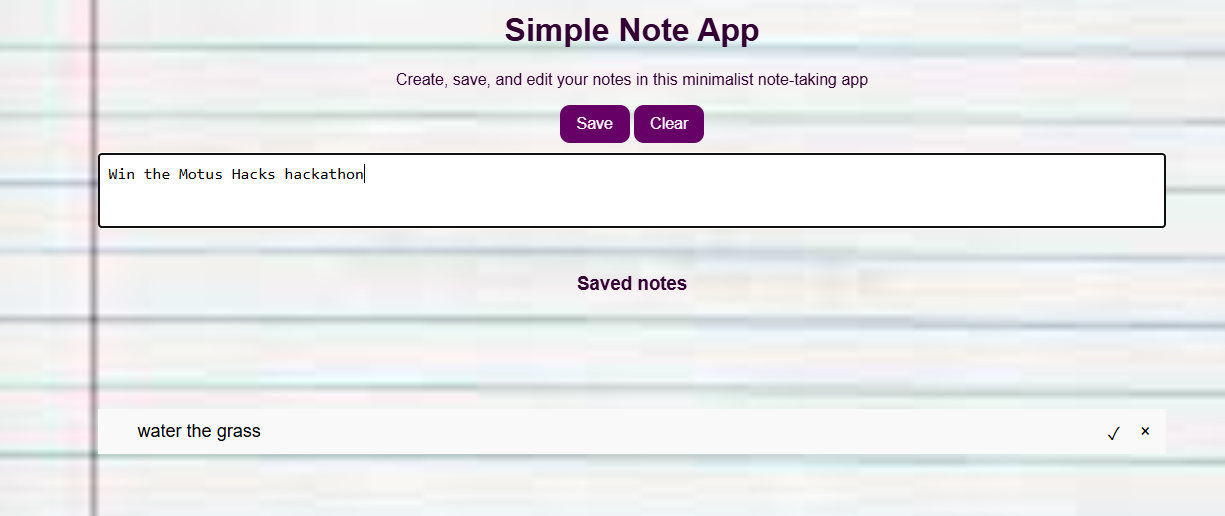
This simple yet effective note-taking app allows users to:
Create new notes: Quickly jot down ideas, reminders, or any other text-based information. Edit existing notes: Modify the content of saved notes as needed. Delete unwanted notes: Remove unnecessary notes to keep the list organized. Persist notes: Store notes locally using browser storage, ensuring they are retained even after the browser is closed. Inspiration
How I built it
HTML Structure: I created the basic HTML structure, defining elements like the note input field, save/clear buttons, and the note list. CSS Styling: I applied CSS styles to enhance the appearance of the app, including fonts, colors, and layout. JavaScript Functionality: Note Creation: I implemented a function to create new note elements, append them to the note list, and store them in local storage. Note Editing: I enabled note editing by making the note list elements editable and updated the local storage accordingly. Note Deletion: I added a "delete" button to each note, allowing users to remove them from the list and local storage. Local Storage: I utilized JavaScript's localStorage API to store and retrieve notes, ensuring data persistence.
Challenges I ran into
Local Storage Persistence: Initially, I encountered issues with local storage persistence, as notes were not being stored correctly. I resolved this by carefully handling the storage and retrieval of note data. User Interface Optimization: I fine-tuned the user interface to make it more intuitive and visually appealing. This involved adjusting the layout, font sizes, and button styles. Cross-Browser Compatibility: I tested the app on different browsers to ensure consistent behavior and appearance. Some minor adjustments were necessary to accommodate browser-specific quirks.
Accomplishments that I'm proud of
Minimalist Design: I created a clean and intuitive user interface that focuses on the core functionality of note-taking. Efficient Local Storage: I implemented a reliable system for storing and retrieving notes locally, ensuring data persistence. Cross-Browser Compatibility: The app works seamlessly across different browsers, providing a consistent user experience.
What I learned
Importance of Planning: A well-structured plan helps in efficient development and problem-solving. Effective Debugging: Identifying and fixing bugs is crucial for creating a robust application. User Experience: A user-friendly interface can significantly enhance the overall experience. Local Storage Limitations: Understanding the limitations of local storage and exploring alternative storage solutions if needed.
What's next for Notes
Enhanced Features: Consider adding features like note categorization, search functionality, and the ability to export notes. Improved User Interface: Explore different design approaches to further optimize the user experience. Additional Storage Options: Investigate alternative storage methods, such as cloud storage, to provide broader accessibility. Accessibility: Ensure the app is accessible to users with disabilities by following accessibility guidelines.

Log in or sign up for Devpost to join the conversation.