Inspiration
Most students study by rereading notes and memorizing flashcards, then discover during the exam that they never really understood the material. I wanted a study tool that checks whether you understand something, not just whether you can recall it. Notes to Mastery takes raw notes or PDFs and turns them into a full study loop.
What it does
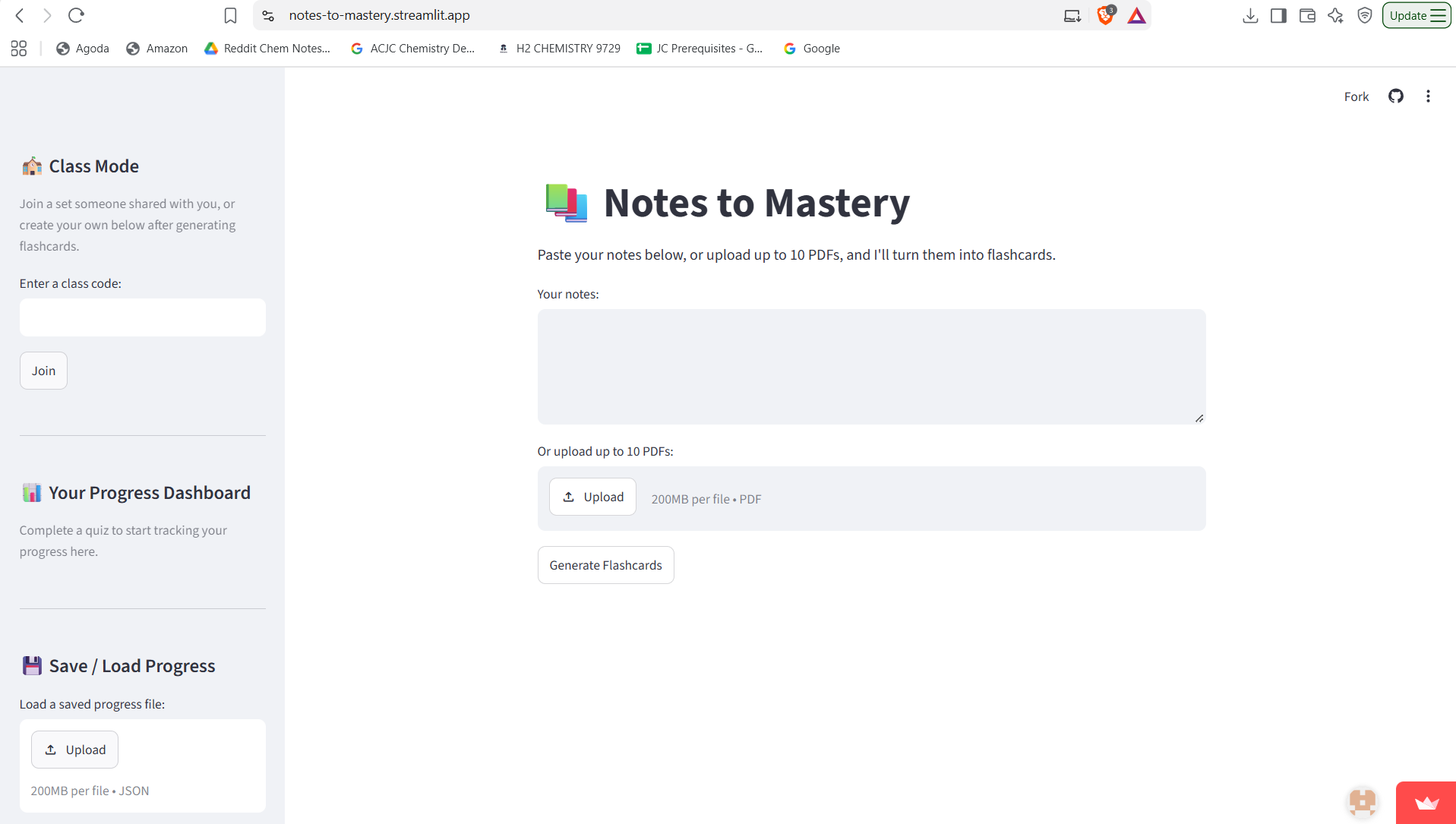
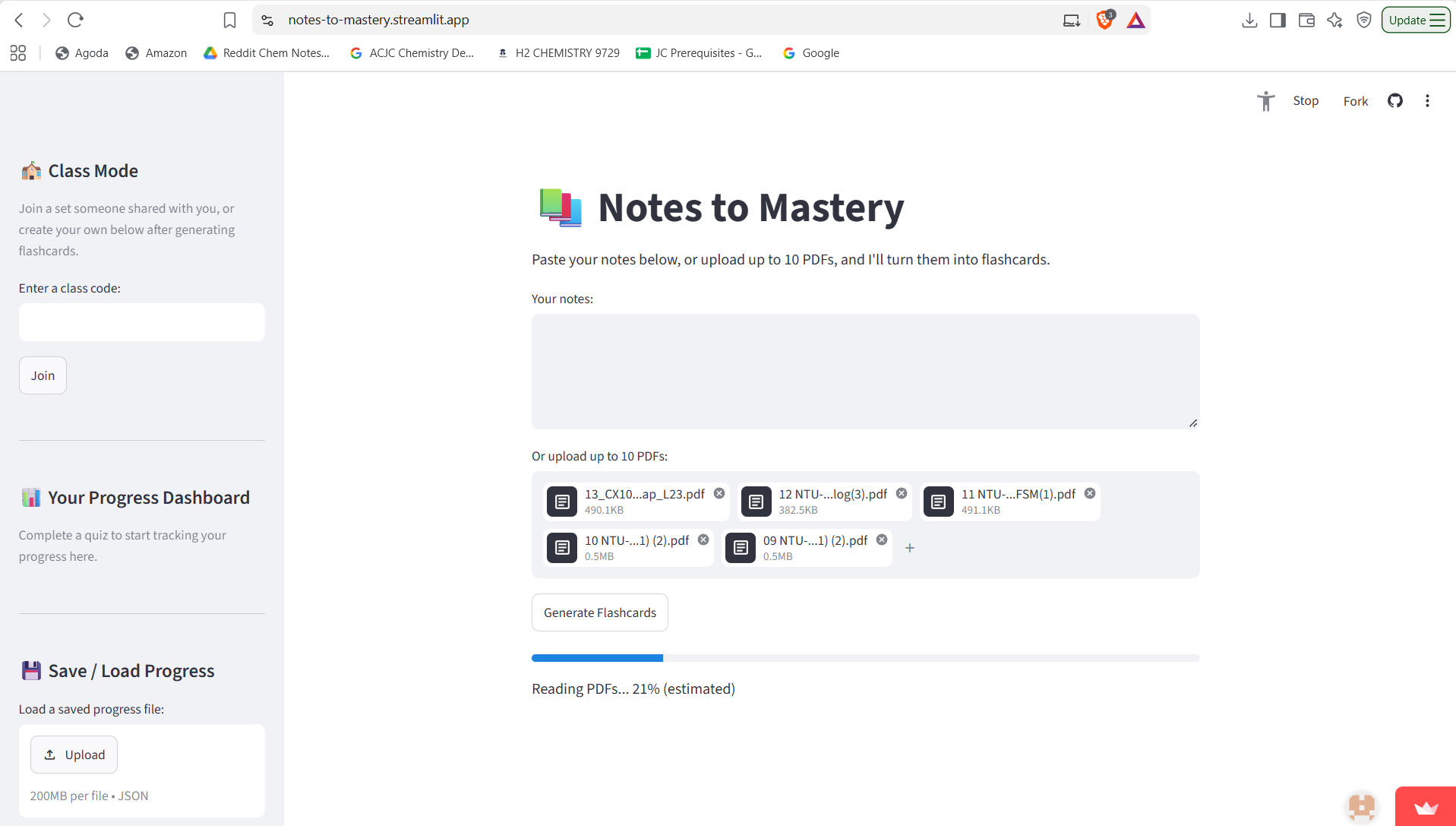
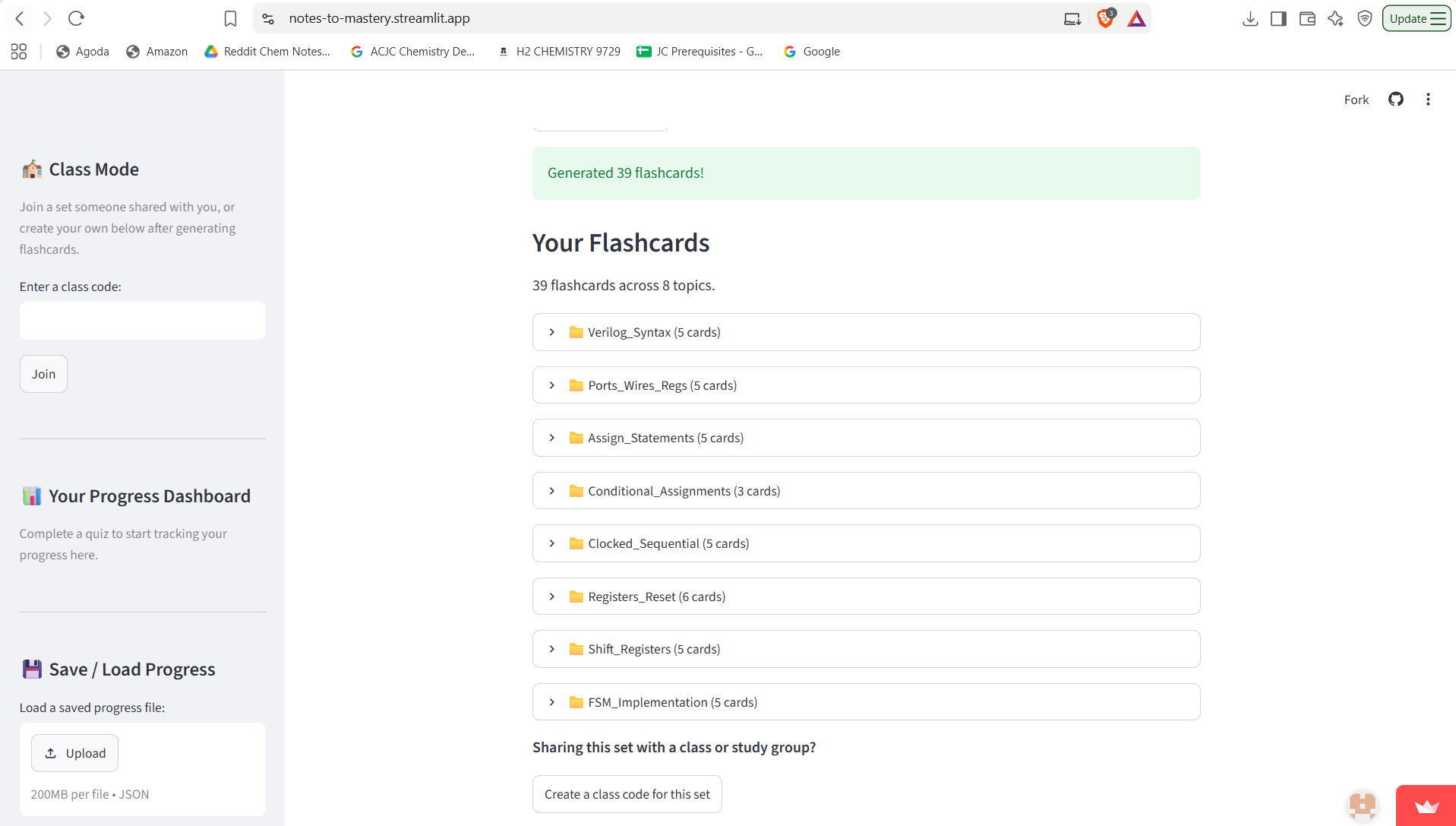
- Flashcards from your notes: paste text or upload up to 10 PDFs. Nemotron extracts the key concepts, groups them into topics and scales the number of cards to how much material you give it. You can edit, regenerate or delete any card.
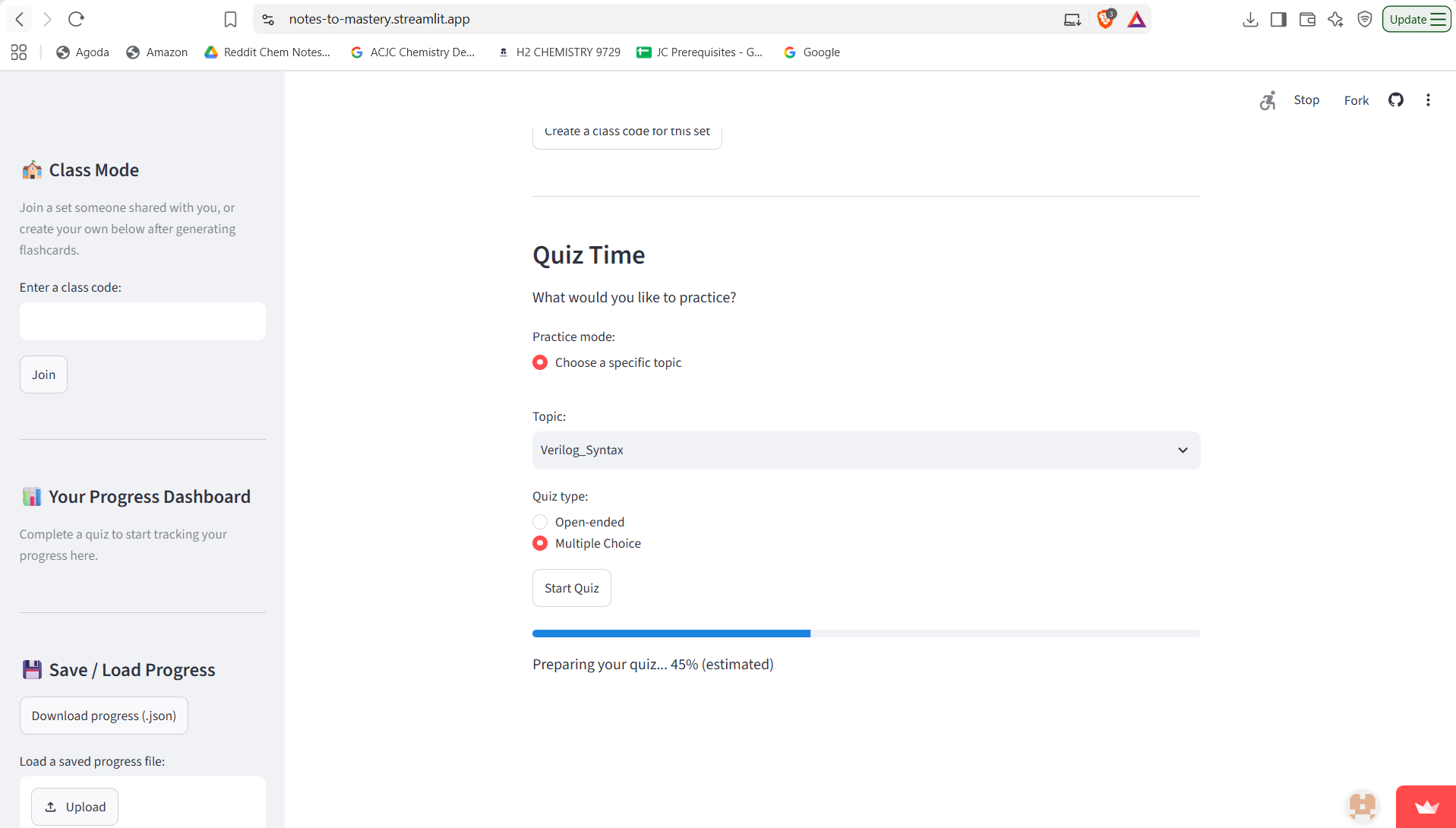
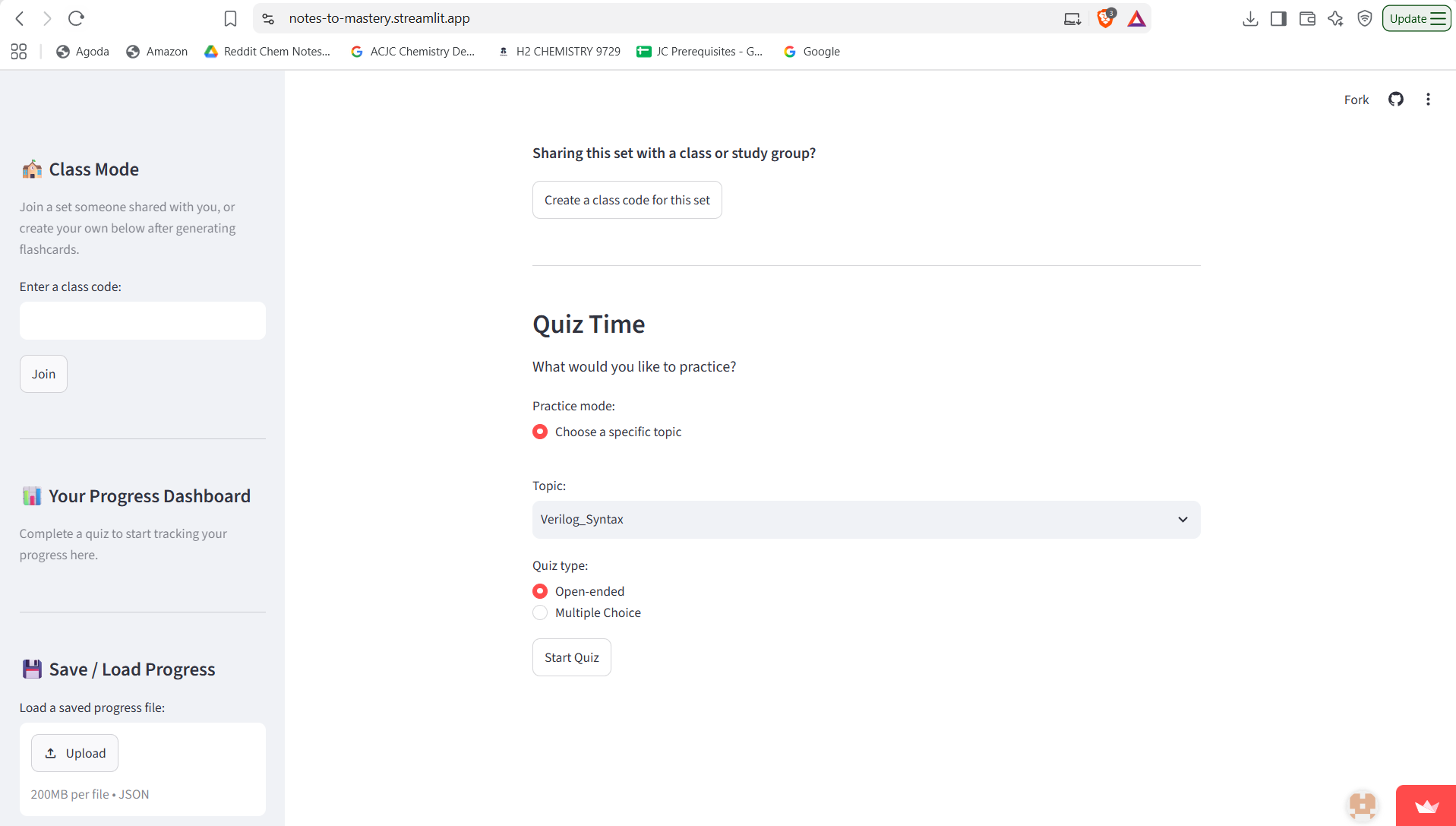
- Quizzes that adapt: choose a topic, retry weak topics, or review topics that are due under spaced repetition. Questions are open-ended or multiple choice, freshly reworded by the AI and made harder the more you've attempted a topic.
- Confidence ratings: before each answer you say how sure you are, so the app can flag when you're confidently wrong (a real gap) or unsure but right.
- Meaning-based grading: open-ended answers are graded on whether they capture the right idea, not the exact wording.
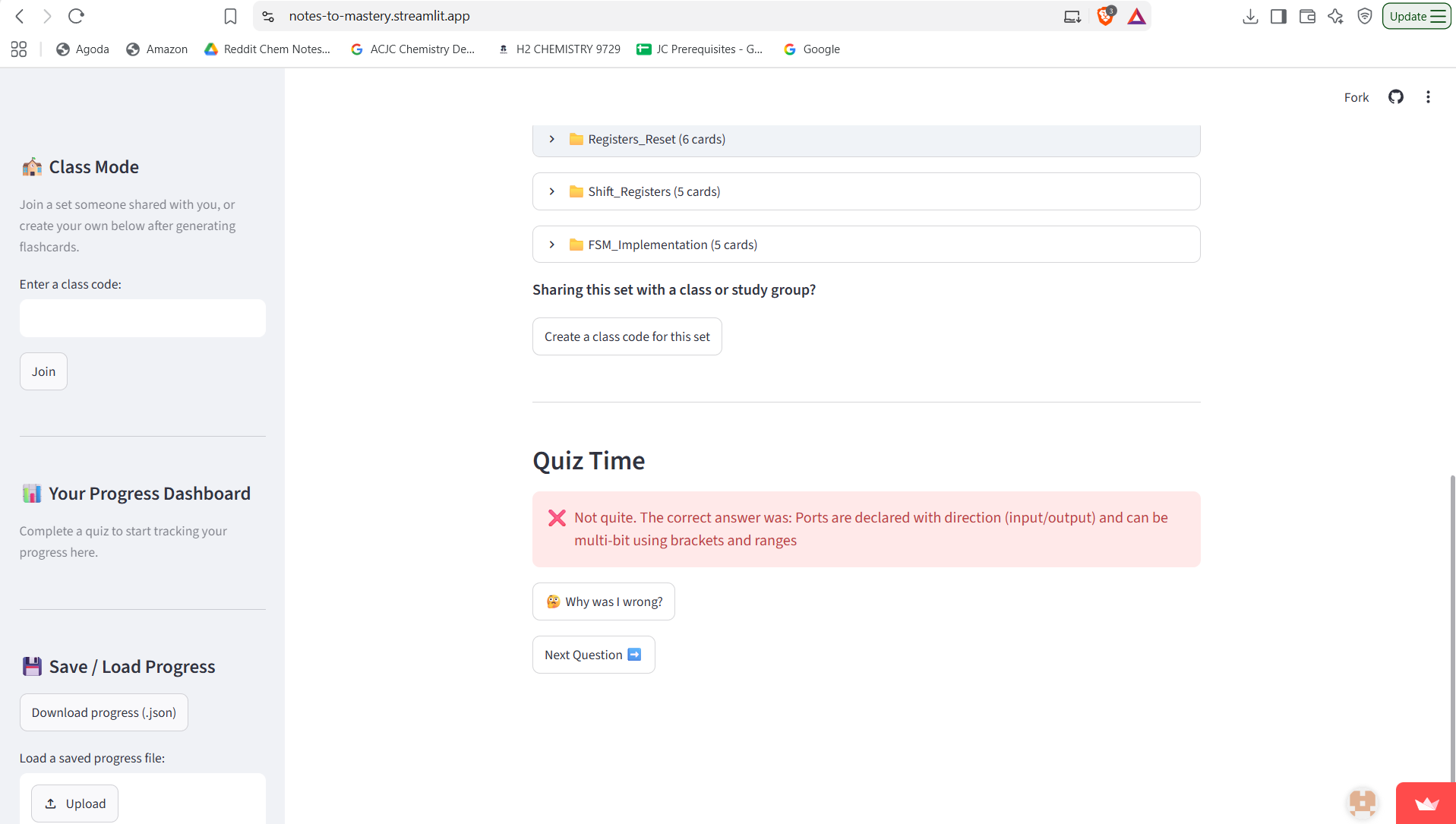
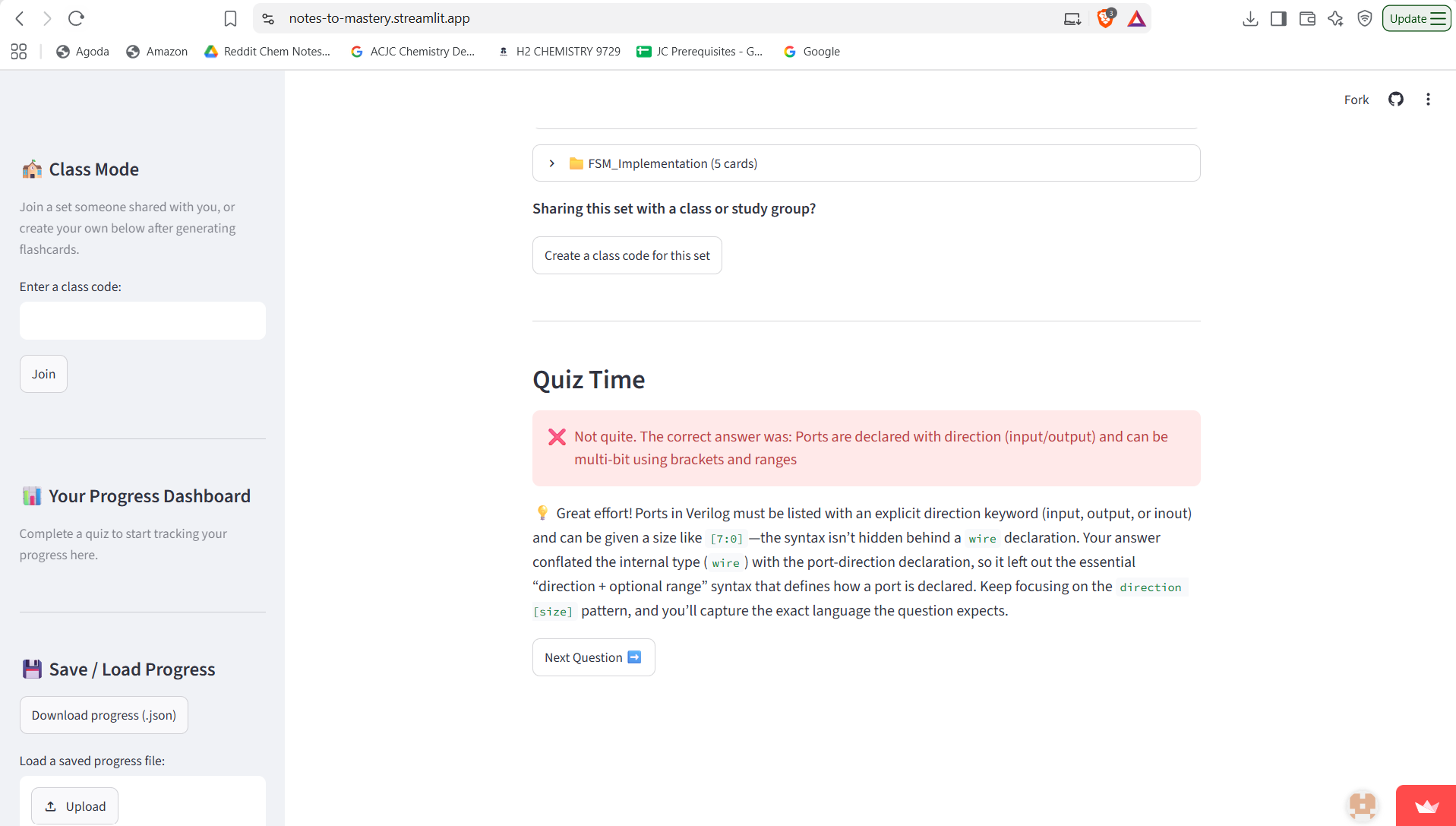
- Explain my mistake: get something wrong and ask the AI on the spot why the correct answer is right and where your answer missed.
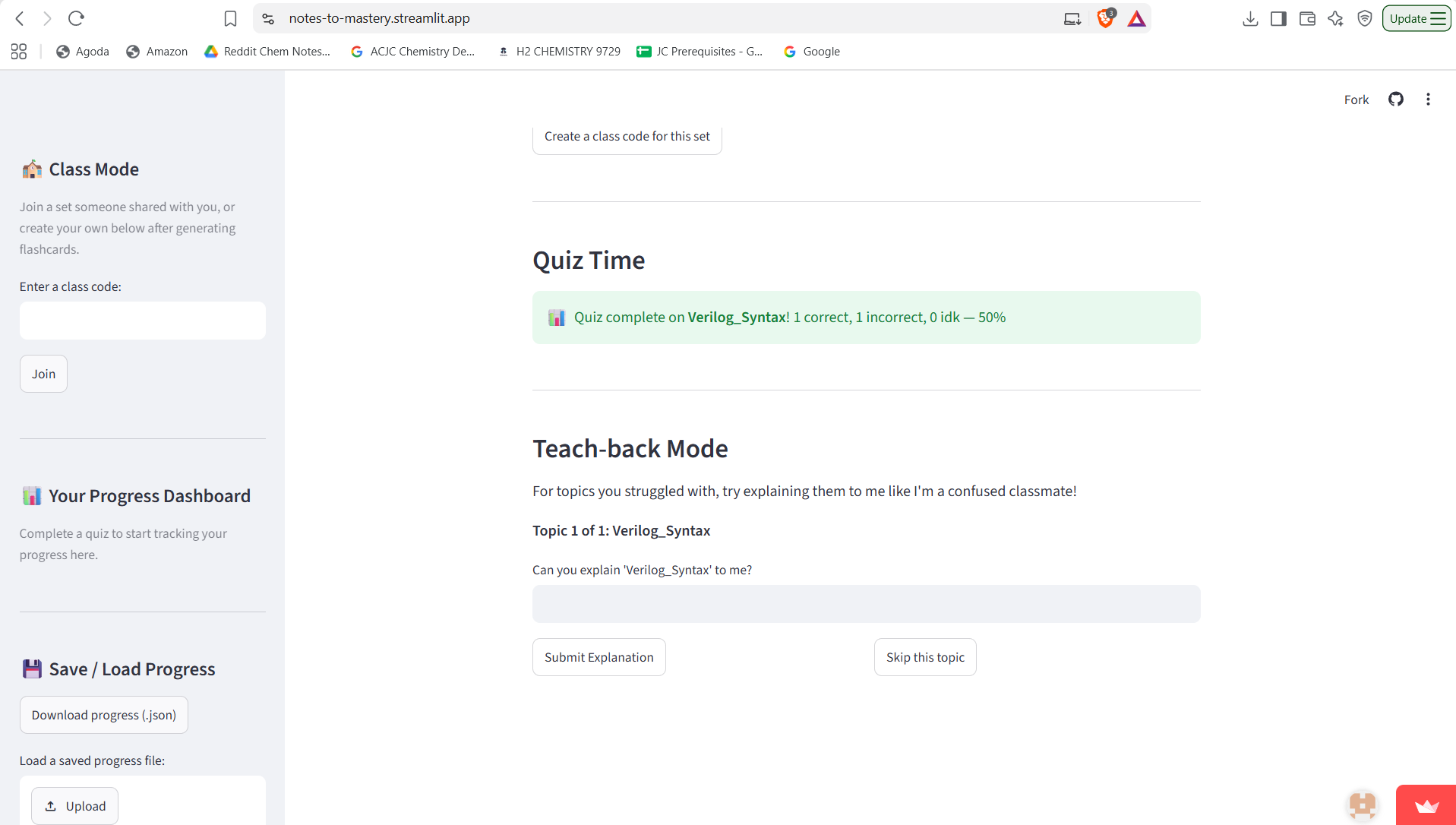
- Teach-back mode: for topics you got wrong, the AI plays a confused classmate and asks you to explain the concept back, testing whether you truly understand it.
- Class Mode: share a flashcard set with a class code. The sidebar shows the class's average score and flags topics that are commonly misunderstood, so a teacher can see what to cover.
- Progress dashboard, save/load, Anki export: track mastery and due reviews, save your progress as JSON, or export cards to Anki.
How I built it
The app is written in Python with Streamlit and deployed on Streamlit Community Cloud. All AI features (flashcard generation, quiz rewriting, grading, mistake explanations and the teach-back conversation) use NVIDIA Nemotron 3 Nano served through Nebius Token Factory. PDF text is extracted with pypdf. The API layer has timeouts, retries with backoff, and tolerant JSON parsing, because models sometimes wrap their JSON in extra text.
Challenges I ran into
- Getting reliably structured JSON from the model, which I handled with fence-stripping, fallback parsing and friendly error messages.
- Making grading lenient enough to accept correct answers phrased differently.
- I tried generating flashcards from diagrams in PDFs, but Nemotron 3 Nano is text-only and the feature made generation slow and unreliable. I removed it to keep the core experience fast.
Accomplishments that I'm proud of
Combining several learning-science ideas (spaced repetition, confidence calibration, teach-back) in one app that runs entirely on open NVIDIA models.
What I learned
How to design prompts that produce dependable structured output, how to make an LLM app degrade gracefully, and why a smaller, faster feature set often beats a bigger, slower one.
What's next
Persistent storage for Class Mode (it currently lives in app memory and resets on restart), better support for diagrams with a vision-capable model, and shared class dashboards for teachers.

Log in or sign up for Devpost to join the conversation.