-
-
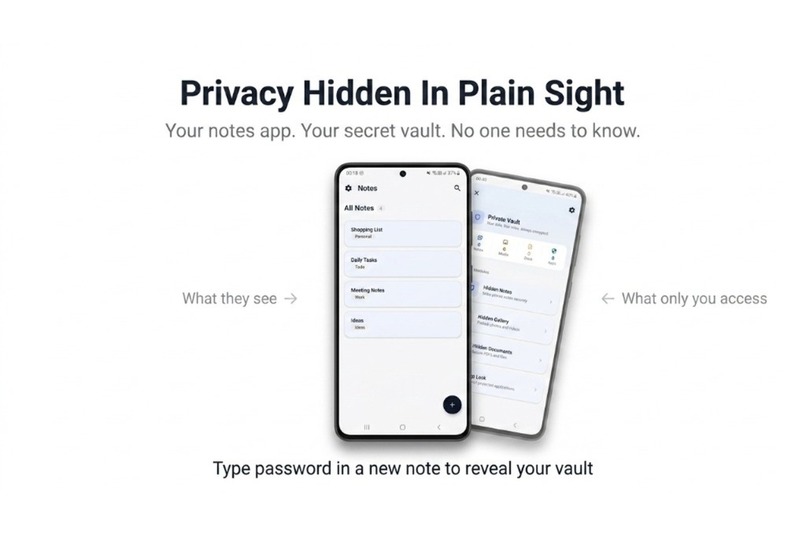
App idea in a nutshell.
-
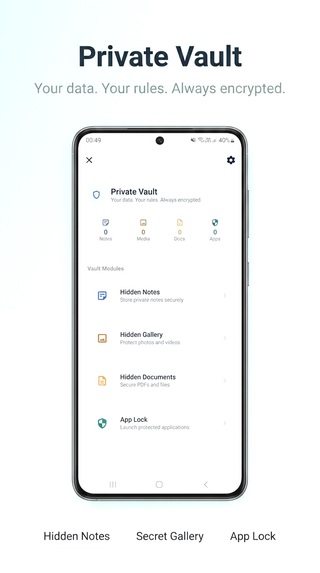
MVP
-
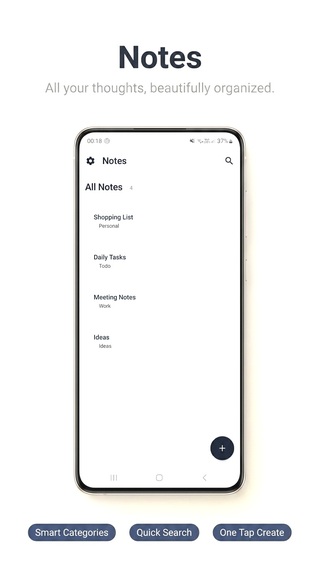
Home screen
-
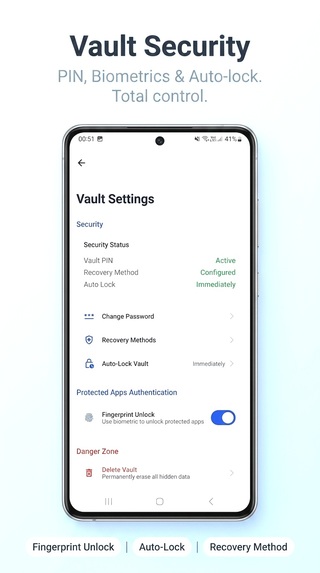
Vault setting
-
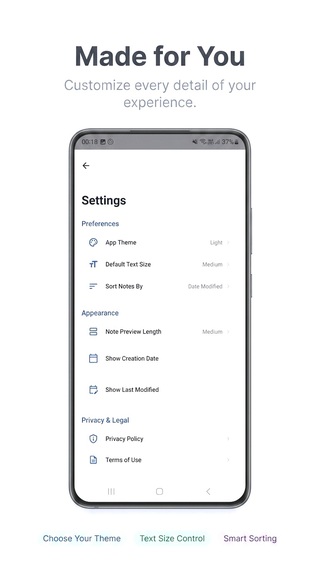
Home screen setting
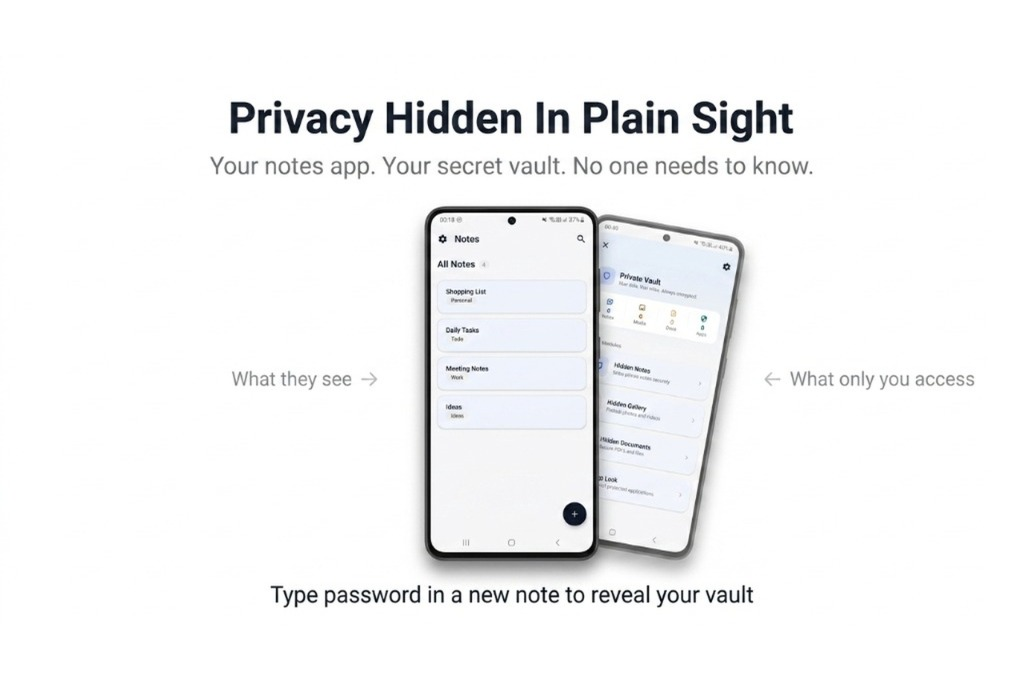
Stealth Notes
Inspiration
The Quiet Need for Privacy
I hand my phone to someone almost every day. A friend wants to make a quick call, a family member wants to see a photo, a classmate borrows it for a second. It happens constantly, and every time it does, I have zero control over what they might accidentally see.
I am not talking about anything serious. Just personal stuff I would rather keep to myself. But saying "no" to someone who just wants to use your phone for thirty seconds makes you look like you are hiding something. So you hand it over and hope for the best.
This became a real frustration for me during school. Phones got passed around a lot. Sometimes teachers checked them, sometimes friends were just nosy. Even when there was absolutely nothing problematic on my device, the lack of control bothered me. That feeling stuck with me for a long time.
Something else I noticed: privacy features on Android are completely inconsistent. Some phone brands have built-in hiding options, some do not. I switched devices once and lost access to tools I had come to rely on. That made me realize how dependent these features are on the manufacturer, not the OS itself.
And then there are the dedicated "vault apps." Every single one of them essentially screams at whoever is holding your phone that you are hiding something. They have padlocks in their icons. Names like "Vault" and "Private Space." The moment someone notices one of those apps, the entire point of privacy is gone.
That gap is what Stealth Notes is built to fill. A fully working notes app that nobody questions, with a vault hidden underneath it.
What It Does
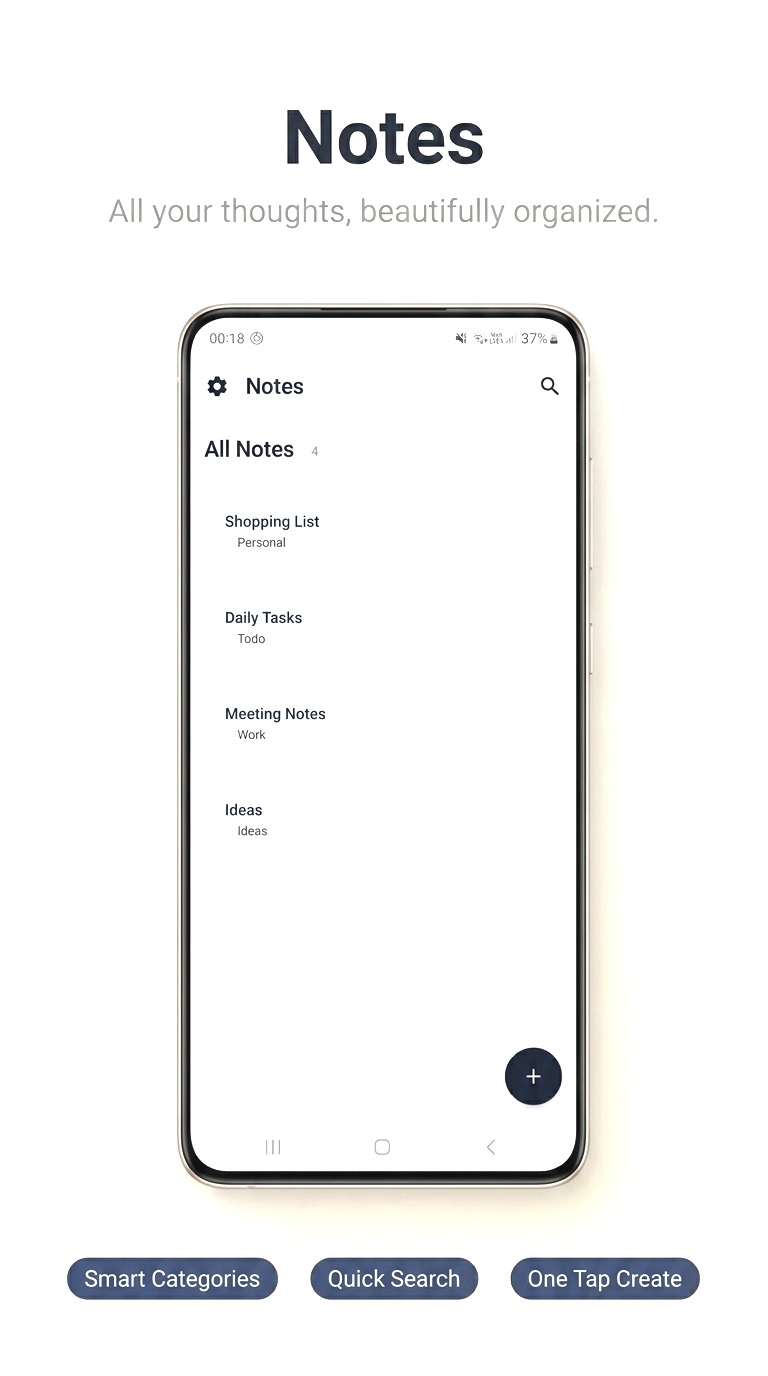
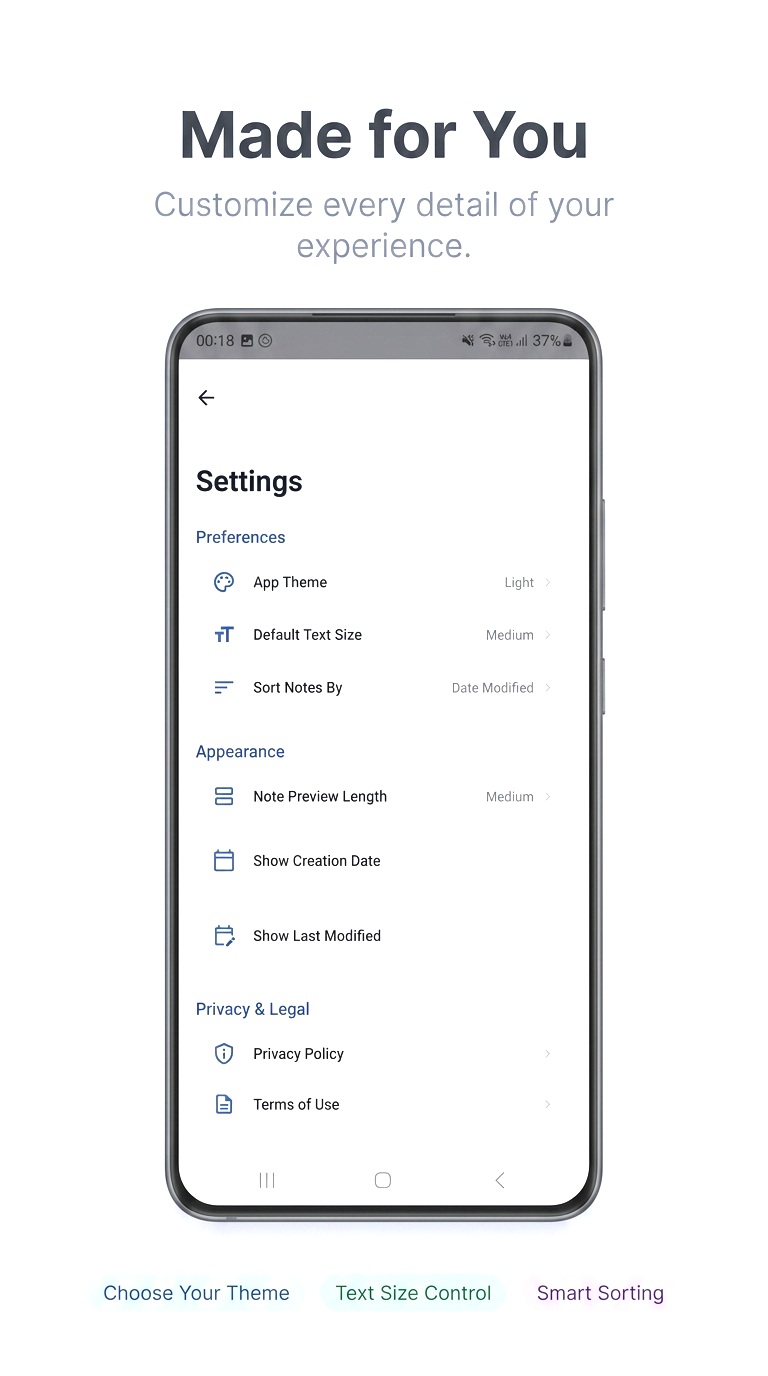
On the surface, Stealth Notes is just a notes app. You can create notes, edit them, tag them, organize them. It looks and feels like something you would download from the Play Store without thinking twice.
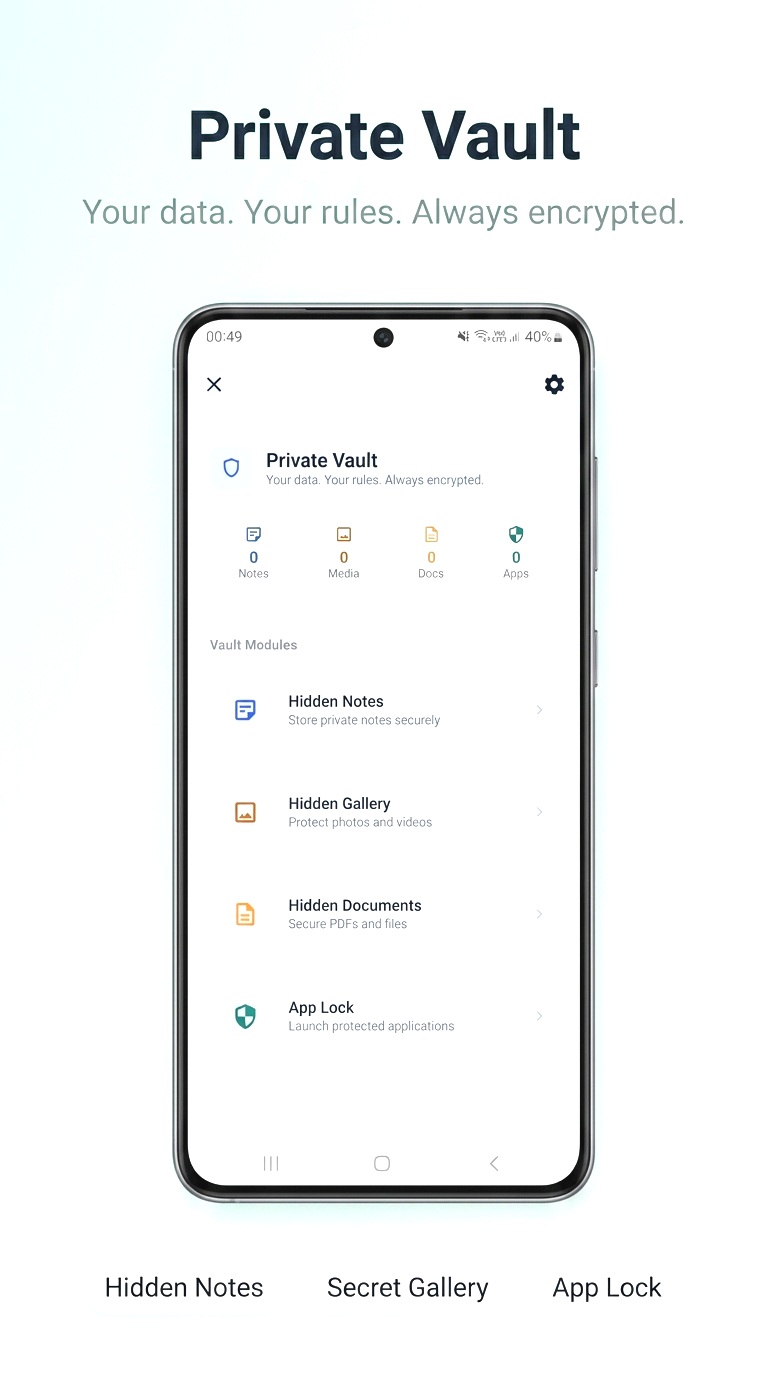
But if you know the right way in, there is a hidden vault behind it that can store:
- Private notes
- Photos and videos
- Sensitive documents
- Locked applications
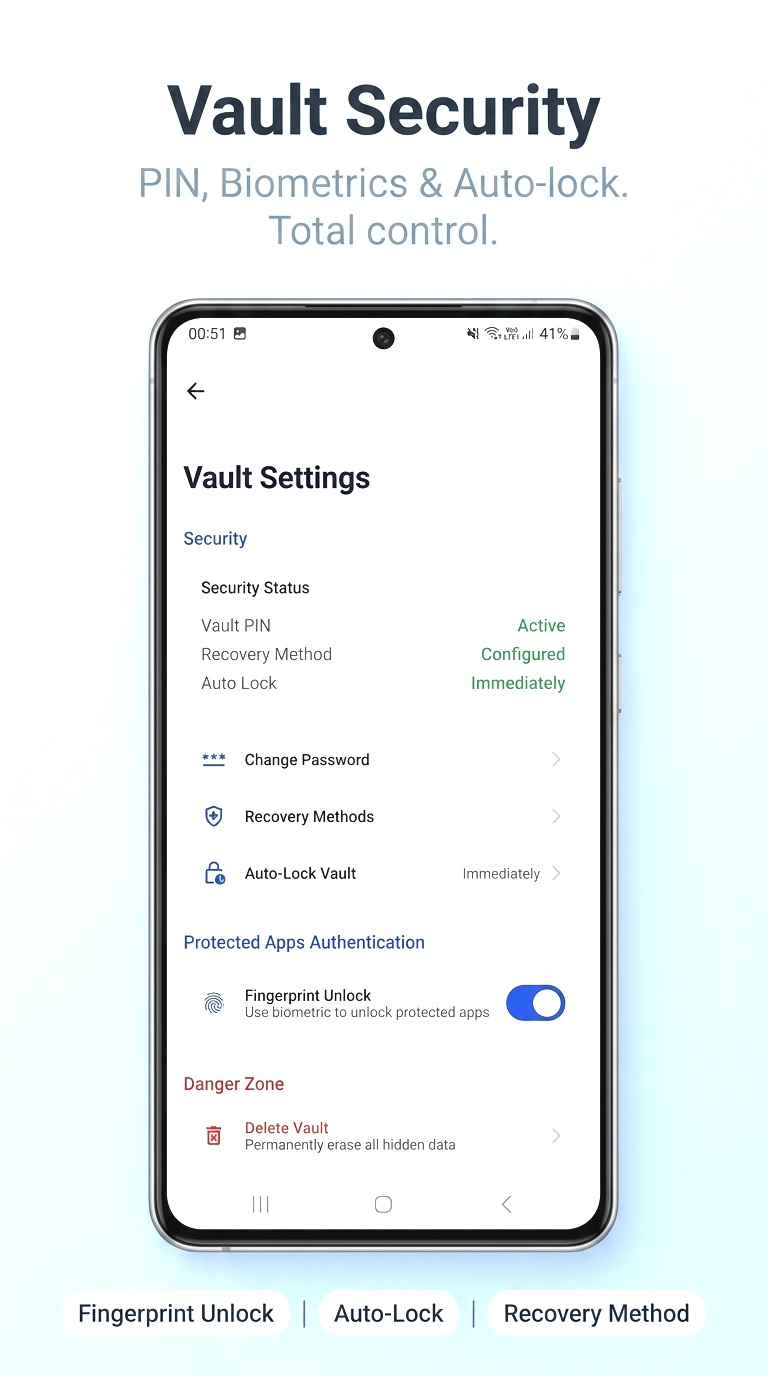
The vault uses PIN-based authentication with fingerprint support on devices that have it. Everything stays on your device. No accounts, no cloud sync, no servers involved.
Main Features
- A working, genuinely usable notes application
- Hidden vault accessible only through a specific trigger
- Secure storage for notes, photos, videos, and documents
- Application locking system for protecting other apps on your device
- Fingerprint authentication
- PIN fallback
- Offline recovery system (no cloud account needed)
- Local-first, nothing ever leaves your phone
- Clean Material Design interface that looks completely normal
How I Built It
Stealth Notes is a native Android app built with Kotlin and Jetpack Compose. Data is stored locally using Room (a local database library) and DataStore for preferences. The vault authentication uses hashed PINs and biometric APIs. The whole thing follows a MVVM architecture — basically a pattern that keeps the UI and data logic cleanly separated.
I paid a lot of attention to the user experience. The app needed to feel like a real product people would actually use, not a proof-of-concept that technically works but is frustrating to touch. That meant going through multiple rounds of tweaking layouts, transitions, and flows until things felt natural.
Challenges I Ran Into
Honestly the hardest part was making the app feel genuinely normal.
It is easy to build a fake notes app. It is much harder to build one where someone picks it up and actually wants to use it for taking notes. If the notes experience is bad, it just becomes a suspicious shell, which defeats the whole point.
A few specific things that took real work:
- Building a recovery system that works entirely offline so users are not locked out permanently if they forget their PIN
- The app launching experience — there was a brief blank screen on startup that took a while to properly fix by synchronizing the OS splash screen with when the app data was actually ready
- Making the biometric flow feel smooth and not clunky
- Keeping the vault experience intuitive despite the security layers
My Background
I am not a software engineer. I do not work in tech. I am someone who finds software genuinely interesting and keeps trying to build things until something finally works.
Before this project, I started many things I never finished. Some fell apart because I hit technical walls I could not get past at the time. Some because the idea was not strong enough. A lot because I just did not know enough yet and was learning as I went.
Every one of those half-finished projects taught me something. The knowledge stacked up slowly. Stealth Notes is the first time all of it came together into something complete and actually usable.
I used AI tools during development, mainly to understand concepts faster, explore different approaches, and debug things that had me stuck. But every decision about what to build, how it should work, what to prioritize, and how to solve problems came from me. I tested everything myself, iterated constantly, and pushed through the parts that did not work until they did.
This hackathon gave me a real deadline and a real goal. That combination is what finally turned this from an idea I had been sitting on into a finished product.
What I Learned
Practically speaking: Android architecture, secure local storage, biometric APIs, authentication flows, performance optimization.
More importantly: how hard it actually is to build something that feels simple. The more invisible good design is, the more work went into it. Privacy, usability, and performance all pull in different directions, and finding the balance between them was the most valuable thing I learned building this.
Future Plans
Things I want to add eventually:
- Cloud backup with strong encryption
- Multi-device support
- More vault customization options
- Better organizational tools
- Expanded privacy controls
The goal is for Stealth Notes to stay genuinely useful as a notes app while getting better and better as a privacy tool. Neither side should feel like it was sacrificed for the other.
Built With
- androidbiometricapi
- androidkeystore
- datastore
- jetpackcompose
- kotlin
- kotlincoroutines
- materialdesign3
- mvvm
- navigationcompose
- roomdatabase

Log in or sign up for Devpost to join the conversation.