-
-
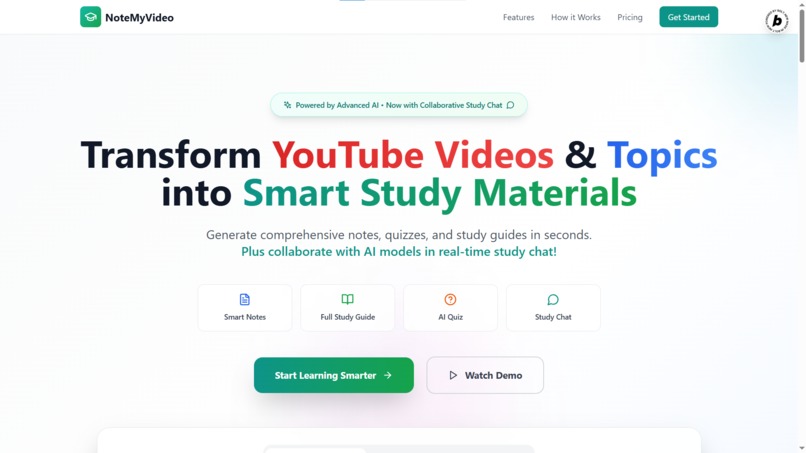
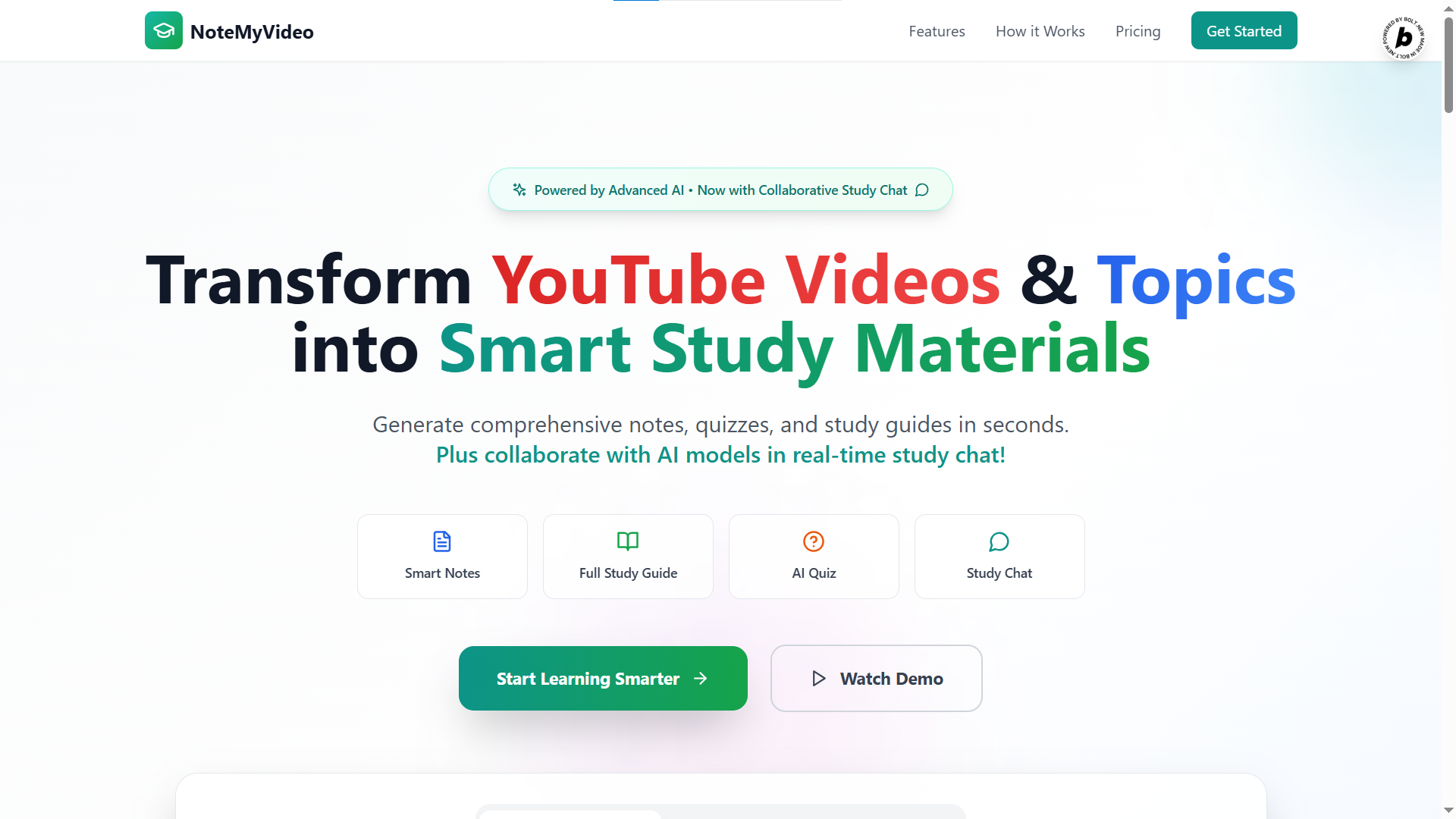
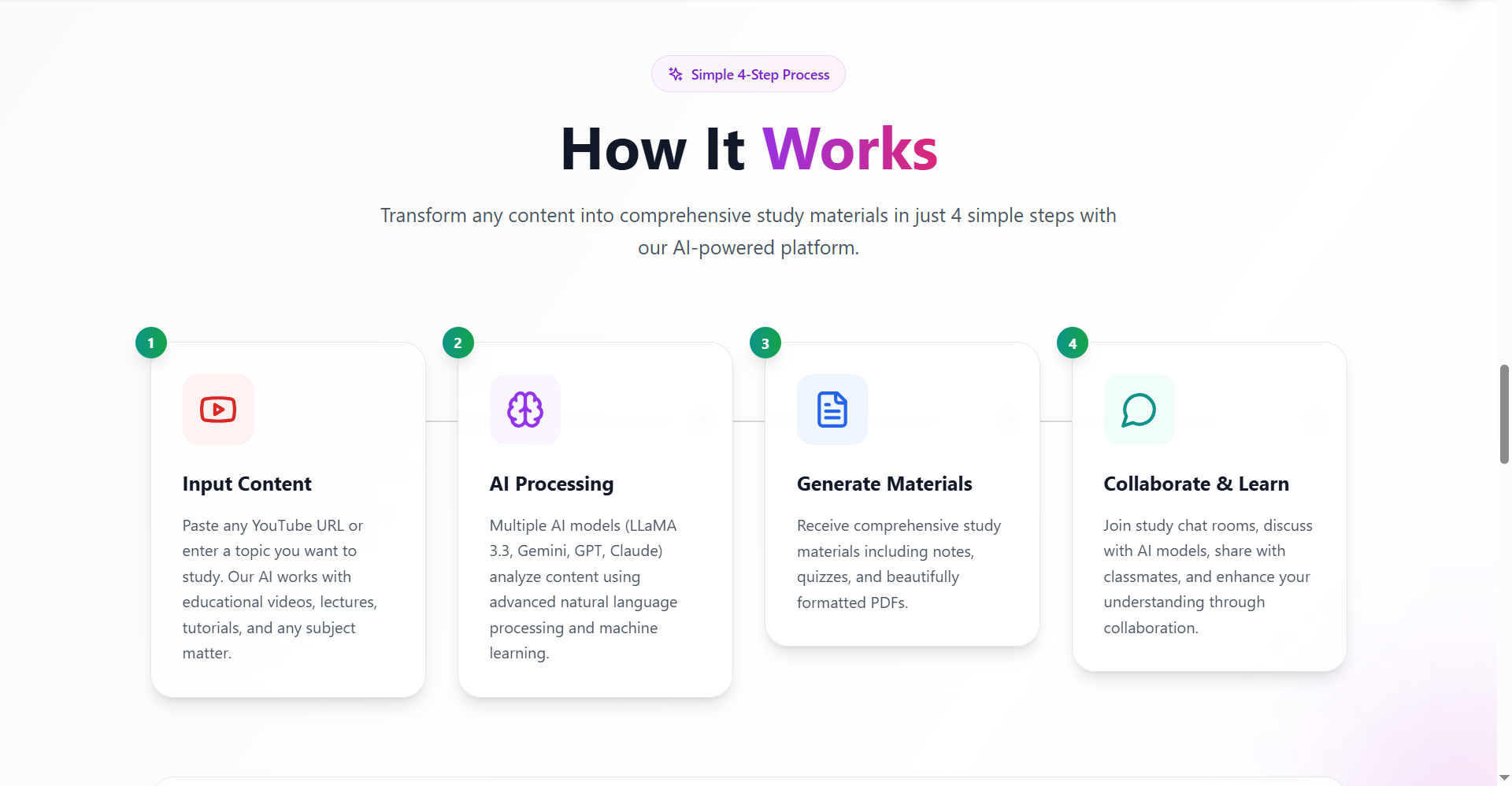
Home Page
-
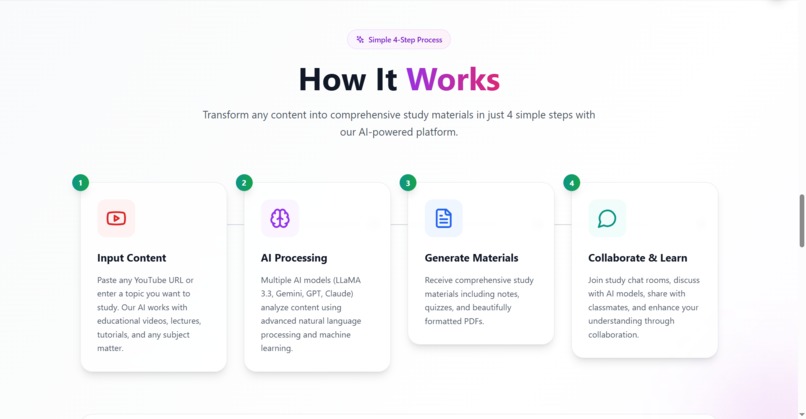
How it works
-
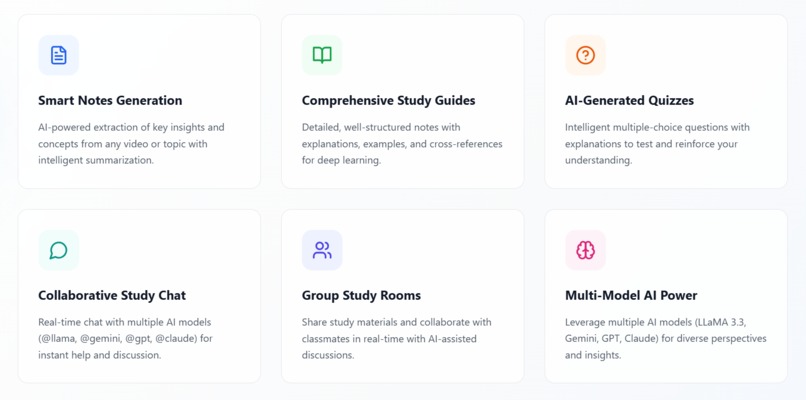
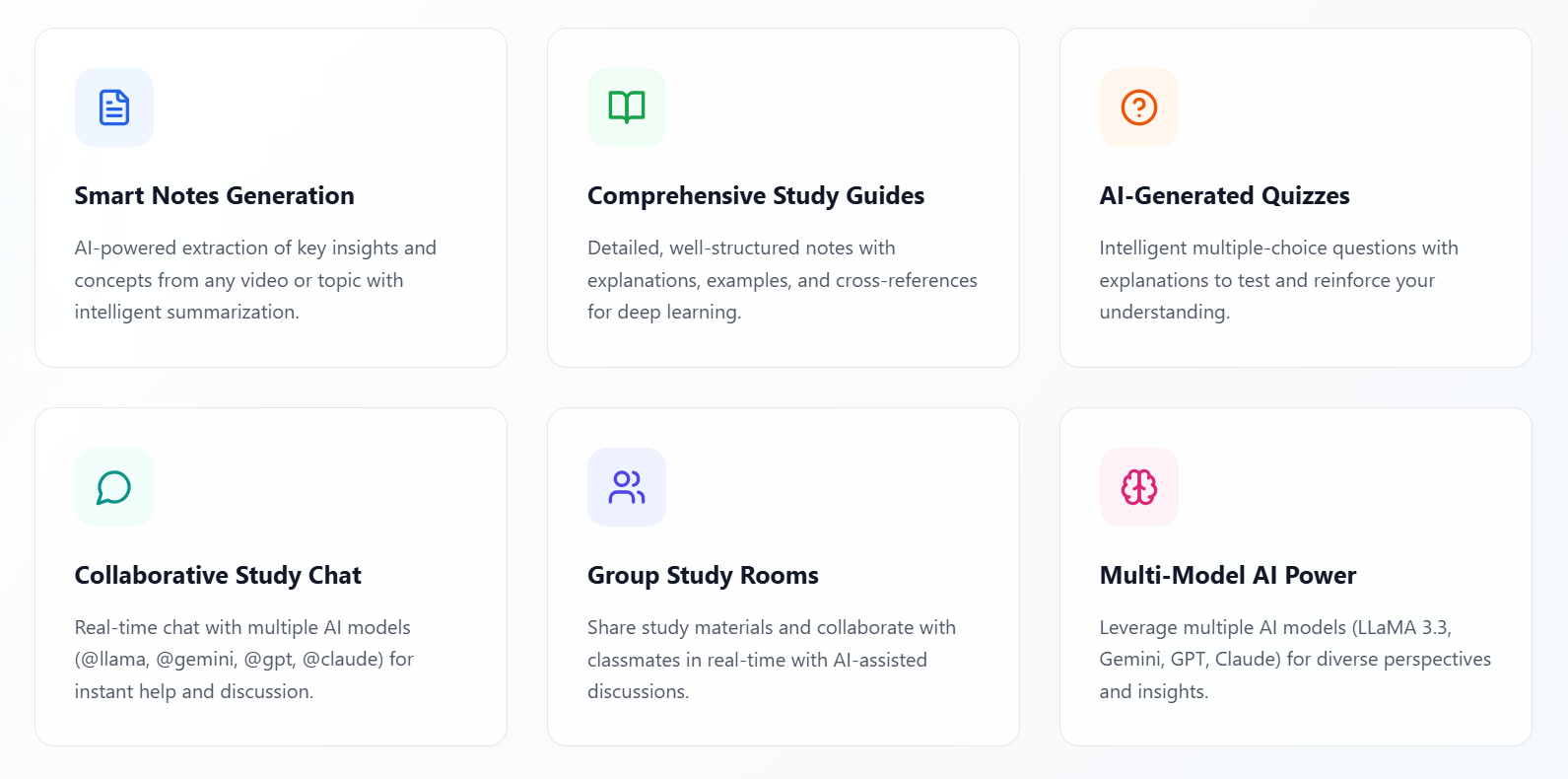
Features
-
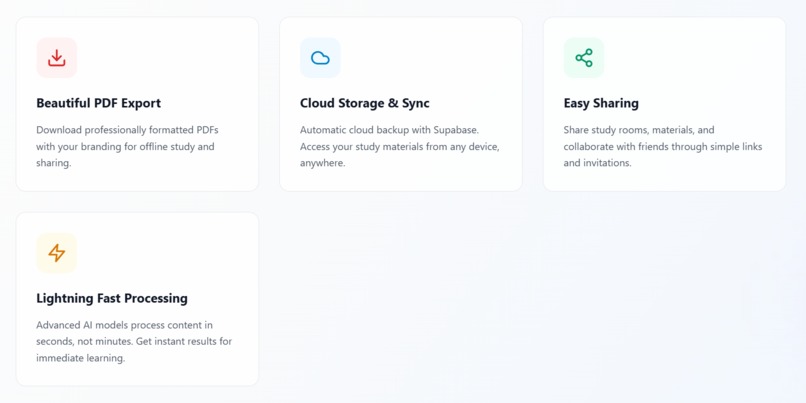
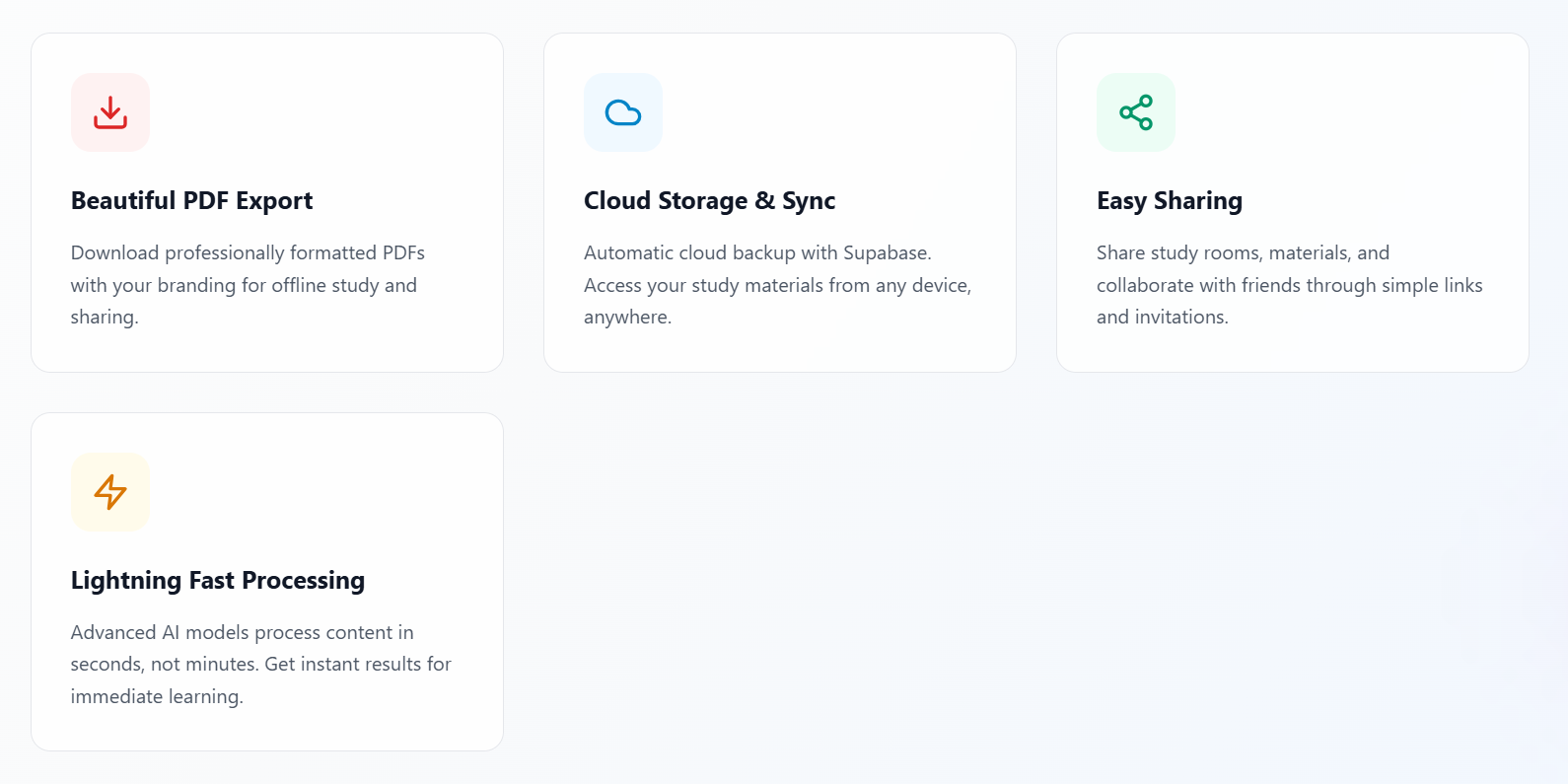
Features
-
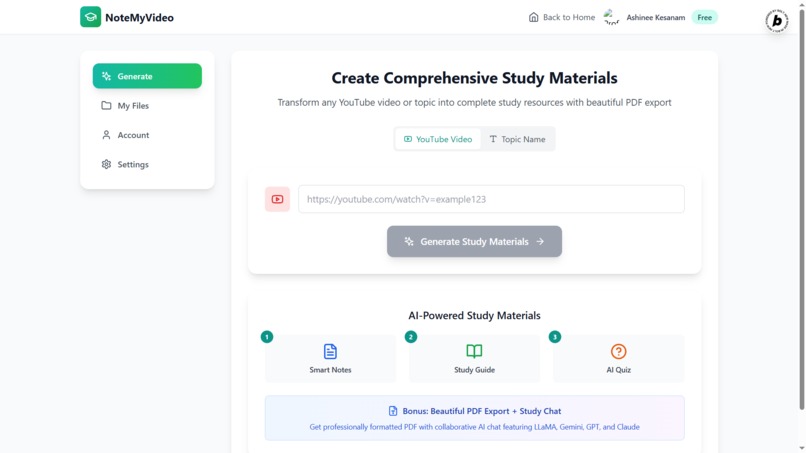
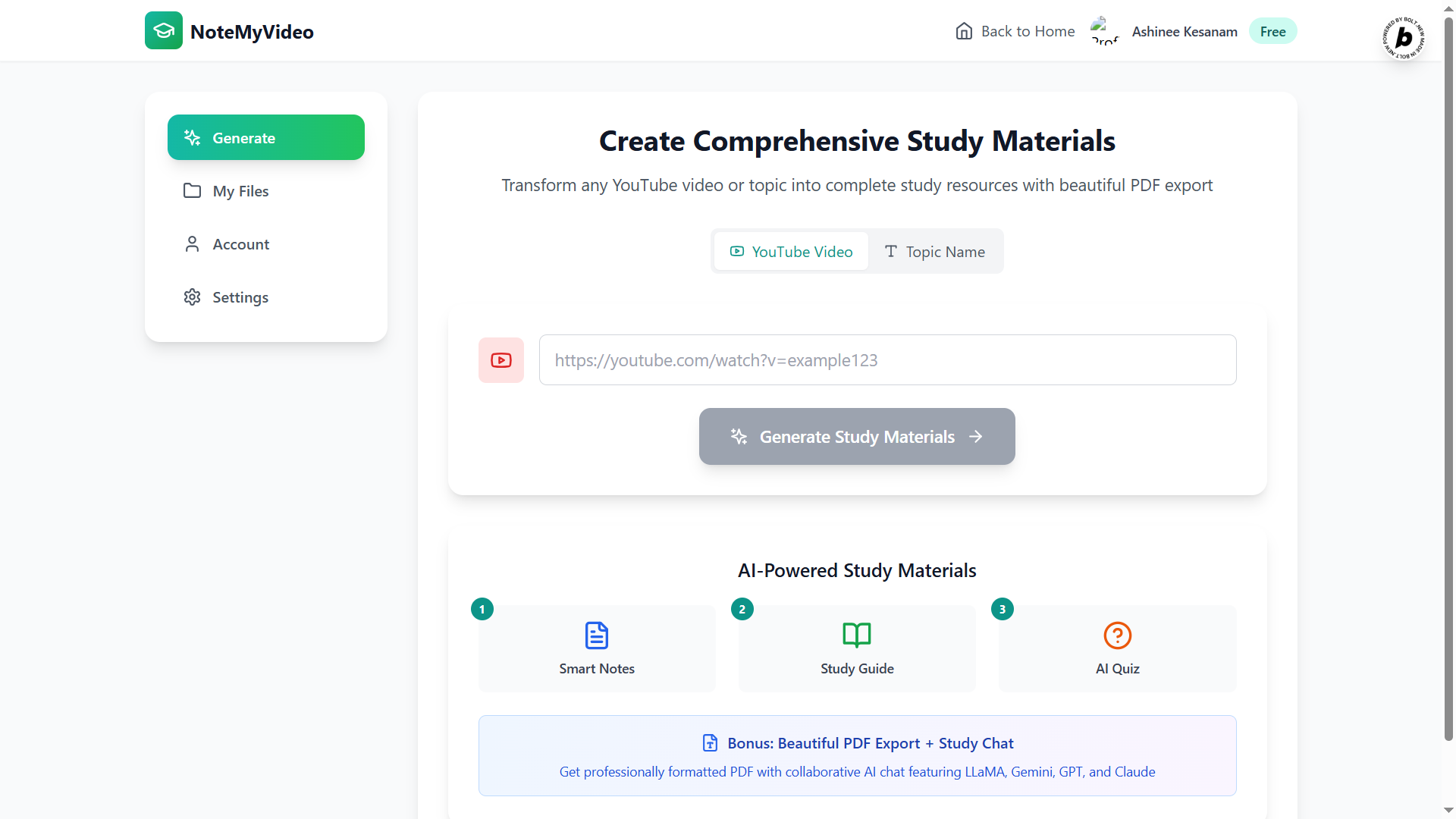
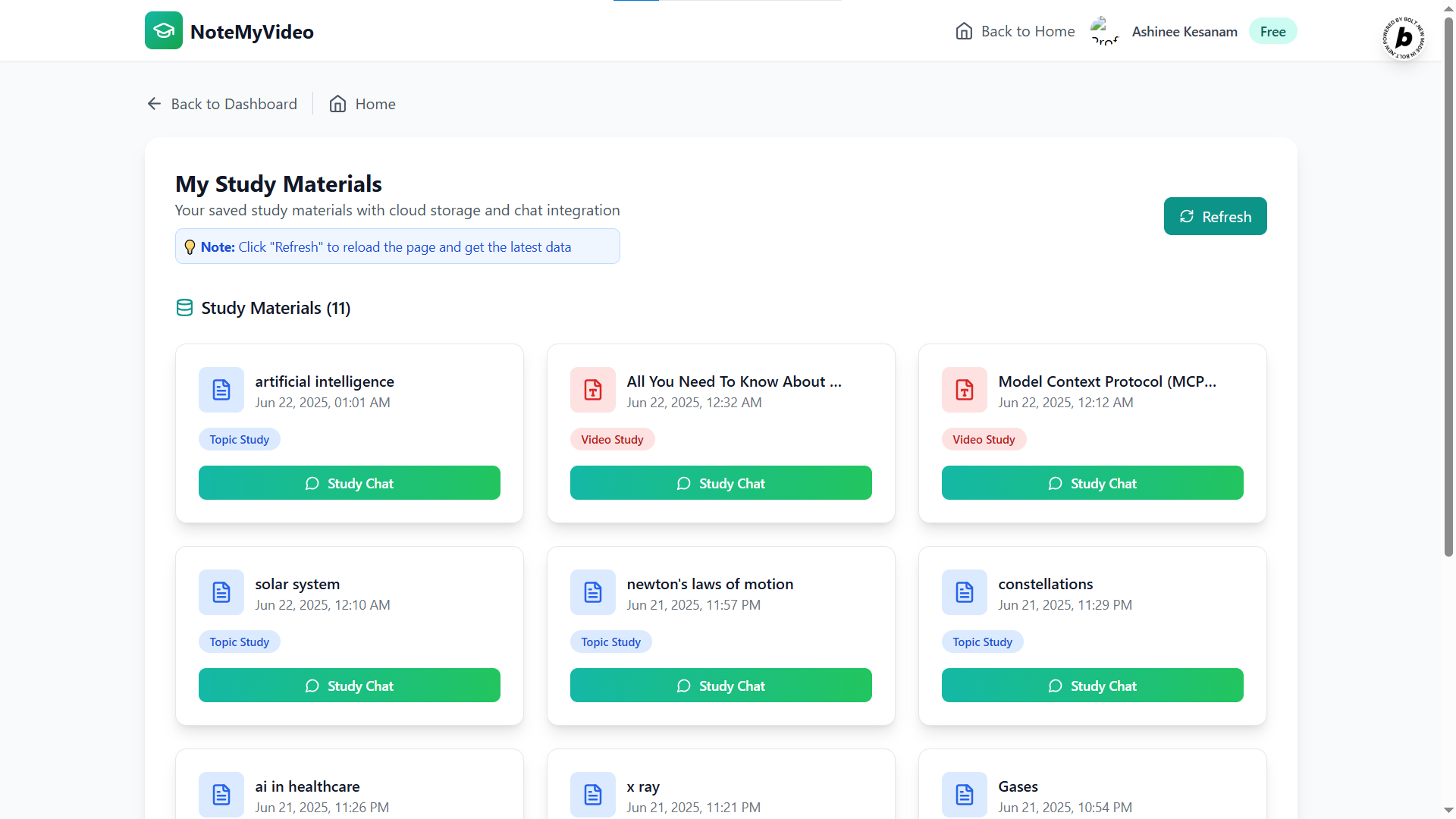
Main Dashboard
-
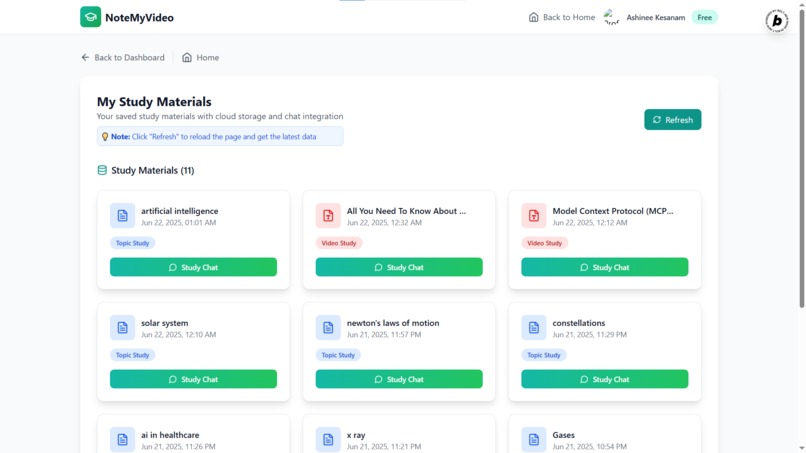
My Files folder
-
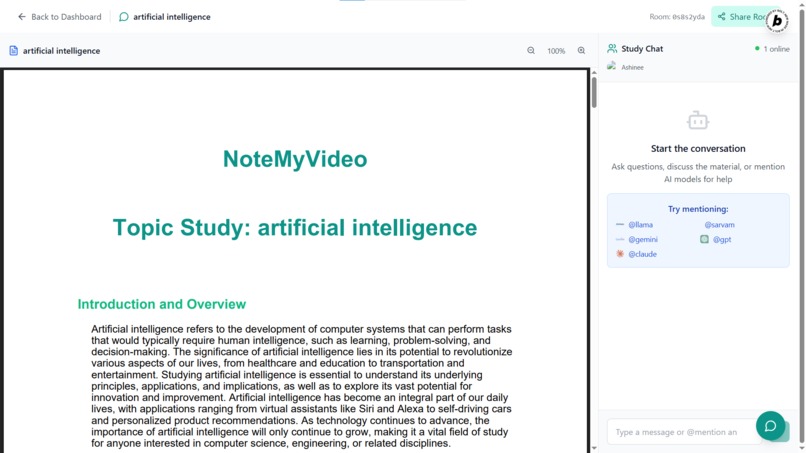
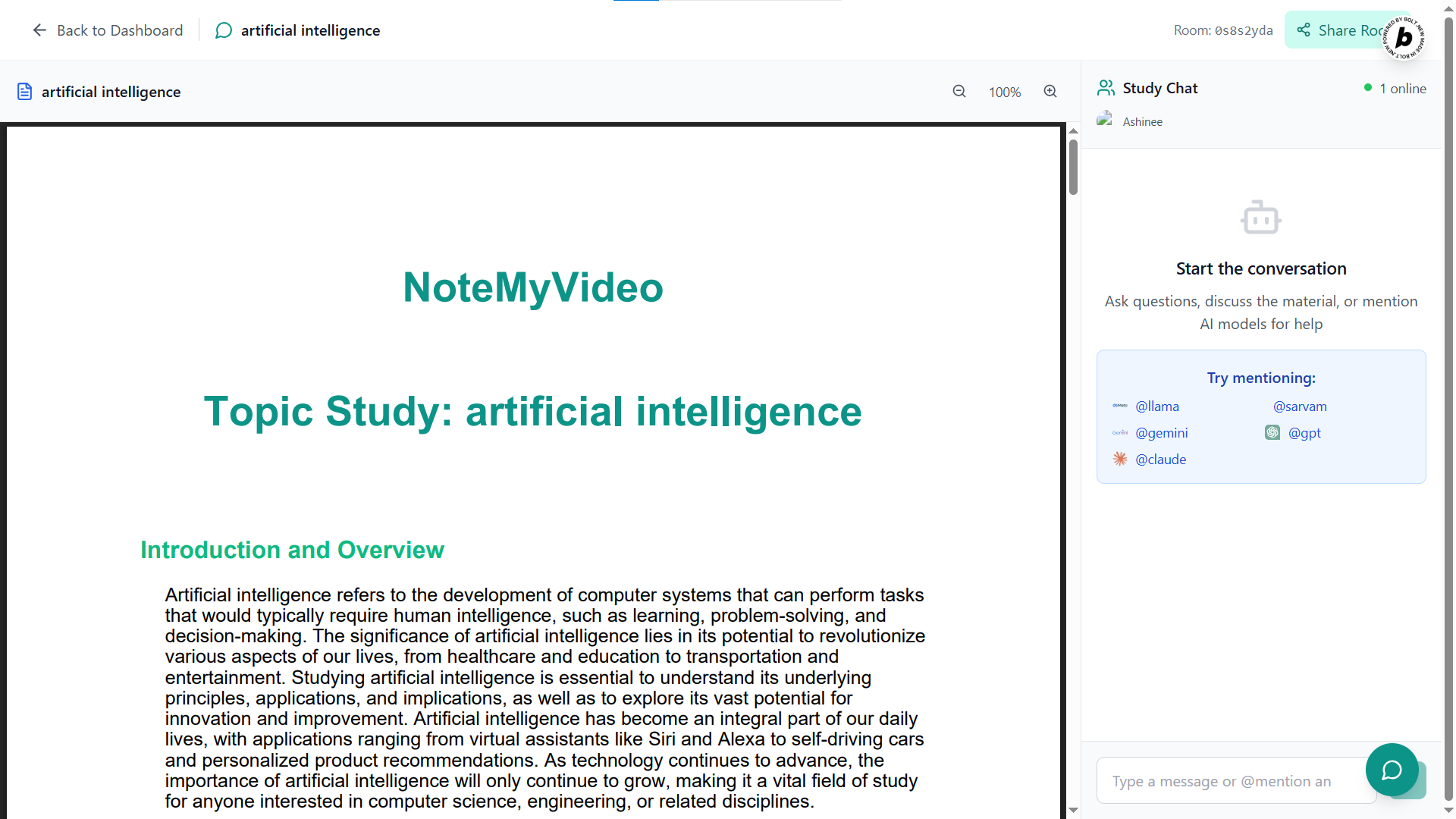
Chat Room with PDF viewer
Inspiration
While watching a long YouTube tutorial on Model Context Protocol (MCP), I got so focused on understanding the explanation that I forgot to take notes. When the video ended, I realized I’d have to watch the entire hour-long video again just to write notes — which felt frustrating and unproductive.
That’s when the idea for NoteMyVideo came to life: “What if we could automatically generate smart, structured notes from any YouTube video — instantly?”
With this in mind, I wanted to create a tool that helps students focus on learning, while AI handles the note-taking.
What it does
NoteMyVideo is a web app that turns YouTube videos or topic keywords into study materials — in just a few seconds.
Key Features:
- YouTube to Notes: Generate both short and long notes from any YouTube video.
- Topic-Based Notes: Enter a topic instead of a video and still get AI-generated notes.
- Quiz Generation: Get quiz questions to test your understanding of the content.
- My Files Section: Access all your previously generated PDFs in one place.
- Study Together: Create shared chat rooms where students can study a PDF collaboratively.
- Ask Any AI: Tag and chat with different AI models like @llama, @gpt, @gemini, @claude, or @sarvam, and ask questions about the notes directly inside the chat.
NoteMyVideo makes self-learning faster, smarter, and collaborative.
How we built it
We used a combination of frontend, backend, AI, and real-time technologies to bring NoteMyVideo to life:
- Bolt AI for building the frontend UI and backend logic efficiently.
- Groq Cloud API using LLaMA 3.3 70B and other models for LLM responses.
- Supabase for user authentication (Google sign-in) and storing user-generated files securely.
- PDF.js for rendering the notes and quizzes in viewable format.
- WebRTC DataChannels and Socket.io for real-time collaborative chat rooms.
- Custom prompt routing system to switch between AI models based on tags (@model).
Challenges we ran into
- Real-time communication was new to us — setting up WebRTC with signaling and proxy routing took time and multiple iterations.
- Implementing LLM model tagging (like @gpt) and routing to different APIs required custom backend logic.
- Syncing the PDF view across multiple users in real-time without glitches was challenging.
- Balancing performance while generating large notes and storing files dynamically required optimization.
Accomplishments that we're proud of
- Successfully built a full-stack AI-powered web app from idea to execution.
- Enabled real-time collaboration between students with shared study sessions.
- Integrated multiple LLMs and allowed dynamic interaction using simple tagging.
- Created a clean, user-friendly interface that feels smooth and modern.
- Learned and applied WebRTC, Groq APIs, Supabase, and multi-model LLM logic — all in one project.
What we learned
- How to use Supabase for user authentication and file storage.
- How to integrate and stream responses from multiple LLMs using Groq API.
- How WebRTC and Socket.io work to create live, peer-to-peer interactions.
- Prompt engineering techniques for note generation, mind maps, mnemonics, and quiz creation.
- How to build a real product that solves a real problem for students.
What's next for NoteMyVideo
- Add video summarization timeline view to let users jump to key moments.
- Fine-tune LLMs for more accurate quiz difficulty levels (easy, medium, hard).
- Launch a premium plan with higher usage limits, priority queue, and PDF export customization.
- Build a mobile app version so students can use NoteMyVideo on the go.
Built With
- llm
- postgresql
- react
- supabase
- webrtc


Log in or sign up for Devpost to join the conversation.