🎯 Inspiration
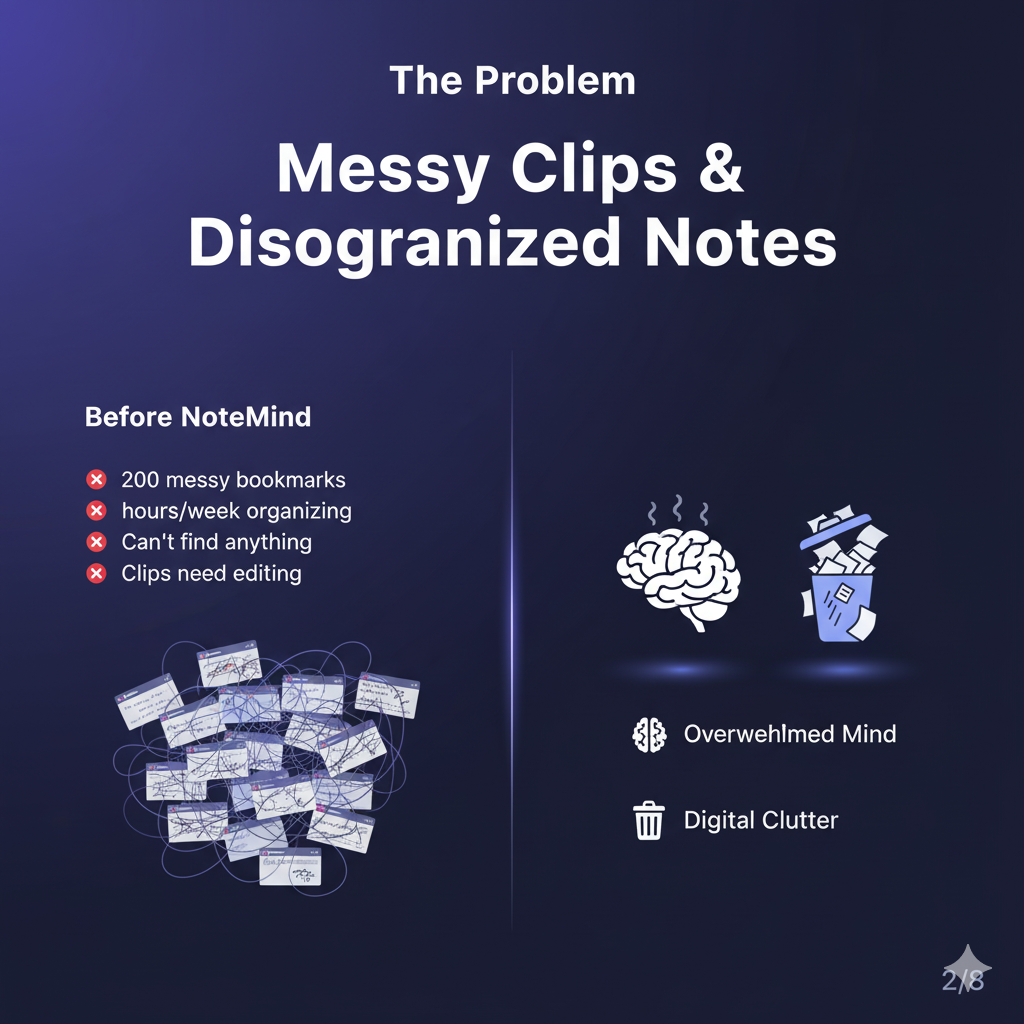
As developers, we're constantly learning—saving React tutorials, API docs, Stack Overflow answers, and design patterns. But our "saved for later" folders become digital graveyards. We built NoteMind to solve this: what if your notes organized themselves?
💡 What It Does
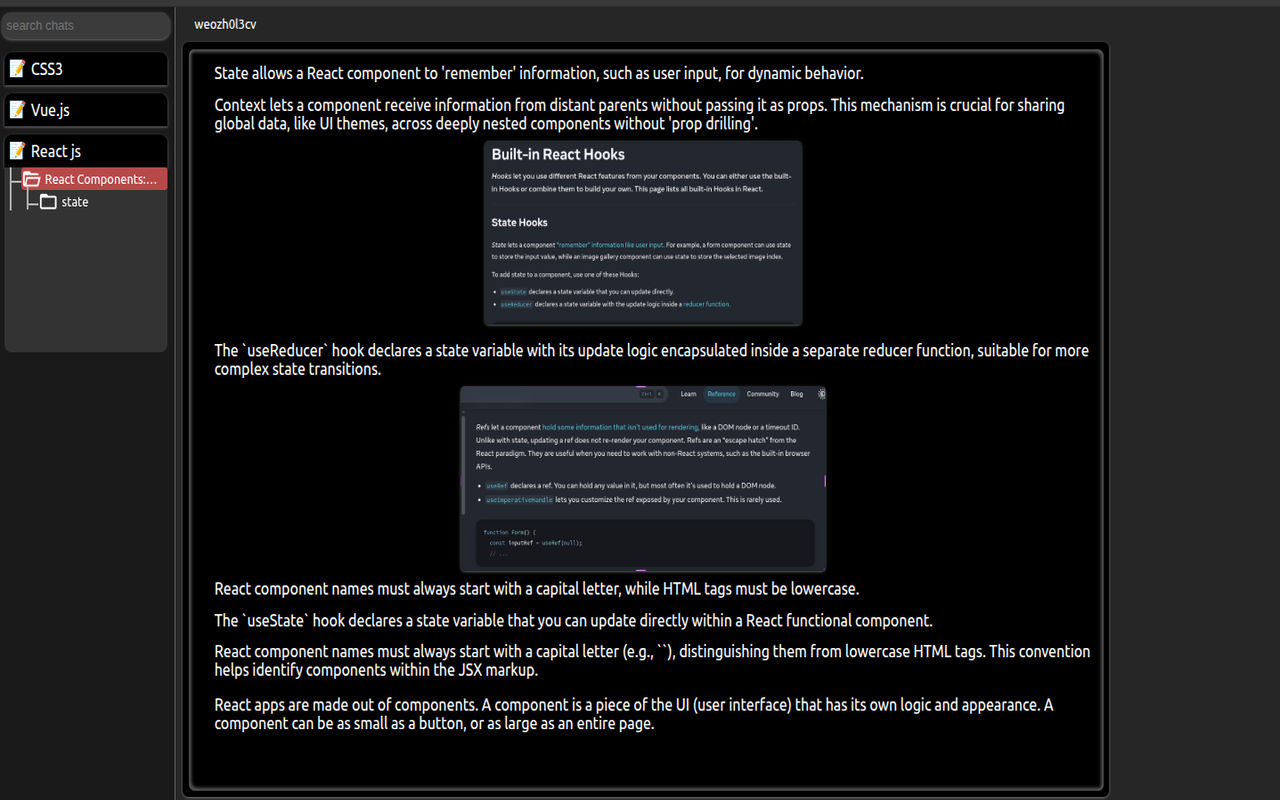
NoteMind is a Chrome extension that uses Chrome's Built-in AI to automatically organize your web clips into intelligent, nested notes.
Key Features
1. Zero-Friction Clipping
- Select text, images, code snippets, or entire pages
- One click to clip—no forms, no categories, no friction
- Batches multiple clips for efficient processing
2. Intelligent Auto-Organization
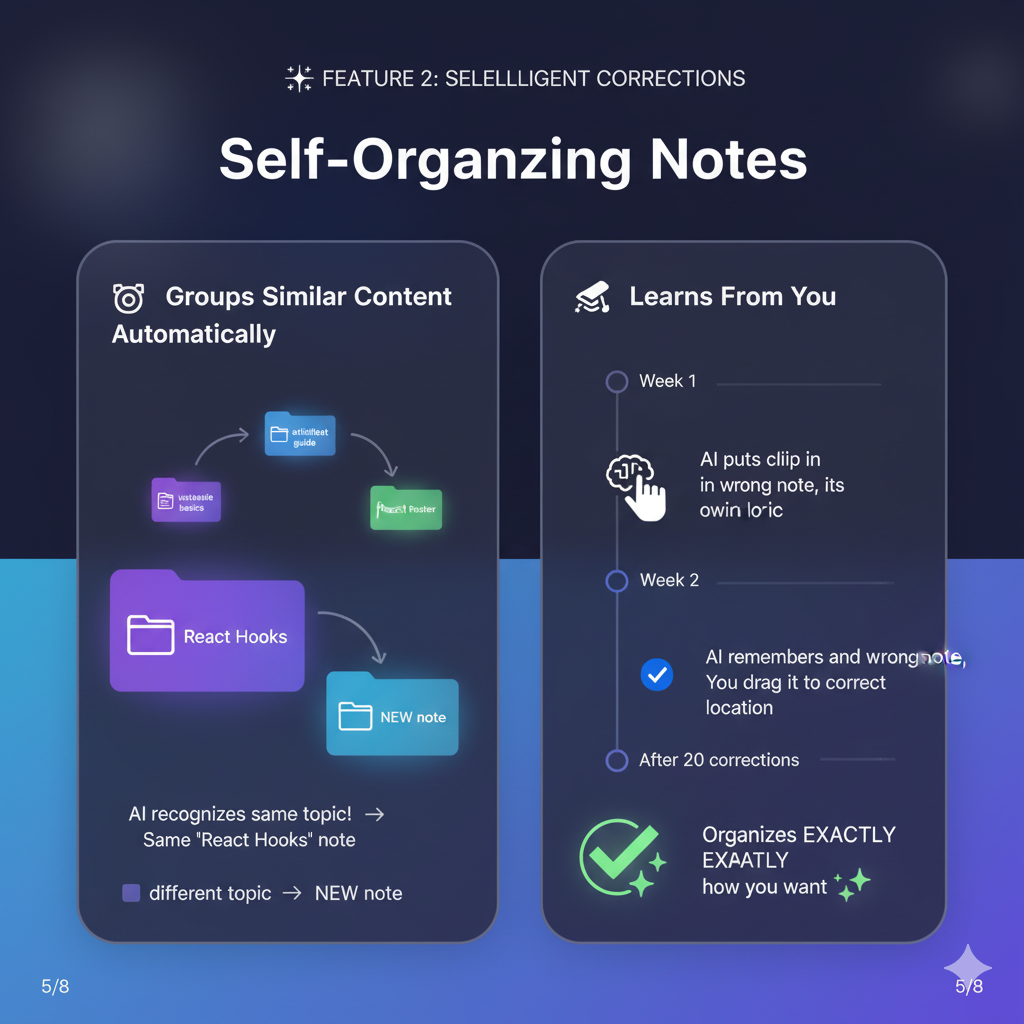
- AI analyzes content and matches it to existing notes
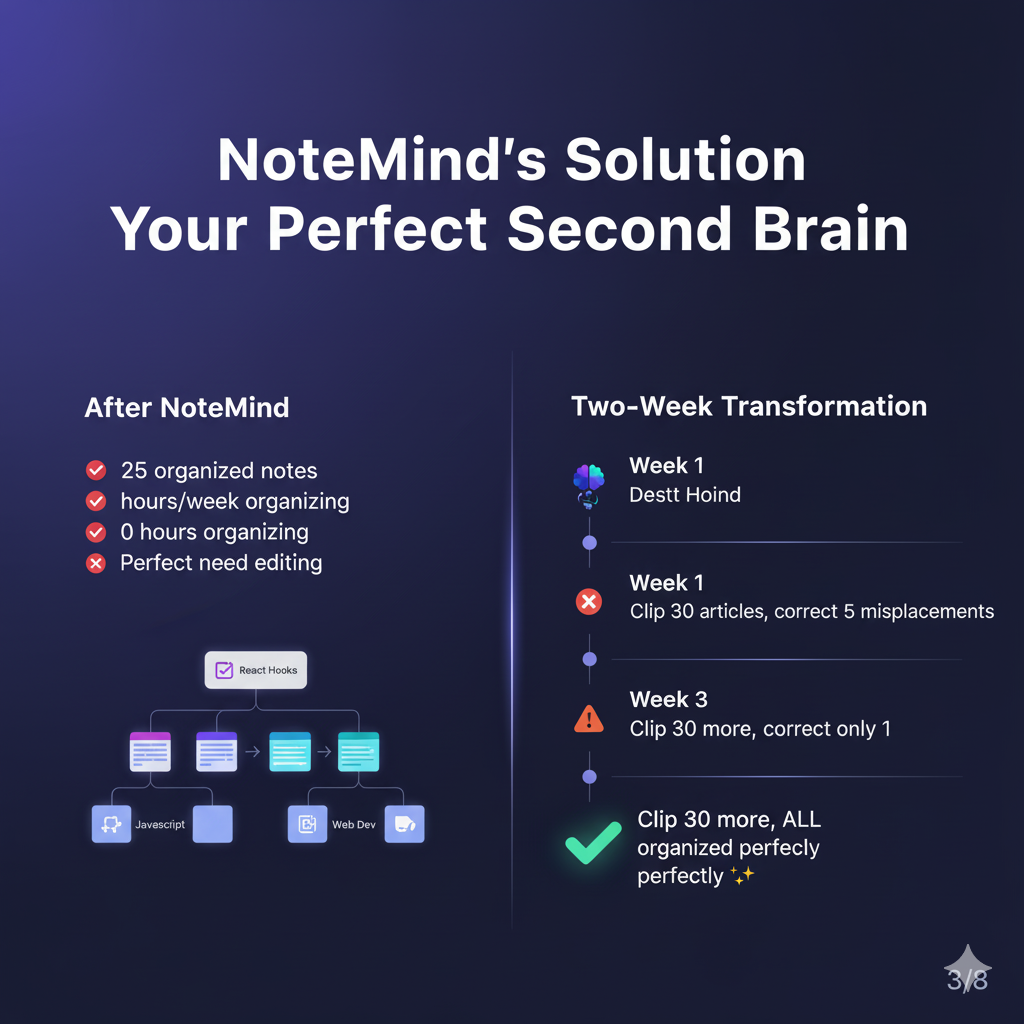
- "React component basics" clips automatically go to your "React Components" note
- Same-page clips stay together (e.g., all from react.dev/hooks)
- Creates new notes only when content is truly distinct
3. Topic-Agnostic Learning
- Works for ANY field: programming, finance, gaming, marketing, design
- AI infers domain from content, not assumptions
- Learns your preferred granularity (narrow vs. broad topics)
4. Nested Knowledge Structure
- Organize notes in hierarchical trees (like Notion)
- Drag-and-drop blocks between notes
- Move notes into folders or projects
- Visual tree navigation with expandable sections
5. Smart Consolidation
- As notes grow, AI consolidates tags to top 5 most frequent
- Updates note titles when content evolves
- Generates summaries automatically
- Runs weekly cleanup to keep metadata fresh
6. Learning from You
- Records every block move you make
- Analyzes patterns: "User groups 'excel' and 'formulas' together"
- Adjusts future decisions based on your corrections
- Improves accuracy over time
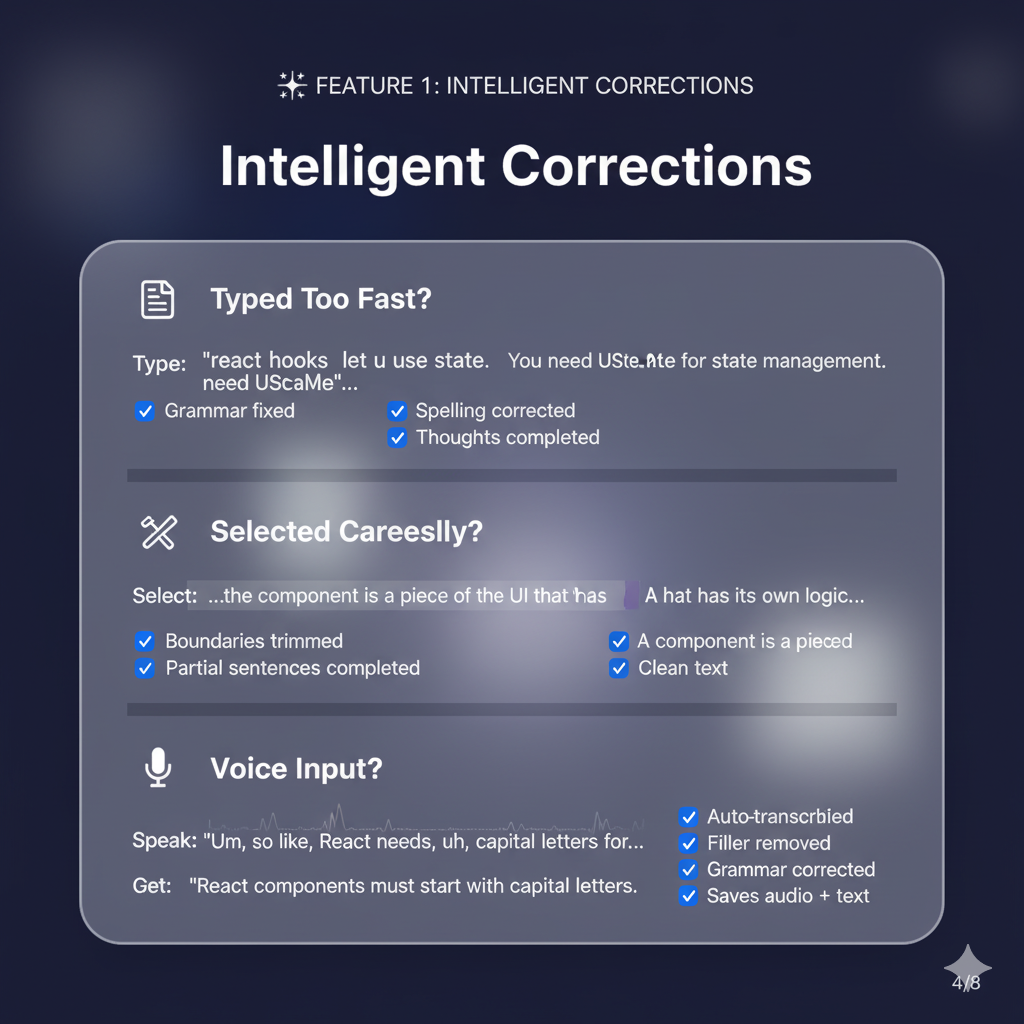
7. Voice Input
- Record voice notes with built-in transcription
- AI refines transcription (removes filler words, fixes grammar)
- Saves both audio and text for searchability
- Extracts action items from spoken notes
8. Hybrid Search
- Combines semantic (AI) + keyword (BM25) search
- Vector embeddings for "meaning-based" matching
- Tag-based filtering
- Finds content even if you forgot exact words
🏗️ How We Built It
Architecture
Content Script → Background Service Worker → Chrome Built-in AI
                      ↓
                 IndexedDB (local storage)
                      ↓
            Learning & Consolidation
Tech Stack
Chrome Built-in AI APIs:
window.ai.languageModel- Content analysis, tag generation, summarizationwindow.ai.speechRecognition- Voice transcription (when available)- Prompt engineering for consistent JSON outputs
Storage:
- IndexedDB - Notes, blocks, tags, user corrections
- Chrome Storage API - Projects, settings, behavior patterns
Key Algorithms:
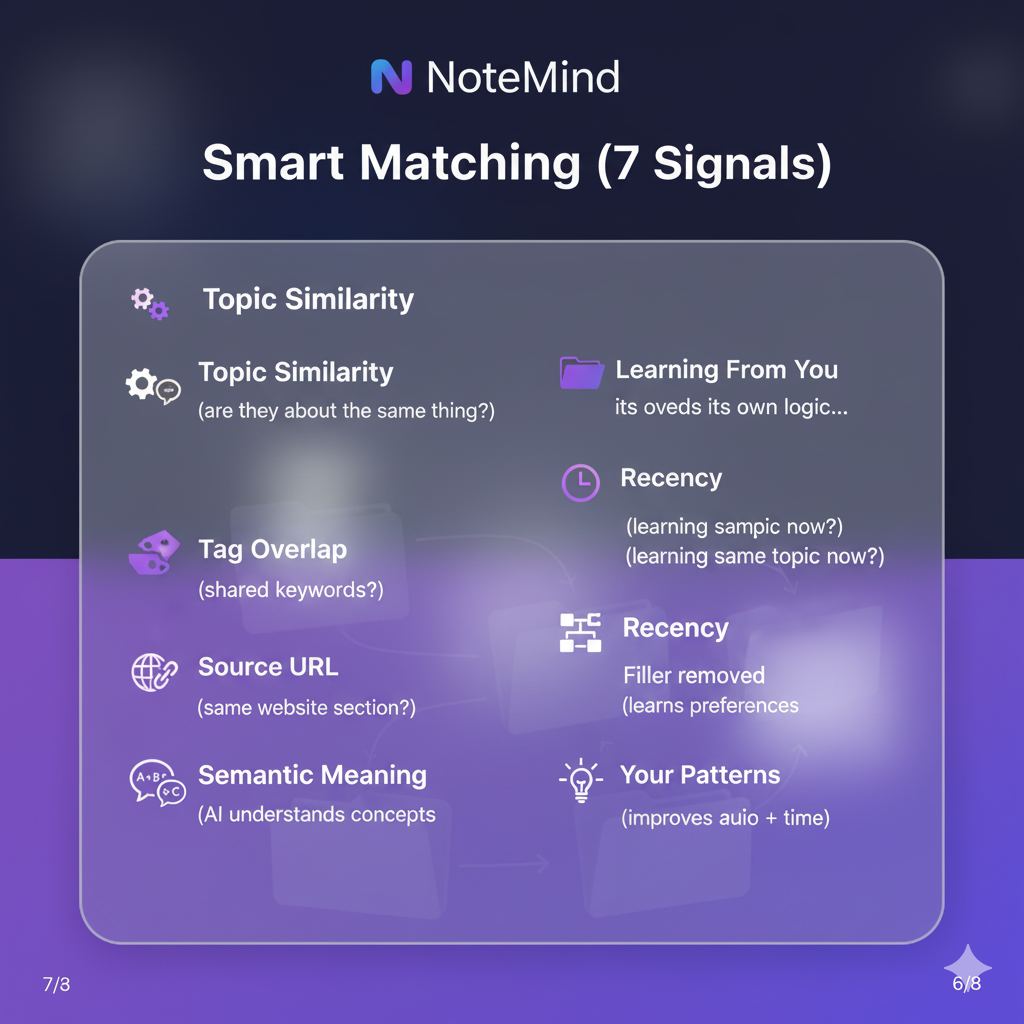
- Multi-Signal Note Matching (7 signals):
- Specific topic similarity (30%)
- Primary tags overlap (25%)
- Source URL matching (15%)
- Vector embeddings (10%)
- All tags overlap (10%)
- Recency boost (5%)
- User behavior patterns (5%)
- Tag Consolidation:
- Frequency analysis (must appear in 30%+ blocks)
- Priority scoring (primary tags weighted 1.5x)
- Max 5 tags per note (3 primary, 2 secondary)
- Adaptive Learning:
- Records all manual corrections
- Analyzes patterns every 10 corrections
- Adjusts topic granularity preferences
- Boosts confidence for user-preferred groupings
Code Quality:
- Full TypeScript types via JSDoc
- Separation of concerns (AI/DB/Matching/Learning in separate classes)
- Modern JavaScript (async/await, destructuring, ternaries)
- Zero UI framework dependencies
🚧 Challenges We Ran Into
1. Chrome Built-in AI Limitations
- No streaming responses (had to wait for full output)
- Token limits required careful prompt optimization
- JSON parsing errors - needed robust fallbacks
- Solution: Concise prompts + fallback rule-based processing
2. Over-Fragmentation
- Early versions created too many narrow notes ("useState", "useEffect" as separate)
- Solution: URL breadth detection + AI instructions for topic grouping
3. Tag Explosion
- Notes accumulated 20+ tags making matching worse
- Solution: Frequency-based consolidation (top 5 tags only)
4. Learning Without Training Data
- Cold start problem - no initial user patterns
- Solution: Progressive learning (collects 10+ corrections before adjusting)
5. Real-Time Consolidation
- Full consolidation on every clip was slow
- Solution: Trigger-based (every 10 blocks, weekly, or high diversity)
🎓 What We Learned
1. AI Prompting is Critical
- Explicit JSON schemas in prompts = 10x better parsing
- "Return ONLY JSON" still returns markdown sometimes
- User context in prompts dramatically improves matching
2. Local-First AI is Powerful
- No API costs, no privacy concerns
- Instant processing (no network latency)
- Works offline
3. Progressive Enhancement
- Start simple (text clips only)
- Add features incrementally (voice, consolidation, learning)
- Each feature adds value independently
4. User Behavior > Explicit Rules
- Watching what users DO > asking what they want
- Drag-and-drop corrections are gold for ML
- Patterns emerge after 20-30 interactions
🚀 What's Next for NoteMind
Near-Term (1-2 months):
- [ ] PDF text extraction and parsing
- [ ] Code syntax highlighting in blocks
- [ ] Markdown export with preserved hierarchy
- [ ] Collaborative projects (share notes with team)
Medium-Term (3-6 months):
- [ ] Browser-native vector embeddings (when API available)
- [ ] Automatic link previews and metadata
- [ ] Smart reminders based on content relevance
- [ ] Integration with Notion, Obsidian, Roam
Long-Term (6+ months):
- [ ] Cross-device sync via Chrome Sync
- [ ] Knowledge graph visualization
- [ ] AI-powered study mode (flashcards from notes)
- [ ] Multi-language support
🏆 Built For Chrome Built-in AI Challenge 2025
🔗 Links
- GitHub: repo-link
- Demo Video: [youtube-link]
- Try It: chrome-web-store-link
NoteMind: Because your knowledge deserves better than folders.
Built With
- css3
- gemini-nano
- javascript
- web-components

Log in or sign up for Devpost to join the conversation.