NoteFinder is an LLM that utilizes OpenAI API to analyze uploaded pdfs (notes, research papers, textbooks, etc.), compile a summary, create quiz questions, & includes an interactive chatbot
Our inspiration was a problem that one of our team members used to run into while completing their environmental science degree. While reading research papers, they would find that the papers would take hours to read, had extremely complicated & technical language, and no assurance the paper was even useful until after fully reading through it.
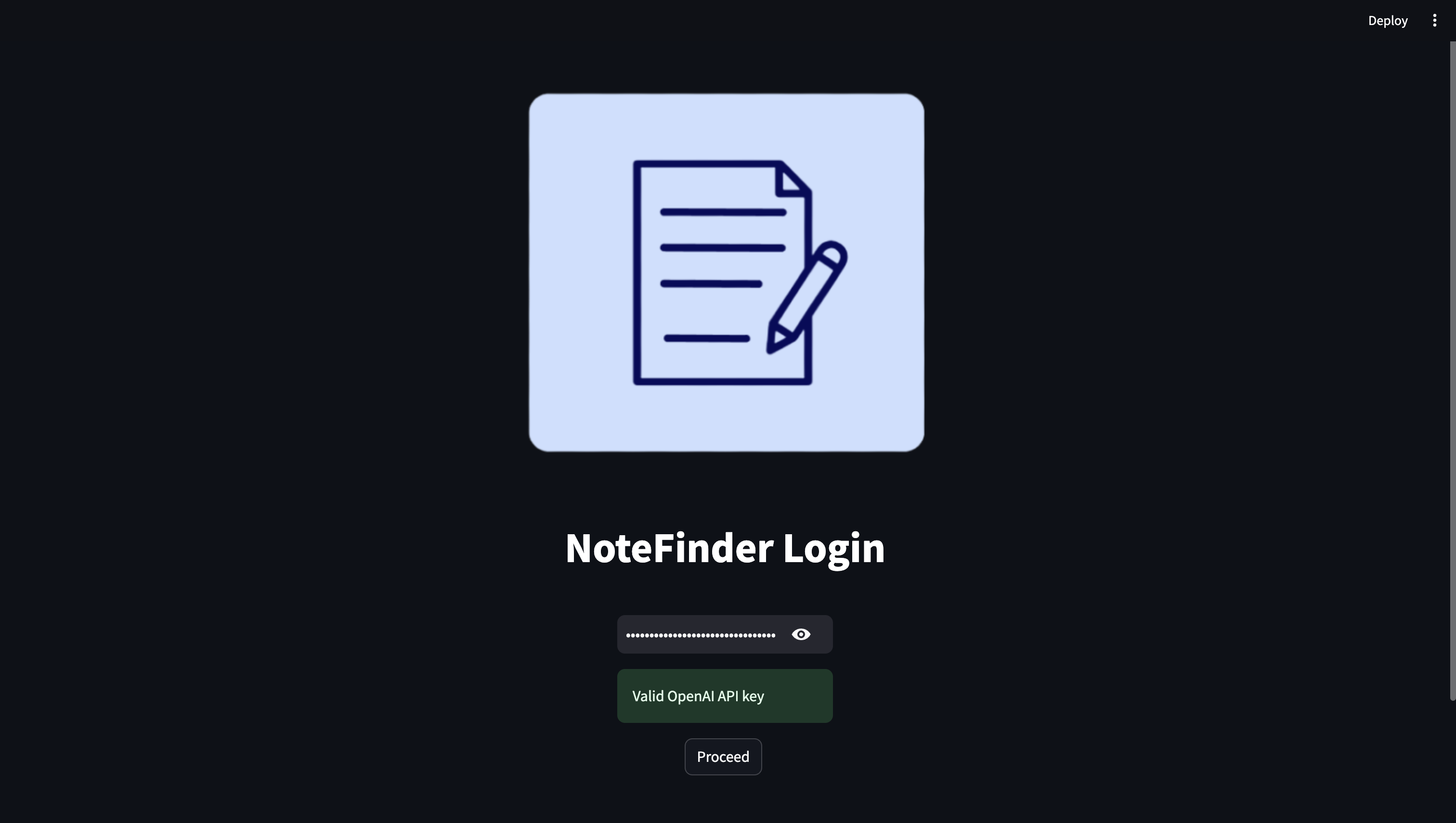
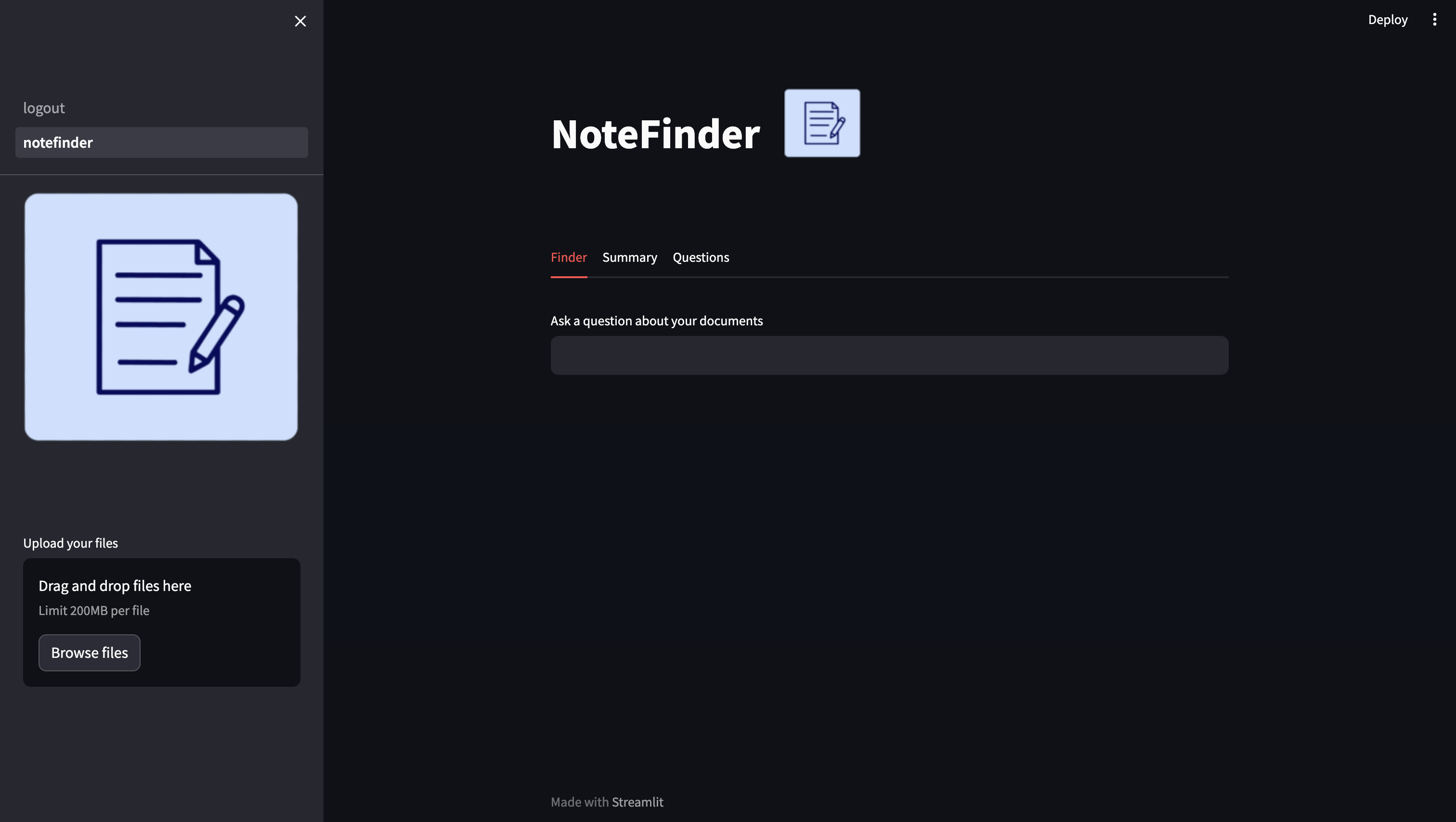
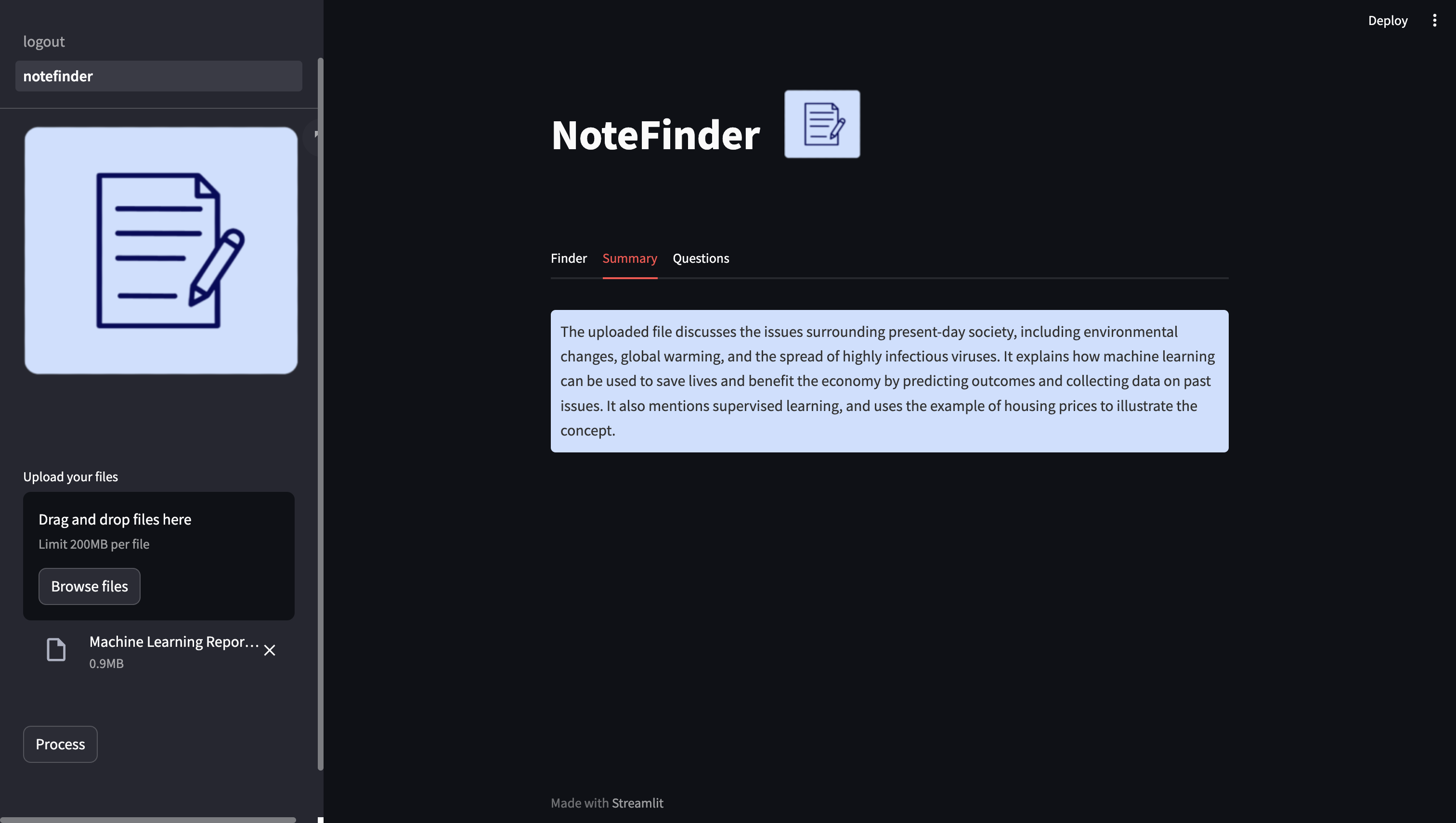
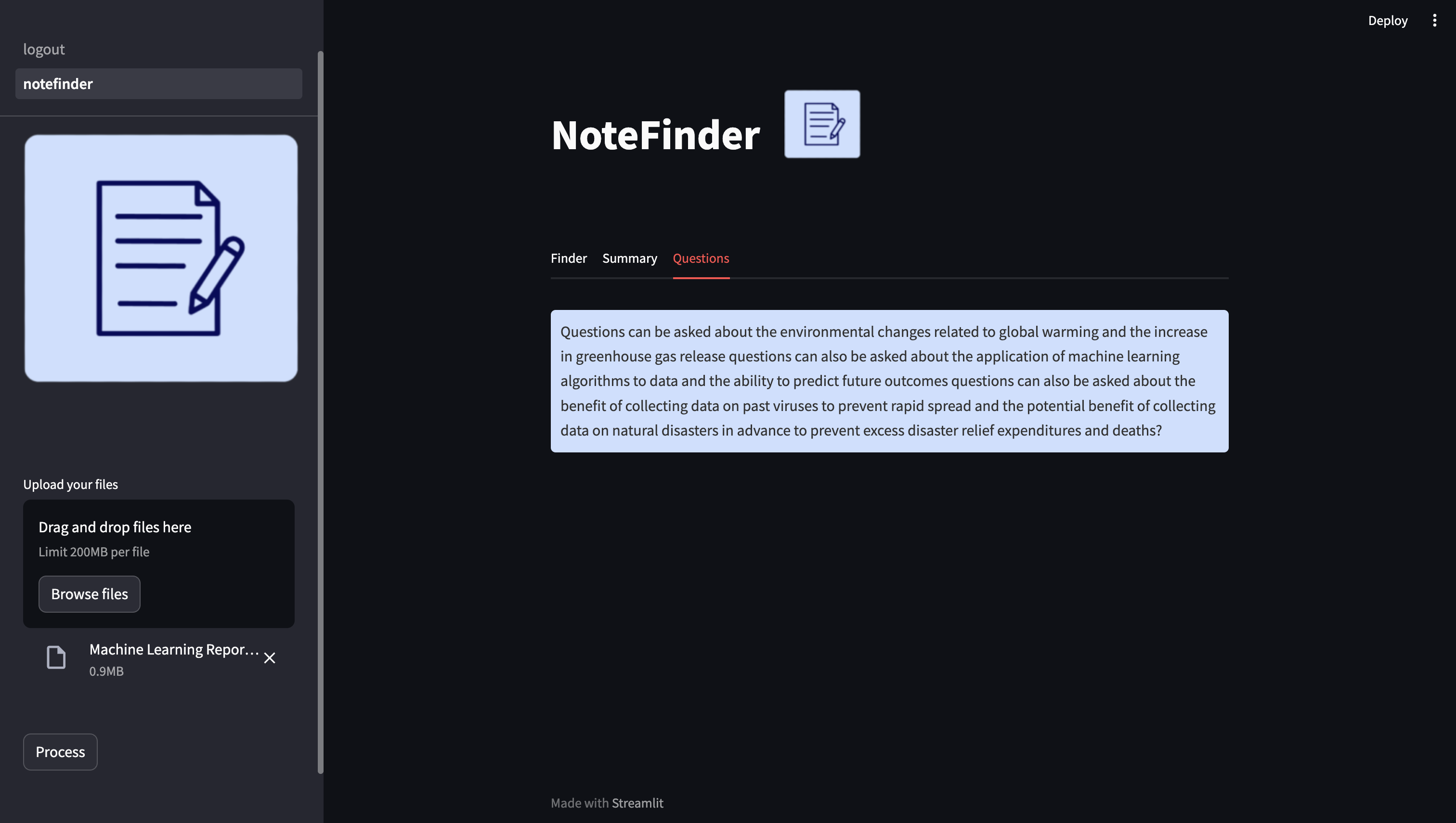
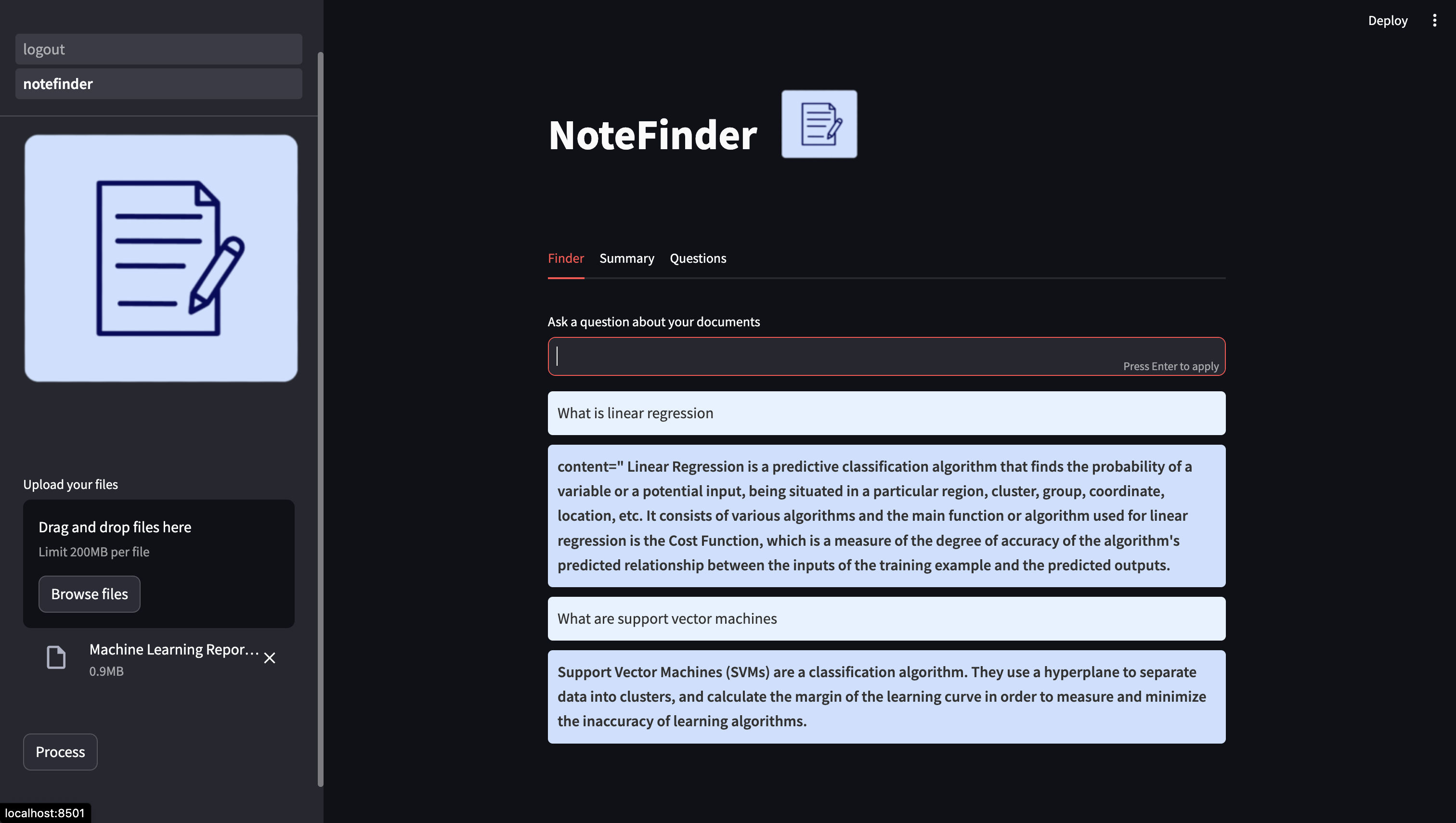
We sought to overcome this through NoteFinder, a LLM whose mission is to simplify the learning process. NoteFinder is all about increasing the efficiency of students studying. How it works is that a user can upload a pdf file(whether it be notes, a textbook, a research paper, etc), which is then analyzed by OpenAI, returning a summary and relevant questions for user learning. The user can then ask NoteFinder questions about topics, and then NoteFinder will return answers solely based on what is in the uploaded pdfs.
We used python and streamlit. We disected the uploaded pdf into text chunks, uploaded the text chunks into their own embeddings using OpenAIEmbeddings and stored each embedding in a Vector Store to create a chat history. We then used the open_ai_model to highlight certain keywords from the text.
Some challenges we ran into pertained to formatting. Since the generated response would have many special characters, it would take careful slicing of the string to format it properly so that the output looked clean and acceptable.
Something we are proud of is that this is our first hackathon and our first time using AI to build an app, and we came very close to our initial goal.
Our future goals for NoteFinder revolve around increasing what learning conveniences we can offer. This includes adding flashcards based on the questions made, creating a notes option where NoteFinder can write notes based on its topic. We also want to add an option where NoteFinder can also return a pdf which highlights the key parts of the uploaded pdf.


Log in or sign up for Devpost to join the conversation.