-
-
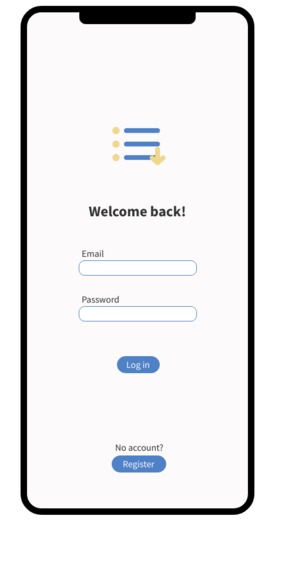
Login page
-
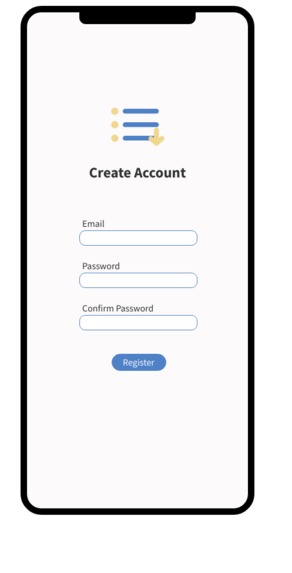
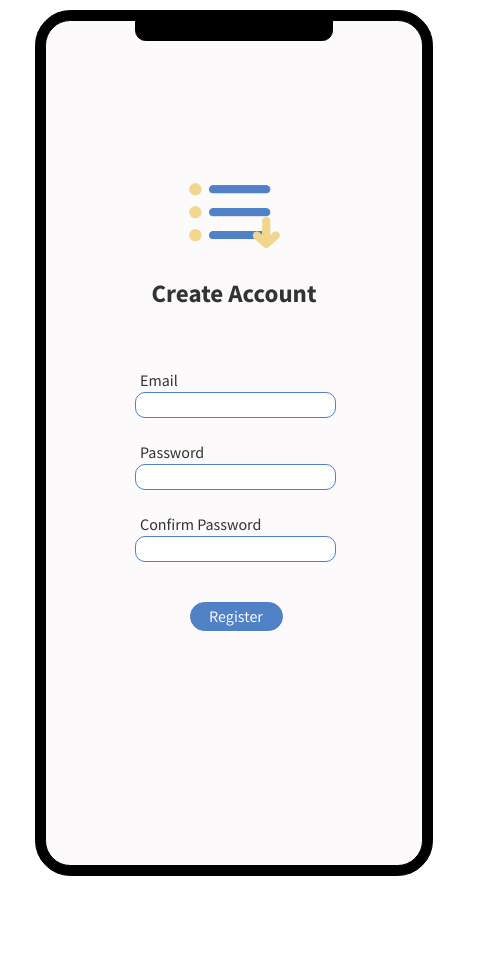
Sign up page
-
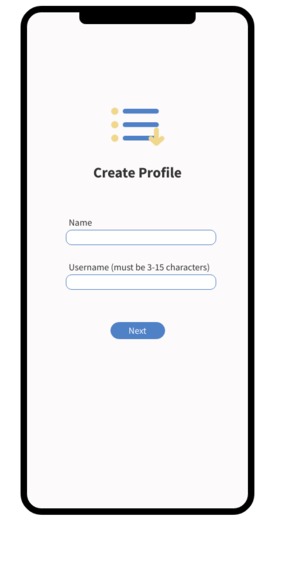
Create profile (pt. 1)
-
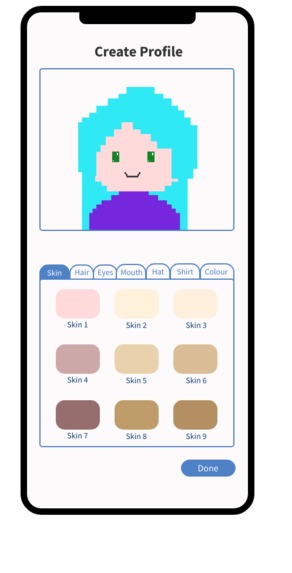
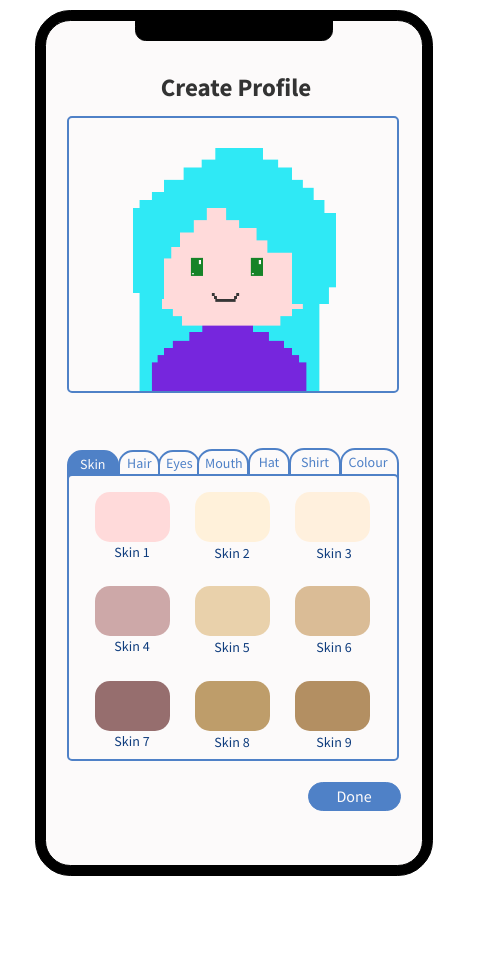
Create profile (pt. 2 - creating avatar)
-
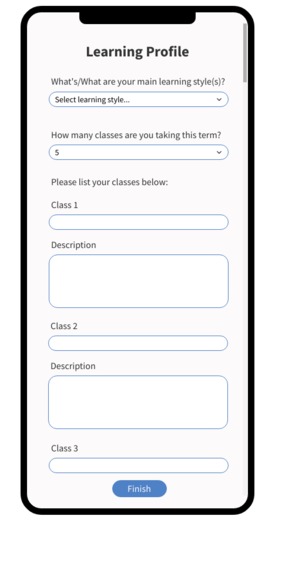
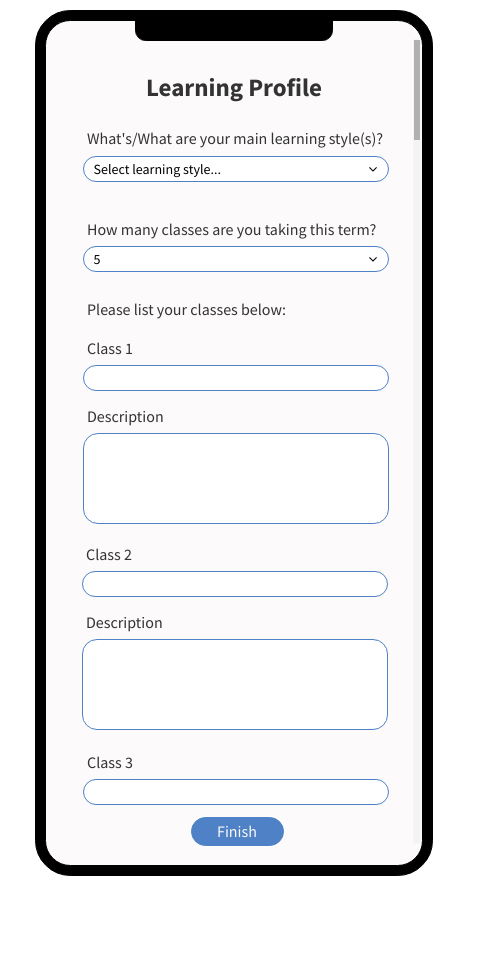
Create profile (pt. 3 - setting learning profile)
-
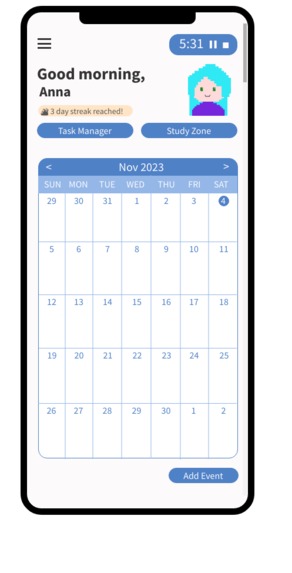
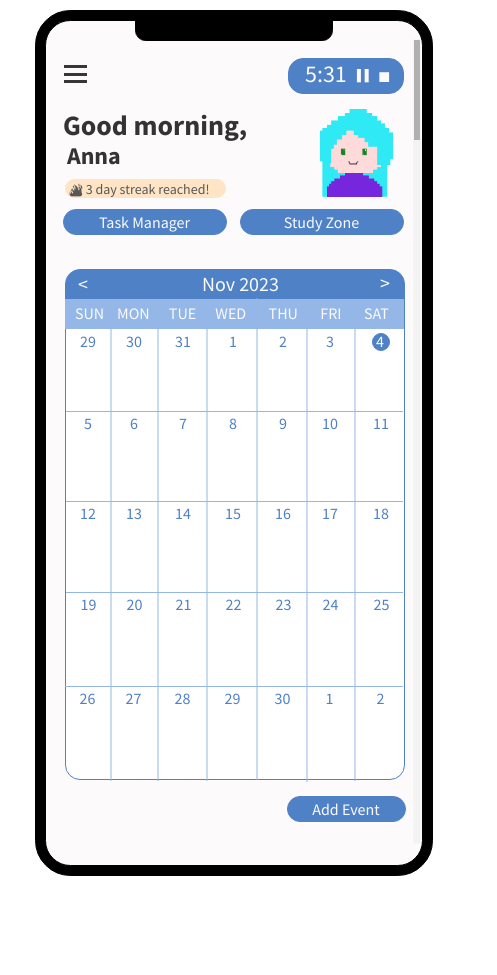
Main dashboard - featuring calendar view of upcoming events/deadlines
-
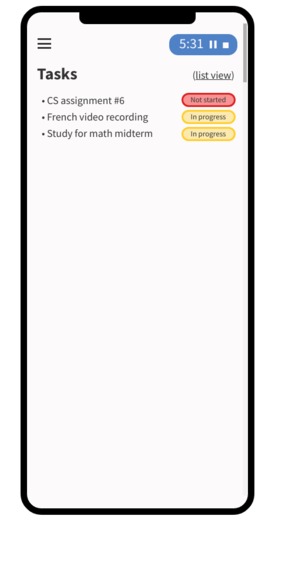
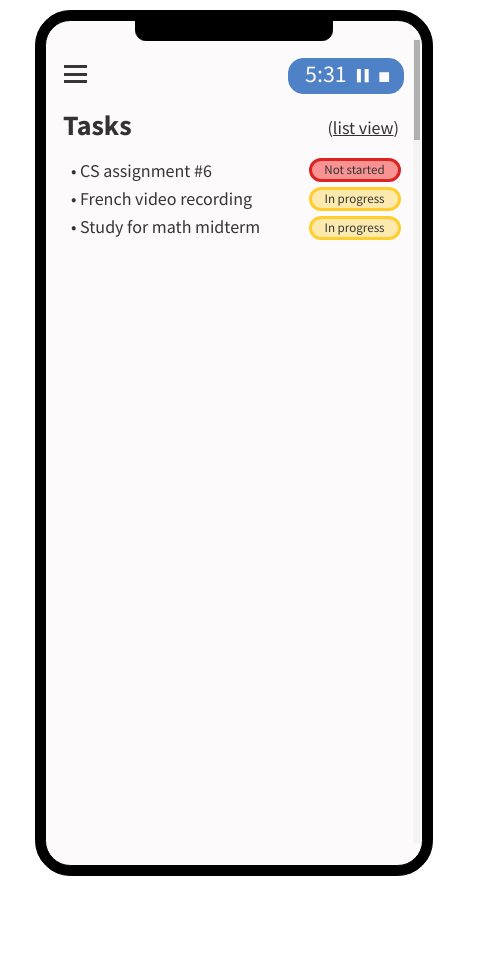
Task manager - list view
-
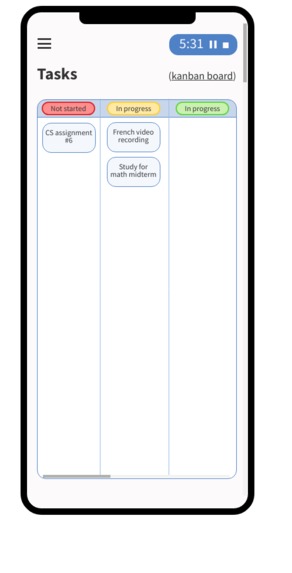
Task manager - kanban board view
-
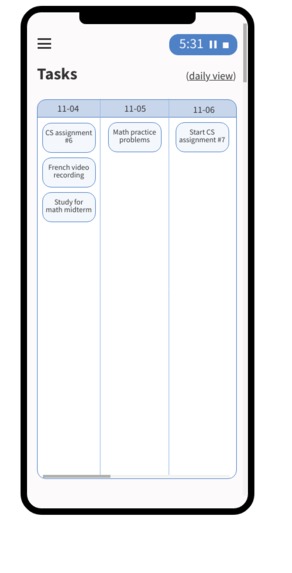
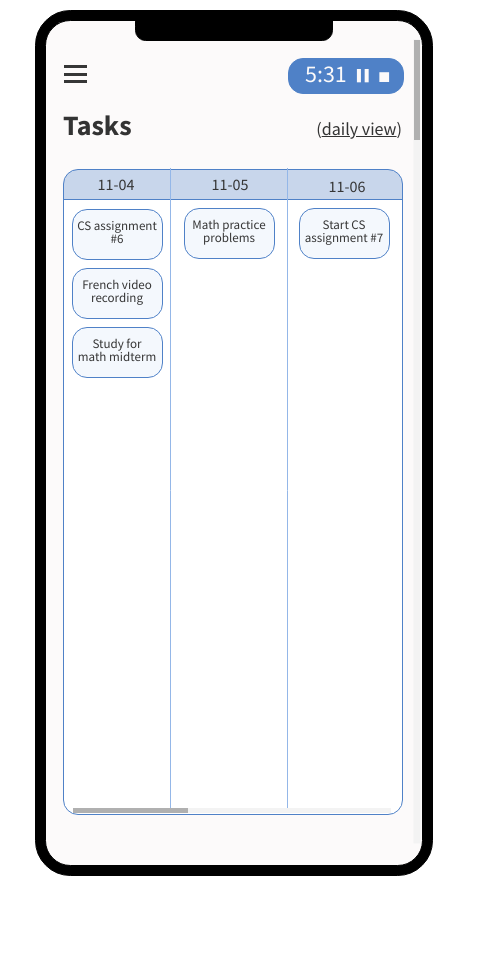
Task manager - daily view
-
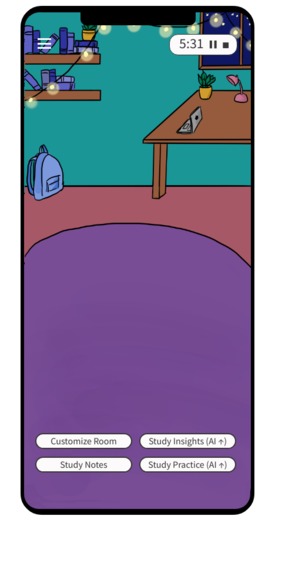
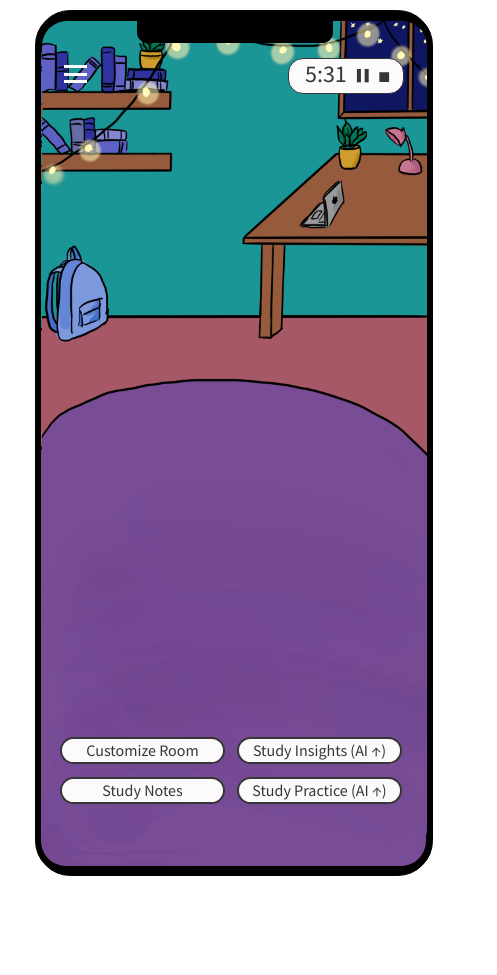
Study zone - main/homepage
-
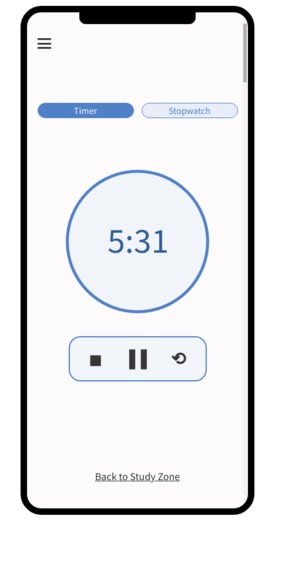
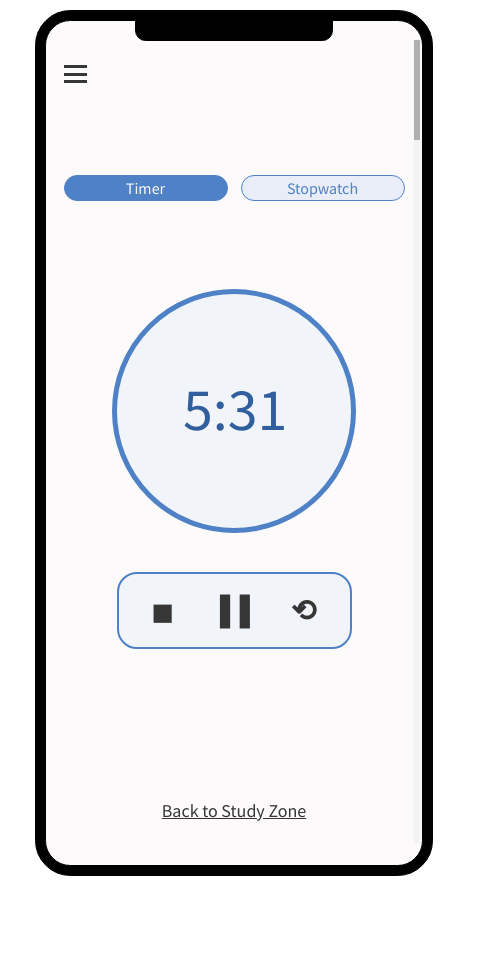
Study timer - timer
-
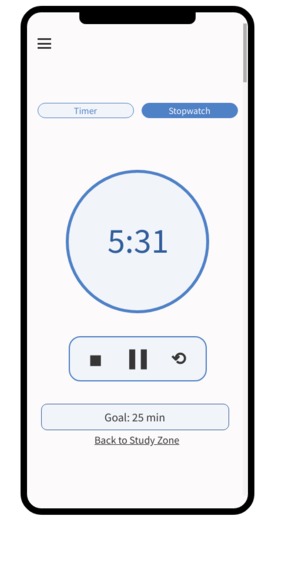
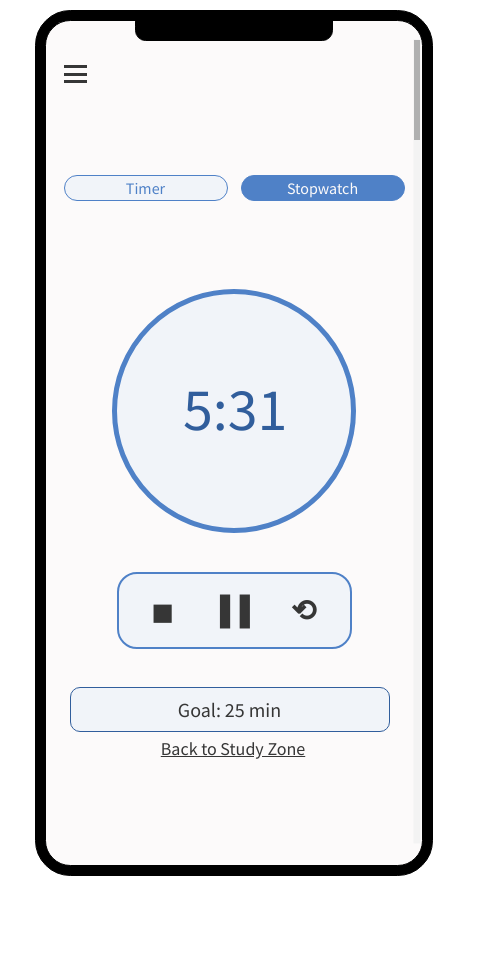
Study timer - stopwatch
-
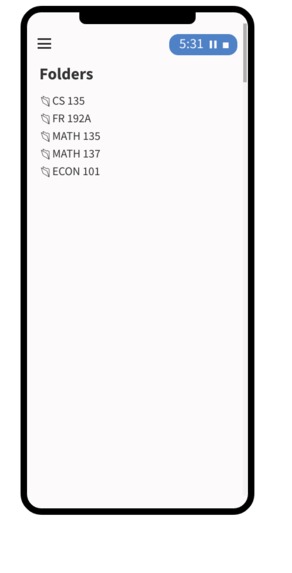
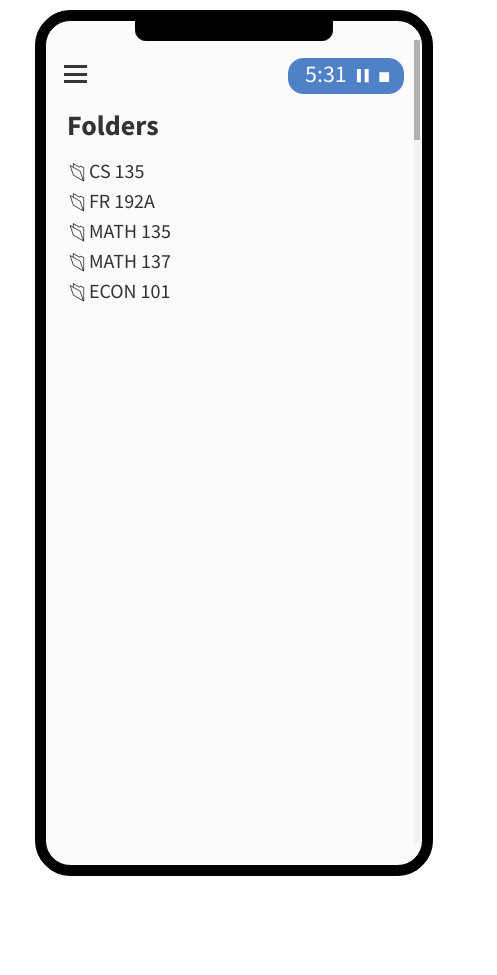
Study notes - folders
-
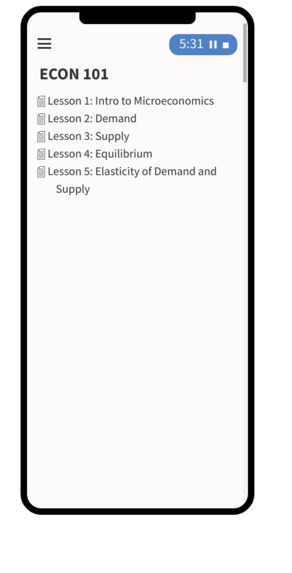
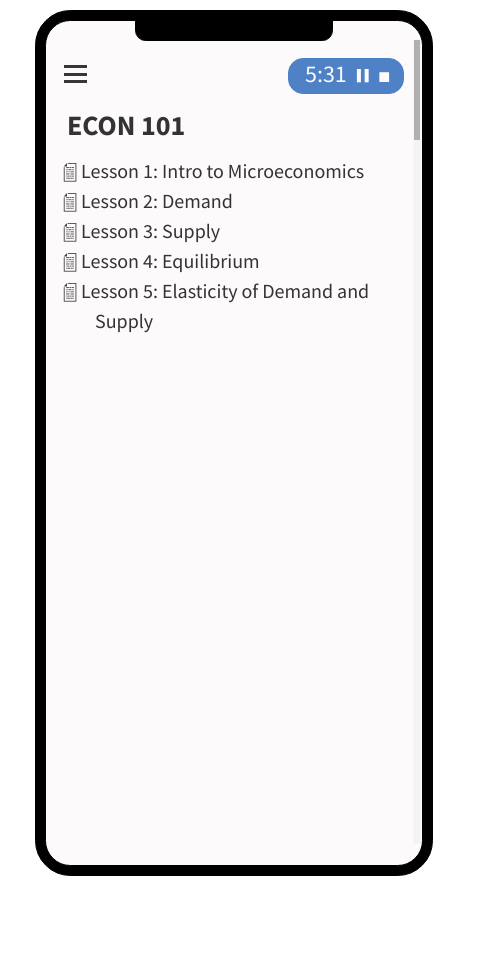
Study notes - particular folder of notes
-
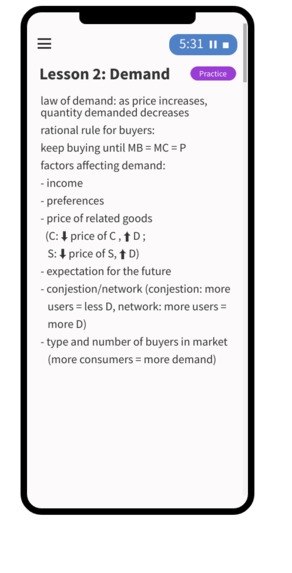
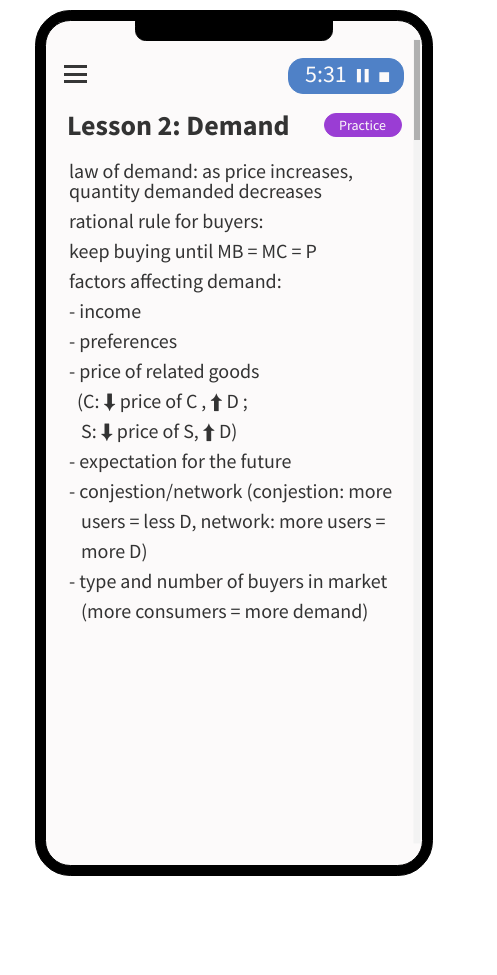
Study notes - sample notes file
-
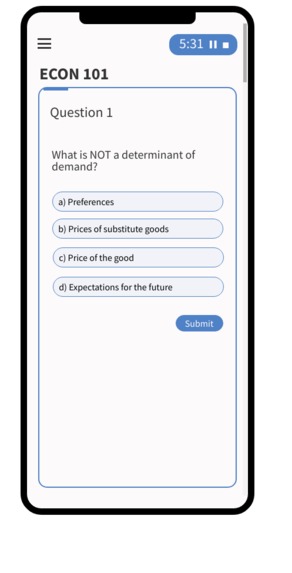
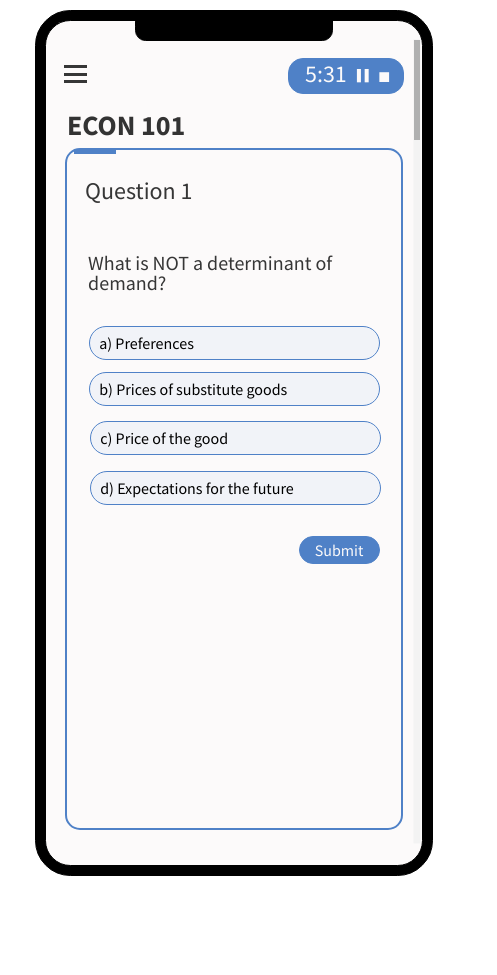
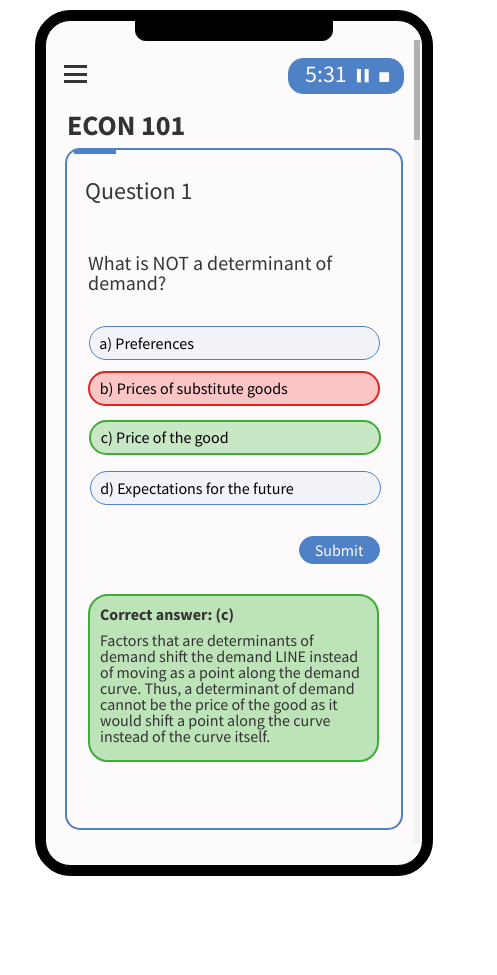
Practice set - sample question
-
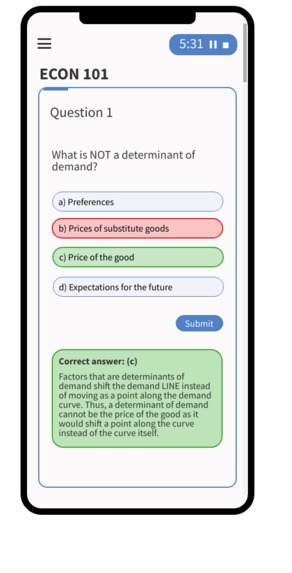
Practice set - sample answer
-
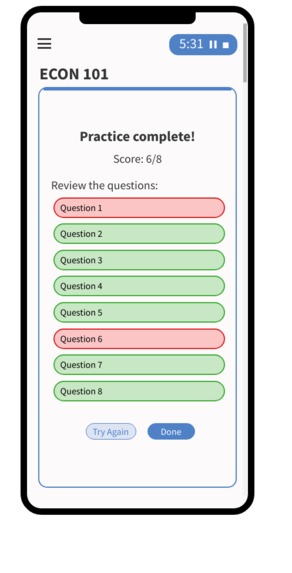
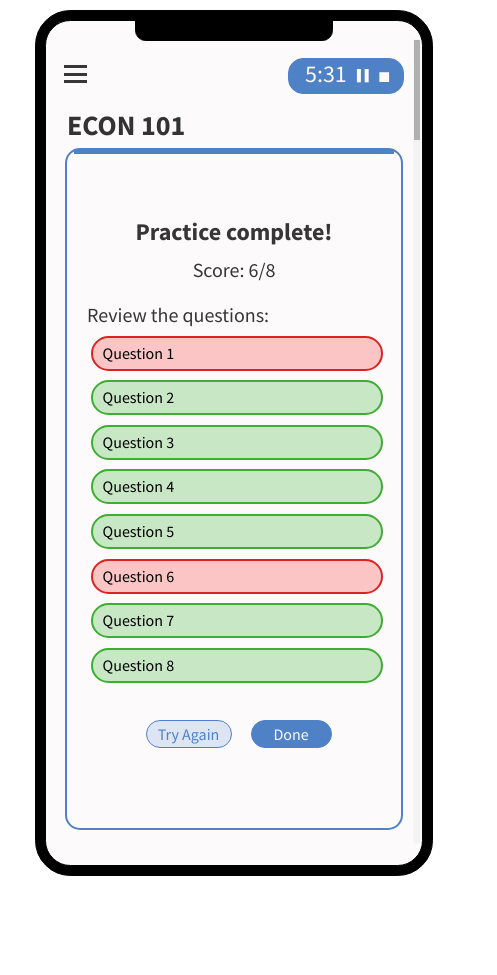
Practice set review page
-
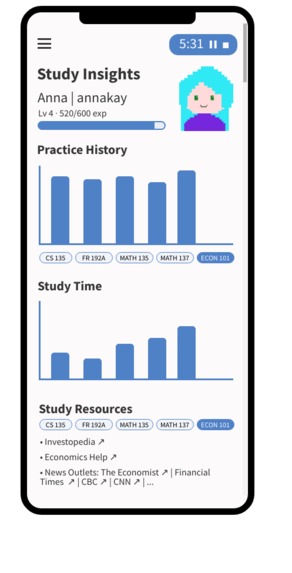
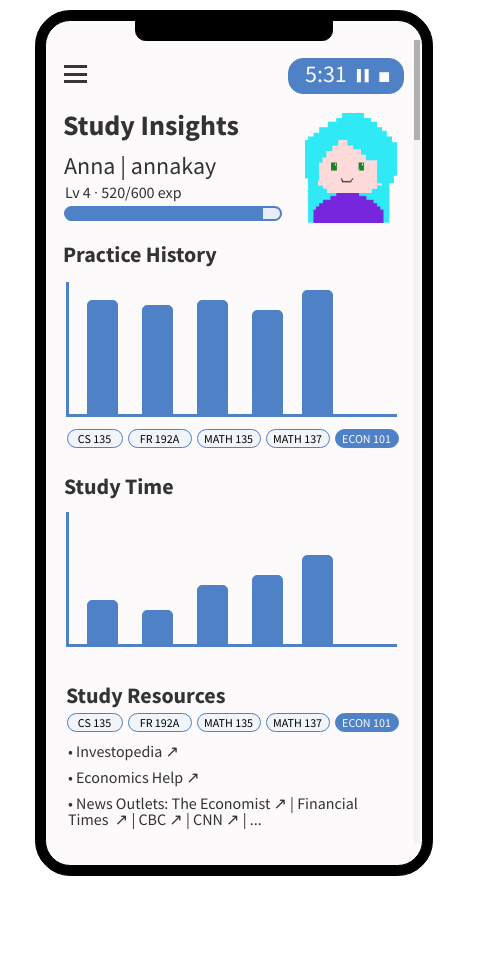
Study insights (powered by AI)



About Noted
Noted is a slightly gamified educative AI-powered study companion application concept, targeted towards post-secondary students. In this application, users can manage their tasks and deadlines, write notes with a built-in text editor, and access AI-powered features such as creating personalized study/problem sets and viewing their study insights with personalized advice.
User Research
Due to the limited time constraint for this project, I conducted informal interviews with other post-secondary students, as well as did research into the popular applications used by students and study enthusiasts (those in the online studytube/studygram/etc. community) to see the features valued by students. Some popular features include:
- Calendar to visually see tasks and deadlines
- Multiple views for task management, including simple to-do lists and kanban boards to replicate the idea of moving sticky notes around on a wall
- Fully-fledged text editor for storing notes
- Timer (for study methods such as the Pomodoro method) or stopwatch (as a numerical incentive to continue studying)
- Slight gamification of applications for heightened incentive to use and commit to the app
Many popular apps for studying, such as Quizlet and online textbooks (that I used and found helpful during my IB career in high school) such as Kognity, also provide methods of learning that involve "doing," such as practicing with flashcards (Quizlet) or completing multiple choice or short-answer question sets (Kognity), so I decided to incorporate those into the application concept as well.
Since the prompt for this project was to create an AI-powered learning companion app, I also researched how AI is transforming education and how it aids students during their study processes.
Design Considerations
User Needs
I considered that as post-secondary students, the users would enjoy an all-in-one application where they can both manage their tasks and store their notes. Thus, I incorporated both a task manager and a notes (with AI-powered creation of problem sets) function to accommodate the needs of post-secondary students.
User Preferences
Everyone learns and thinks differently, and this applies to all students, from those in primary school to post-secondary. Thus, I incorporated ideas for the different preferences of students, regarding task management (thus creating several views of their tasks, such as a simple list or a kanban board), as well as ideated that the AI-powered study sets created would incorporate (if possible) a variety of multiple choice questions, short-answer questions, and audio or microphone-based questions based on the user's selection of the learning style(s) they prefer.
Features and Functionality
This application concept includes:
- A gamified concept of an AI-powered learning companion app
- Gamification: the ability to create an avatar for the user's profile
- Gamification: log-in streak counter; exp given for certain tasks being fulfilled
- A calendar for events, important due dates, and general scheduling
- A task manager, with different view options for the content (simple list, kanban board, daily view)
- A study zone with a customizable "room" design
- A folder and file system for the organization of notes
- A text editor for the user's notes
- AI-powered personalized problem set generator
- AI-powered study insights tracker, tracking the user's history of problem set performance and study timer usage, that also provides extra resources for the courses that they are taking
Challenges we ran into
Since this project was done under a short time constraint, the user research portion of the project was not as extensive as I would have liked. Additionally, I was working with an application entirely new for me, as I normally create prototypes with Figma. Hence, it took me around a few hours to fully adapt to using MockFlow for low and high-fidelity wire flows/prototypes.
Accomplishments that we're proud of
I'm proud of designing this application concept by myself and creating 19 pages of the application UI independently. I also created artwork samples for the profile avatar and the "Study Zone" background in the high-fidelity prototype, and since I normally do not create my own artwork for an application design, this project allowed me to explore more skills and design creations than I would normally reach for by myself.
What we learned
As someone new to UI/UX design, I learned more about the design process (i.e. conducting user research, then creating a user flow, then creating a low-fidelity wireframe, and then finally creating a high-fidelity prototype), and also explored more into design software such as using Figma for graphic design, Procreate for larger artworks that are easier to create by hand, and MockFlow for a low-fidelity wireframe and a high-fidelity prototype.
What's next for Noted
I hope to create a working interactive prototype next for Noted, as well as potentially performing user testing to get real user feedback in order to improve the application design.
Built With
- figma
- mockflow
- procreate


Log in or sign up for Devpost to join the conversation.