-
-
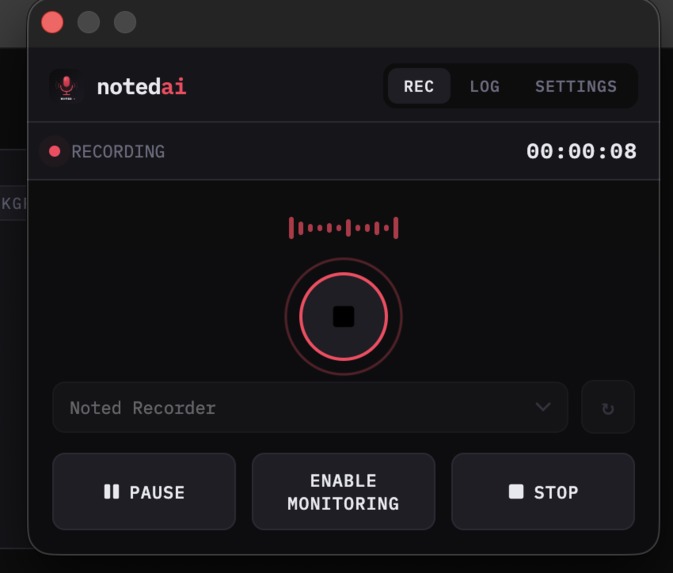
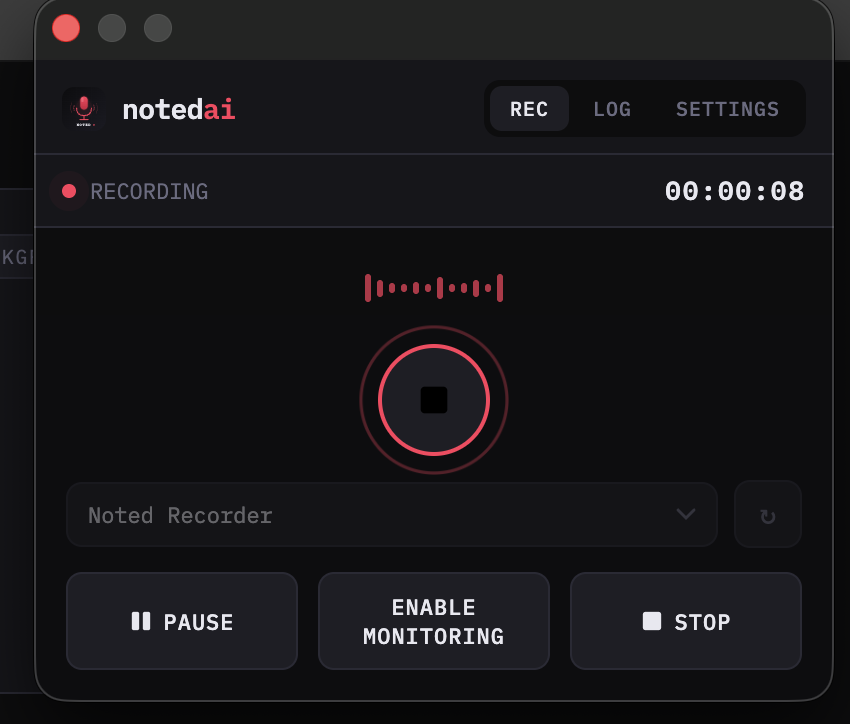
Recording Meeting Audio
-
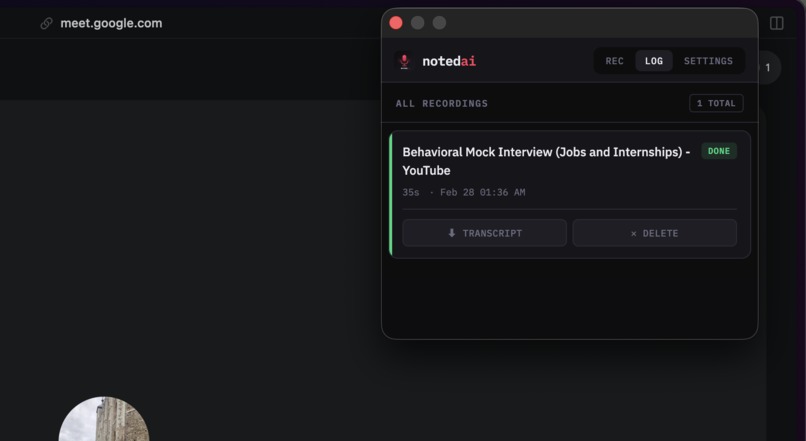
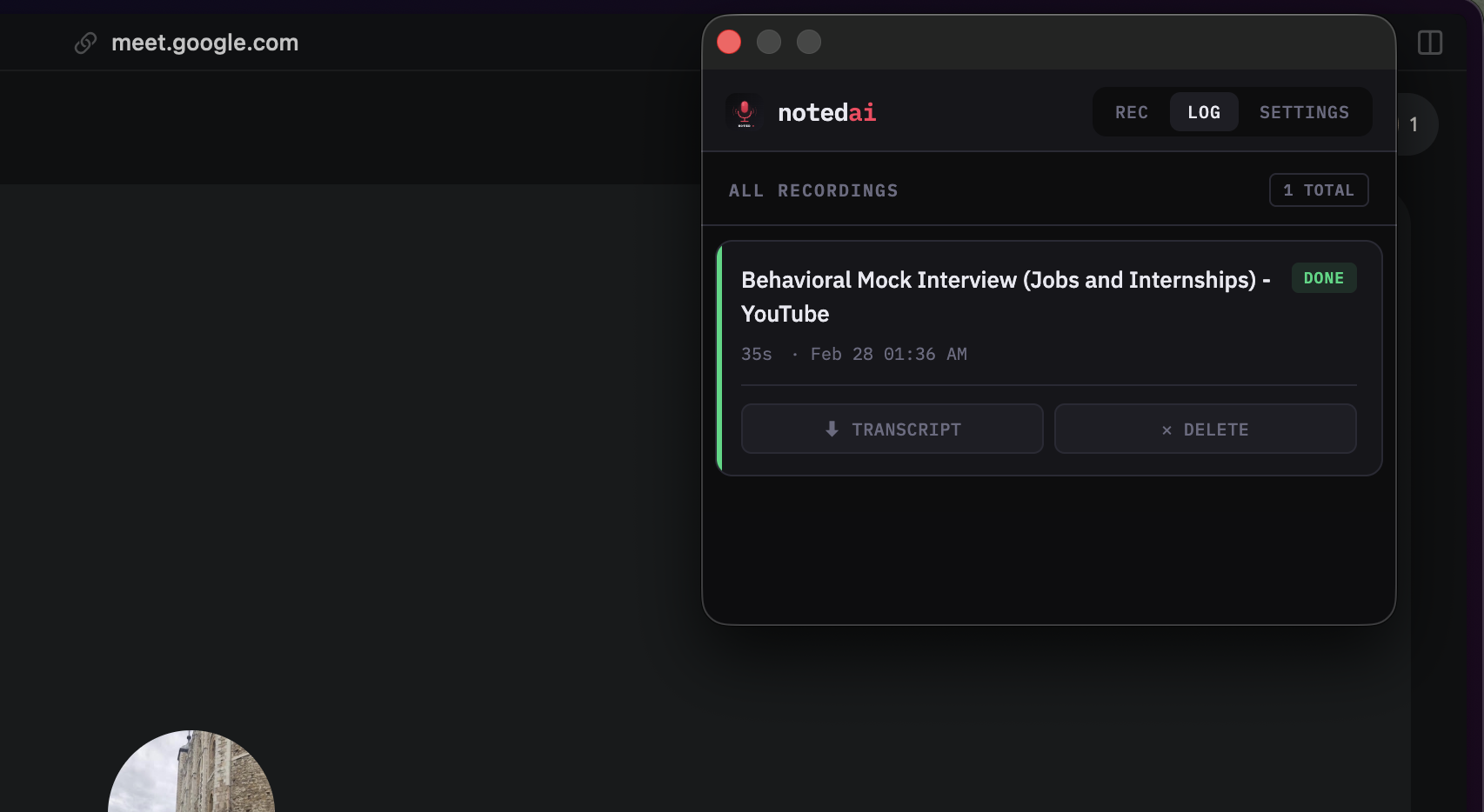
List of Recordings
-
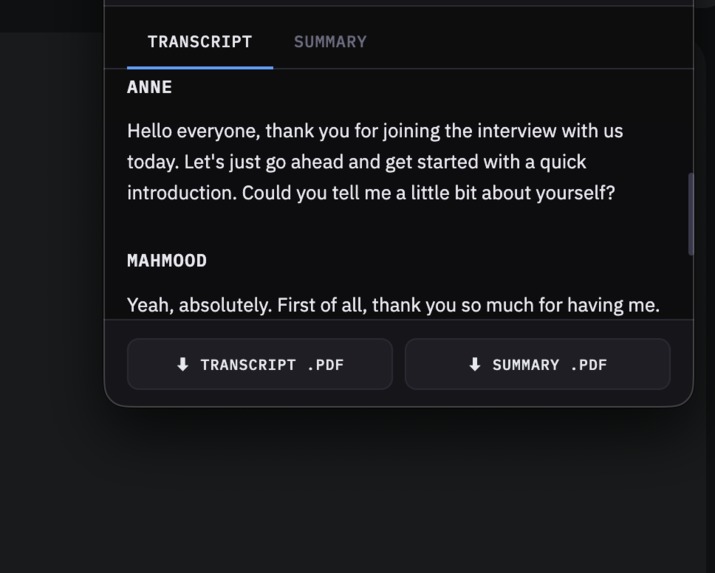
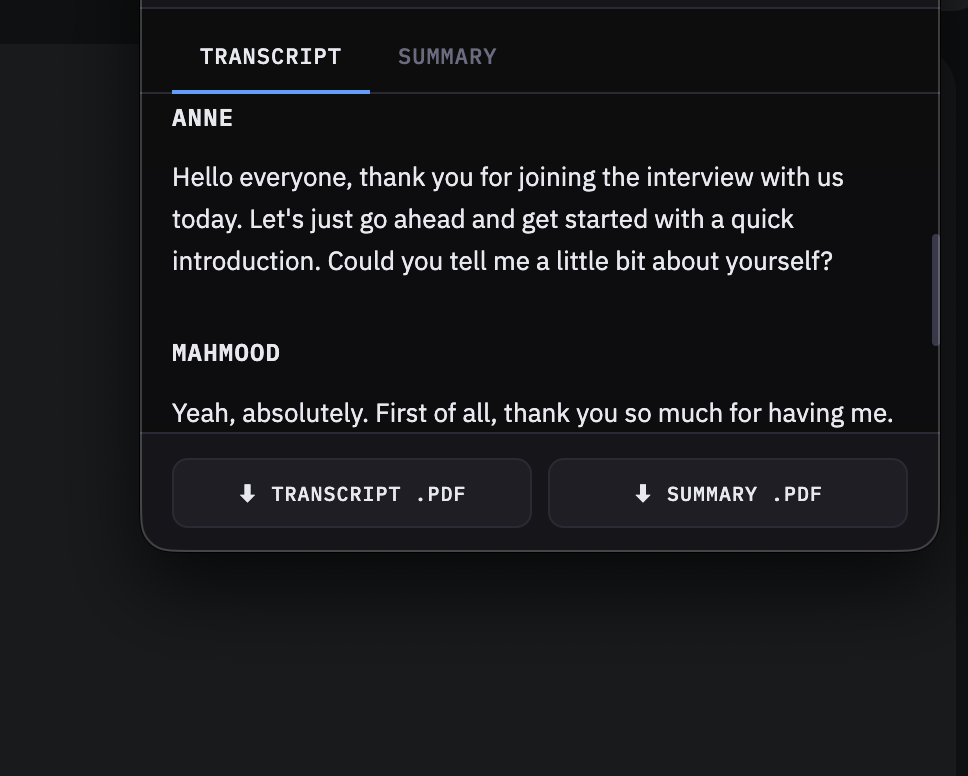
Transcript Page
-
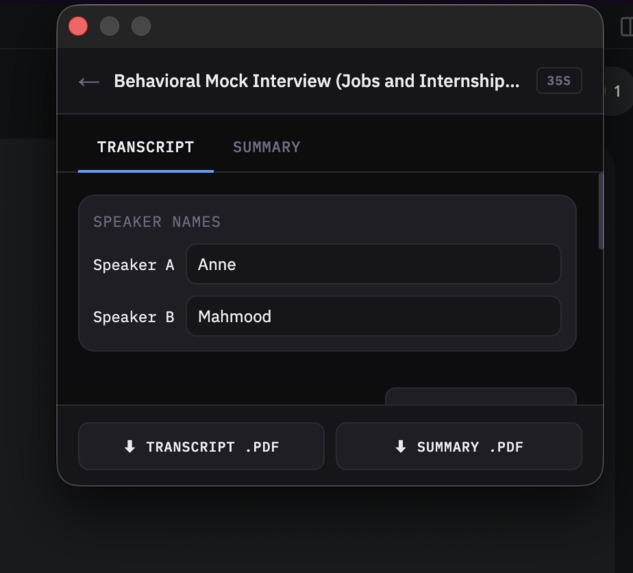
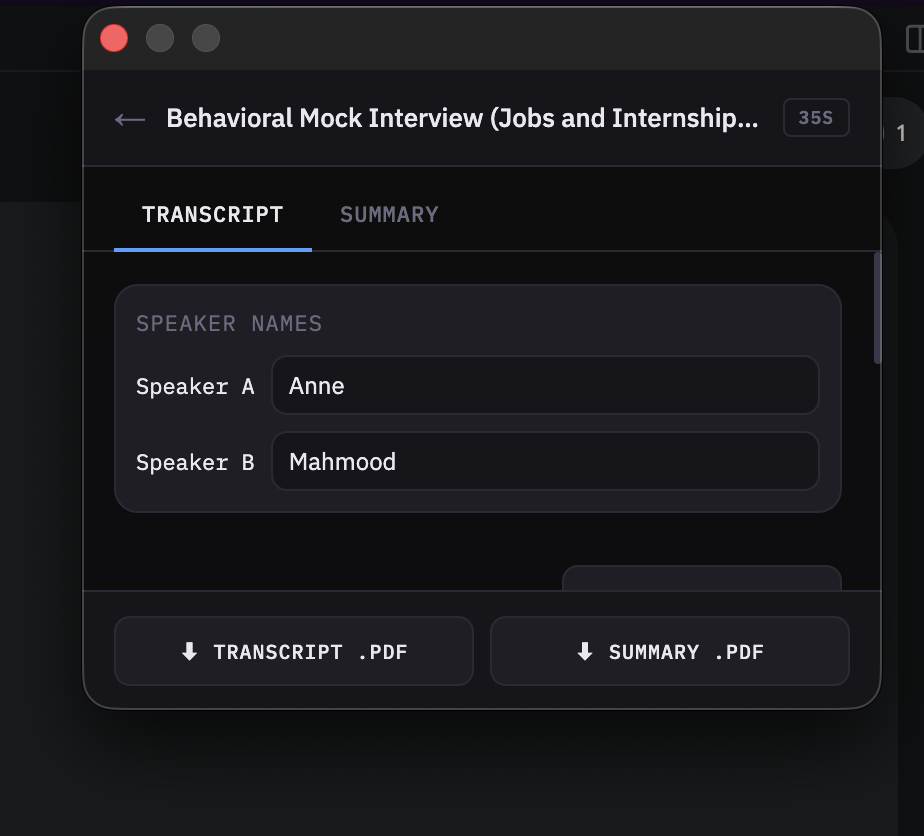
Modifying Speaker Names
-
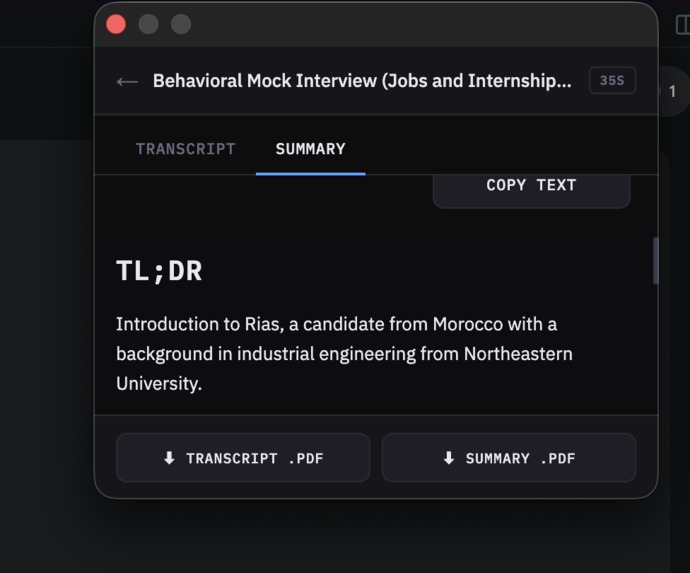
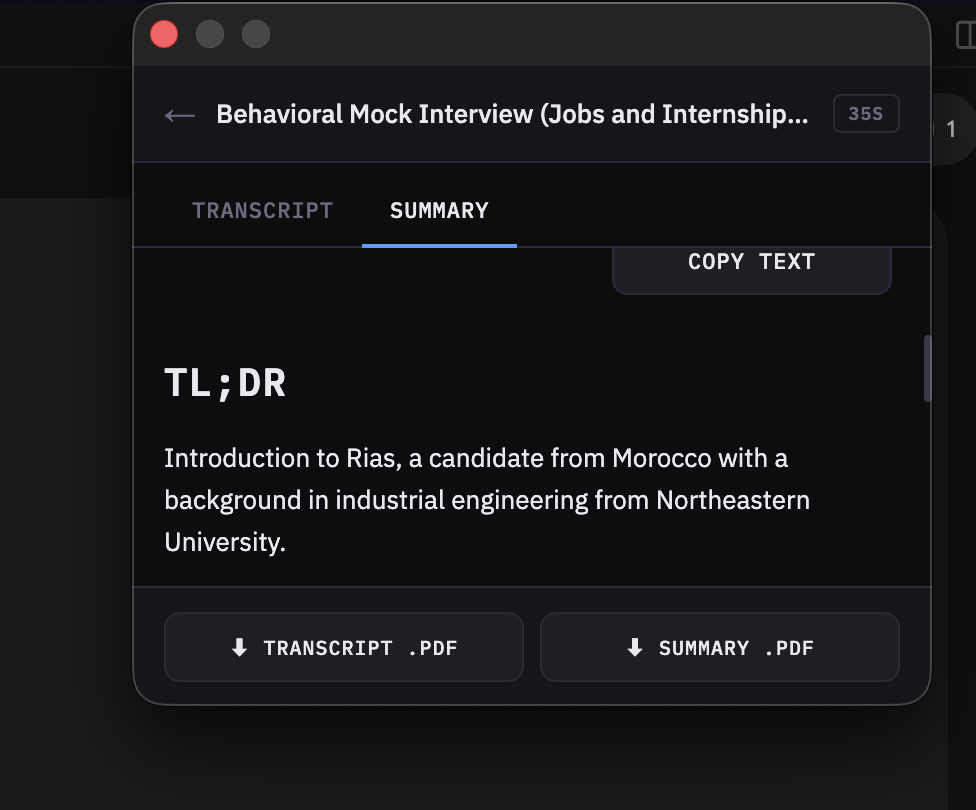
Summary Page
-
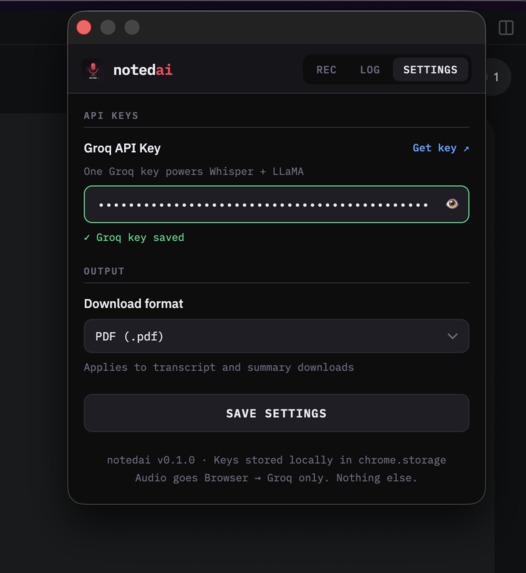
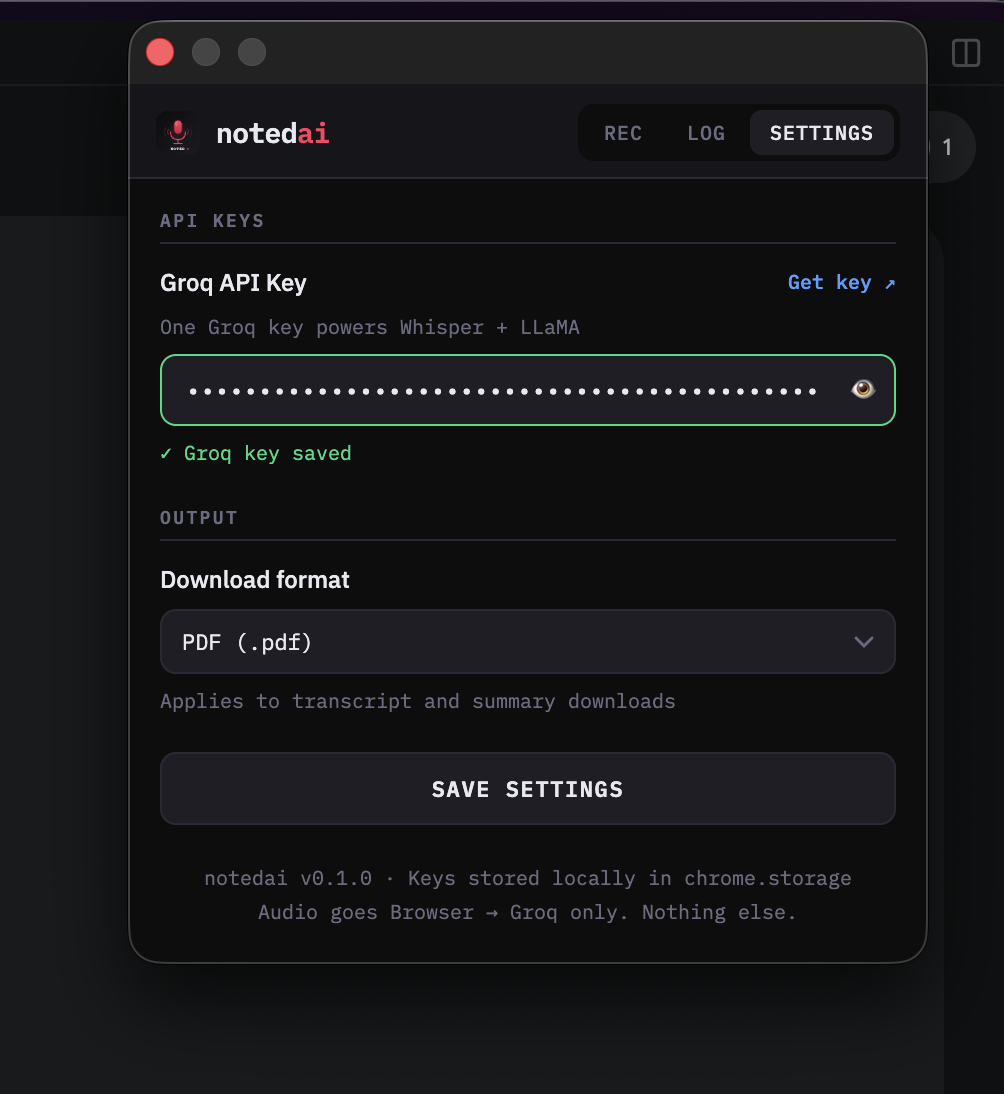
Settings Page
-
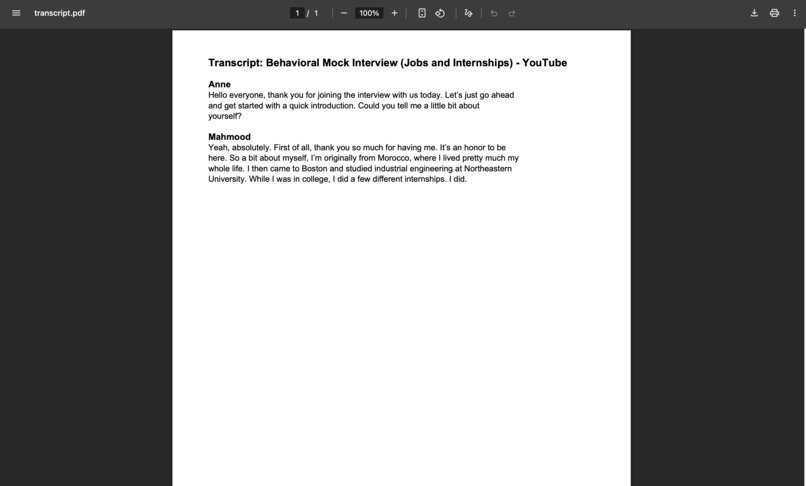
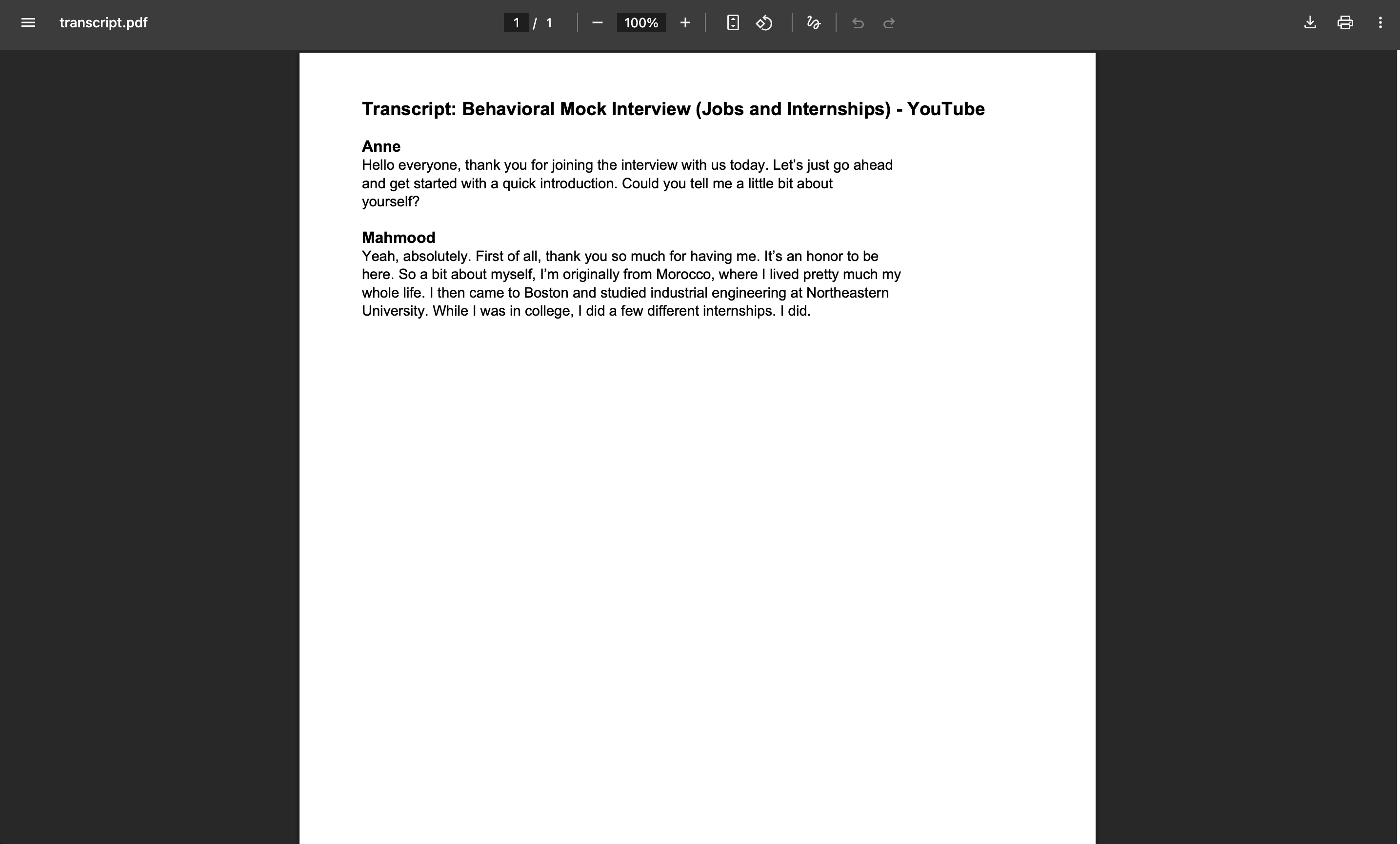
Generated Transcript Sample
Inspiration
Most meeting tools are expensive, add bots to calls, or ship data to their servers. We wanted a lightweight, local‑first option: bring your own API key, keep data on-device as much as possible, and still get clean transcripts and summaries without changing how meetings run.
What it does
Noted AI is a Chrome extension that records audio from a selected meeting tab, transcribes it, labels speakers, and generates a structured summary on demand. Users can rename speakers, copy plain text, and export transcripts and summaries as Markdown or PDF. Everything is stored locally, and the only external call is to Groq’s API for transcription and summarization.
How we built it
We built a MV3 Chrome extension with a popup UI for recording and session management, plus a recorder tab that captures audio using chrome.tabCapture and MediaRecorder. Audio is sent to Groq Whisper for transcription and Groq LLaMA for speaker formatting and summaries. The UI renders Markdown, supports speaker renaming, and handles exports. State lives in chrome.storage.local for privacy and simplicity.
Challenges we ran into
- Chrome mutes captured tabs by default, so we had to add audio monitoring controls and clear UX guidance.
- Autoplay restrictions required a reliable user‑gesture flow for monitoring.
- Keeping popup state in sync with background recording (timer, controls) took careful state sharing.
- Exporting to PDF client‑side required a custom formatter for headings and bullets.
Accomplishments that we're proud of
- A clean, end‑to‑end flow: record → transcript → summary → export.
- Speaker renaming that updates the rendered transcript and exports.
- On‑demand summaries with custom instructions.
- Fully client‑side PDF export without a backend.
What we learned
We learned how many browser constraints appear in real‑world capture workflows (muting, autoplay, background execution), and how much UX matters when technical limitations can’t be avoided. We also learned that small, focused features beat “everything” when you’re building a product people will actually use.
What's next for Noted AI
- Recording and storing full-length video recordings
- Improved diarization for multi‑speaker meetings.
- Fully local AI integration using Chrome's built-in AI features
- Higher‑quality PDF layout and richer markdown rendering.
- Auto‑naming sessions and better session search.
Built With
- chrome
- extension
- groq
- javascript
- llama
- llms

Log in or sign up for Devpost to join the conversation.