Inspiration
Three months ago, my 98-year-old neighbor, Ms. Alice, fell and broke her hip. After six weeks of rehabilitation, she came home to live independently again. Ms. Alice is something of a star in our neighborhood. Neighbors stop by to say hello, bring her soup, check on her, and help when they can. But we began to notice a gap. Recovery happens every day, while most of the people helping her only see pieces of it. Ms. Alice has a nurse who visits regularly. She has neighbors checking in. She has periodic doctor's appointments. But no one holds a continuous picture of how she has been feeling from one day to the next. That record largely depends on her memory. If she felt dizzy ten days ago, slept poorly for several nights, had less appetite than usual, or found moving particularly difficult one day, she might not remember to mention it weeks later when sitting in her doctor's office. And recovery itself is hard work. After a hip fracture, even getting up and moving can be painful. Keeping detailed notes on top of everything else shouldn't feel like another assignment. Ms. Alice's situation isn't unusual. About 28% of Americans age 65 and older live alone. Support may exist, but it is often intermittent: a family member calls, a neighbor visits, a nurse stops by, and a doctor sees the patient periodically. No single person necessarily holds the story of what happened between those visits. In our own research, 7 of the 13 caregivers we surveyed kept no record at all. The others relied on improvised methods such as paper notes or notes on their phones. We started asking a simple question: Could keeping track of recovery be as easy as answering a few questions each day? That became NoteCovery.
What it does
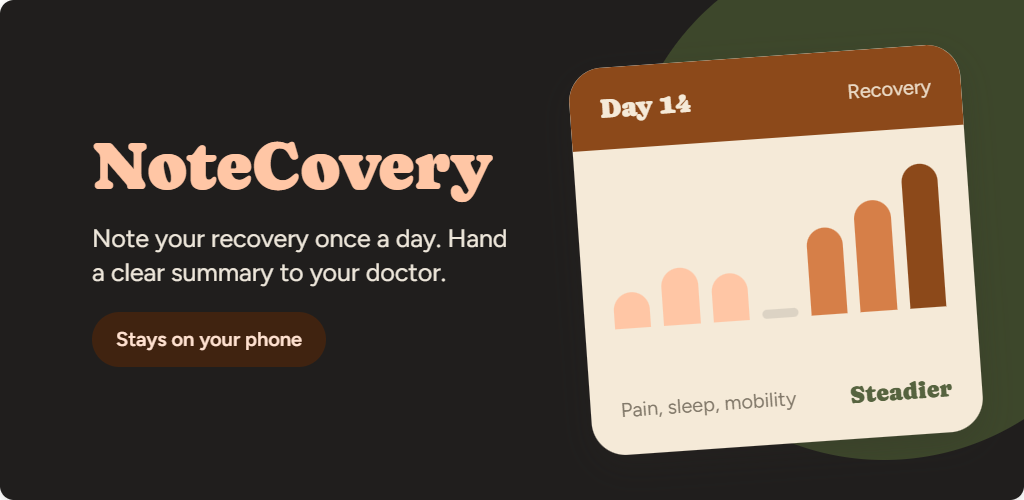
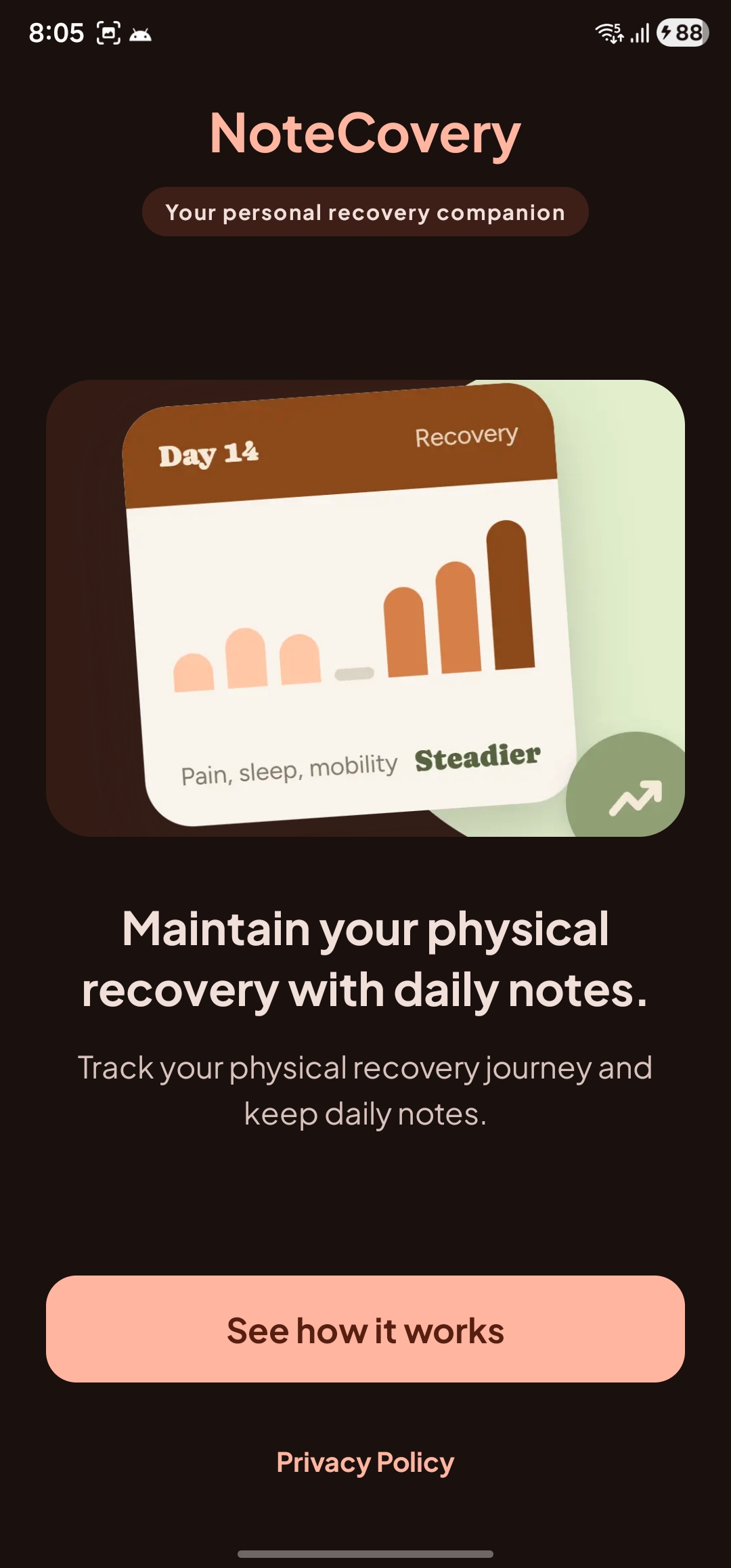
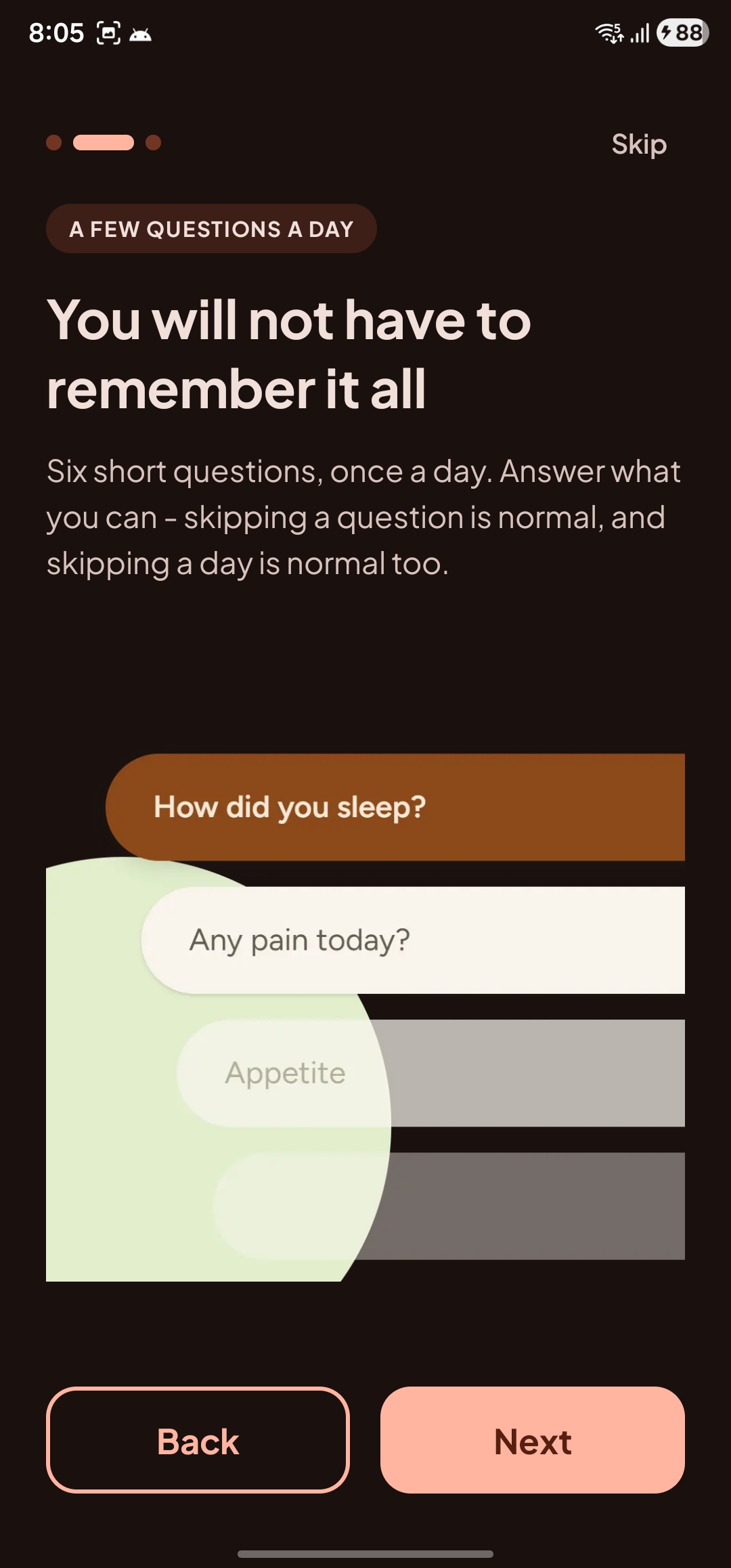
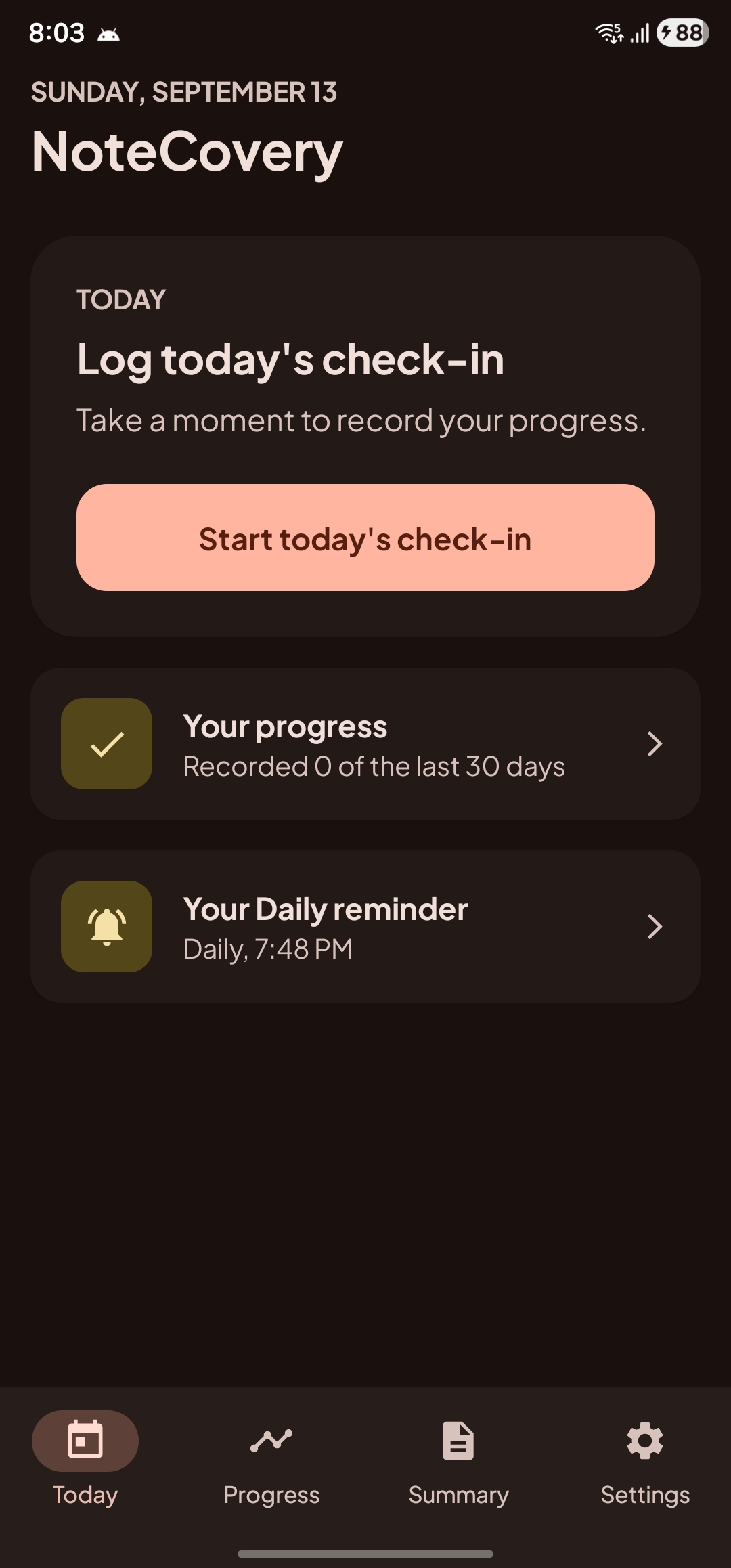
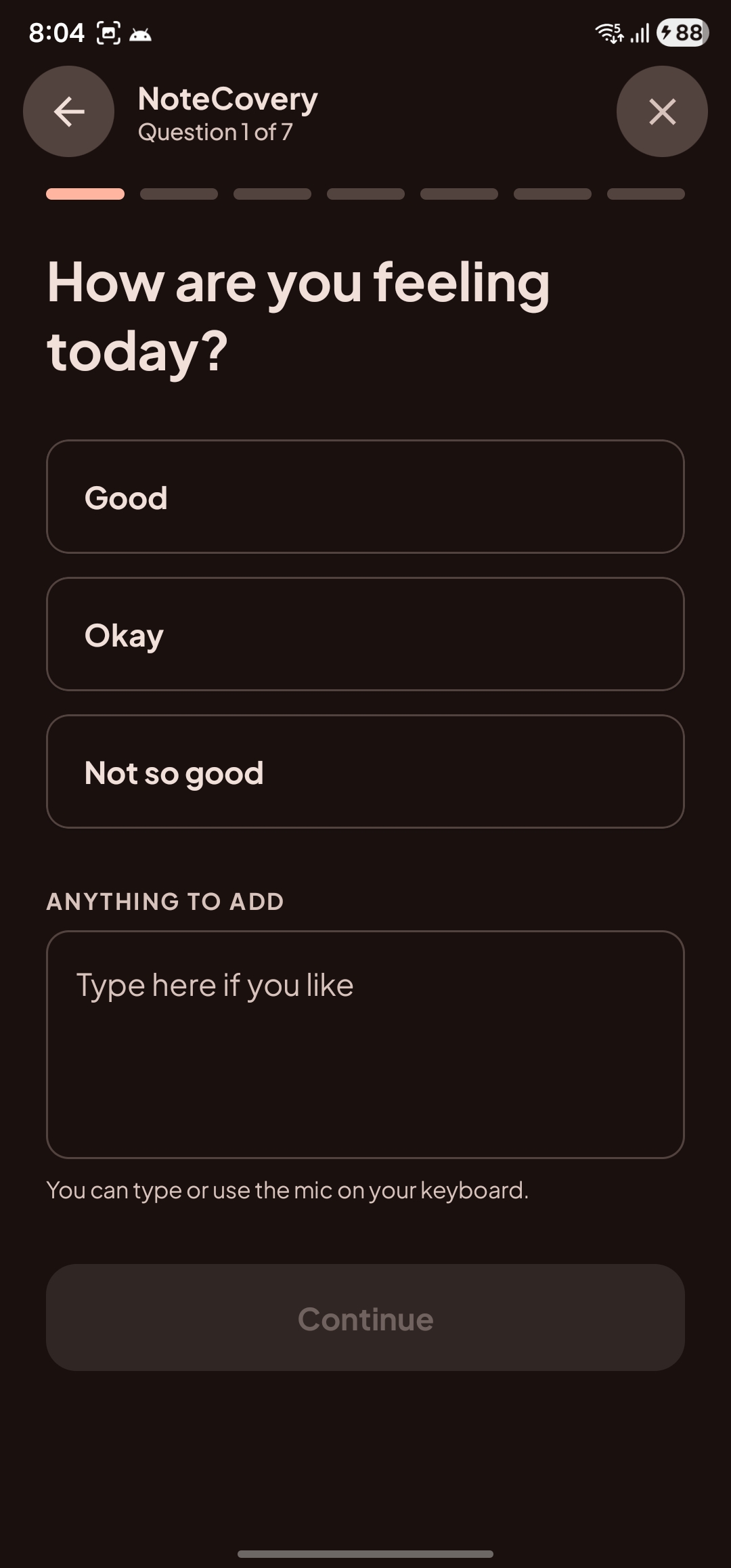
NoteCovery is a simple recovery journal for people recovering at home from physical illness, injury, or surgery. It isn't designed to diagnose symptoms, tell someone whether their recovery is going well, or replace a healthcare professional. Its job is much simpler: help people remember what happened. Instead of a rigid health tracker that expects every field to be completed, NoteCovery is designed around a lightweight daily check-in. Users can record things such as: how they're feeling symptoms such as pain, tiredness or dizziness sleep appetite movement anything else they want to remember Every question can be skipped, and users can add their own notes when a preset answer doesn't capture what happened. The goal is not to create a perfect health record. It's to make recording a little easier when someone is already dealing with the work of getting better.
From daily notes to a useful conversation
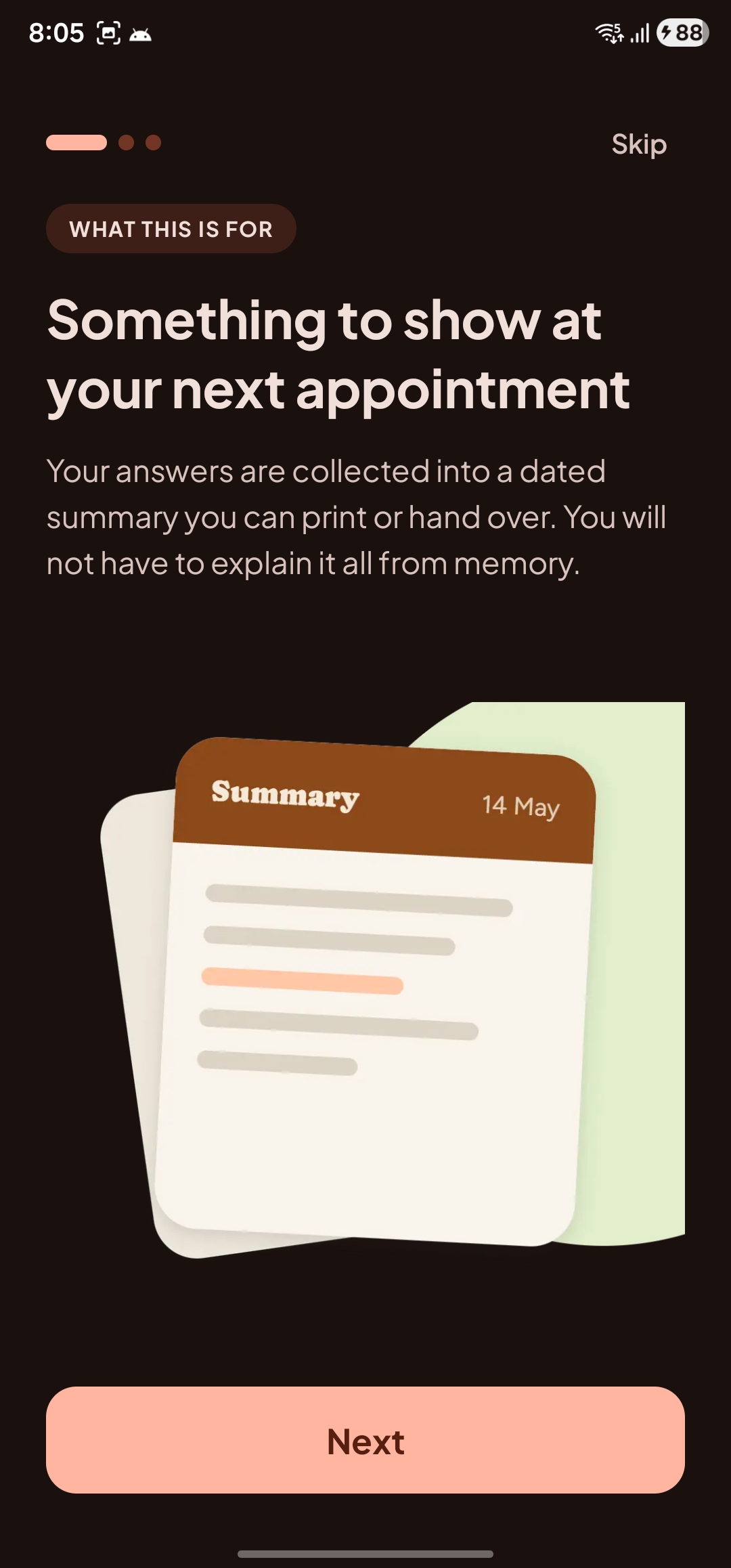
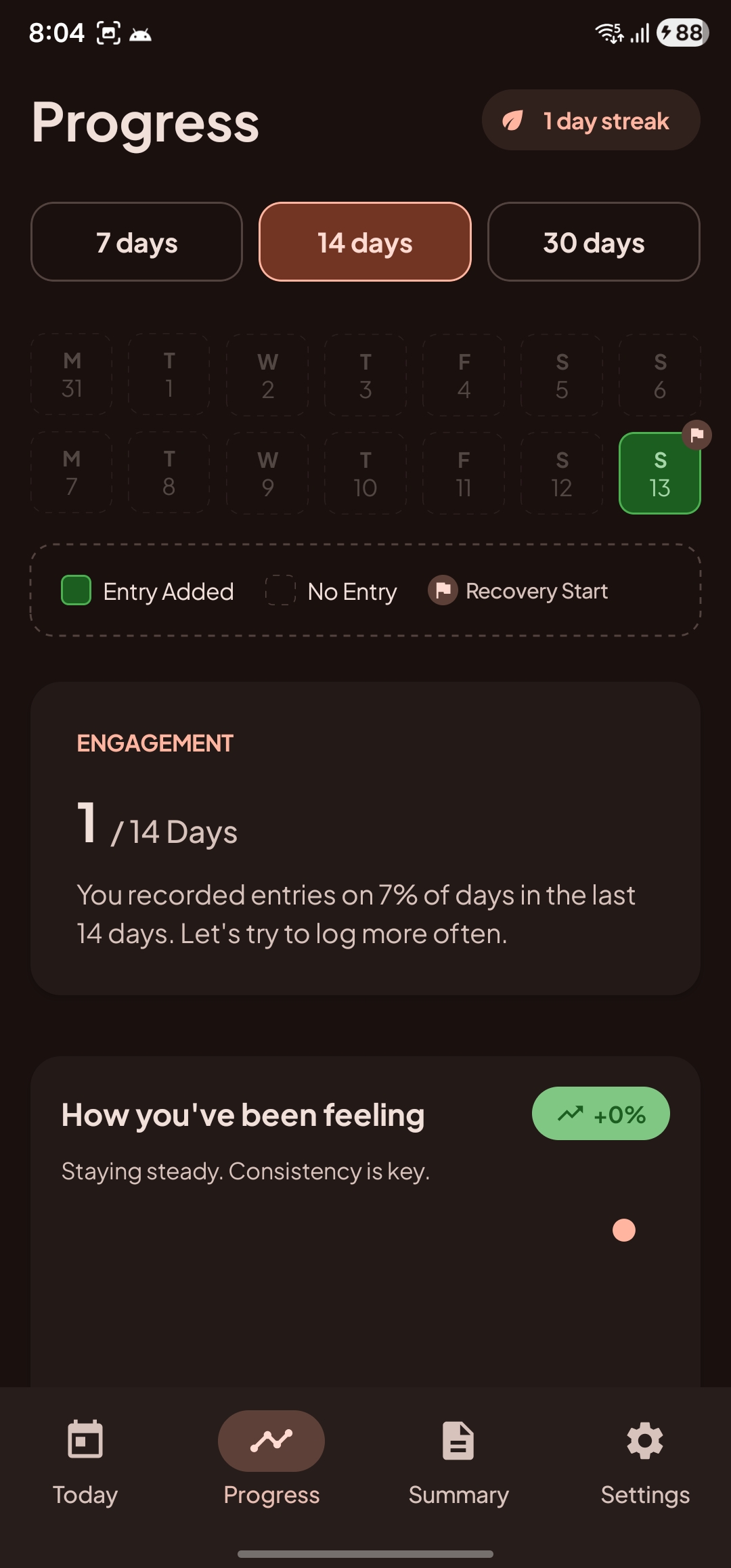
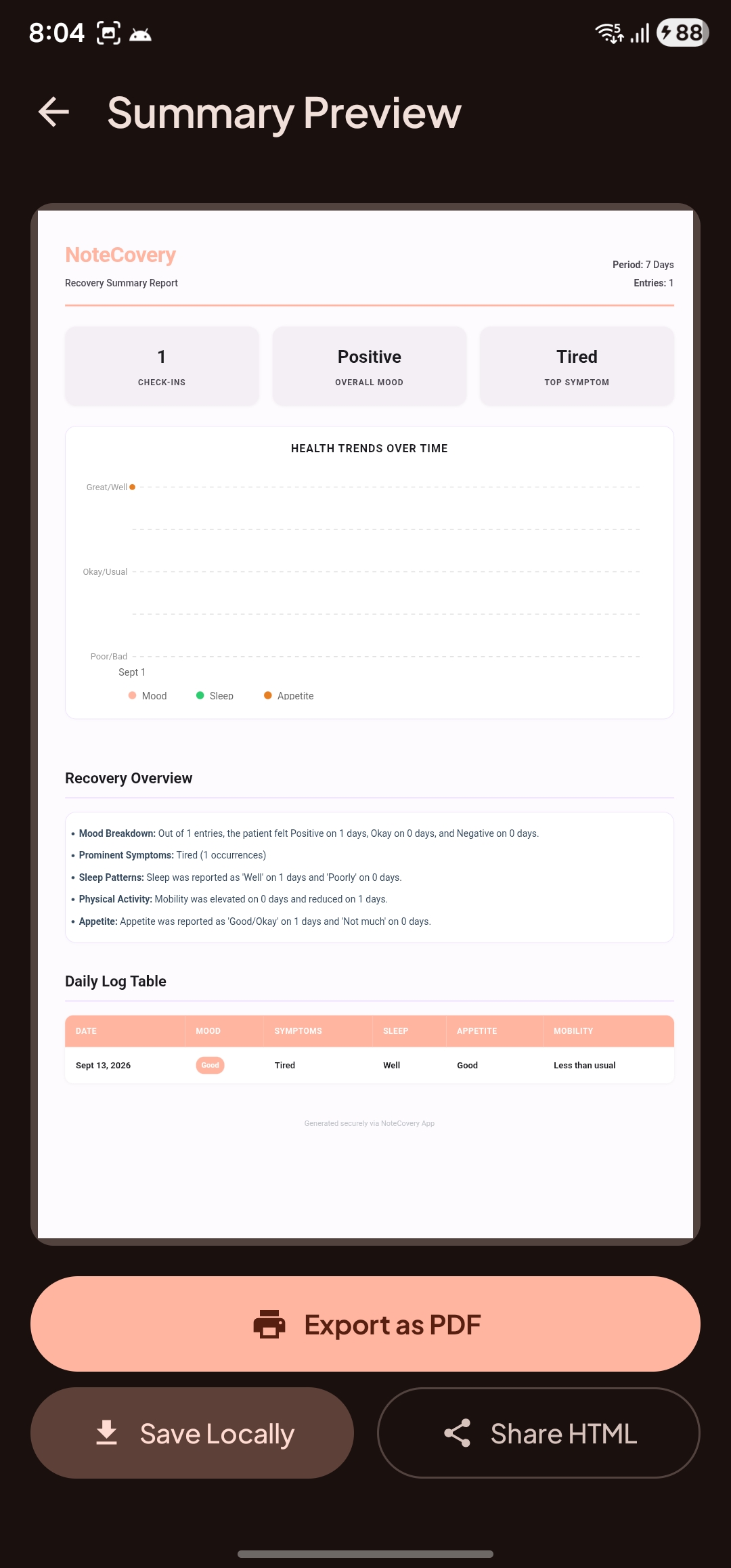
Recording information is only useful if it helps later. NoteCovery gives users a simple way to look back at their recent entries across different time periods, so they don't have to reconstruct the previous few weeks from memory. Before an appointment, they can also generate a dated summary of what they recorded and export it as a PDF to bring to their clinician. This became one of the most important ideas in the product. The app isn't trying to tell the doctor what the information means. It simply helps the person recovering arrive with a clearer record of what actually happened between visits.
Designed for privacy and simplicity
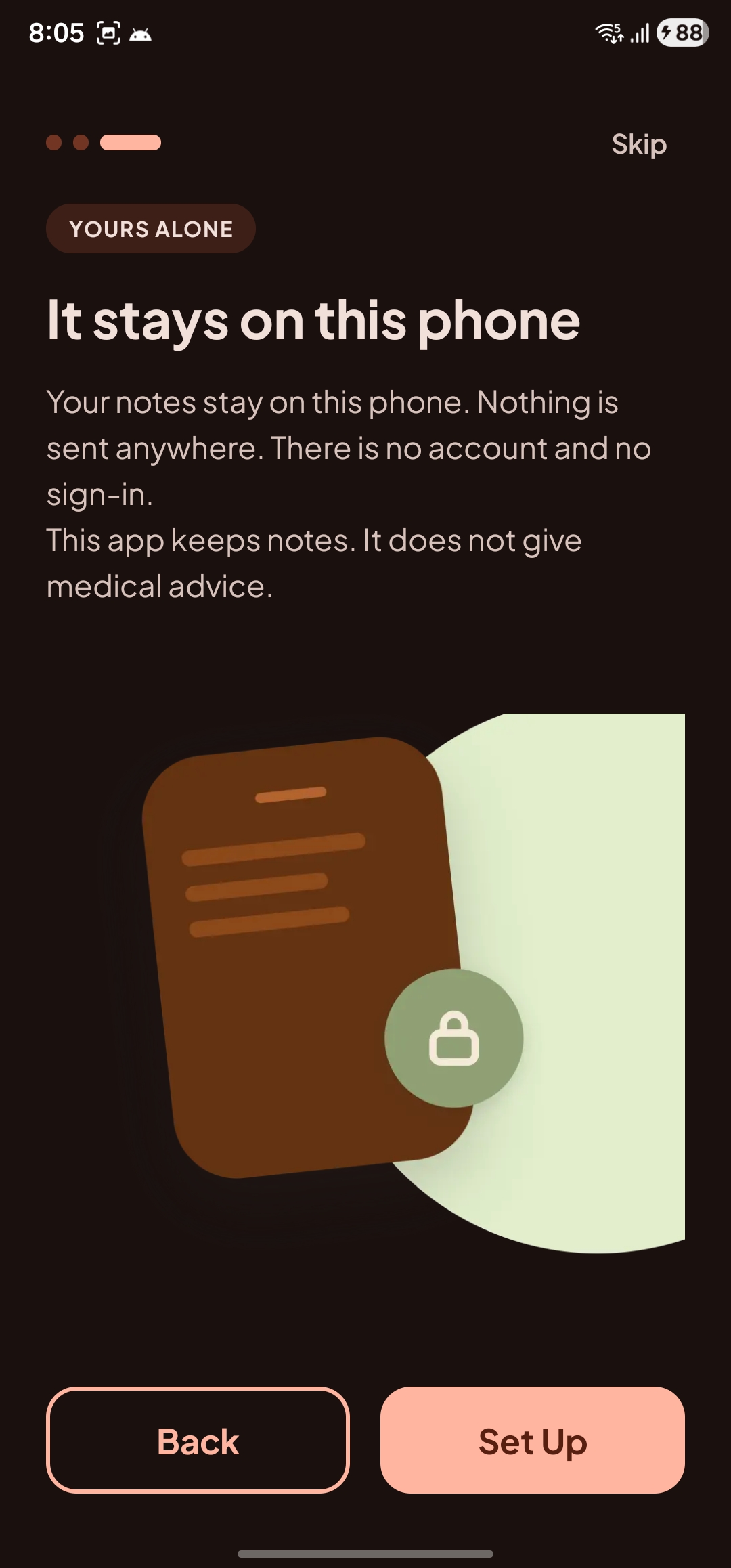
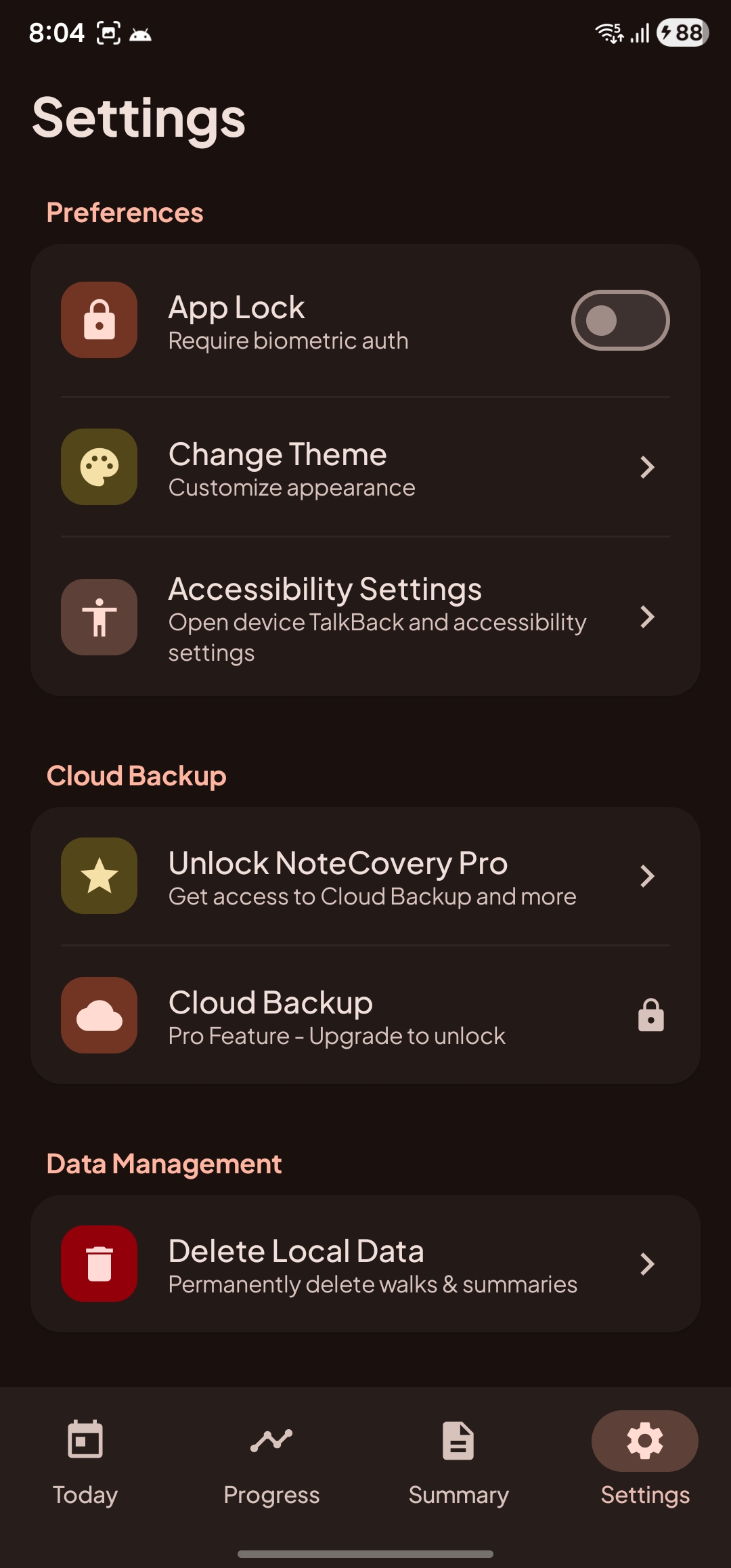
Two principles shaped how we designed NoteCovery: keep sensitive recovery information private, and make the app simple enough that someone like Ms. Alice can use it without learning a new system. Recovery notes can contain deeply personal information about pain, dizziness, sleep, appetite, mobility, and other symptoms. We did not want users to create another health account or send that information to our own servers just to use the app. By default, NoteCovery stores recovery data locally on the user's phone, with no account or sign-in required. That decision also makes the experience much simpler. Many of the people we are designing for are older adults who may not be comfortable navigating complicated mobile apps. We want using NoteCovery to be as close as possible to this: Tap the app icon → start today's check-in. No account setup. No password to remember. No dashboard to figure out before getting started. For users who want to protect their history when replacing or changing phones, the premium version offers optional backup to their own Google Drive. Our goal is not to make recovery tracking more sophisticated. It is to remove as much friction as possible so people can actually keep the record in the first place.
Built With
- android
- kmp
- kotlin

