-
-
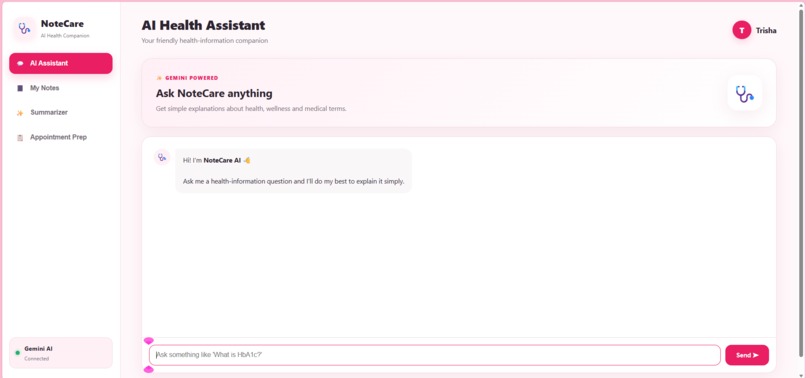
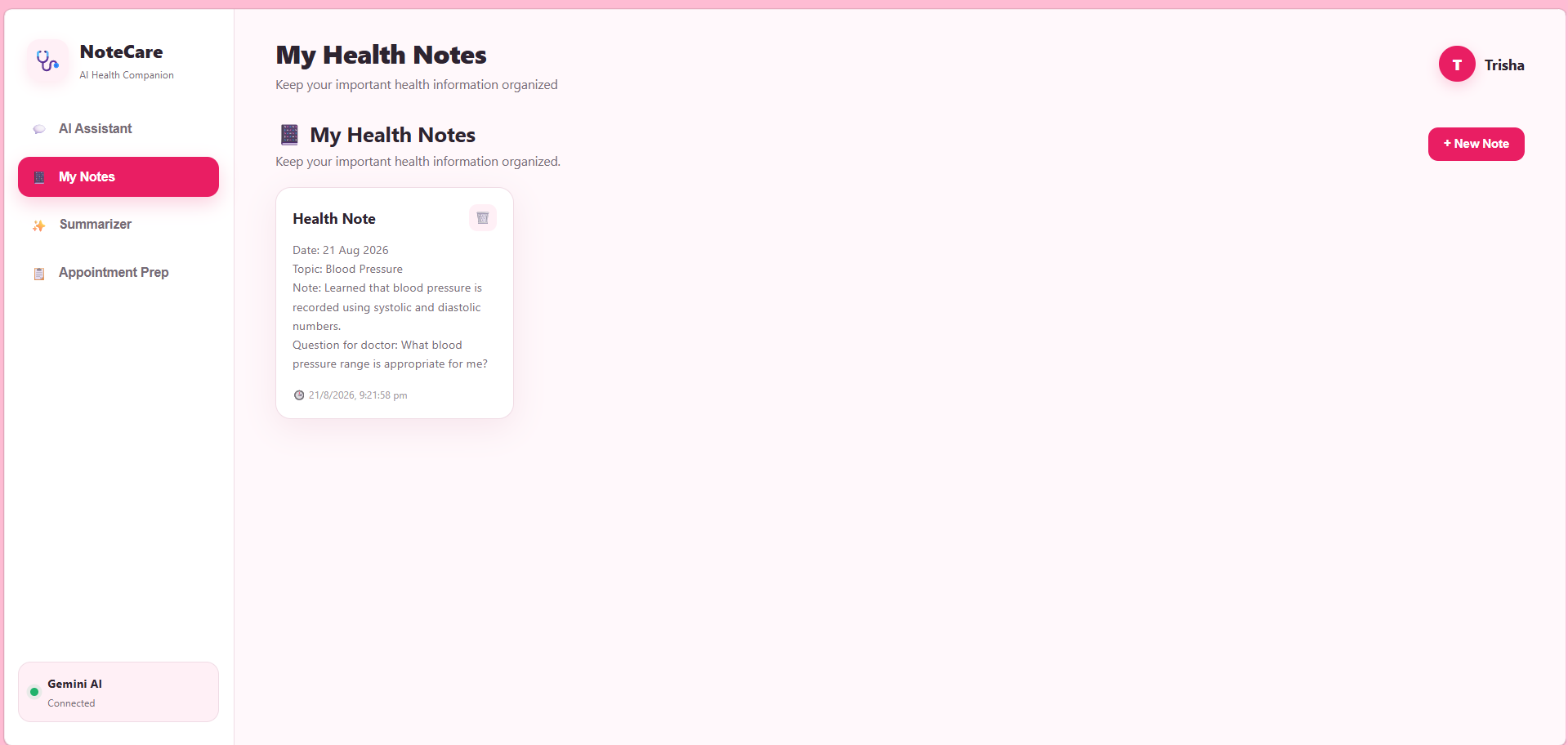
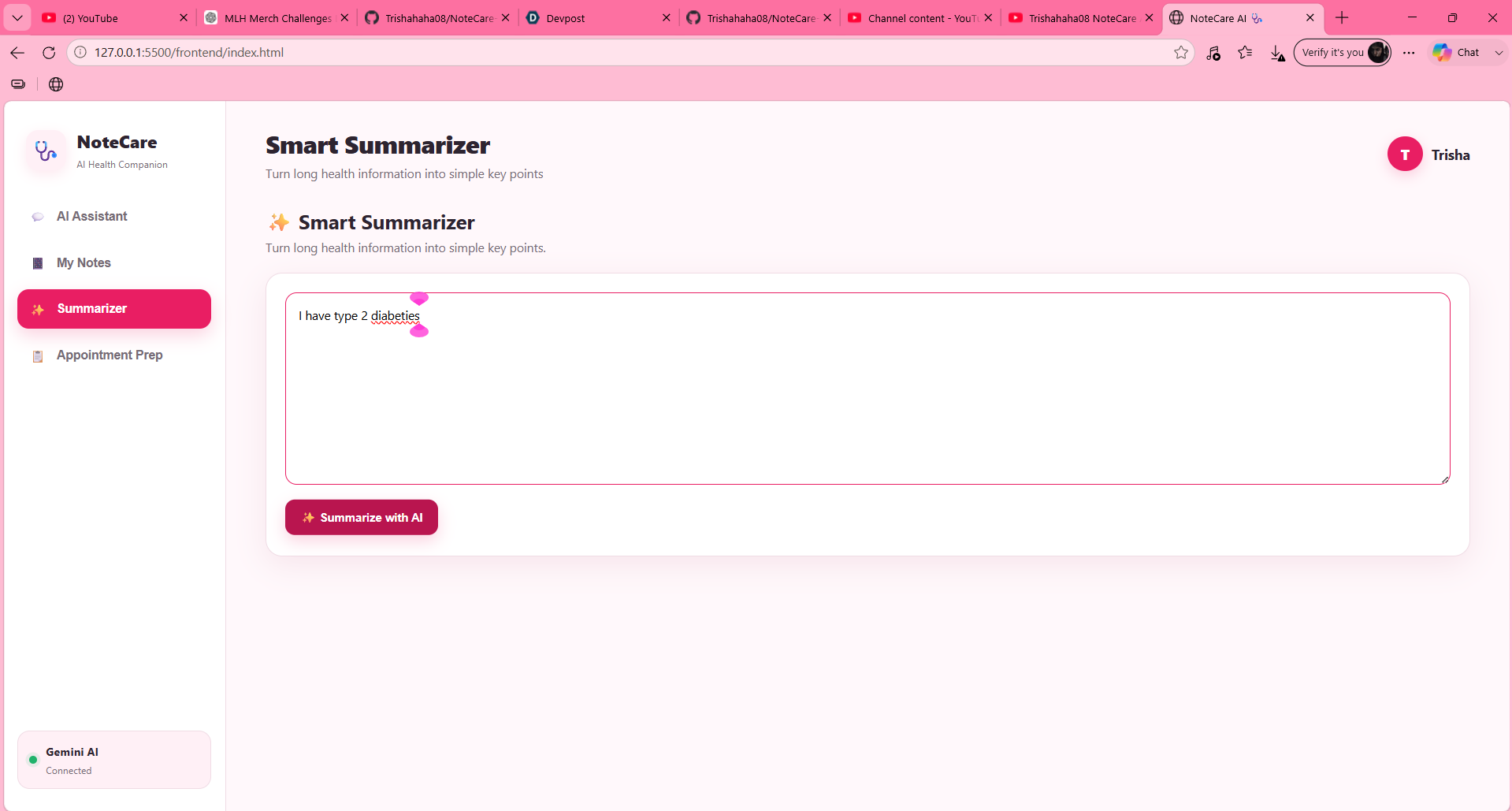
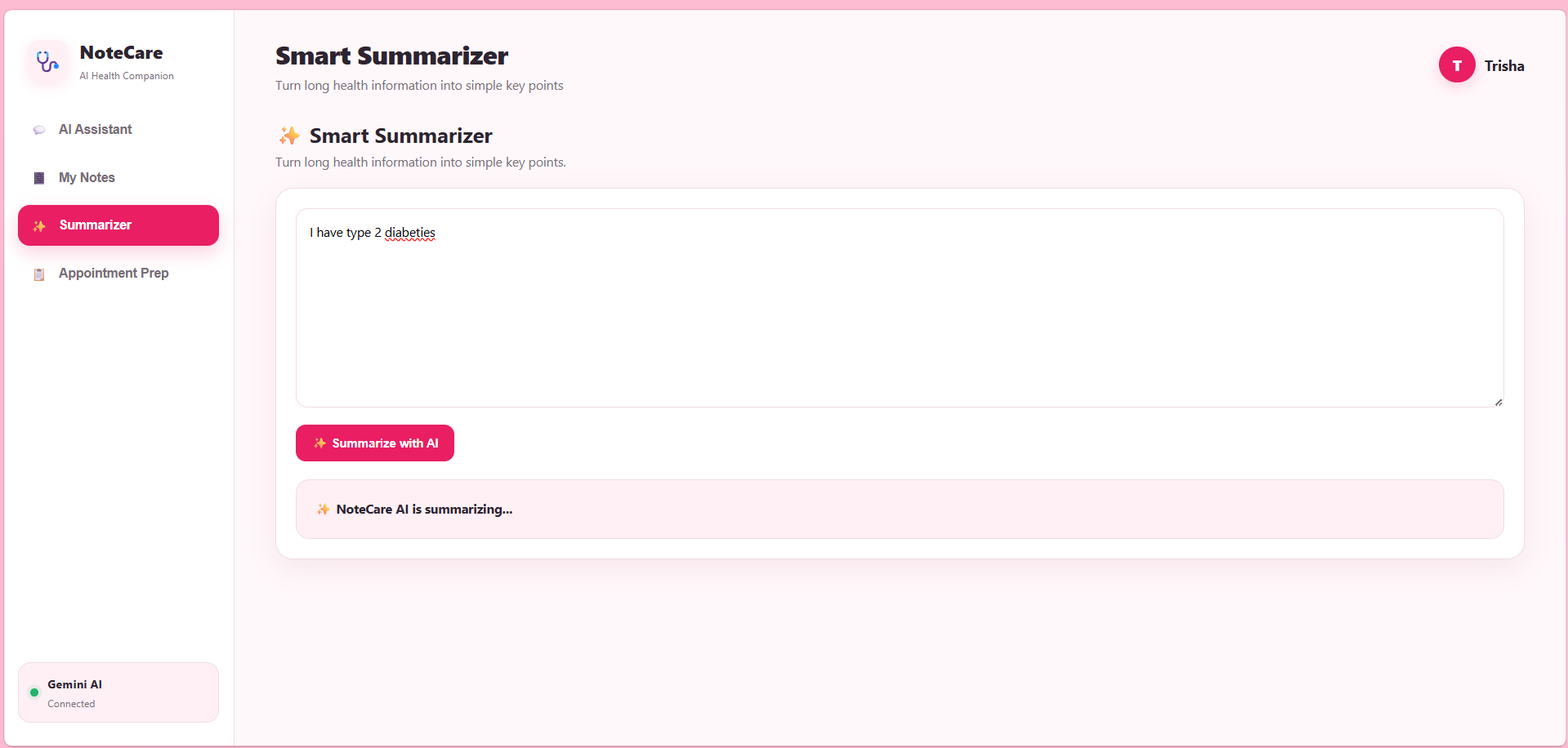
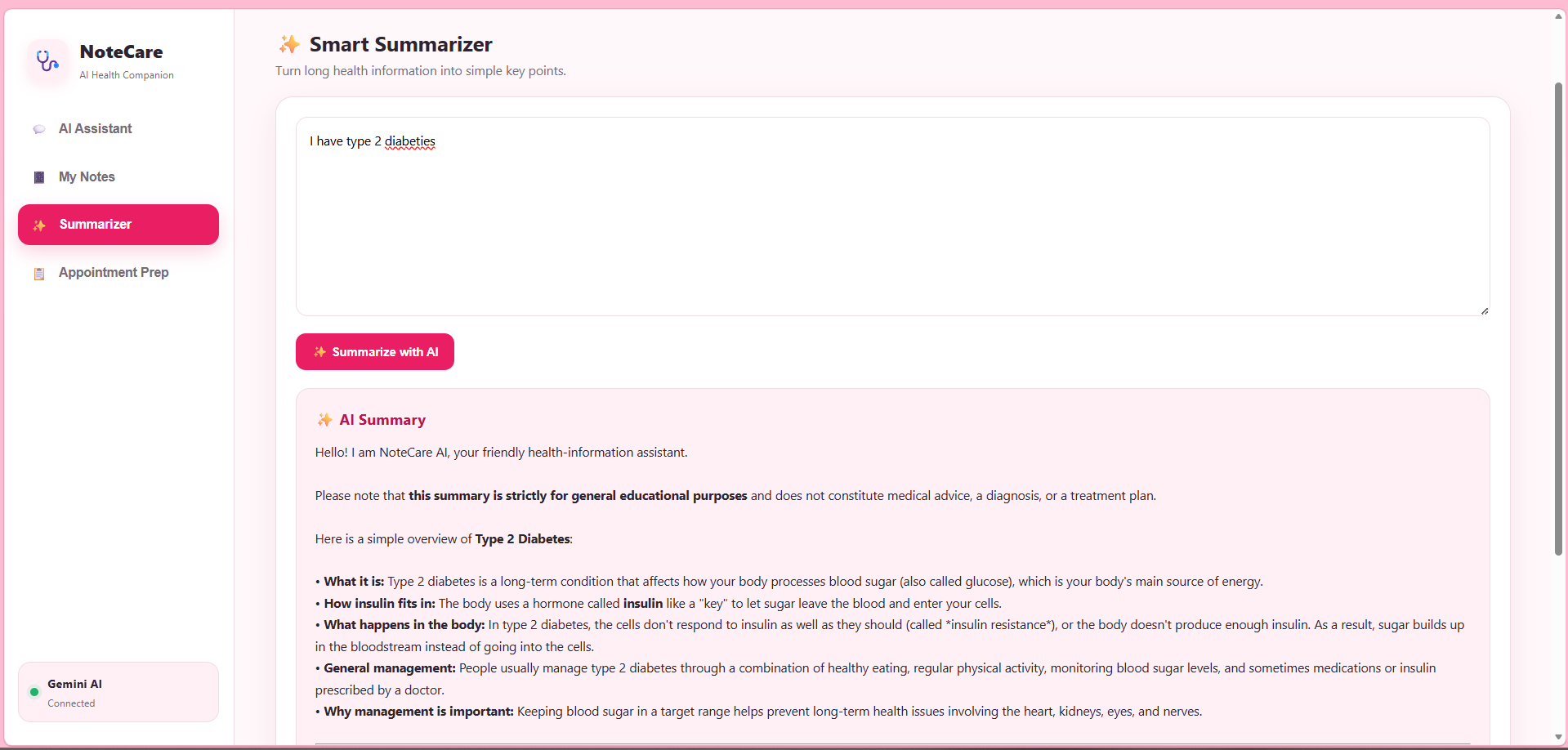
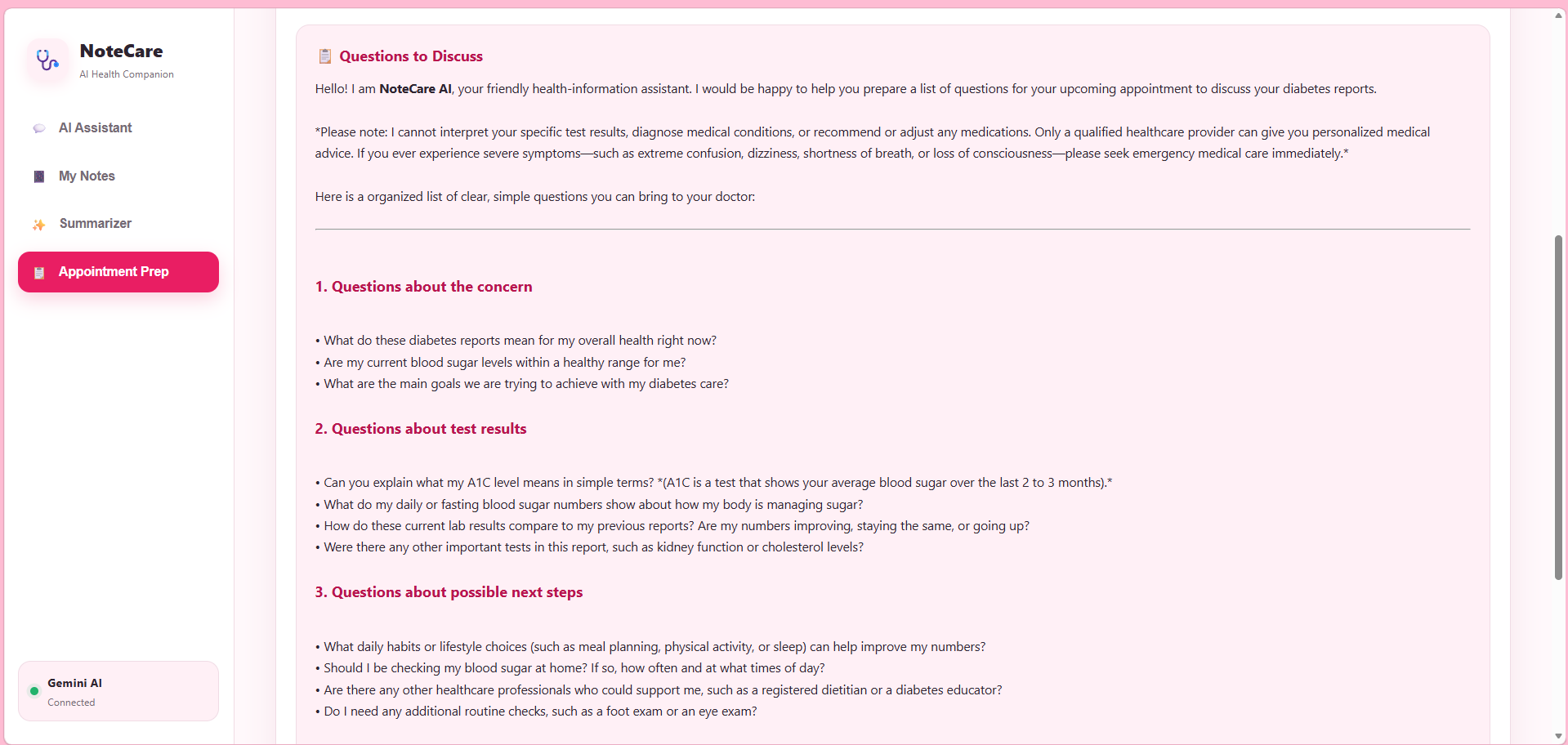
Main UI
-
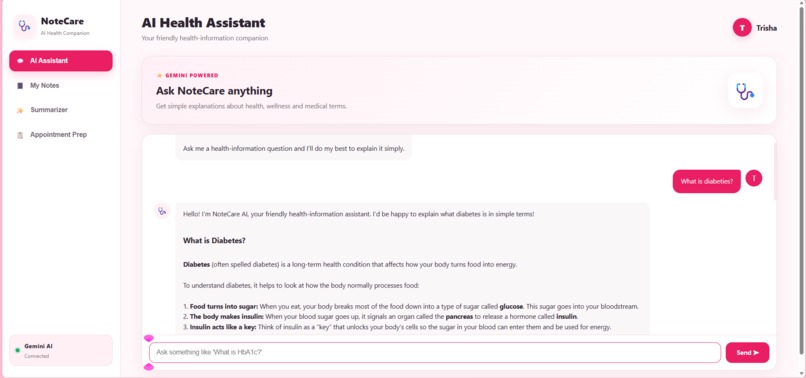
NoteCare-AI simplifying the disease
-
-
-
-
-
-
-
-
-
-
-
-
-

About NoteCare AI
Inspiration
Health-related terms can often feel confusing, especially when people encounter them online for the first time. A simple question such as “What is fever?” or “What is blood pressure?” can lead to complicated medical terminology, conflicting information, or unreliable sources.
We wanted to create a simple and approachable way for people to understand basic health information without feeling overwhelmed. This inspired us to build NoteCare AI, an AI-powered health-information assistant that explains common health and medical concepts in clear, beginner-friendly language.
What We Built
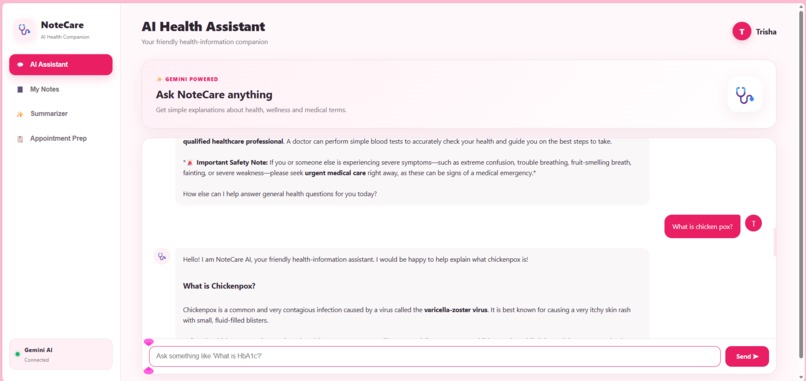
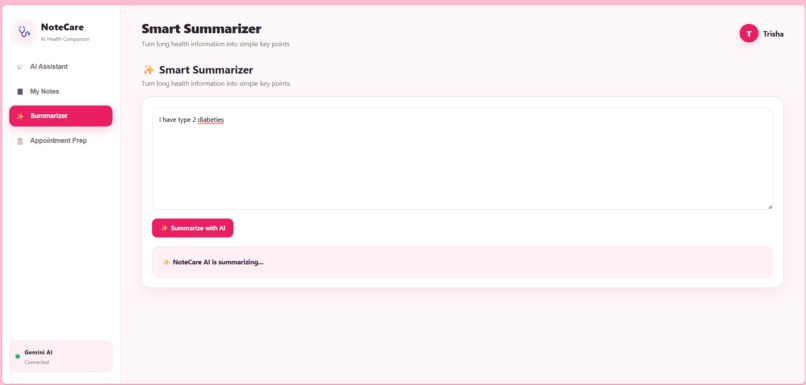
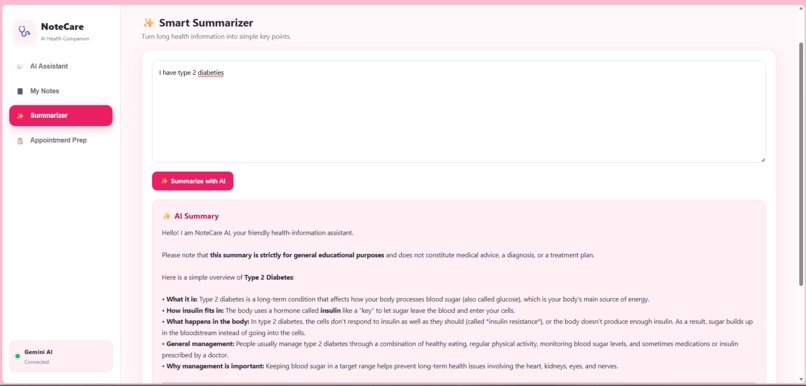
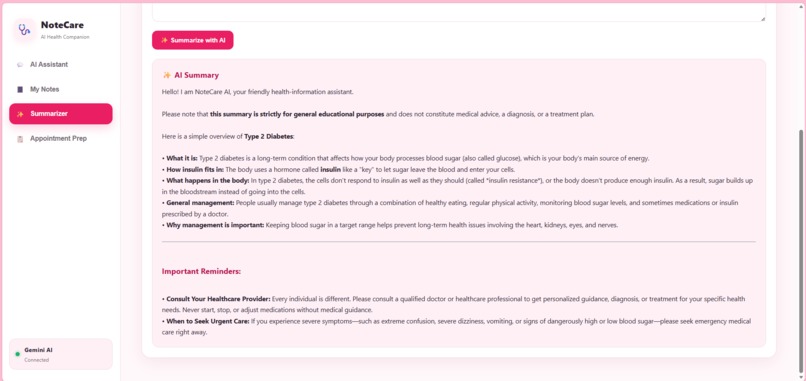
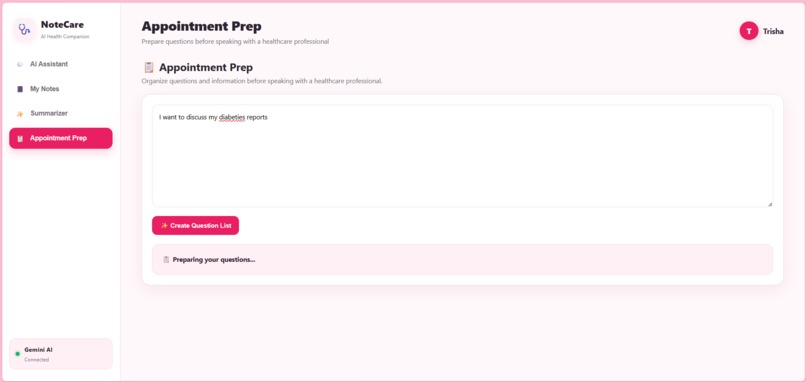
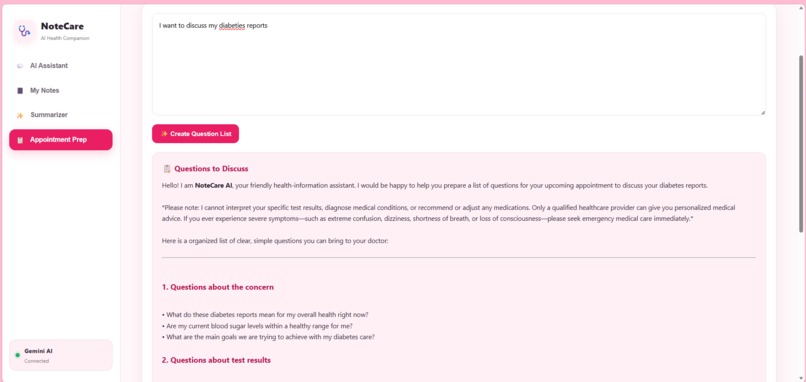
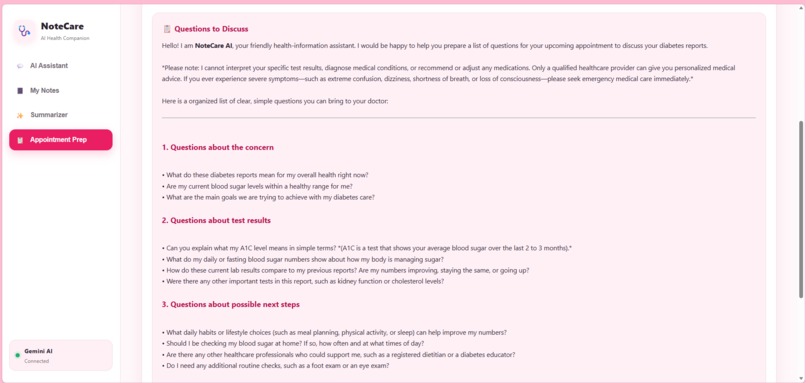
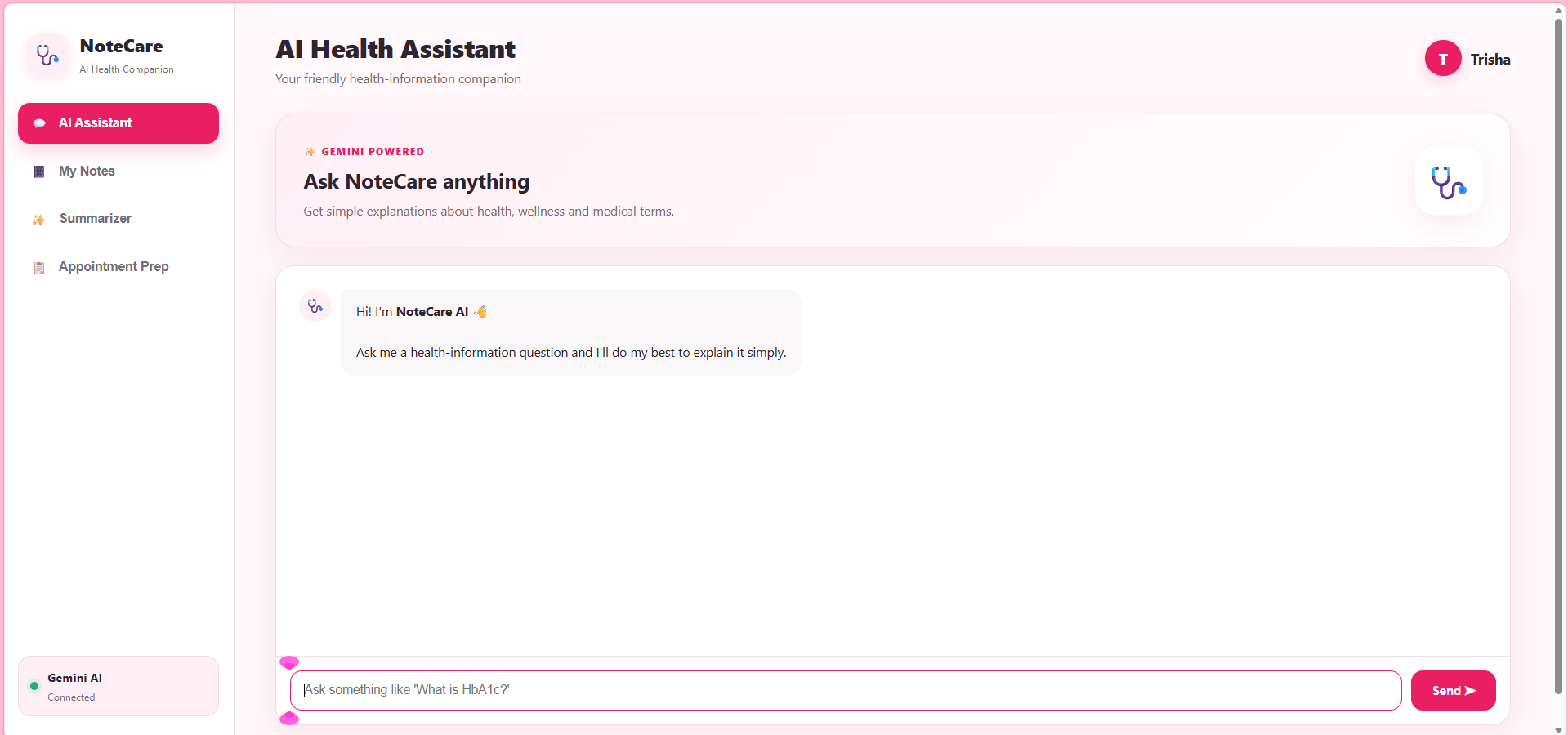
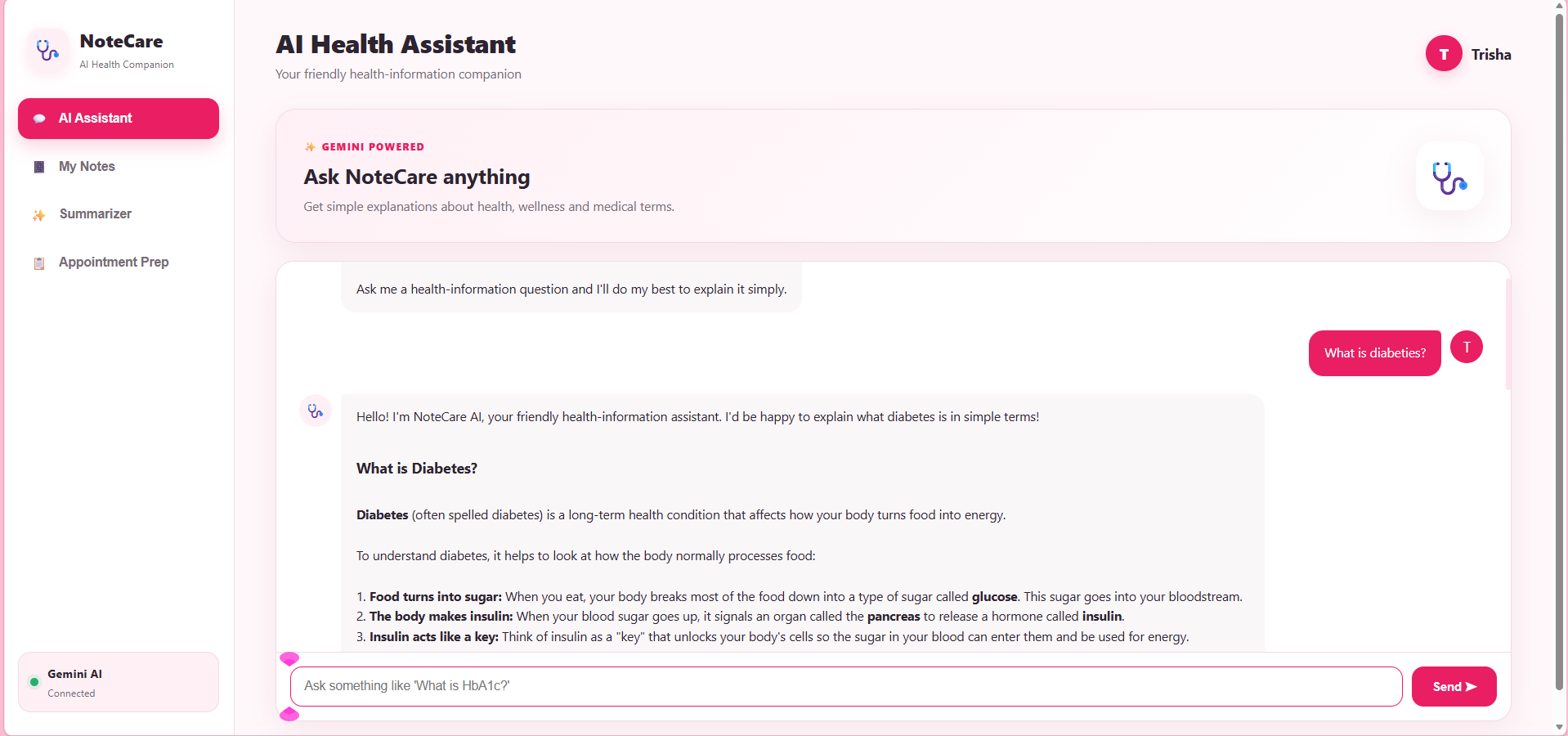
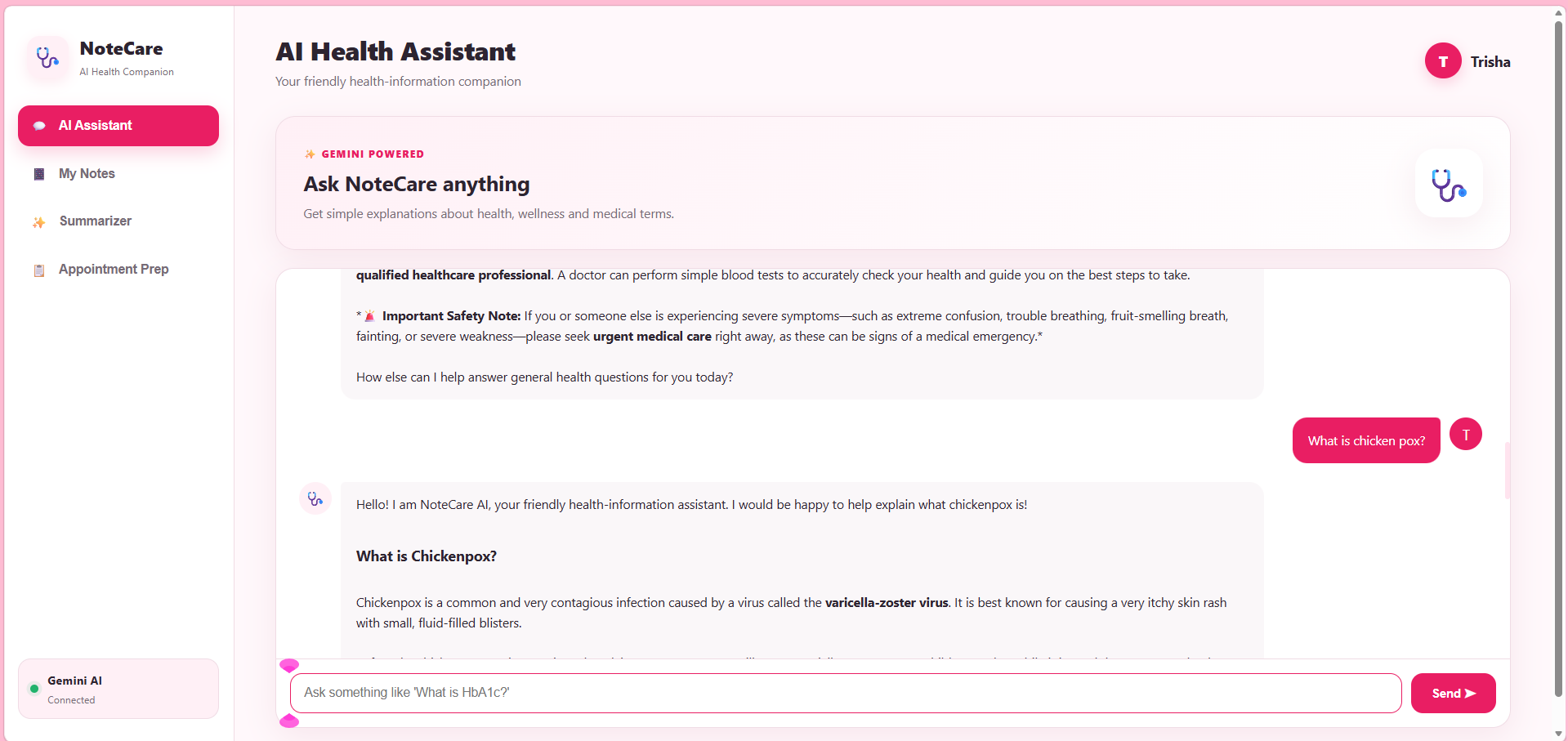
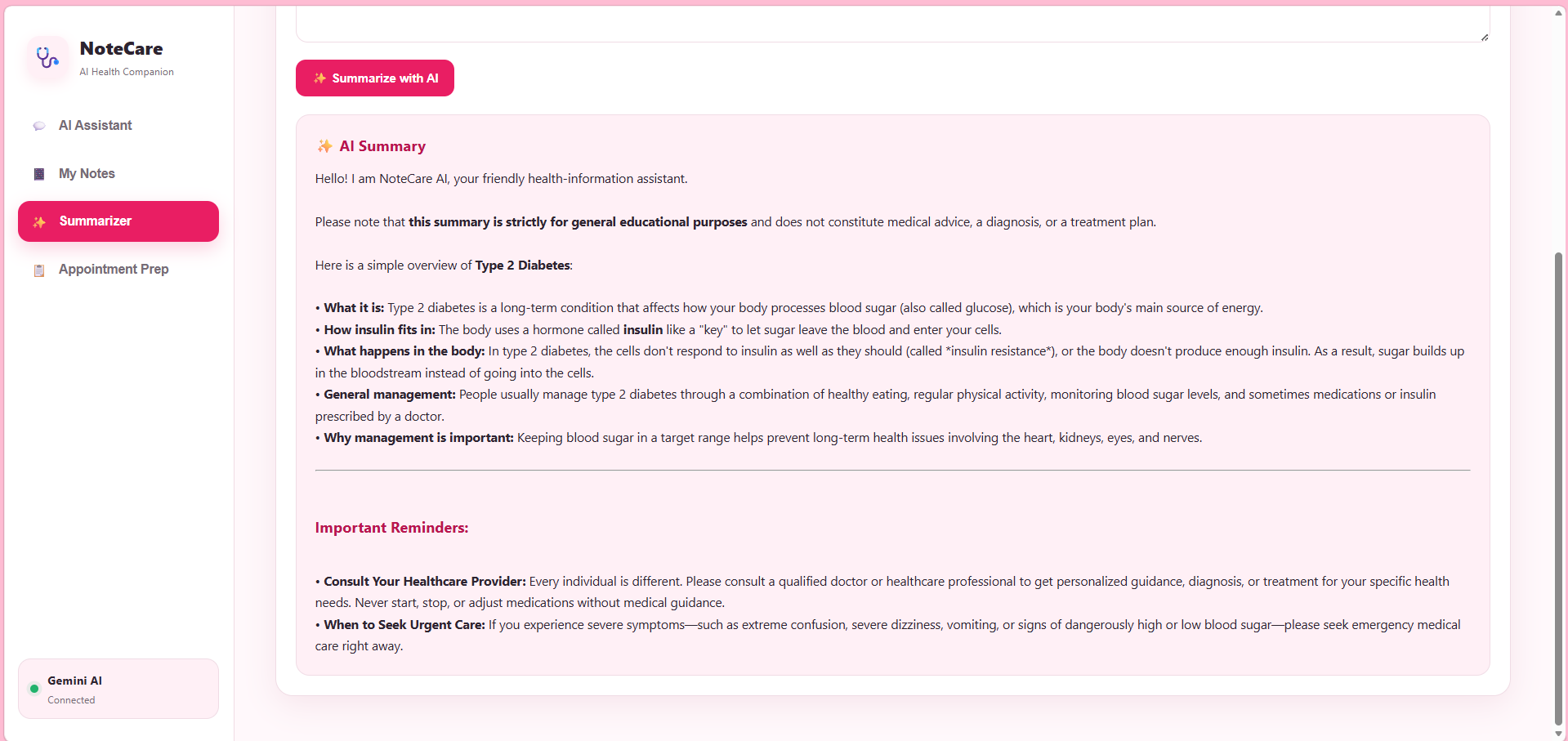
NoteCare AI is a web-based health-information assistant powered by the Gemini API. Users can type a general health question and receive a simple educational explanation.
The application is designed specifically as an information and education tool, not as a replacement for a doctor or healthcare professional.
Key features include:
- 🩺 Natural-language health questions
- 🤖 AI-generated explanations powered by Gemini
- 📖 Simple explanations of medical and health terminology
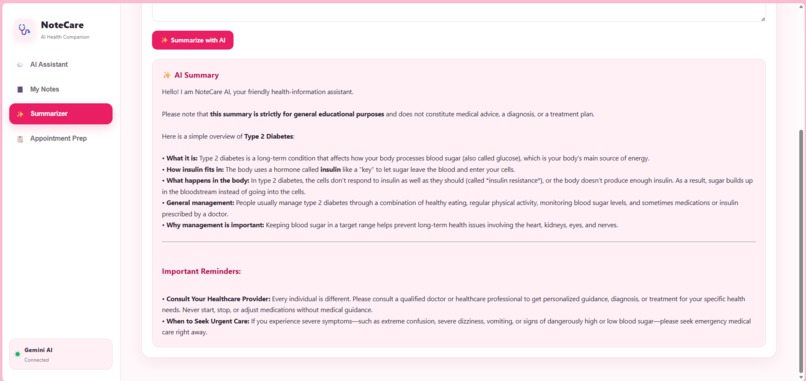
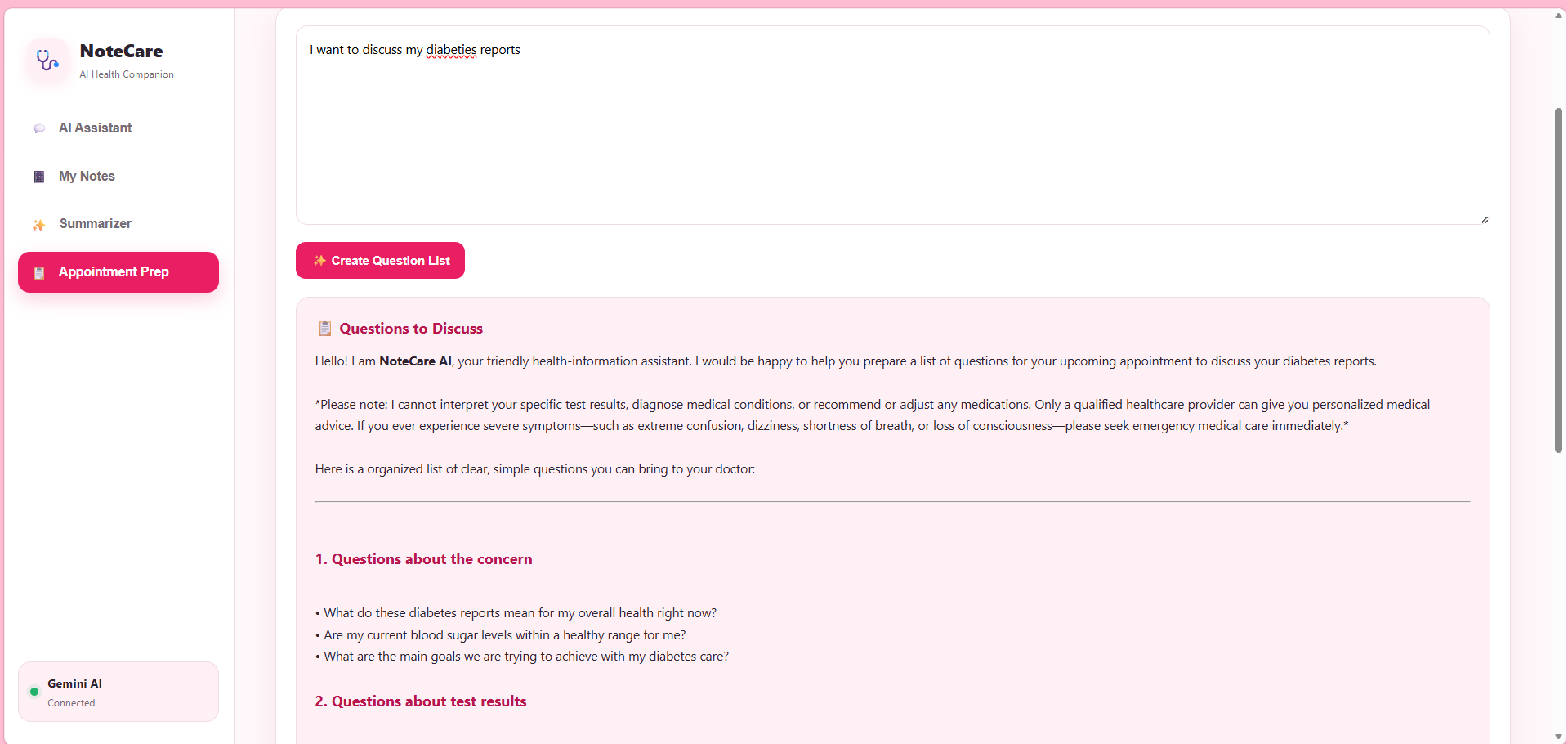
- ⚠️ Safety-focused responses that avoid diagnosis and prescriptions
- 🚨 Guidance to seek professional or urgent medical care when appropriate
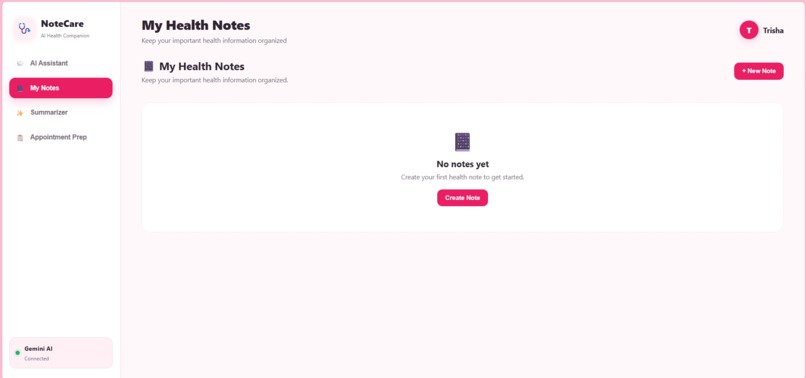
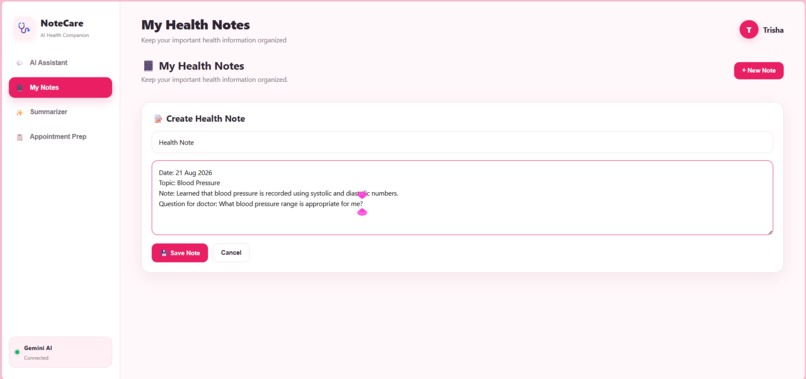
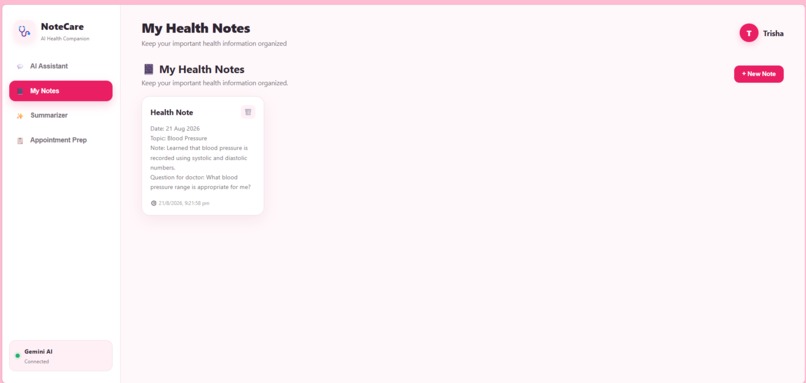
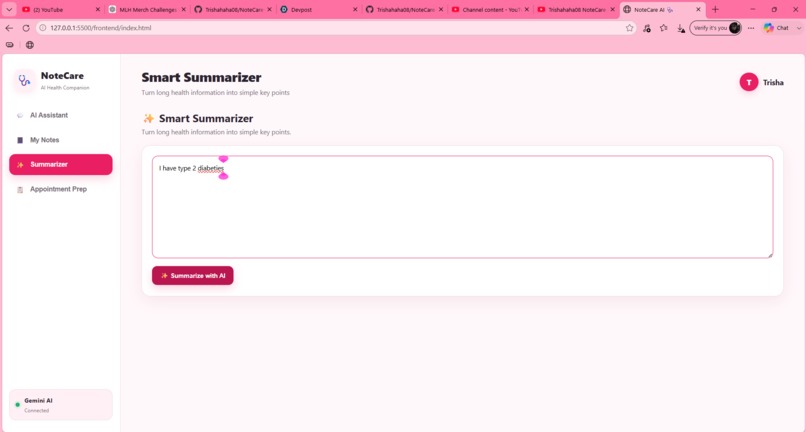
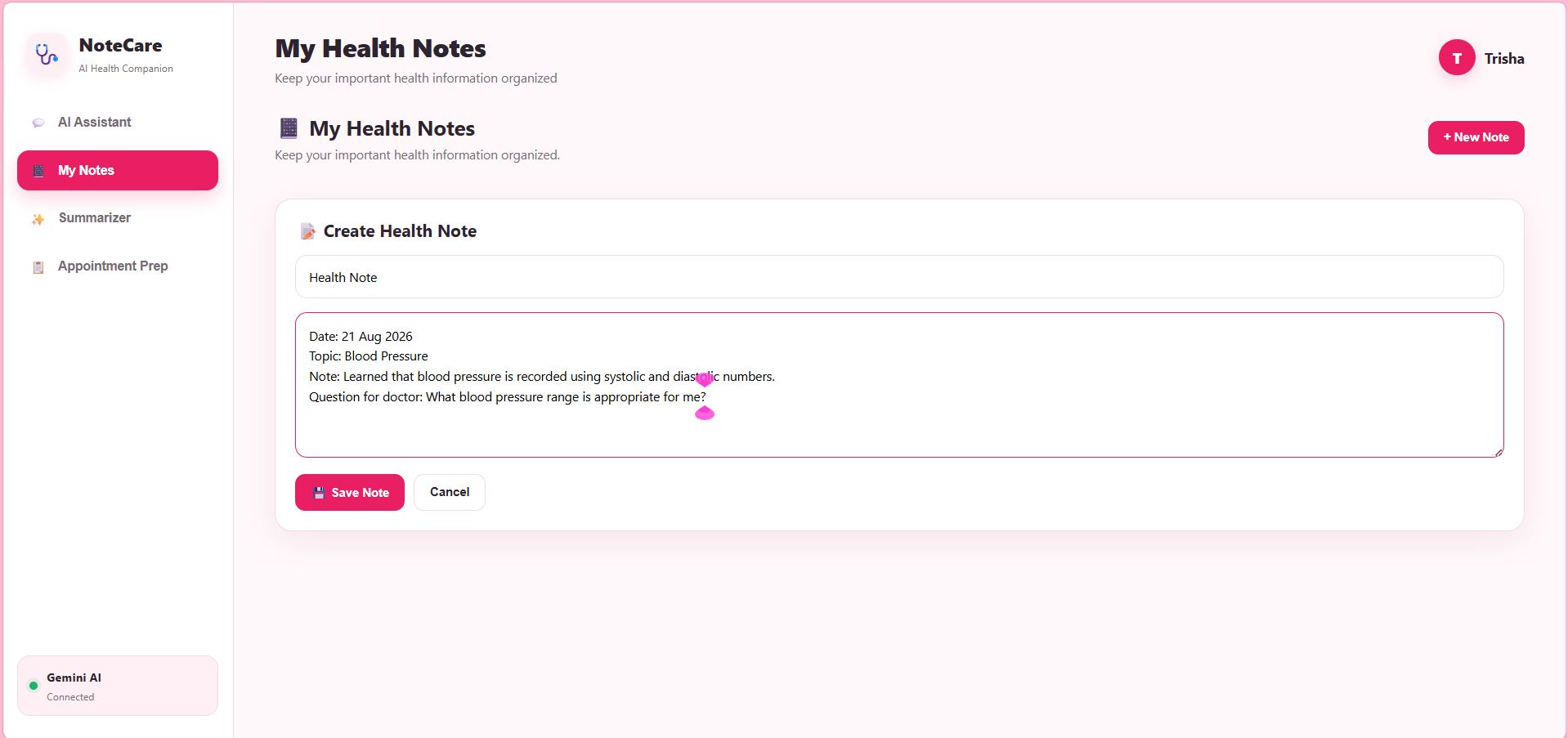
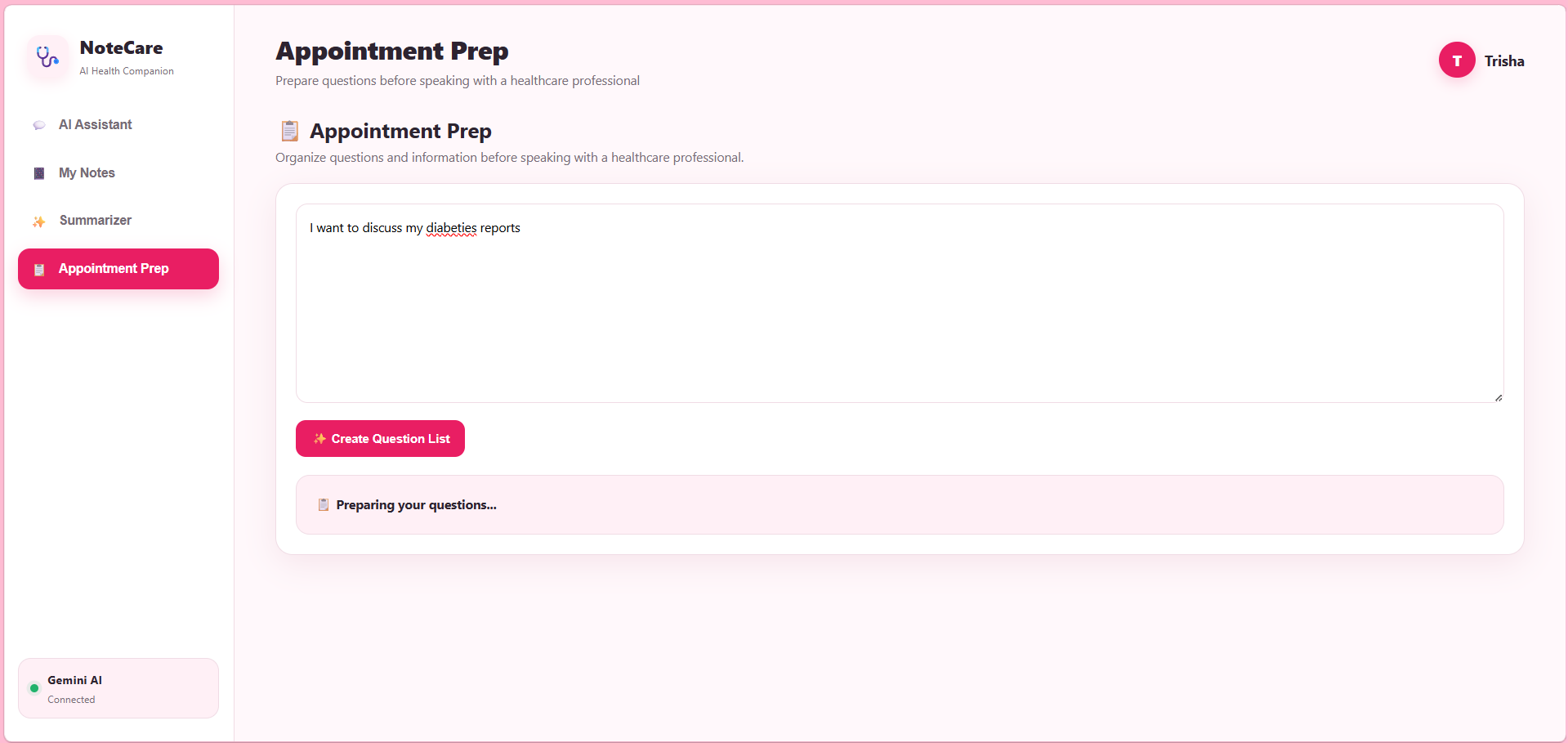
- 💻 A clean and beginner-friendly web interface
- 🔗 Flask backend connected to a frontend through an API endpoint
How We Built It
The frontend was developed using HTML, CSS, and JavaScript. It provides the user interface where questions can be entered and AI responses can be displayed.
For the backend, we used Python and Flask. The Flask server exposes a /chat endpoint that receives the user's question, sends it to Gemini with a safety-focused system prompt, and returns the generated response to the frontend.
The application uses the Gemini API to generate the health-information responses.
The overall flow is:
User
  ↓
NoteCare AI Web Interface
  ↓
JavaScript /chat request
  ↓
Flask Backend
  ↓
Gemini API
  ↓
AI-generated health information
  ↓
Response displayed to User
We also added retry handling on the backend so that temporary API failures do not immediately cause the application to stop responding.
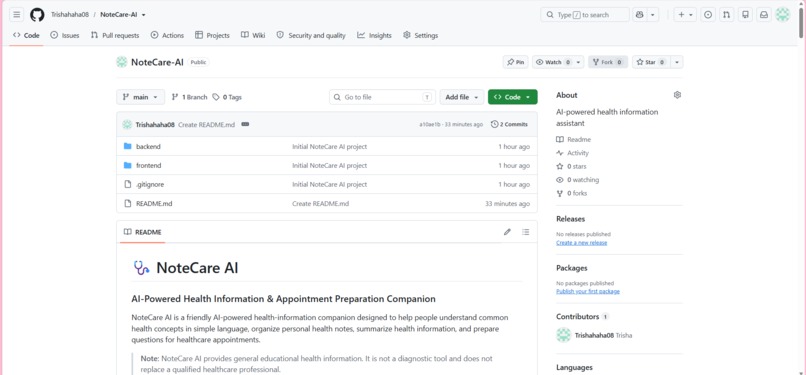
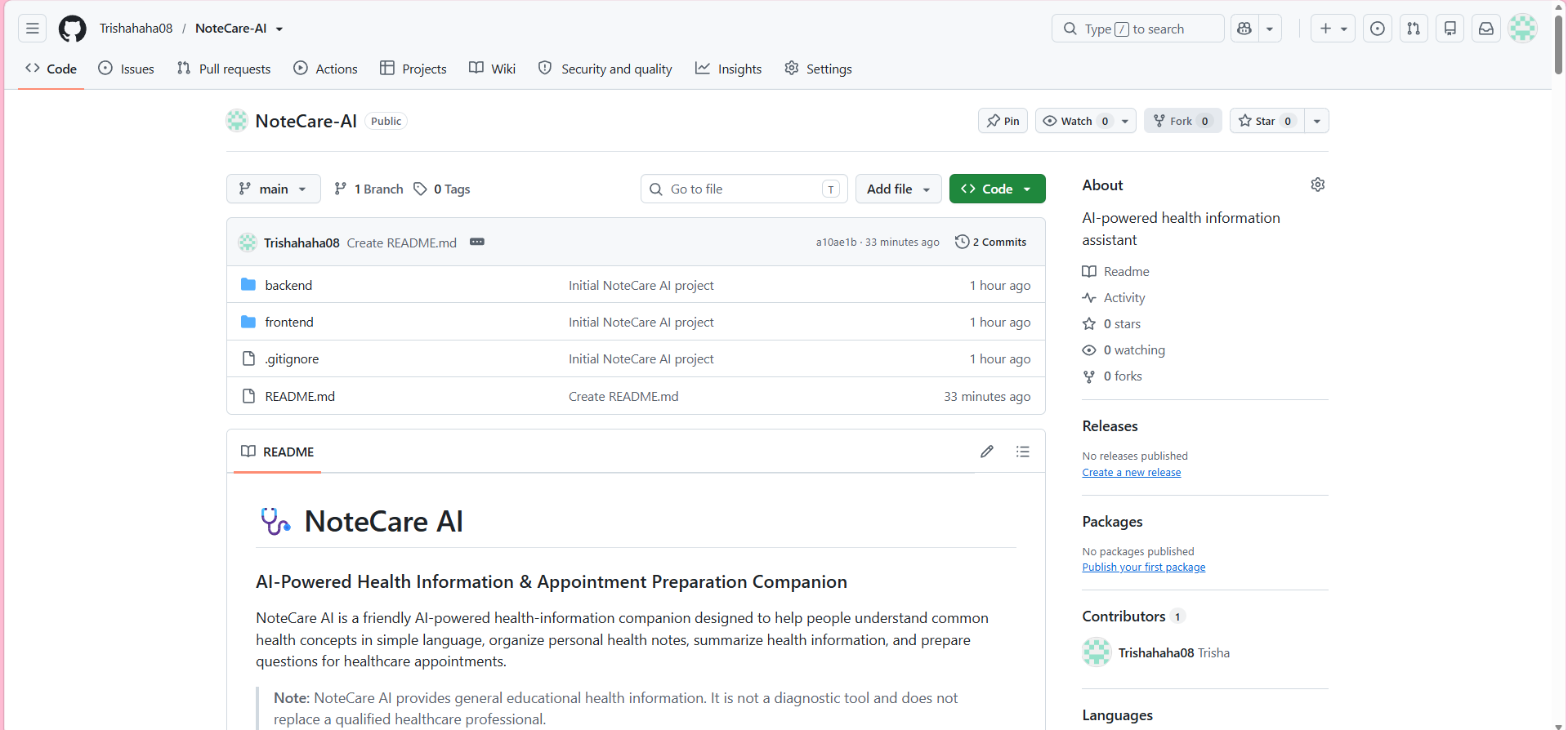
The project source code is maintained in a public GitHub repository.
Safety Approach
Because NoteCare AI deals with health-related questions, safety was an important part of the design.
The AI is instructed to:
- Provide general educational information.
- Avoid diagnosing diseases.
- Avoid prescribing medications.
- Avoid telling users to start, stop, or change medication.
- Explain medical concepts in simple language.
- Encourage consultation with qualified healthcare professionals for personal medical decisions.
- Recommend urgent medical attention for potentially serious or emergency situations.
This makes the project focused on health education and understanding, rather than medical diagnosis or treatment.
What We Learned
Building NoteCare AI helped us understand how an AI application is structured beyond simply calling an AI model.
We learned how to:
- Connect a web application to an AI API.
- Build a Flask REST endpoint.
- Send user input from JavaScript to a Python backend.
- Handle API errors and retries.
- Use environment variables to keep API credentials out of the source code.
- Design prompts for more consistent and responsible AI responses.
- Structure a project using separate frontend and backend components.
- Use Git and GitHub for version control and project submission.
- Think about safety and responsible AI when building applications in sensitive domains such as healthcare.
Challenges We Faced
One of our biggest challenges was getting the frontend, Flask backend, and Gemini API to communicate reliably.
During development, the application sometimes displayed an error instead of an AI response even though the Flask server was running. We had to inspect the backend logs, test the /chat endpoint, check API communication, and improve the error-handling and retry logic.
Another challenge was designing the AI prompt. A general chatbot prompt was not enough for a health-information application, so we added explicit instructions about avoiding diagnosis and medication advice while still keeping explanations useful and easy to understand.
We also learned how important deployment and documentation are. A project is not complete just because the code works locally—it also needs clear setup instructions, a public repository, and a demonstration that other people can understand and evaluate.
Future Improvements
There are several ways we would like to improve NoteCare AI in the future:
- Add multilingual health explanations for Indian users.
- Add citations and links to trusted health-information sources.
- Improve response consistency with structured health-information templates.
- Add voice input and text-to-speech.
- Add conversation history.
- Add stronger safety checks for high-risk health questions.
- Deploy the application so users can access it without running a local Flask server.
- Conduct usability testing with real users and measure whether the explanations are easier to understand.
Conclusion
NoteCare AI started as an attempt to make everyday health information less intimidating. Through the project, we learned not only how to integrate Gemini into a web application, but also how to think about reliability, responsible AI, user experience, and safety.
Our goal is simple: help people understand health information more easily while clearly recognizing the limits of an AI assistant.


Log in or sign up for Devpost to join the conversation.