-
-

Add extension through load unpacked button after enabling developer mode
-
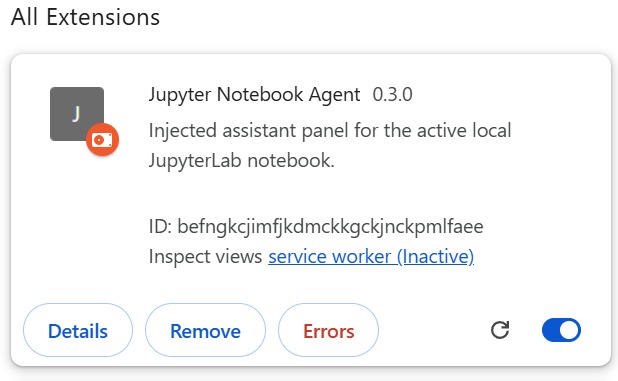
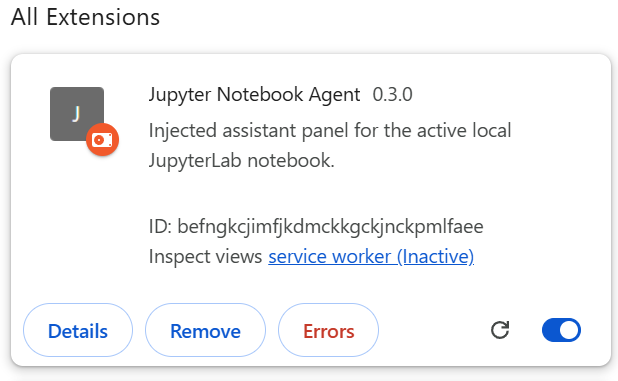
Confirm the presence of extension after adding
-
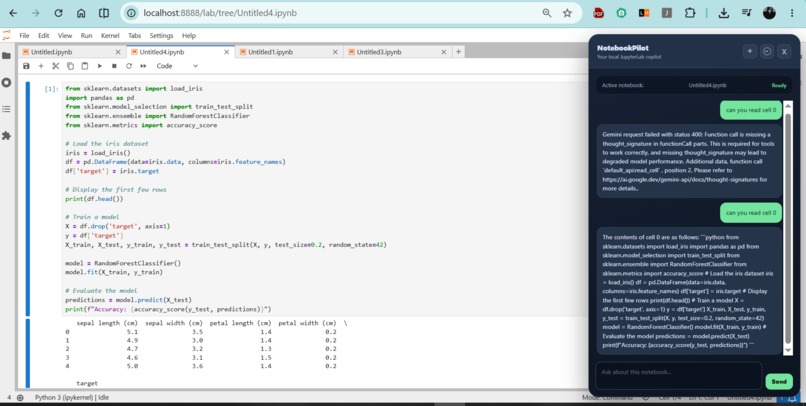
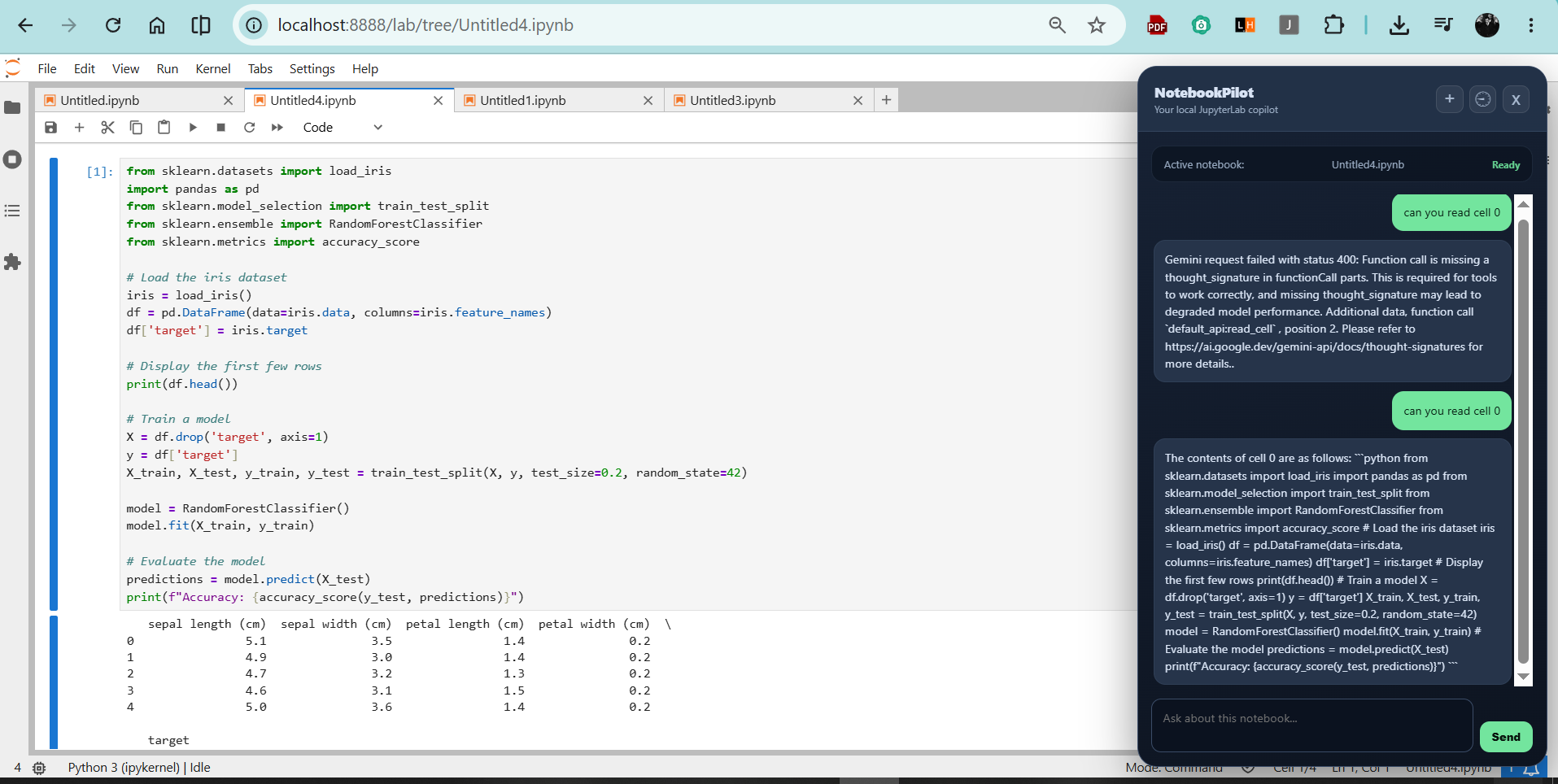
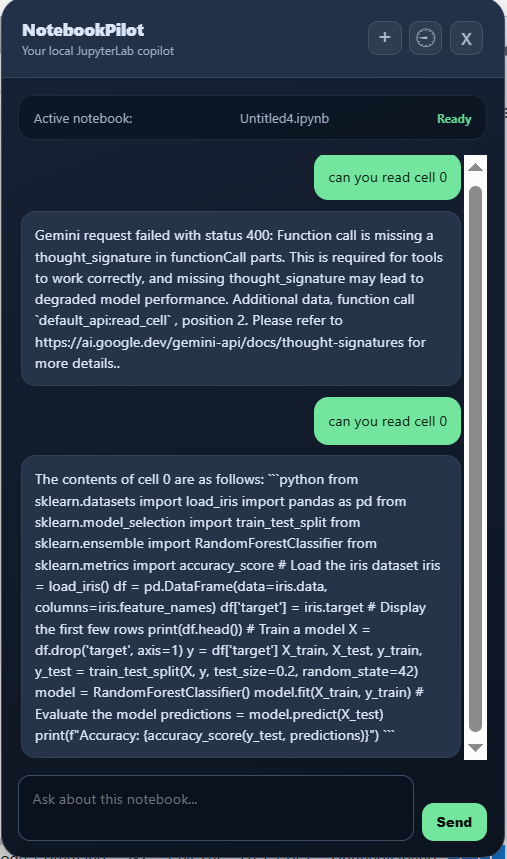
That's how the interface of chat ui looks like in chrome after adding extension
-
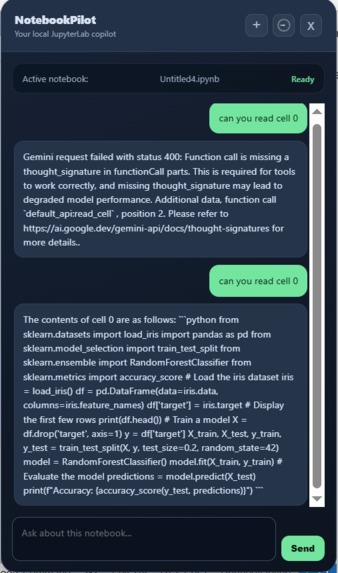
Injected Chat ui for user interactions.

Inspiration
Data scientists and ML engineers spend countless hours stuck in a tedious loop: copying broken code, tracebacks, and outputs back and forth between Jupyter notebooks and external AI chat windows. Existing AI assistants lack direct access to a live Jupyter noteboo, they can't observe execution state, edit cells in place, or execute fixes. We built NotebookPilot to eliminate this "copy-paste tax" and give data scientists an autonomous co-pilot that can see, edit, and execute code directly inside their primary workspace.
What it does
NotebookPilot is a Chrome extension (Manifest V3) that injects a floating agentic assistant directly into local JupyterLab tabs. Instead of just answering questions in a side panel.
Understands Live Context: It reads notebook structure, cell execution counts, outputs, and kernel errors in real time.
Acts Autonomously: It can execute multi-step workflows (e.g., read cell → edit code → run cell → inspect error → apply fix) in a single request.
In-Place Execution: Uses a custom JupyterLab frontend plugin to edit and execute cells dynamically on screen without requiring full page refreshes or third-party cloud storage.
How we built it
NotebookPilot brings together a multi-layered architecture designed for real-time local execution:
Frontend & Injection: A Chrome Manifest V3 extension manages content scripts and the floating chat panel. A custom TypeScript JupyterLab plugin uses INotebookTracker to manipulate the active notebook model.
Local Backend & Parsing: A lightweight Python bridge provides read-only notebook discovery and structured parsing (cells, execution states, errors).
Agent Runtime & AI: Powered at runtime by Google Gemini 3.1 Flash Lite via Google AI Studio API for tool calling and reasoning, orchestrated with a LangChain/LangGraph architecture with SQLite checkpointing.
Development: Built with Codex (GPT-5.6) as our core development, architecture, and debugging tool throughout the project creation.
Challenges we ran into
State Synchronization: Ensuring the agent always targets the active notebook tab (discovered through JupyterLab's dock bar rather than raw URLs) and syncing real-time state changes without race conditions or page reloads.
Safe Autonomous Execution: Balancing multi-step agent autonomy with strict safety controls. We implemented re-verification before every mutation, strict tool allowlists (read_cell, edit_cell, run_cell, etc.), maximum round limits, and quota controls.
Accomplishments that we're proud of
Achieving true live, zero-refresh notebook manipulation directly through JupyterLab's official APIs.
Designing a completely local-first architecture where your notebook data is never sent to third-party servers, only directly to the model API for active requests.
Building a reliable agent loop capable of debugging and fixing kernel errors autonomously in a single turn.
What we learned
Building a local first browser extension that hooks deeply into web based IDEs taught us a lot about JupyterLab internals, Manifest V3 cross-context communication, and managing multi step agent loops safely when live execution environments are involved.
What's next for NotebookPilot
we are thinking to extend it to other plateforms like colab or kaggle


Log in or sign up for Devpost to join the conversation.