-
-
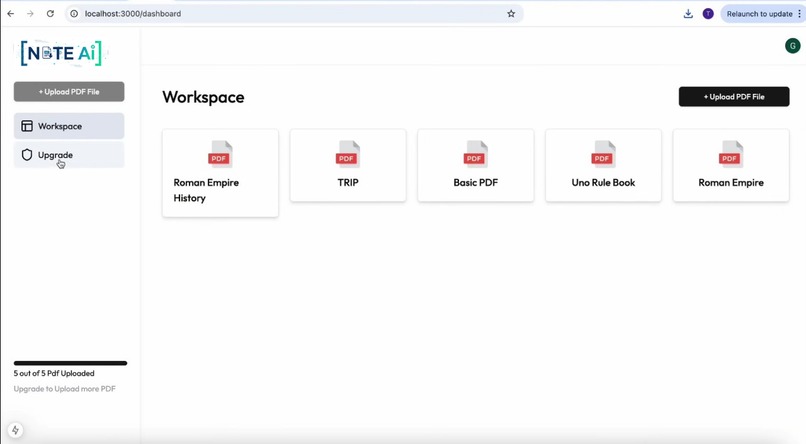
Home Screen
-
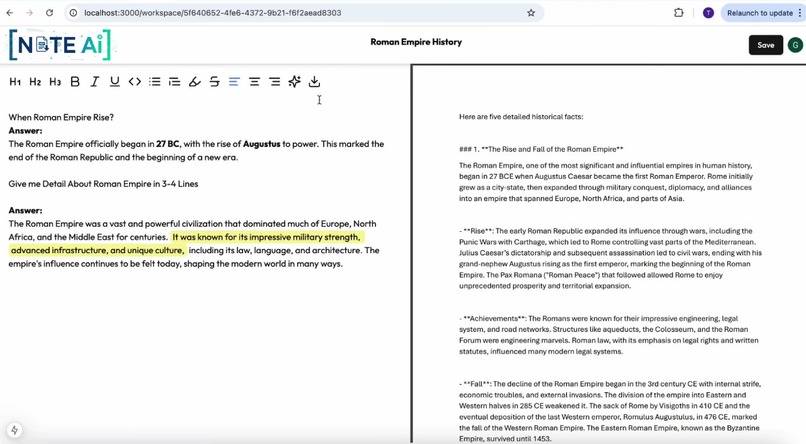
PDF Question and Answer Time
Inspiration
We've all been there: staring at a 100-page research paper or a dense textbook chapter, trying to find a single piece of information. The "Ctrl+F" command is our only tool, but it's limited. It can find words, but it can't find meaning.
We were inspired by this simple, universal problem. We imagined a world where you could just ask your documents questions—not just "find this word," but "explain this concept" or "summarize this section." We wanted to turn static, one-way documents into dynamic, conversational partners. That's how NoteAI was born.
What it does
NoteAI is a full-stack, AI-powered SaaS platform that transforms your static PDF documents into interactive research assistants:
Upload & Analyze: Users can upload their PDFs (research papers, textbooks, legal documents, etc.).
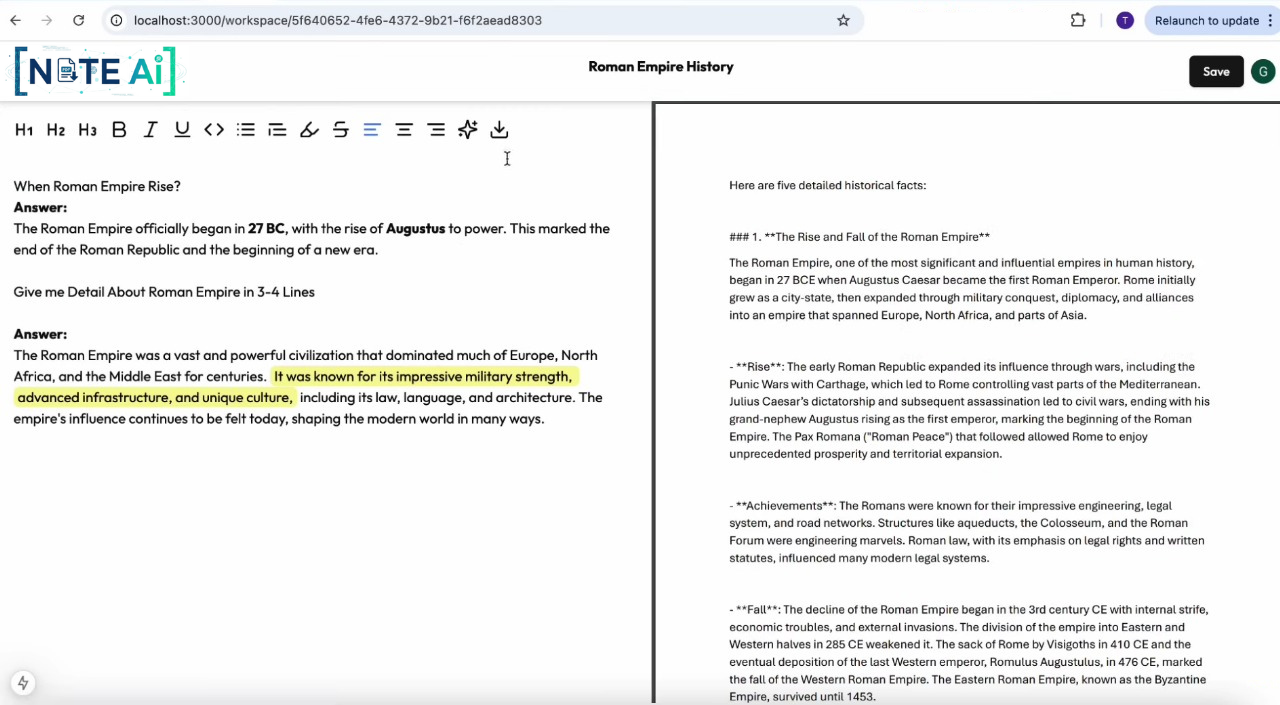
AI-Powered Q&A: Users can ask complex questions in a rich-text editor (e.g., "What were the main findings of this study?") and receive answers generated exclusively from the document's content.
Smart Note-Taking: It provides a side-by-side text editor where users can take notes, format text, and save their insights alongside the AI-generated answers. All notes are saved in real-time. SaaS Model: It features a freemium model. Free users can upload up to 5 files, while premium users (who subscribe via a PayPal integration) unlock unlimited uploads.
How we built it
We built NoteAI as a modern, full-stack application using a serverless architecture.
Frontend: We used Next.js (React), Tailwind CSS, and ShadCN/UI to build a clean, responsive user interface.
Authentication: Clerk securely handles all user sign-up, login, and session management.
Backend & Database: Convex is the heart of our backend. It provides our real-time database (for users, files, and notes), serverless functions (mutations and queries), file storage, and a built-in vector search index.
The AI Workflow (RAG):
Ingestion: When a PDF is uploaded to Convex storage, a serverless function is triggered.
Chunking: We use LangChain to load the PDF and split its text into small, manageable chunks.
Embedding: Each chunk is sent to the Gemini AI API to be converted into a vector embedding (a numerical representation of its meaning).
Storage: These embeddings are stored in our Convex vector database, linked to the specific file.
Retrieval (The Q&A): When a user asks a question, we: Embed the question using Gemini. Run a vector similarity search in Convex to find the most relevant text chunks from the PDF. Send these chunks (the "context") and the user's question to the Gemini AI model with a specific prompt, instructing it to generate an answer based only on the provided context.
Payment & Deployment: We use the PayPal API to handle subscriptions and Vercel to deploy the entire application.
Challenges we ran into
Preventing AI Hallucinations: Our biggest challenge. In early tests, the AI would confidently answer questions using its general knowledge, which defeated the purpose of a document-specific tool. We solved this with meticulous prompt engineering, explicitly instructing the model to only use the context we retrieved from the PDF and to state if the answer wasn't present.
Implementing the RAG Pipeline: Building a RAG (Retrieval-Augmented Generation) pipeline from scratch was complex, especially managing the data flow from file upload to vector embedding to final answer generation.
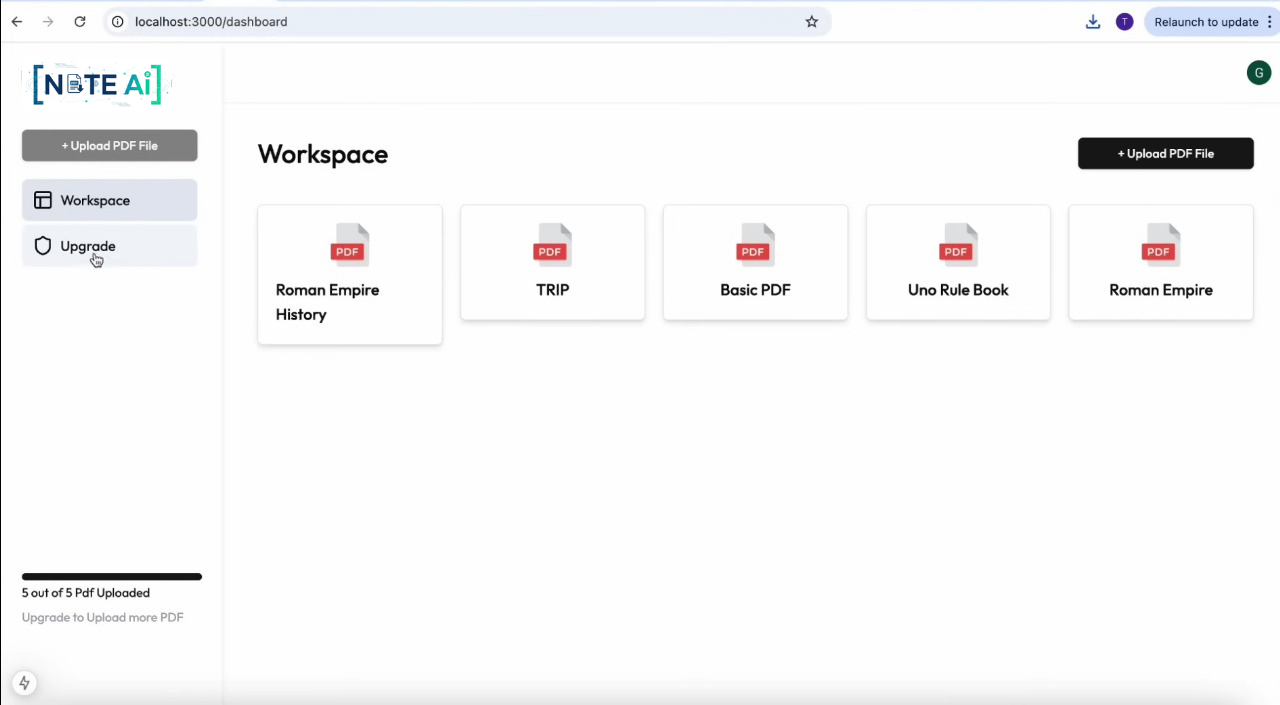
Managing Real-Time User State: We needed our UI to react instantly to changes, like the 5-file limit being reached. Using Convex's real-time queries solved this perfectly—our frontend automatically subscribed to database changes, disabling the upload button the moment the 5th file was saved.
Accomplishments that we're proud of
A Fully Functional RAG Pipeline: We successfully built a complete, end-to-end RAG system that ingests, indexes, and intelligently queries documents. This is the core of modern AI applications.
A Real-Time, Seamless User Experience: Thanks to Convex, the entire application feels alive. Notes save instantly, and file limits are enforced in real-time without the user ever hitting a "refresh" button.
Building a Complete SaaS Model: We didn't just build an AI demo; we built a product. Integrating authentication (Clerk) and payments (PayPal) proves the viability of our project as a real-world service.
What we learned
The Power of Serverless Backends: We learned how incredibly fast development can be with a tool like Convex. Handling data, serverless functions, file storage, and vector search in one place allowed us to focus on the AI features, not on managing infrastructure.
Practical Prompt Engineering: We learned that the "prompt" is one of the most critical parts of an AI application. How you ask the model to behave determines the quality and factualness of the answer.
Vector Databases are Key: We gained hands-on experience with vector embeddings and similarity search, learning how they are the fundamental building blocks for any AI application that needs to "understand" and search through large amounts of text.
What's next for NoteAI
Support for More File Types: We plan to expand beyond PDFs to support .docx, .txt, .pptx, and even URLs.
Enhanced Editor: We want to add more features to our TipTap editor, such as in-line commenting, @-mentions, and better export options (e.g., to Markdown or a new PDF).
Team Collaboration: We envision a "Teams" plan where users can create shared workspaces, upload documents, and collaborate on notes and research in real-time.
"Multi-Doc" Chat: Allowing users to ask a single question across all of their uploaded documents simultaneously.
Built With
- ai
- api
- clerk
- convex
- css
- gemini
- javascript
- langchain
- next.js
- paypal
- react)
- shadcn/ui
- tailwind
- tiptap

Log in or sign up for Devpost to join the conversation.