🚀 Inspiration
As students, we spend hours creating notes, summaries, and MCQs for exam preparation. Most of this time is consumed in rewriting information we already understand. I wanted to build something that reduces the manual workload and lets students focus on actual learning.
This led to the idea of Note2MCQ AI — a tool that converts any text, notes, or PDF content into short notes, summaries, MCQs, short questions, long questions, and flashcards, automatically. AI should make learning easier, not harder — and that became my motivation.
💡 What It Does
Note2MCQ AI transforms raw text into structured study material:
✔ Generates summaries & notes
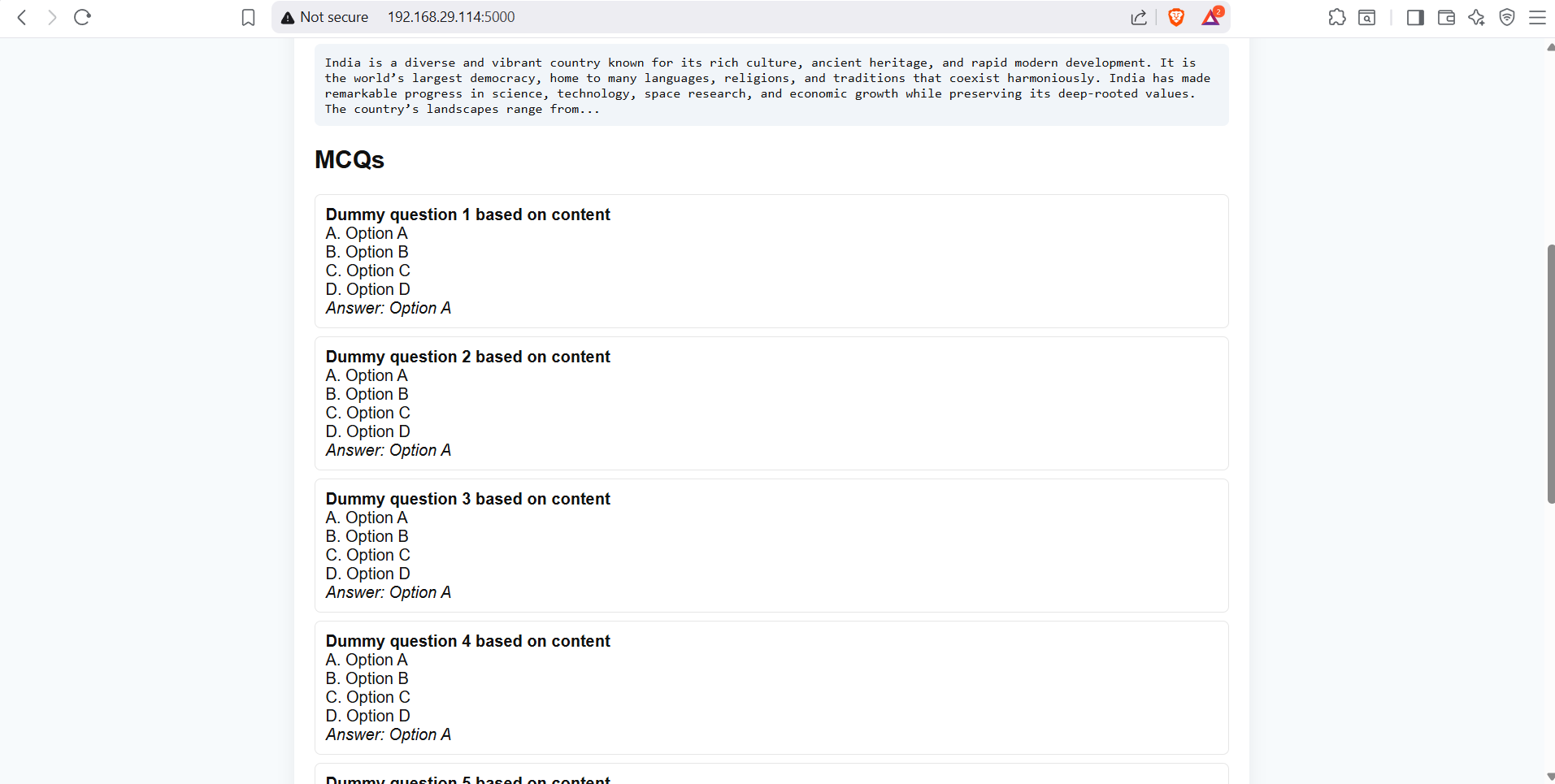
✔ Converts notes into MCQs with answers
✔ Creates short & long questions
✔ Extracts keywords + definitions
✔ Produces flashcards
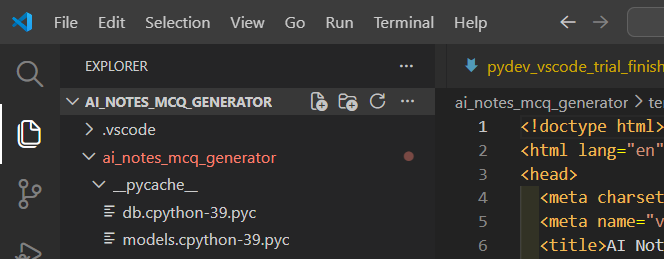
✔ Saves everything using an SQL database
This turns normal text into a complete study module in seconds.
🛠️ How I Built It
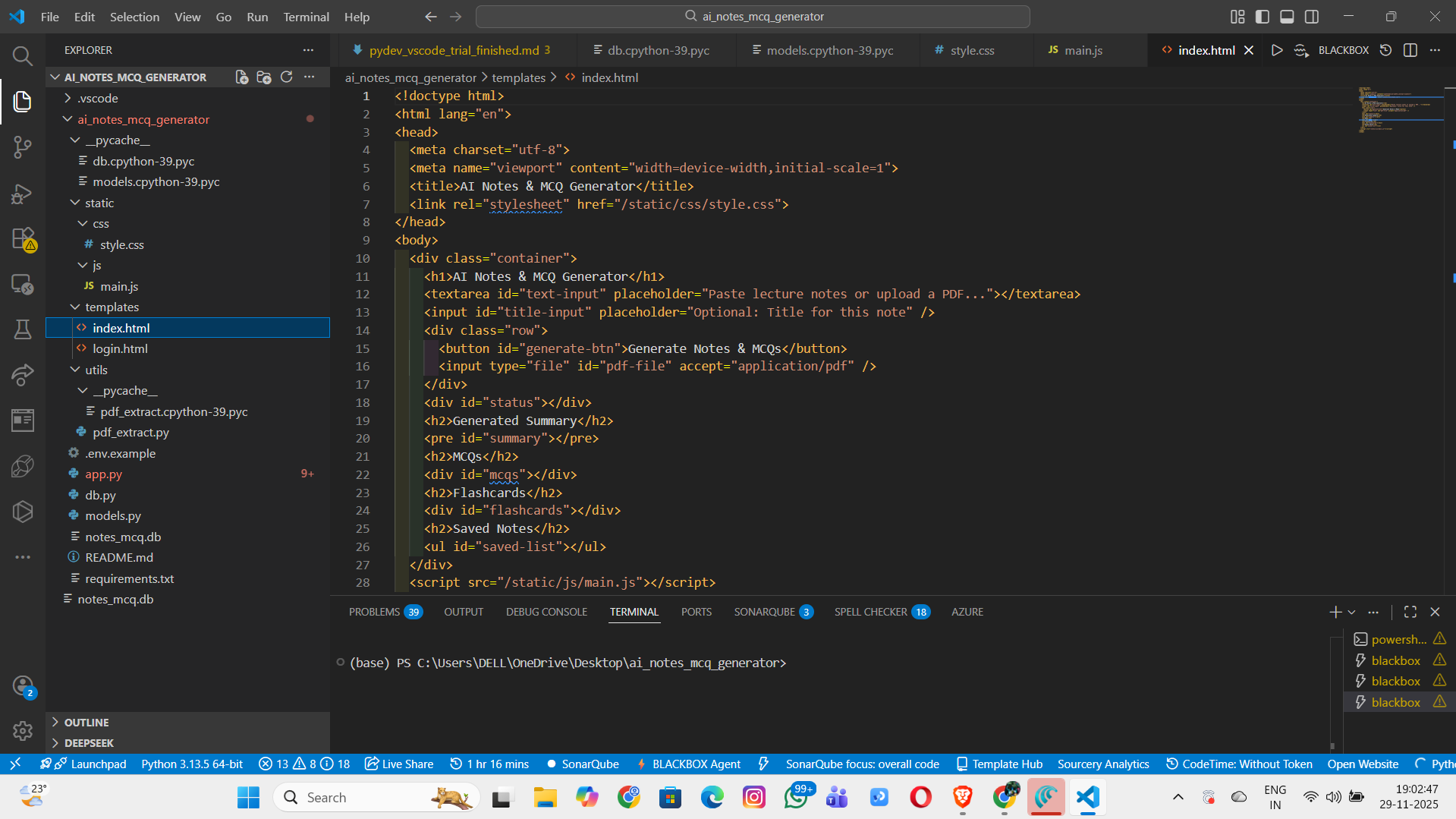
The project is built using a simple yet powerful stack:
✨ Frontend
HTML, CSS, JavaScript
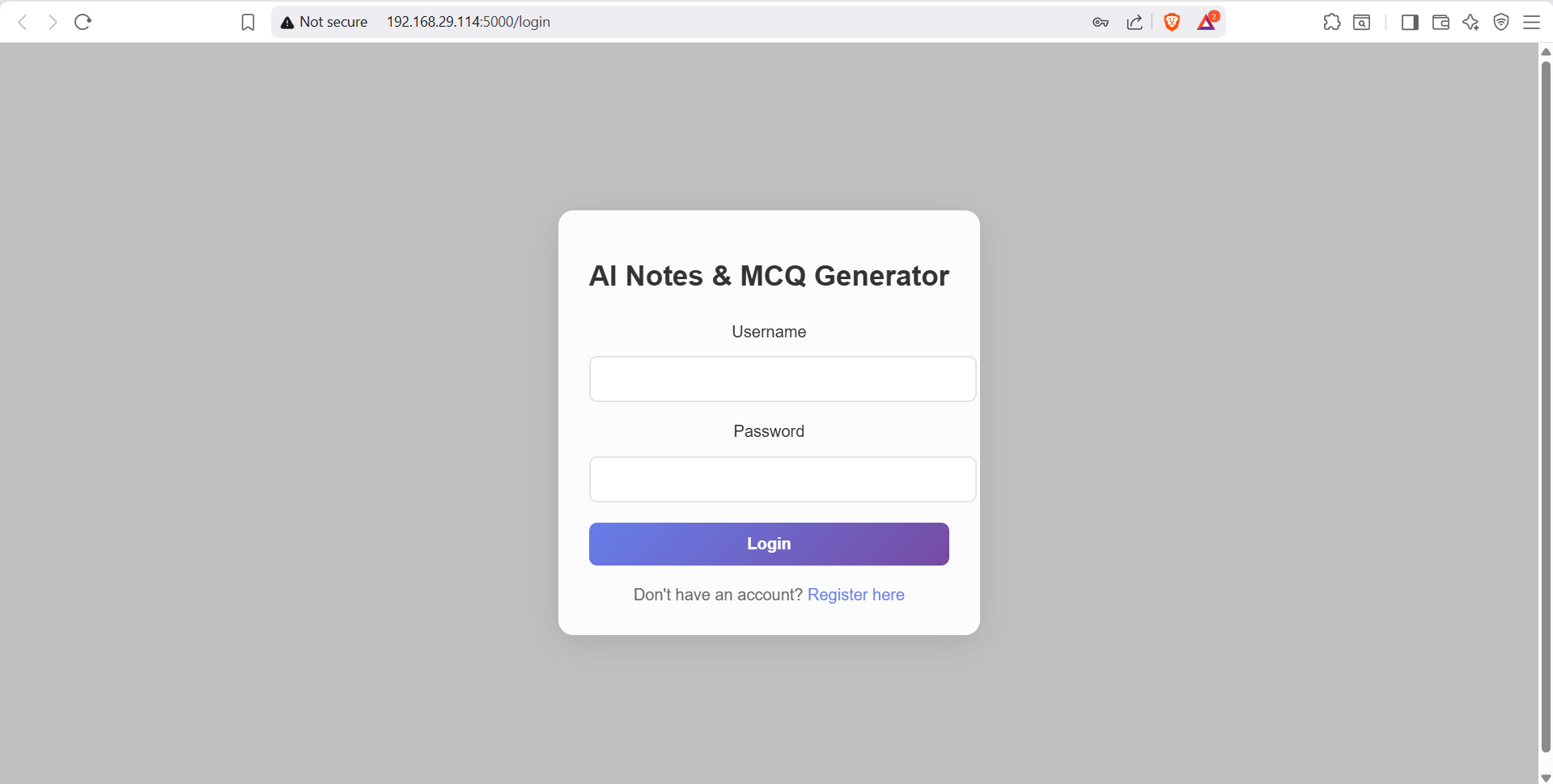
Clean UI for text input & results display
✨ Backend
Python (Flask)
LLM integration using OpenAI & Gemini APIs
PDF text extraction
Internal functions handling notes → MCQs → questions
✨ Database
SQL (SQLite) for storing:
User text
Generated notes
MCQs
Questions
Flashcards
✨ AI Models Used
OpenAI GPT-4o / GPT-4o-mini
Gemini 1.5 Flash Used for:
Summarization
Question generation
MCQ creation
Content structuring
✨ Math Support
Some processes required mathematical reasoning from the AI, such as filtering content using word counts:
summary length ≤ 100 words summary length≤100 words
🔍 Challenges I Faced
- Maintaining Output Quality
AI sometimes generated overly long or inconsistent MCQs. Solution: Added strict prompt patterns and formatting constraints.
- Handling PDF extraction
Extracting clean text from PDFs often produced noise. Solution: Preprocessing using PyPDF2 + custom cleanup rules.
- API Rate Limits
During rapid testing, API calls were limited. Solution: Added multiple API key support and fallback routing.
- Designing a Simple but Effective UI
Students prefer minimal interfaces. Solution: Built a clean front-end with focus on readability.
- Storing Structured Data in SQL
Separating notes, MCQs, and questions into relational tables required planning. Solution: Designed a clear SQL schema using SQLAlchemy.
📚 What I Learned
How to integrate LLMs like OpenAI and Gemini in a real workflow
How to design prompt engineering pipelines for structured content
Implementing backend–database communication in Flask
Handling PDF text preprocessing
Understanding realistic user needs in the education domain
Importance of time optimization for hackathon-style development
🎯 Outcome
Note2MCQ AI successfully demonstrates how AI can automate the tedious parts of studying—summaries, MCQs, questions, flashcards—and help students learn faster and better.
It’s simple, powerful, and built with a mission:
Let students focus on learning, not formatting.
🌟 What’s Next?
Future improvements may include:
Voice-based input
AI mind-maps
Multi-chapter document processing
User accounts with cloud sync
Export to PDF/Docx
Mobile app version
Built With
- css
- gemini
- html
- html5
- javascript
- openaid
- pypdf2
- python
- sql
- sql/sqlite
- sqlalchemy

Log in or sign up for Devpost to join the conversation.