-
-
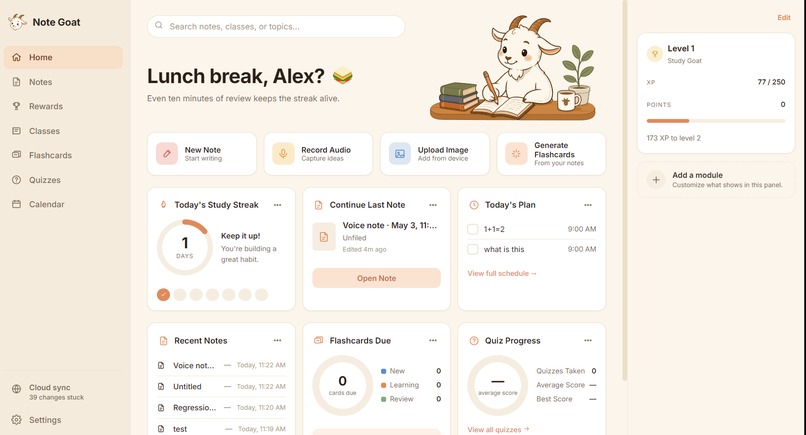
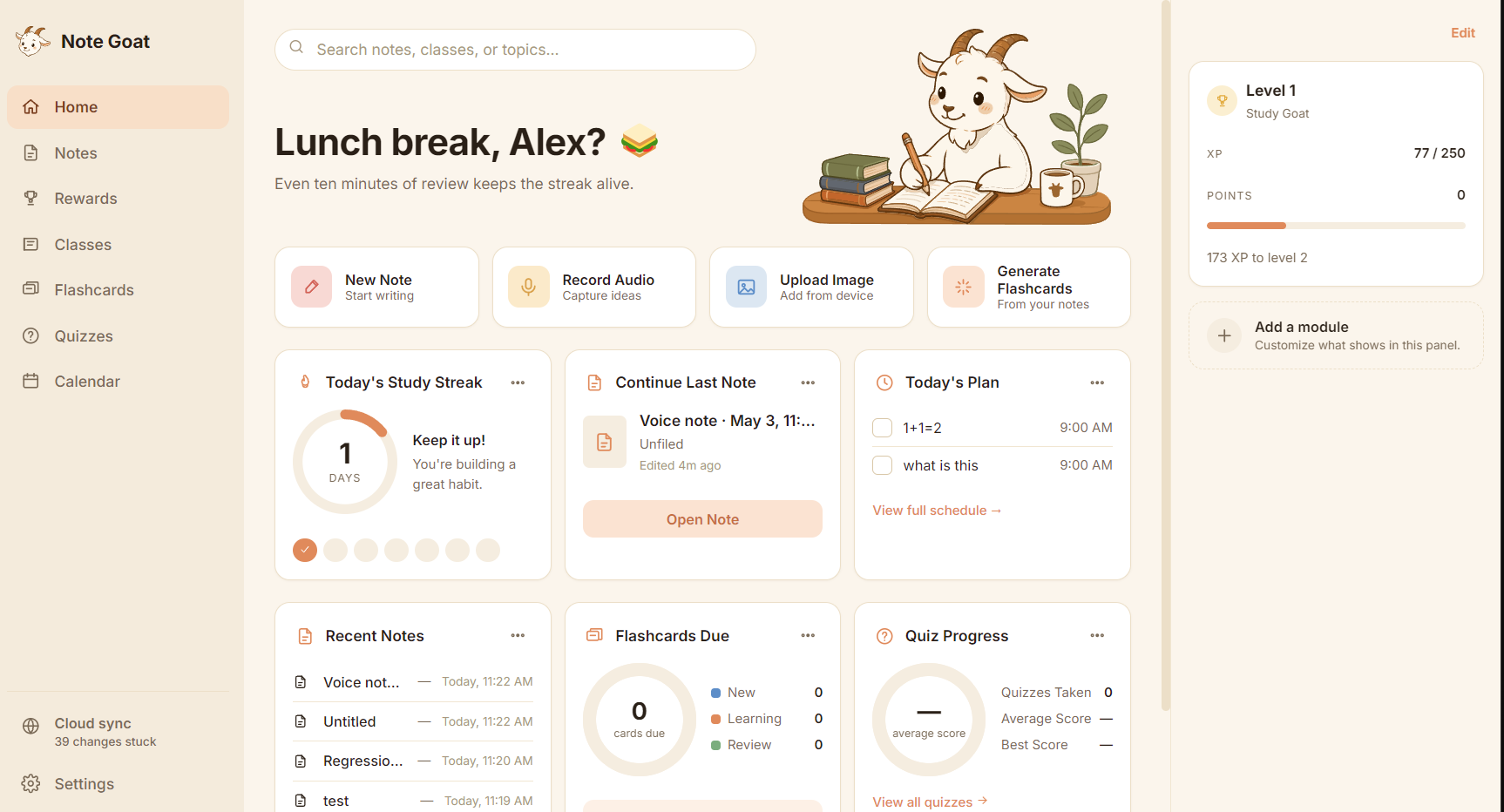
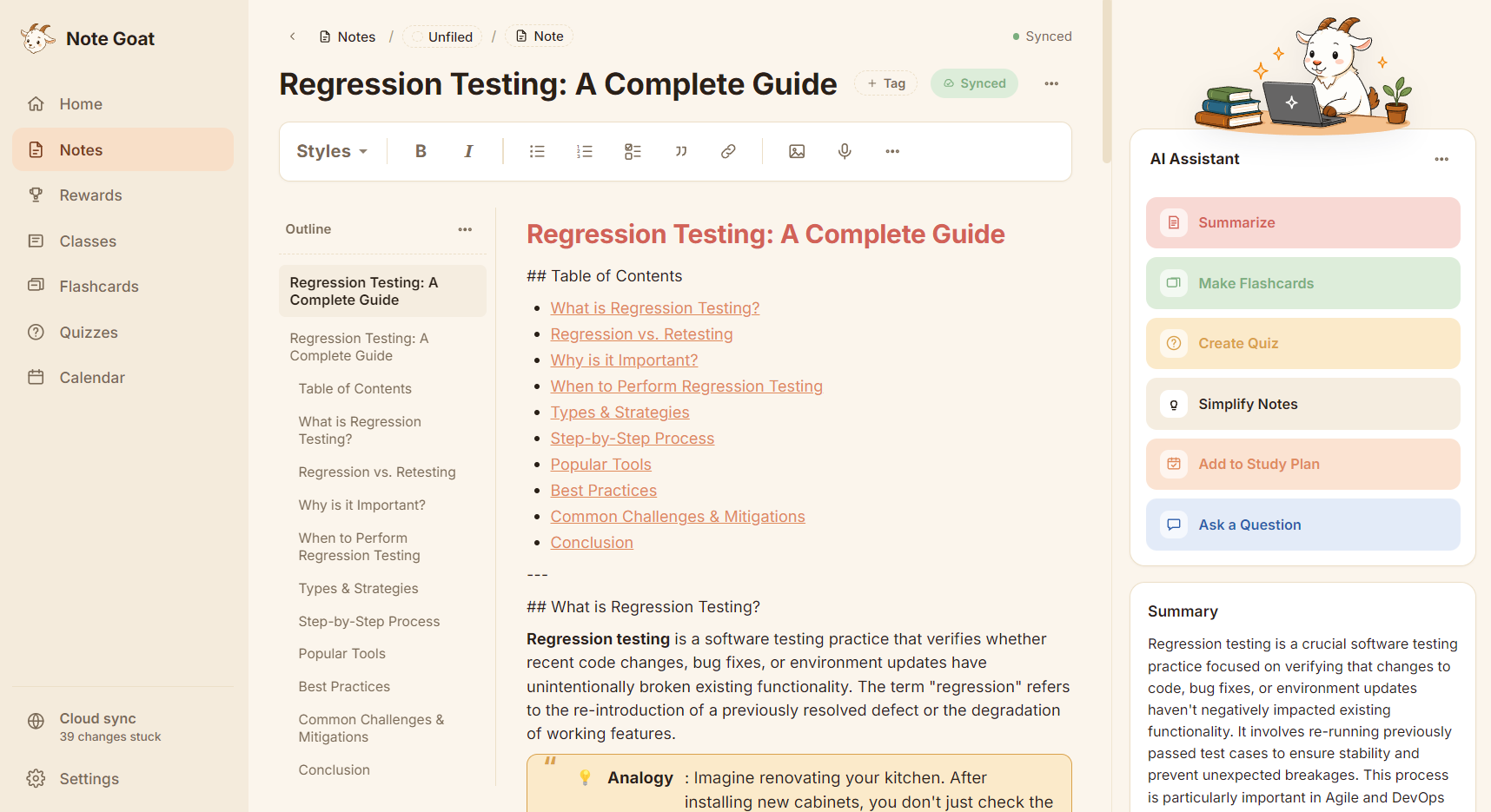
Home Screen
-
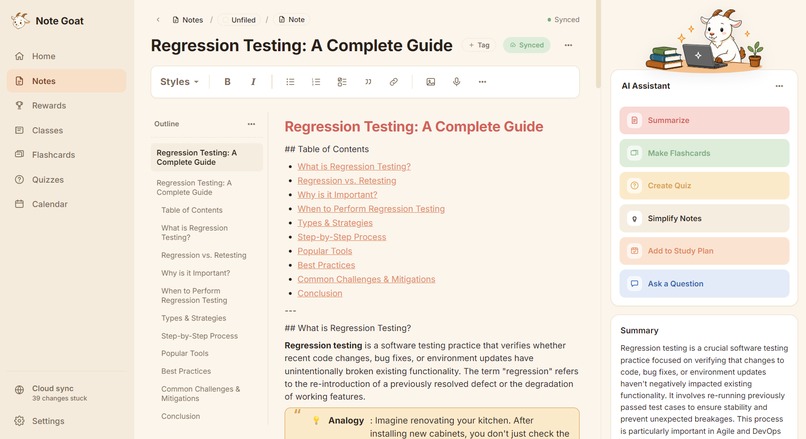
Note Editor
-
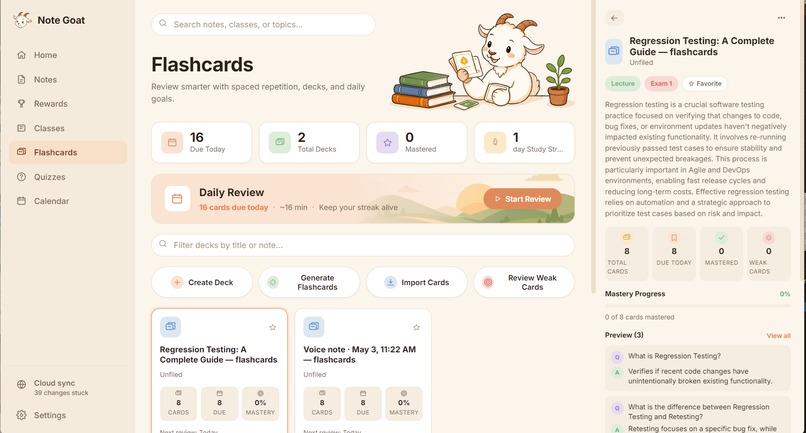
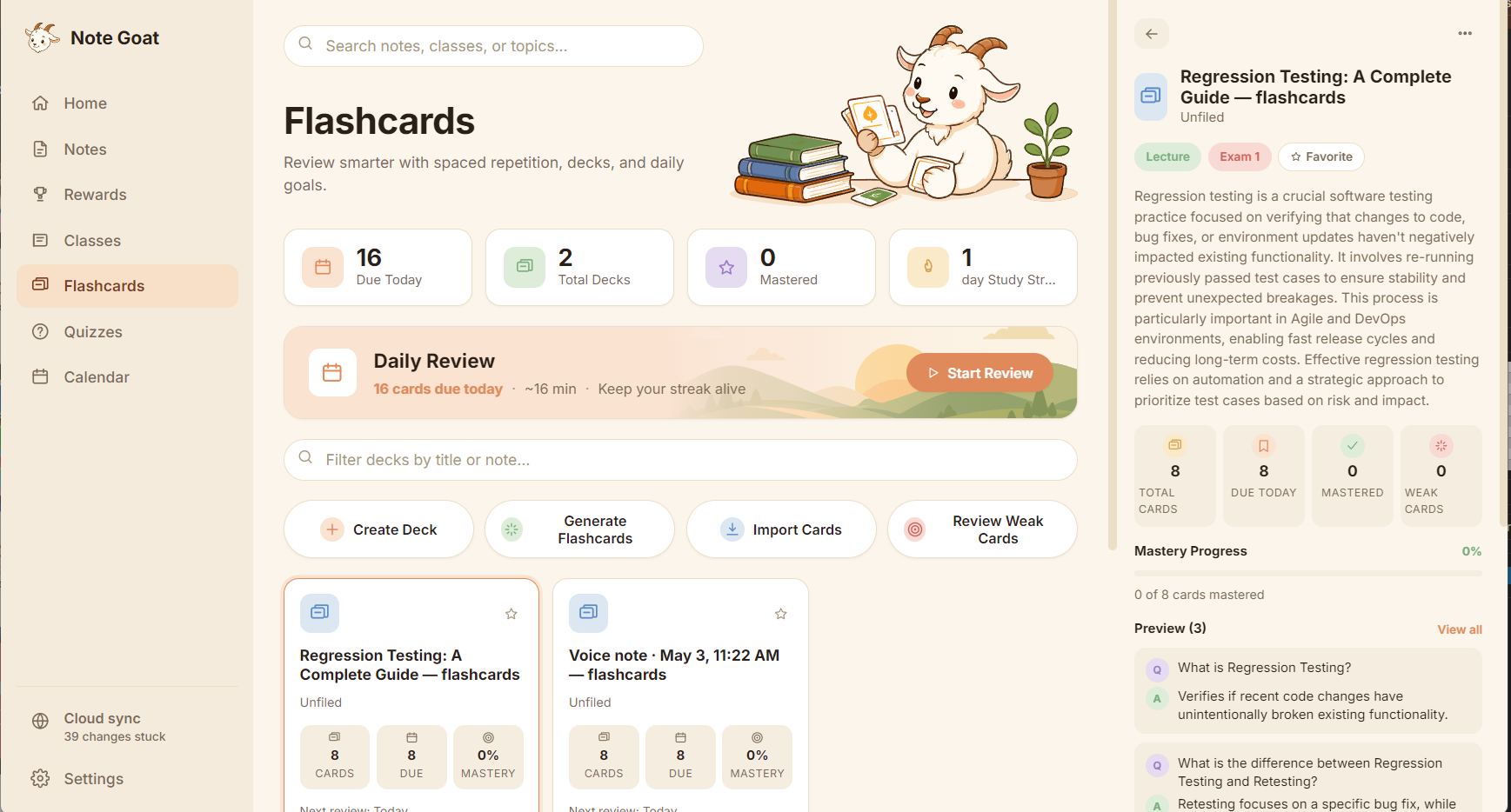
Flashcards
-
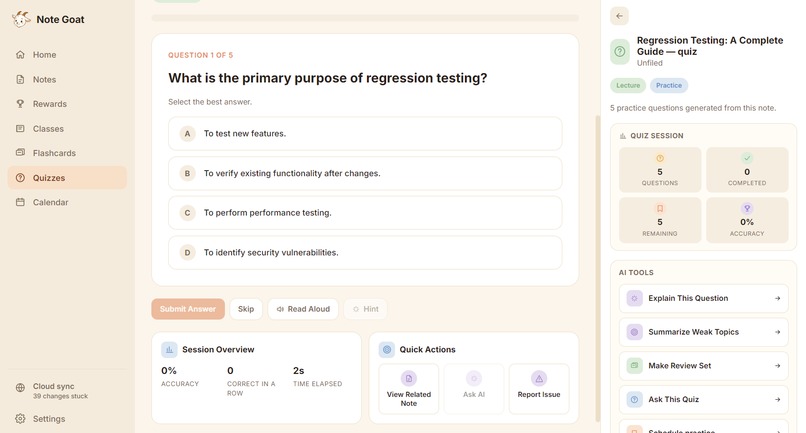
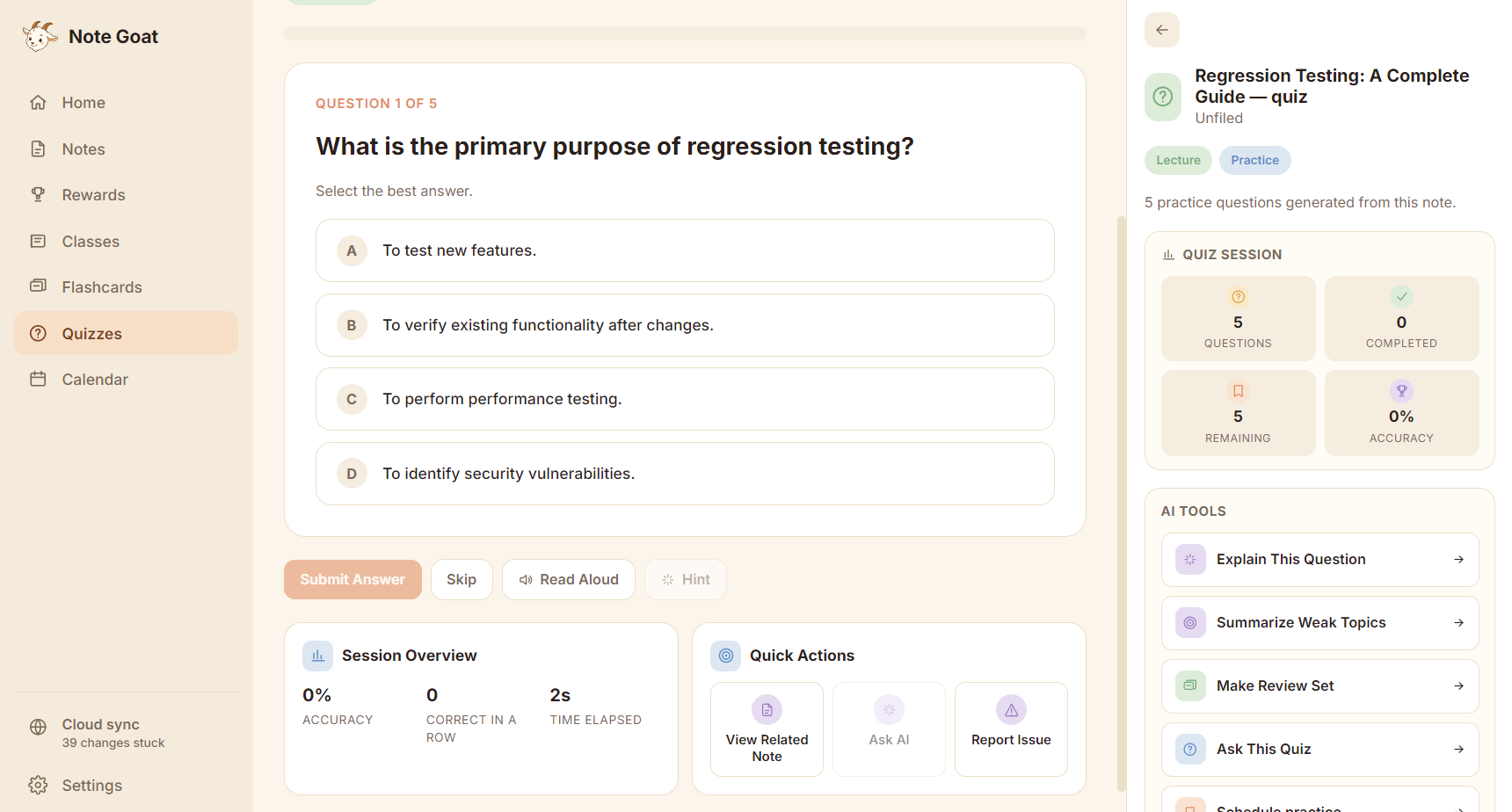
Quiz Taking
-
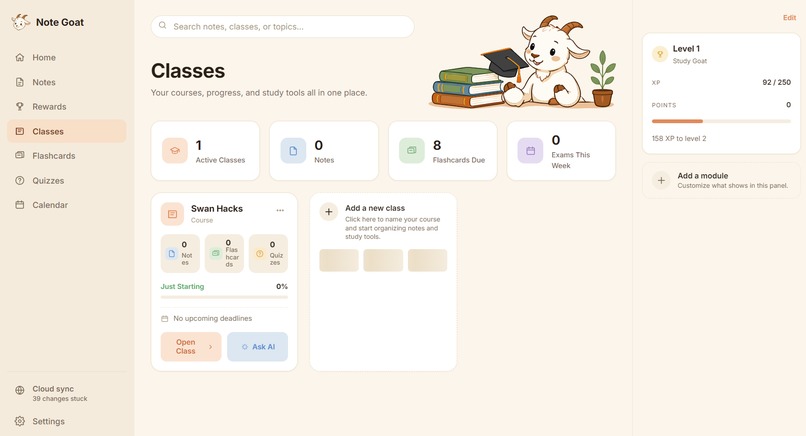
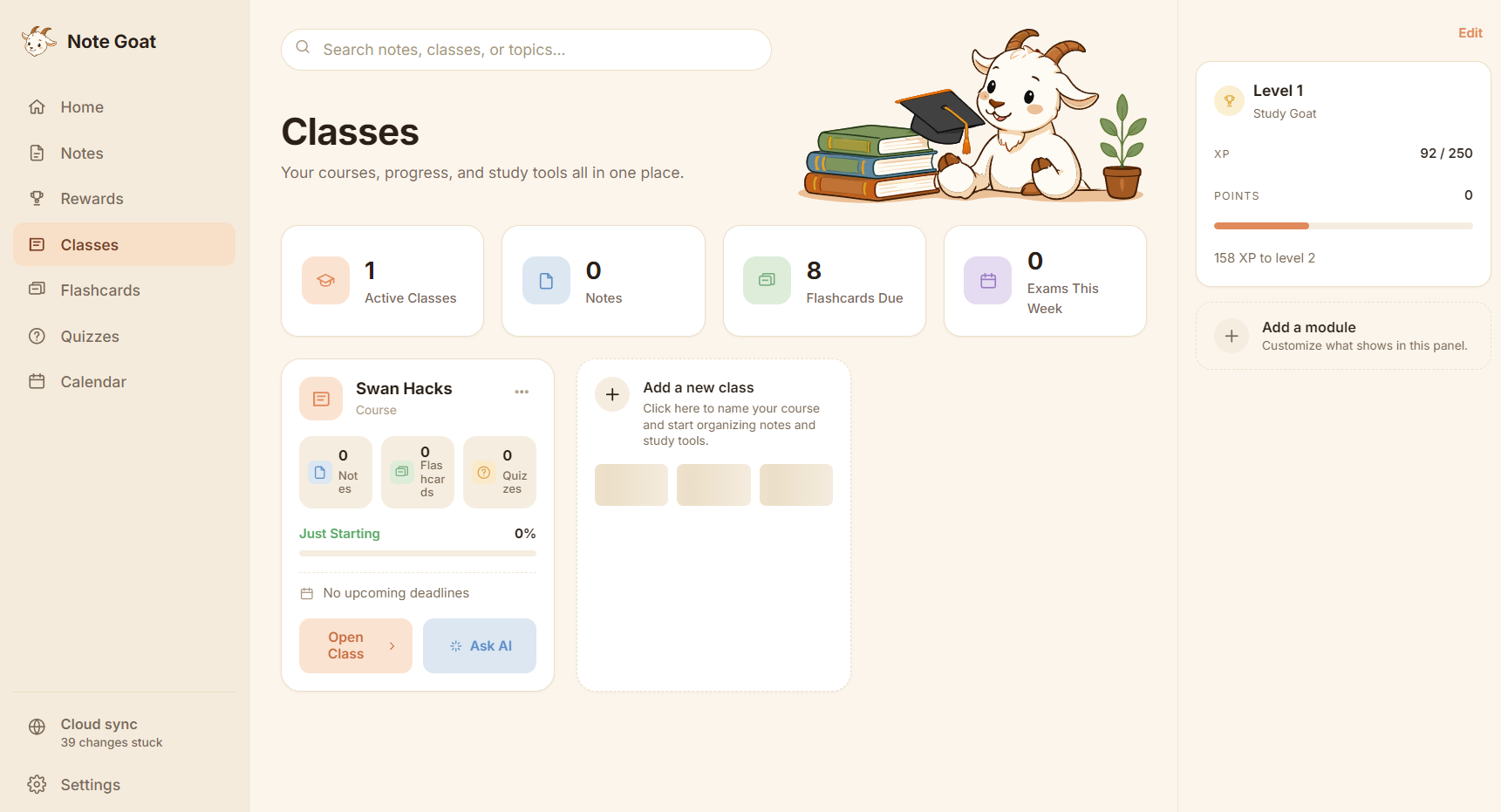
Class Screen
-
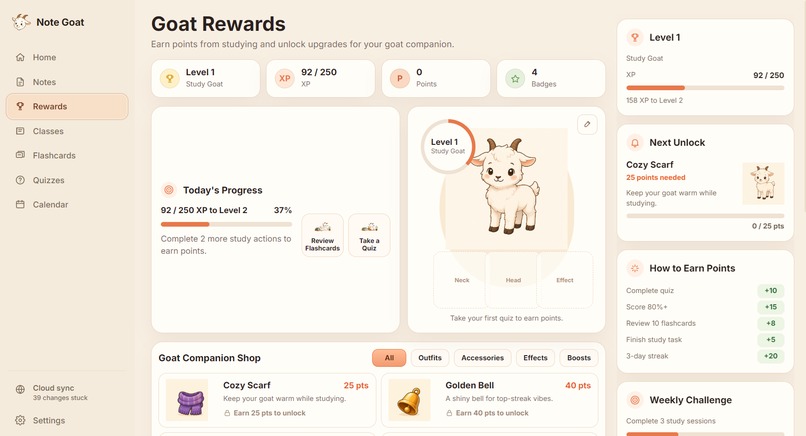
Goat Rewards
-
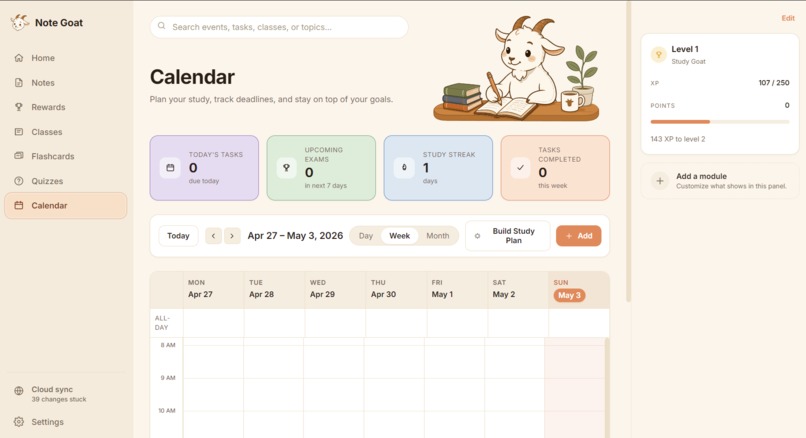
Calendar View
Inspiration
Students take notes everywhere: in lectures, study groups, labs, dorm rooms, and during last-minute exam prep. But those notes often end up scattered across notebooks, screenshots, voice memos, PDFs, and different apps.
We wanted to build something that felt fun and useful for students, while also solving a real accessibility problem: studying should not depend on perfect internet, perfect organization, or one specific way of learning.
That became Note Goat: an offline-first AI study app that helps students capture anything from class and turn it into study tools.
What it does
Note Goat helps students create, organize, and study from their class material in one place.
Students can:
- Create notes by class
- Save audio, images, and board scans
- Generate summaries
- Create flashcards
- Take quizzes
- Build study plans
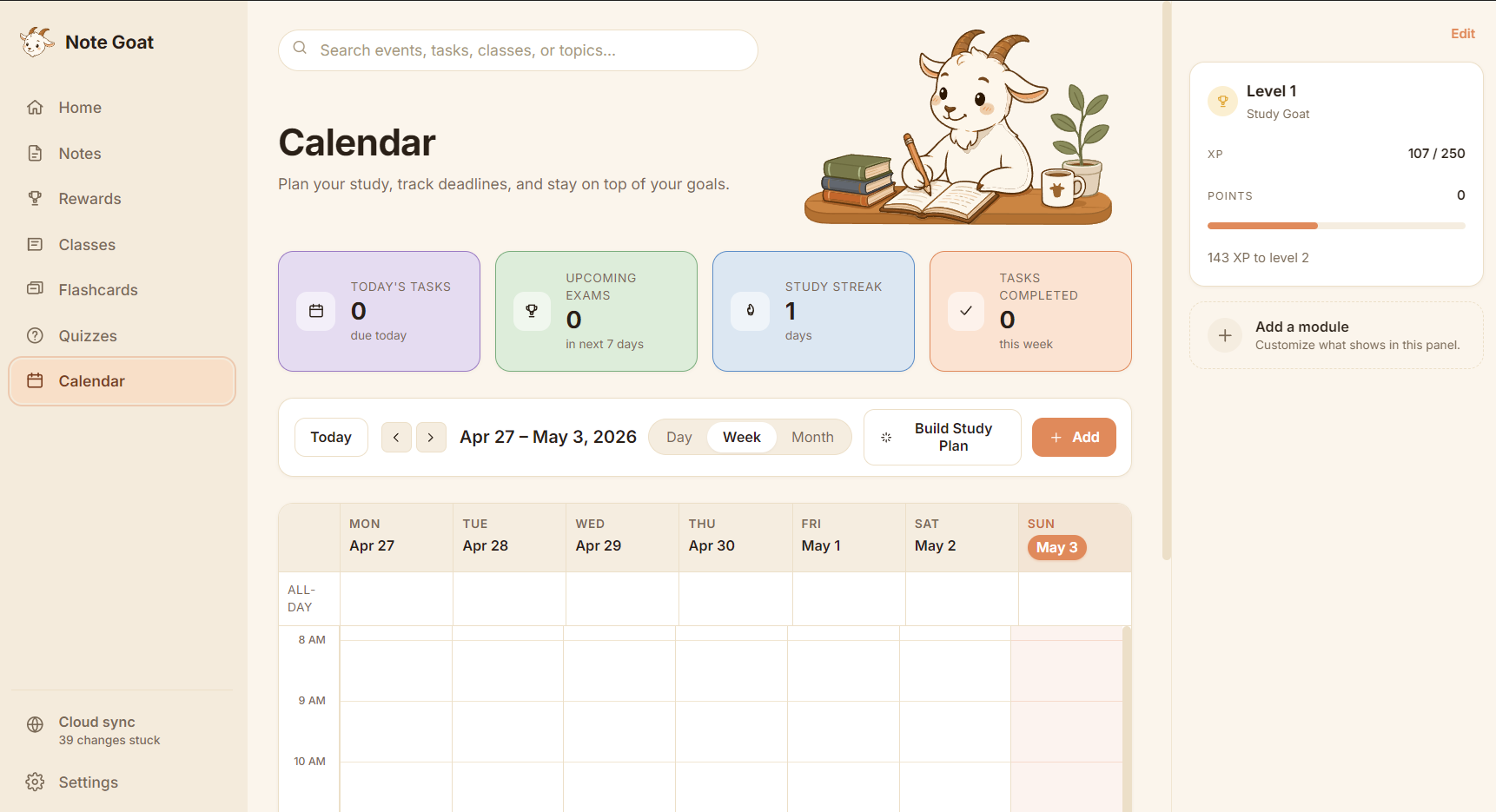
- Schedule study sessions on a calendar
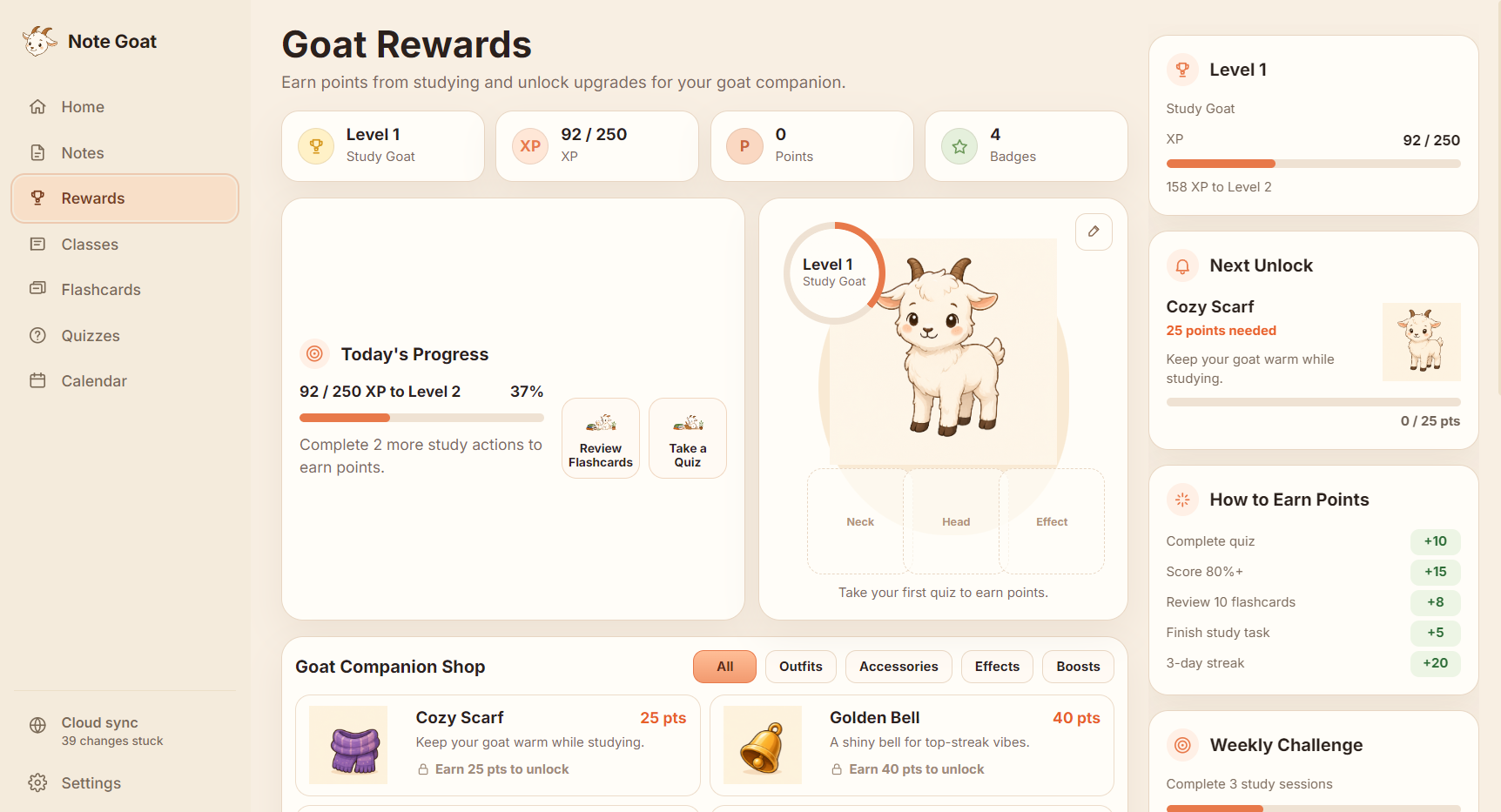
- Earn XP, badges, and goat companion upgrades
- Keep working offline
- Sync across devices when back online
The goal is to combine the best parts of notes, AI study tools, flashcards, quizzes, calendars, and gamified learning into one student-friendly workspace.
How we built it
We designed Note Goat as a local-first app so students can keep using it even when Wi-Fi is unreliable.
Our planned stack includes:
- Expo for the mobile app
- Electron for the desktop app
- Python backend for AI and processing
- Supabase for cloud sync and storage
- Local database storage for offline-first notes and study data
- Local AI support using Gemma for offline study features
- Shared data models for notes, classes, quizzes, flashcards, calendar events, rewards, and sync status
We focused heavily on the product experience. The UI uses a warm, student-friendly design with a goat mascot, soft colors, rounded cards, and clear study flows.
Challenges we ran into
The biggest challenge was scope. Note Goat touches many parts of a student’s workflow: notes, audio, images, AI, flashcards, quizzes, calendars, rewards, and sync.
We had to decide what should be part of the core MVP and what should be part of the future roadmap. We also had to think carefully about offline-first architecture, since most AI apps assume constant internet access.
Another challenge was making the product feel fun without making it feel childish. We wanted the goat companion, XP, badges, and rewards to motivate students while still keeping the app clean and useful.
Accomplishments that we're proud of
We are proud that Note Goat became more than a basic AI notetaker.
It is designed as a full study system:
- Mobile for fast capture
- Desktop for deep study
- AI for turning notes into useful study tools
- Calendar planning to reduce cramming
- Gamification to build consistency
- Offline-first design for real classroom conditions
We are also proud of the design direction. The app feels approachable, friendly, and student-focused while still supporting serious studying.
What we learned
We learned that student productivity is not just about taking better notes. It is about helping students turn messy class material into action.
We also learned that accessibility can mean many things:
- Working without internet
- Supporting different study styles
- Turning images and audio into usable notes
- Reducing cognitive load
- Making study plans easier to follow
- Giving students multiple ways to review material
This helped us design Note Goat around flexibility instead of forcing every student into one workflow.
What's next for Note Goat
Next, we want to turn Note Goat into a fully working offline-first study workspace.
Planned features include:
- When online use of frontier models
- More gamification through a bigger variety of games to play
- Better mobile support with the release of v1.0
- Semantic Searching for notes
- Better rewards
Our long-term vision is for Note Goat to become a student’s personal study operating system: capture anything, understand it faster, study consistently, and keep learning even offline.

Log in or sign up for Devpost to join the conversation.