-
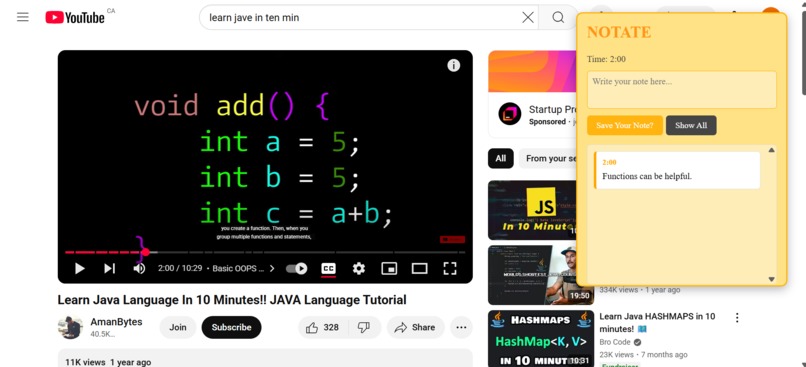
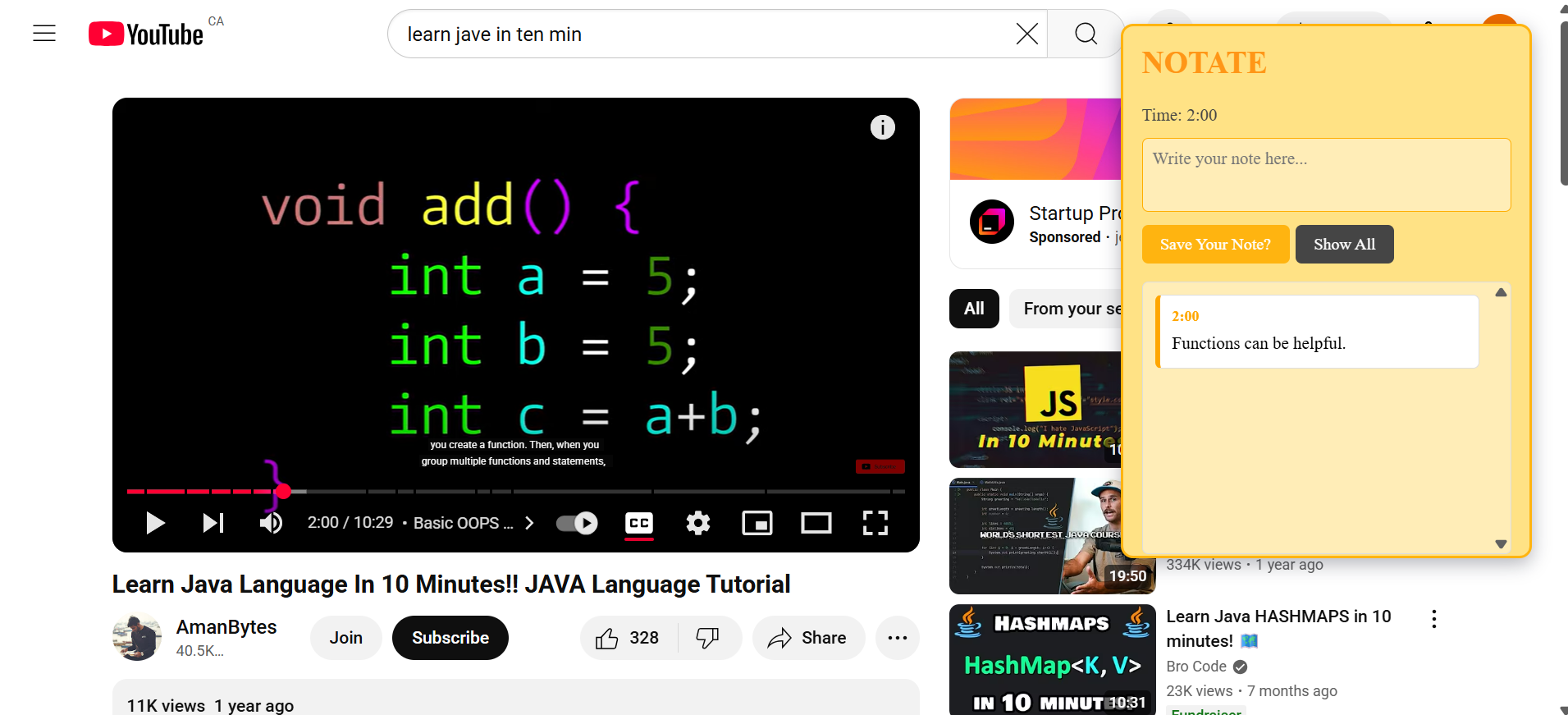
Users can save a note and it will be displayed below.
-
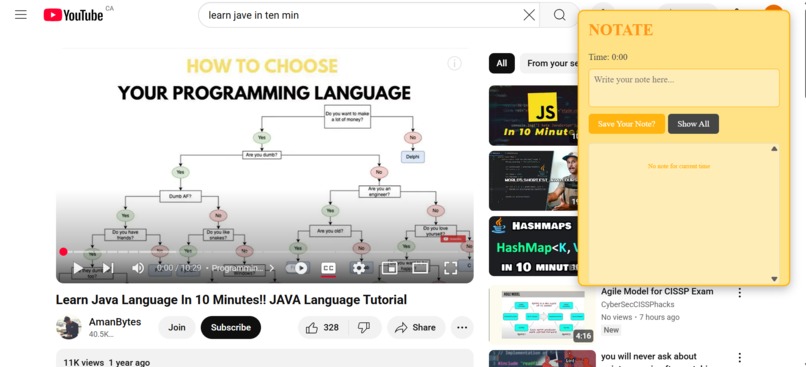
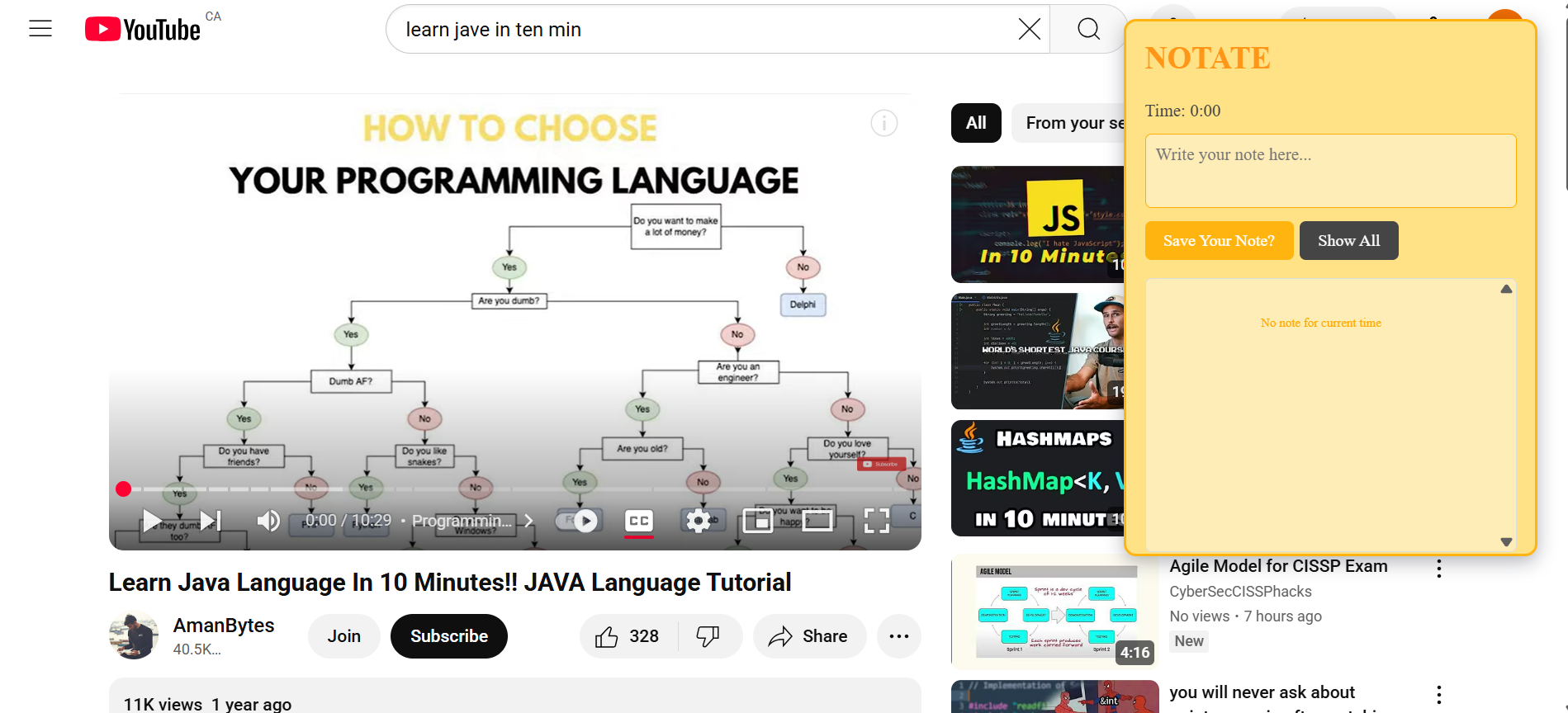
When Youtube is opened, the extension shows up on the side of the screen.
Inspiration
Physically annotating novels struggle to maintain origination and make it hard for the average person to search through their notes later. This extension present a solution to achieve the best of both worlds digital and physical in Youtube videos.
What it does
Notate instantly appears on your screen when you enter Youtube. The user can type your notes in a textbox and save them in Google's local storage. These notes are tied to the timestamp that the user saved them at. The user can toggle between show all notes on that video or show current notes where the notes dynamically change as the user rewatches the video. In addition, the user can click on the timestamp on the note to skip to that exact timestamp in the video. The extension saves each video's notes separately so the notes will reappear if you reopen the video.
How we built it
Notate is built as a Google extension and is built using Javascript.
Accomplishments that we're proud of
The timestamp functionally of Notate is a proud accomplishment as it was the first time I made a Google Extension. Thus, the skip ahead function of the timestamp notes is effective for skipping to important moments.
What we learned
This project taught me the basics of developing my own Google Extension while also teaching me about how to get the Youtube timestamps, how to use queries to get the video, and how to format the panel.
What's next for Notate
Moving forward, Notate would improve its storage capacity. Currently, it only stores its data locally on their device, thus it is not tied to the user's Google account. Having this data being stored in a different way would make the notes more permanent and ensure that they cannot be lost.

Log in or sign up for Devpost to join the conversation.