-
-
our logo :)
-
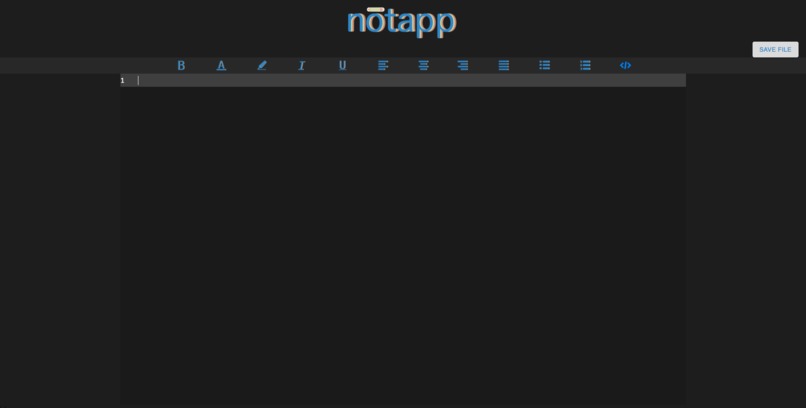
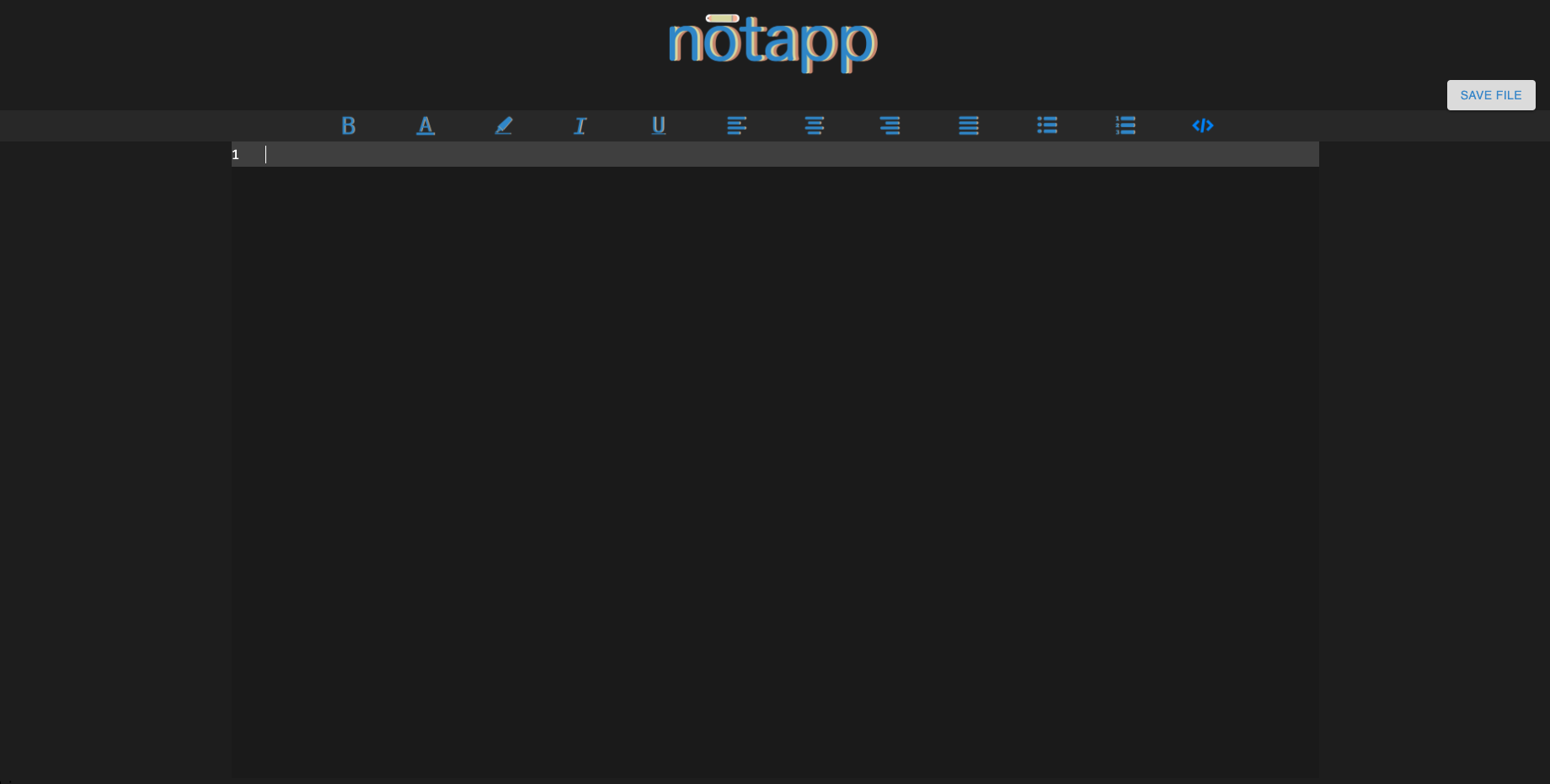
our main screen!
-
Inspiration
As CS majors in school and even while working at internships, we found ourselves griping at the limitations of Google Docs, OneNote, and other note taking applications. For example, if we were taking notes in lecture or during a meeting and wanted to note down some code snippets or logic/pseudocode, it would be time consuming to format that in a readable manner. Another inconvenient situation is that if we find a great code example online that we want to add to our notes, copy/pasting code never formats well and we always waste precious time reformatting our notes to make it more readable. We finally became tired of not having a free, cross-platform option to take notes, and thus, Notapp was born :) Our goal is to provide a zen UI for users to take notes with and not have to worry about formatting code. To keep things simple for our limited time, our app only supports Python syntax highlighting and formatting, but we hope to extend this to other languages in the future.
What Is Notapp?
Notapp is a web application made specifically for taking notes. The appearance was meant to resemble the best of VS Code and Google Docs combined. We love VS Code's color scheme, so we based our icons and theme off of that. We know zen modes with minimal distractions are popular and helpful for many people. To account for that, we kept our UI simple and easy on the eyes by picking dark shades of grey for background colors. Black causes too much contrast and eye strain, and isn't the best if users use it for extended periods of time. College students and professionals alike may spend lots of time taking notes or writing documentation, so we accommodated that in our design.
Notapp has a toolbar with standard text editor functionalities e.g. bold, italicize, etc. Where Notapp really shines is when a user decides they want to type or paste some code into their document. When the user selects the code icon from the toolbar, a special text editing block opens up so the user can type or paste their code. When the user clicks out of the code block, our web app then sends the typed or pasted code to our backend which quickly parses the code block and responds with data about each token of the code block (a token being an element of the result from a compiler processing code). The frontend then receives this data and renders the text with proper spacing and tabs as well. The user can continue typing smoothly without interrupting their workflow. Finally, when a user is done taking notes, we provide the option of exporting their note as a Markdown file. They can then easily port their notes to Github, other editors that support Markdown formatting, or wherever they would like to store their notes.
What We Learned and What We're Proud Of
- Text formatting is hard :(
- We wrote our own text editor component because there were many limitations of existing React text editing component packages. The reason we had to write our own text editor component is because the ones that are available to use didn't work well with the way we were processing code snippets and syntax highlighting. In the future, our app would be more robust if we used an existing package that has extensive features and tweaked the source code to make it work with our syntax highlighting.
- Figma and icon designing are fun but time-consuming (our logo and all the text editing icons in the toolbar were hand designed)
How We Built It
Our web application is built with ReactJS and we have a very simple Flask backend built with Python. We used PySide2 Qt modules for syntax highlighting. We were considering implementing Firebase for authentication and for user accounts, but due to the many challenges we encountered with actually building our text editor, we were unable to do so.
Challenges We Faced
Getting the text editor to display the formatted and highlighted text :(
Future Goals and Improvements
- Support more languages!
- Add more text editor features like inserting hyperlinks, images, etc.
- Add more font options and font size options
- Allow users to sign in and keep their notes on the cloud!


Log in or sign up for Devpost to join the conversation.